Indoor Camera Integrated With Smart Home System
Enhance your home's security and convenience with an indoor camera integrated with smart home system. These advanced cameras seamlessly connect to your existing smart devices, making it easy to keep an eye on your living spaces whether you're at home or on the go. With a variety of options to choose from, finding the right indoor camera integrated with smart home system helps you stay connected and in control, all from the palm of your hand. Explore user-friendly solutions designed to fit any lifestyle and enjoy greater peace of mind every day.
Sort
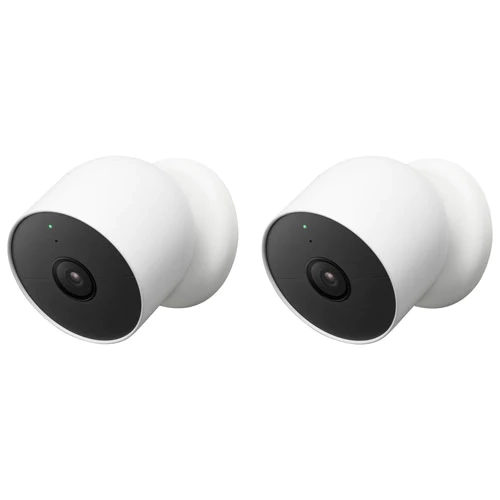

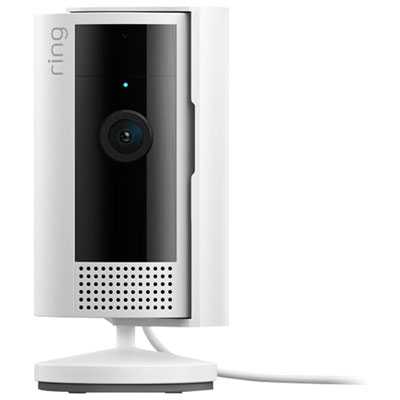
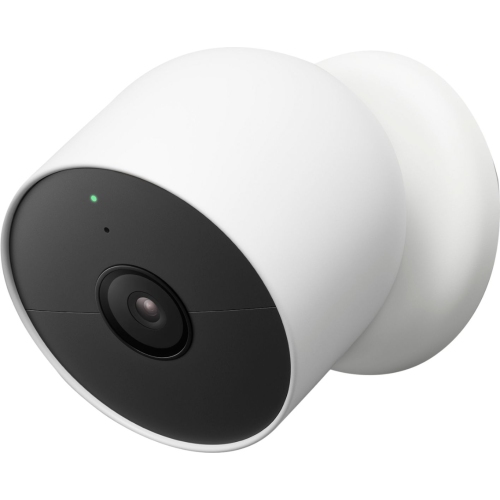
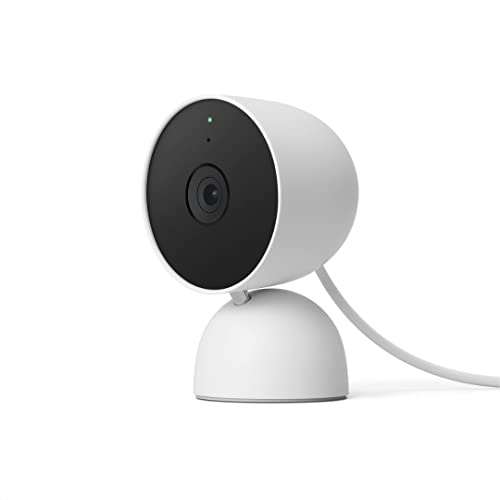
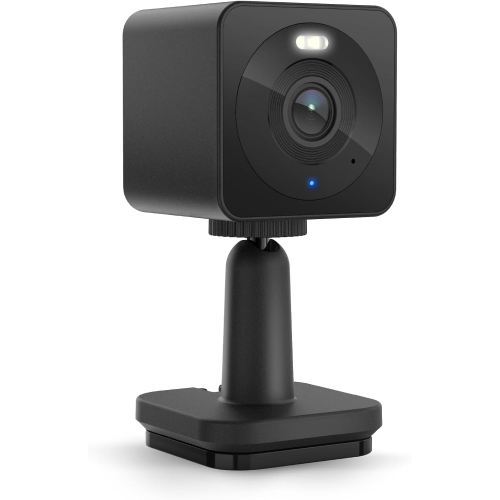
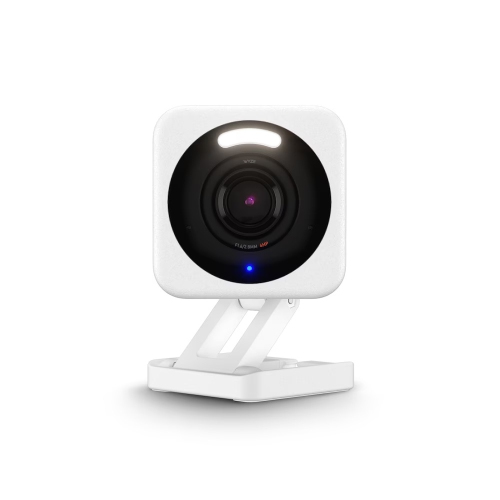
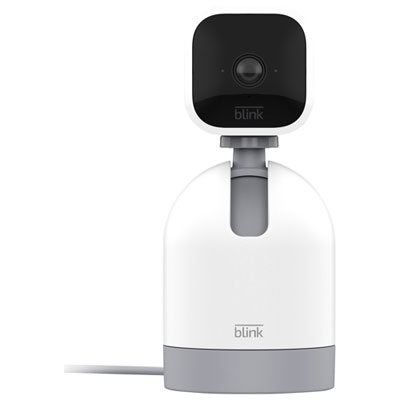
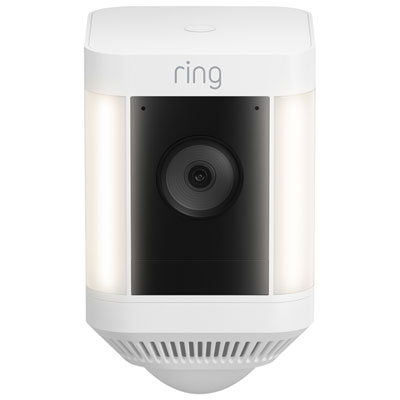
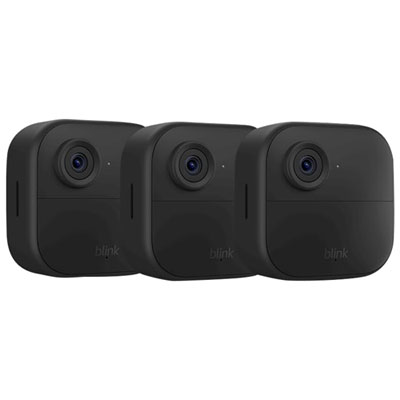
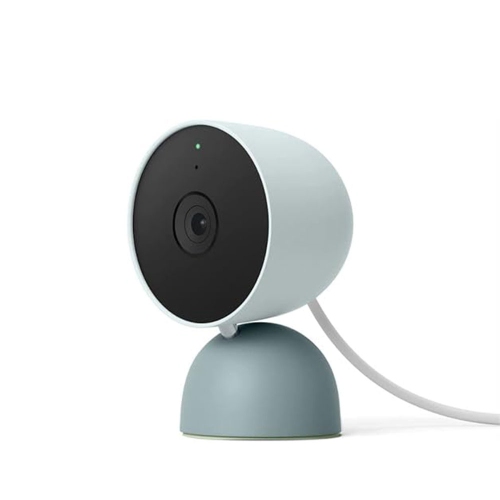
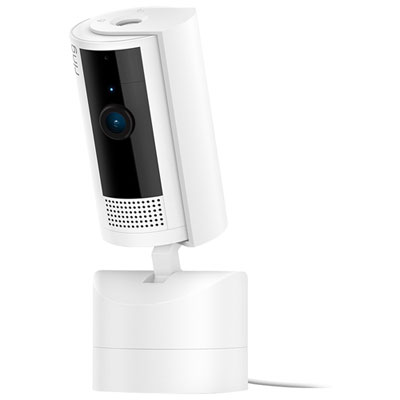
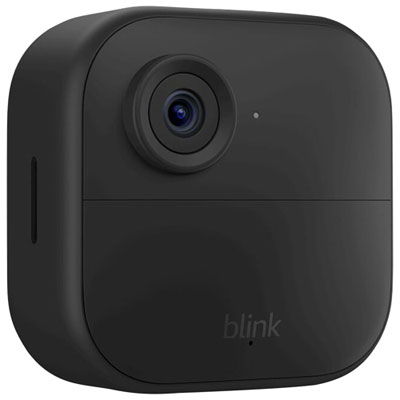
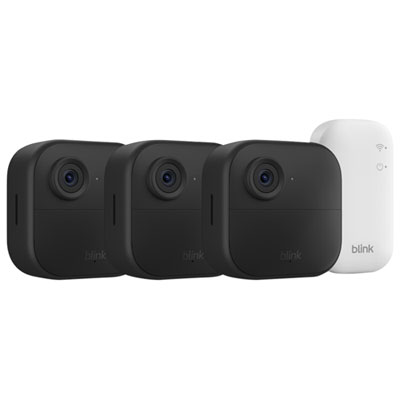
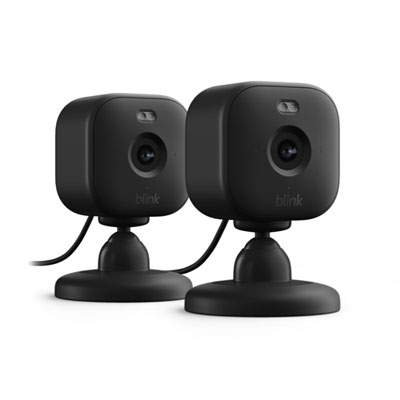
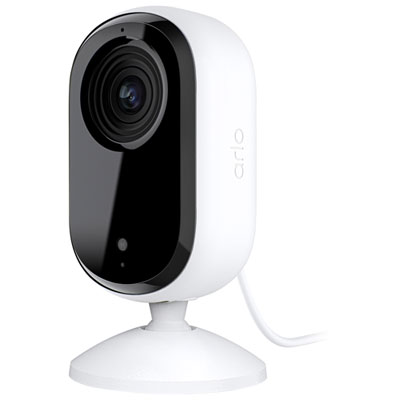
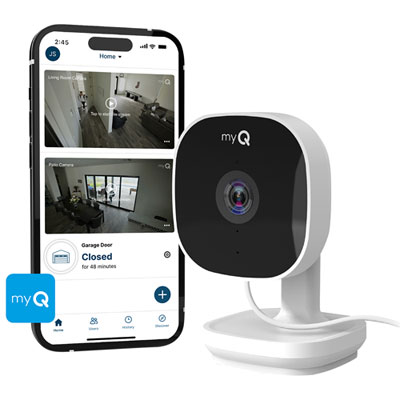
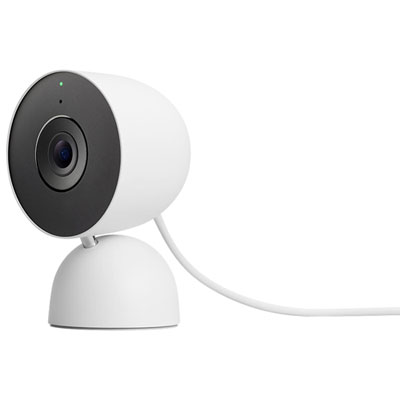
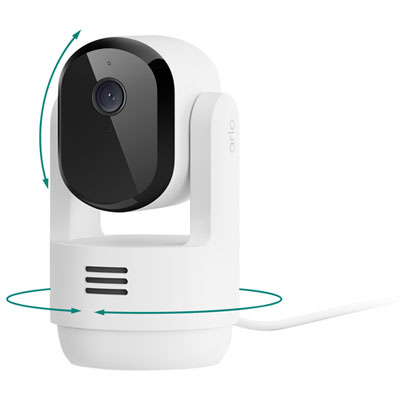
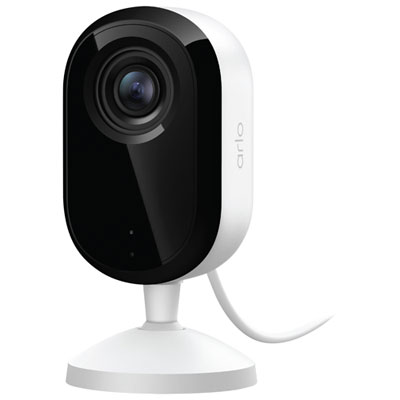
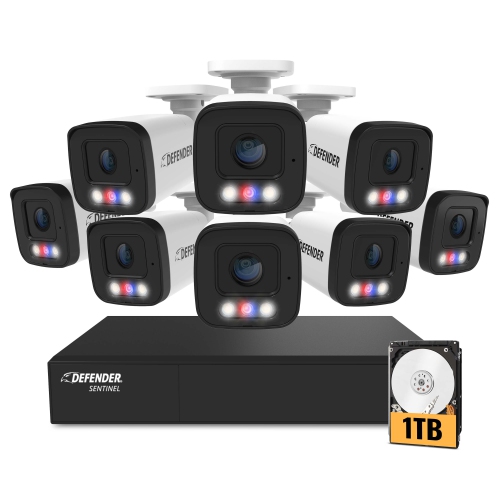
Video monitoring meets connected routines for everyday reassurance
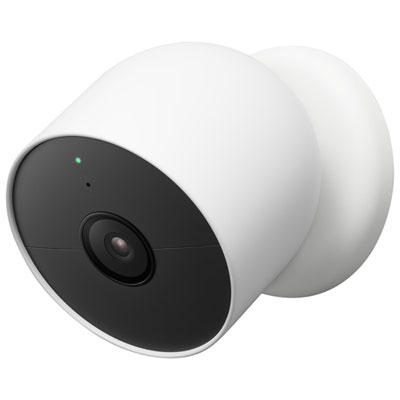
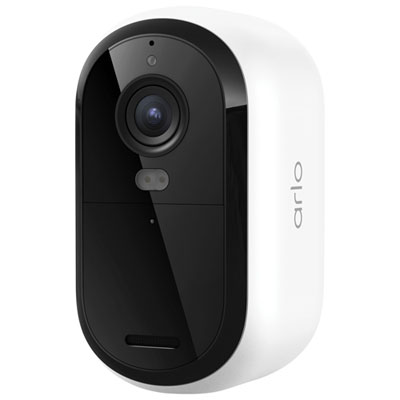
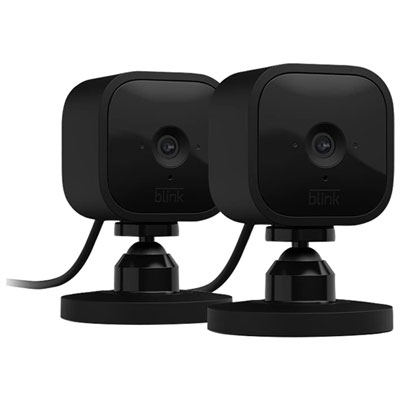
An indoor camera integrated with a smart home system can bring video monitoring, connected automation, and everyday reassurance into one convenient setup. These cameras connect to your home Wi-Fi network and can be viewed through a compatible mobile app, smart display, tablet, or computer, depending on the model and platform. Many support voice commands, allowing you to check a room, view a live feed, or display camera footage on a connected screen without reaching for your phone. Integration can also make the camera part of a wider routine. Motion detected in a hallway may turn on a smart light, activity in a living room may send an alert to your phone, or a scheduled routine may place the camera into a privacy mode when you usually arrive home. Before choosing a camera, check that it works with the smart home platform already used in your household. Compatibility is important because features such as voice control, live streaming to a smart display, automated routines, and shared access may vary between platforms. Some cameras work with several ecosystems, while others are designed around one particular app or operating environment. For a broader look at connected monitoring options, explore Security Cameras for Smart Homes.
Consider where the camera will be placed and what you want it to observe before comparing features. A compact indoor camera can sit on a bookshelf, dresser, desk, kitchen counter, or nursery shelf, while a model with a wall- or ceiling-mounting option can provide a steadier view of a larger room. Look for a suitable field of view, especially if you want to monitor an open-concept living space rather than a small entryway. Pan, tilt, and digital zoom functions can help you check more of the room, although the image may become less detailed when zoomed in. Night vision is useful for checking a sleeping child, a pet resting in another room, or activity in a dim hallway during the cooler months when windows stay closed and indoor routines become more prominent. Motion detection can alert you when activity occurs, while person detection may help distinguish a person from a passing pet, shifting curtain, or changing light. Two-way audio allows you to speak through the camera, which can be handy for reassuring a child, checking in with a family member, or telling a pet to move away from a restricted area. Image quality, frame rate, microphone performance, and notification controls all affect how practical the camera feels in daily use. If a camera will sit in a busy room, adjustable activity zones and notification schedules can reduce unnecessary alerts. A model with clear audio and reliable notifications may be more useful than one with advanced features that are difficult to configure.
Storage is another central consideration. Some indoor cameras save recordings to a local memory card, giving you direct access to clips without depending entirely on a cloud service. Others offer cloud storage, which can make it easier to review footage remotely, back up important clips, or access recordings if the camera is damaged or removed. Cloud plans may involve a recurring fee, and storage periods can differ, so review the terms before making a decision. Local storage may require purchasing a compatible card and managing available capacity, while some cameras offer both options for added flexibility. Privacy should also be part of the setup. Look for features such as a physical lens cover, electronic privacy shutter, automatic sleep mode, scheduled disarming, or the ability to pause recording through the app. Place the camera thoughtfully so it does not overlook spaces where people expect a high level of privacy, and use strong account credentials with two-step verification when available. An indoor camera integrated with a smart home system can be especially useful for households with children, pets, older family members, home offices, or multiple rooms to check throughout the day. It can also make a practical gift for someone moving into a new home, welcoming a pet, setting up a nursery, or building a connected living space one device at a time. During warmer weather, it can help keep an eye on pets while windows are open and household routines change; during the cooler months, it can provide a quick way to check on rooms, deliveries brought inside, or family members relaxing at home. Choose a camera that fits the recipient’s existing devices, comfort with technology, privacy preferences, and preferred storage method so it becomes a helpful part of the home rather than another complicated gadget.
Consider where the camera will be placed and what you want it to observe before comparing features. A compact indoor camera can sit on a bookshelf, dresser, desk, kitchen counter, or nursery shelf, while a model with a wall- or ceiling-mounting option can provide a steadier view of a larger room. Look for a suitable field of view, especially if you want to monitor an open-concept living space rather than a small entryway. Pan, tilt, and digital zoom functions can help you check more of the room, although the image may become less detailed when zoomed in. Night vision is useful for checking a sleeping child, a pet resting in another room, or activity in a dim hallway during the cooler months when windows stay closed and indoor routines become more prominent. Motion detection can alert you when activity occurs, while person detection may help distinguish a person from a passing pet, shifting curtain, or changing light. Two-way audio allows you to speak through the camera, which can be handy for reassuring a child, checking in with a family member, or telling a pet to move away from a restricted area. Image quality, frame rate, microphone performance, and notification controls all affect how practical the camera feels in daily use. If a camera will sit in a busy room, adjustable activity zones and notification schedules can reduce unnecessary alerts. A model with clear audio and reliable notifications may be more useful than one with advanced features that are difficult to configure.
Storage is another central consideration. Some indoor cameras save recordings to a local memory card, giving you direct access to clips without depending entirely on a cloud service. Others offer cloud storage, which can make it easier to review footage remotely, back up important clips, or access recordings if the camera is damaged or removed. Cloud plans may involve a recurring fee, and storage periods can differ, so review the terms before making a decision. Local storage may require purchasing a compatible card and managing available capacity, while some cameras offer both options for added flexibility. Privacy should also be part of the setup. Look for features such as a physical lens cover, electronic privacy shutter, automatic sleep mode, scheduled disarming, or the ability to pause recording through the app. Place the camera thoughtfully so it does not overlook spaces where people expect a high level of privacy, and use strong account credentials with two-step verification when available. An indoor camera integrated with a smart home system can be especially useful for households with children, pets, older family members, home offices, or multiple rooms to check throughout the day. It can also make a practical gift for someone moving into a new home, welcoming a pet, setting up a nursery, or building a connected living space one device at a time. During warmer weather, it can help keep an eye on pets while windows are open and household routines change; during the cooler months, it can provide a quick way to check on rooms, deliveries brought inside, or family members relaxing at home. Choose a camera that fits the recipient’s existing devices, comfort with technology, privacy preferences, and preferred storage method so it becomes a helpful part of the home rather than another complicated gadget.
Top selling and popular products
-
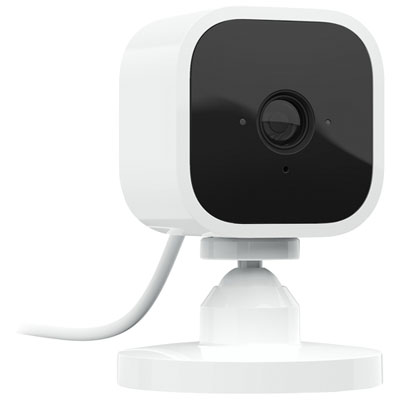 Your price for this item is $34.97
 -
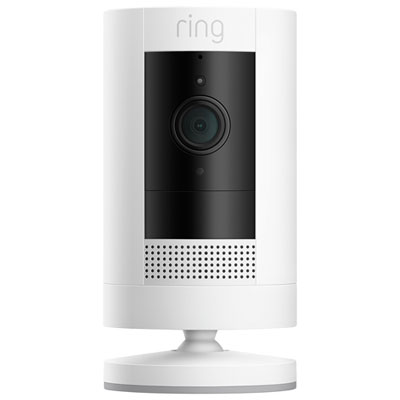 Your price for this item is $69.99
 -
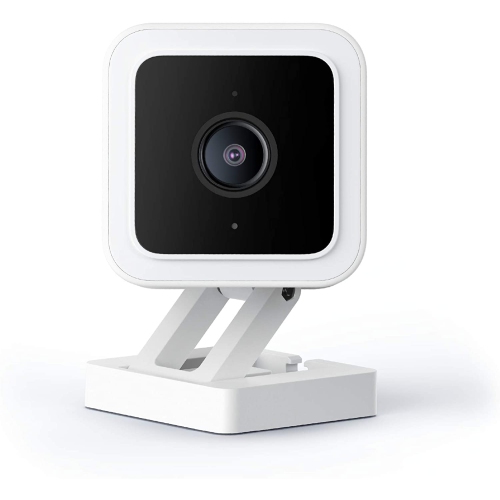 Your price for this item is $95.99
 -
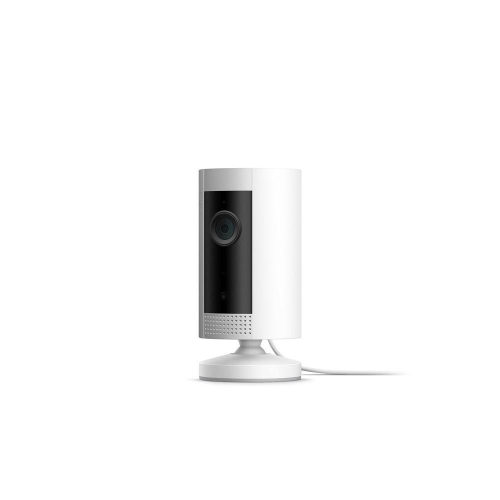 Your price for this item is $79.25
 -
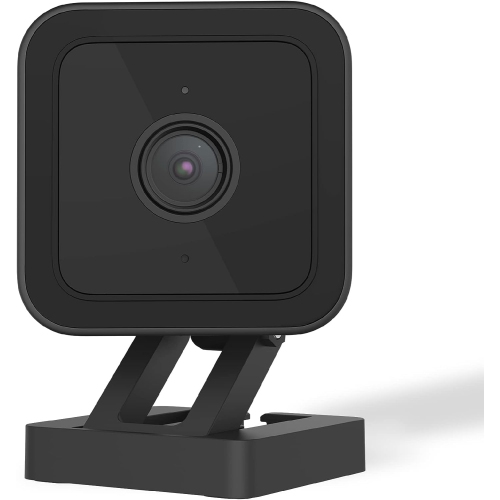 Your price for this item is $95.99
 -
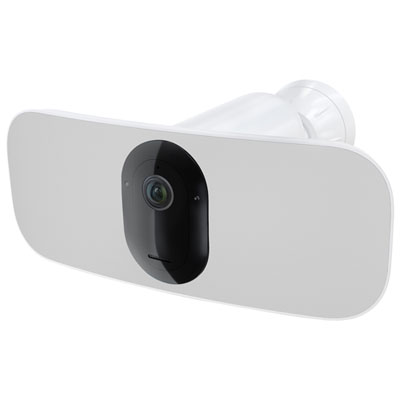 Your price for this item is $169.95
 -
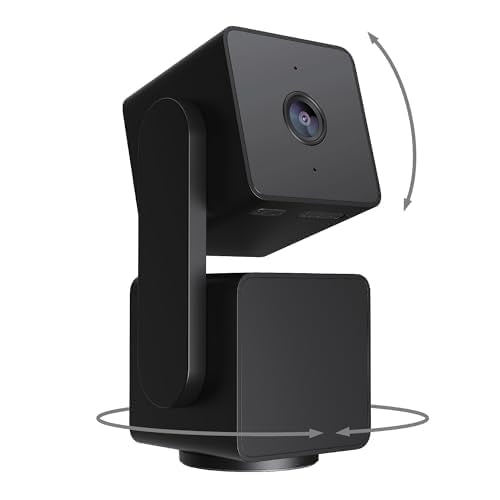 Your price for this item is $105.99
 -
 Your price for this item is $239.99
Discover more categories related to Indoor Camera Integrated With Smart Home System
Top Collections:
Pokemon Centers, Kindle Devices, Best Budget Office Chairs, Apple iPhones 16, Best Laptops for Writers, iPhone 15 Apple, Canon G7X Cameras, Refurbished Apple Laptops, Alarm Clock, Motorola Razr Phones
Some products may be subject to Environmental Handling Fees
(EHF) depending on your province.
Learn more about EHFs.