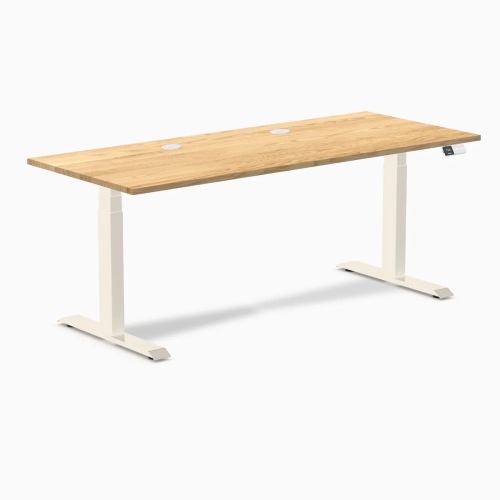
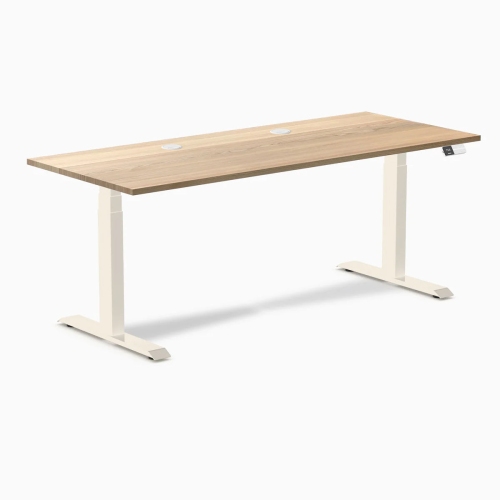
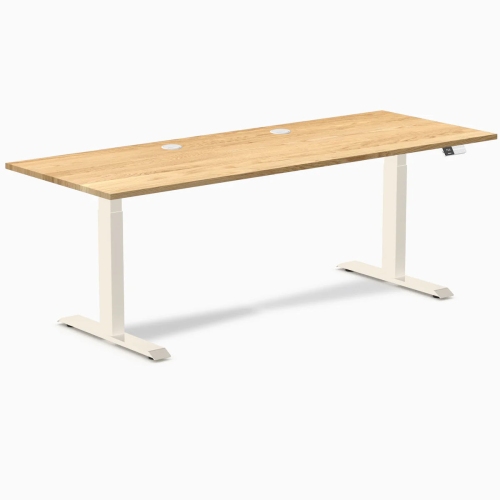
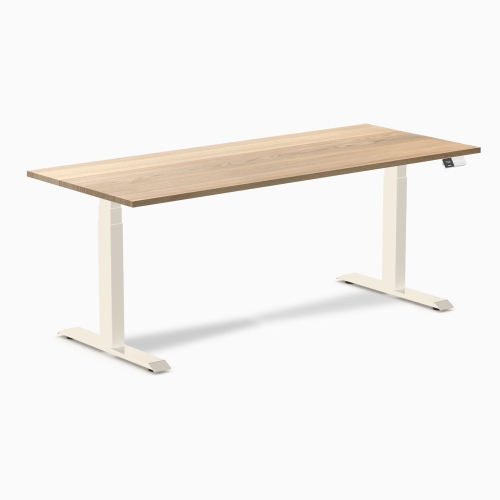
Smart Height-Adjustable Desks

Smart height-adjustable desks let you switch between sitting and standing as you work. Compare desk dimensions, height ranges, and control options to find a sit-stand desk that fits your workspace and makes adjustments convenient throughout the day.

Sort

A comfortable desk setup goes beyond height presets

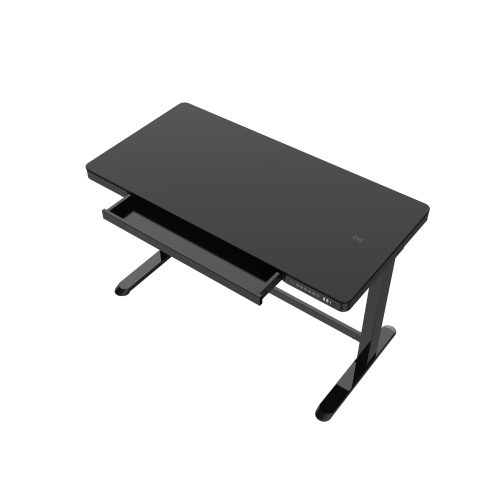
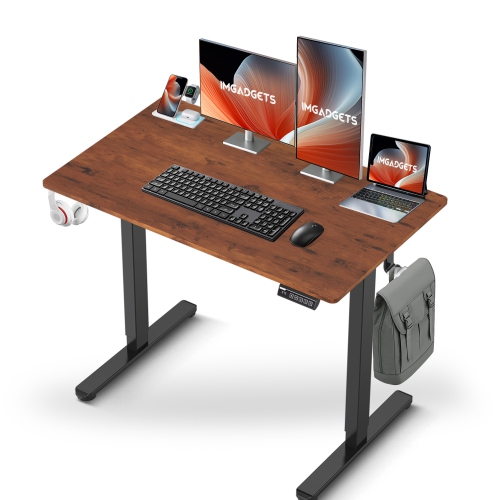
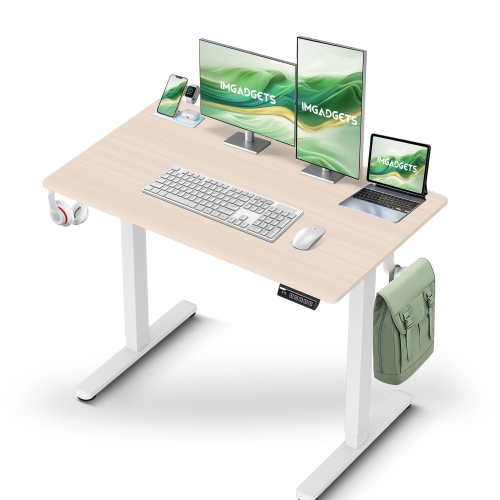
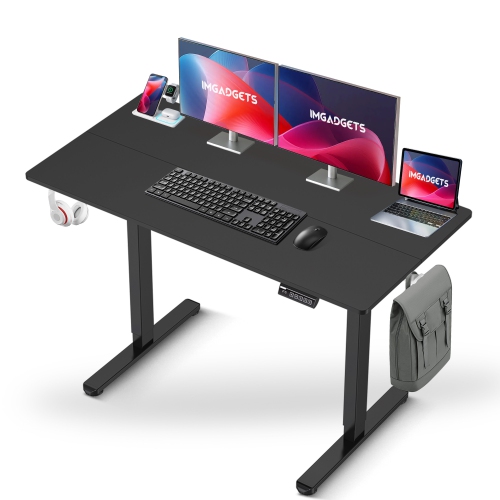
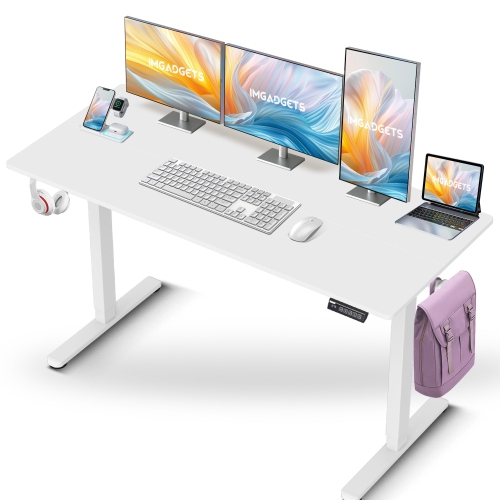
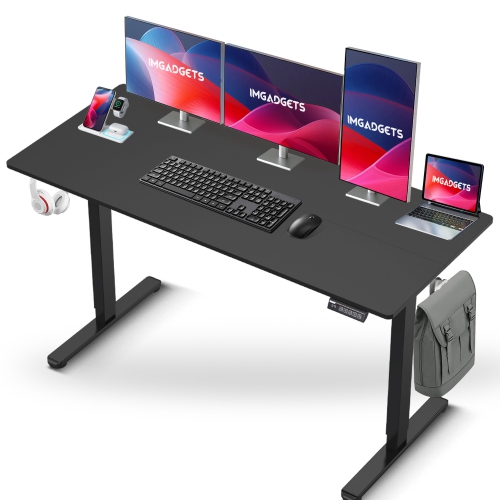
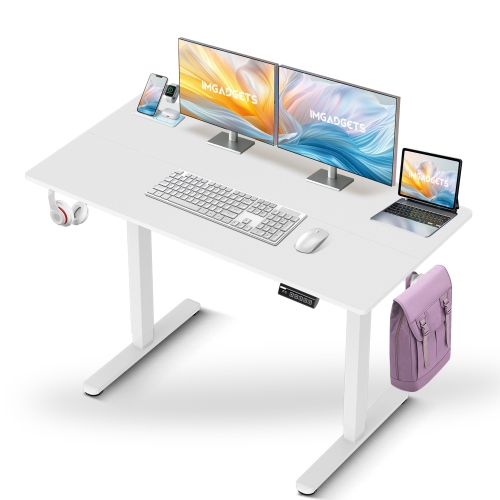
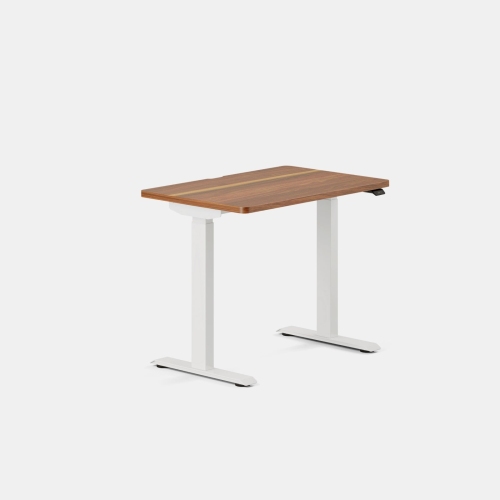
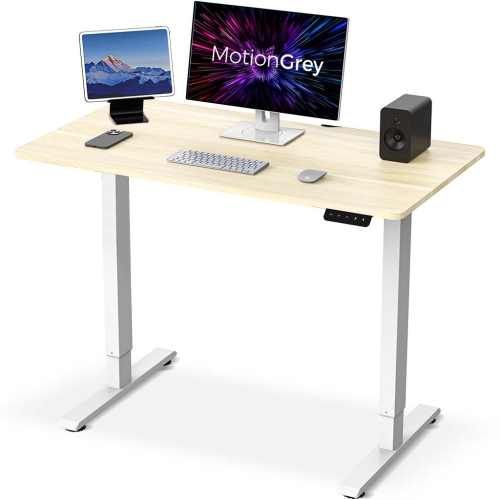
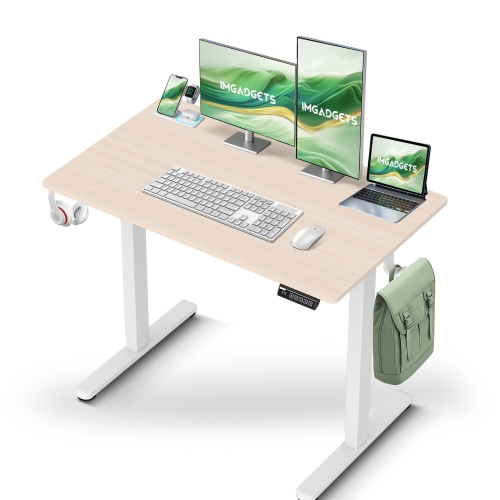
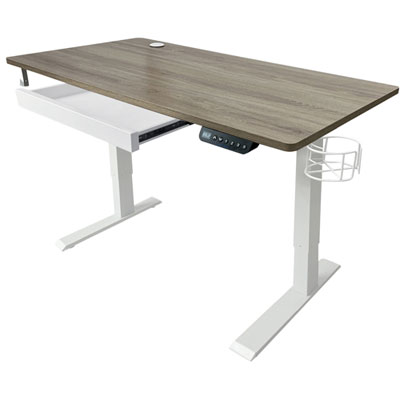
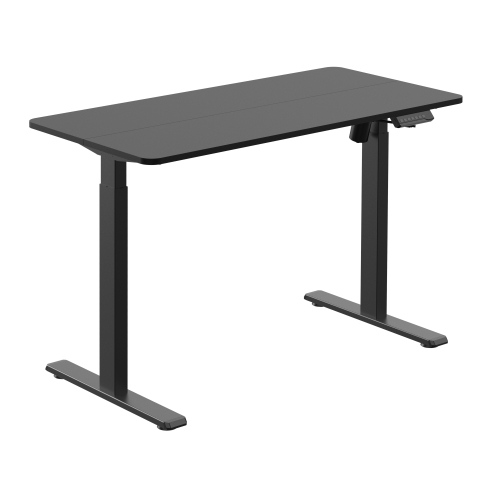
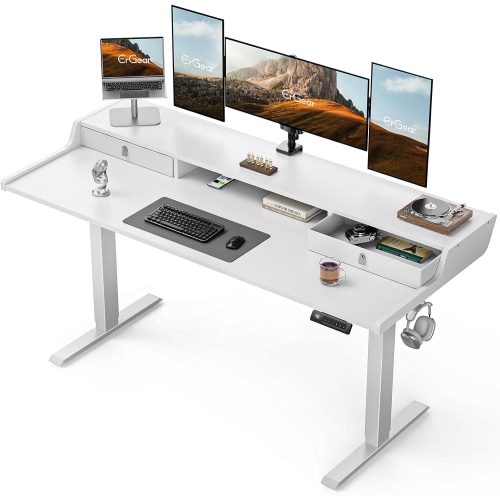
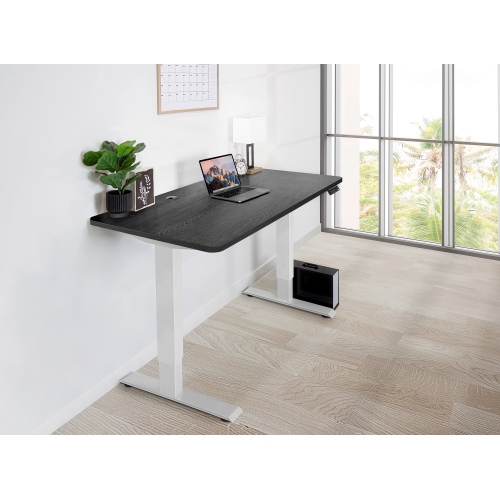
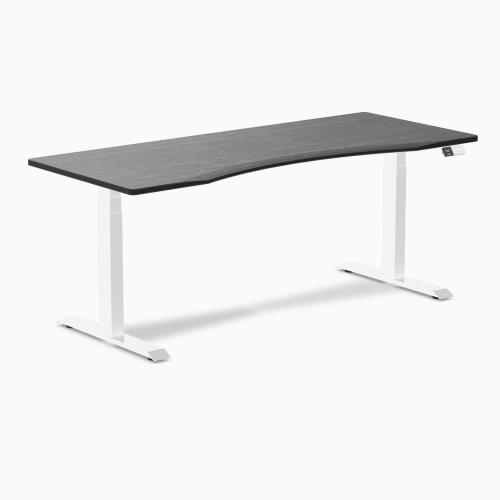
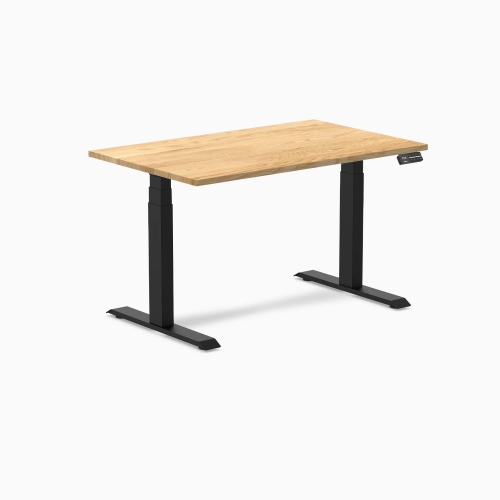
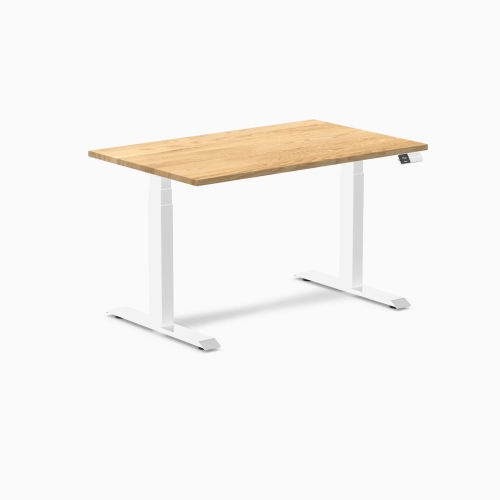
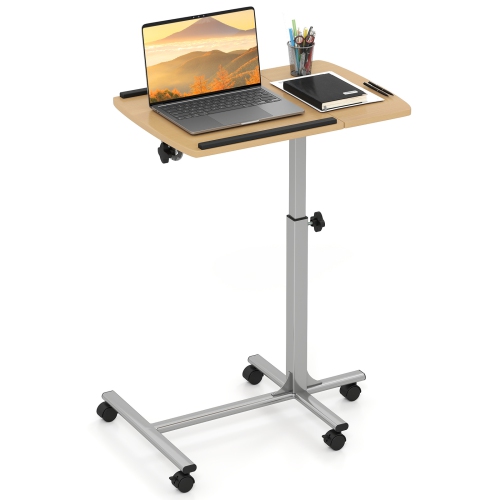
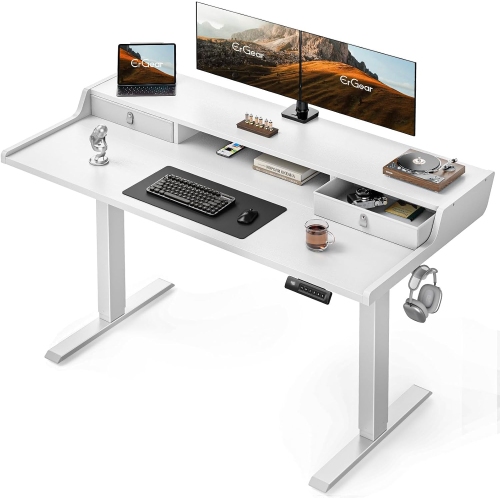
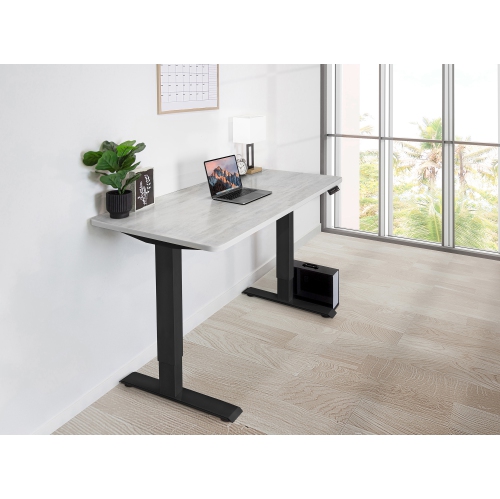
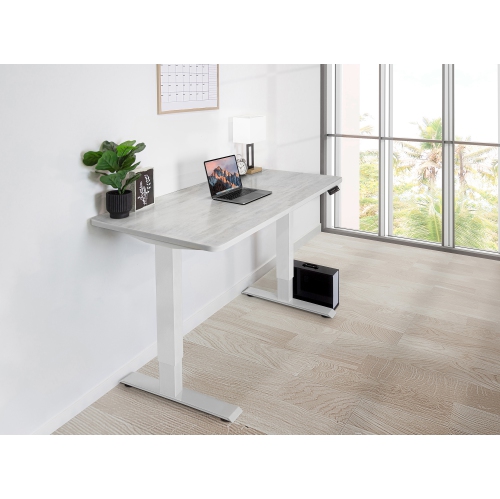
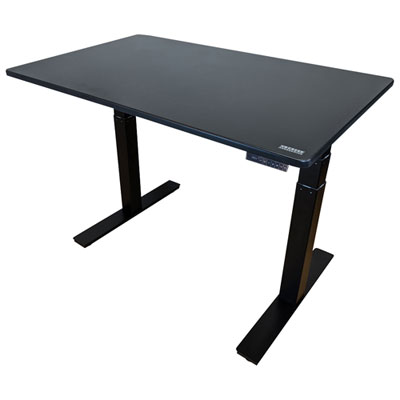
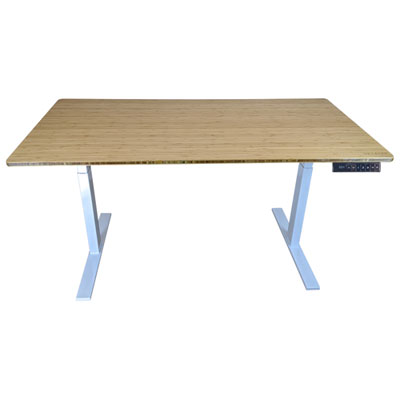
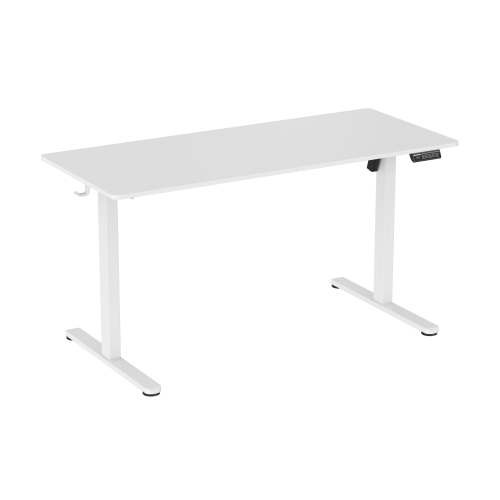
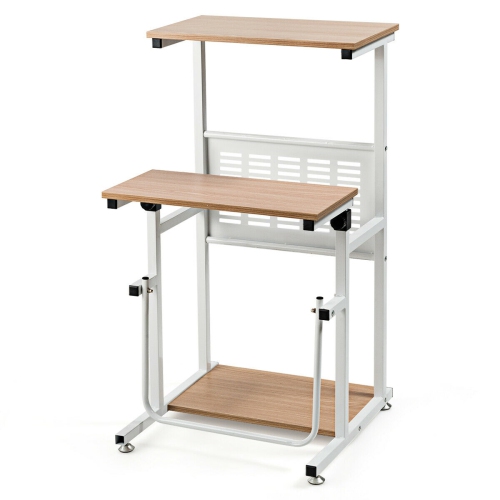
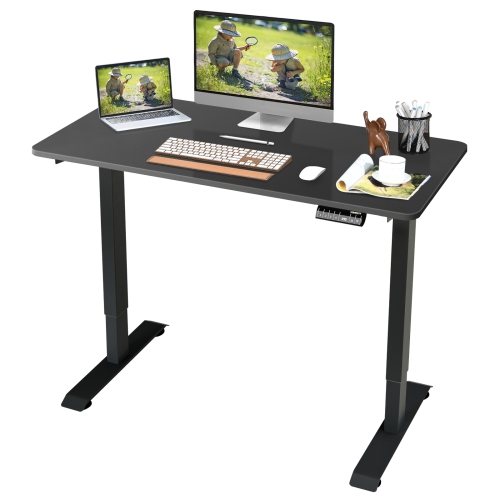
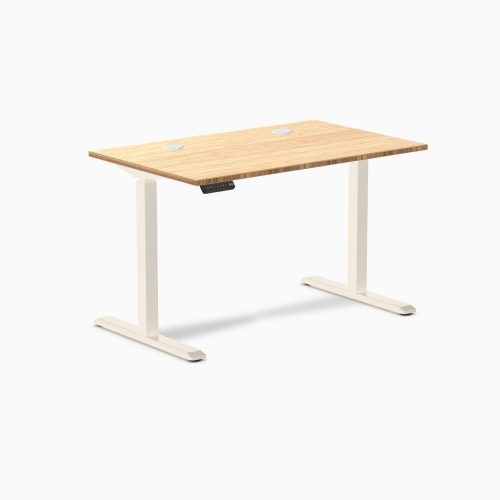
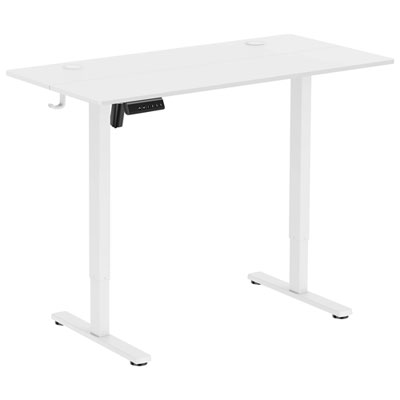
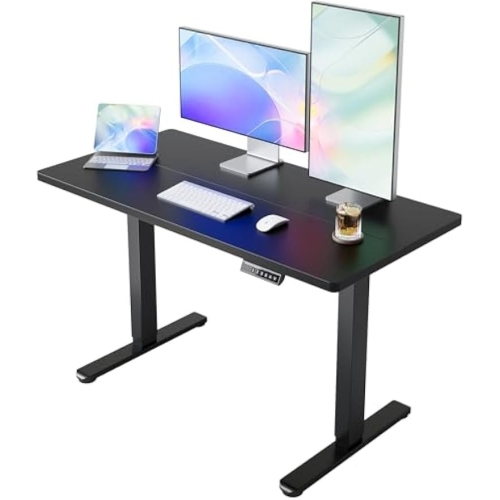
Smart height-adjustable desks are motorized workstations that let you change the height of the desktop for seated and standing tasks, with electronic controls that can make those adjustments easier to repeat. Depending on the design, smart features may include saved height presets, movement reminders, app connectivity, or settings that help manage how the desk moves. These features vary, so a powered lift does not automatically mean a desk connects to a phone or supports wireless controls. The practical benefit is a work surface that adapts to different activities: typing a report while seated, standing for a video call, or raising a sketchbook for a closer look at a drawing. Students, remote workers, creative professionals, and people sharing a home office can all find uses for that flexibility. A memory keypad is especially useful when more than one person uses the same desk, since each person can return to a preferred height without repeating small adjustments. Height range matters more than the number of presets, however. At a comfortable typing height, shoulders should feel relaxed, elbows should stay close to the body, and wrists should remain reasonably straight. A desk that does not lower enough may leave a shorter user reaching upward, while one with limited upward travel may not suit a taller person standing. Check the stated minimum and maximum heights, including whether those measurements account for the desktop thickness. Screen position needs attention, too: raising the whole desk does not correct a monitor that sits too low relative to the keyboard. A monitor arm or separate laptop keyboard can help arrange those elements independently. Alternating positions offers flexibility, but standing for an entire workday is not the goal. Short changes in posture, a supportive chair, and space to move around the desk all contribute to a more comfortable daily setup.
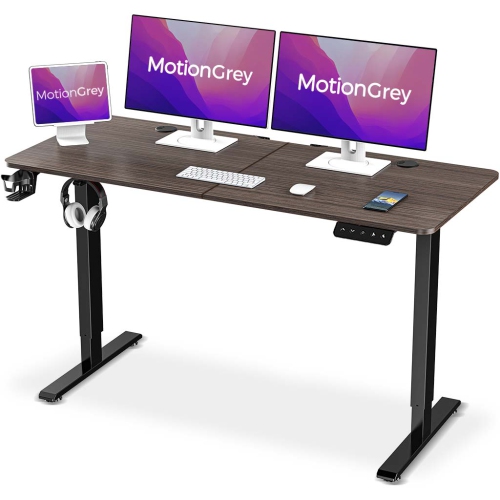
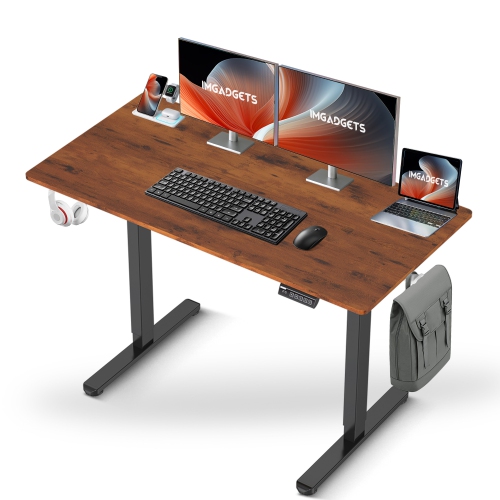
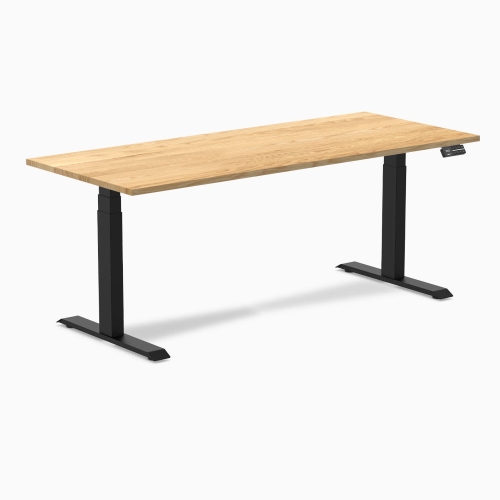
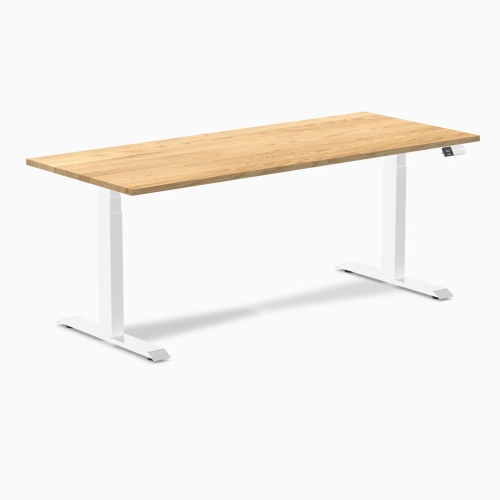
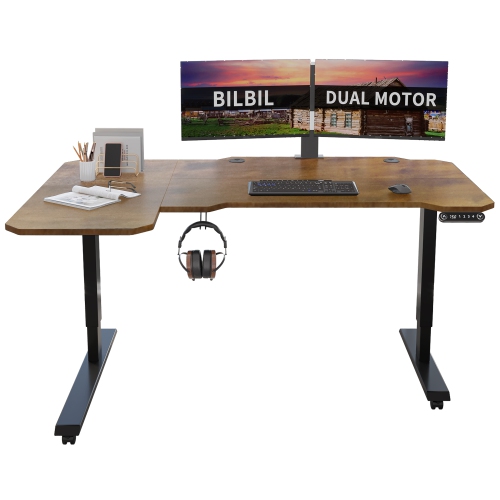
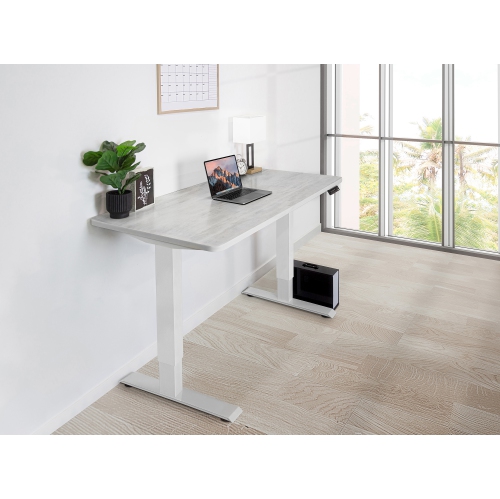
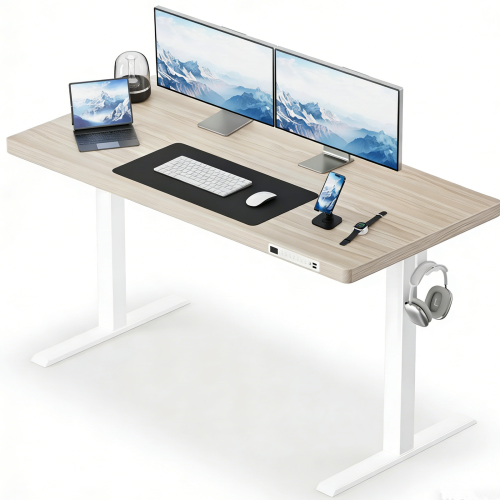
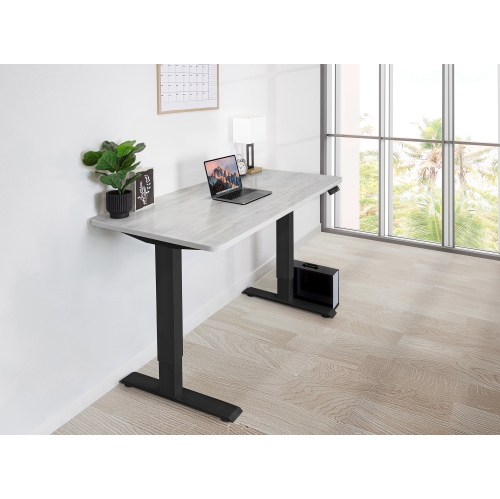
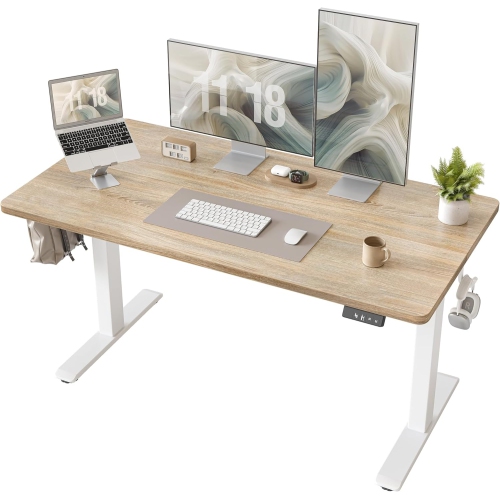
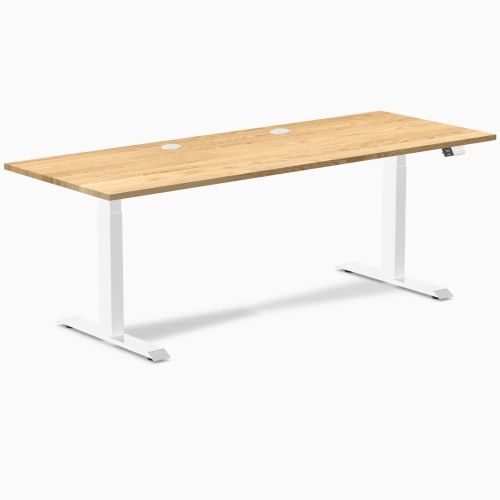
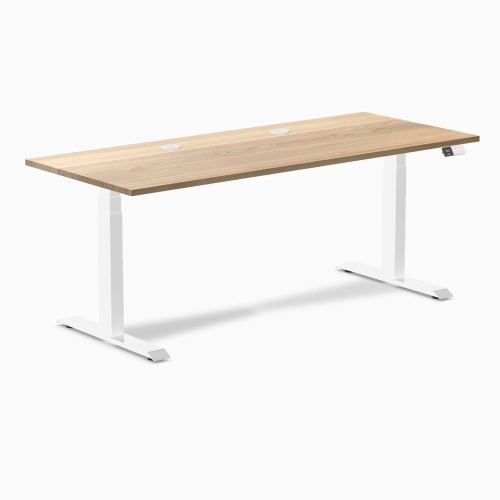
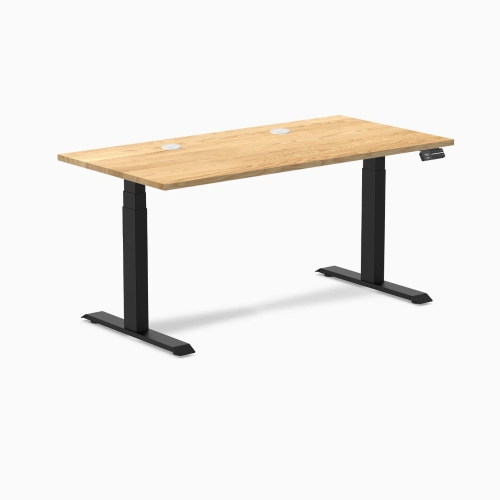
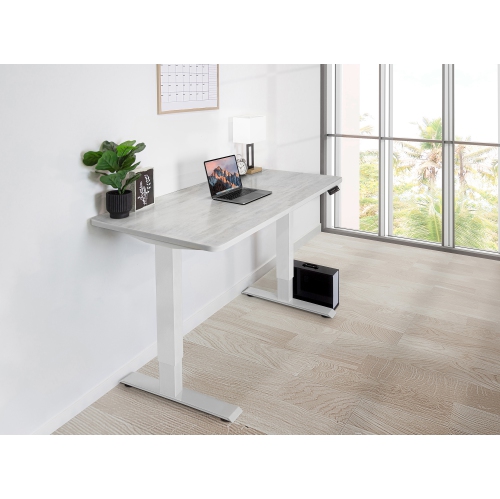
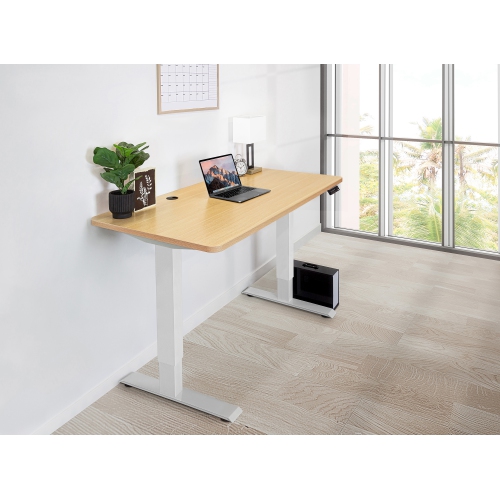
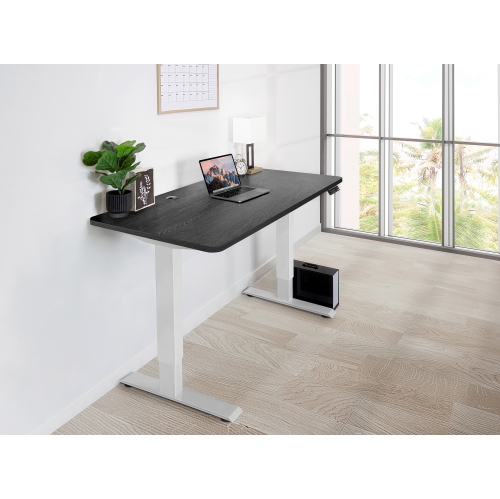
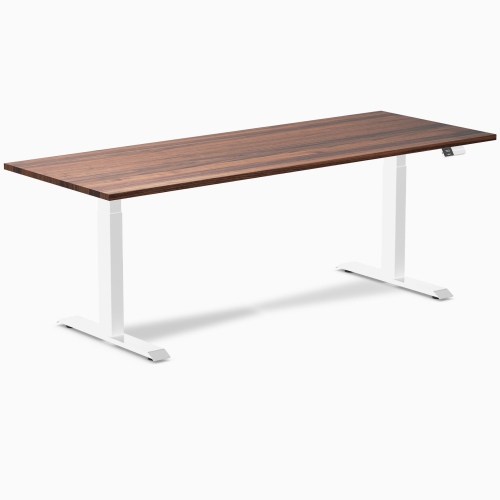
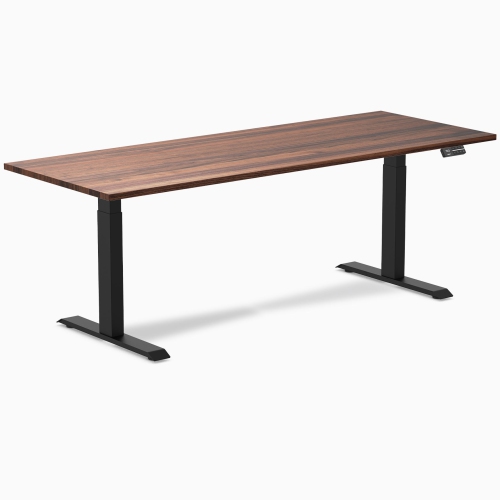
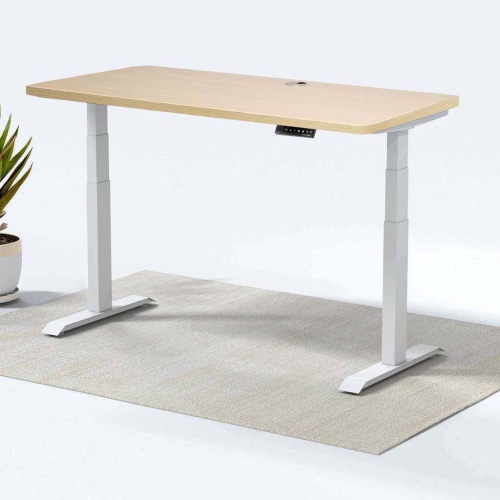
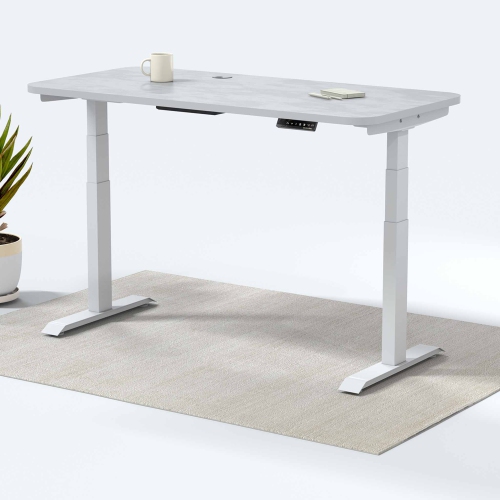
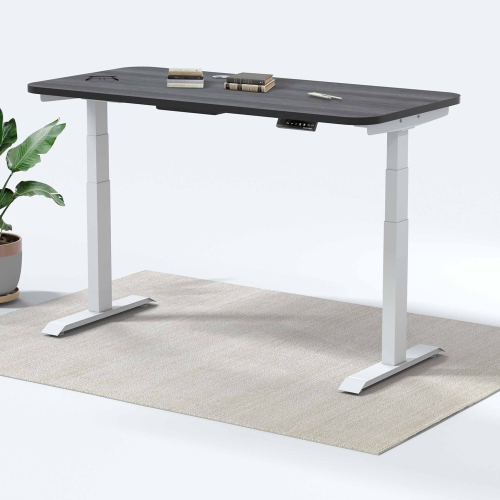
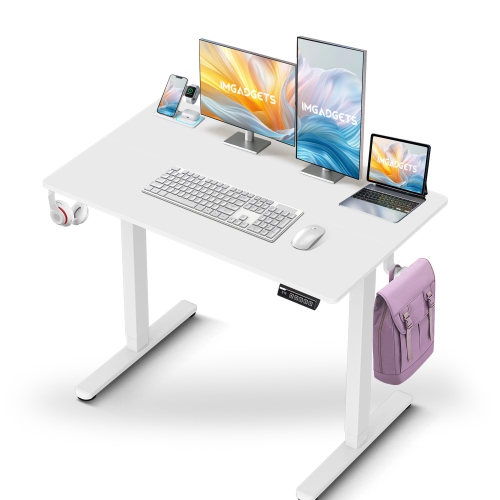
The right size starts with the room and the equipment that needs to stay within reach. Desktop width determines how comfortably a monitor, keyboard, notebook, and task lamp can sit together, while depth affects viewing distance and the amount of space available in front of a screen. A shallow surface may fit neatly against a wall but feel crowded with a large monitor and a full-size keyboard. A deeper desktop can leave room for reference papers or a drawing tablet without pushing the keyboard too close to the edge. Measure the usable floor area, chair clearance, and the desk’s travel path rather than relying on the desktop dimensions alone. A surface that fits beneath a shelf while lowered may hit it when raised. Under-desk drawers, filing cabinets, and chair arms also need clearance throughout the adjustment range. Materials influence both appearance and everyday upkeep. Laminate and melamine surfaces generally offer straightforward cleaning, though their edges and joins still need protection from prolonged moisture. Wood veneer provides the appearance of natural wood over a supporting core, while solid wood has grain variation and may need care suited to its finish. Glass surfaces can look visually light but tend to show fingerprints and require compatible clamps and accessories. Rounded corners and smooth front edges may feel more comfortable where forearms rest. For durability, look beyond desktop thickness to the frame, feet, connections, and stated load capacity. Include monitors, mounting arms, speakers, and other equipment when checking the supported load, and confirm whether the stated capacity includes the desktop itself. Multiple motors can be useful for some configurations, but motor count alone does not establish lifting strength or stability. Frame construction, weight distribution, and assembly all play a part. Stability at standing height is particularly important for detailed mouse work, handwriting, or video calls, when a swaying screen can become distracting.

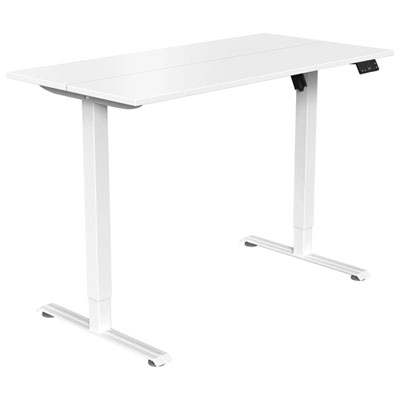
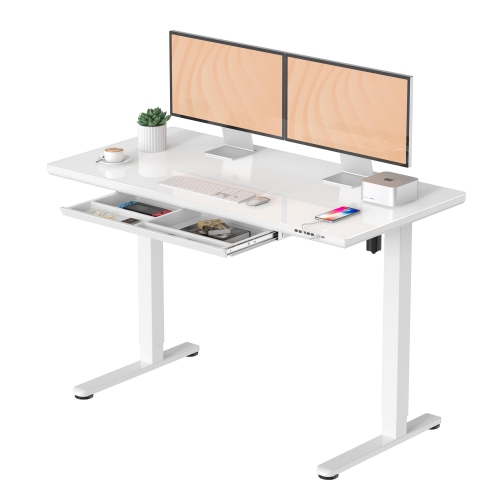
Smart controls are most useful when they simplify an ordinary routine rather than add another task. Clearly marked buttons and an easy-to-read height display can make frequent adjustments more convenient, while stored positions reduce the need to hold a control through the full lift. If app features matter, check device compatibility, connection requirements, and which functions remain accessible through the physical keypad. Reminders may be helpful during concentrated work, but adjustable notifications are useful when calls or study sessions require quiet. Motor sound and lifting speed also deserve attention in a shared office or a bedroom workspace. Anti-collision systems may stop or reverse movement when resistance is detected, but their sensitivity varies and they are not a substitute for keeping the travel path clear. Children and pets should stay clear of moving parts, and a control lock can help limit unintended operation where that feature is provided. Cable management is equally important: power cords, display cables, and charging leads need enough slack for the highest position without hanging where they can catch. A cable tray can keep connections together, provided it does not interfere with knees, clamps, or the frame. Within the broader category of Ergonomic Adjustable Desks, smart designs are particularly suited to people who expect to change positions regularly and value repeatable settings. Keeping that movement dependable calls for simple, consistent care. Follow the supplied cleaning directions, wipe spills promptly, and avoid letting liquid enter the keypad or motor housing. Inspect accessible fasteners as directed, especially after moving the desk, and follow any stated limits on repeated motor operation. Check warranty coverage for the frame, lifting components, and electronics separately, since those terms may differ. A desk with suitable dimensions, understandable controls, and a clear path of movement can fit naturally into work, study, and creative routines without making the room harder to use.

FAQ

Some products may be subject to Environmental Handling Fees (EHF) depending on your province. Learn more about EHFs.