Cheap Home Automation
Upgrade your home with the latest technology without breaking the bank. Our Cheap Home Automation collection offers an array of affordable solutions to transform your living space into a smart and efficient haven. From smart plugs and lighting to security systems and voice assistants, these budget-friendly devices are designed to simplify your life and enhance your home's functionality. Explore our selection of wallet-friendly options and discover the endless possibilities of home automation today.
Sort
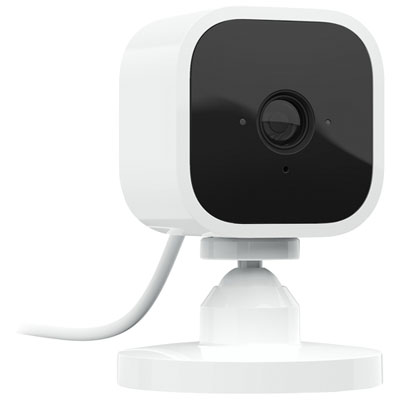
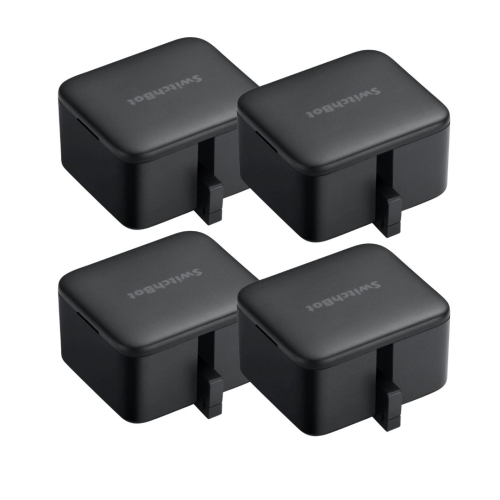
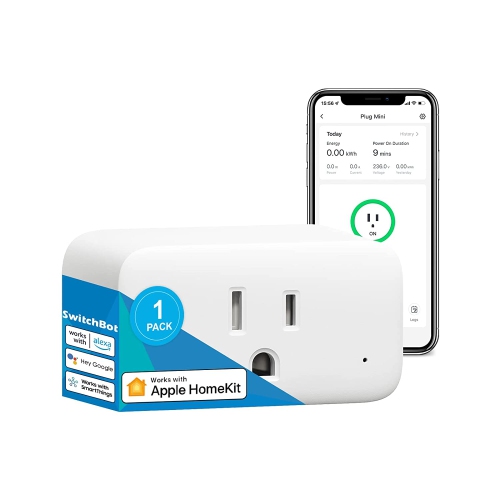
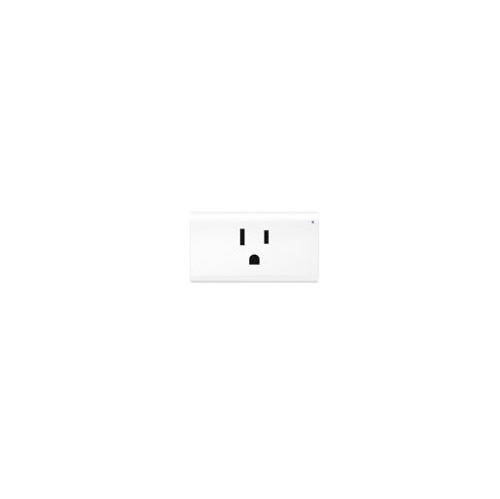

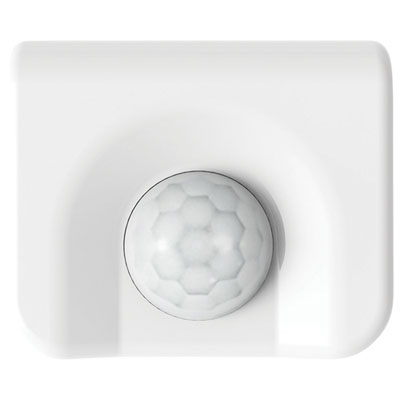
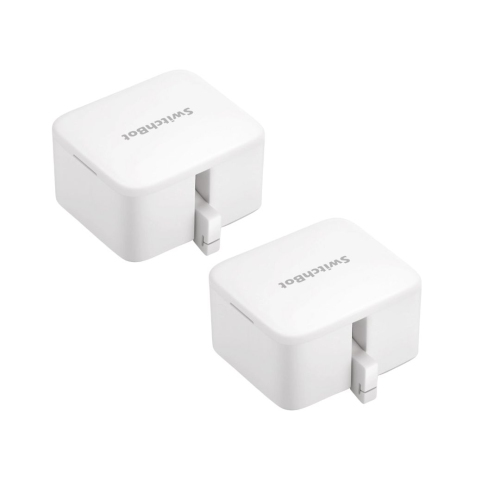
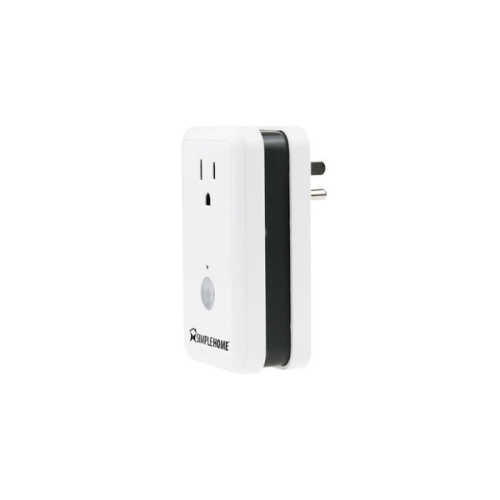
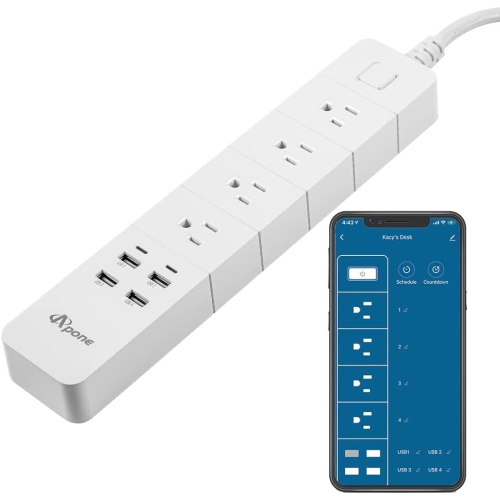
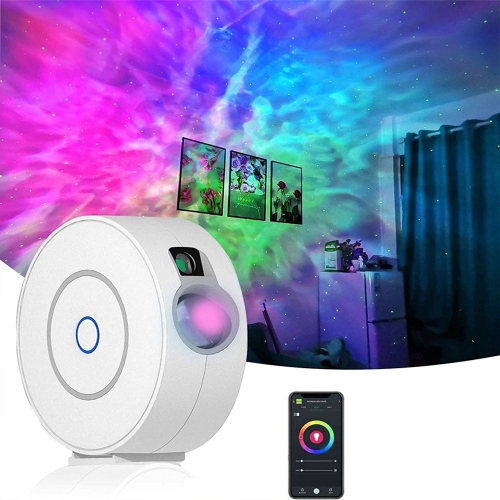
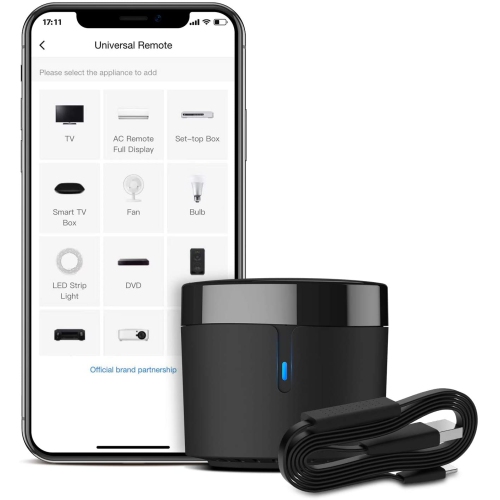
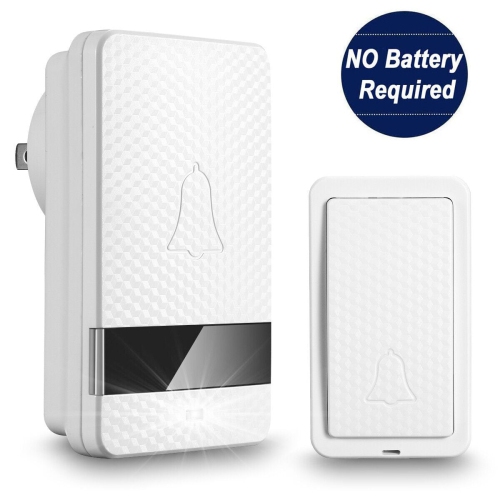
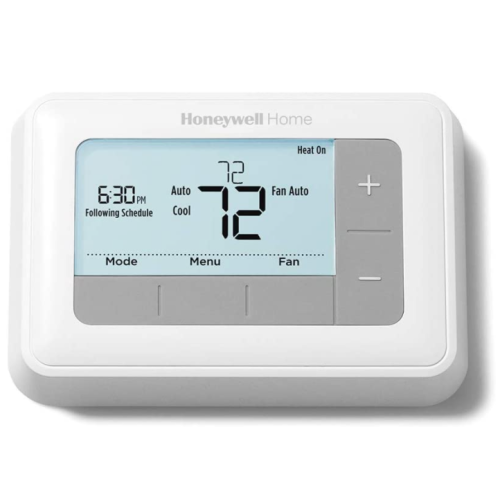
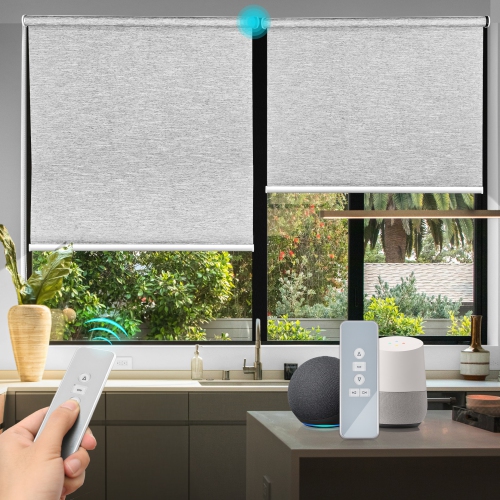
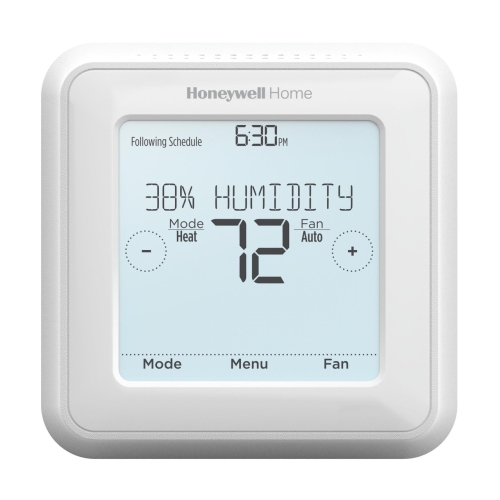
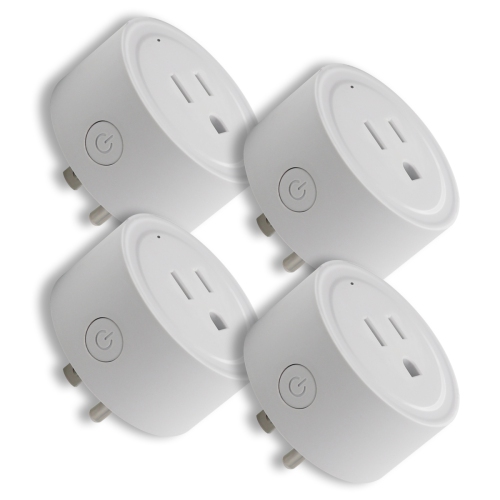
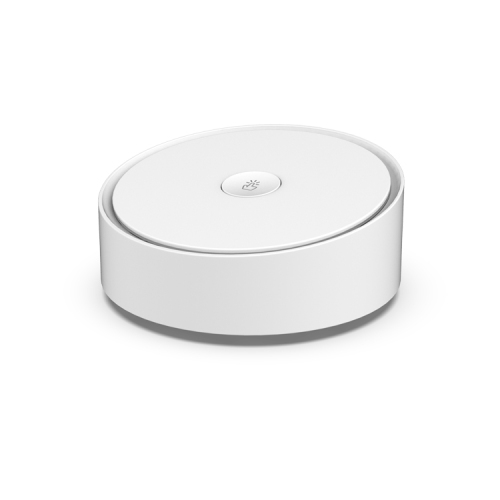
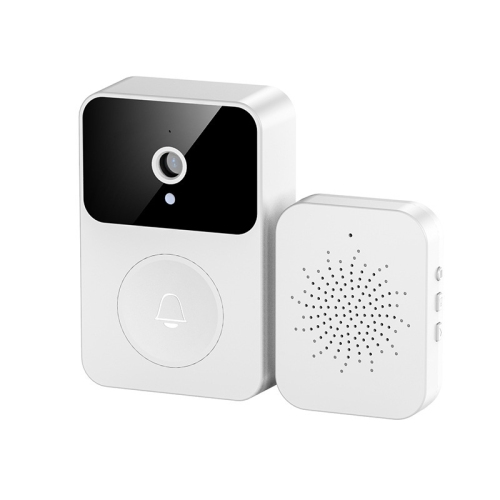
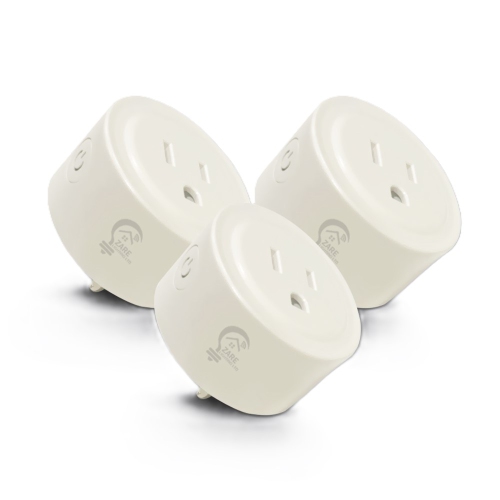
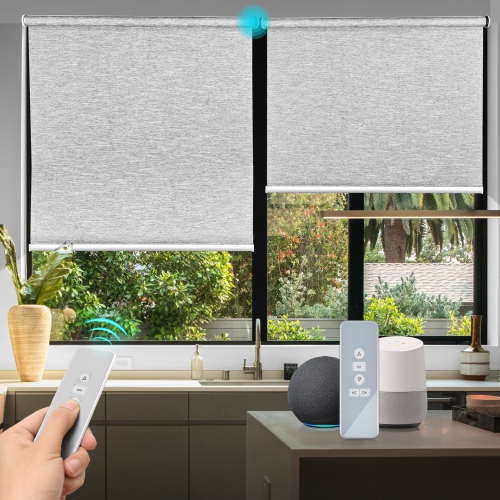
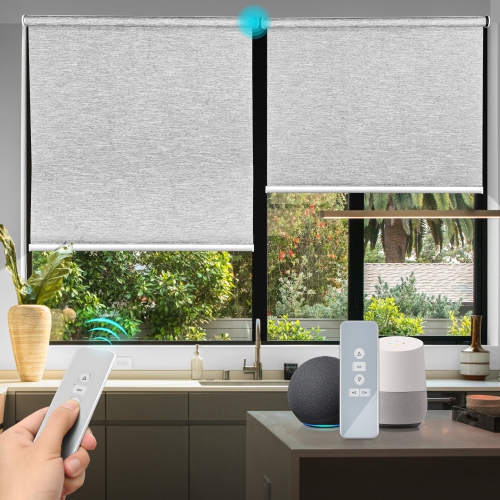
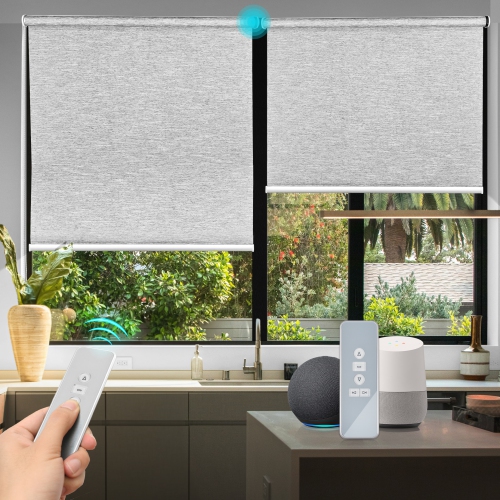
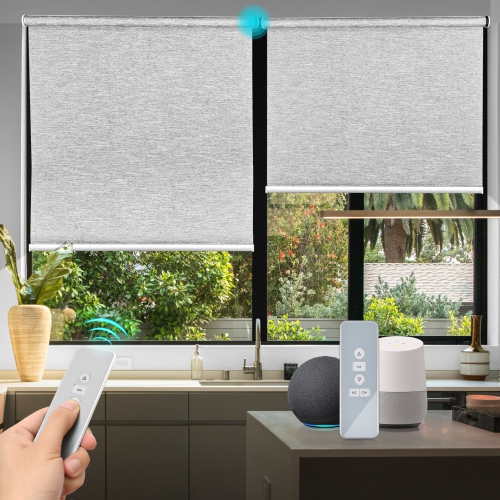
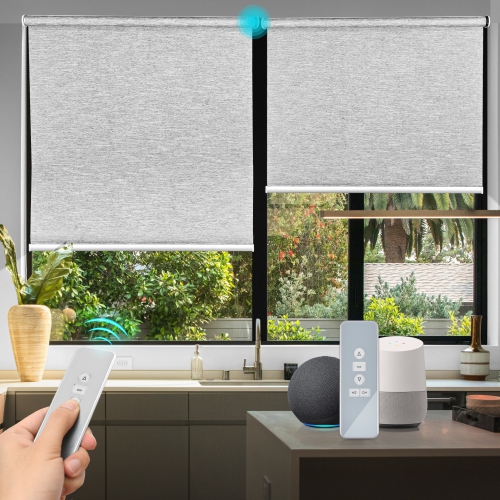
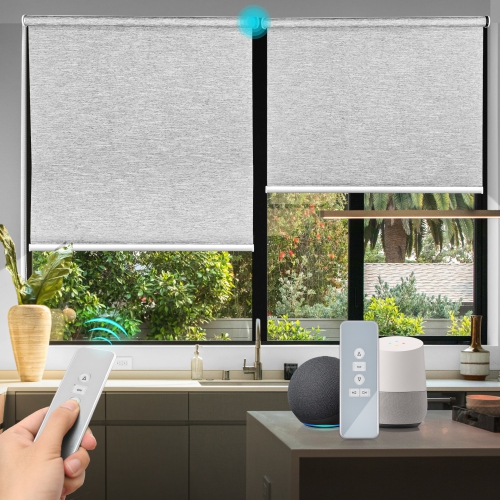

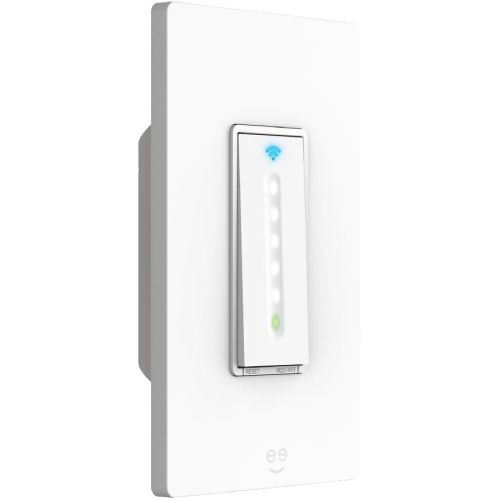

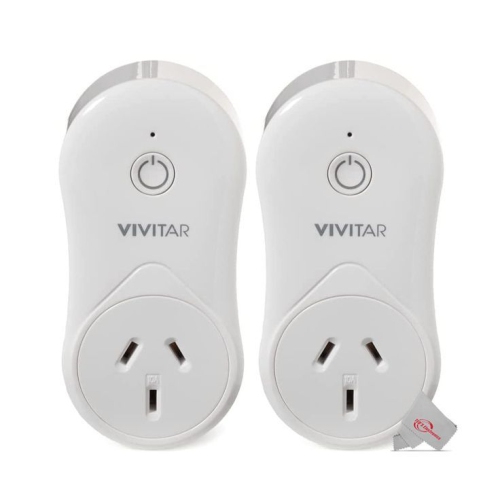
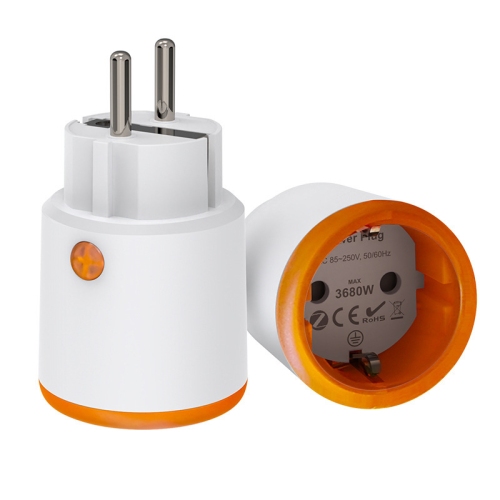
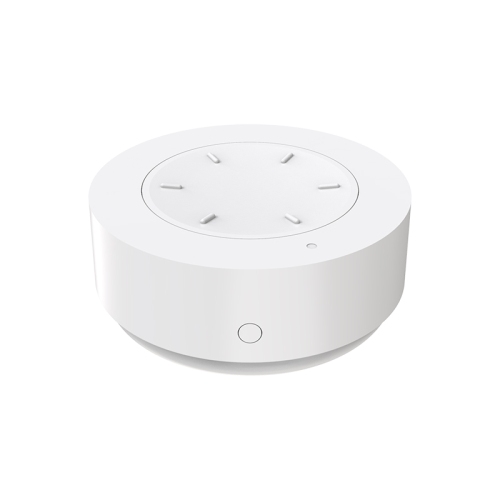

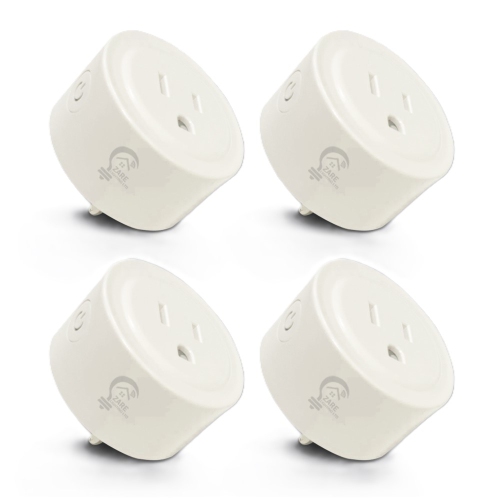
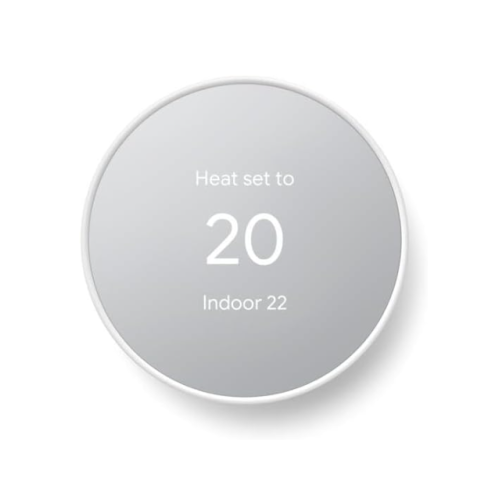
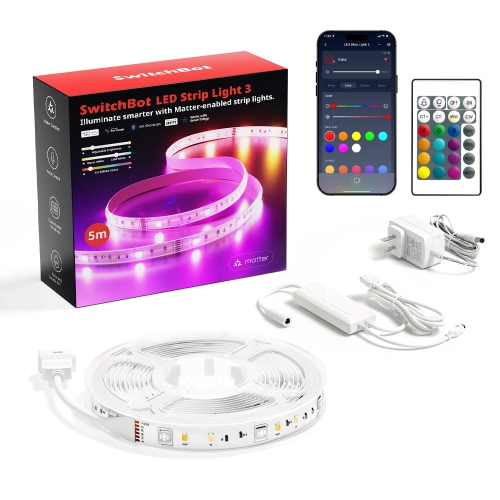
Small upgrades can simplify everyday routines without costly rewiring
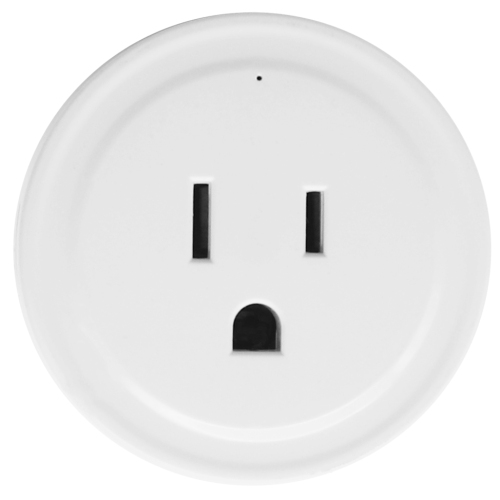
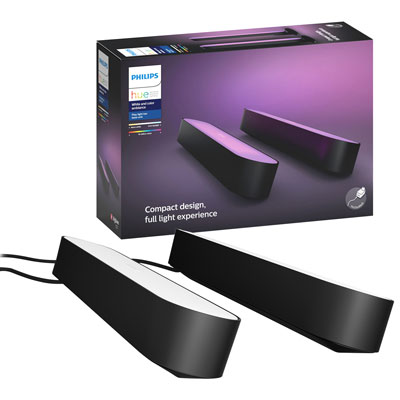
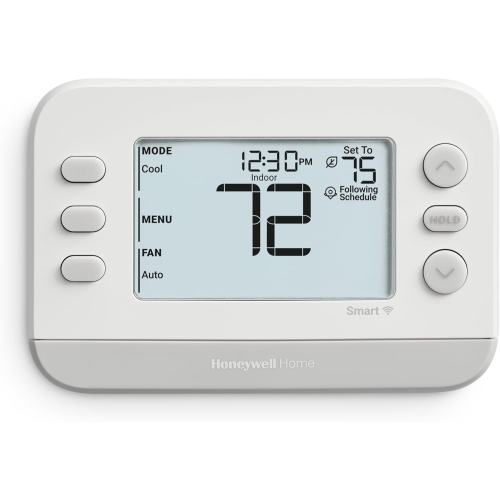
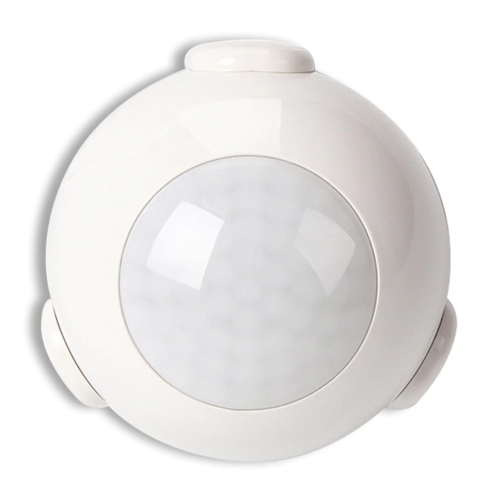
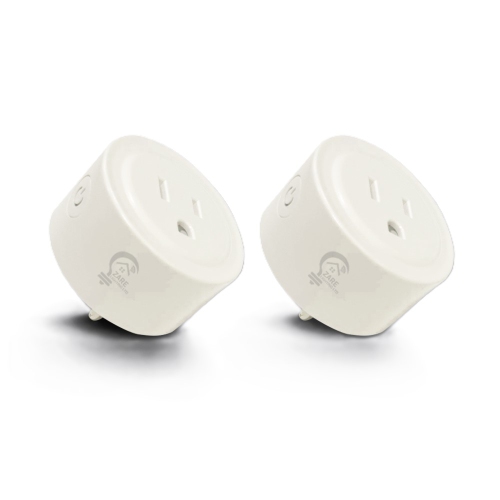
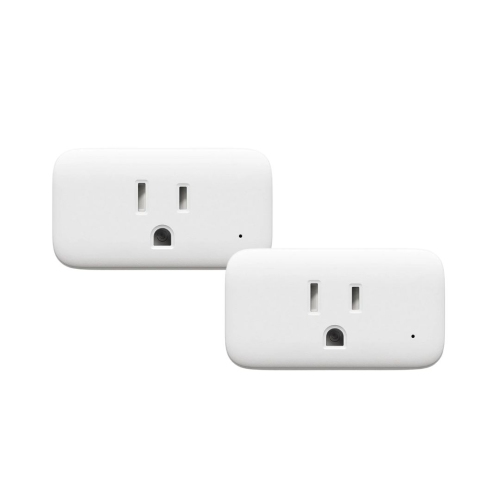
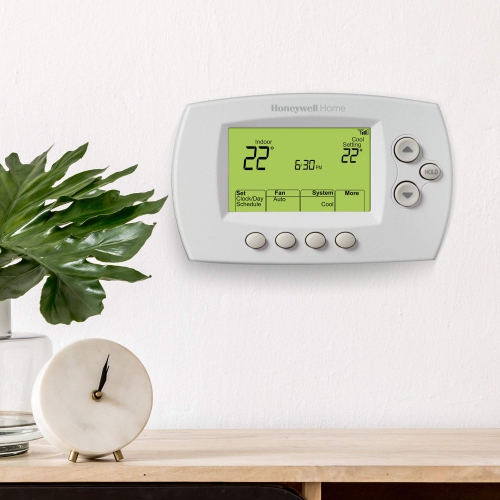
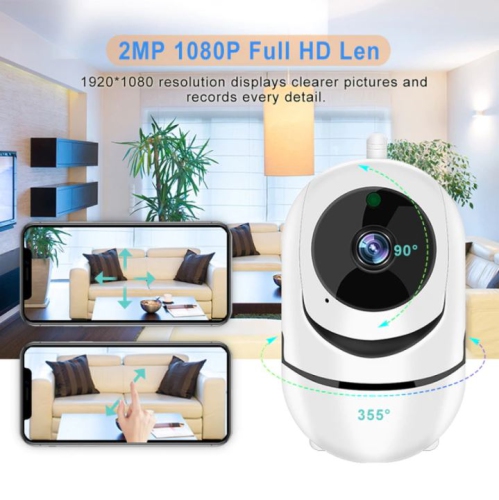
Affordable home automation makes it possible to add useful connected features without replacing every appliance, light fixture, or switch in your home. A simple setup can begin with one or two budget-friendly devices that solve an everyday annoyance, such as turning a lamp on at dusk, switching off a fan from bed, or checking whether a light has been left on. Smart plugs are often the easiest starting point because they connect to a standard outlet and can give ordinary lamps, seasonal decorations, small fans, and other compatible devices app-based or voice control. Many entry-level options cost about $15 to $20, making them practical for testing a connected-home setup without a large upfront expense. Motion sensors, door and window sensors, temperature sensors, and basic smart bulbs can add another layer of convenience, often for around $20 or less per device depending on features and connectivity. Someone living in a rental can usually begin with plug-in products and removable sensors, while homeowners may also consider in-wall smart switches for a more seamless appearance. Electrical installations should be completed according to local requirements, and hardwired devices are best handled by a qualified professional when you are not fully comfortable working with household wiring. For a growing selection of connected controls, sensors, switches, and related accessories, explore Electrical Home Automation. Starting small also makes it easier to learn how devices behave in your space, identify weak Wi-Fi areas, and build routines that feel genuinely helpful rather than complicated.
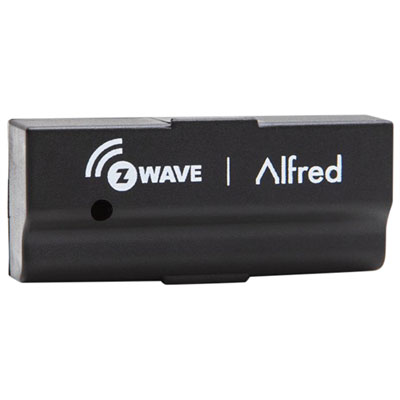
The right technology depends on the size of your home, the number of devices you expect to add, and how much hands-on setup you enjoy. Wi-Fi devices are generally straightforward because they connect through the router already in your home and are often managed through a mobile app. They can be a convenient choice for a few lights or plugs, especially when you want quick installation and simple remote access. As the number of connected devices grows, however, your network capacity and router placement become more important. Zigbee and Z-Wave devices use dedicated low-power communication methods and can form a mesh network, allowing compatible devices to pass signals between one another rather than relying on every device to communicate directly with the router. These systems may require a compatible hub or USB adapter, so include that extra component in your budget before choosing a collection of sensors or switches. A local control hub can also help routines continue working when the internet is unavailable, depending on the devices and software involved. Open-source home automation software running on an existing computer or small home server may reduce ongoing costs and provide more control, although it can involve more setup than a standard app. Check compatibility carefully before buying: a voice assistant, hub, wireless standard, and app must work together for routines to operate as expected. It is also worth reviewing whether a device requires a subscription for features such as usage history, advanced alerts, or cloud recording. A low purchase price can become less appealing if everyday functions are locked behind recurring fees, while a slightly different device with local controls and no required subscription may fit a budget more comfortably over time.
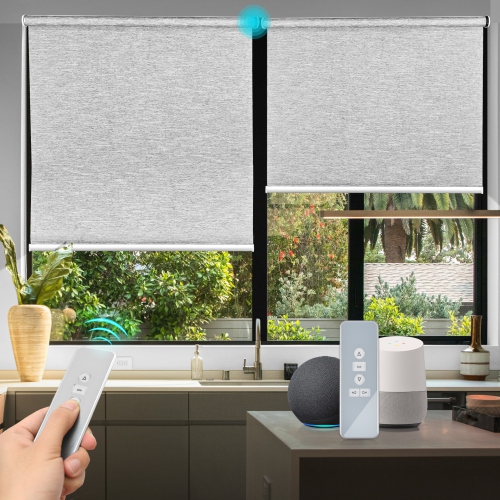
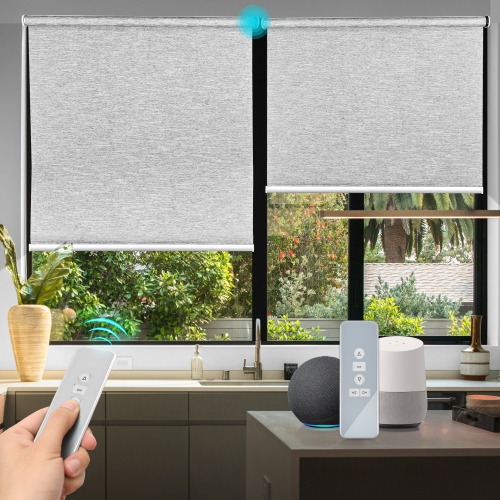
Cheap home automation can be useful for nearly anyone who wants small improvements to daily routines. A student or first-time renter might use an automated lamp and a timer to create a dependable evening routine without making permanent changes to a room. Families can use motion-based lighting in hallways, entryways, or stair areas, while temperature sensors can help identify rooms that become noticeably warmer or cooler during the changing seasons. Older adults or people with limited mobility may appreciate voice or app control for lamps and other frequently used devices, reducing the need to reach behind furniture or cross a dark room. These products can also make thoughtful gifts for someone moving into a new home, furnishing a first apartment, or setting up a home office. Choose simple, widely compatible devices for a gift unless you already know which platform the recipient uses. For everyday reliability, place sensors where they have a clear view of the area they need to monitor, avoid putting hubs inside cabinets or behind large appliances, and give each device a clear name that makes sense when spoken aloud. Create routines gradually: a dusk lighting schedule, a bedtime shutoff, or an alert when a door opens can be more useful than a complicated chain of commands. Smart plugs should be used only with devices they are rated to handle, and heating appliances or other high-load equipment require particular care; never use automation as a substitute for manufacturer safety instructions. During warmer weather, automated fans and blinds can support a more comfortable room, while cooler months may make scheduled lighting and entryway alerts especially convenient. By adding one or two dependable devices at a time, you can build an affordable system around the way your household actually lives, rather than spending on features that rarely get used.
The right technology depends on the size of your home, the number of devices you expect to add, and how much hands-on setup you enjoy. Wi-Fi devices are generally straightforward because they connect through the router already in your home and are often managed through a mobile app. They can be a convenient choice for a few lights or plugs, especially when you want quick installation and simple remote access. As the number of connected devices grows, however, your network capacity and router placement become more important. Zigbee and Z-Wave devices use dedicated low-power communication methods and can form a mesh network, allowing compatible devices to pass signals between one another rather than relying on every device to communicate directly with the router. These systems may require a compatible hub or USB adapter, so include that extra component in your budget before choosing a collection of sensors or switches. A local control hub can also help routines continue working when the internet is unavailable, depending on the devices and software involved. Open-source home automation software running on an existing computer or small home server may reduce ongoing costs and provide more control, although it can involve more setup than a standard app. Check compatibility carefully before buying: a voice assistant, hub, wireless standard, and app must work together for routines to operate as expected. It is also worth reviewing whether a device requires a subscription for features such as usage history, advanced alerts, or cloud recording. A low purchase price can become less appealing if everyday functions are locked behind recurring fees, while a slightly different device with local controls and no required subscription may fit a budget more comfortably over time.
Cheap home automation can be useful for nearly anyone who wants small improvements to daily routines. A student or first-time renter might use an automated lamp and a timer to create a dependable evening routine without making permanent changes to a room. Families can use motion-based lighting in hallways, entryways, or stair areas, while temperature sensors can help identify rooms that become noticeably warmer or cooler during the changing seasons. Older adults or people with limited mobility may appreciate voice or app control for lamps and other frequently used devices, reducing the need to reach behind furniture or cross a dark room. These products can also make thoughtful gifts for someone moving into a new home, furnishing a first apartment, or setting up a home office. Choose simple, widely compatible devices for a gift unless you already know which platform the recipient uses. For everyday reliability, place sensors where they have a clear view of the area they need to monitor, avoid putting hubs inside cabinets or behind large appliances, and give each device a clear name that makes sense when spoken aloud. Create routines gradually: a dusk lighting schedule, a bedtime shutoff, or an alert when a door opens can be more useful than a complicated chain of commands. Smart plugs should be used only with devices they are rated to handle, and heating appliances or other high-load equipment require particular care; never use automation as a substitute for manufacturer safety instructions. During warmer weather, automated fans and blinds can support a more comfortable room, while cooler months may make scheduled lighting and entryway alerts especially convenient. By adding one or two dependable devices at a time, you can build an affordable system around the way your household actually lives, rather than spending on features that rarely get used.
Top selling and popular products
-
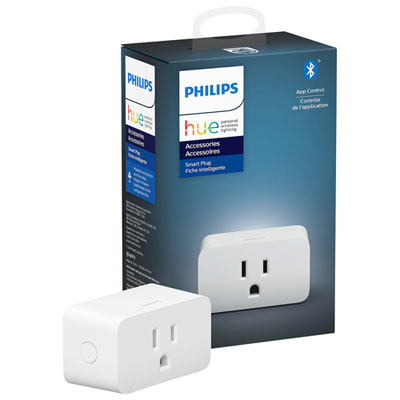 Your price for this item is $49.99
 -
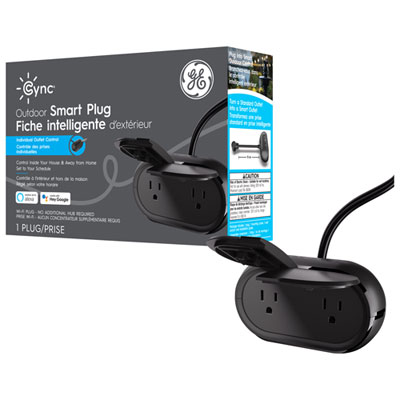 Your price for this item is $36.97
 -
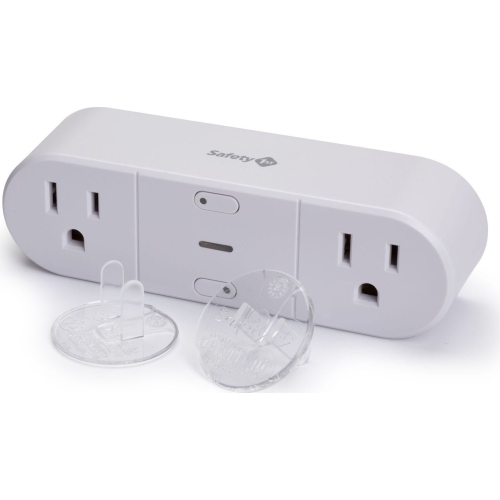 Your price for this item is $24.98
 -
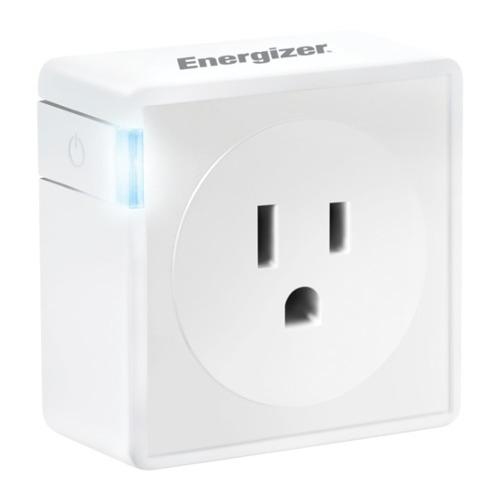 Your price for this item is $32.39
 -
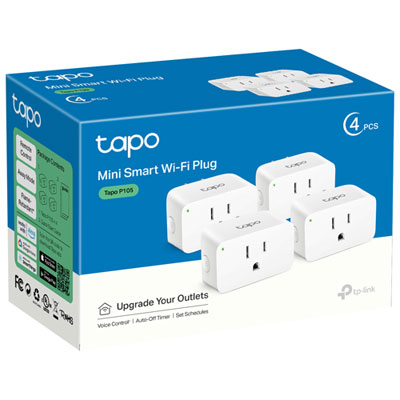 Your price for this item is $34.99
 -
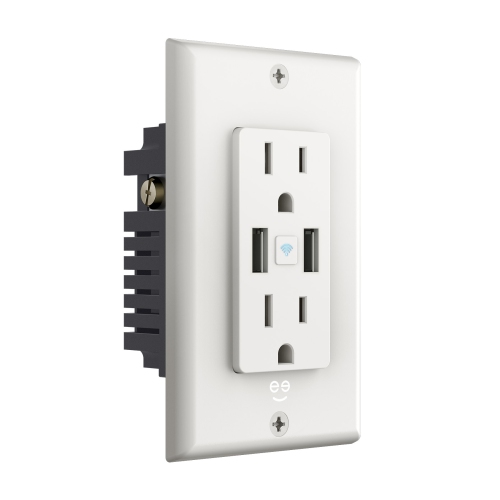 Your price for this item is $49.99
 -
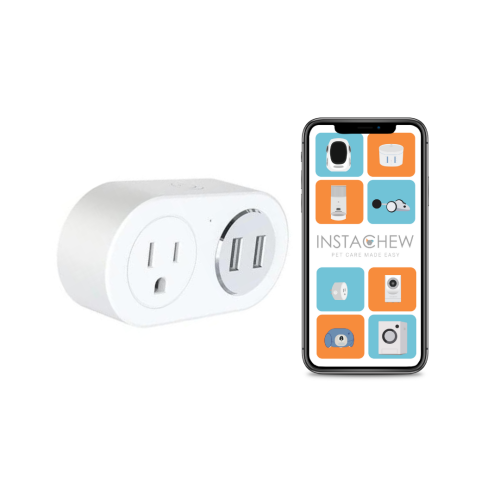 Your price for this item is $24.99
 -
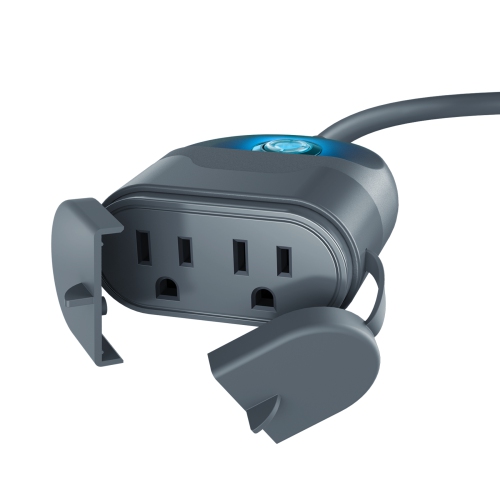 Your price for this item is $34.99
Discover more categories related to Cheap Home Automation
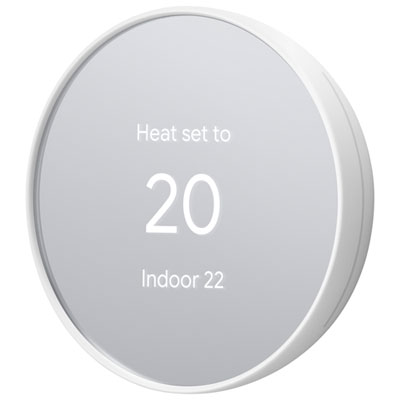

Top Collections:
Pokemon Centers, Kindle Devices, Apple iPhones 16, Canon G7X Cameras, iPhone 15 Apple, Refurbished Apple Laptops, Motorola Razr Phones, Flip Phones, Apple iPad 10th Gen, Alarm Clock
Some products may be subject to Environmental Handling Fees
(EHF) depending on your province.
Learn more about EHFs.