Digital Calendars with Chore Charts
Digital Calendars with Chore Charts can help bring schedules, routines, and household tasks together in one convenient place. Explore options designed to support planning for families, roommates, and busy households while making it easier to organize appointments, reminders, and daily responsibilities.
Sort
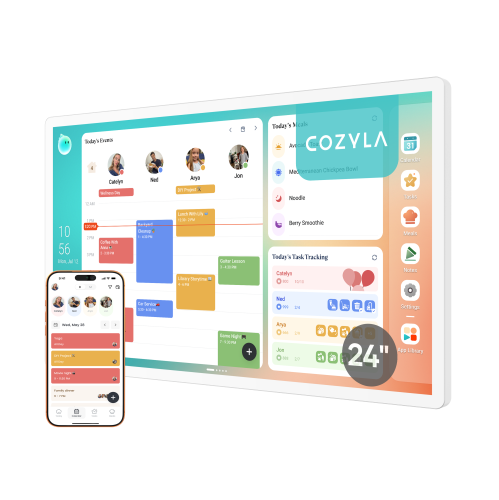
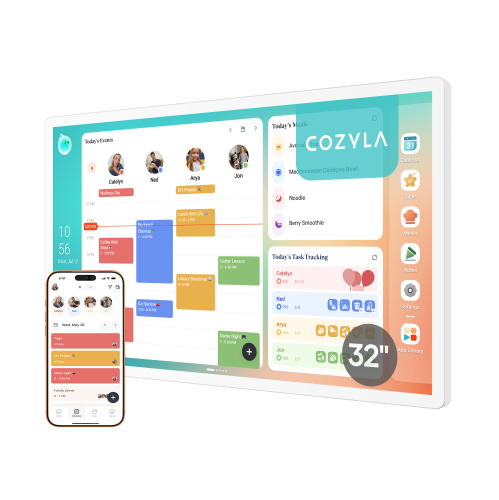
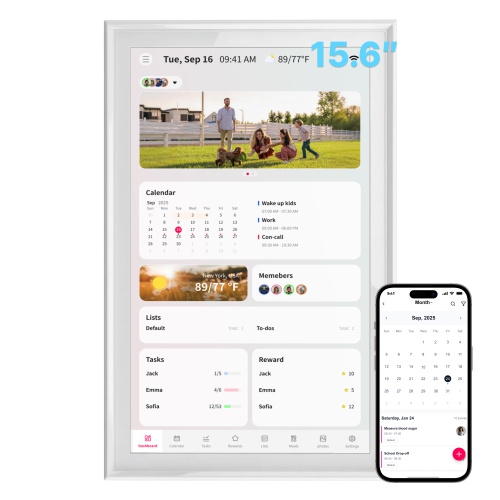
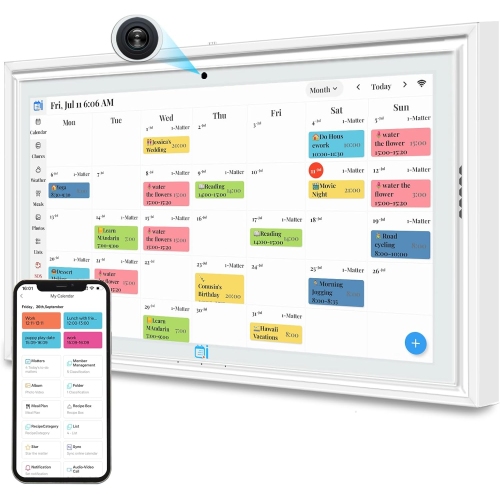
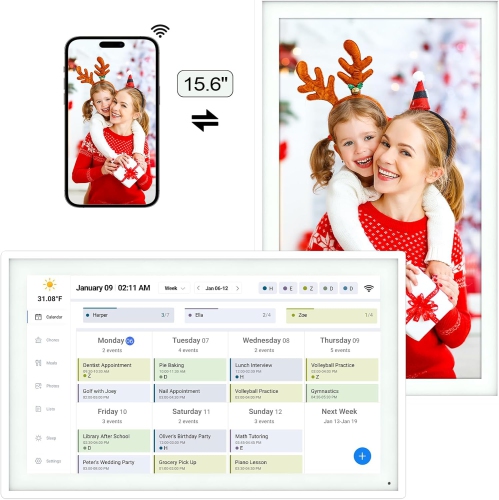
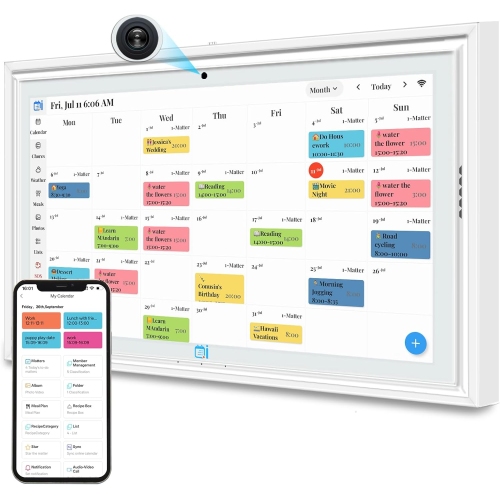

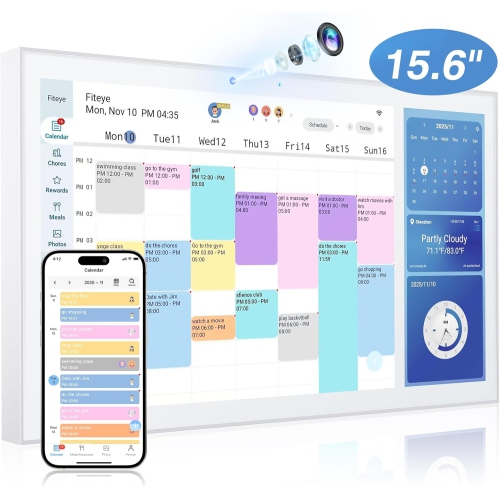
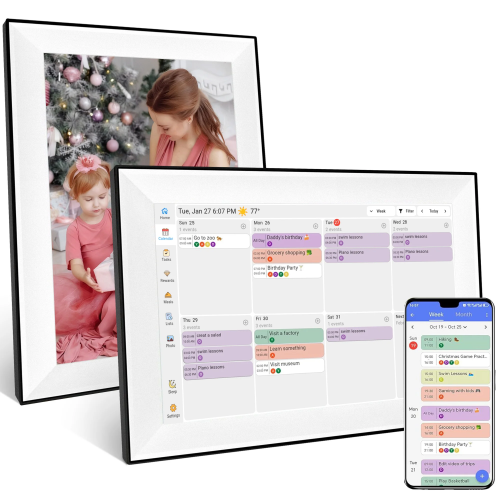
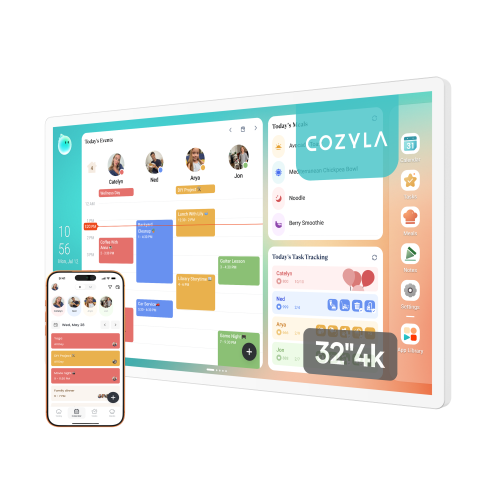
One shared screen for schedules, tasks, and routines
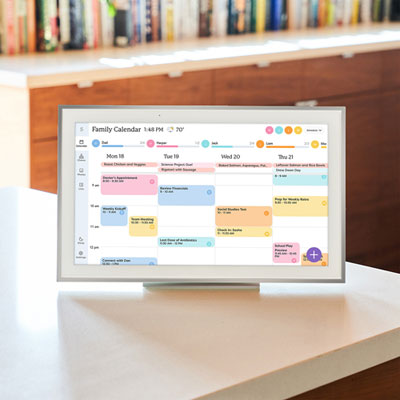
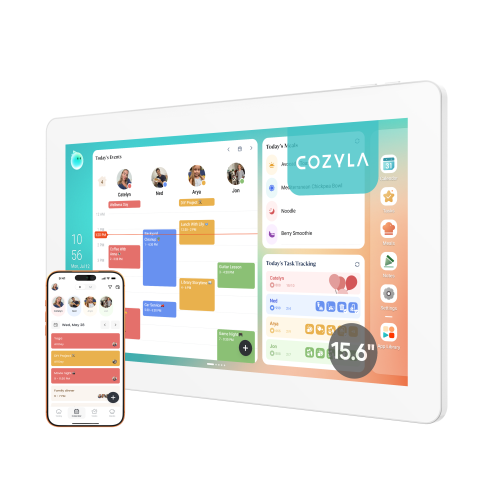
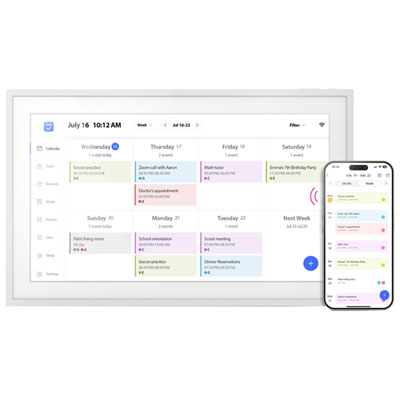
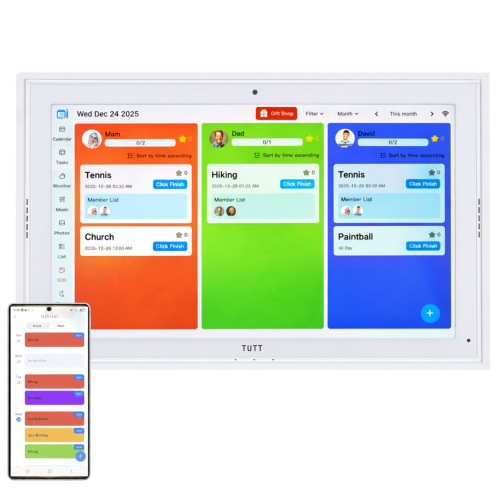
Digital calendars with chore charts bring the household schedule, routine reminders, and everyday responsibilities into one shared place. Instead of relying on a paper calendar tucked behind a cupboard door or a stream of messages that can be missed, families can use a central touchscreen display to see appointments, school activities, meal plans, reminders, and household tasks at a glance. Many models are designed with separate profiles or colour-coded calendars, making it easier to tell who has practice, a dentist appointment, a work commitment, or a particular chore. A well-organized screen can turn a busy kitchen counter or hallway into a practical family command centre. Children may see their morning routine, room-tidying tasks, pet-care responsibilities, or evening checklist, while adults can keep track of errands, appointments, grocery needs, and recurring household jobs. Interactive check-offs provide a clear sense of completion, and some digital calendars add stars, points, badges, or other reward features that can make routines more engaging without turning every task into a negotiation. These tools can be especially useful for households balancing different school and work schedules, shared custody arrangements, extracurricular activities, or responsibilities that change from day to day. They may also suit grandparents, caregivers, roommates, and anyone who benefits from a visible, easy-to-update overview of the day. A digital calendar with a chore chart can be a thoughtful gift for a busy family, a new household settling into a routine, or parents looking for a more consistent way to share age-appropriate responsibilities. For students managing assignments, study blocks, and personal routines, a dedicated planning display may also be helpful; shoppers comparing related options can explore Digital Calendars For Study Planning for additional ideas.
When choosing a digital calendar with a chore chart, start by considering how and where it will be used. A larger screen may be easier to read from across a kitchen or shared hallway, while a more compact display can work well on a desk, shelf, or counter. Check whether the unit includes a built-in stand, supports wall mounting, or offers both placement options, and think about the viewing height for adults and children before settling on a location. A central area near the kitchen, entryway, or family room often works best because everyone passes through it during the day. Screen brightness, viewing angles, touch responsiveness, and readable text can make a noticeable difference when several people are checking the schedule while getting ready in the morning. Calendar syncing is another important consideration. Look for compatibility with the calendar platforms used by everyone in the household, along with two-way syncing if you want changes made on the display or through a companion app to appear across devices. A reliable smartphone app can be particularly useful when a parent or caregiver needs to add an appointment, assign a task, or update a reminder while away from home. It is also worth checking whether multiple calendars can be viewed together, whether recurring events are easy to create, and whether users can assign tasks to specific people rather than posting one general household list. Some displays include routine templates for mornings, after-school hours, bedtime, or weekend responsibilities, which can save setup time and provide useful structure. Others allow custom lists for laundry, dishes, homework, pet care, packing, or preparing for the next day. If reward tools are important, review how points or stars are earned, whether adults can approve completed tasks, and whether each family member can have an individual progress view. A system should encourage independence rather than create extra work, so a simple interface with clear controls is often more useful than a long list of complicated features.
Before purchasing, consider the household’s comfort with subscriptions, connected services, and account sharing. Some features may require an optional paid plan, so confirm which calendar, chore, reward, meal-planning, or storage functions are included at the outset and which may involve an ongoing fee. Check the setup requirements as well, including Wi-Fi access, account creation, mobile-device compatibility, and whether the display continues to show previously loaded information if the internet connection is interrupted. Privacy settings deserve attention when a shared screen contains school locations, appointments, work details, or family names. A model with adjustable profiles, screen locks, or flexible notification controls can help keep information appropriate for a common area. Families with younger children may prefer large icons, straightforward checklists, and physical placement that allows children to interact with the display safely. Older children and teens may appreciate more control over their own routines, while caregivers may value approval settings and a quick way to review outstanding tasks. A digital chore chart is most effective when responsibilities are specific, realistic, and connected to the household’s existing rhythm. “Put laundry away” may be easier to act on when separated into smaller steps, such as sort, fold, and store; similarly, a morning routine can be arranged in the order it happens, from getting dressed to packing a bag. During the cooler months, when more time is spent indoors and family schedules can become crowded with school, activities, appointments, and shared commitments, a visible digital plan can help reduce last-minute confusion. The best choice is one that fits the available space, works with the calendars people already use, and makes routine information easier to see and act on for everyone in the home.
When choosing a digital calendar with a chore chart, start by considering how and where it will be used. A larger screen may be easier to read from across a kitchen or shared hallway, while a more compact display can work well on a desk, shelf, or counter. Check whether the unit includes a built-in stand, supports wall mounting, or offers both placement options, and think about the viewing height for adults and children before settling on a location. A central area near the kitchen, entryway, or family room often works best because everyone passes through it during the day. Screen brightness, viewing angles, touch responsiveness, and readable text can make a noticeable difference when several people are checking the schedule while getting ready in the morning. Calendar syncing is another important consideration. Look for compatibility with the calendar platforms used by everyone in the household, along with two-way syncing if you want changes made on the display or through a companion app to appear across devices. A reliable smartphone app can be particularly useful when a parent or caregiver needs to add an appointment, assign a task, or update a reminder while away from home. It is also worth checking whether multiple calendars can be viewed together, whether recurring events are easy to create, and whether users can assign tasks to specific people rather than posting one general household list. Some displays include routine templates for mornings, after-school hours, bedtime, or weekend responsibilities, which can save setup time and provide useful structure. Others allow custom lists for laundry, dishes, homework, pet care, packing, or preparing for the next day. If reward tools are important, review how points or stars are earned, whether adults can approve completed tasks, and whether each family member can have an individual progress view. A system should encourage independence rather than create extra work, so a simple interface with clear controls is often more useful than a long list of complicated features.
Before purchasing, consider the household’s comfort with subscriptions, connected services, and account sharing. Some features may require an optional paid plan, so confirm which calendar, chore, reward, meal-planning, or storage functions are included at the outset and which may involve an ongoing fee. Check the setup requirements as well, including Wi-Fi access, account creation, mobile-device compatibility, and whether the display continues to show previously loaded information if the internet connection is interrupted. Privacy settings deserve attention when a shared screen contains school locations, appointments, work details, or family names. A model with adjustable profiles, screen locks, or flexible notification controls can help keep information appropriate for a common area. Families with younger children may prefer large icons, straightforward checklists, and physical placement that allows children to interact with the display safely. Older children and teens may appreciate more control over their own routines, while caregivers may value approval settings and a quick way to review outstanding tasks. A digital chore chart is most effective when responsibilities are specific, realistic, and connected to the household’s existing rhythm. “Put laundry away” may be easier to act on when separated into smaller steps, such as sort, fold, and store; similarly, a morning routine can be arranged in the order it happens, from getting dressed to packing a bag. During the cooler months, when more time is spent indoors and family schedules can become crowded with school, activities, appointments, and shared commitments, a visible digital plan can help reduce last-minute confusion. The best choice is one that fits the available space, works with the calendars people already use, and makes routine information easier to see and act on for everyone in the home.
Top selling and popular products
-
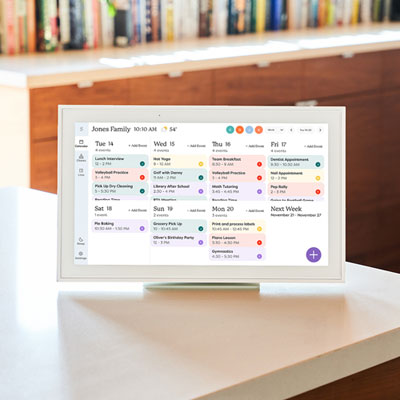 Your price for this item is $449.99
 -
 Your price for this item is $84.99
 -
 Your price for this item is $239.99
 -
 Your price for this item is $149.99
 -
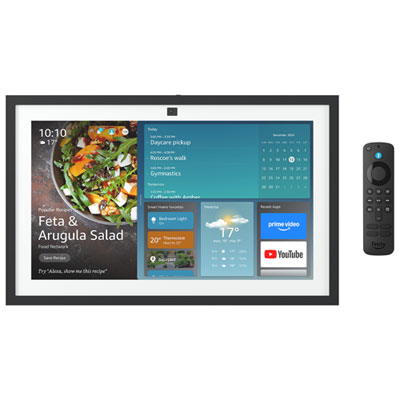 Your price for this item is $289.99
 -
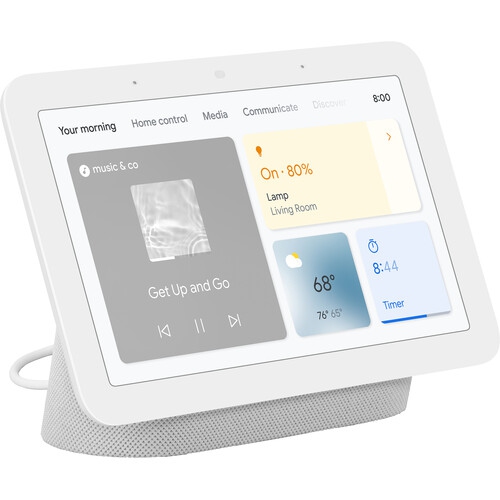 Your price for this item is $359
 -
 Your price for this item is $1418.9
 -
 Your price for this item is $649.99
Discover more categories related to Digital Calendars with Chore Charts
Top Collections:
Pokemon Centers, Kindle Devices, Best Budget Office Chairs, Apple iPhones 16, Best Laptops for Writers, iPhone 15 Apple, Canon G7X Cameras, Refurbished Apple Laptops, Alarm Clock, Motorola Razr Phones
Some products may be subject to Environmental Handling Fees
(EHF) depending on your province.
Learn more about EHFs.