Remote Camera Monitoring
Transform the way you keep an eye on your surroundings with remote camera monitoring. Whether you want to enhance security for your home or business, or simply want to stay connected with loved ones while you're away, our range of cutting-edge camera monitoring solutions has got you covered. With advanced features and seamless connectivity, these remote camera systems offer peace of mind and convenience like never before. Explore our collection today and take control of your surveillance needs with ease.
Sort
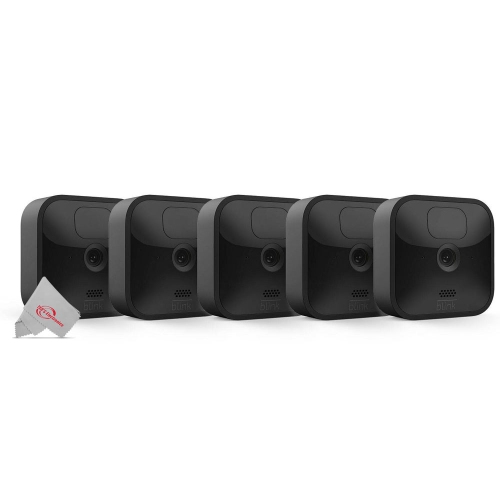
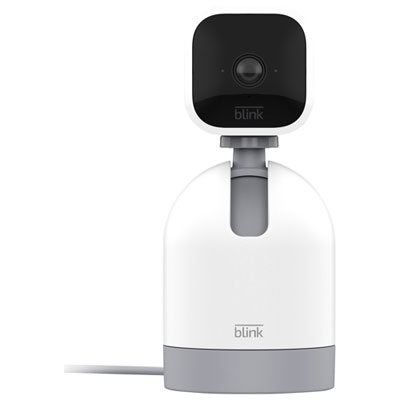
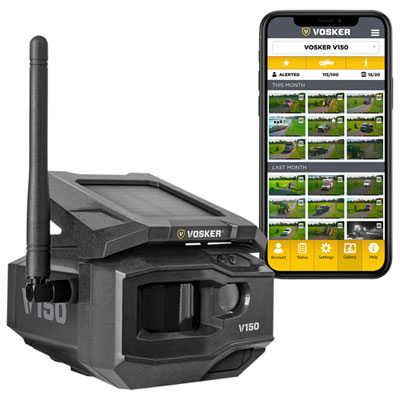
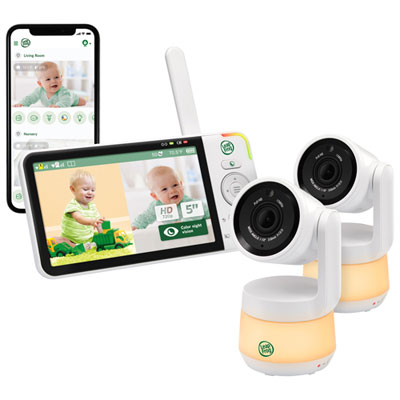
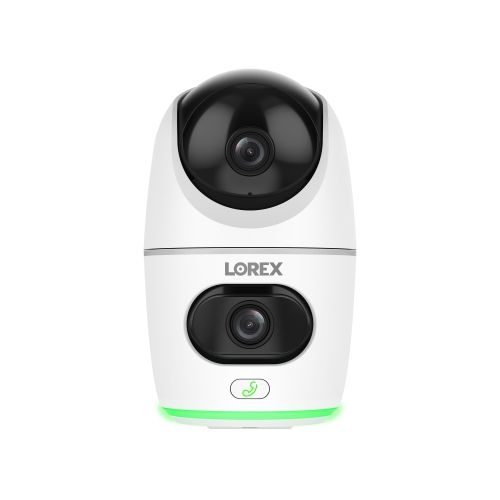
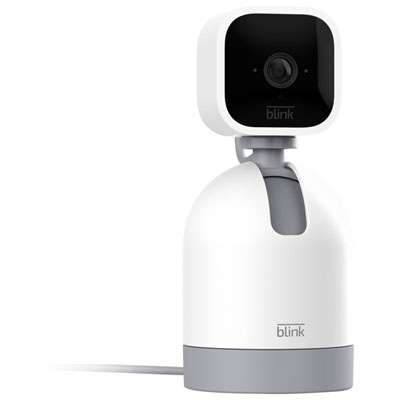
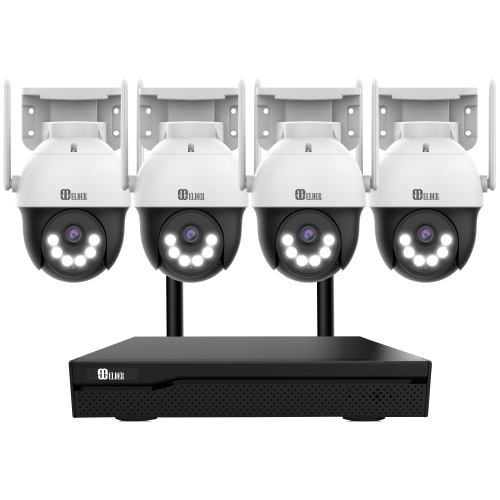
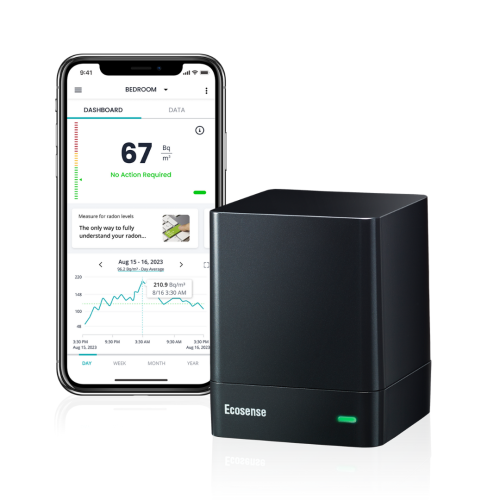
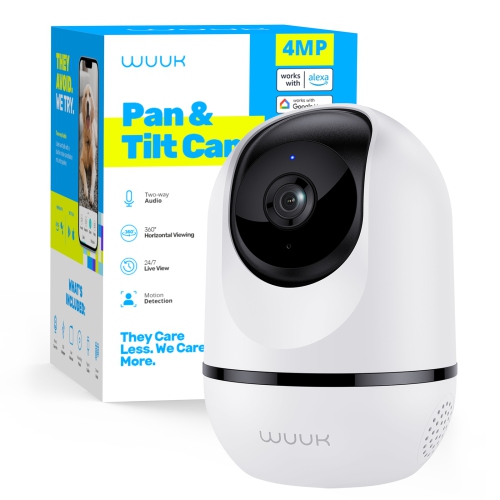
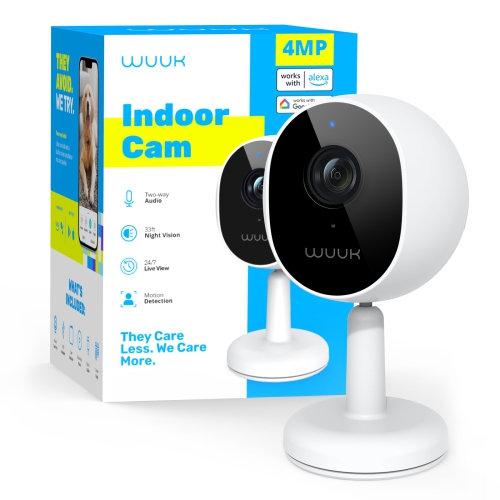

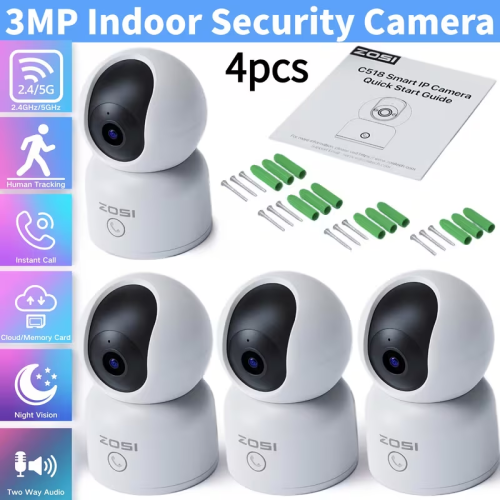
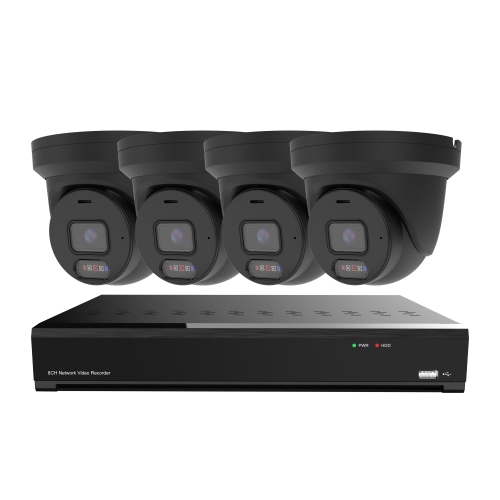
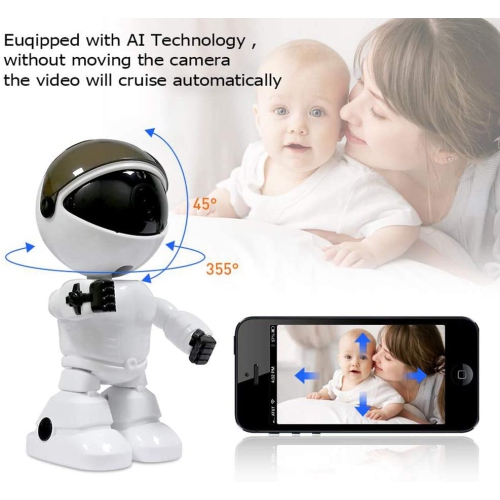
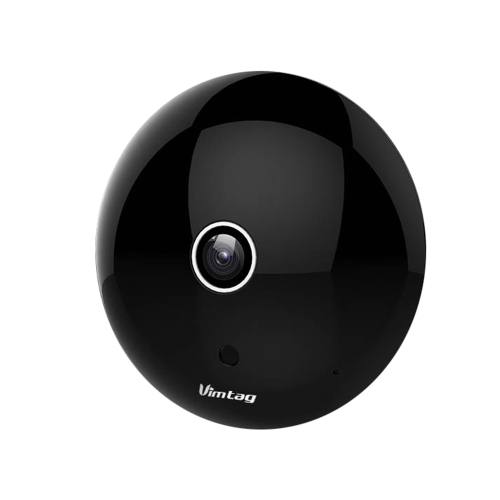
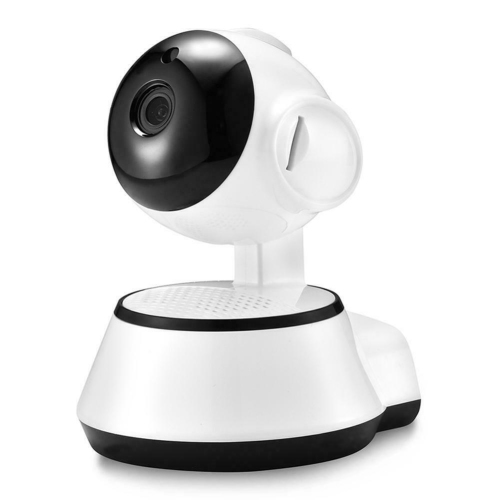
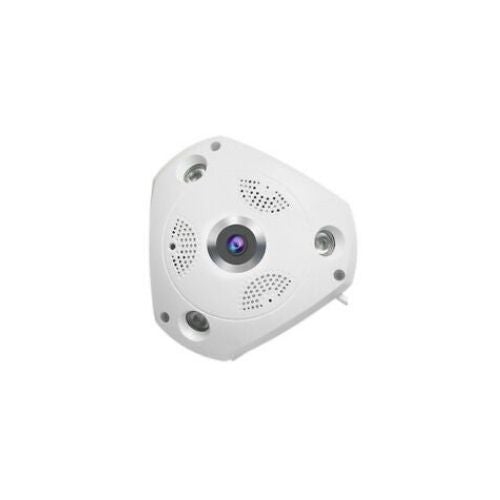
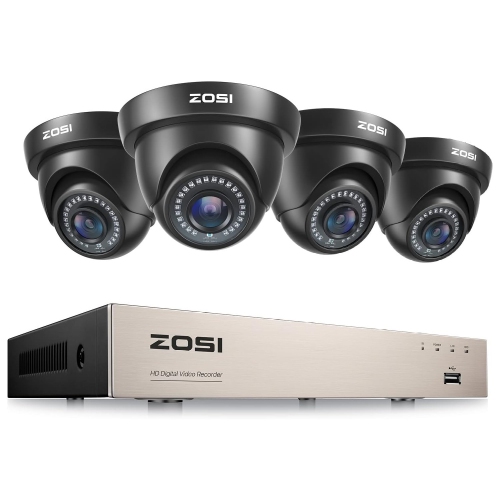

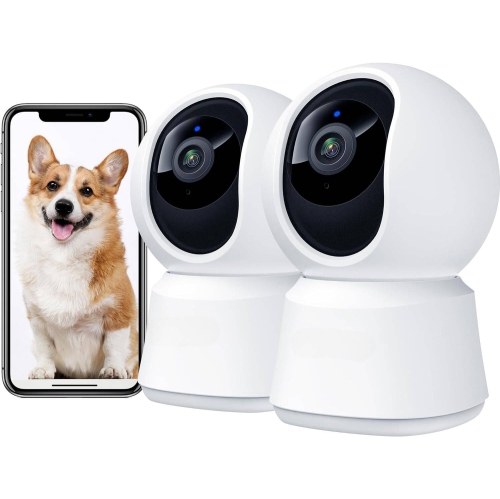
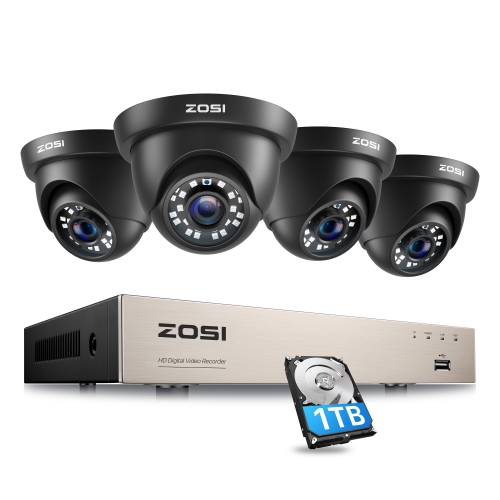

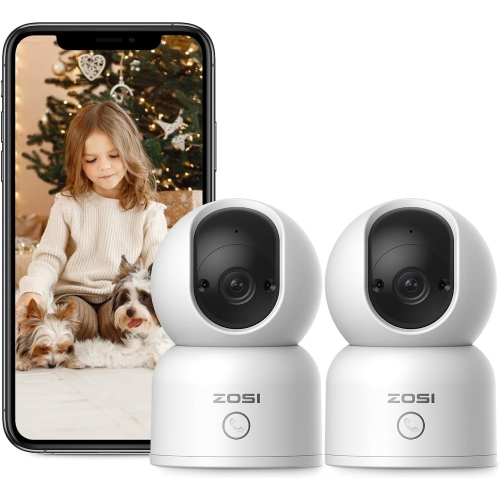
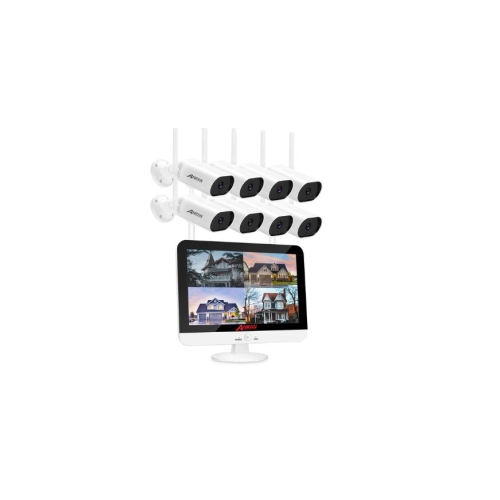
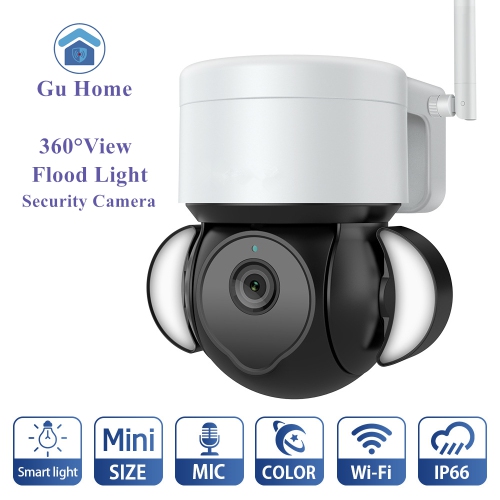
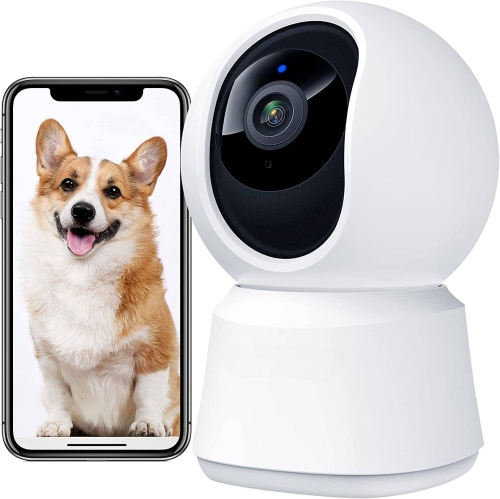
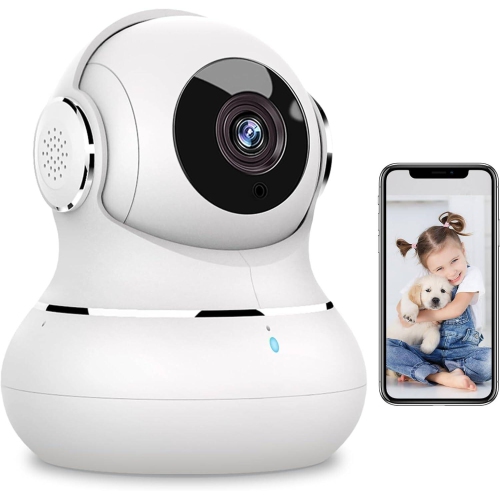
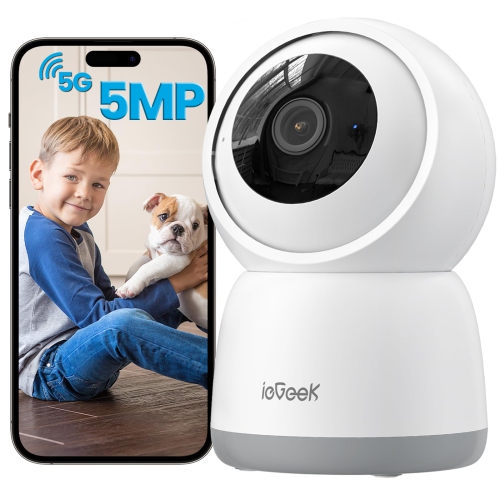
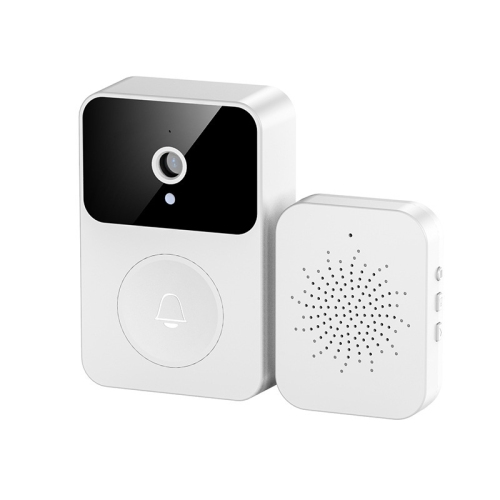
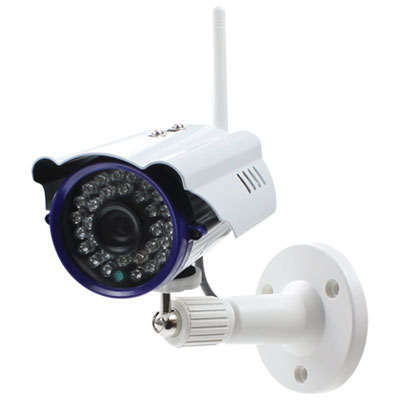
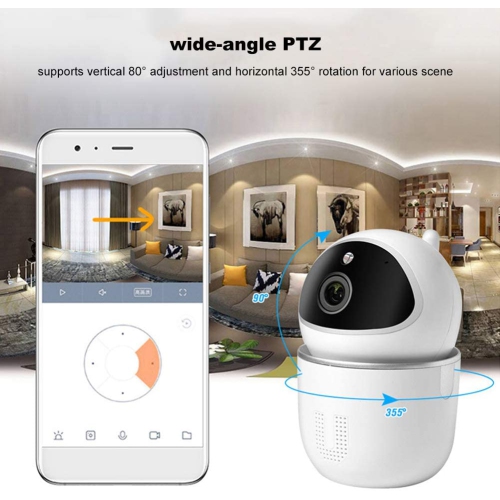
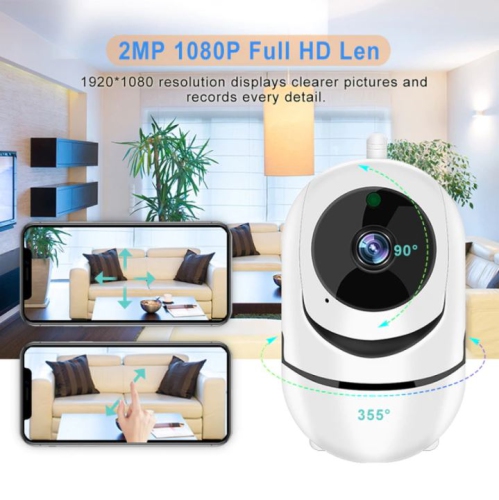

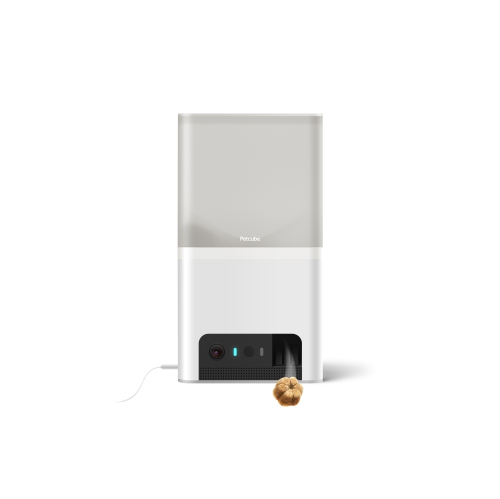
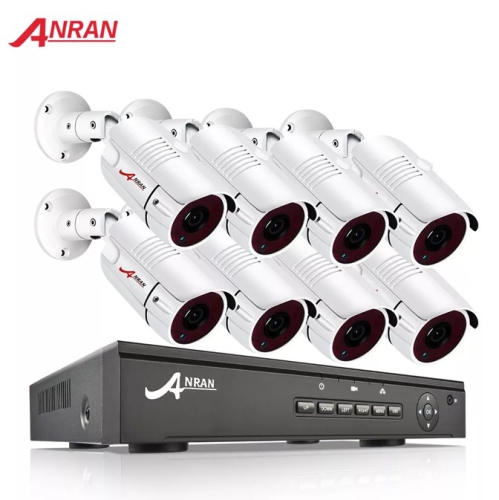
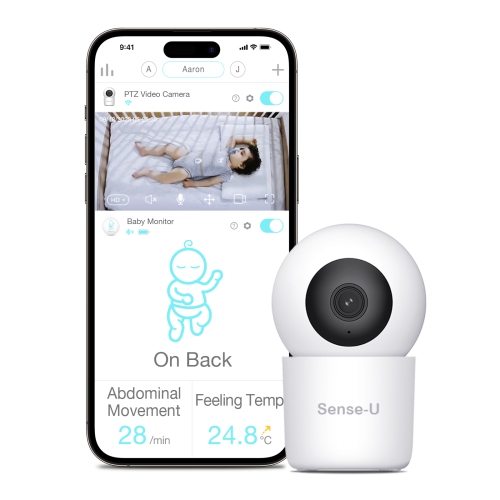

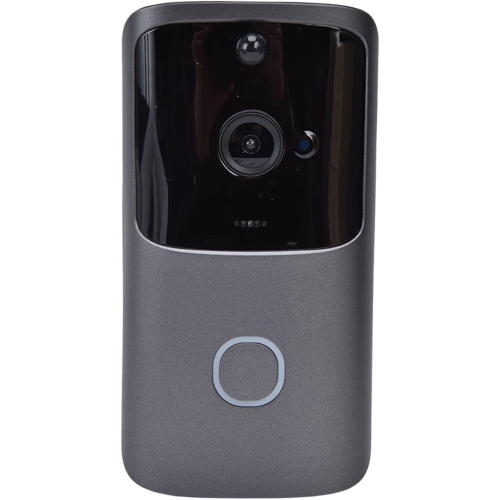

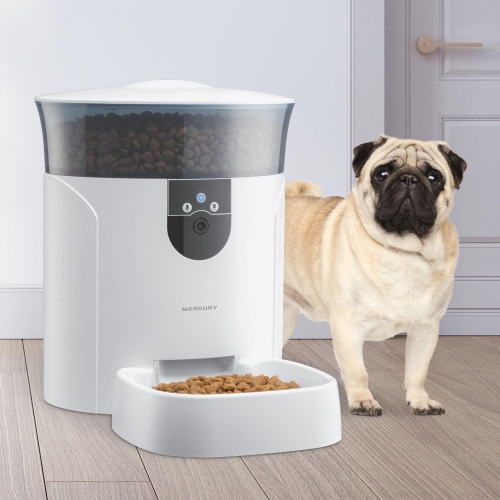
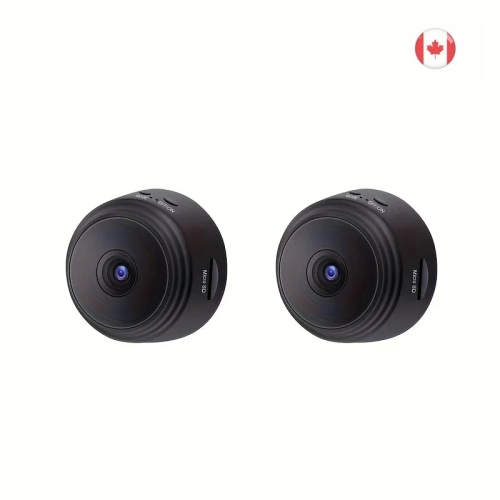
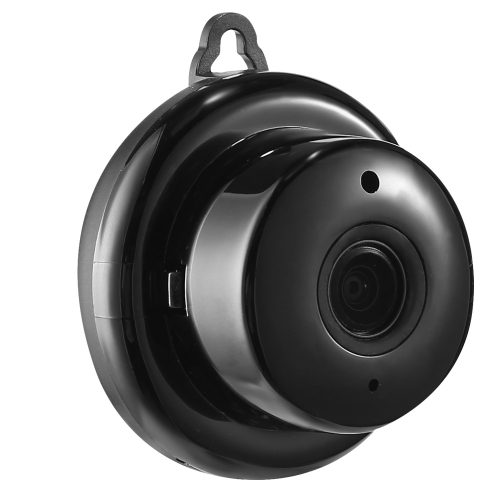
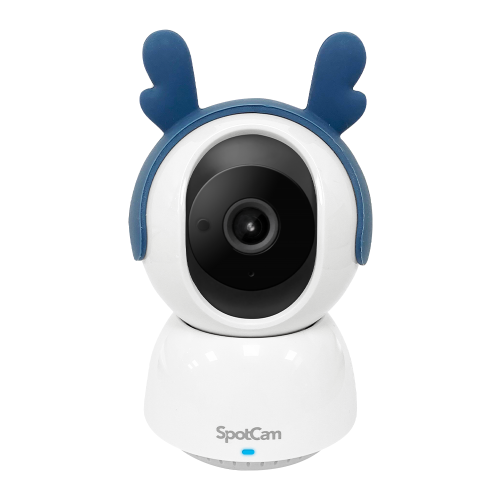
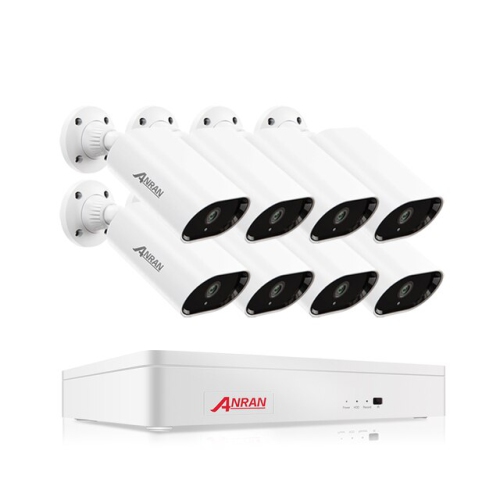
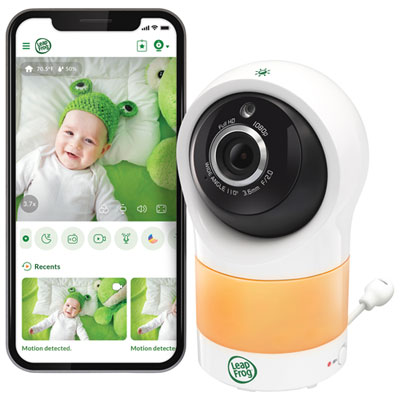
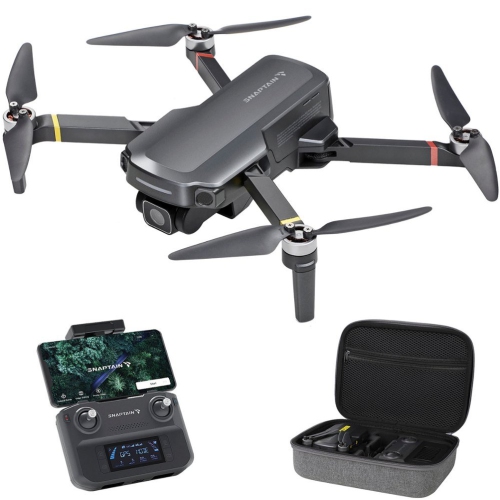
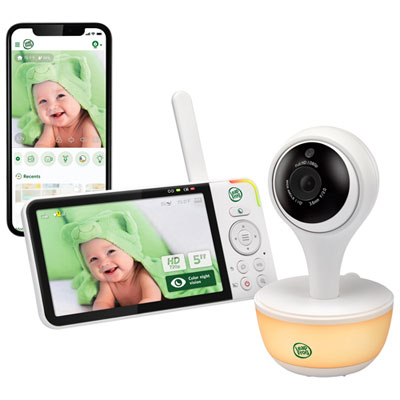
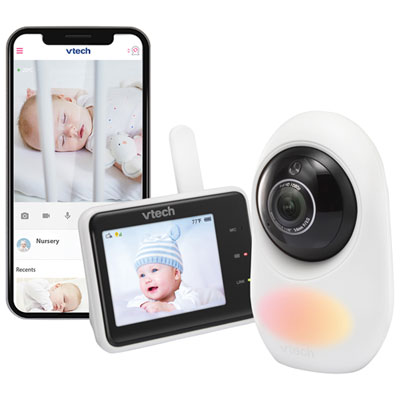
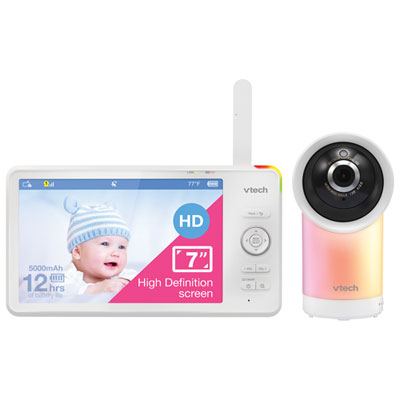
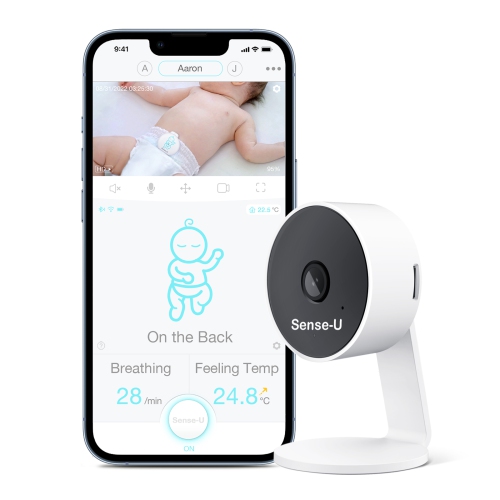
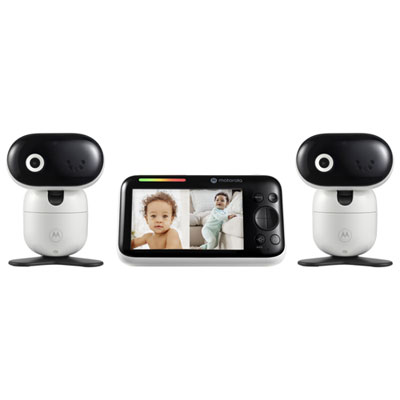
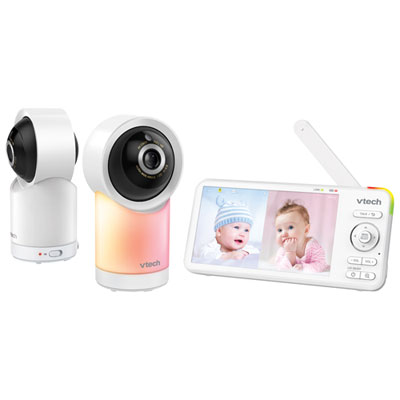
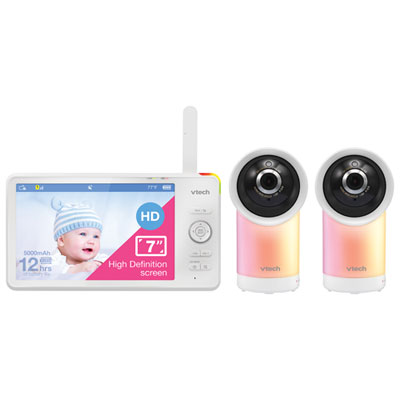
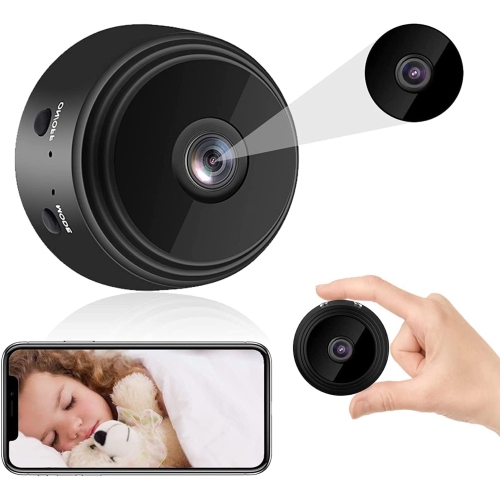
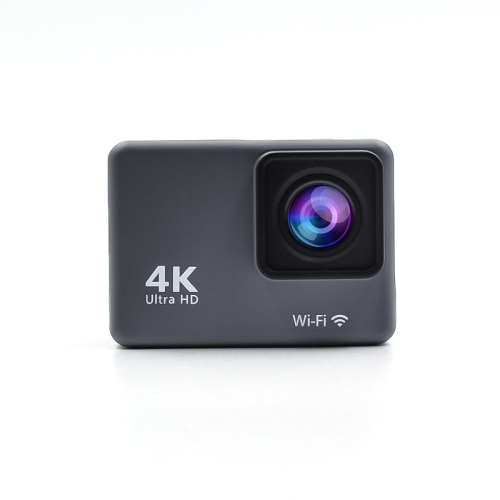
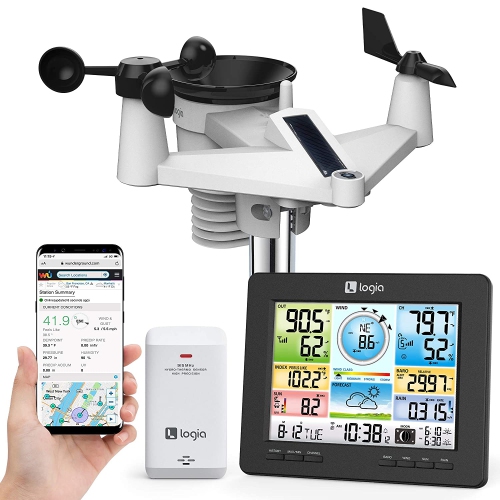
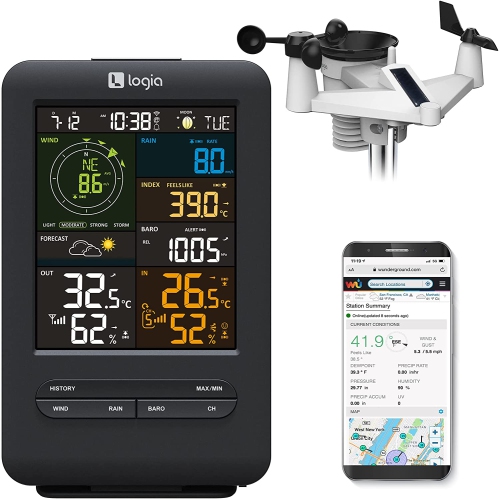
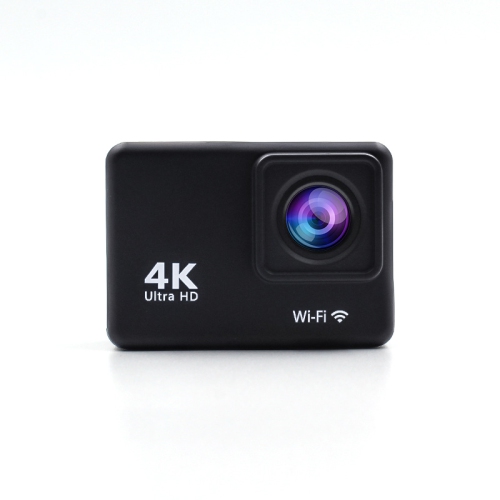
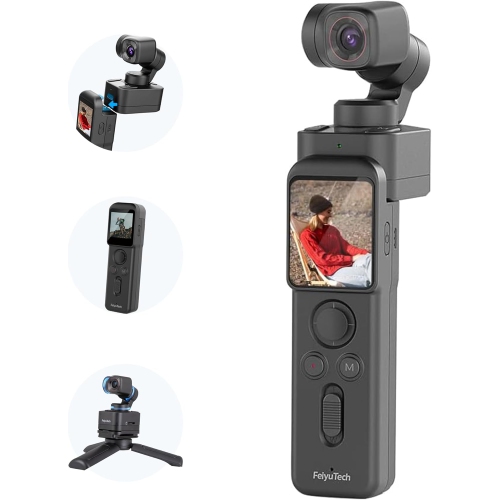
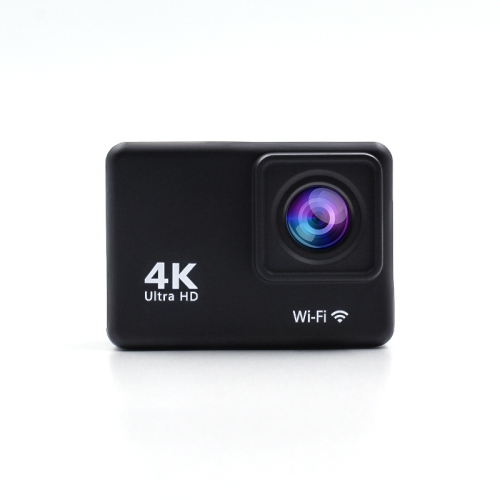
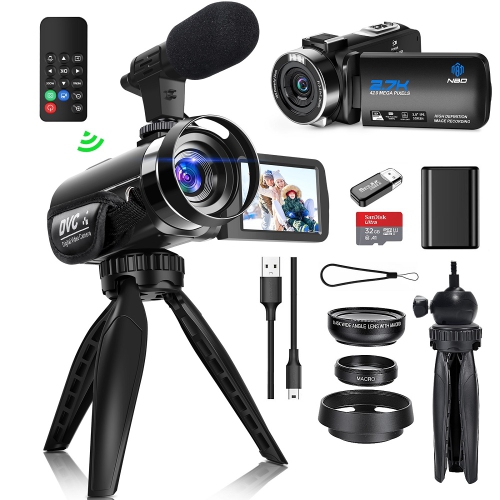
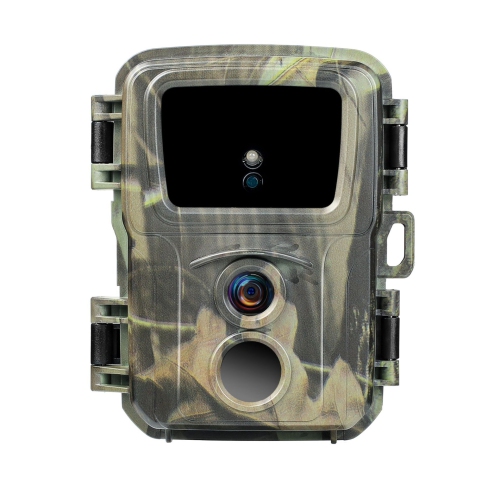
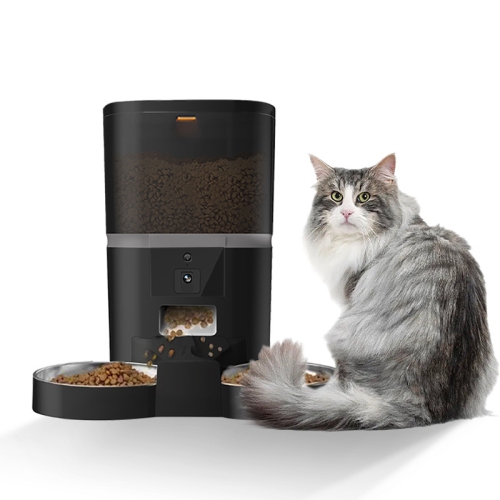
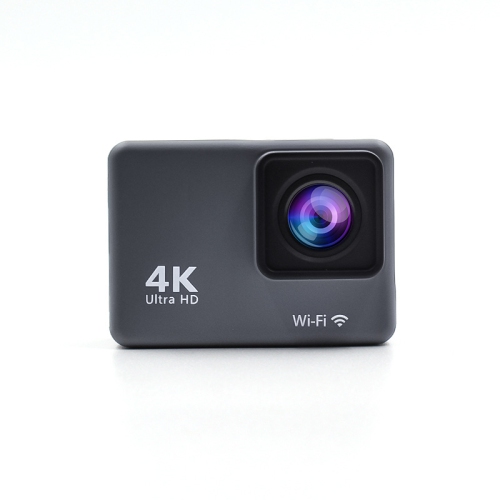
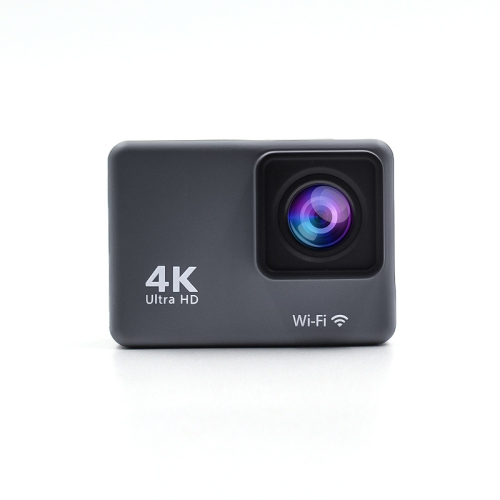
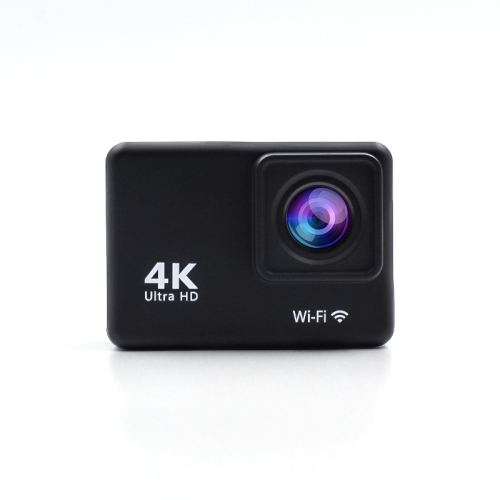
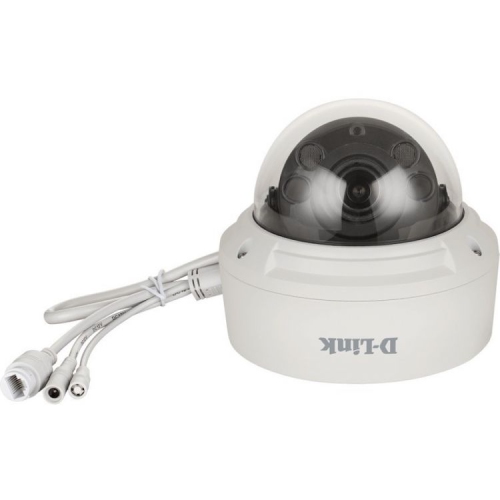
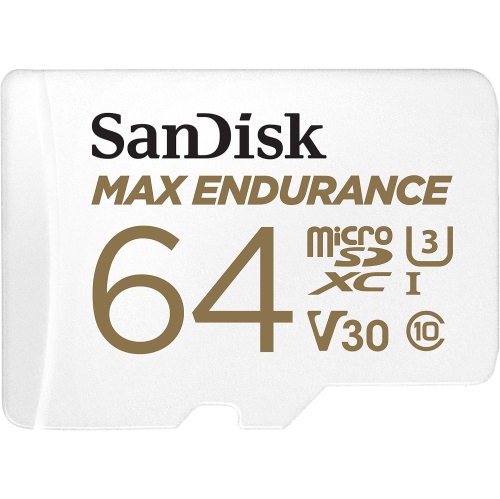
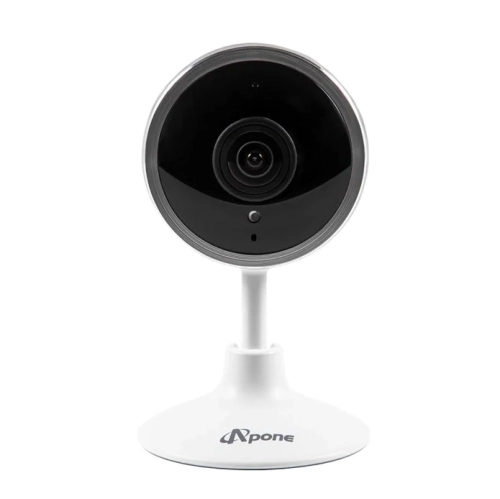

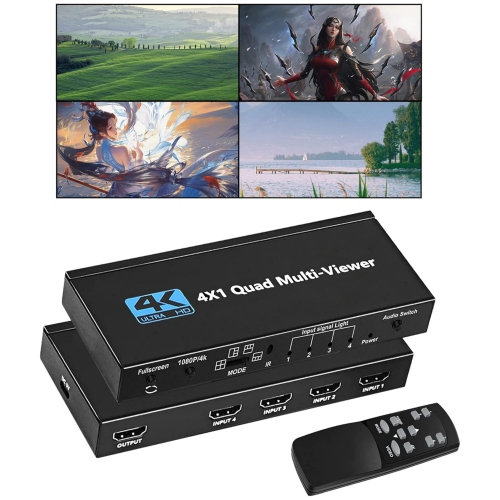
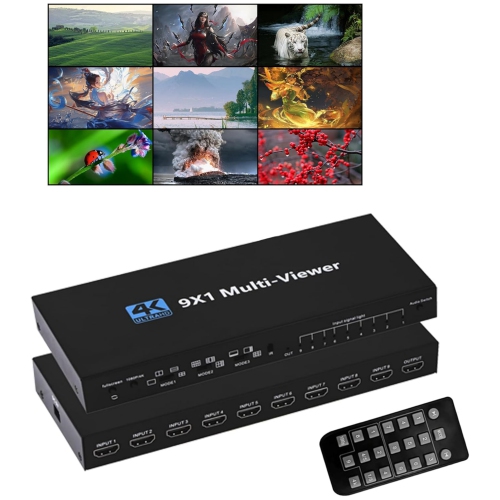
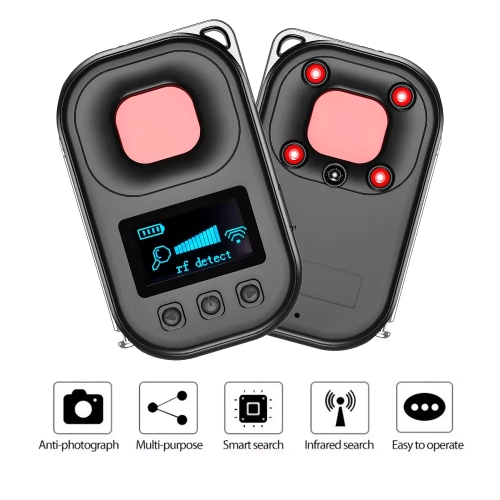
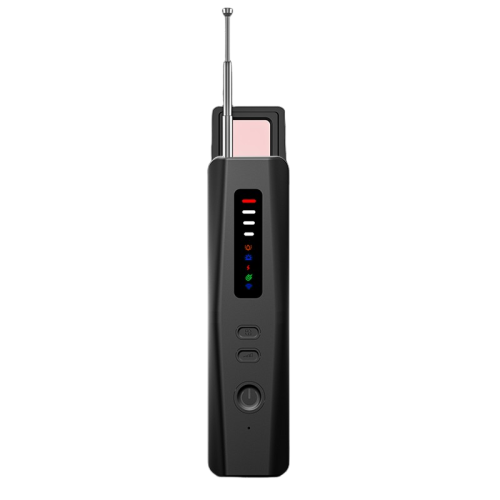
See what’s happening at home from almost anywhere
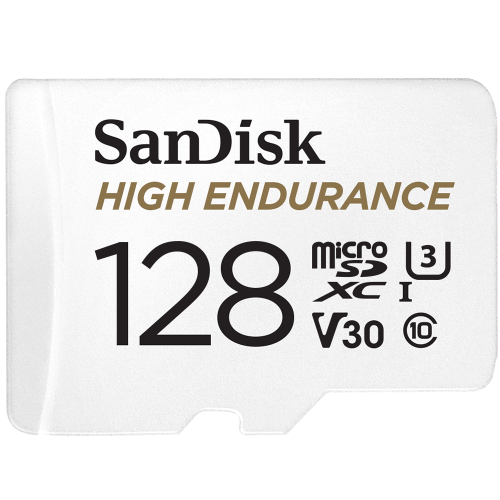
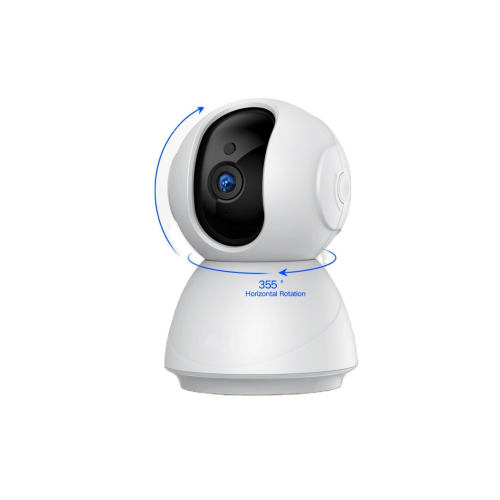
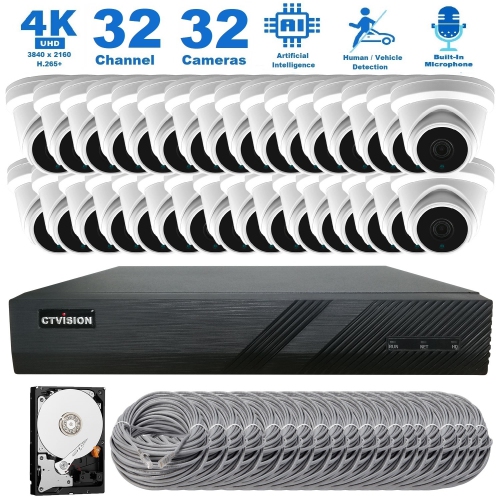
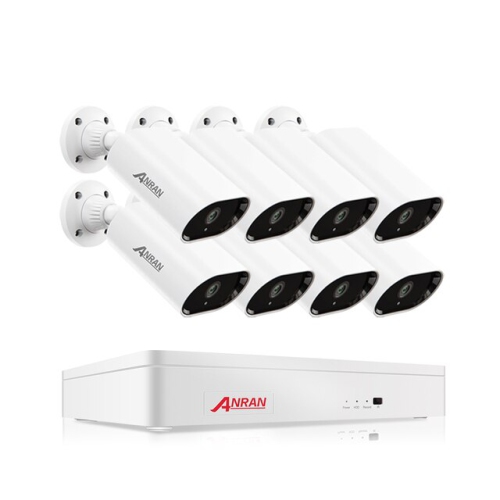
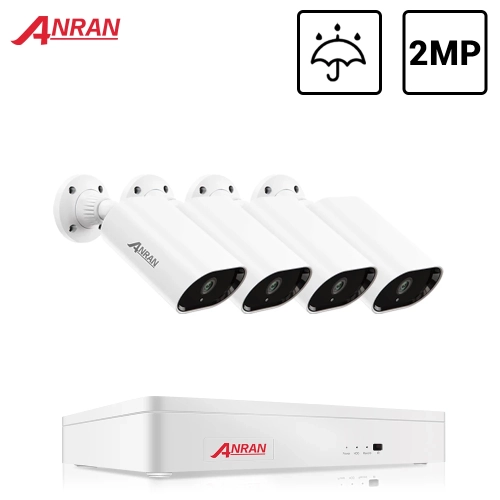
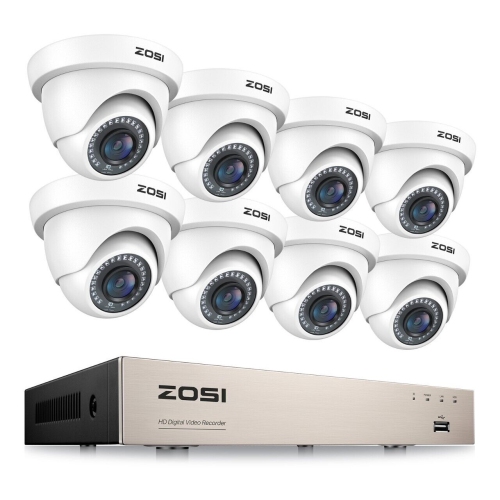
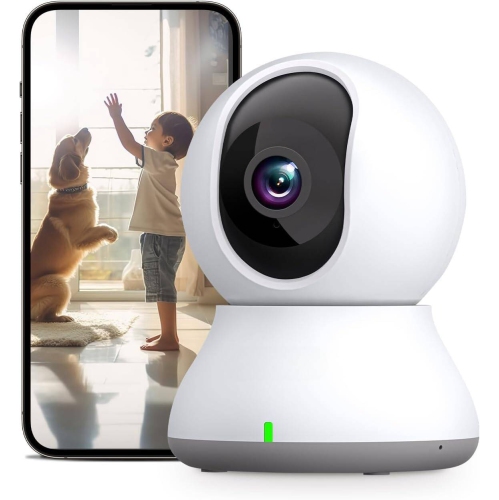
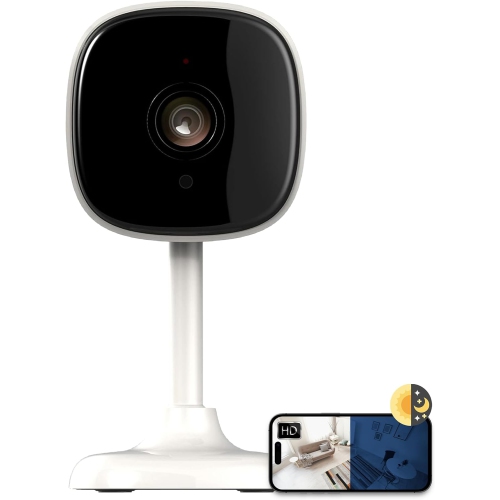
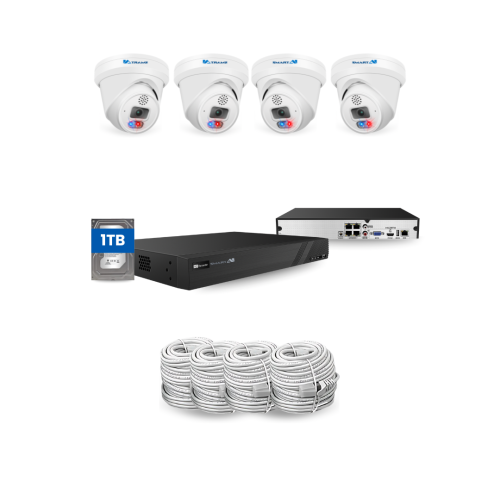
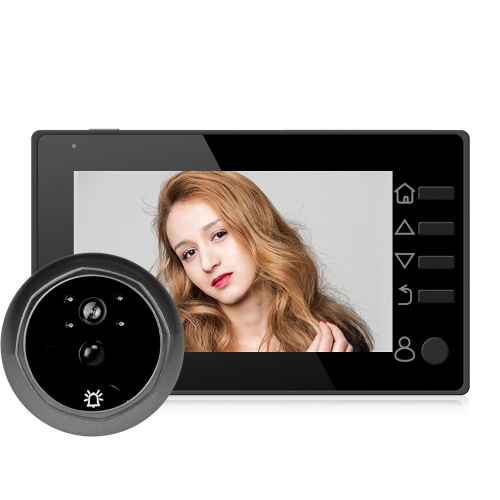
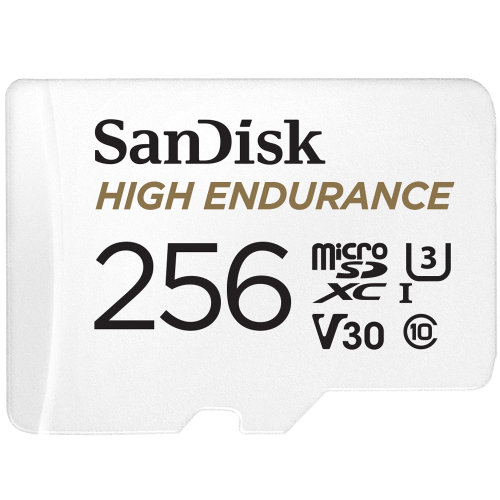
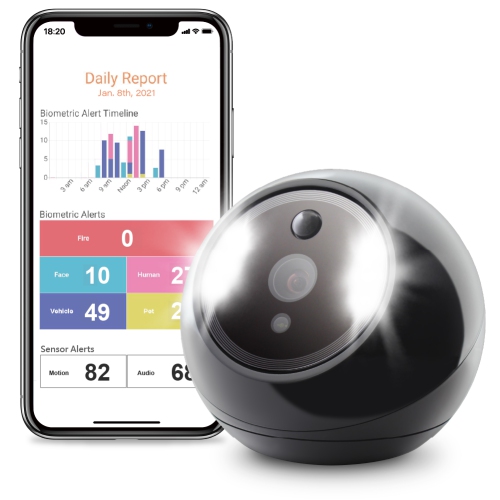
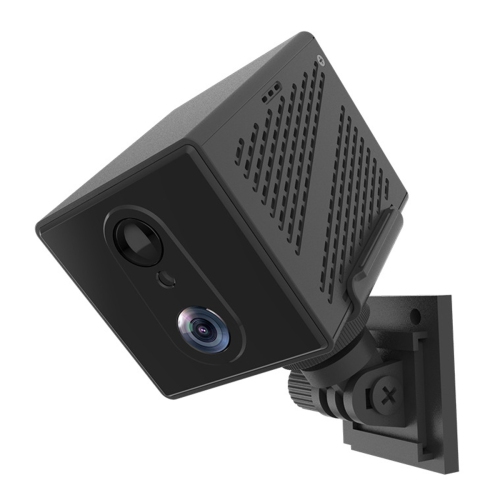
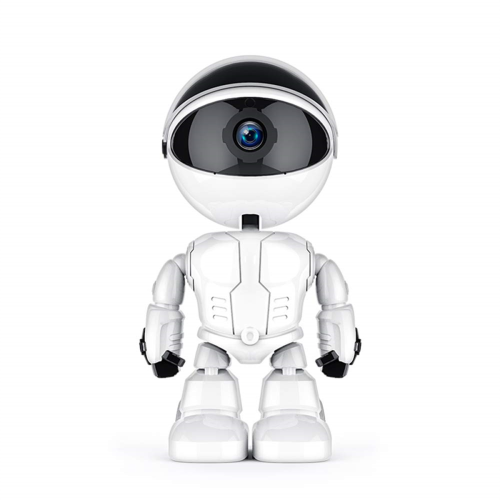
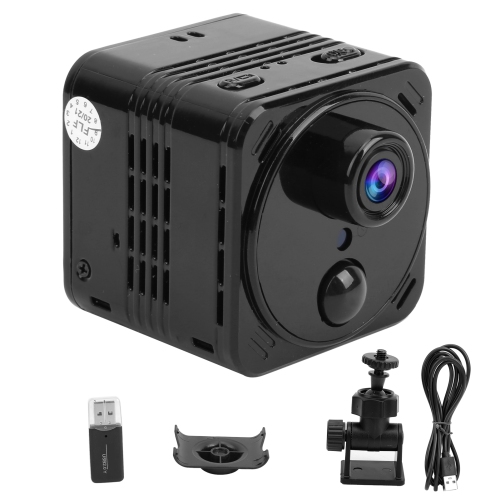
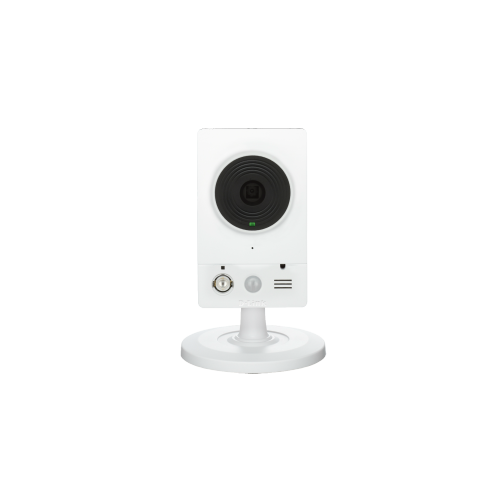
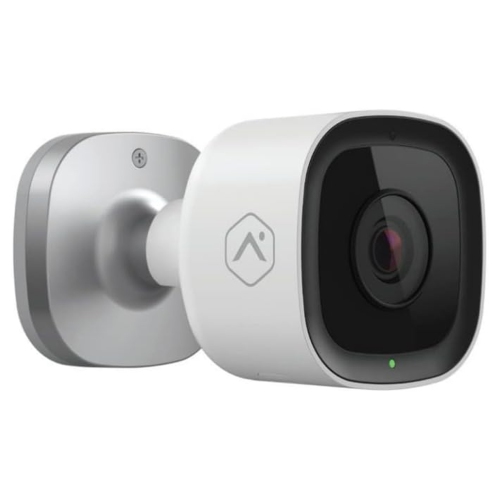
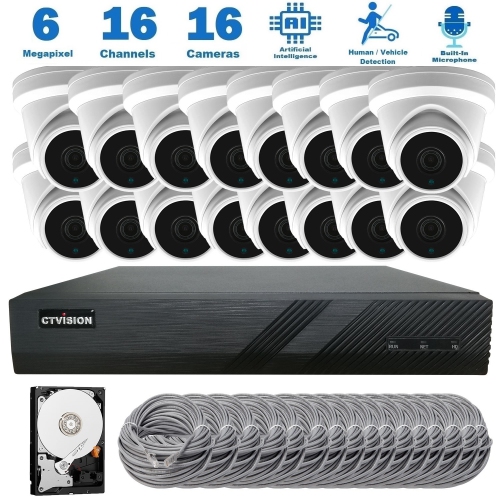
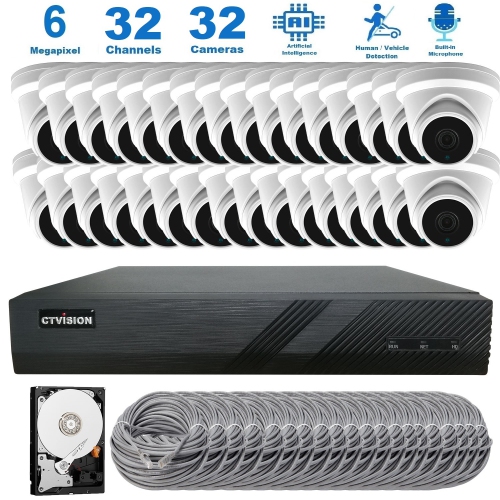
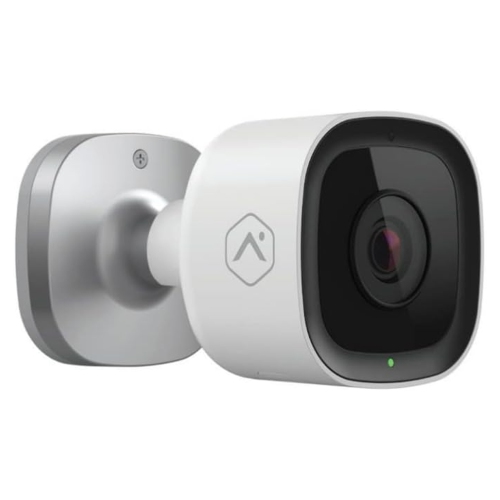
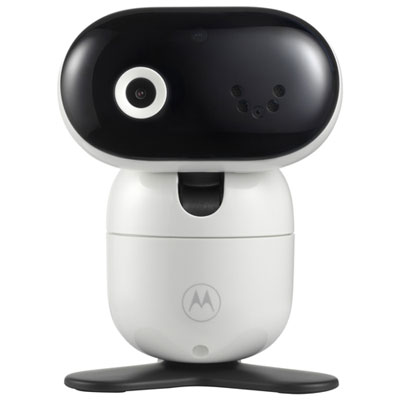
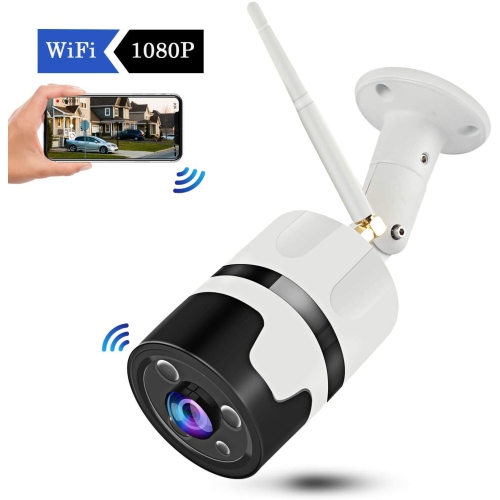
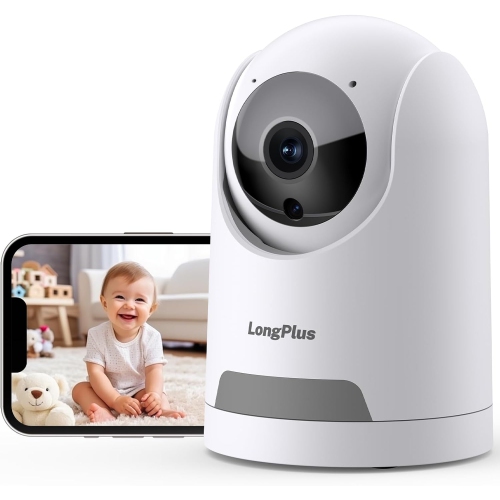
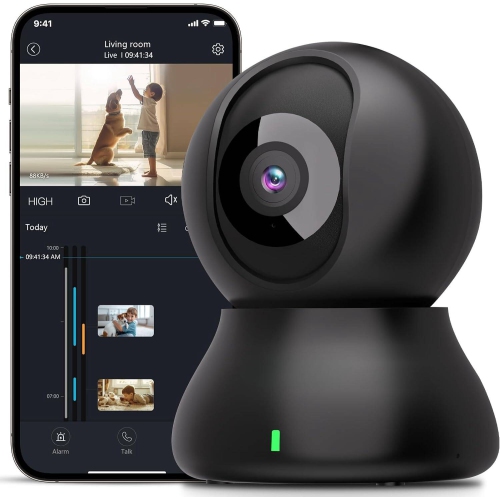
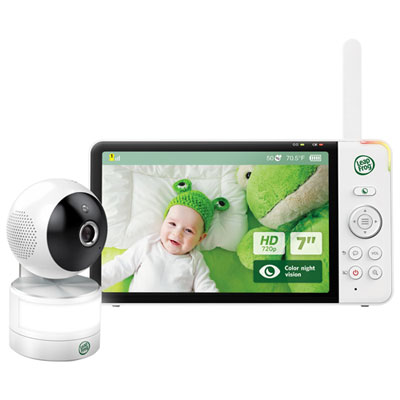
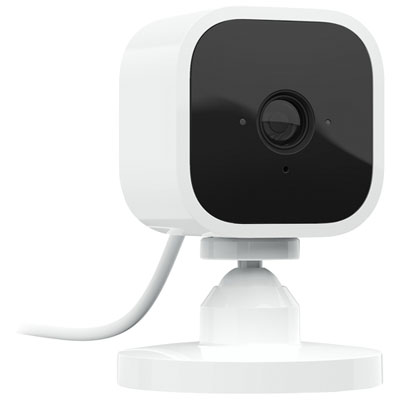
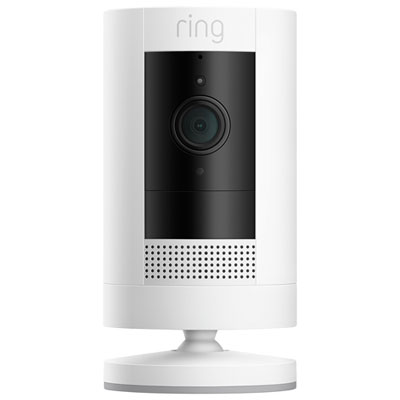
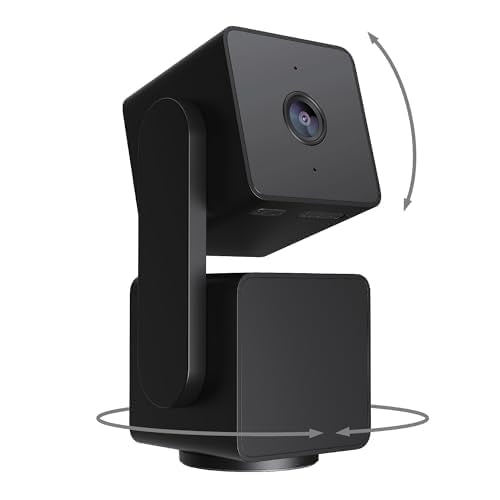
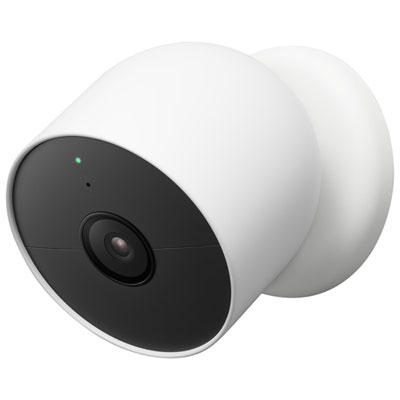
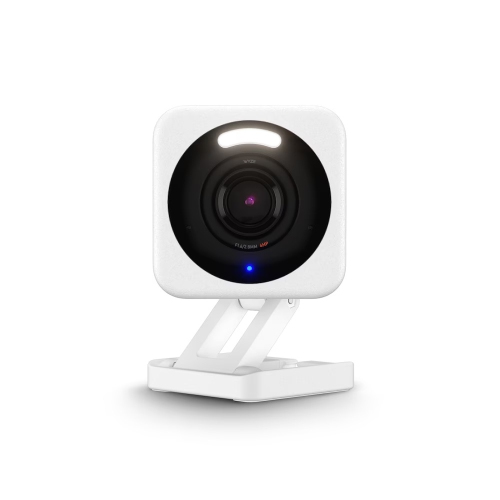
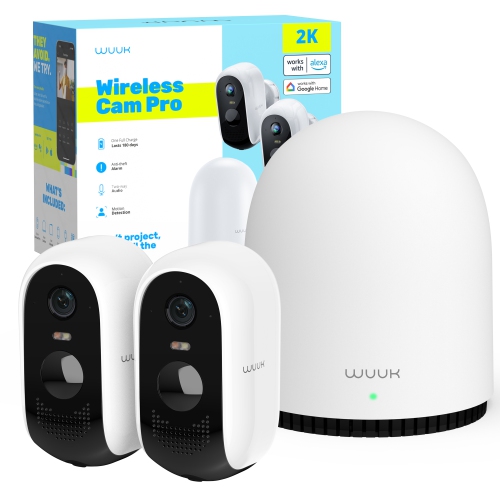
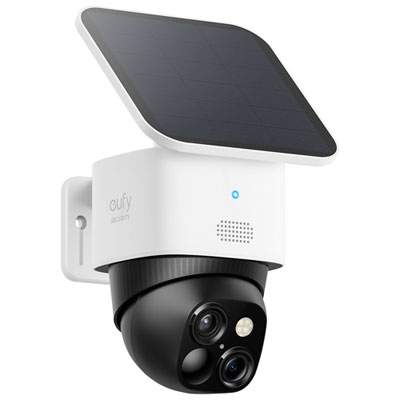
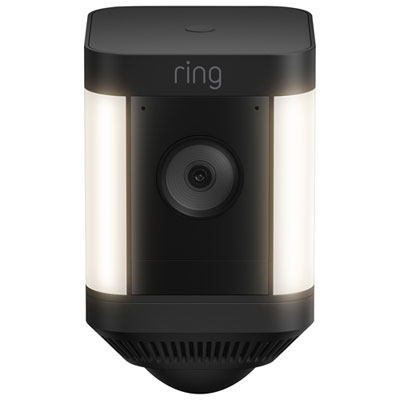
Remote camera monitoring uses internet-connected cameras and companion apps to help you view live or recorded video when you are away from the property. Instead of relying on a neighbour’s occasional walk past the window or a quick check of the front door, you can open an app on a smartphone, tablet, or computer and see what is happening from another location. Depending on the camera and service, features may include live streaming, motion detection, push notifications, night vision, video recording, and two-way audio. These capabilities can make it easier to keep an eye on an entryway, driveway, garage, backyard, nursery, workshop, or another important area of a home or property. A motion alert can let you know when someone approaches a door, while two-way audio may allow you to speak with a delivery person, remind a family member that you are on your way home, or discourage an unwanted visitor. Night vision is particularly useful during the darker hours, when a standard camera may produce a dim or unclear image. When comparing options, consider the camera’s image quality, viewing angle, low-light performance, audio capabilities, and the way it stores footage. Some systems save recordings to local memory, while others use cloud storage that can make video easier to access from different locations. Check whether a subscription is required for features such as extended video history, advanced alerts, or person detection, and confirm that the app is compatible with the mobile devices used by everyone who may need access. It is also worth checking whether the camera is designed for indoor or outdoor use, since outdoor models need suitable protection against rain, snow, dust, and changing temperatures. A camera placed near a busy street may benefit from activity zones or adjustable motion sensitivity to reduce unnecessary notifications, while one facing a quiet side entrance may need more sensitive detection. Clear placement matters, too: mounting height, glare from windows, direct sunlight, and nearby walls can all affect the view. A little planning before installation can help ensure that the camera sees the approach to a door or gate without being blocked by branches, parked vehicles, or seasonal decorations.
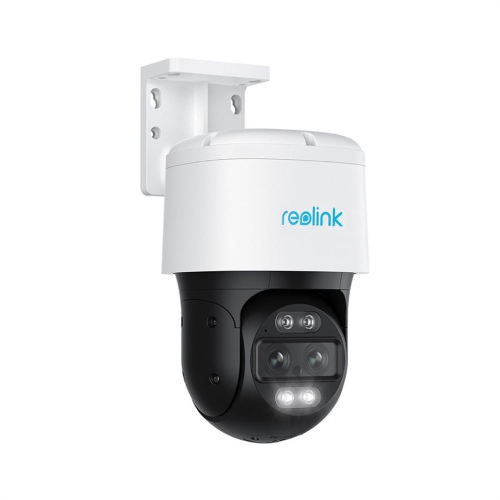
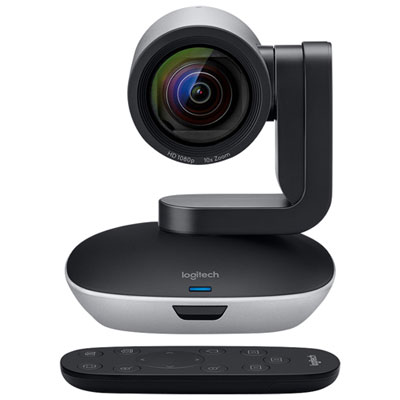
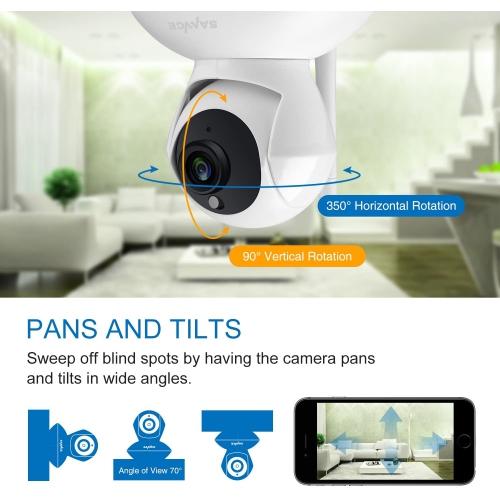
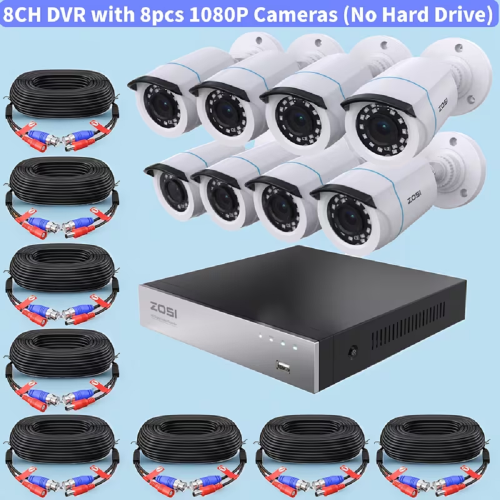
The right remote camera monitoring setup depends largely on the property, the available connection, and the type of activity you want to observe. For a typical home, Wi-Fi cameras can provide convenient access through a mobile app and are often well suited to monitoring front doors, living areas, children’s rooms, pets, or a backyard within wireless range. If the camera will be installed in a detached garage, cabin, farm building, construction area, or other location without reliable Wi-Fi, a cellular model may be a better fit because it can transmit footage through a mobile network. In these situations, check network coverage at the exact installation point, along with data requirements and any service plan associated with the camera. Some remote locations may also require a larger battery capacity or another dependable power arrangement, particularly when the camera is mounted where regular charging is inconvenient. For any camera, review how alerts are triggered and whether you can adjust settings for specific times, areas, or types of movement. Person, vehicle, and package detection can help make notifications more useful than a simple alert for every passing shadow, swaying branch, or animal. Recording resolution affects how easily you can identify details such as clothing, vehicle features, or activity near a doorway, but higher resolution may require more storage and bandwidth. A wide-angle view can cover a larger area, whereas a narrower view may provide more detail at a particular point of interest. Pan, tilt, and zoom functions can be helpful when monitoring an open room or a broad outdoor area, while a fixed camera may be simpler for a clearly defined entryway. Before buying, look at the mounting method, cable length, power requirements, weather rating, app controls, and compatibility with any smart home platform already in use. It can also be helpful to choose equipment that supports multiple authorized users, allowing household members or trusted staff to receive alerts without sharing one account password. Remote monitoring products may be practical gifts for new homeowners, people moving into a first house, relatives who spend time at a cottage, or anyone who wants a convenient way to check on a property while travelling. They can also suit small business owners who need visibility at an entrance, stockroom, office, or job site, provided the setup respects workplace policies and local privacy requirements.
Privacy and security should be considered alongside convenience. Position cameras so they focus on your own property and avoid capturing areas where neighbours, passersby, or visitors would reasonably expect privacy. Indoor cameras deserve extra care; placing one in a common area may be appropriate for household monitoring, but bedrooms, bathrooms, and other private spaces should generally be excluded. Tell regular visitors, caregivers, contractors, or employees when monitoring is in use where required, and review local rules governing audio recording and video surveillance. Use a strong, unique password for the camera account, enable two-step verification when available, and keep the camera firmware and companion app updated. If several people have access, remove old users promptly when circumstances change. It is sensible to decide how long recordings should be retained and to delete footage that is no longer needed, especially when storage is managed through an online account. When away during the warmer or cooler parts of the year, remote viewing can provide reassurance that doors, entrances, equipment, and outbuildings appear as expected, but a camera is not a replacement for secure locks, suitable lighting, an alarm system, or emergency services. For more options suited to everyday property checks, explore Security Cameras for Home Monitoring. Whether the goal is checking a package, keeping watch over a distant property, observing activity around a business, or staying connected with what is happening at home, choosing the right combination of connectivity, placement, alerts, recording, and account security can make remote camera monitoring a practical part of a broader property-monitoring plan.
The right remote camera monitoring setup depends largely on the property, the available connection, and the type of activity you want to observe. For a typical home, Wi-Fi cameras can provide convenient access through a mobile app and are often well suited to monitoring front doors, living areas, children’s rooms, pets, or a backyard within wireless range. If the camera will be installed in a detached garage, cabin, farm building, construction area, or other location without reliable Wi-Fi, a cellular model may be a better fit because it can transmit footage through a mobile network. In these situations, check network coverage at the exact installation point, along with data requirements and any service plan associated with the camera. Some remote locations may also require a larger battery capacity or another dependable power arrangement, particularly when the camera is mounted where regular charging is inconvenient. For any camera, review how alerts are triggered and whether you can adjust settings for specific times, areas, or types of movement. Person, vehicle, and package detection can help make notifications more useful than a simple alert for every passing shadow, swaying branch, or animal. Recording resolution affects how easily you can identify details such as clothing, vehicle features, or activity near a doorway, but higher resolution may require more storage and bandwidth. A wide-angle view can cover a larger area, whereas a narrower view may provide more detail at a particular point of interest. Pan, tilt, and zoom functions can be helpful when monitoring an open room or a broad outdoor area, while a fixed camera may be simpler for a clearly defined entryway. Before buying, look at the mounting method, cable length, power requirements, weather rating, app controls, and compatibility with any smart home platform already in use. It can also be helpful to choose equipment that supports multiple authorized users, allowing household members or trusted staff to receive alerts without sharing one account password. Remote monitoring products may be practical gifts for new homeowners, people moving into a first house, relatives who spend time at a cottage, or anyone who wants a convenient way to check on a property while travelling. They can also suit small business owners who need visibility at an entrance, stockroom, office, or job site, provided the setup respects workplace policies and local privacy requirements.
Privacy and security should be considered alongside convenience. Position cameras so they focus on your own property and avoid capturing areas where neighbours, passersby, or visitors would reasonably expect privacy. Indoor cameras deserve extra care; placing one in a common area may be appropriate for household monitoring, but bedrooms, bathrooms, and other private spaces should generally be excluded. Tell regular visitors, caregivers, contractors, or employees when monitoring is in use where required, and review local rules governing audio recording and video surveillance. Use a strong, unique password for the camera account, enable two-step verification when available, and keep the camera firmware and companion app updated. If several people have access, remove old users promptly when circumstances change. It is sensible to decide how long recordings should be retained and to delete footage that is no longer needed, especially when storage is managed through an online account. When away during the warmer or cooler parts of the year, remote viewing can provide reassurance that doors, entrances, equipment, and outbuildings appear as expected, but a camera is not a replacement for secure locks, suitable lighting, an alarm system, or emergency services. For more options suited to everyday property checks, explore Security Cameras for Home Monitoring. Whether the goal is checking a package, keeping watch over a distant property, observing activity around a business, or staying connected with what is happening at home, choosing the right combination of connectivity, placement, alerts, recording, and account security can make remote camera monitoring a practical part of a broader property-monitoring plan.
Top selling and popular products
-
 Your price for this item is $34.97
 -
 Your price for this item is $69.99
 -
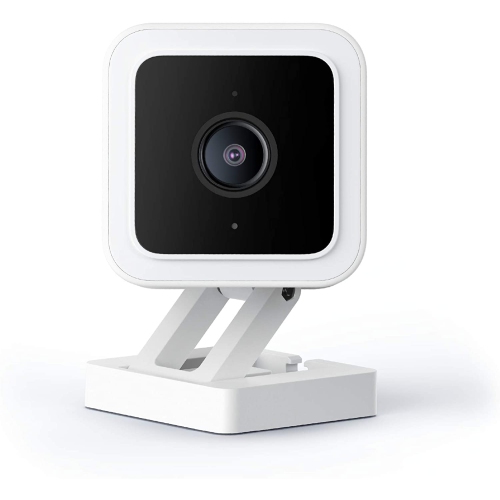 Your price for this item is $95.99
 -
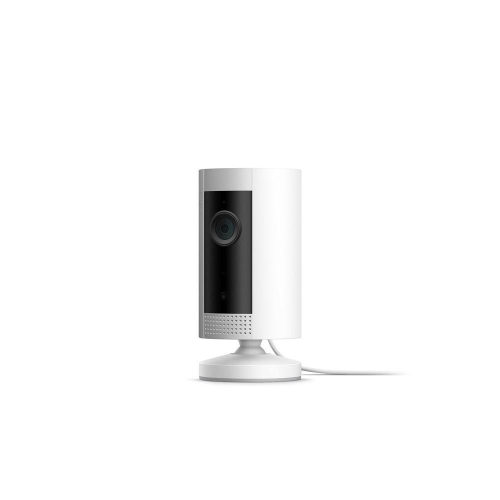 Your price for this item is $79.25
 -
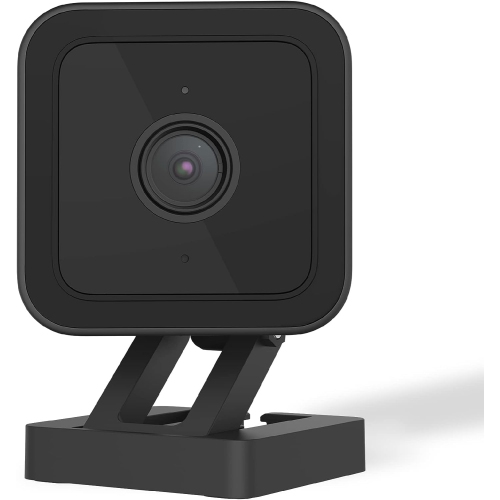 Your price for this item is $95.99
 -
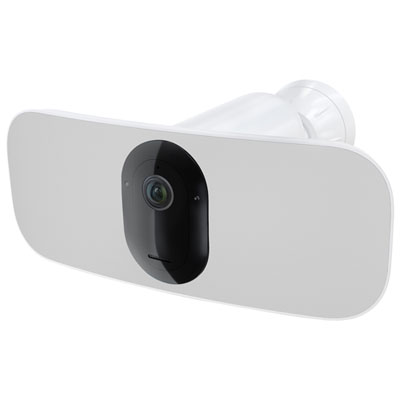 Your price for this item is $169.95
 -
 Your price for this item is $105.99
 -
 Your price for this item is $239.99
Discover more categories related to Remote Camera Monitoring
Top Collections:
Pokemon Centers, Kindle Devices, Best Budget Office Chairs, Apple iPhones 16, Best Laptops for Writers, iPhone 15 Apple, Canon G7X Cameras, Refurbished Apple Laptops, Alarm Clock, Motorola Razr Phones
Some products may be subject to Environmental Handling Fees
(EHF) depending on your province.
Learn more about EHFs.