Security Camera Monitors
Security cameras are a great way to keep an eye on your home or business while you're away. They can be set up to record automatically, so you'll always have footage of what happens when you're not around. And they're easy to install yourself, so you can protect your place without paying a professional. But what about when you're there? How can you stay on top of what's happening? The answer is a security camera monitor. A security camera monitor is a device that connects to your security cameras and allows you to view the footage in real-time. Here are the monitors you can consider for your security camera.
Sort
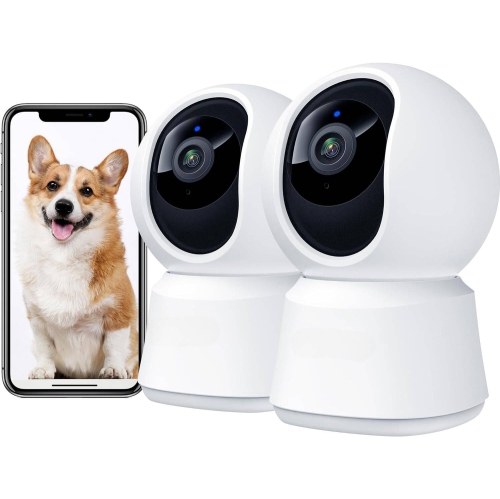
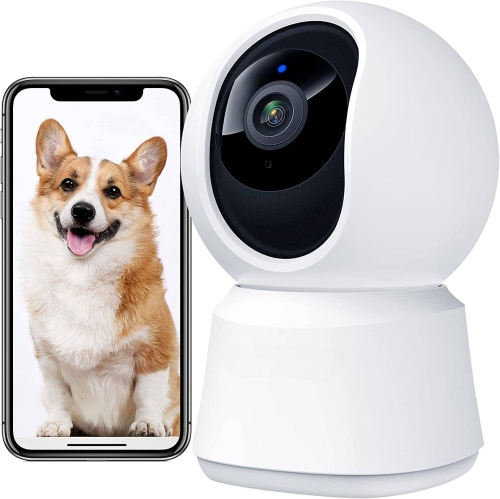

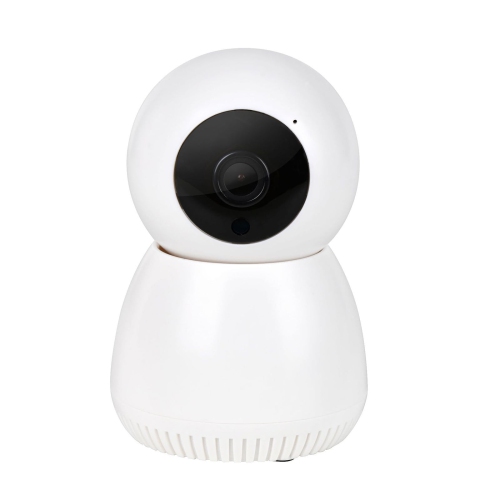
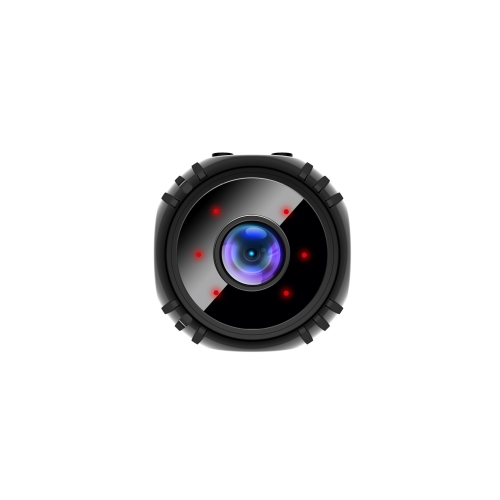

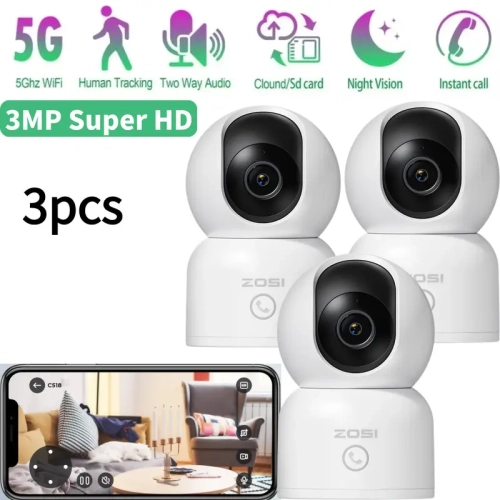
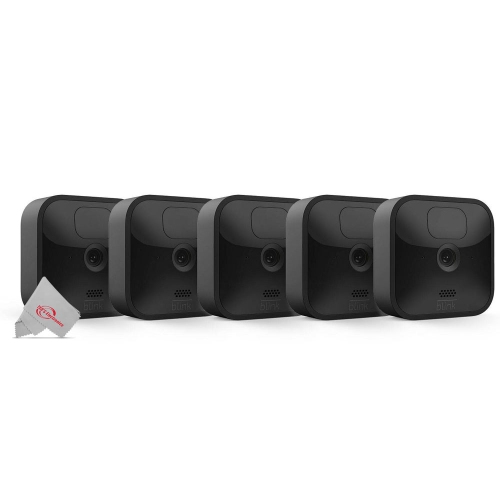
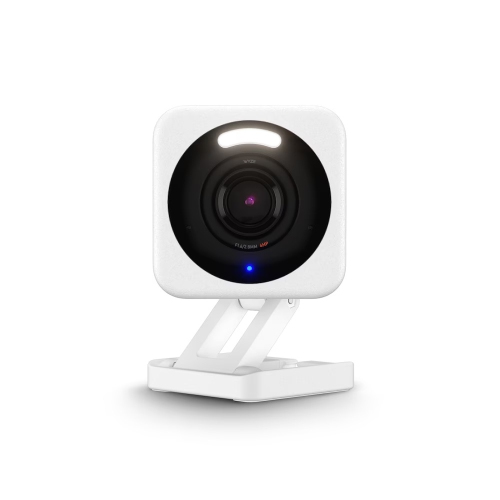
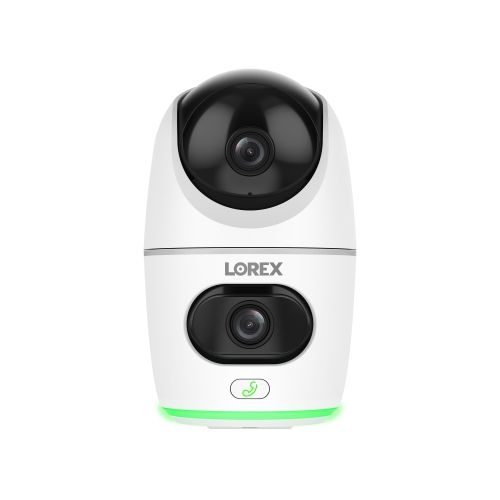
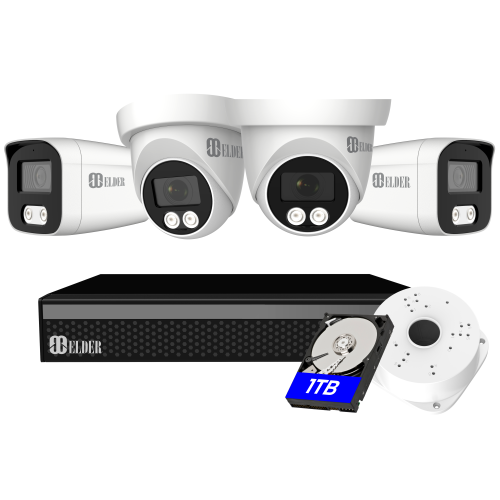
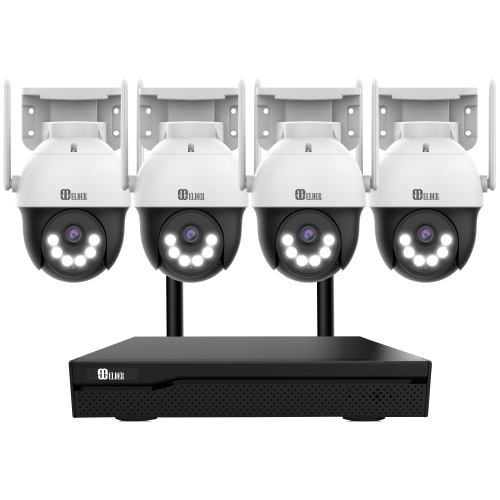
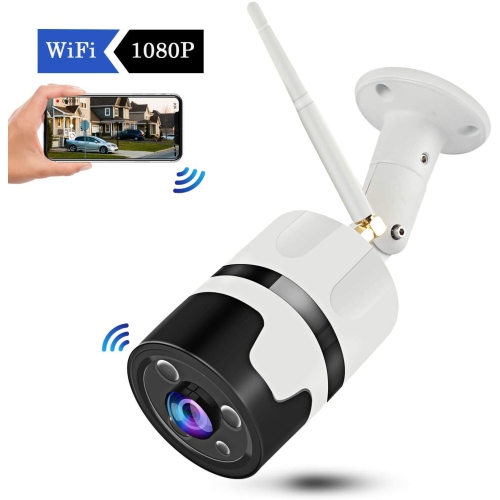
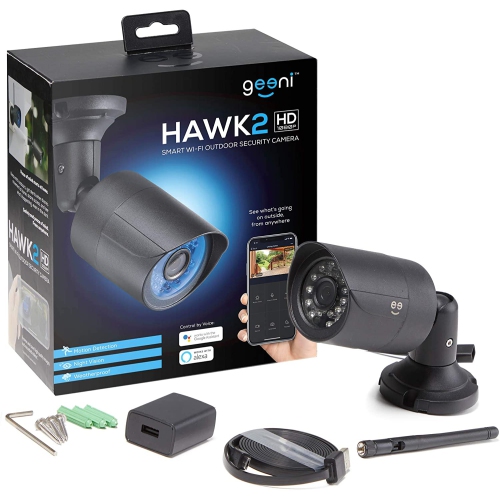
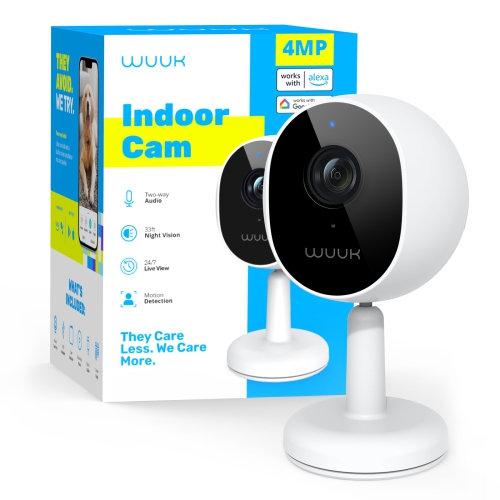
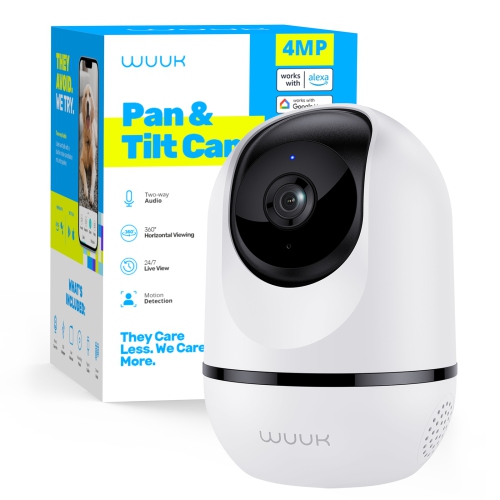

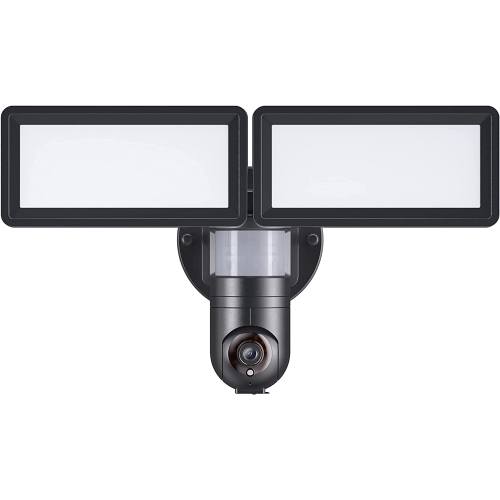
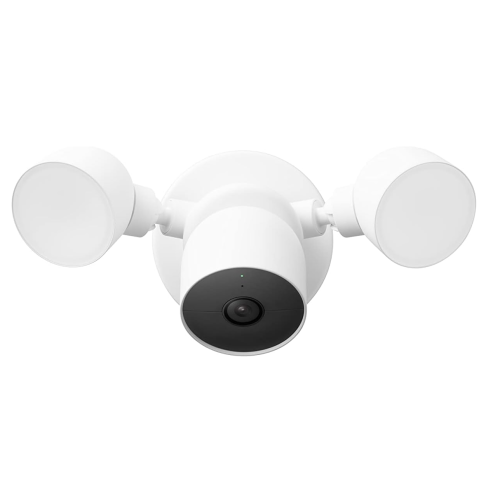
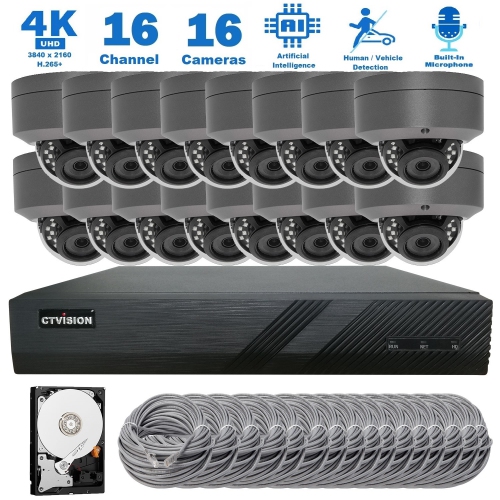
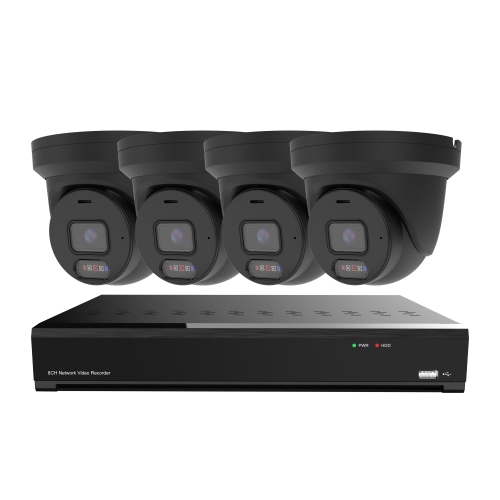
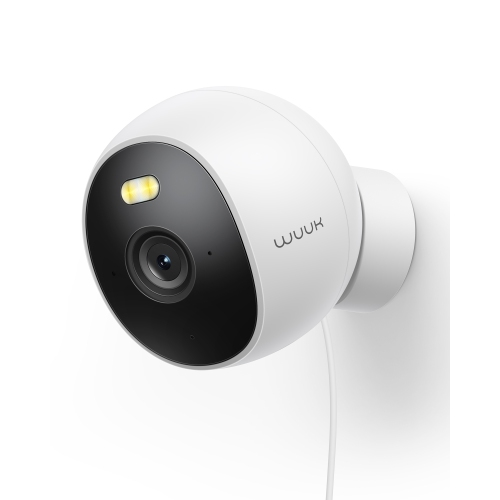
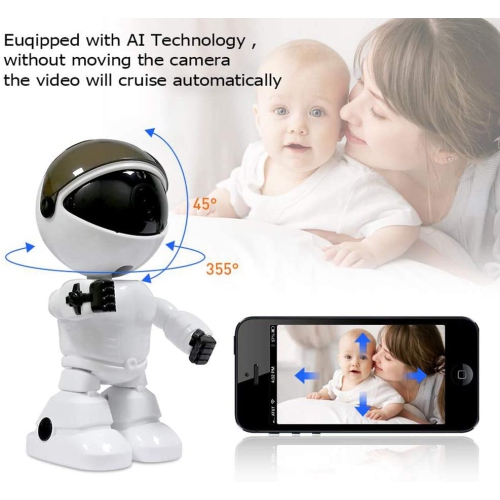


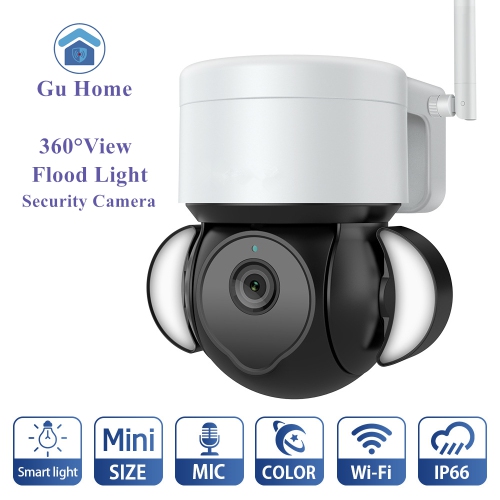
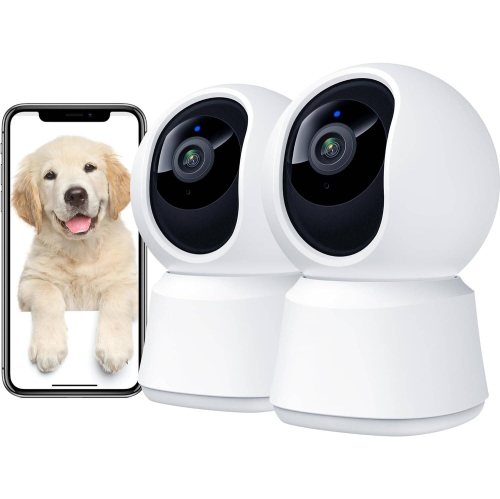
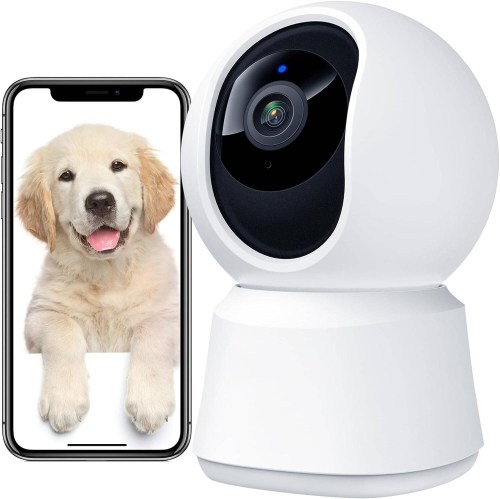
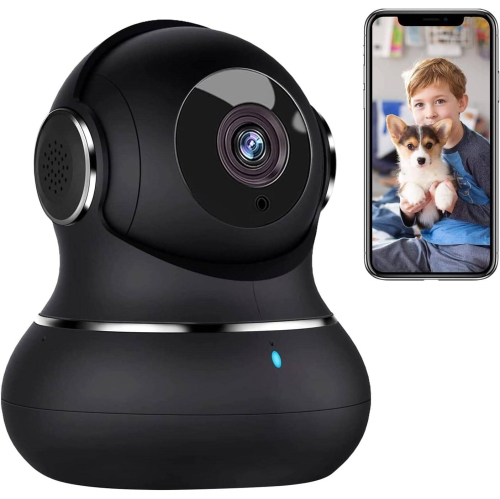
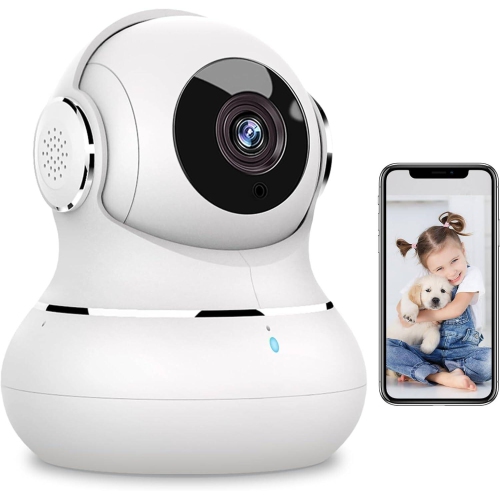
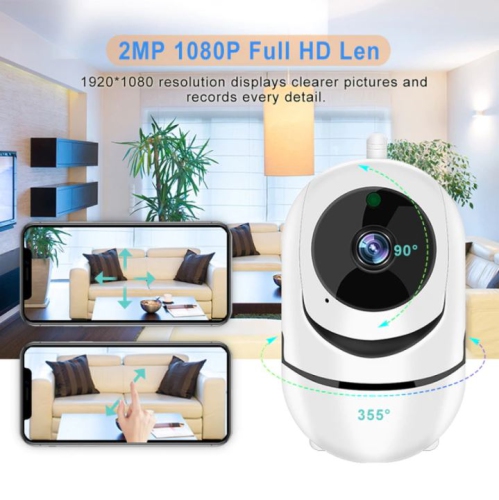
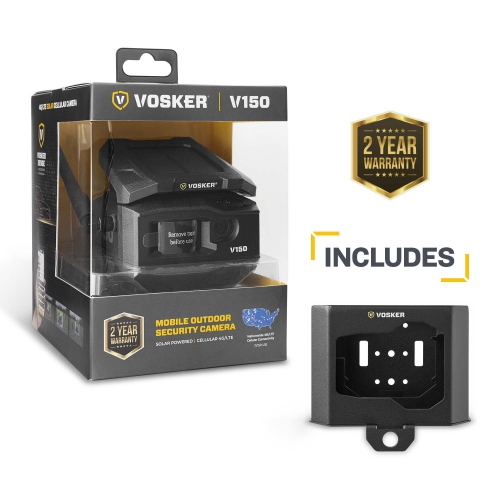
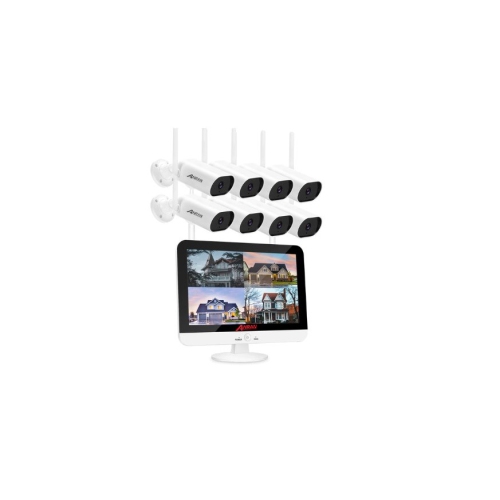
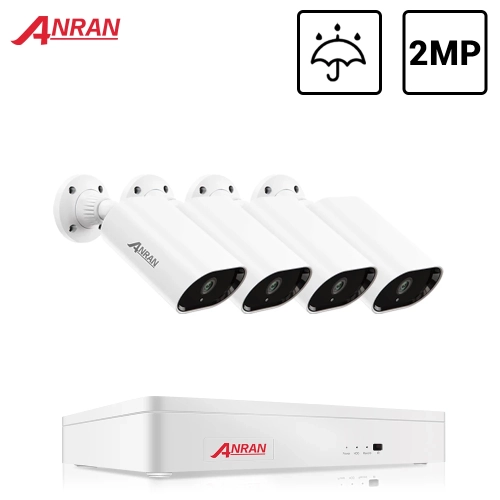
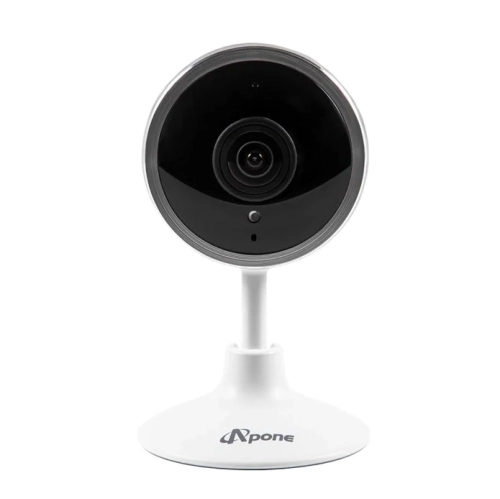
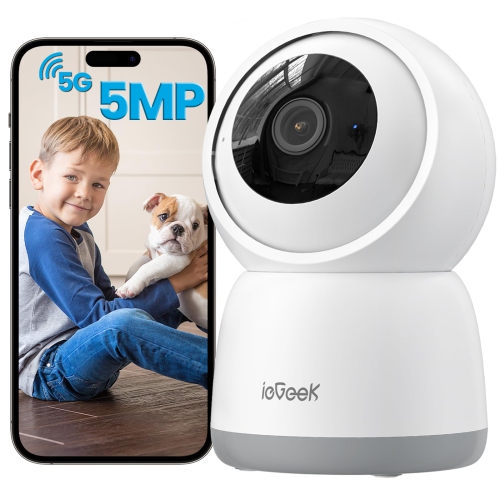
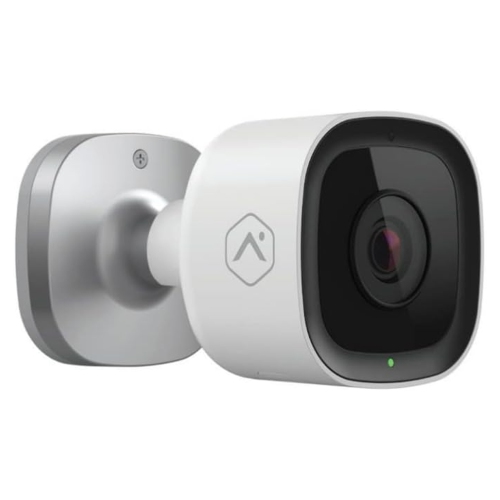
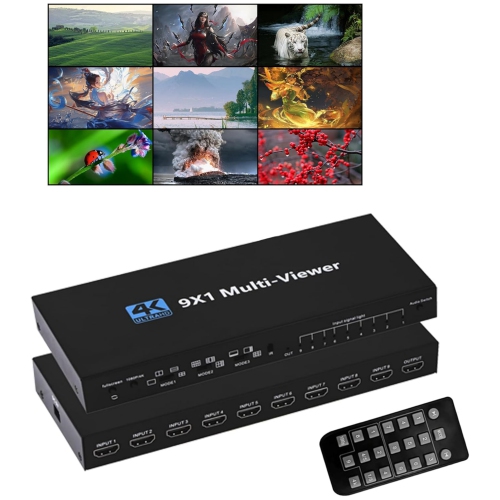
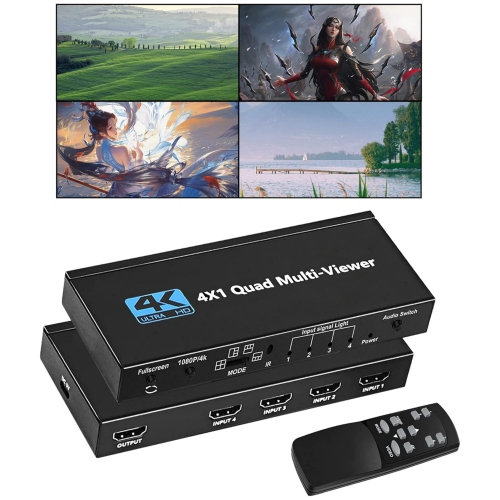
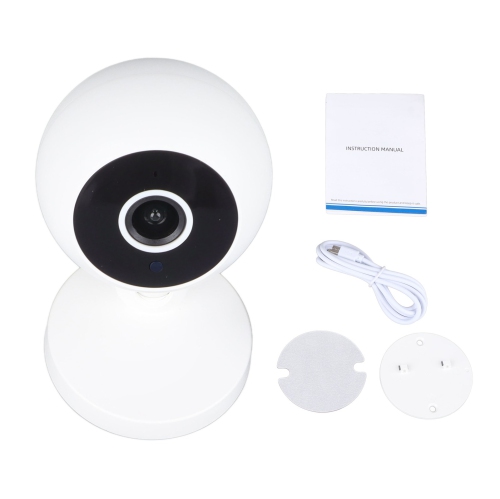
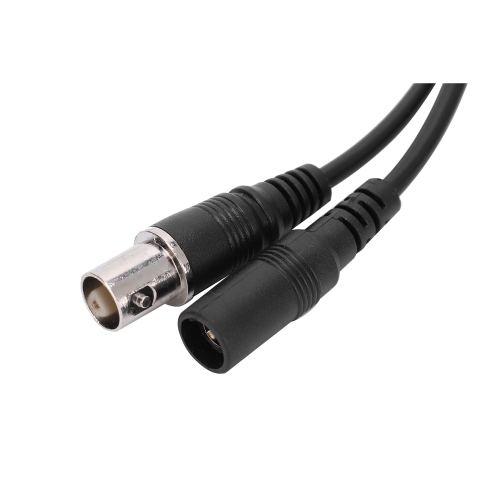
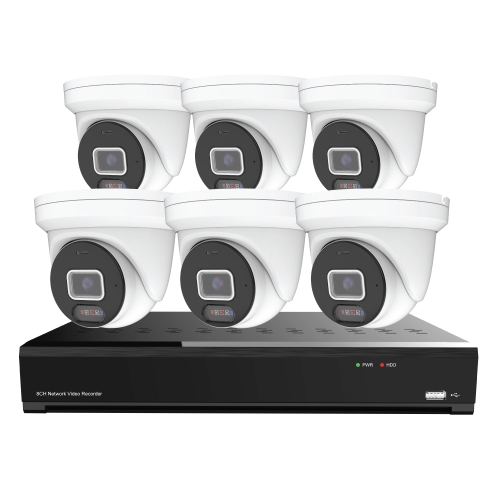
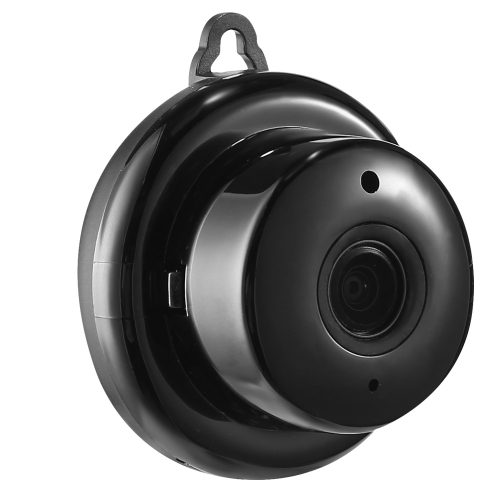
Dedicated displays for clearer surveillance viewing
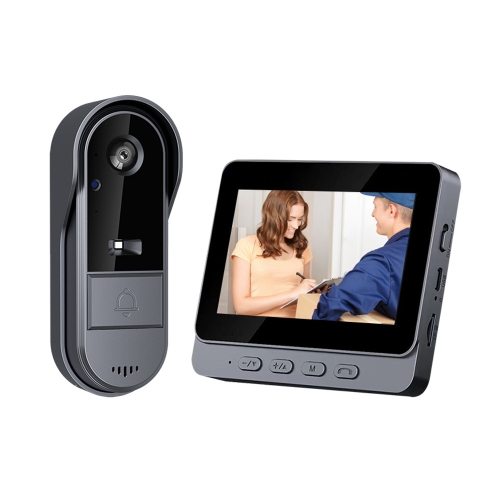
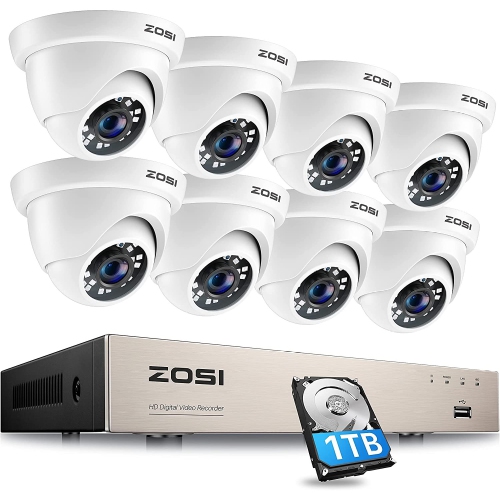
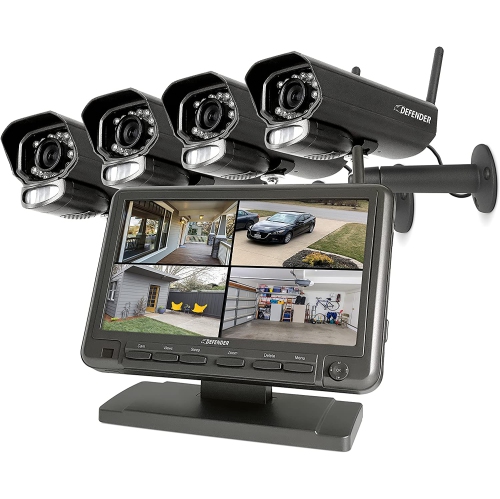
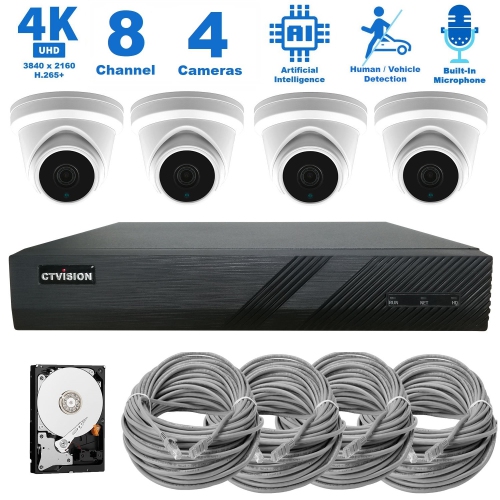
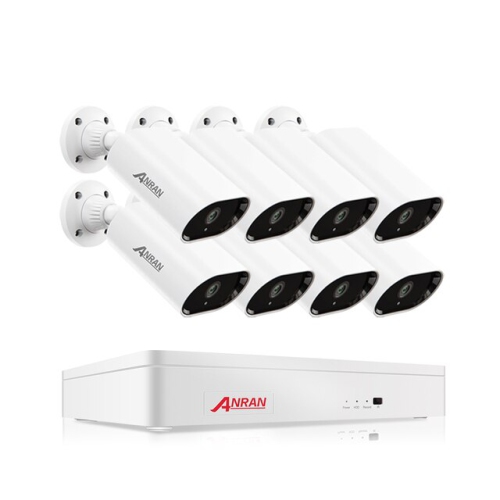
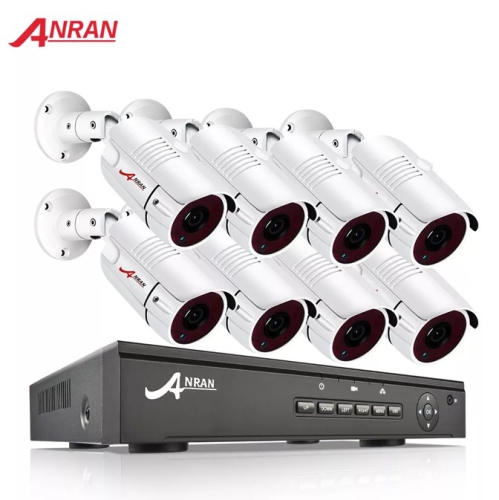
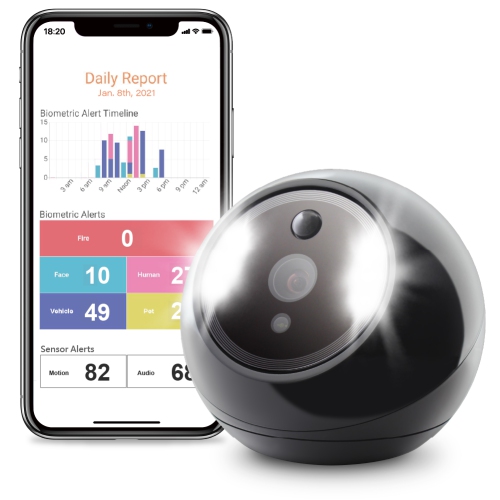
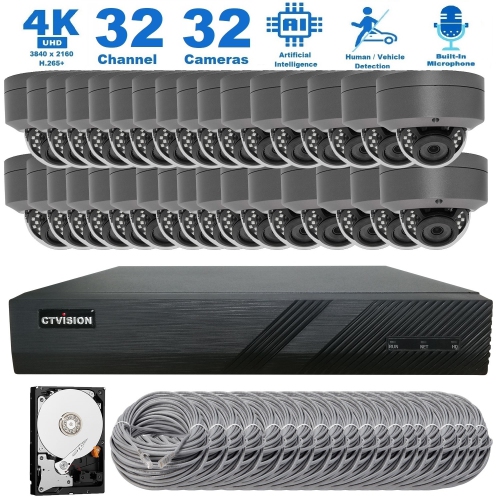
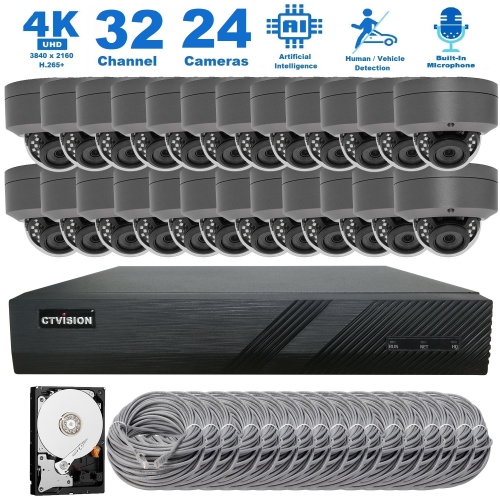
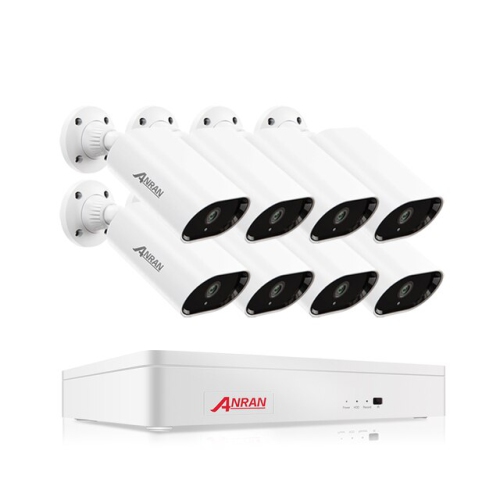
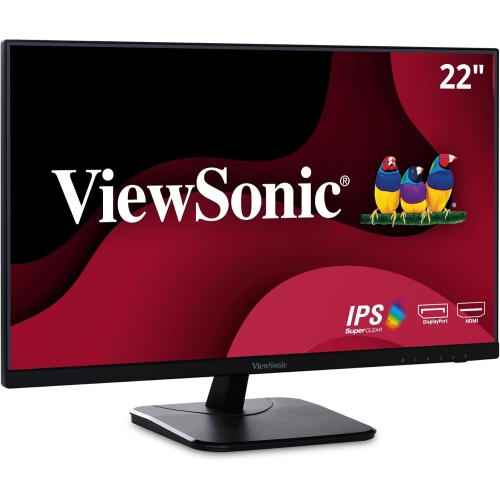
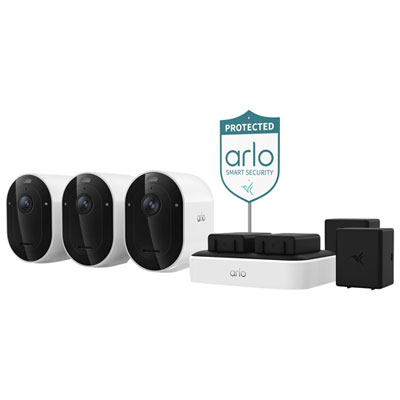
Security camera monitors provide a clear, convenient way to view live or recorded footage from a home, office, retail space, workshop, warehouse, or other property. Instead of relying solely on a phone or computer, a dedicated display can give you a steady view of entrances, driveways, hallways, nurseries, reception areas, and other important zones. This can be especially useful at a front desk, in a security office, or near a kitchen where you can glance at several camera feeds while going about your routine. Some monitors are sold as part of complete surveillance systems with cameras, a recorder, and a compact screen, while others are standalone displays designed to connect to an existing DVR or NVR. A complete kit may suit someone setting up a basic monitoring system for the first time, particularly if they prefer a straightforward installation with matched components. A standalone security monitor may be the better choice when your cameras and recorder are already in place and you simply need a dependable screen for viewing footage. Before choosing, check the outputs on your recorder and the inputs on the display. HDMI is common on newer digital recorders and can carry a high-definition video signal with one cable. VGA may appear on older equipment or selected commercial displays, while BNC connections are associated with many traditional CCTV systems that use coaxial cable. Adapters can sometimes help bridge different connection types, but they may not support every resolution or audio feature, so matching the monitor to your existing equipment is the safest approach. If the appearance of your surveillance setup matters in a visible room, you can also coordinate the display with camera housings such as Black Security Cameras for a more consistent look around the property.
Screen size and image resolution have a direct effect on how easily you can interpret a camera feed. Compact displays in the 7 inch to 10 inch range take up little space and can be practical for a counter, shelf, bedside table, or mobile monitoring station. They are often well suited to a single camera view or a small multi-camera layout, though small text and fine details may be harder to see from across a room. Displays in the 19 inch to 27 inch range offer a more comfortable viewing area for a desk, security station, or wall-mounted arrangement. A larger screen can make it easier to identify a visitor at the door, follow activity across a driveway, or read time stamps without leaning close to the display. Full HD, also called 1080p, is a common choice for clear everyday monitoring and works well with many home and small-business camera systems. A 4K UHD monitor can reveal more detail when paired with cameras and a recorder that support 4K, although the entire system must be capable of processing that higher resolution. Resolution alone does not determine image quality; camera resolution, lens quality, lighting, viewing distance, and the recorder’s capabilities all play important roles. Consider how many camera feeds you plan to show at once, too. A four-way or larger split-screen view is useful for keeping an eye on several areas, but each individual feed becomes smaller as more views appear together. A monitor with suitable brightness, contrast, and viewing angles can make a noticeable difference when people are watching from different positions in a room. Built-in speakers may be helpful if your cameras record audio or provide audible alerts, while a simple screen without speakers may be perfectly adequate for video-only surveillance. Other useful features can include multiple inputs, adjustable stands, wall-mount compatibility, low-glare surfaces, and controls that are easy to reach during installation or troubleshooting.
The right security camera monitor depends on the way footage will be viewed and how often the display will be running. For occasional checks, a standard computer-style monitor connected to an NVR or DVR may provide a practical and flexible solution. For a dedicated security desk or business environment, look for a display designed to handle extended operation, with durable construction and a stand or mounting option that keeps the screen at a comfortable height. A monitor used throughout the day should be positioned to reduce reflections from windows and overhead lighting, and cables should be routed neatly away from walkways, heat sources, and areas where they could be pulled loose. In a home, a compact system can help parents check a sleeping area, let homeowners see who is approaching the entrance, or provide a quick view of a garage, side gate, or backyard. It can also be useful for older adults or family members who prefer a dedicated screen over navigating an app. At a small business, a larger display can help staff monitor a customer entrance, stockroom, loading area, or service counter without interrupting other computer work. Security camera monitors can make thoughtful gifts for new homeowners, small-business owners, caregivers, or anyone completing a renovation and planning a more organized home monitoring setup. They are also useful when expanding an existing surveillance system, replacing a worn-out display, or creating a second viewing station in another room. Before purchasing, count the number of cameras, confirm whether the recorder supports the desired resolution, identify the available video connections, and measure the space where the monitor will sit or hang. Thinking through those details first helps ensure that the display fits the system, shows footage at a useful size, and remains comfortable to use during daily monitoring.
Screen size and image resolution have a direct effect on how easily you can interpret a camera feed. Compact displays in the 7 inch to 10 inch range take up little space and can be practical for a counter, shelf, bedside table, or mobile monitoring station. They are often well suited to a single camera view or a small multi-camera layout, though small text and fine details may be harder to see from across a room. Displays in the 19 inch to 27 inch range offer a more comfortable viewing area for a desk, security station, or wall-mounted arrangement. A larger screen can make it easier to identify a visitor at the door, follow activity across a driveway, or read time stamps without leaning close to the display. Full HD, also called 1080p, is a common choice for clear everyday monitoring and works well with many home and small-business camera systems. A 4K UHD monitor can reveal more detail when paired with cameras and a recorder that support 4K, although the entire system must be capable of processing that higher resolution. Resolution alone does not determine image quality; camera resolution, lens quality, lighting, viewing distance, and the recorder’s capabilities all play important roles. Consider how many camera feeds you plan to show at once, too. A four-way or larger split-screen view is useful for keeping an eye on several areas, but each individual feed becomes smaller as more views appear together. A monitor with suitable brightness, contrast, and viewing angles can make a noticeable difference when people are watching from different positions in a room. Built-in speakers may be helpful if your cameras record audio or provide audible alerts, while a simple screen without speakers may be perfectly adequate for video-only surveillance. Other useful features can include multiple inputs, adjustable stands, wall-mount compatibility, low-glare surfaces, and controls that are easy to reach during installation or troubleshooting.
The right security camera monitor depends on the way footage will be viewed and how often the display will be running. For occasional checks, a standard computer-style monitor connected to an NVR or DVR may provide a practical and flexible solution. For a dedicated security desk or business environment, look for a display designed to handle extended operation, with durable construction and a stand or mounting option that keeps the screen at a comfortable height. A monitor used throughout the day should be positioned to reduce reflections from windows and overhead lighting, and cables should be routed neatly away from walkways, heat sources, and areas where they could be pulled loose. In a home, a compact system can help parents check a sleeping area, let homeowners see who is approaching the entrance, or provide a quick view of a garage, side gate, or backyard. It can also be useful for older adults or family members who prefer a dedicated screen over navigating an app. At a small business, a larger display can help staff monitor a customer entrance, stockroom, loading area, or service counter without interrupting other computer work. Security camera monitors can make thoughtful gifts for new homeowners, small-business owners, caregivers, or anyone completing a renovation and planning a more organized home monitoring setup. They are also useful when expanding an existing surveillance system, replacing a worn-out display, or creating a second viewing station in another room. Before purchasing, count the number of cameras, confirm whether the recorder supports the desired resolution, identify the available video connections, and measure the space where the monitor will sit or hang. Thinking through those details first helps ensure that the display fits the system, shows footage at a useful size, and remains comfortable to use during daily monitoring.
Top selling and popular products
-
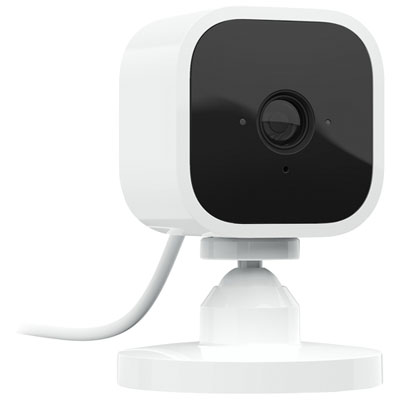 Your price for this item is $34.97
 -
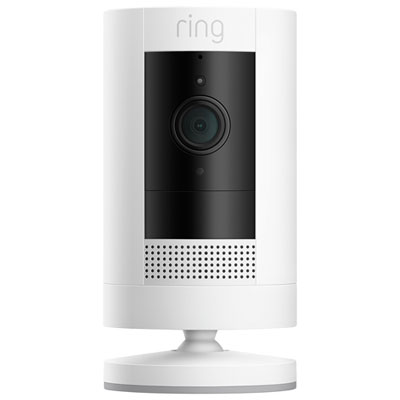 Your price for this item is $69.99
 -
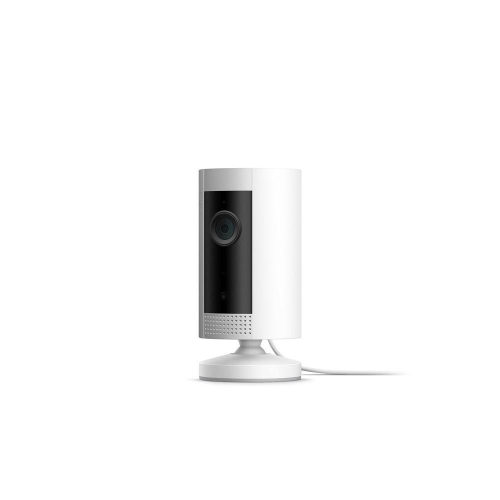 Your price for this item is $79.25
 -
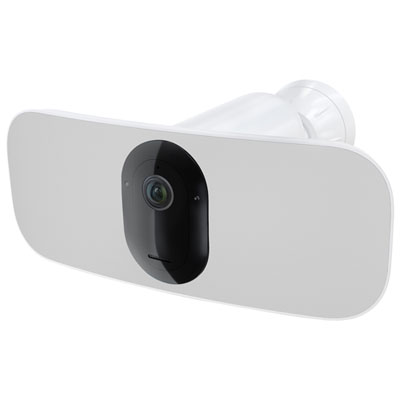 Your price for this item is $169.95
 -
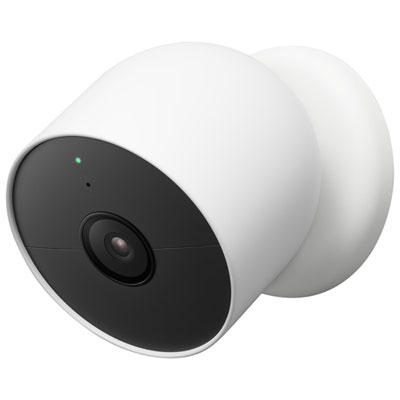 Your price for this item is $239.99
 -
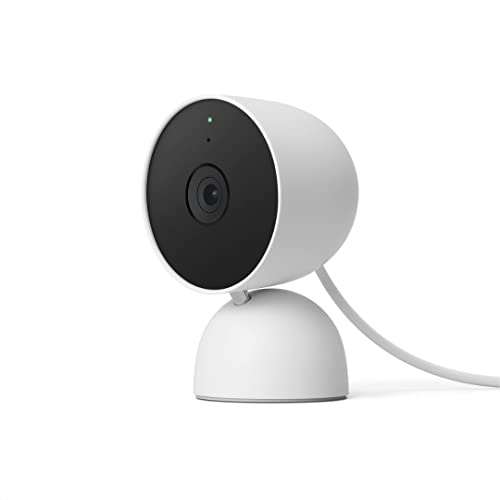 Your price for this item is $119
 -
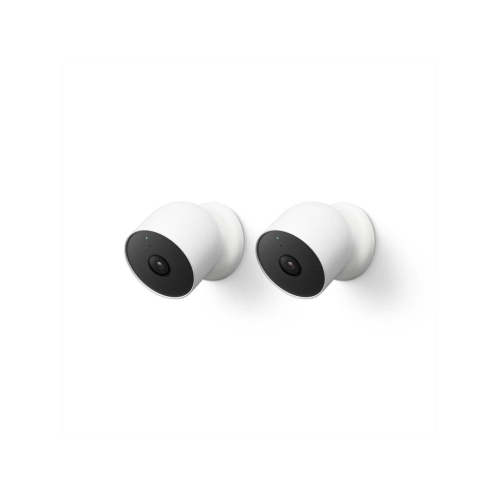 Your price for this item is $419.99
 -
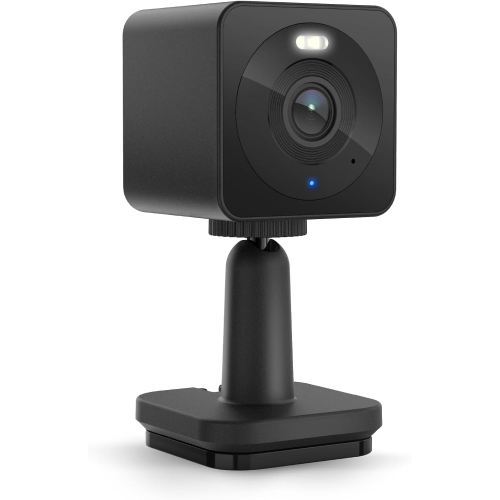 Your price for this item is $95.67
Discover more categories related to Security Camera Monitors
Top Collections:
Pokemon Centers, Kindle Devices, Best Budget Office Chairs, Apple iPhones 16, Canon G7X Cameras, iPhone 15 Apple, Alarm Clock, Refurbished Apple Laptops, Flip Phones, Best Laptops for Writers
Some products may be subject to Environmental Handling Fees
(EHF) depending on your province.
Learn more about EHFs.