Smart Locks for Office Doors
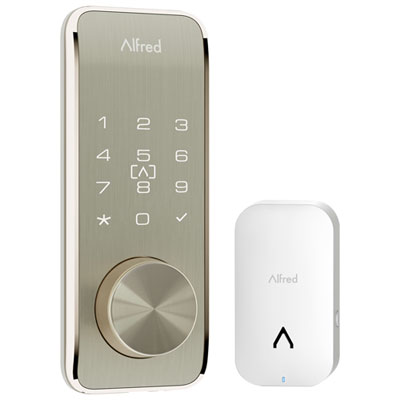
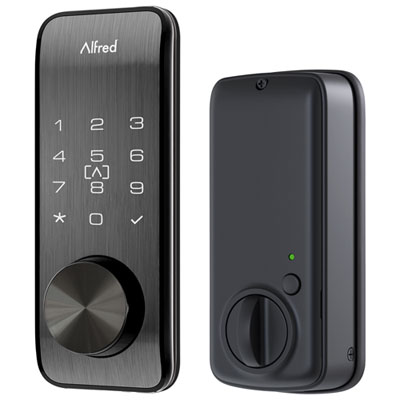
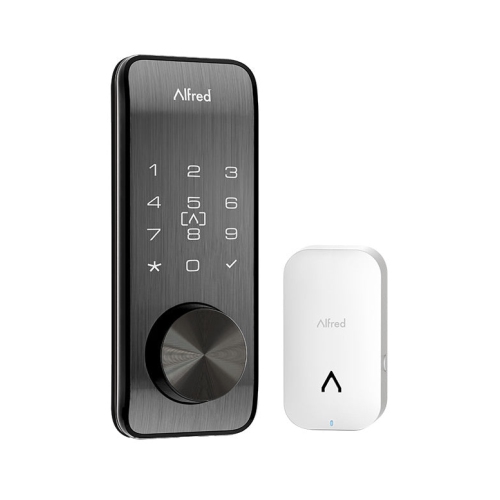
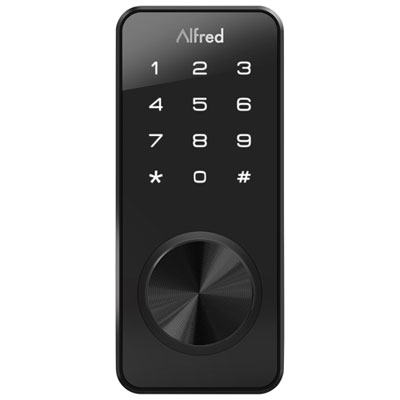
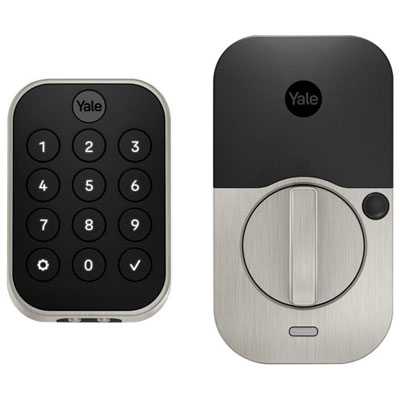
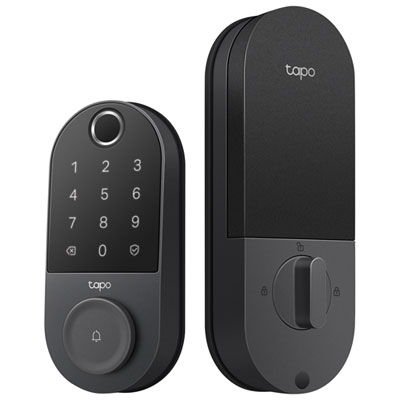
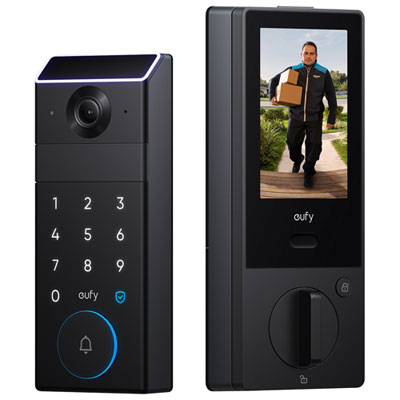
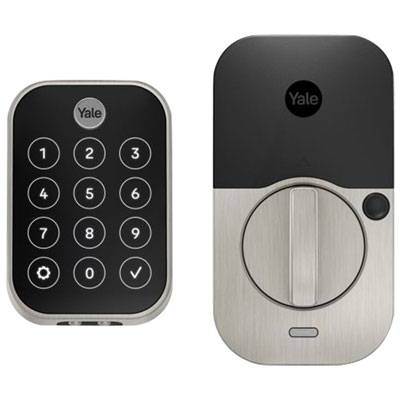
Smart locks for office doors offer keyless entry and a practical way to manage access to your workspace. Compare options by door compatibility, access method, and user management features, whether you need entry for a small team or controlled access to a private office. Check each lock’s installation requirements and supported door hardware to find the right fit.
FAQ
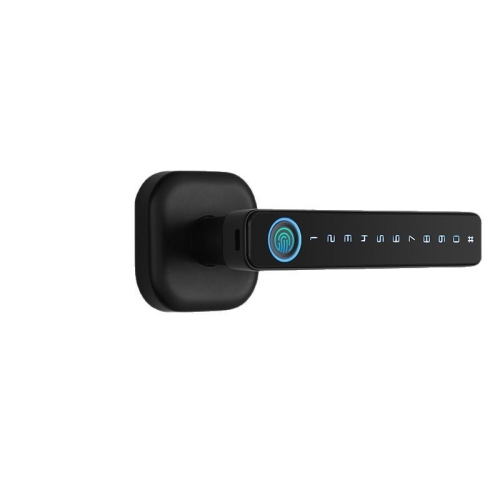
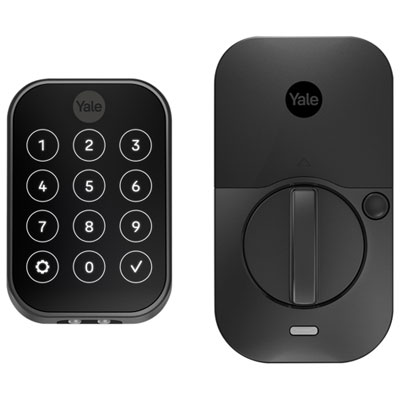
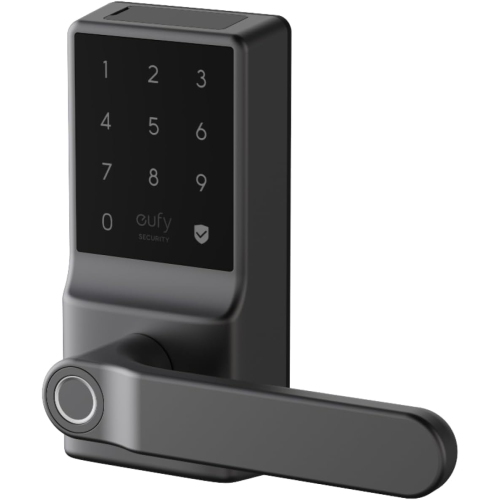
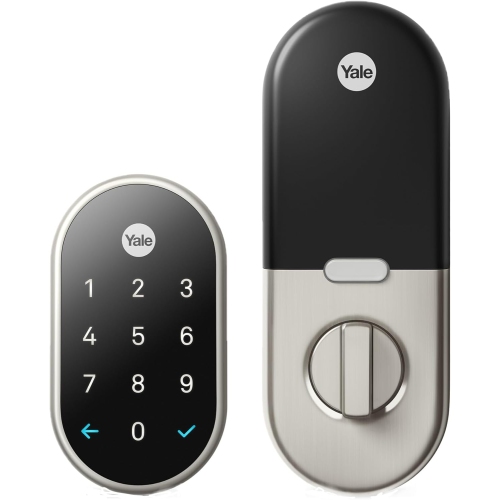
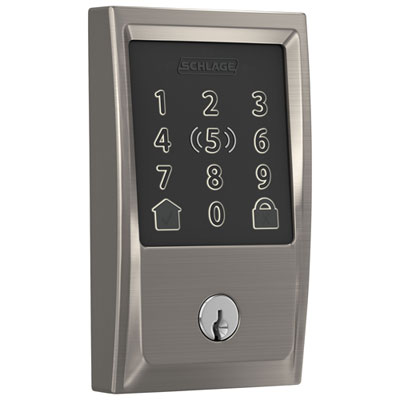
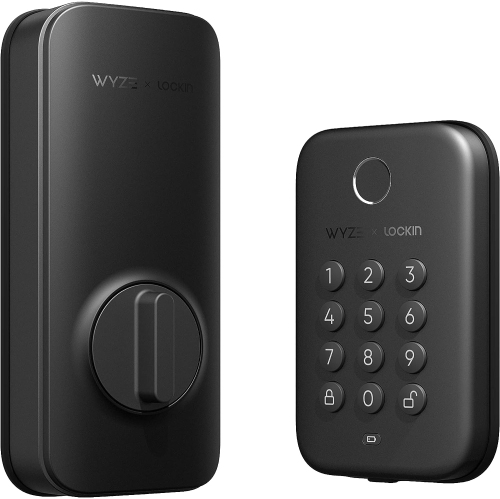
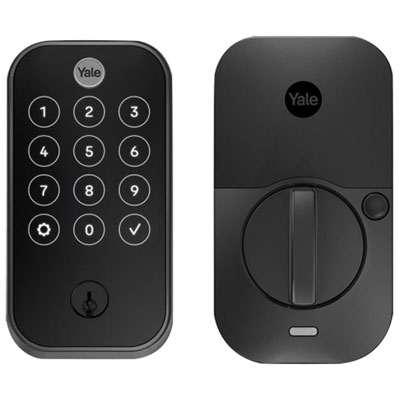
Smart locks can offer keypad codes, smartphone access, fingerprint readers, key cards or fobs, and physical keys. Available entry methods vary by model, so consider how employees and visitors will typically access the office.
Many smart locks let administrators assign individual credentials and set access schedules. Depending on the model and software, you may be able to create recurring weekday access for employees or time-limited access for visitors and service providers.
Smart locks may use Bluetooth for nearby control, Wi-Fi for network connectivity, or protocols such as Zigbee, Z-Wave or Thread with a compatible hub or controller. Remote management depends on the lock’s connectivity, app features and any required bridge or gateway.
Check whether the door uses a deadbolt, lever lock, mortise lock or commercial access-control hardware. Some smart locks replace the existing lock, while others attach to part of it. For leased offices, confirm whether your building management permits hardware changes or requires compatibility with a shared entry system.
Many smart locks use replaceable batteries or rechargeable battery packs, while some commercial models require wired power. Battery-powered models may display battery status in an app or provide low-battery notifications. Power requirements and charging or replacement procedures vary by model.
Top selling and popular products
Discover more categories related to Smart Locks for Office Doors
Some products may be subject to Environmental Handling Fees (EHF) depending on your province. Learn more about EHFs.