Garmin Mounts
Discover the ideal solution for securing your devices with a Garmin Mount. Designed to provide reliable support, these mounts help keep your equipment in place whether you’re on the road, at home, or exploring new destinations. Browse a wide selection of Garmin Mount options to find the right fit for your needs and enjoy enhanced convenience every time you use your device.
Sort
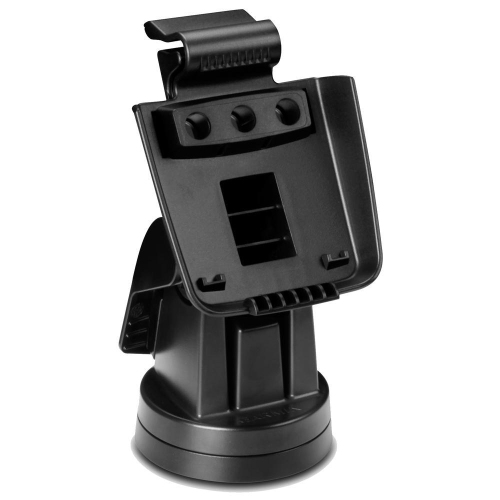
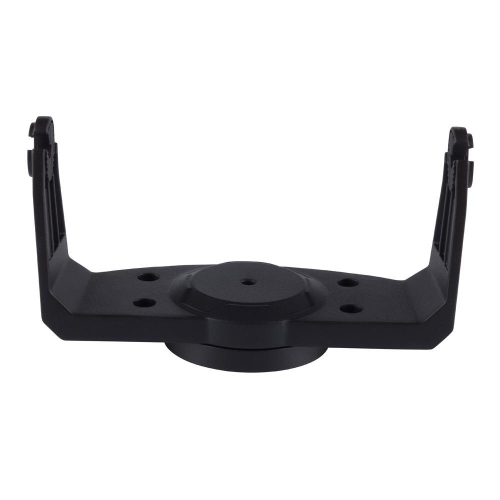
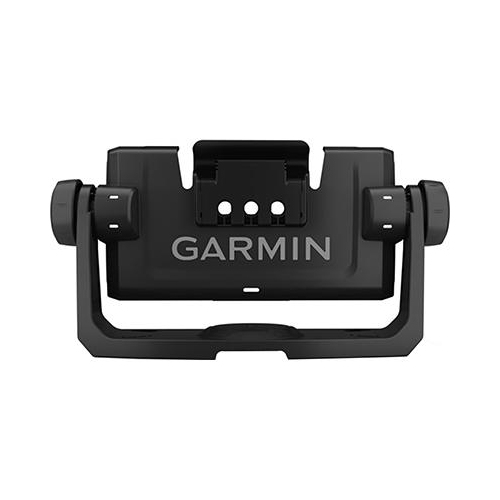

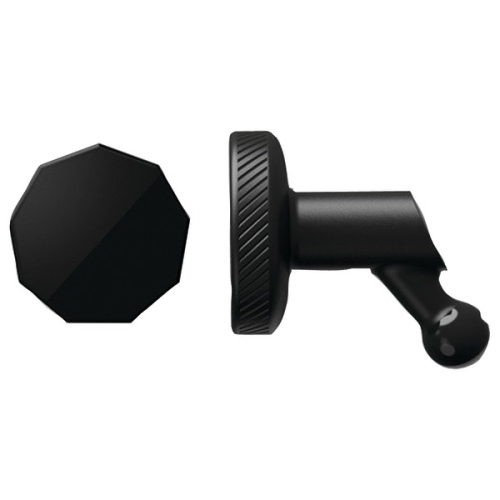



Why GPS mount compatibility goes beyond the device
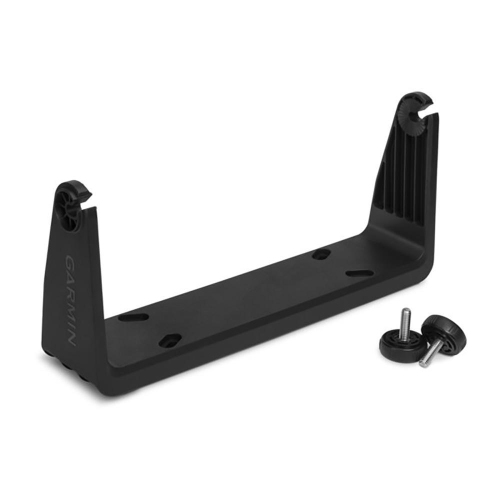
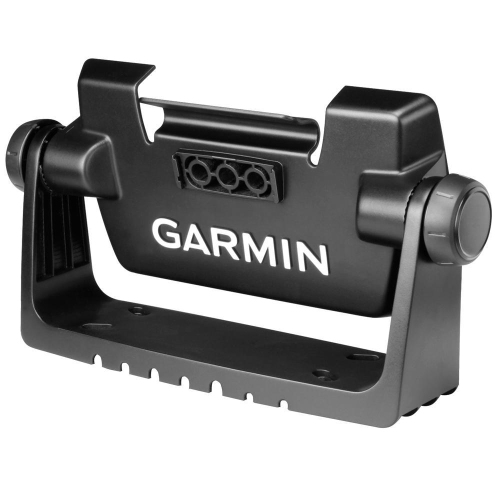
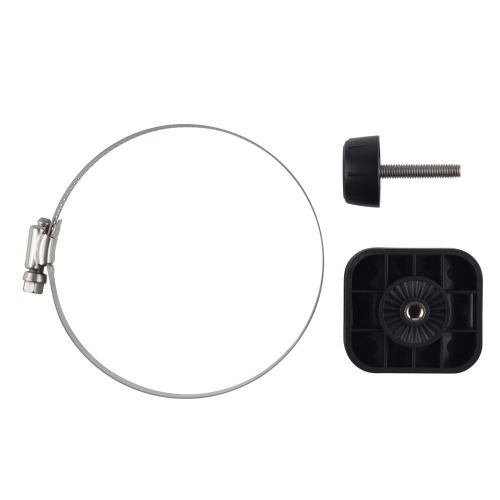
GPS mounts give navigation devices a stable position without taking up unnecessary space on a bicycle or inside a vehicle. The right fit depends on both the device connection and the surface supporting it: a cycling computer attached to a handlebar needs different hardware from a larger navigation screen mounted near a dashboard. For bicycles, common styles include quarter-turn mounts, out-front mounts, and compact mounts intended for shorter stems or off-road setups. A quarter-turn connection typically lets a compatible cycling computer rotate into a retaining interface, while straps, O-rings, or a clamp secure the mount to the bicycle. This makes the device attachment and the handlebar attachment two separate compatibility considerations. Out-front designs position the screen ahead of the handlebar, opening up space around the stem and placing ride information within an easy downward glance. More compact designs can keep the computer closer to the stem, which may suit crowded handlebars or riders who prefer a tucked-in position. Neither layout is automatically the best fit for every bicycle. Handlebar diameter, stem length, cable routing, and clearance around lights, bells, and handlebar bags all affect how neatly the setup comes together. Round bars, shaped bars, and integrated cockpits may require different mounting solutions, even when they support the same computer. A matching device interface is equally important, since similar-looking attachment points do not necessarily share the same dimensions or locking mechanism. Screen size and button placement also matter: the computer should have enough room to rotate into place, release cleanly, and remain accessible without pressing against nearby accessories. On carbon components, the attachment method and permitted clamping force deserve particular attention. A mount designed for the correct bar shape and diameter can sit securely without improvised padding or excessive tightening. For commuters, recreational cyclists, and riders following unfamiliar routes, these details help turn a small accessory into a practical part of the cockpit rather than another obstruction around the controls.
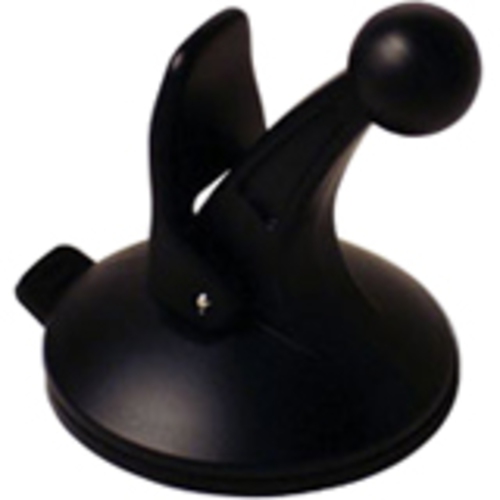
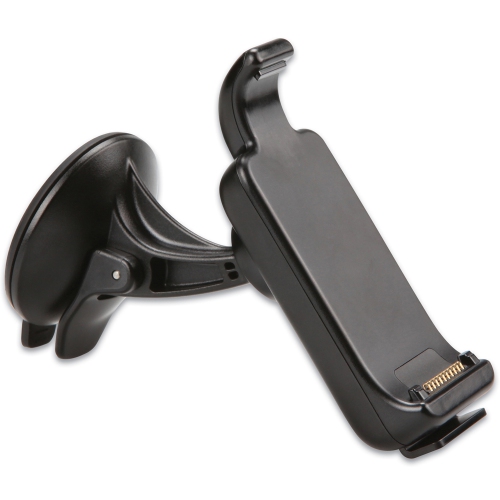
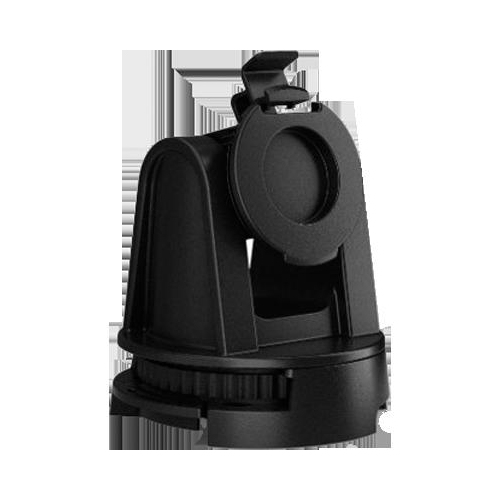
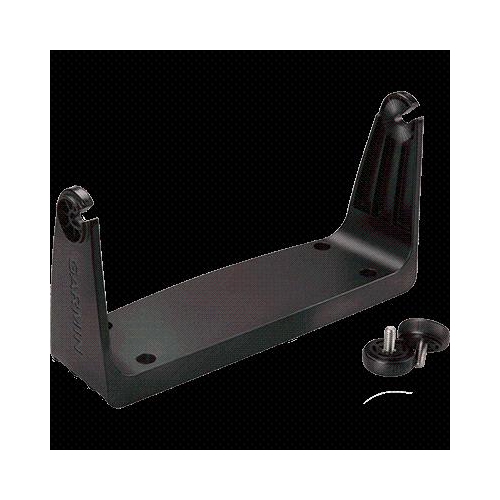
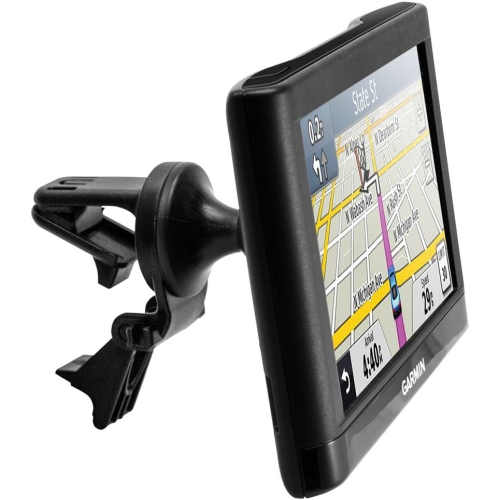
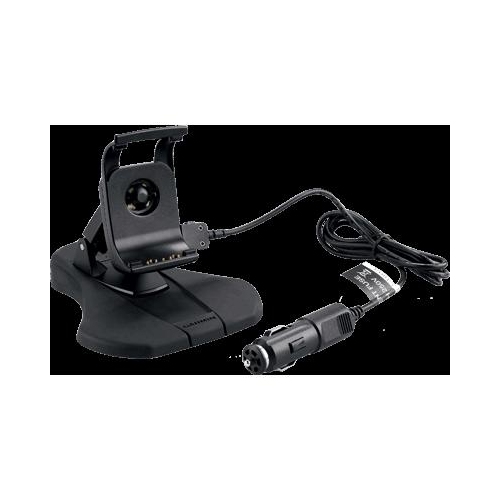
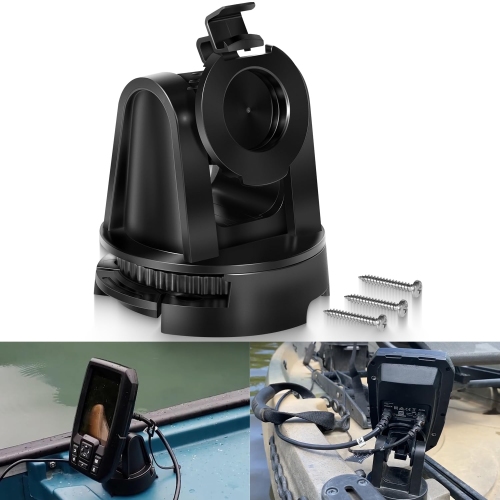
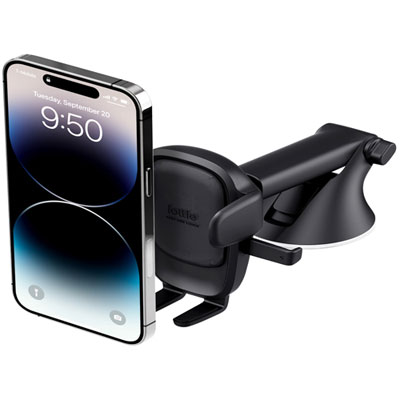
Inside a vehicle, suction-cup, dashboard, friction-base, and vent-mounted designs offer different ways to position a navigation screen, where those attachment types are supported. Suction mounts generally need a clean, smooth, non-porous surface to form a dependable seal; a textured dashboard is not automatically suitable without an approved mounting surface. Dashboard bases may use weight and grip, adhesive attachment, or a combination of components, so their suitability depends on the dashboard shape and the mount’s intended installation method. Vent mounts rely on the vent’s construction and should not place more weight on its slats than the assembly can support. When pairing a mount with a Garmin GPS device, the cradle connection, screen dimensions, and supported device models are more useful compatibility details than appearance alone. A ball-and-socket joint may provide angle adjustment, but ball sizes and cradle fittings are not universally interchangeable. A well-matched arm provides enough reach to make the display readable while keeping the screen clear of the driver’s sightlines, vehicle controls, and airbag deployment areas. A shorter arm may reduce movement where space permits, while a longer adjustable arm can offer more positioning flexibility. Local rules also affect where windshield-mounted equipment can be placed. Power arrangements add another layer of fit: some mounts simply hold the device, while others incorporate electrical contacts or work with a dedicated power connection. A holder does not provide charging unless it is specifically designed and connected to do so. Cable routing should leave room for adjustment without pulling against a socket or trailing across gear selectors and other controls. Removable designs can be useful in a shared vehicle or for someone who regularly transfers a navigation unit between cars. More permanent attachments may suit a dedicated setup, although adhesive compatibility, surface finishes, and removal requirements remain important considerations. The goal is a supported screen that is easy to read, with navigation settings entered before driving rather than adjusted on the move.
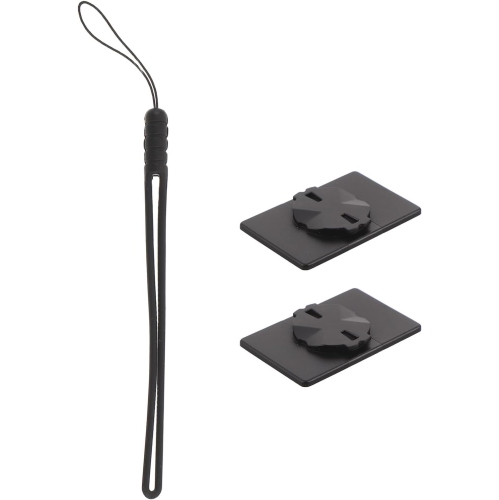
Materials and construction influence how a mount feels in everyday use, but a metal body alone does not guarantee a better fit or a stronger overall assembly. Moulded plastic and reinforced composite designs can be lightweight and practical, while aluminum arms or clamps can provide rigidity in a compact shape. Rubber pads and inserts may help protect contact surfaces and reduce slipping when used as intended. The retaining tabs, hinge points, fasteners, and device interface matter just as much as the main body, especially when the device is removed and refitted frequently. A firm connection should hold the screen without unwanted rocking, yet still allow the intended release action without forcing the housing. For cycling setups, a compatible safety tether can provide additional retention where supported, though it does not replace a correctly fitted mount. Regular care is usually straightforward: a soft cloth can remove dust and fingerprints, and contact surfaces can be cleaned using methods approved for the mount and the surface beneath it. Grit caught under a clamp or pad can mark a finish, while residue on a suction cup can interfere with its seal. Straps, retaining tabs, and adjustable joints benefit from occasional inspection for stretching, cracks, looseness, or wear. Tightening hardware beyond its specified torque can damage the mount, the device connection, or the supporting component rather than making the assembly more dependable. These practical details are especially relevant for someone who switches bicycles, shares a navigation device, or removes a screen after each trip. A compatible mount can also make a thoughtful gift for a cyclist, frequent driver, or road-trip enthusiast who already owns a navigation device. The exact device model and intended attachment location are worth knowing before choosing one, since an otherwise well-made accessory may not suit the recipient’s setup. Whether the priority is a clear cycling cockpit, a neatly routed vehicle installation, or a convenient removable holder, secure attachment and precise compatibility are the qualities that make a mount useful day after day.
Inside a vehicle, suction-cup, dashboard, friction-base, and vent-mounted designs offer different ways to position a navigation screen, where those attachment types are supported. Suction mounts generally need a clean, smooth, non-porous surface to form a dependable seal; a textured dashboard is not automatically suitable without an approved mounting surface. Dashboard bases may use weight and grip, adhesive attachment, or a combination of components, so their suitability depends on the dashboard shape and the mount’s intended installation method. Vent mounts rely on the vent’s construction and should not place more weight on its slats than the assembly can support. When pairing a mount with a Garmin GPS device, the cradle connection, screen dimensions, and supported device models are more useful compatibility details than appearance alone. A ball-and-socket joint may provide angle adjustment, but ball sizes and cradle fittings are not universally interchangeable. A well-matched arm provides enough reach to make the display readable while keeping the screen clear of the driver’s sightlines, vehicle controls, and airbag deployment areas. A shorter arm may reduce movement where space permits, while a longer adjustable arm can offer more positioning flexibility. Local rules also affect where windshield-mounted equipment can be placed. Power arrangements add another layer of fit: some mounts simply hold the device, while others incorporate electrical contacts or work with a dedicated power connection. A holder does not provide charging unless it is specifically designed and connected to do so. Cable routing should leave room for adjustment without pulling against a socket or trailing across gear selectors and other controls. Removable designs can be useful in a shared vehicle or for someone who regularly transfers a navigation unit between cars. More permanent attachments may suit a dedicated setup, although adhesive compatibility, surface finishes, and removal requirements remain important considerations. The goal is a supported screen that is easy to read, with navigation settings entered before driving rather than adjusted on the move.
Materials and construction influence how a mount feels in everyday use, but a metal body alone does not guarantee a better fit or a stronger overall assembly. Moulded plastic and reinforced composite designs can be lightweight and practical, while aluminum arms or clamps can provide rigidity in a compact shape. Rubber pads and inserts may help protect contact surfaces and reduce slipping when used as intended. The retaining tabs, hinge points, fasteners, and device interface matter just as much as the main body, especially when the device is removed and refitted frequently. A firm connection should hold the screen without unwanted rocking, yet still allow the intended release action without forcing the housing. For cycling setups, a compatible safety tether can provide additional retention where supported, though it does not replace a correctly fitted mount. Regular care is usually straightforward: a soft cloth can remove dust and fingerprints, and contact surfaces can be cleaned using methods approved for the mount and the surface beneath it. Grit caught under a clamp or pad can mark a finish, while residue on a suction cup can interfere with its seal. Straps, retaining tabs, and adjustable joints benefit from occasional inspection for stretching, cracks, looseness, or wear. Tightening hardware beyond its specified torque can damage the mount, the device connection, or the supporting component rather than making the assembly more dependable. These practical details are especially relevant for someone who switches bicycles, shares a navigation device, or removes a screen after each trip. A compatible mount can also make a thoughtful gift for a cyclist, frequent driver, or road-trip enthusiast who already owns a navigation device. The exact device model and intended attachment location are worth knowing before choosing one, since an otherwise well-made accessory may not suit the recipient’s setup. Whether the priority is a clear cycling cockpit, a neatly routed vehicle installation, or a convenient removable holder, secure attachment and precise compatibility are the qualities that make a mount useful day after day.
Top selling and popular products
-
 Your price for this item is $31.34
 -
 Your price for this item is $30.54
 -
 Your price for this item is $38.85
 -
 Your price for this item is $63.99
 -
 Your price for this item is $844.91
 -
 Your price for this item is $909.33
 -
 Your price for this item is $31.38
 -
 Your price for this item is $35.35
Discover more categories related to Garmin Mounts
Top Collections:
Pokemon Centers, Best Cameras for Sports Photography, Kindle Devices, Samsung Galaxy Phones, Canon G7X Cameras, Pokémon 30th Celebration Cards, Refurbished Apple Laptops, iPhone 15 Apple, Laptops for Students, Budget Smartphones
Some products may be subject to Environmental Handling Fees
(EHF) depending on your province.
Learn more about EHFs.