Hoverboards With Chargers
Get ready to experience the thrill of gliding effortlessly with our collection of hoverboards with chargers. These cutting-edge personal transportation devices have taken the world by storm, offering a fun and futuristic way to navigate your surroundings. Whether you're a beginner, a recreational rider, or simply to add some excitement to your daily routine, we've got you covered. Explore our selection of hoverboards with chargers and discover the perfect ride for you.
Sort
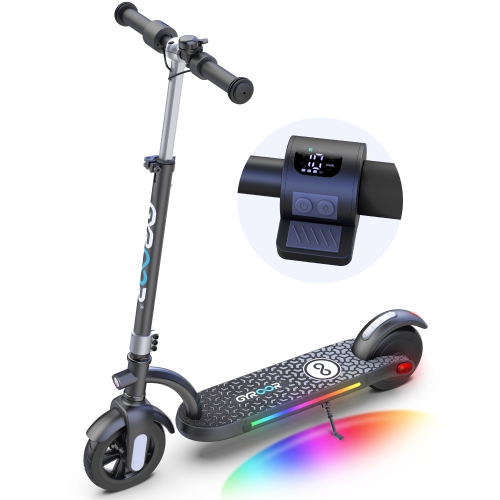
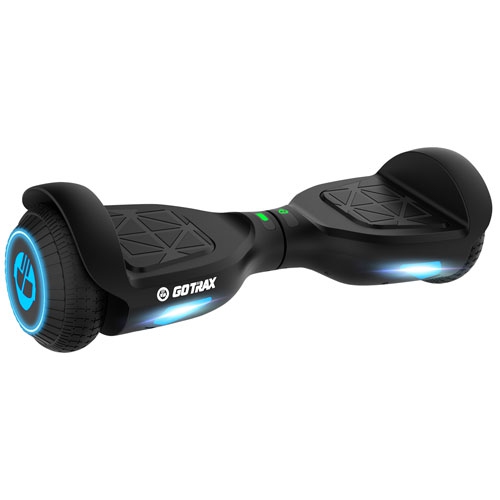
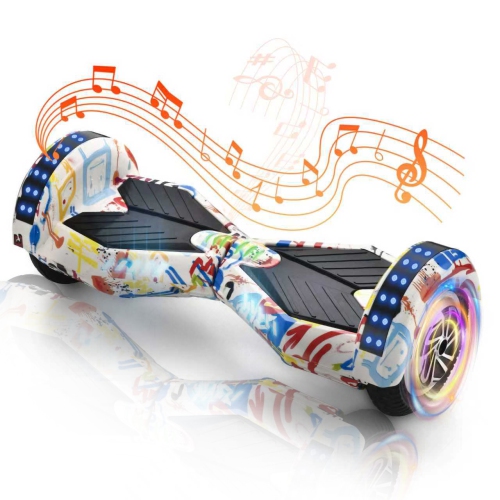
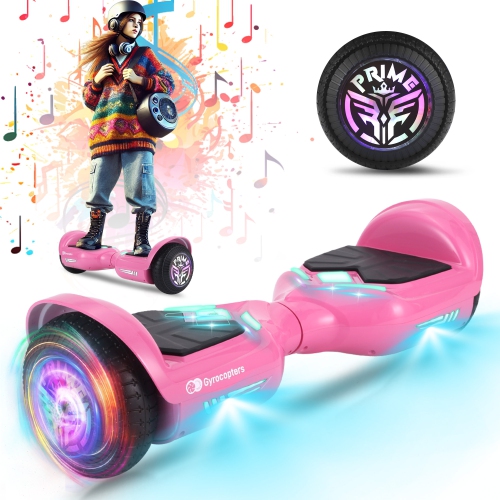
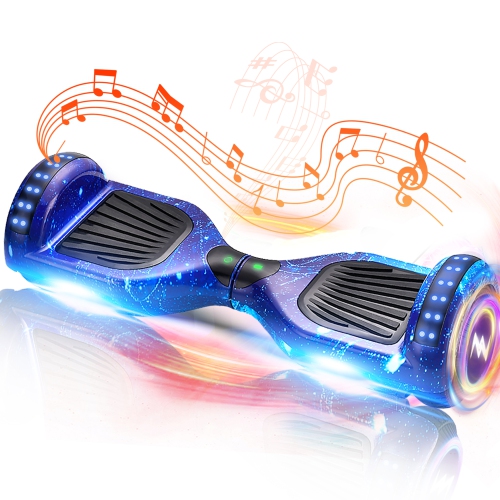
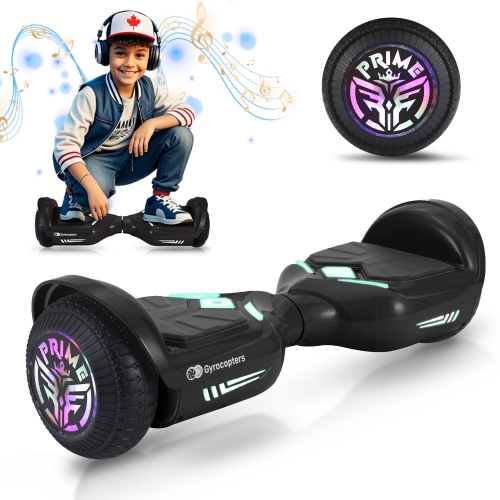
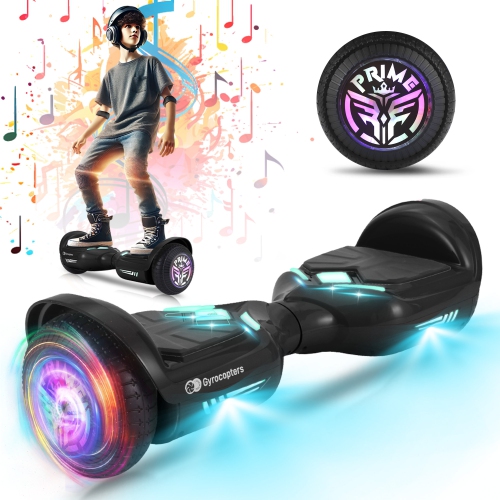
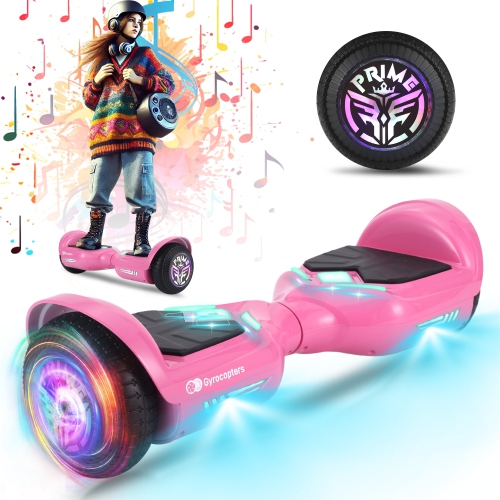
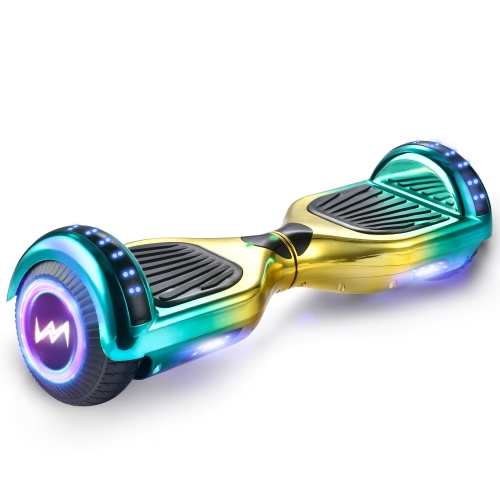
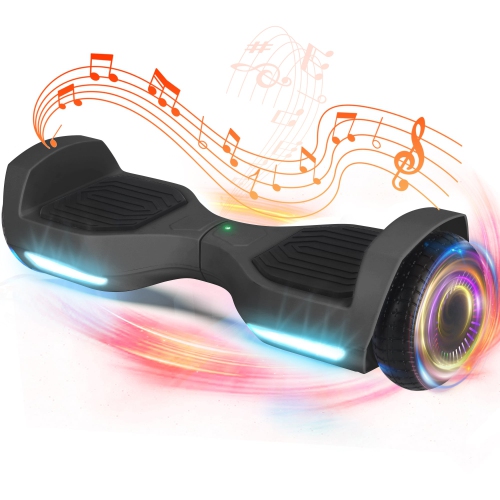
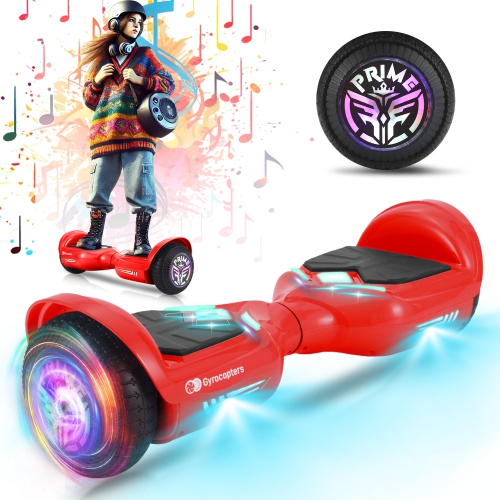
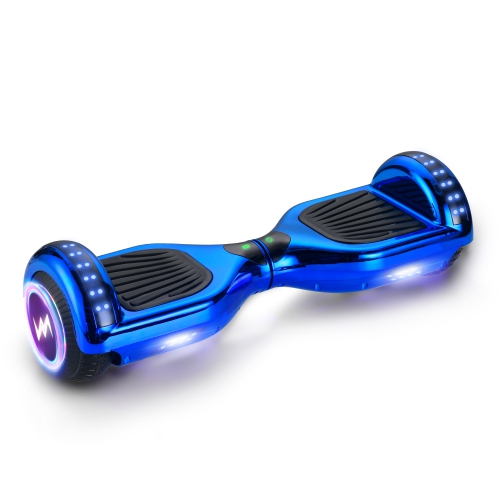
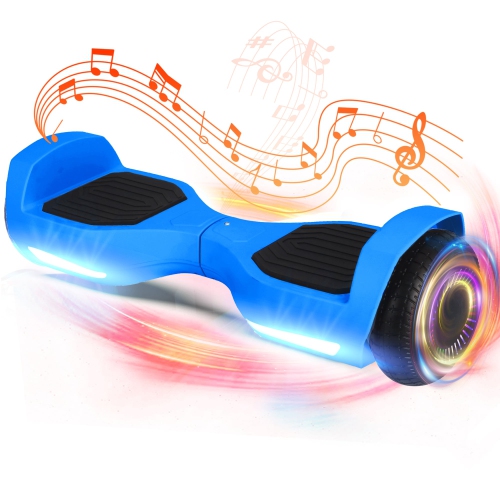
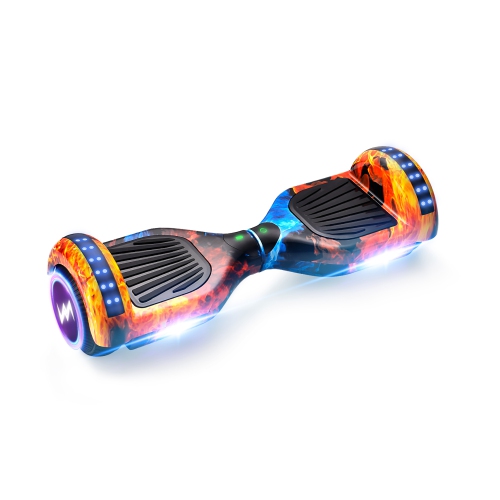
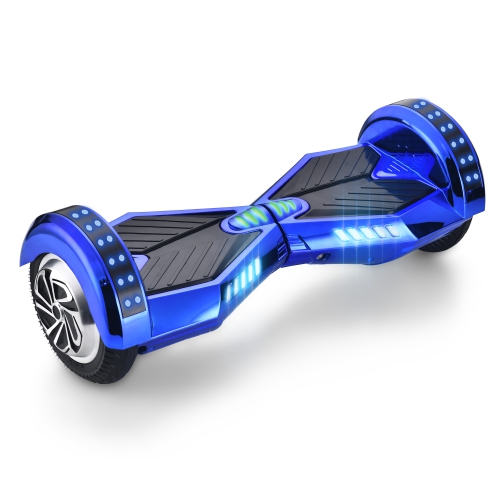
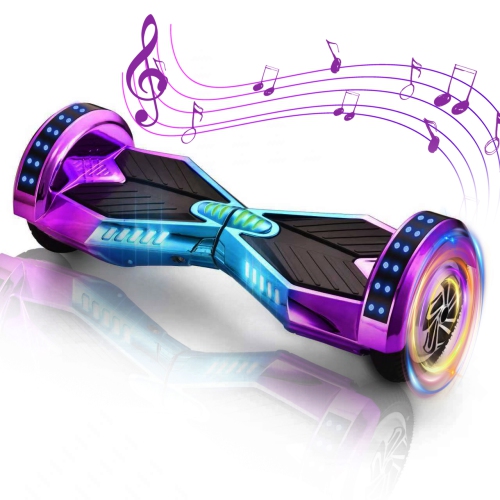
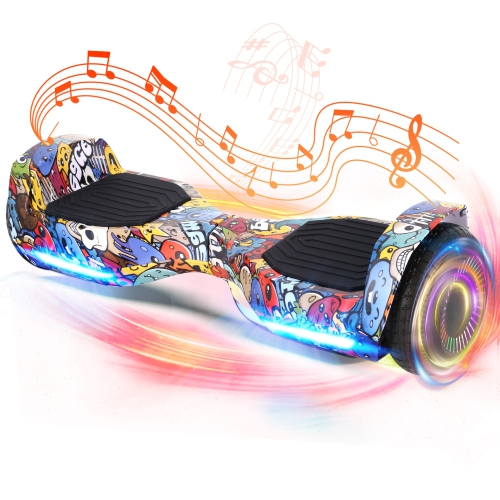
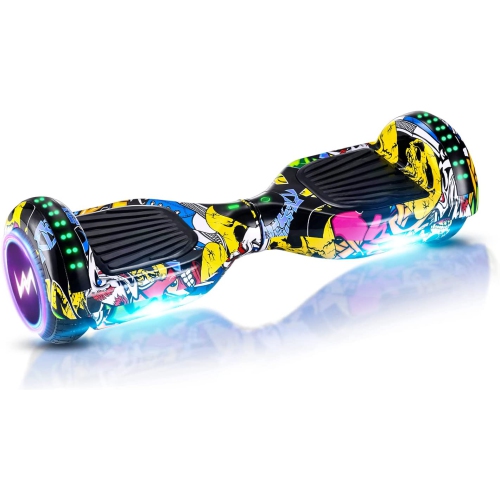
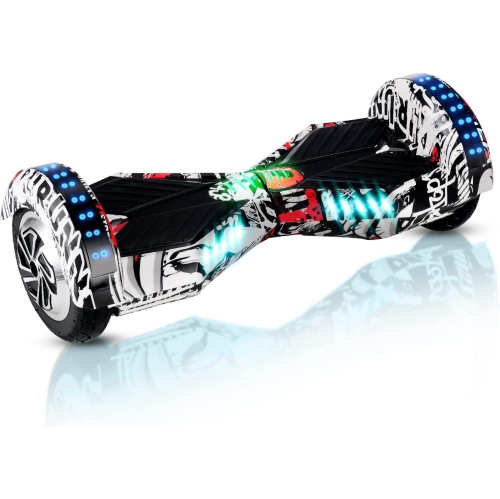
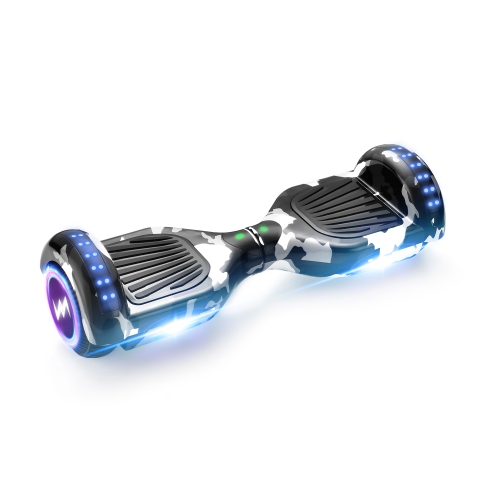
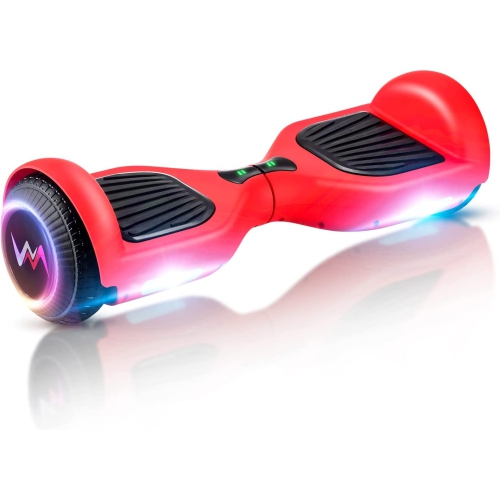

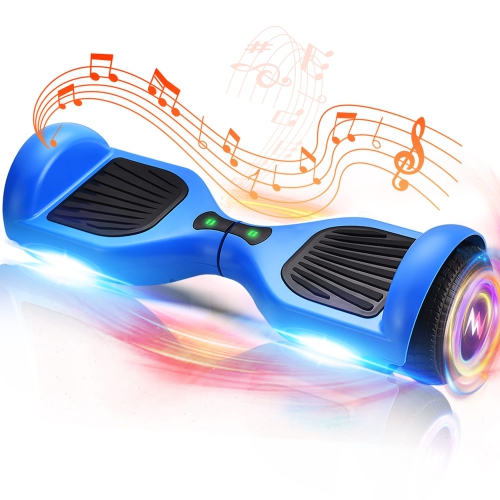
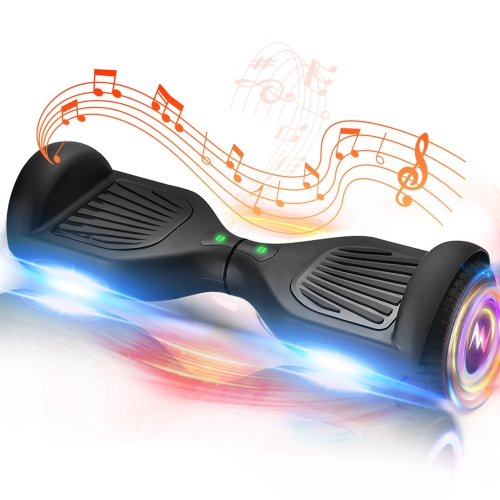
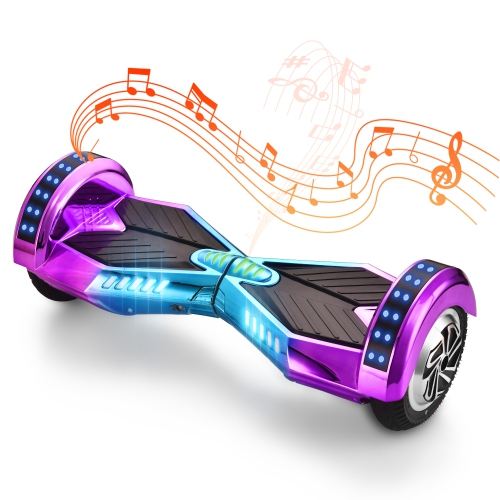
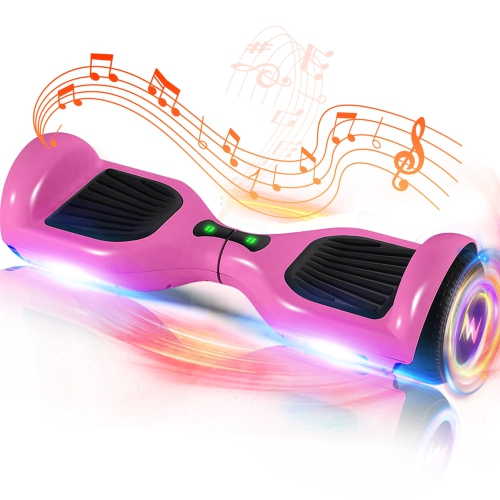
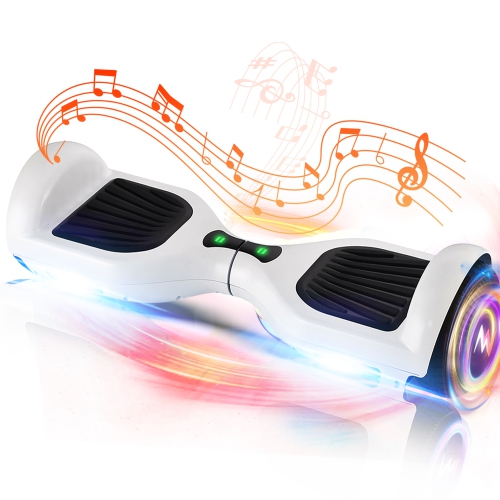
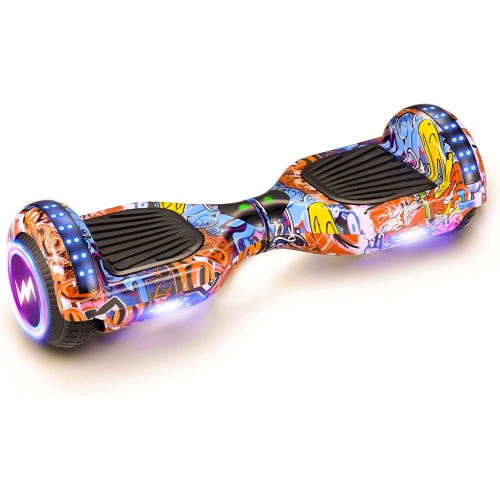
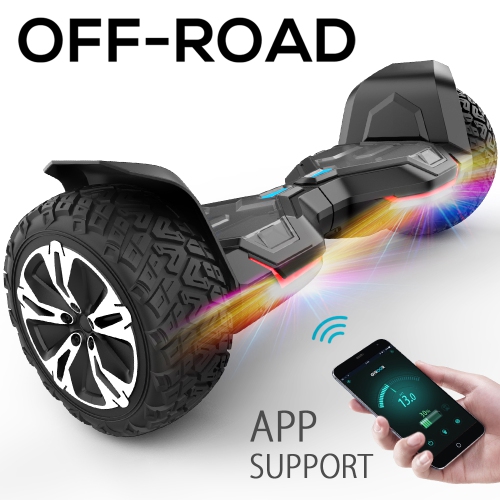
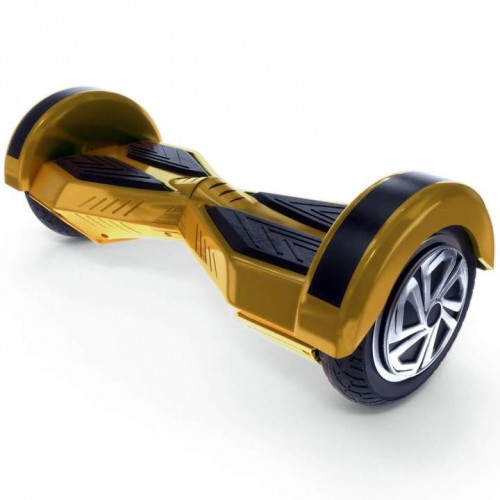
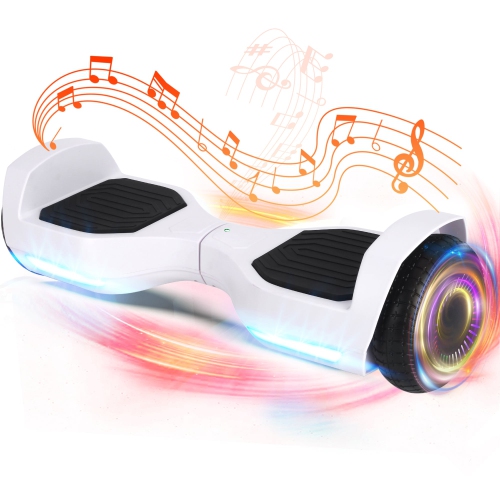
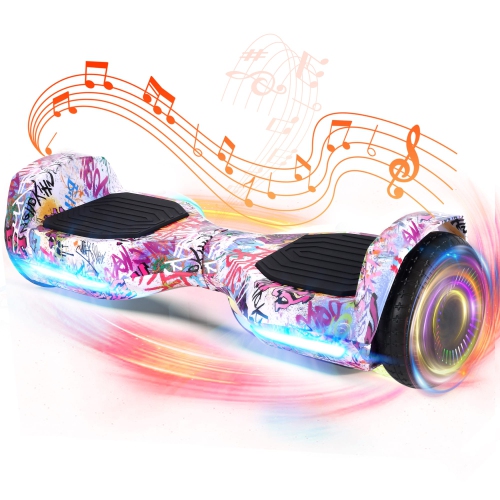
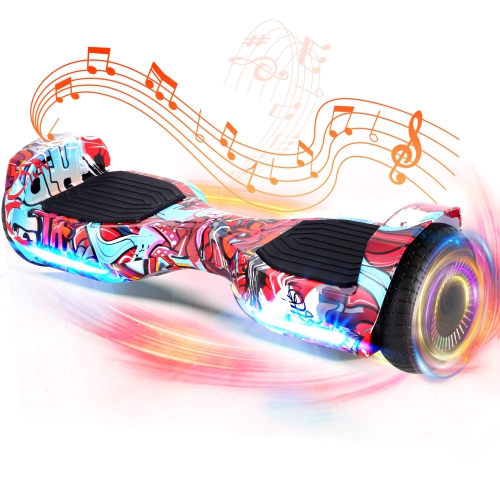
The right charger supports safer, simpler hoverboard setup
Hoverboards with chargers offer a convenient way to keep a self-balancing ride-on device ready for trips around the neighbourhood, visits to a park, or relaxed outdoor time on smooth, private surfaces. Since the charger is an essential part of the setup, choosing a complete package can make it easier to confirm that the power adapter is intended for the hoverboard’s battery system. Many hoverboards are packaged with a compatible AC wall charger, but it is still important to review the product details and confirm what is included before placing an order. A complete set may be especially appealing for a first-time rider, a family adding a new activity to its routine, or someone looking for a memorable birthday or holiday gift. Children and teens may enjoy the feeling of gliding along a paved path, while adults may appreciate a compact personal transporter for leisurely rides close to home. Riders should always follow the manufacturer’s age, weight, speed, and surface recommendations, wear a properly fitted helmet and suitable protective gear, and use the hoverboard only where riding is permitted. Smooth, dry, level ground is generally easier for learning than rough pavement, gravel, grass, steep slopes, or wet surfaces. During warmer weather, a ride can become part of an afternoon outdoors; as the cooler months arrive, riders may prefer shorter outings in dry conditions and should store the hoverboard indoors when it is not being used.
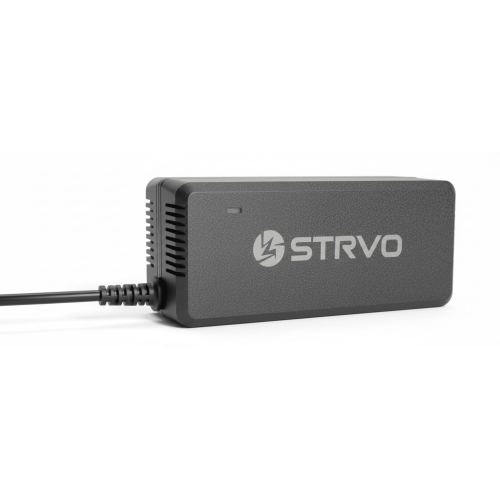
The charger is not a universal accessory, and matching the electrical specifications is one of the most important purchase considerations. Before buying a replacement or an additional charger, check the voltage output printed on the original power brick, the hoverboard’s battery label, or the manufacturer’s instructions. Common hoverboard charger outputs include 29.4V and 42V, but the correct value depends on the specific battery and model. A 42V charger must not be used with a 29.4V system, and an adapter with the wrong output can damage the battery or create a safety risk. The plug must also match the charging port in both shape and pin configuration; a connector that appears similar may not be compatible. Look for clear electrical specifications, the appropriate Canadian plug, and recognized safety certification markings where provided. If the original charger is lost or damaged, keep the hoverboard model information and the details printed on the old power brick available when comparing options. Avoid relying on appearance alone, and do not force a connector into the port. A charger that is included with the hoverboard can simplify setup, but the listing should still be checked for charging time, indicator-light behaviour, and compatibility information. Riders who are drawn to a more visible style may also enjoy browsing the selection of Hoverboard With Bright Lights, while keeping the charger and battery requirements at the centre of the buying decision.
Good charging habits help support dependable operation and make the setup easier to manage. Place the hoverboard on a stable, non-flammable surface in a dry, well-ventilated area, away from bedding, paper, curtains, heaters, and direct sunlight. Inspect the charging cable, wall plug, brick, and hoverboard port before every use; fraying, cracks, bent pins, looseness, unusual odours, or heat that seems excessive are signs to stop using the equipment and consult the manufacturer or a qualified service professional. Connect the charger according to the supplied instructions, then watch the indicator on the power brick. On many chargers, a red light indicates that charging is in progress and a green light indicates that the cycle is complete, although the exact meaning can vary by model. Do not leave the hoverboard charging unattended for extended periods, and unplug it once the indicator shows that charging is complete rather than keeping it connected indefinitely. Let the unit cool after riding before connecting it to power, and keep the charging area inaccessible to young children and pets. Battery performance can also be affected by storage conditions, so follow the instructions for storing the hoverboard with an appropriate charge level during longer periods of non-use. When selecting from hoverboards with chargers, compare battery specifications, included accessories, charging details, rider capacity, wheel size, lighting features, and warranty information alongside the price. These details can help a new rider build confidence, help an experienced user keep a familiar routine, and make a gift more useful from the first ride through the changing seasons.
The charger is not a universal accessory, and matching the electrical specifications is one of the most important purchase considerations. Before buying a replacement or an additional charger, check the voltage output printed on the original power brick, the hoverboard’s battery label, or the manufacturer’s instructions. Common hoverboard charger outputs include 29.4V and 42V, but the correct value depends on the specific battery and model. A 42V charger must not be used with a 29.4V system, and an adapter with the wrong output can damage the battery or create a safety risk. The plug must also match the charging port in both shape and pin configuration; a connector that appears similar may not be compatible. Look for clear electrical specifications, the appropriate Canadian plug, and recognized safety certification markings where provided. If the original charger is lost or damaged, keep the hoverboard model information and the details printed on the old power brick available when comparing options. Avoid relying on appearance alone, and do not force a connector into the port. A charger that is included with the hoverboard can simplify setup, but the listing should still be checked for charging time, indicator-light behaviour, and compatibility information. Riders who are drawn to a more visible style may also enjoy browsing the selection of Hoverboard With Bright Lights, while keeping the charger and battery requirements at the centre of the buying decision.
Good charging habits help support dependable operation and make the setup easier to manage. Place the hoverboard on a stable, non-flammable surface in a dry, well-ventilated area, away from bedding, paper, curtains, heaters, and direct sunlight. Inspect the charging cable, wall plug, brick, and hoverboard port before every use; fraying, cracks, bent pins, looseness, unusual odours, or heat that seems excessive are signs to stop using the equipment and consult the manufacturer or a qualified service professional. Connect the charger according to the supplied instructions, then watch the indicator on the power brick. On many chargers, a red light indicates that charging is in progress and a green light indicates that the cycle is complete, although the exact meaning can vary by model. Do not leave the hoverboard charging unattended for extended periods, and unplug it once the indicator shows that charging is complete rather than keeping it connected indefinitely. Let the unit cool after riding before connecting it to power, and keep the charging area inaccessible to young children and pets. Battery performance can also be affected by storage conditions, so follow the instructions for storing the hoverboard with an appropriate charge level during longer periods of non-use. When selecting from hoverboards with chargers, compare battery specifications, included accessories, charging details, rider capacity, wheel size, lighting features, and warranty information alongside the price. These details can help a new rider build confidence, help an experienced user keep a familiar routine, and make a gift more useful from the first ride through the changing seasons.
Top selling and popular products
-
 Your price for this item is $219.97
 -
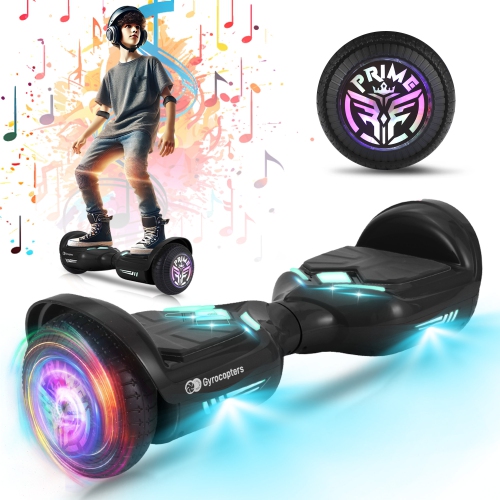 Your price for this item is $159.87
 -
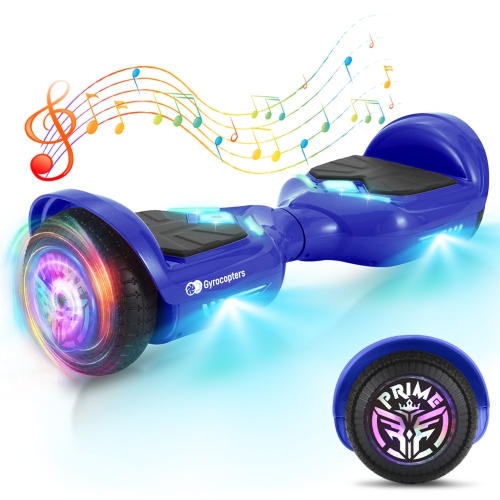 Your price for this item is $219.97
 -
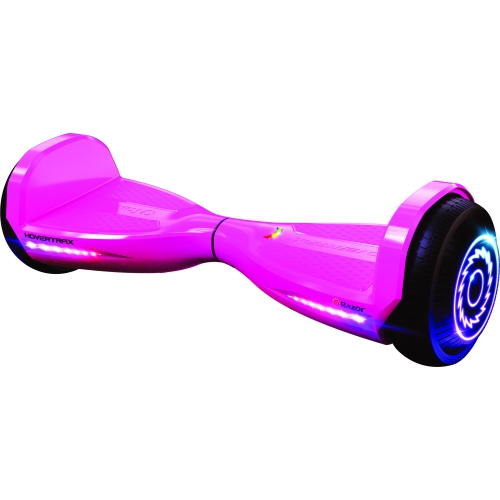 Your price for this item is $239.99
 -
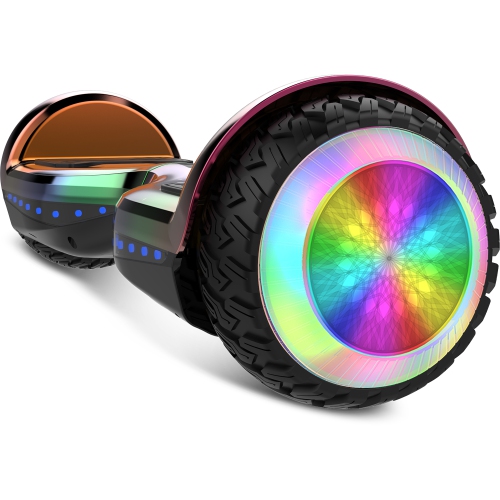 Your price for this item is $229.97
 -
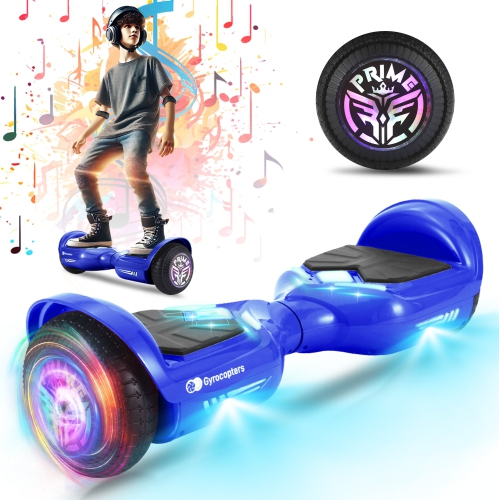 Your price for this item is $159.97
 -
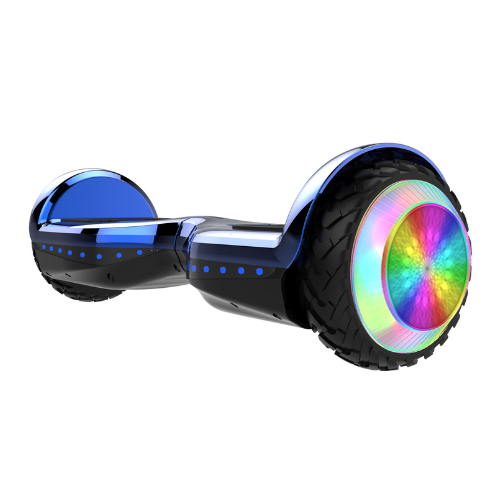 Your price for this item is $99.99
 -
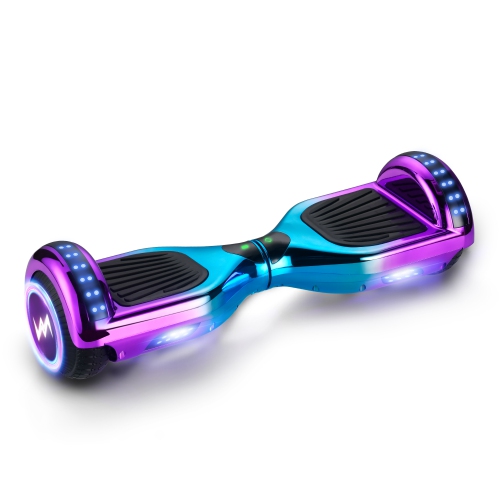 Your price for this item is $159.99
Discover more categories related to Hoverboards With Chargers
Top Collections:
Pokemon Centers, Best Cameras for Sports Photography, Kindle Devices, Samsung Galaxy Phones, Canon G7X Cameras, Pokémon 30th Celebration Cards, Refurbished Apple Laptops, iPhone 15 Apple, Laptops for Students, Budget Smartphones
Some products may be subject to Environmental Handling Fees
(EHF) depending on your province.
Learn more about EHFs.