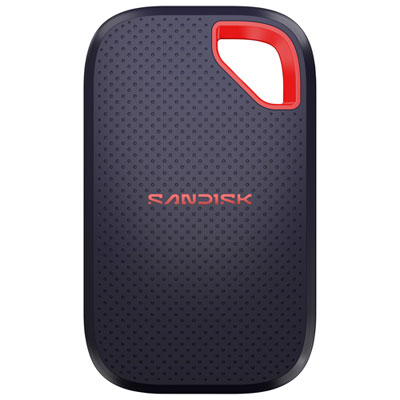
SSD For High Speed Data Storage
Experience reliable performance and enhanced efficiency with SSD For High Speed Data Storage. Designed to support demanding workloads, these solid state drives offer a dependable solution for storing large files, applications, and media. Whether upgrading your desktop or expanding your laptop’s capacity, SSD For High Speed Data Storage provides the speed and responsiveness needed for smooth data access and transfer. Explore a variety of capacities and form factors to find the right fit for your computing needs.
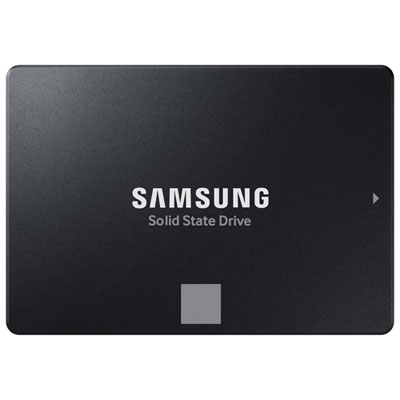
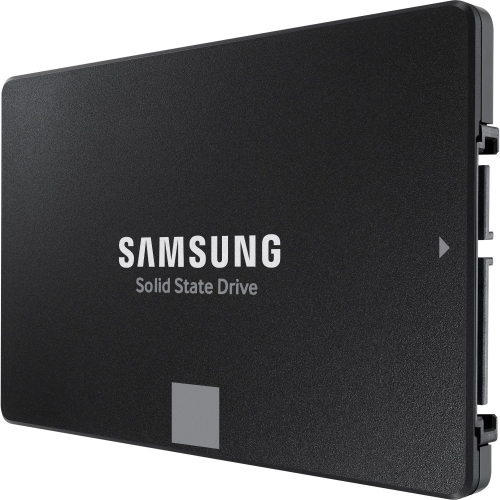
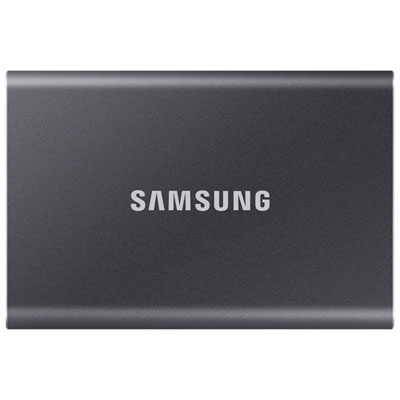
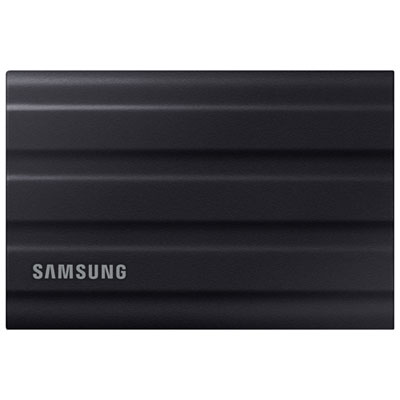
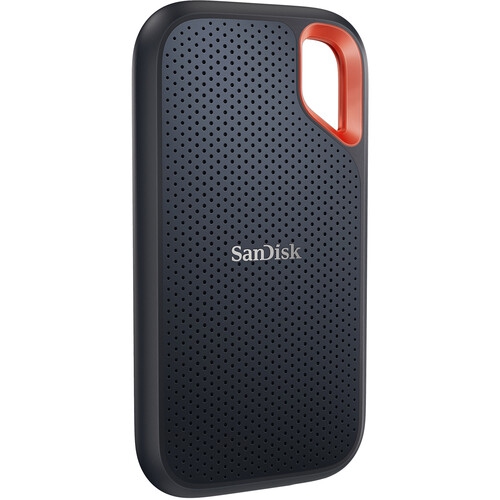
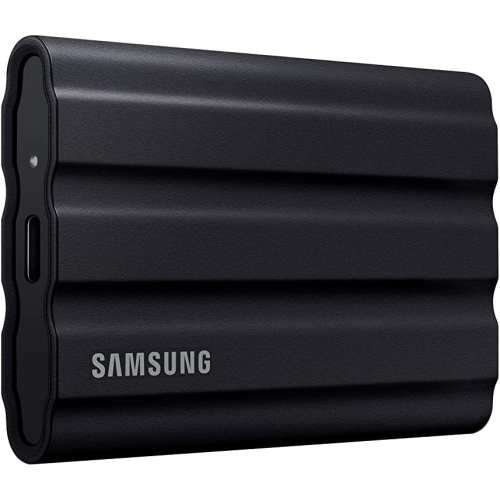
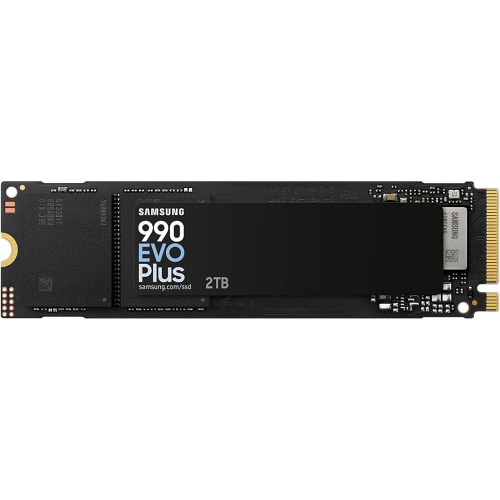
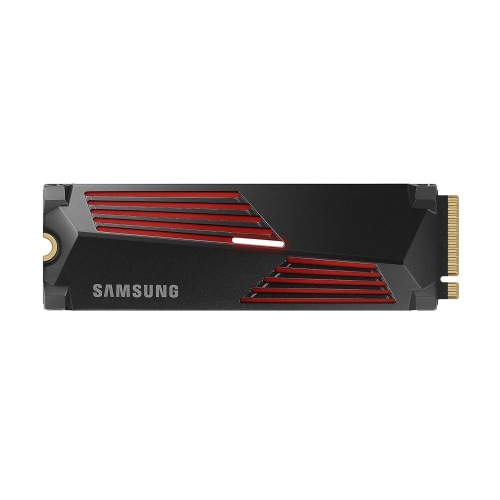
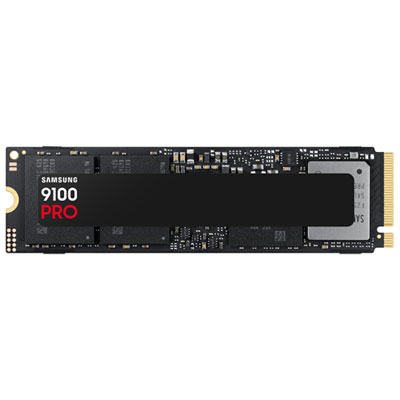
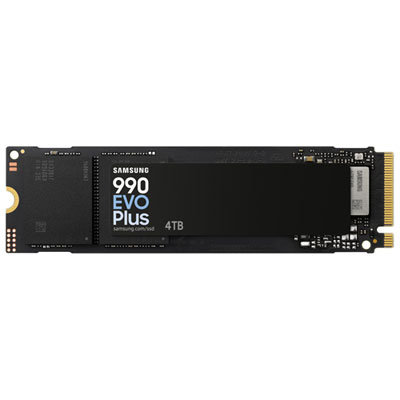
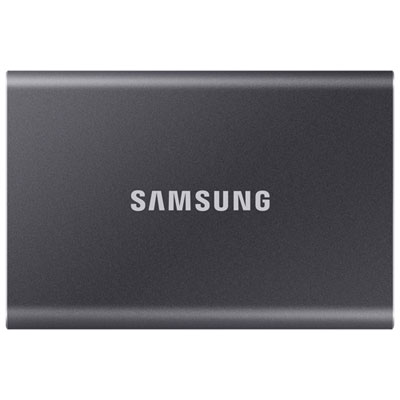
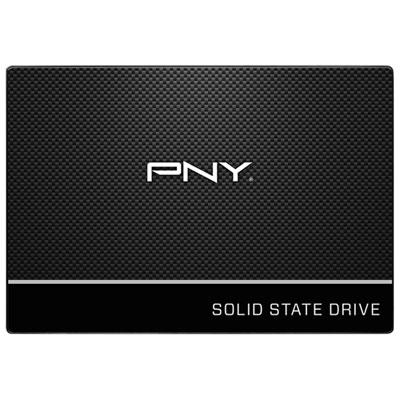
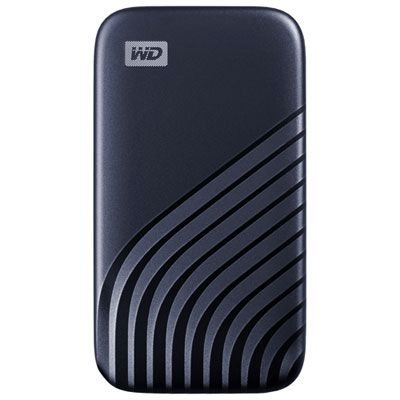
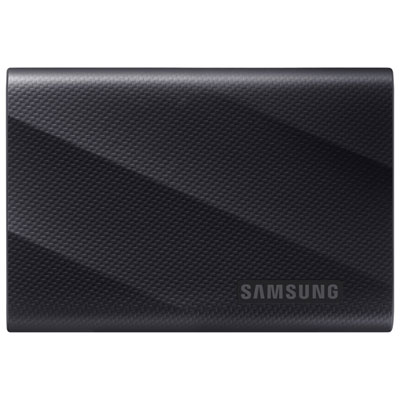
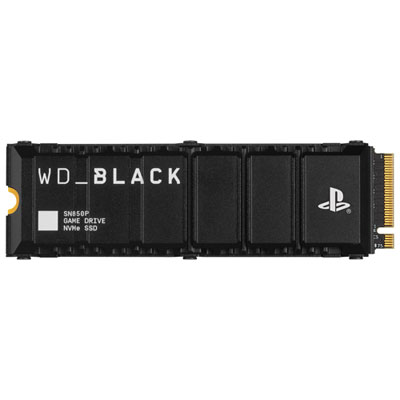

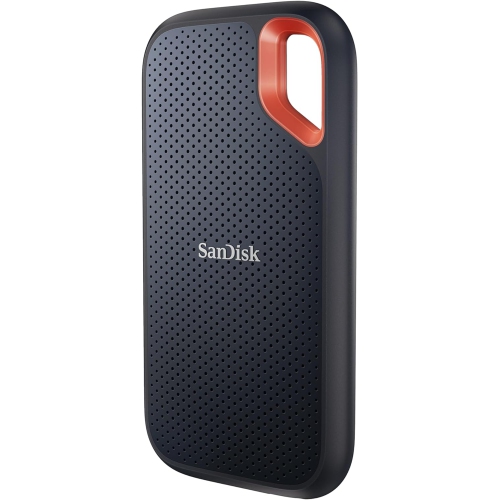
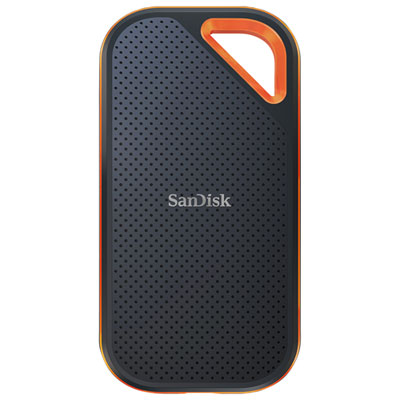
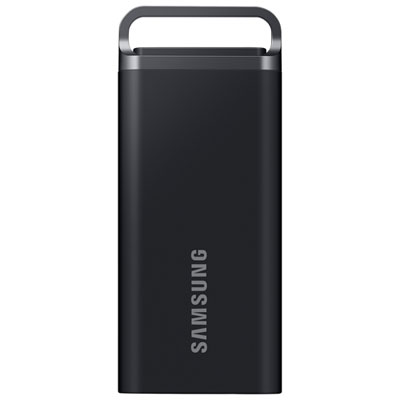

Reliable performance for large files wherever life takes you
As you browse through the assortment of SSDs for high speed data storage, consider the specific needs of your workflow or lifestyle. For content creators who work with 4K or even 8K video, the speed and capacity of your storage solution can directly impact how efficiently you can edit, render, and deliver projects. Gamers seeking to reduce load times and keep their libraries at their fingertips will appreciate the near-instant data access that SSDs provide. Students and business professionals, especially during the transition from spring into the busier months of summer and early fall, often require portable storage to keep documents, presentations, and creative work organized and accessible. SSDs also make thoughtful gifts for graduates, tech enthusiasts, or anyone embarking on a new chapter—offering not just storage, but the freedom to work and play without limitations. When choosing an SSD, it’s worth considering factors like read/write speeds, interface compatibility (such as SATA, NVMe, or Thunderbolt), and whether you need an internal or external form factor. Some users may prioritize maximum capacity, while others look for the smallest, most travel-friendly option. Security features, such as hardware encryption or password protection, can also be important for those handling sensitive information.
For those who value peace of mind along with performance, SSDs excel not only in speed but also in reliability. Unlike traditional hard drives, SSDs have no moving parts, making them less susceptible to physical shock or wear and tear—a crucial advantage for anyone on the go. As you organize your digital life—whether that means backing up family photos, storing large creative projects, or building a robust gaming library—investing in high speed SSD storage ensures your data is always close at hand and ready when you need it. If you’re thinking about data protection as well as storage, you might want to explore SSDs For Data Backup Solutions to find options specifically designed for safeguarding your most important files. With the right SSD, you can move confidently through the seasons, knowing your data is secure, accessible, and ready to keep up with your pace—whether you’re working from home, travelling, or simply enjoying more time outdoors.
FAQ
What are the main advantages of using an SSD for high-speed data storage?
Solid State Drives (SSDs) offer faster data access, quicker boot times, and improved overall system responsiveness compared to traditional hard drives. They have no moving parts, which also makes them more durable and energy-efficient.
How does an SSD improve performance in gaming or creative applications?
SSDs significantly reduce load times for games and large files, allowing for smoother gameplay and faster access to creative assets like videos and images. This results in a more seamless experience for gamers and content creators.
What types of connections are available for high-speed SSDs?
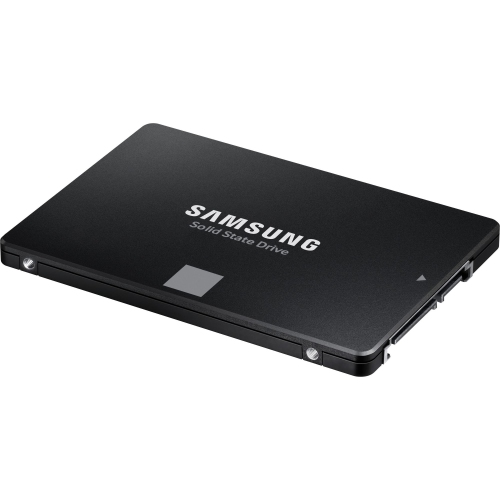
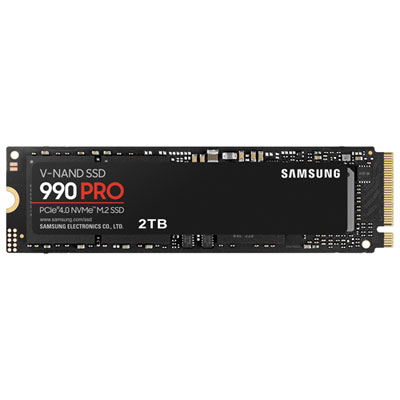
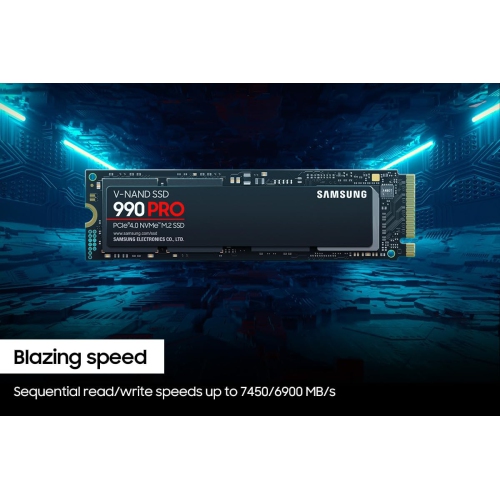
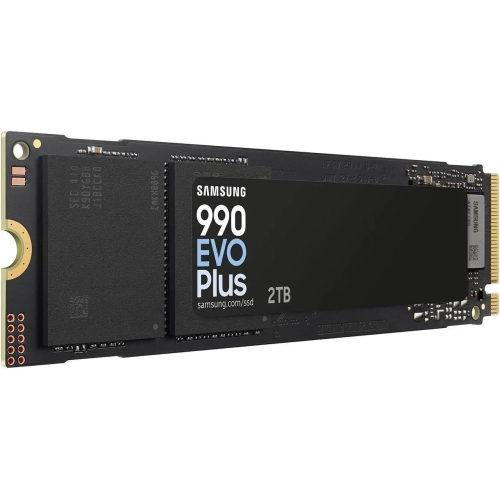
High-speed SSDs commonly use interfaces such as SATA, NVMe, and PCIe. NVMe and PCIe SSDs offer much higher data transfer rates compared to traditional SATA SSDs, making them ideal for demanding tasks.
Can I upgrade my existing computer with an SSD?
Yes, most desktop and many laptop computers can be upgraded with an SSD. It's important to check your device's compatibility with different SSD form factors and interfaces before purchasing.
Do SSDs require any special maintenance or care?
SSDs require minimal maintenance. It's recommended to keep your drive's firmware updated and avoid filling it to maximum capacity for optimal performance. Regular backups are also advised to protect your data.
Top selling and popular products
-
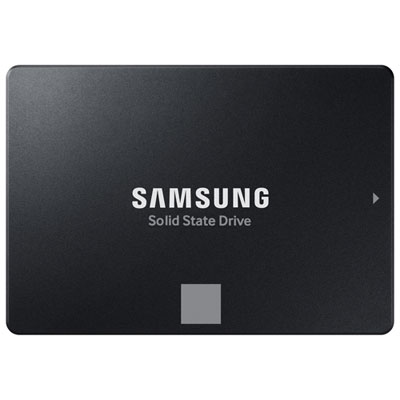 Your price for this item is $469.99
-
 Your price for this item is $394.99
-
 Your price for this item is $874.99
-
 Your price for this item is $1471.99
-
 Your price for this item is $639.99
-
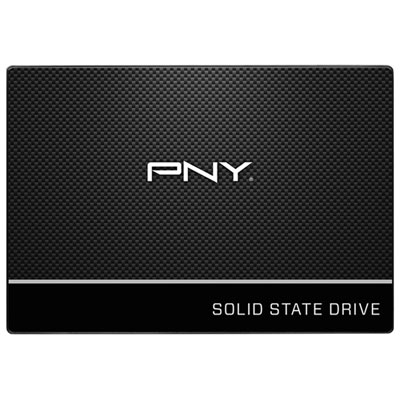 Your price for this item is $124.99
-
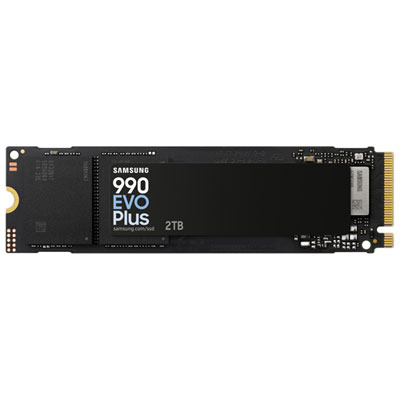 Your price for this item is $789.95
-
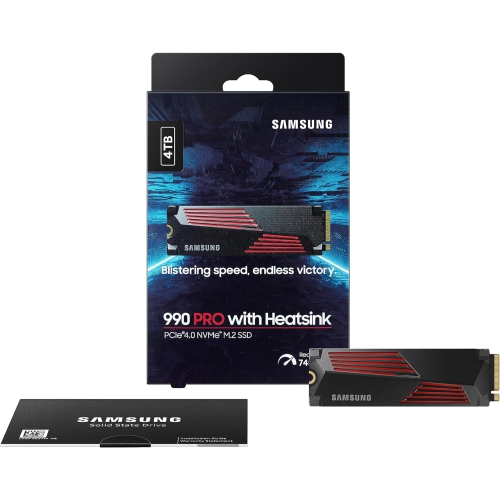 Your price for this item is $1449.99