Stream Cards
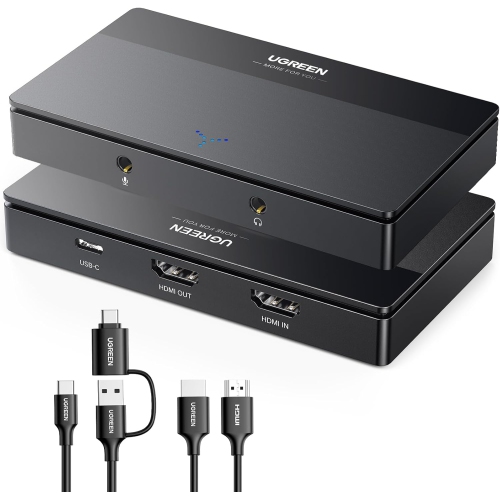
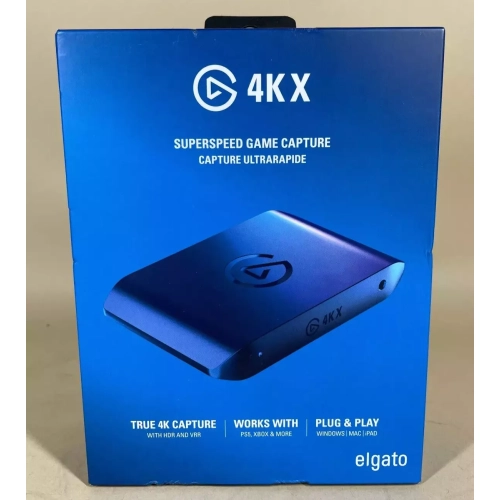
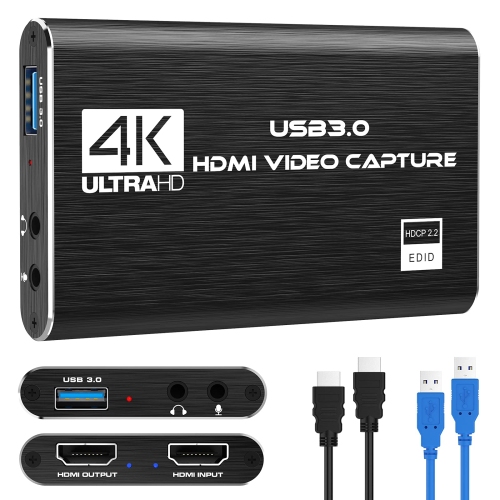
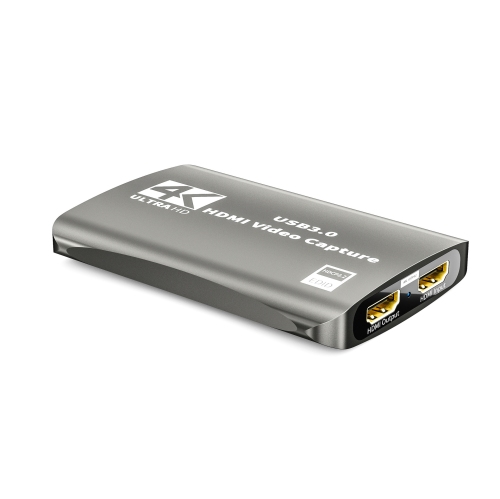
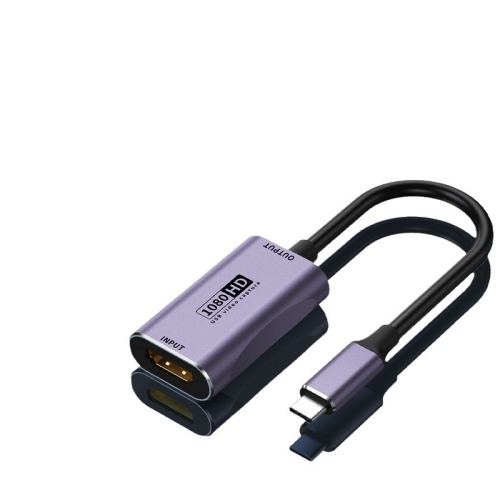
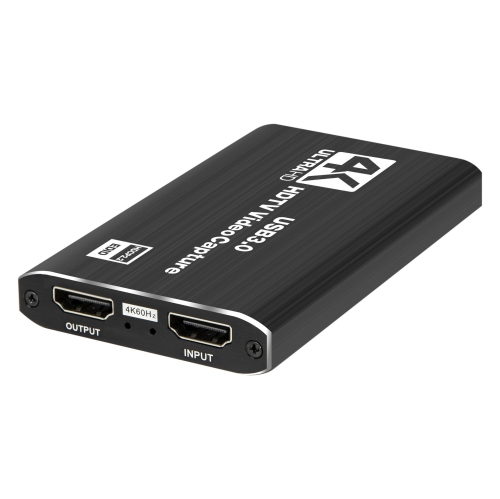
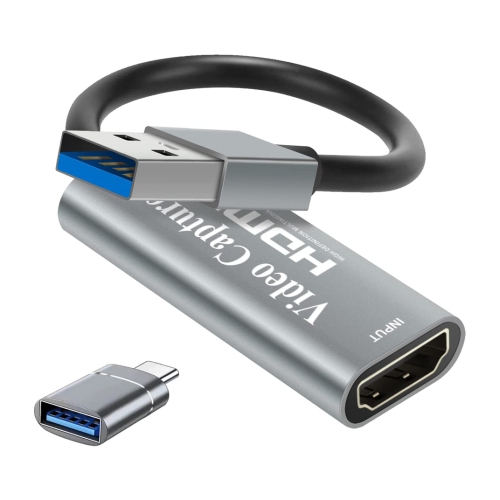
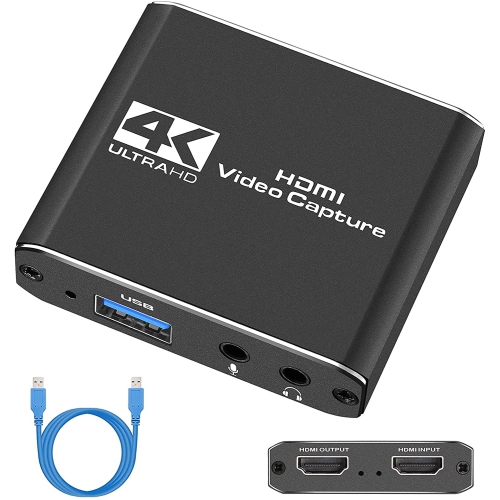
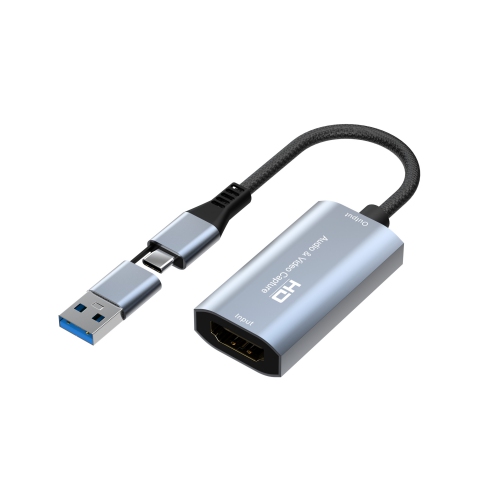
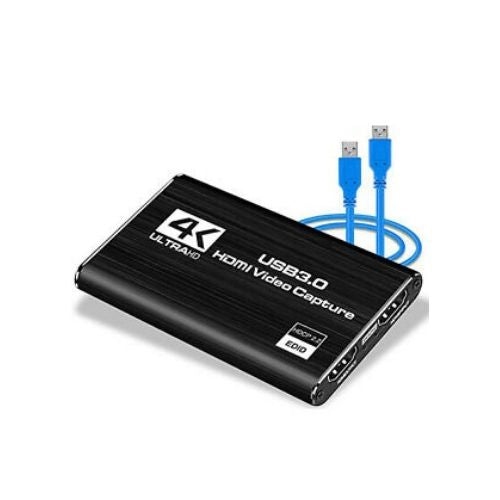
Find a stream card to capture gameplay or camera footage for live streaming and recording. Compare capture cards by supported resolution, frame rate, and connection type, and check compatibility with your computer, video source, and streaming software before choosing.





FAQ
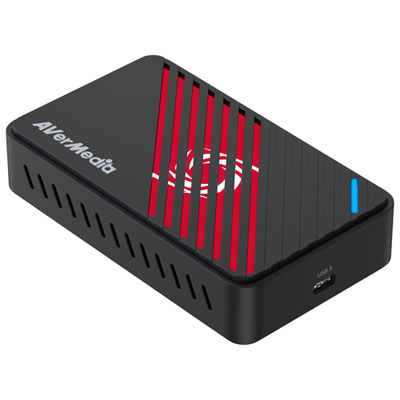
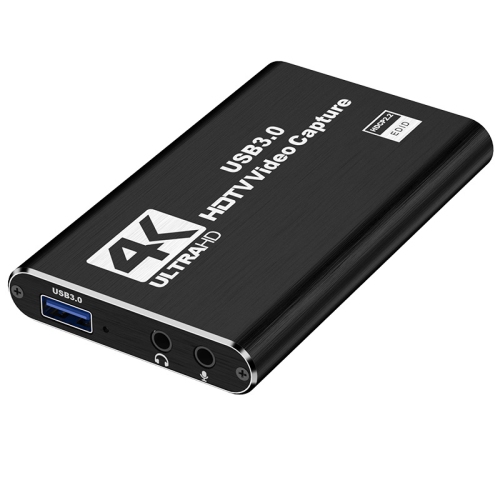
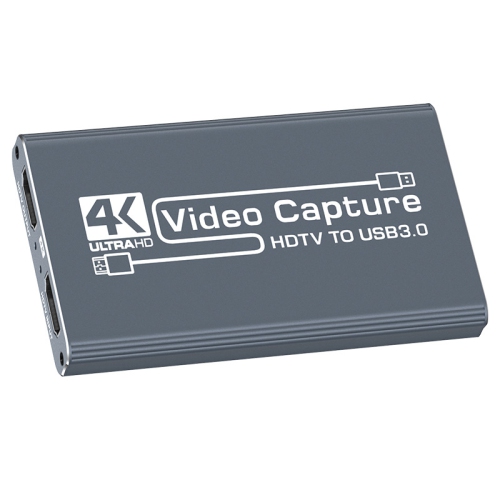
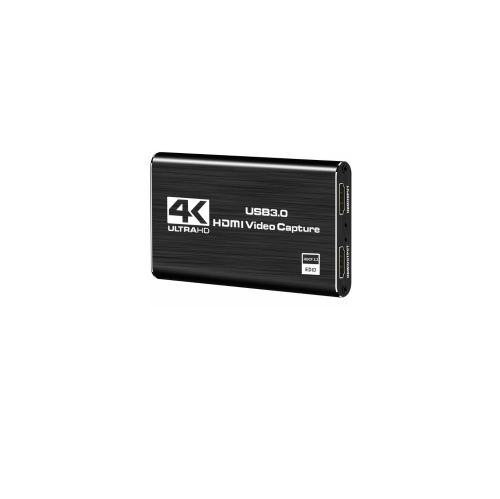
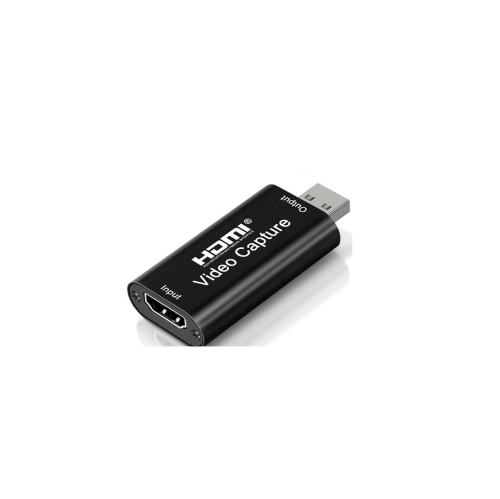
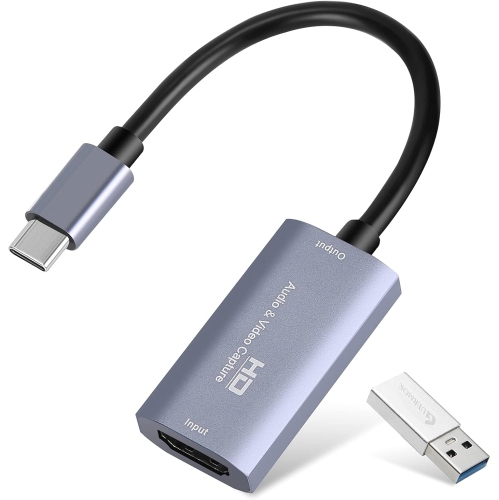
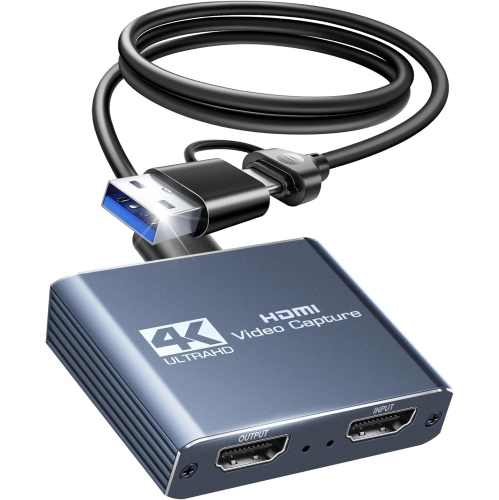
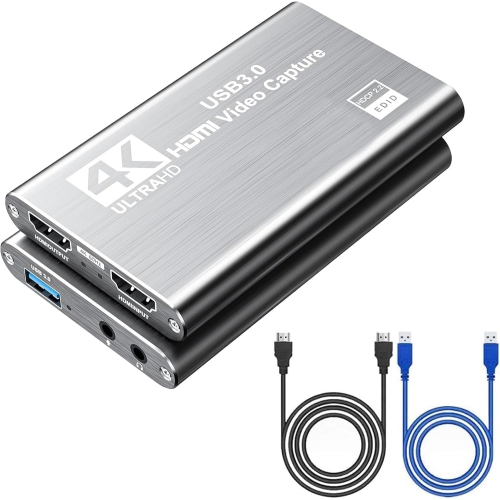
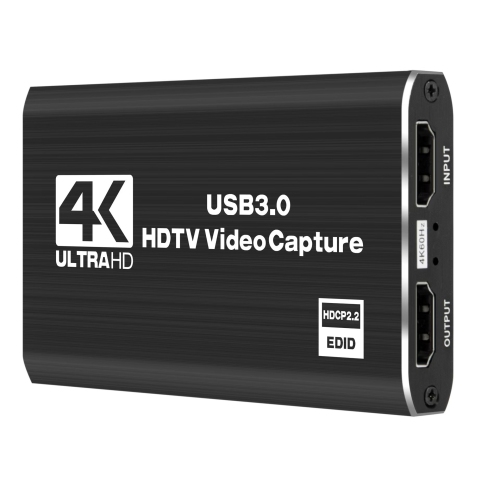
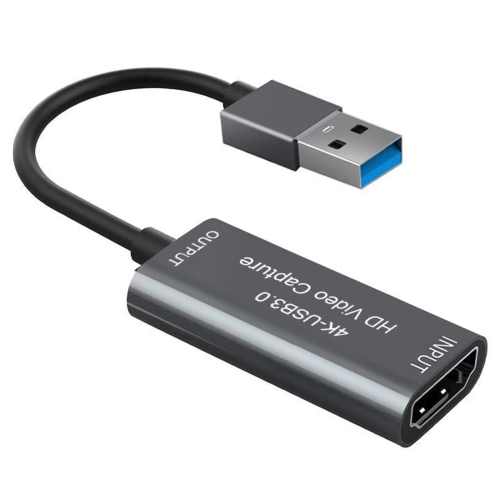
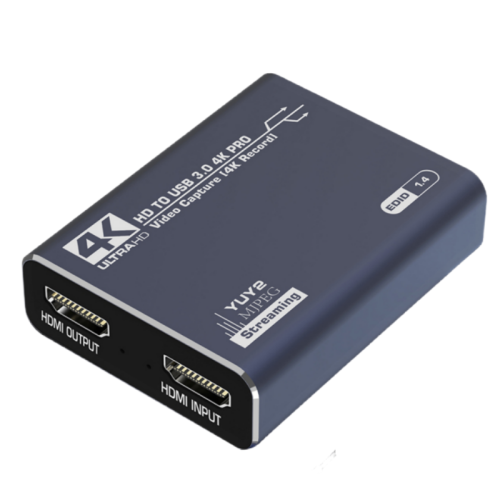
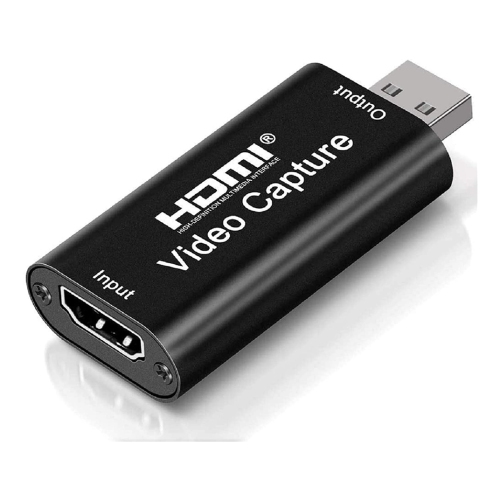
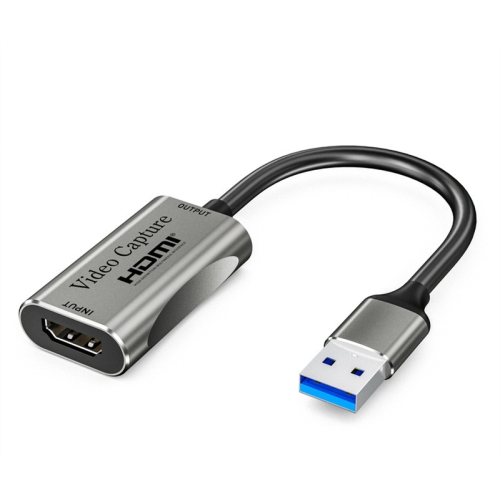
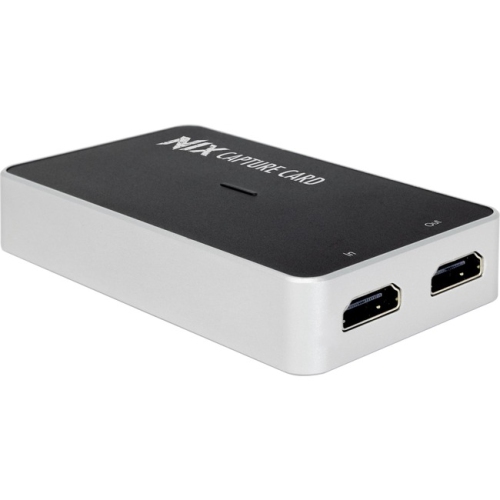
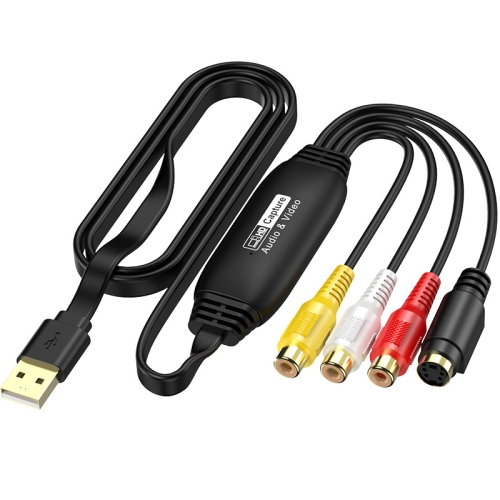
A stream card, often called a capture card, brings video and audio from a device such as a gaming console or camera into a computer. Streaming software can then use that input for a live broadcast or recording.
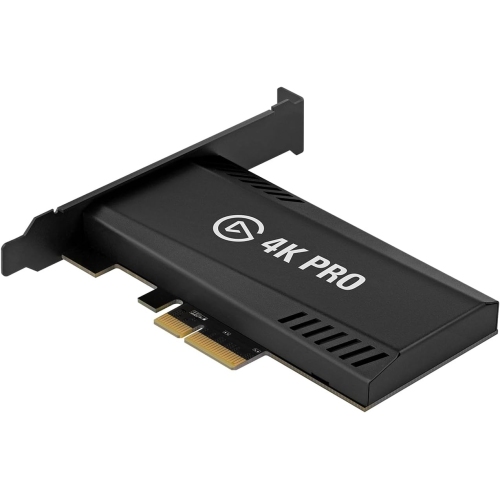
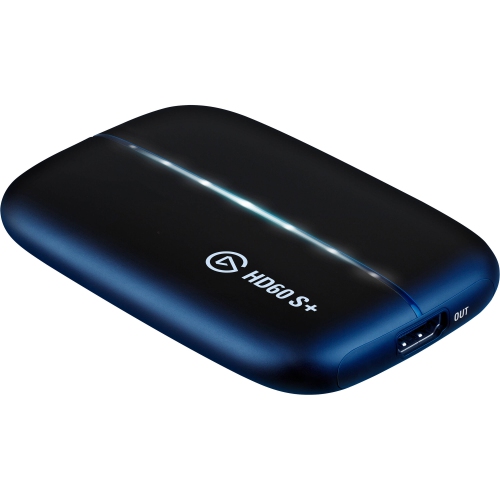
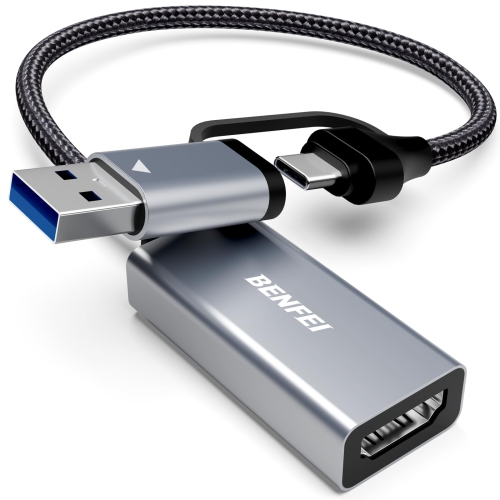
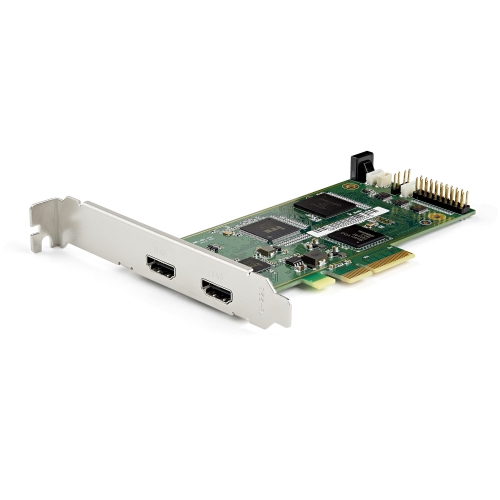
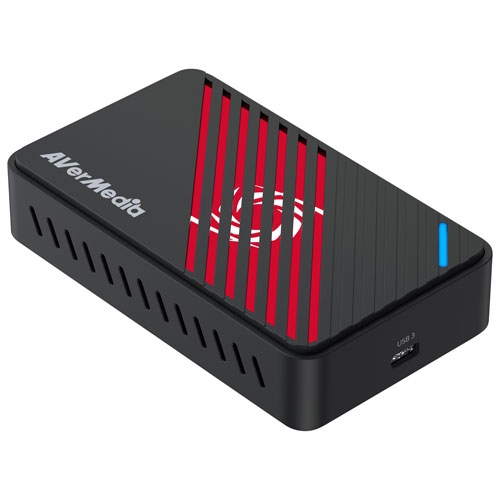
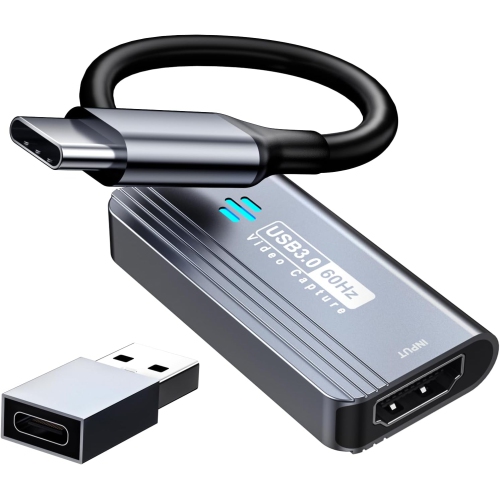
Internal stream cards install in a compatible PCIe slot inside a desktop computer. External stream cards connect through a port such as USB and can work with compatible desktops or laptops. Both types require compatible hardware and software.
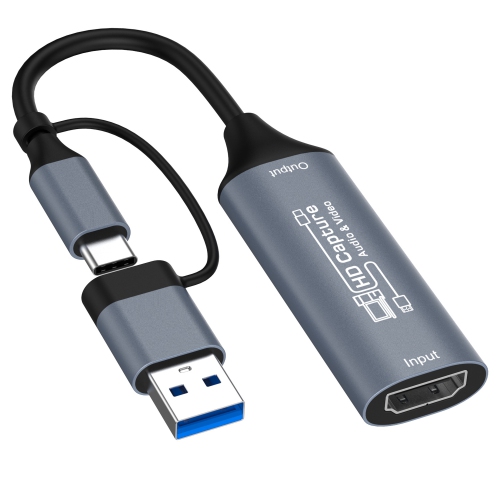
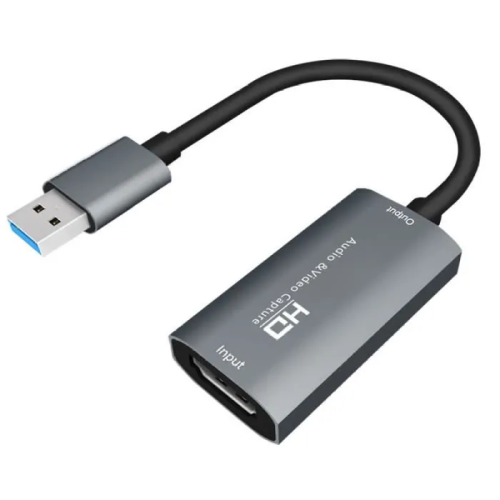
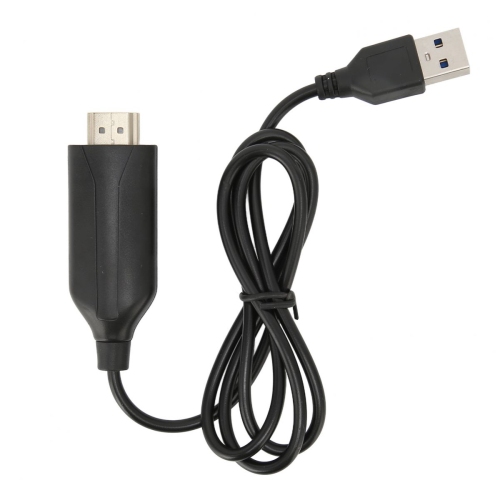
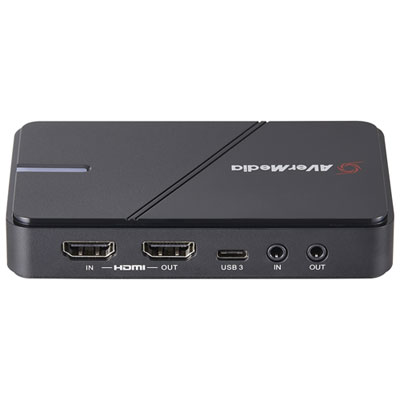
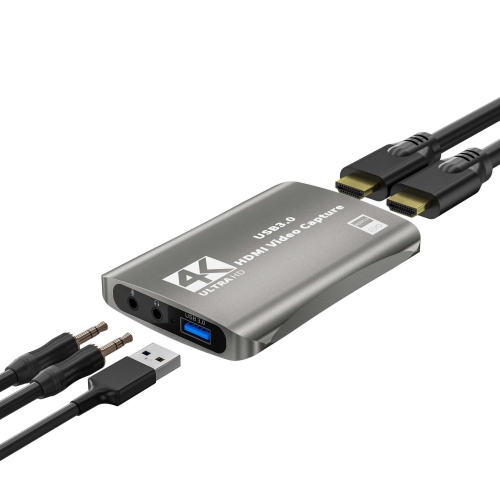
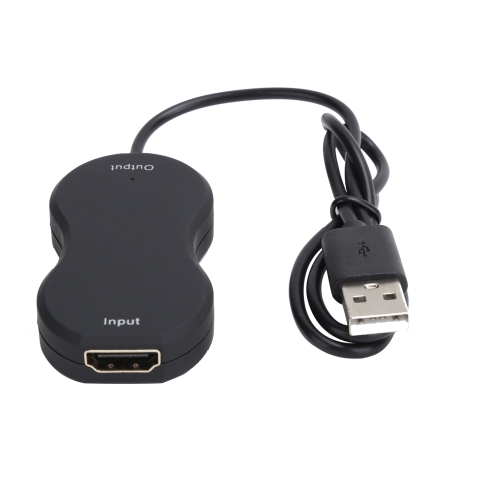
Check the video output on your source device, the input on the capture card, and the connection required by your computer. HDMI is common for console and camera connections, while external cards often use USB to connect to a computer. Confirm the required USB standard as well as the connector type.
Not necessarily. Streaming software can often capture gameplay directly on the same PC. A capture card is commonly used when bringing in video from a console, a compatible camera, or a separate gaming PC in a two-computer setup.
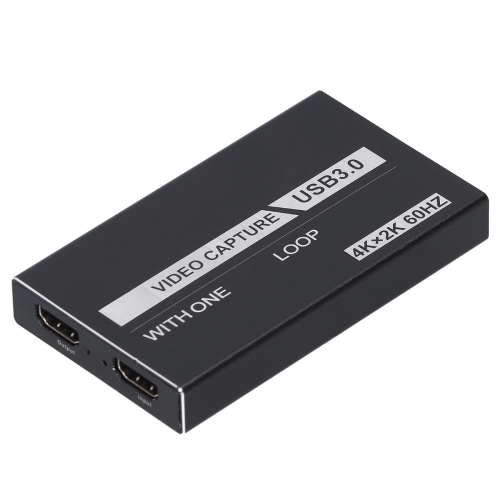
HDMI passthrough sends the source device’s signal through the capture card to a connected TV or monitor while the computer receives a capture feed. Passthrough and capture may support different resolutions, refresh rates, and HDR formats, so check both sets of specifications.
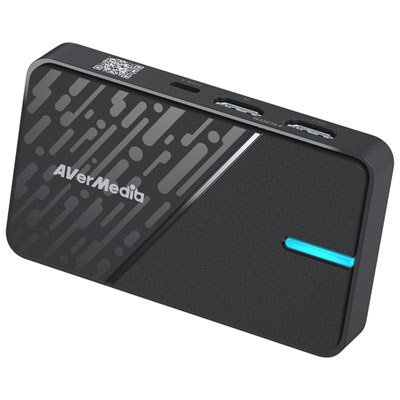
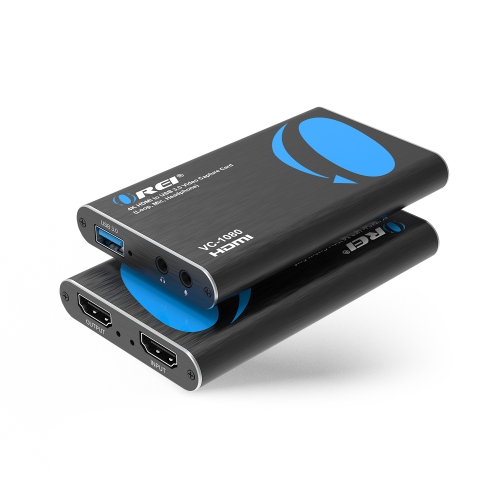
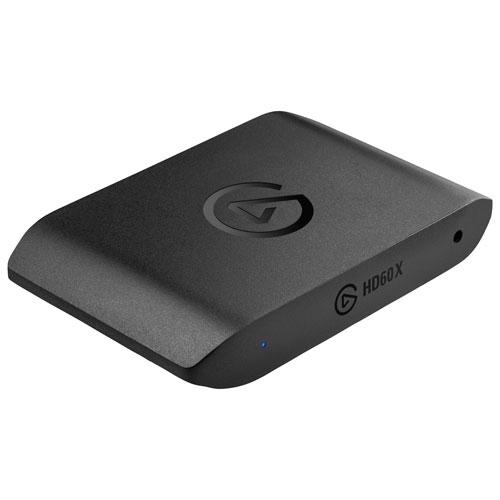
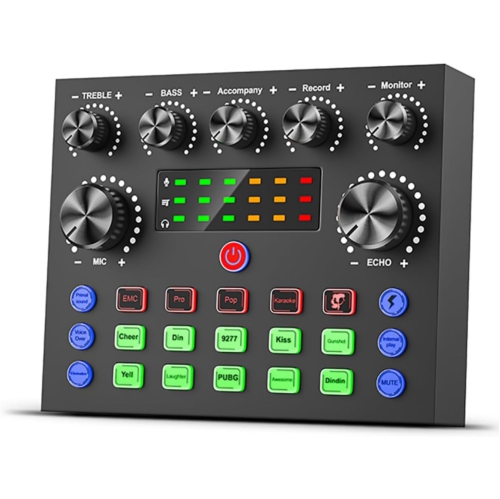
Top selling and popular products
Discover more categories related to Stream Cards


Some products may be subject to Environmental Handling Fees (EHF) depending on your province. Learn more about EHFs.