Stylus For Touchscreen Devices
Enhance your digital experience with a stylus for touchscreen devices, designed to deliver smooth and precise interaction on your favorite screens. Whether you’re drawing, taking notes, or navigating apps, the right stylus can make all the difference in comfort and control. Explore a wide selection of options to find the perfect stylus for touchscreen devices that fits your needs and complements your workflow.
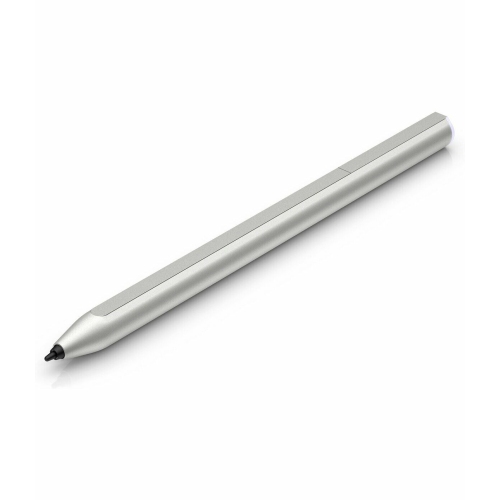
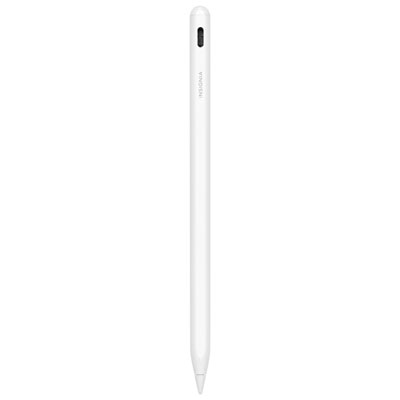
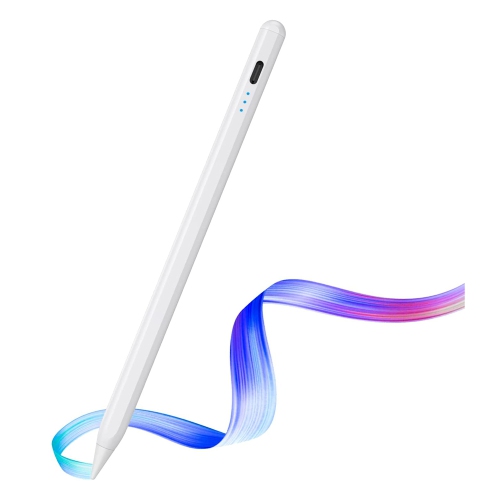
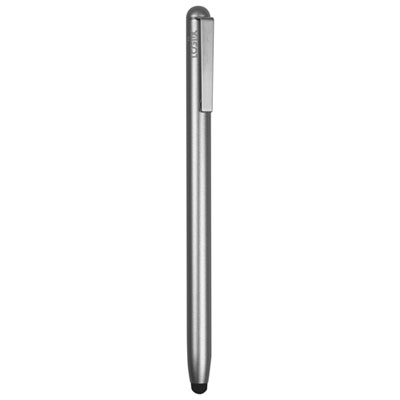
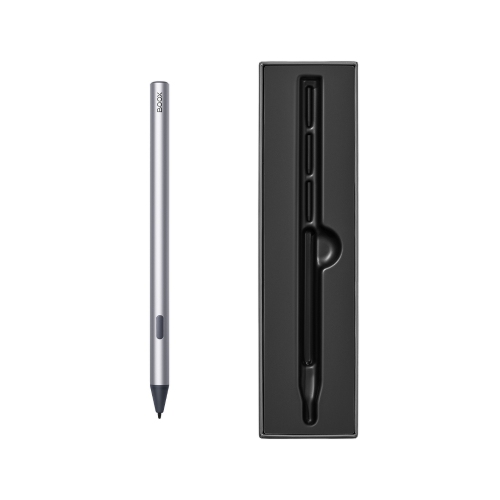
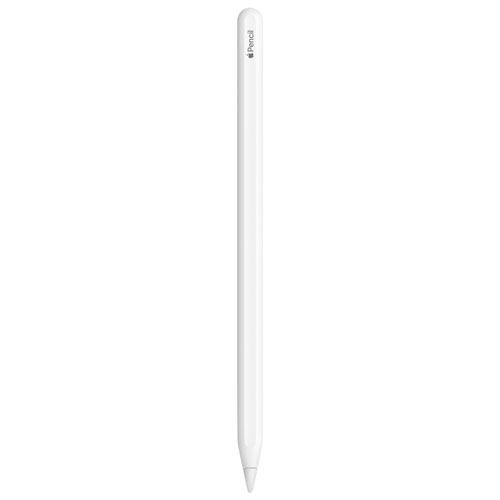
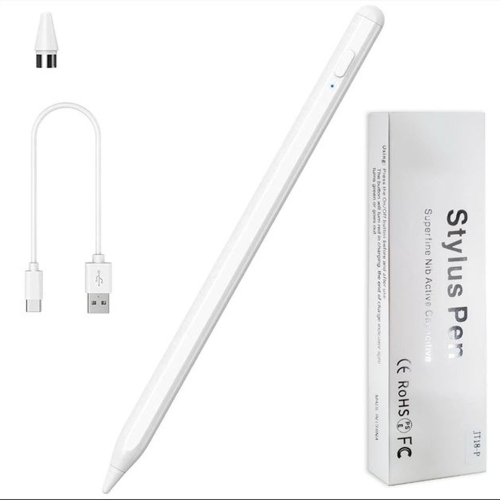
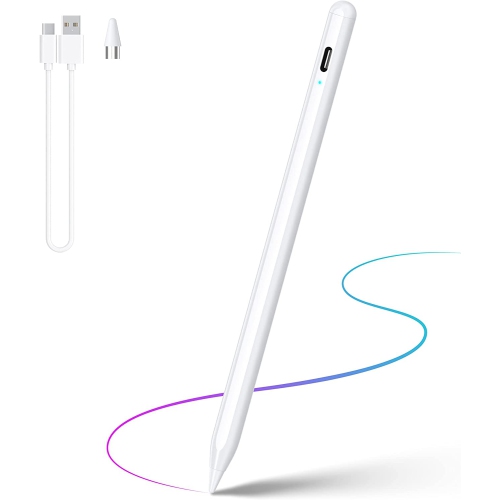
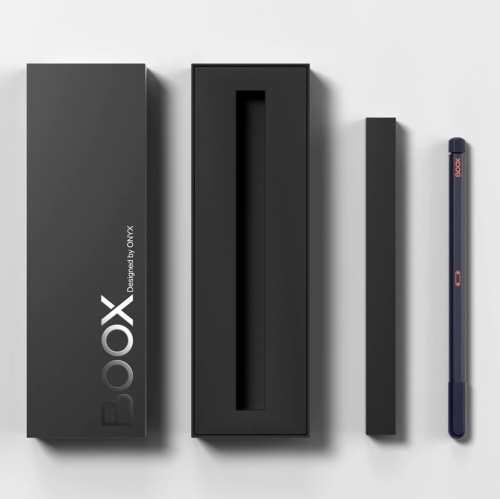

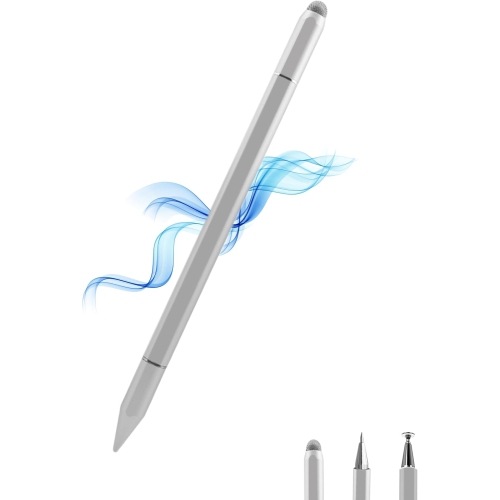
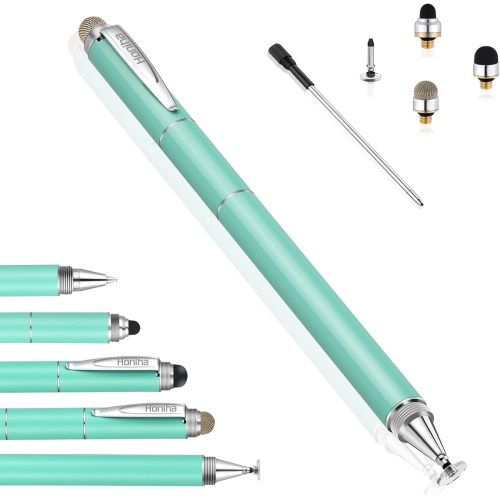
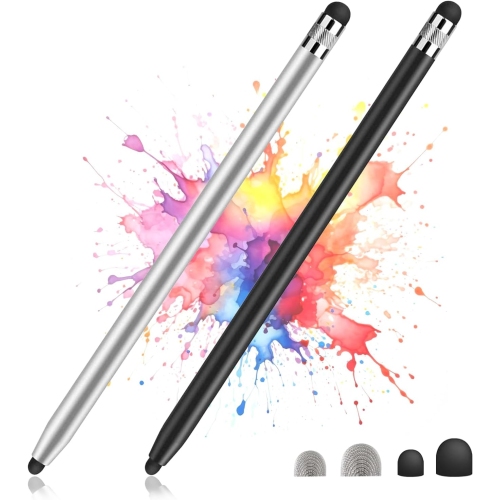
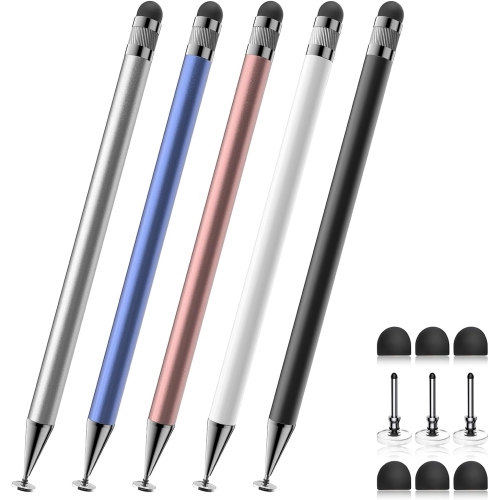
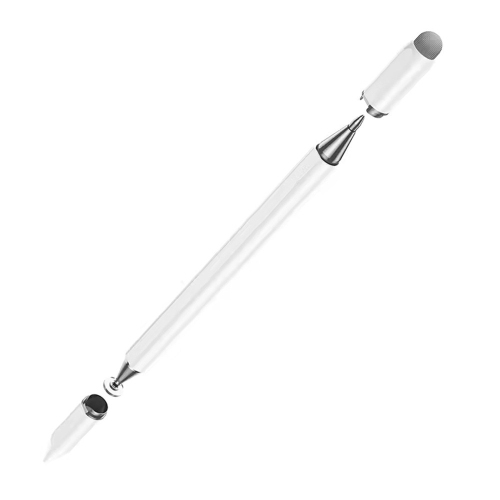

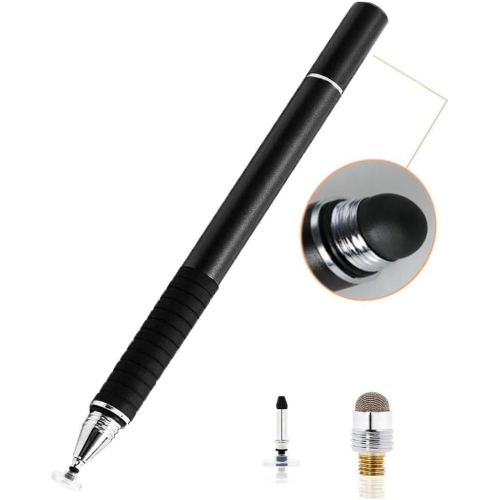
More precise notes and drawings on touchscreen devices
When considering a stylus for your touchscreen device, it is important to think about compatibility, comfort, and the specific features that suit your needs. Some styluses are designed for universal use across a range of smartphones and tablets, while others are tailored to particular devices or operating systems for enhanced performance. If you are someone who values a natural writing or drawing experience, you may want to look for a stylus with pressure sensitivity, palm rejection, or tilt recognition, as these features can make digital note-taking or art feel remarkably intuitive. For those who are always on the move, a lightweight stylus with a clip or magnetic attachment can be a convenient choice, ensuring it stays secure in your bag or pocket. Styluses also make thoughtful gifts for students starting a new school year, professionals upgrading their tech setup, or anyone who enjoys exploring creativity through digital platforms. Whether you are selecting your first stylus or looking to upgrade, you can explore a wide assortment of options on the Stylus Pens for Touch Screens page, where you will find tools designed to enhance productivity, creativity, and everyday convenience on your favourite touchscreen devices.
FAQ
What features should I look for in a stylus for touchscreen devices?
When choosing a stylus for your touchscreen device, consider features such as pressure sensitivity, palm rejection, compatibility with your device, battery life (for active styluses), and tip material. These factors can enhance your drawing, writing, or navigation experience.
Are styluses compatible with all touchscreen devices?
Not all styluses are universally compatible. Some are designed specifically for certain brands or models of tablets and smartphones. It's important to check the compatibility information to ensure the stylus will work with your particular device.
What is the difference between an active and a passive stylus?
An active stylus contains electronic components that communicate with your device, often offering features like pressure sensitivity and palm rejection. A passive (or capacitive) stylus works like a finger by conducting electrical charge but does not offer advanced features.
Can I use a stylus for both drawing and note-taking?
Yes, most styluses can be used for both drawing and note-taking on compatible touchscreen devices. However, if you require precise lines or pressure sensitivity for art, consider an active stylus designed for creative applications.
How do I maintain my stylus to ensure optimal performance?
To keep your stylus performing well, regularly clean the tip with a soft cloth to remove dust and debris. Replace worn-out tips if your model allows it, and store the stylus in a protective case when not in use to prevent damage.
Top selling and popular products
-
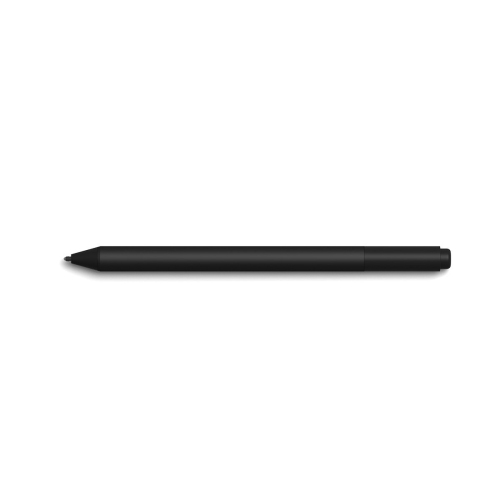 Your price for this item is $175.68
-
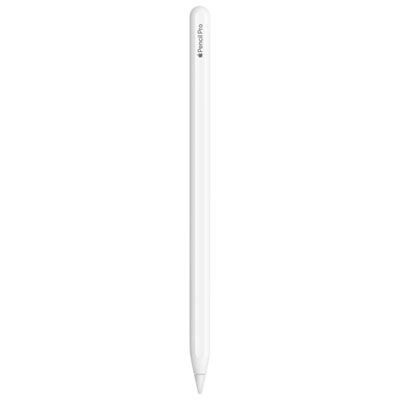 Your price for this item is $169
-
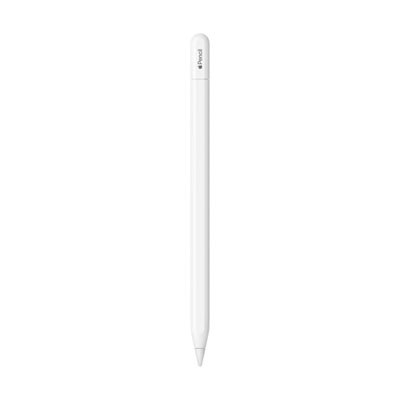 Your price for this item is $109
-
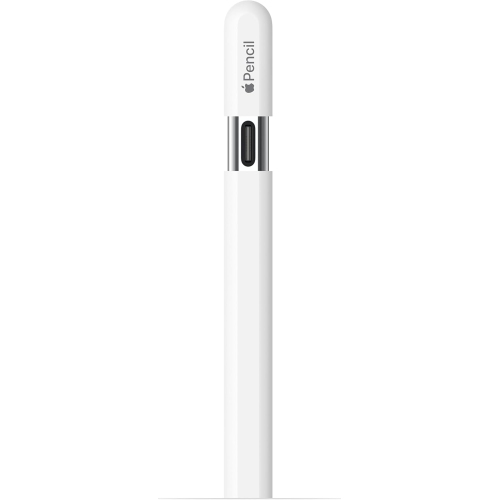 Your price for this item is $96.9
-
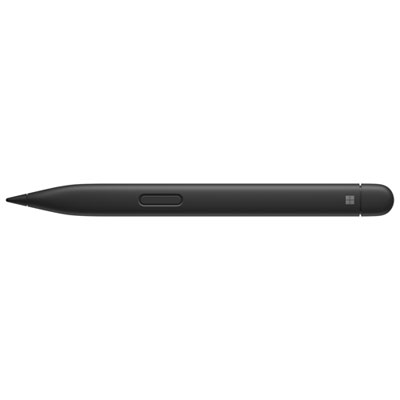 Your price for this item is $189.99
-
 Your price for this item is $9.99
-
 Your price for this item is $71.99
-
 Your price for this item is $21.99