Digital Notebooks For College Lectures
Digital notebooks for college lectures offer a modern solution for students seeking to streamline their note-taking and organization. Designed to keep up with busy academic schedules, these versatile devices make it easy to capture ideas, annotate class materials, and manage assignments all in one place. With digital notebooks for college lectures, staying on top of coursework and collaborating with classmates becomes more efficient than ever, helping students focus on what matters most—learning and success.
Sort







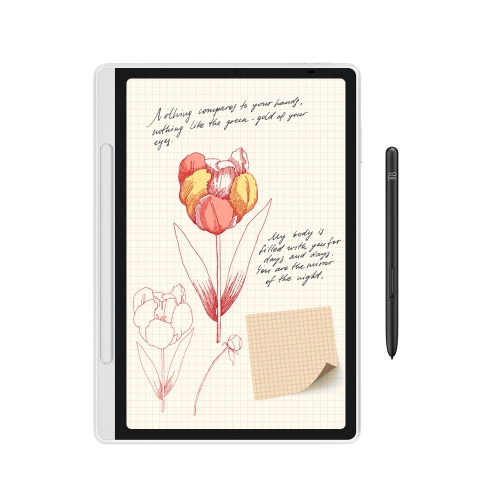

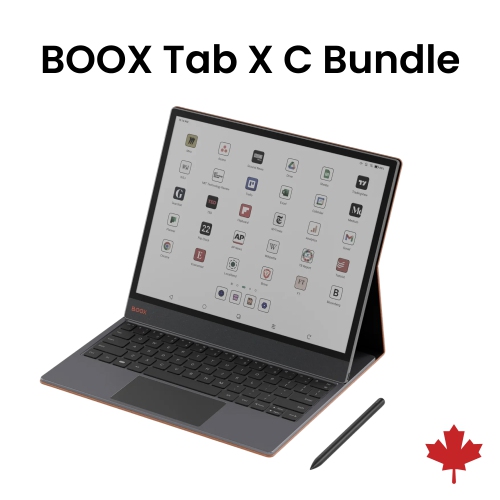
Handwritten notes and lecture slides on the same page
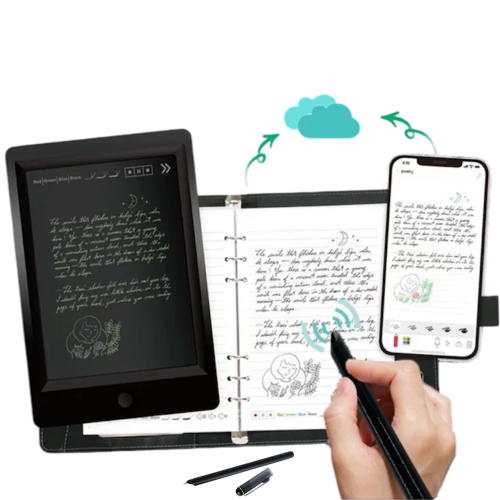
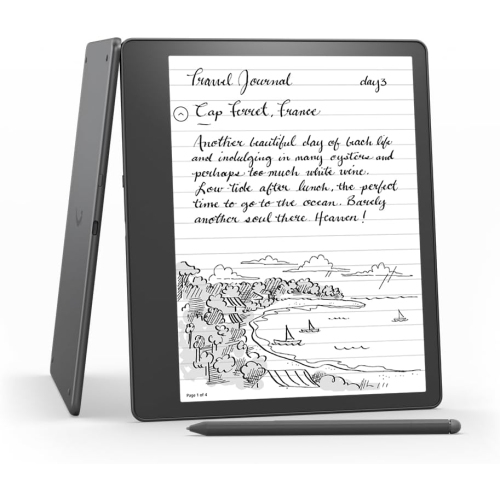
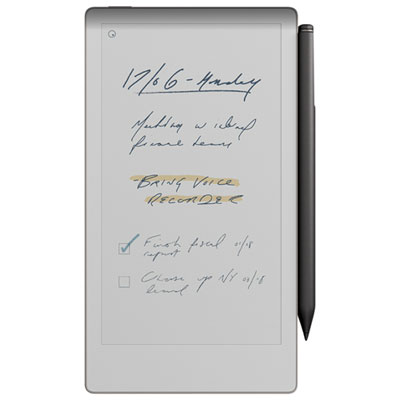
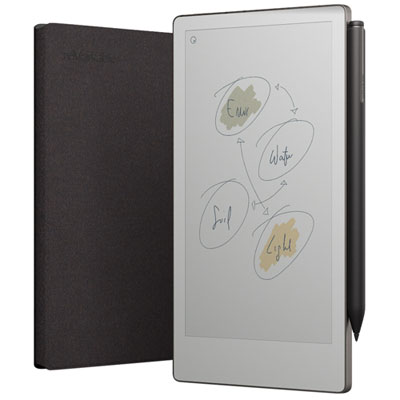
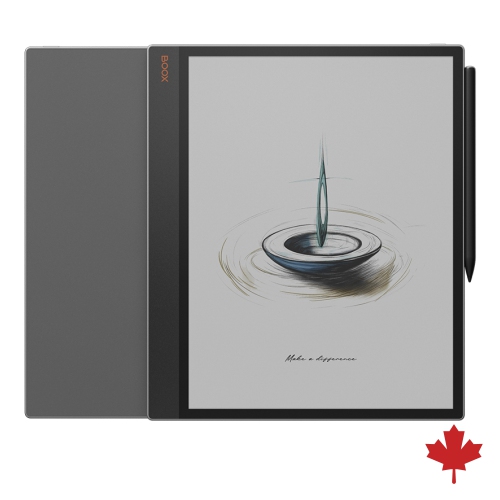
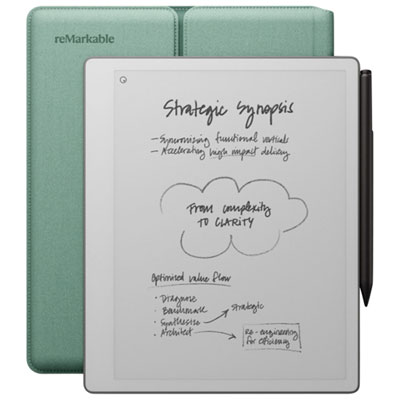
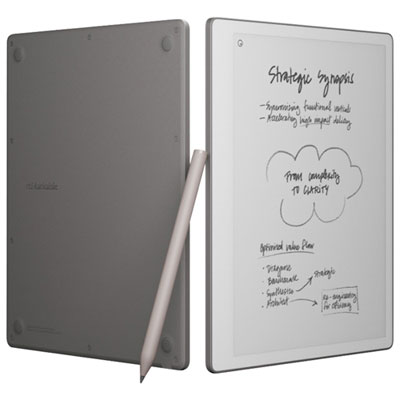
Digital notebooks for college lectures bring handwritten notes, course readings, and annotated slides into a portable format that can travel from a crowded lecture hall to a quiet library desk. These products include dedicated electronic writing devices and reusable notebooks that pair physical pages with a scanning app, although the two work quite differently. An electronic notebook captures pen strokes on a screen, while a reusable notebook usually requires handwritten pages to be scanned before they can be stored digitally. For students who want lecture notes and reading materials on the same device, electronic notebooks with document import and stylus support are the more direct fit. Many dedicated writing devices use E Ink displays, which keep text visible without the bright appearance of a conventional tablet screen. Depending on the model, a textured writing surface and compatible pen can add resistance that feels closer to writing on paper than sliding across smooth glass. That combination suits subjects where typing alone can feel restrictive: an engineering student sketching a force diagram, a nursing student labelling anatomy, or a history student drawing connections between events in the margin of a reading. Features vary, but digital notebooks may offer folders, page templates, handwriting search, and conversion of handwritten text into typed text. Search and conversion accuracy depend on handwriting clarity, supported languages, and software, particularly when notes contain equations or specialist terminology. PDF annotation can be especially useful when an instructor shares slides before class, allowing explanations, worked examples, and reminders to sit beside the relevant material. Some devices also support colour, which can help separate diagram labels or highlight related ideas, though colour appearance differs by screen technology. Unlike a general-purpose tablet, a dedicated digital notebook may have fewer apps and more limited web or media functions. For lecture use, that narrower focus can mean fewer interruptions, but it also makes compatibility with required coursework important.
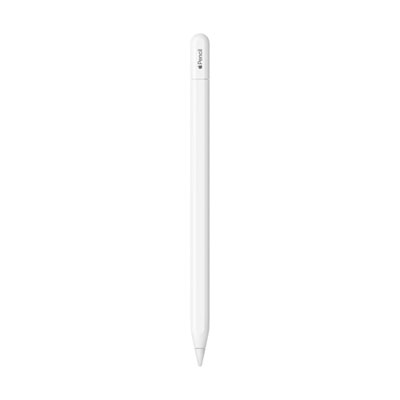
The physical feel of a digital notebook matters during a full day of classes. A larger writing area leaves room for lecture slides and margin notes, while a smaller device is easier to balance on a compact lecture-hall desk or carry alongside a laptop and textbooks. Screen size alone does not tell the whole story: the usable writing area, bezel width, device weight, and cover thickness all affect comfort. Split-screen functions, where supported, can place a reading beside a notebook page, but the text still needs to remain legible at that reduced size. Writing responsiveness, pen accuracy near the screen edges, and reliable palm rejection make a noticeable difference when a lecturer moves quickly through a calculation. Left-handed students may also appreciate adjustable toolbars and page controls that stay clear of their writing hand. Pen designs vary in grip, weight, eraser functions, and power requirements; some need charging, while others use compatible pen technology that does not require a battery in the stylus. Replacement nibs are another practical consideration because textured screens can gradually wear down the tip. Materials and construction influence everyday durability, too. Plastic or metal housings, screen surfaces, and hinge or cover designs handle wear differently, and a slim device is not necessarily resistant to bending or impact. A well-fitting folio or padded sleeve helps protect the screen from keys, charger plugs, and pressure inside a backpack. A secure pen loop or attachment point is useful when moving between classrooms, although magnetic attachment alone may not keep a stylus in place inside a crowded bag. Care generally involves a soft, clean cloth and the manufacturer’s approved cleaning method rather than household sprays or abrasive materials. Reusable paper-style notebooks have different care requirements and may need a specific erasable pen and a lightly dampened cloth. For either format, keeping drinks away from the writing surface and storing the notebook without heavy objects pressing against it can help prevent avoidable damage.
Day-to-day usefulness depends as much on the file workflow as on the writing experience. A digital notebook used for college lectures needs to fit the way course materials arrive and assignments leave: downloading a PDF, adding handwritten comments, and exporting a readable copy for a study partner or instructor. Supported file formats, document size limits, and export options differ, and not every device can open presentation files, protected textbooks, or a college learning platform directly. A browser or companion computer may still be needed to prepare and transfer documents. Wi-Fi and cloud syncing can simplify access across devices, while USB transfer or local storage may suit students who prefer to manage files themselves. Offline writing is useful in rooms with unreliable connectivity, but syncing, handwriting conversion, and other connected features may require internet access. Some functions also depend on an account or subscription. Battery life varies with screen technology, lighting, wireless use, and workload, so a long reading session and a day of frequent document transfers can place different demands on the same device. Front lighting, where included, helps with reading in dim lecture halls; adjustable text size can improve supported documents, although scanned PDFs may offer fewer options. For broader coursework and personal writing, Digital Notebooks for Note-Taking can support a mix of class notes, reading logs, and everyday planning. Within a college routine, separate folders for each course and clearly dated lecture pages make it easier to return to a difficult concept before an assessment. Regular exports or backups help preserve that work if a device is lost or damaged, and a screen lock adds protection for personal notes. These notebooks can also make thoughtful gifts for students beginning a programme or returning to study, especially when the format matches their existing habits. A student who thinks through diagrams may value generous pen space, while someone reading dense journal articles may place greater importance on clear PDFs and easy annotation. The strongest fit is a notebook that makes those familiar study tasks easier without adding unnecessary steps between listening, writing, and reviewing.
The physical feel of a digital notebook matters during a full day of classes. A larger writing area leaves room for lecture slides and margin notes, while a smaller device is easier to balance on a compact lecture-hall desk or carry alongside a laptop and textbooks. Screen size alone does not tell the whole story: the usable writing area, bezel width, device weight, and cover thickness all affect comfort. Split-screen functions, where supported, can place a reading beside a notebook page, but the text still needs to remain legible at that reduced size. Writing responsiveness, pen accuracy near the screen edges, and reliable palm rejection make a noticeable difference when a lecturer moves quickly through a calculation. Left-handed students may also appreciate adjustable toolbars and page controls that stay clear of their writing hand. Pen designs vary in grip, weight, eraser functions, and power requirements; some need charging, while others use compatible pen technology that does not require a battery in the stylus. Replacement nibs are another practical consideration because textured screens can gradually wear down the tip. Materials and construction influence everyday durability, too. Plastic or metal housings, screen surfaces, and hinge or cover designs handle wear differently, and a slim device is not necessarily resistant to bending or impact. A well-fitting folio or padded sleeve helps protect the screen from keys, charger plugs, and pressure inside a backpack. A secure pen loop or attachment point is useful when moving between classrooms, although magnetic attachment alone may not keep a stylus in place inside a crowded bag. Care generally involves a soft, clean cloth and the manufacturer’s approved cleaning method rather than household sprays or abrasive materials. Reusable paper-style notebooks have different care requirements and may need a specific erasable pen and a lightly dampened cloth. For either format, keeping drinks away from the writing surface and storing the notebook without heavy objects pressing against it can help prevent avoidable damage.
Day-to-day usefulness depends as much on the file workflow as on the writing experience. A digital notebook used for college lectures needs to fit the way course materials arrive and assignments leave: downloading a PDF, adding handwritten comments, and exporting a readable copy for a study partner or instructor. Supported file formats, document size limits, and export options differ, and not every device can open presentation files, protected textbooks, or a college learning platform directly. A browser or companion computer may still be needed to prepare and transfer documents. Wi-Fi and cloud syncing can simplify access across devices, while USB transfer or local storage may suit students who prefer to manage files themselves. Offline writing is useful in rooms with unreliable connectivity, but syncing, handwriting conversion, and other connected features may require internet access. Some functions also depend on an account or subscription. Battery life varies with screen technology, lighting, wireless use, and workload, so a long reading session and a day of frequent document transfers can place different demands on the same device. Front lighting, where included, helps with reading in dim lecture halls; adjustable text size can improve supported documents, although scanned PDFs may offer fewer options. For broader coursework and personal writing, Digital Notebooks for Note-Taking can support a mix of class notes, reading logs, and everyday planning. Within a college routine, separate folders for each course and clearly dated lecture pages make it easier to return to a difficult concept before an assessment. Regular exports or backups help preserve that work if a device is lost or damaged, and a screen lock adds protection for personal notes. These notebooks can also make thoughtful gifts for students beginning a programme or returning to study, especially when the format matches their existing habits. A student who thinks through diagrams may value generous pen space, while someone reading dense journal articles may place greater importance on clear PDFs and easy annotation. The strongest fit is a notebook that makes those familiar study tasks easier without adding unnecessary steps between listening, writing, and reviewing.
Top selling and popular products
-
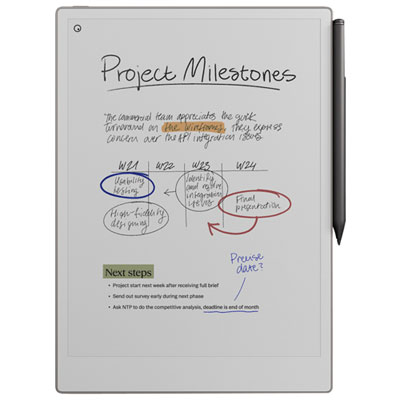 Your price for this item is $899.99
 -
 Your price for this item is $1099.99
 -
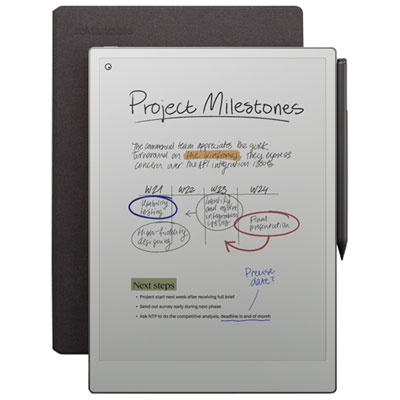 Your price for this item is $1049.99
 -
 Your price for this item is $699.99
 -
 Your price for this item is $799.99
 -
 Your price for this item is $1063.99
 -
 Your price for this item is $679.99
 -
 Your price for this item is $549.99
Discover more categories related to Digital Notebooks For College Lectures
Top Collections:
Pokemon Centers, Kindle Devices, Best Budget Office Chairs, Apple iPhones 16, Best Laptops for Writers, iPhone 15 Apple, Canon G7X Cameras, Refurbished Apple Laptops, Alarm Clock, Motorola Razr Phones
Some products may be subject to Environmental Handling Fees
(EHF) depending on your province.
Learn more about EHFs.