Digital Notebooks for School
Digital notebooks for school offer a modern way to organize notes, assignments, and schedules with ease. Perfect for students of all ages, these versatile devices help streamline learning and boost productivity in the classroom and beyond. With digital notebooks for school, it’s simple to keep everything you need in one convenient place, making study sessions and group projects more efficient. Explore a wide range of options designed to support your academic journey and keep you on track throughout the school year.
Sort



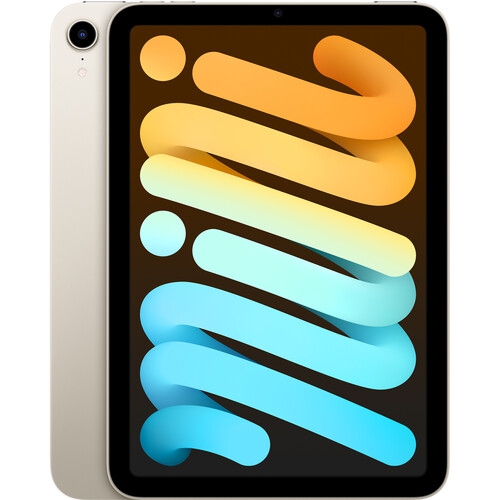

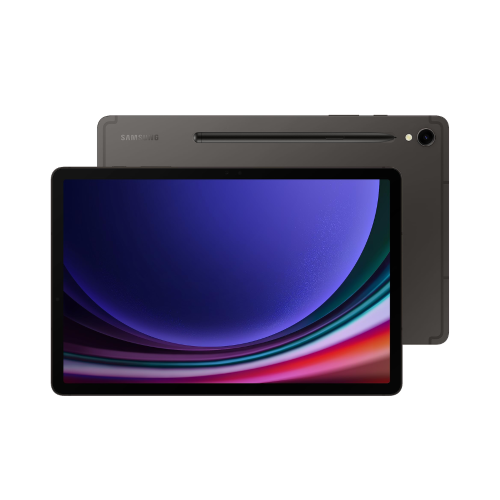
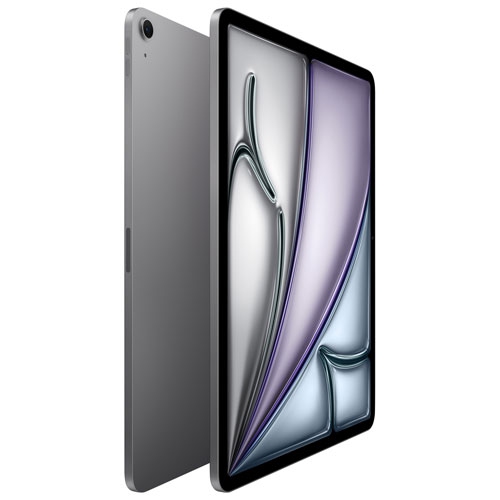
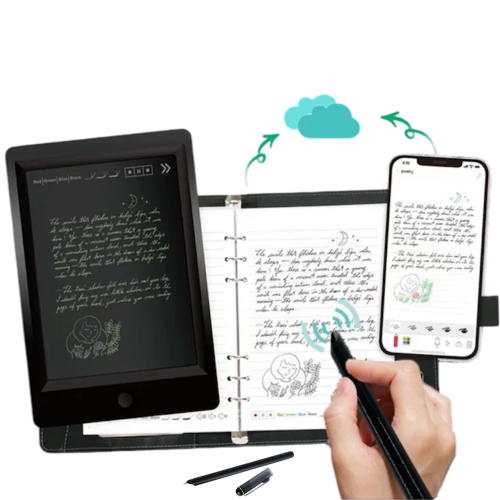

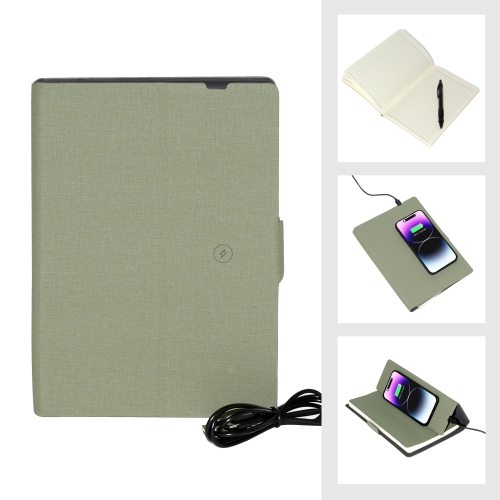
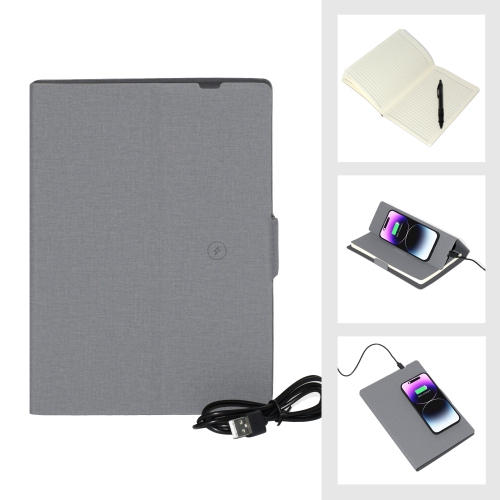
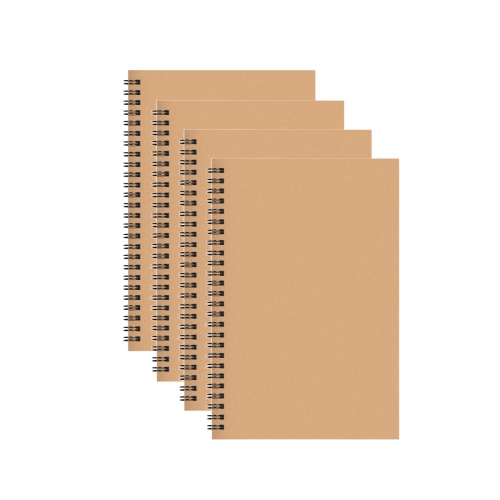
Handwritten notes that stay organized beyond the classroom
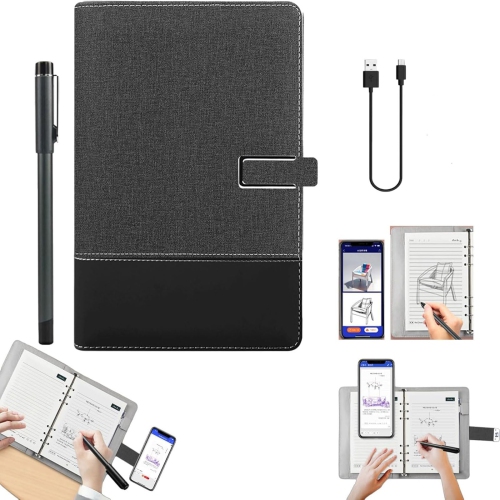
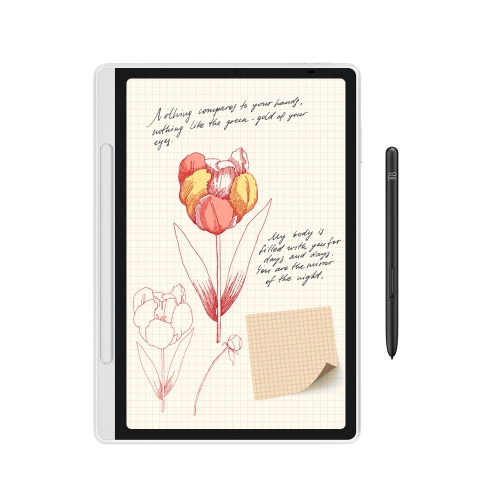
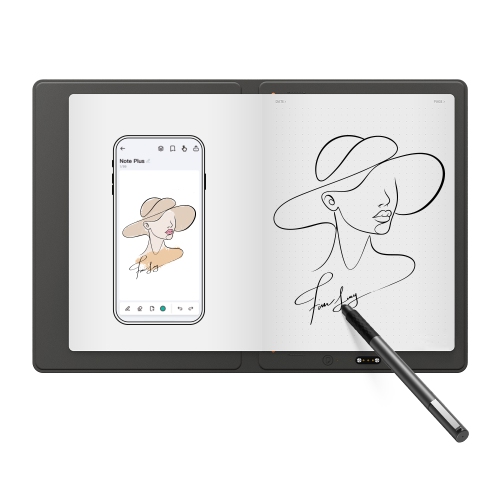
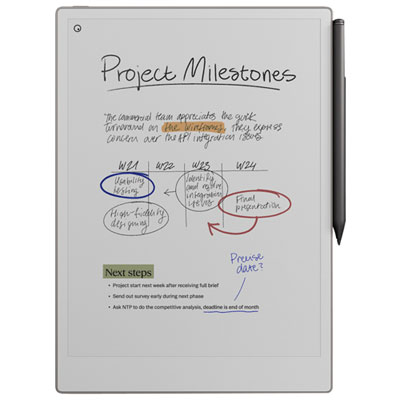
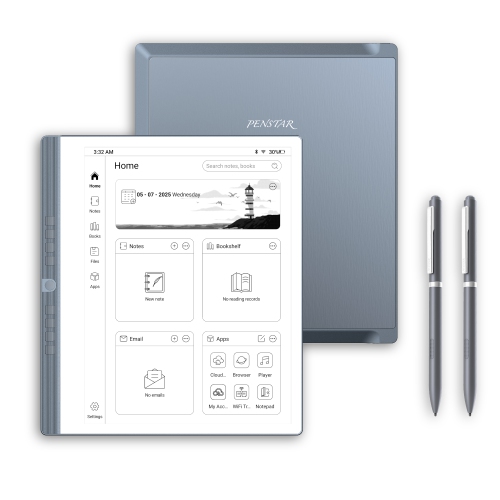
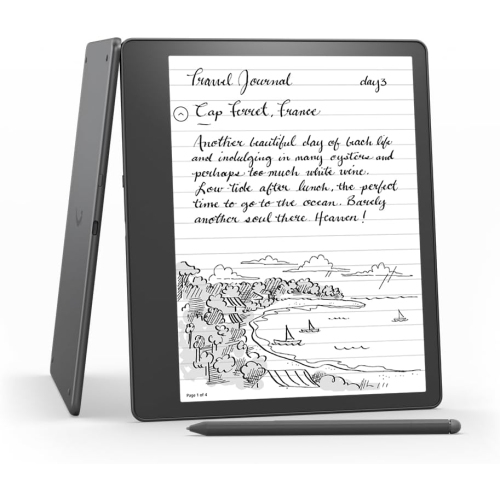
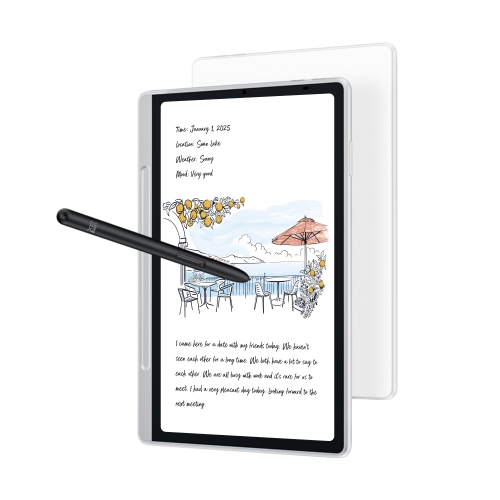
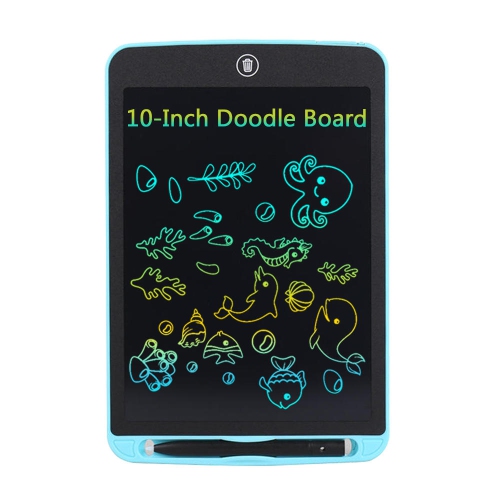
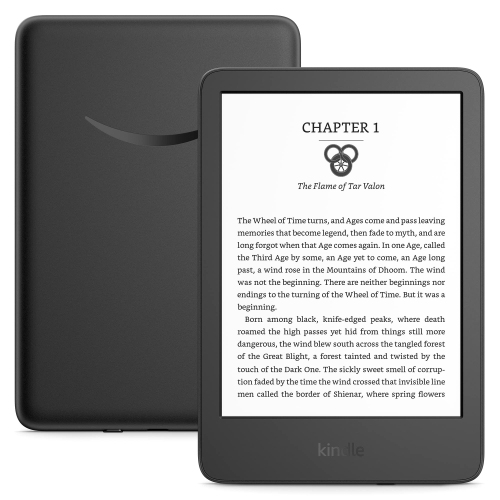
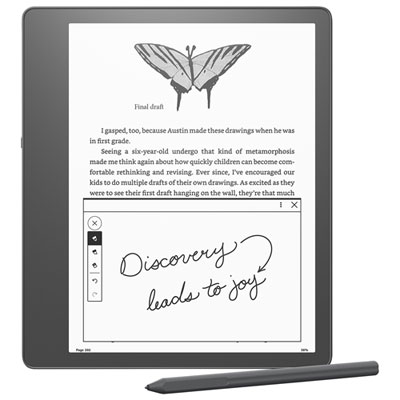
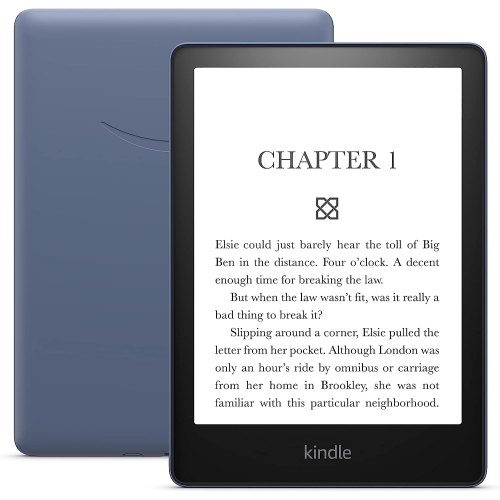
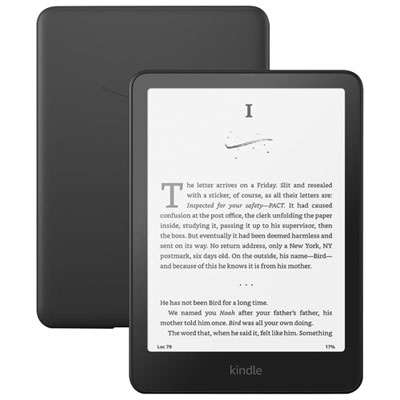
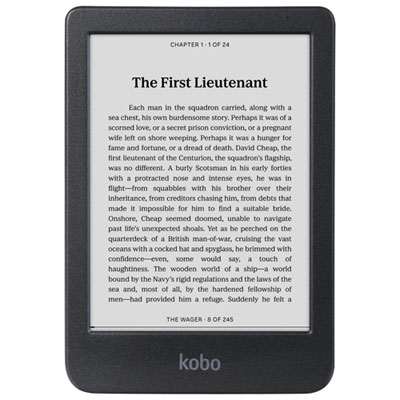
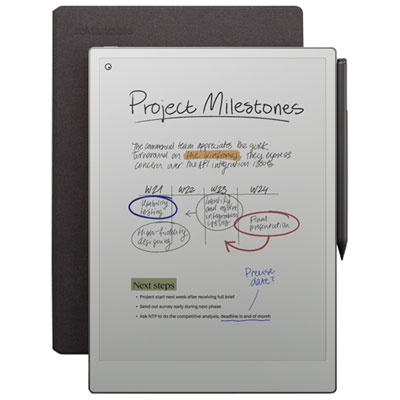
Digital notebooks for school bring handwritten notes into a format that is easier to organize, search and carry between classes. The category includes dedicated electronic writing devices, reusable notebooks that work with a scanning app, and digital notebook templates used on compatible tablets. Each suits a different school routine. An electronic paper notebook offers a screen designed for reading and writing, often with fewer interruptions than a general-purpose tablet. A reusable smart notebook keeps the familiar feel of pen on a physical page, then lets students capture their work digitally before clearing the pages according to the manufacturer’s instructions. Tablet-based notebooks combine handwriting with other study tools, such as typed notes, course readings and presentation files. For a student moving from a maths lesson to a history lecture, the appeal is practical: equations, timelines and handwritten explanations can stay grouped by subject rather than scattered across loose sheets. Depending on the device and software, notes may be searchable, convertible to typed text or exportable as files that can be shared with classmates. Those capabilities vary, so it is worth distinguishing between a notebook that simply captures handwriting and one that also supports document annotation or handwriting search. Students who mainly write during class may appreciate a focused writing device, while those who regularly switch between research, video lessons and assignments may find a compatible tablet more useful. Reusable notebooks can suit students who prefer writing on physical pages but want digital copies for revision. The best fit is the format that makes everyday schoolwork feel straightforward, whether that means labelling a biology diagram, working through a page of algebra or adding a teacher’s explanation beside a difficult passage. A digital notebook can also serve as a companion to a laptop rather than a replacement, keeping handwritten work separate from essays, spreadsheets and course websites.
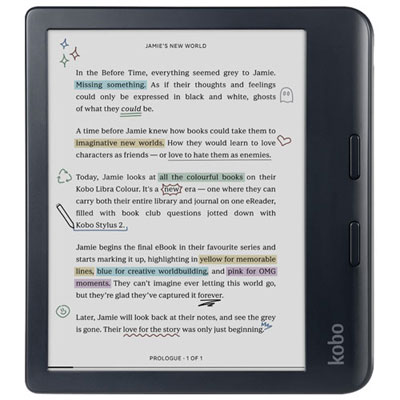
Writing comfort matters when a notebook will be used through several classes and an evening of homework. Screen size affects both the space available for handwriting and how comfortably a full-page worksheet can be viewed. A smaller device slips more easily into a crowded backpack, while a larger writing area gives diagrams, calculations and annotated readings more room. Weight is worth considering alongside size, especially for students already carrying textbooks, lunch and a laptop. On electronic devices, the surface texture, pen grip and responsiveness of the writing system influence how natural it feels to take notes at classroom speed. Some pens support pressure sensitivity, shortcut buttons or an eraser function, but these features depend on the device and app. Pen compatibility deserves close attention: a stylus designed for one writing system will not necessarily work with another, and a compatible pen may be sold separately. For reusable notebooks, the required pen type, page layout and cleaning method are equally important. Lined pages suit written summaries, dot grids offer flexibility for sketches and charts, and ruled layouts for planning can help keep assignment deadlines visible. Screen characteristics also shape the experience. Electronic paper displays generally offer a paper-like appearance, but not every model has a built-in light or colour support. A colour display can be useful for highlighting different parts of a diagram, although colours and page-refresh behaviour vary by screen technology. A conventional tablet offers broader app access and multimedia capabilities, while notifications and other apps may require attention settings during lessons. Battery life should be assessed against the student’s actual schedule, including reading, writing, wireless syncing and any lighting use, rather than assuming every device lasts equally long. The overall purchase cost may also include a cover, replacement pen tips, compatible writing supplies or paid software features. A secure place to store the pen is a small detail that becomes important when packing up quickly at the end of class.
Keeping school notes useful after the lesson is where file handling and organization become especially valuable. Folders for each course, clearly named notebooks and dated pages can make it easier to find the worked example a teacher explained several classes earlier. Some systems offer tags, handwriting search or text conversion, though results can depend on writing clarity, language support and subscription access. Students working in English and French should check the supported languages for any handwriting tools they expect to use. PDF support is helpful for marking up worksheets and readings, but importing a document, writing on it and exporting the finished copy are separate capabilities worth checking. A student preparing for a test might want lecture notes and practice questions in one place; a classmate working on a group assignment may need a simple way to share a readable copy without requiring everyone to use the same app. Cloud syncing can make notes available across compatible devices, while offline writing is useful in classrooms or study spaces where Wi-Fi access is limited. Saving work locally is not always the same as having a backup, so available backup and export options matter for longer-term access. School account restrictions and classroom rules may also affect which devices or services students can use. For younger learners, uncomplicated controls and a protective cover may be more valuable than an extensive feature list. Secondary school students can benefit from separate spaces for subjects, revision and homework planning, while college and university students may place greater emphasis on lengthy readings, lecture annotation and managing files across courses. Digital notebooks can make thoughtful gifts for students starting a new programme or building a more organized study routine, especially when the choice reflects their existing devices and preferred way of writing. A student who fills margins with sketches has different needs from one who mainly highlights readings or writes detailed lab observations. For a broader view of writing-focused options, Digital Notebooks for Note-Taking brings together related possibilities beyond a single school routine. The most useful choice leaves students with legible, accessible notes they can return to when an assignment, discussion or exam calls for them.
Writing comfort matters when a notebook will be used through several classes and an evening of homework. Screen size affects both the space available for handwriting and how comfortably a full-page worksheet can be viewed. A smaller device slips more easily into a crowded backpack, while a larger writing area gives diagrams, calculations and annotated readings more room. Weight is worth considering alongside size, especially for students already carrying textbooks, lunch and a laptop. On electronic devices, the surface texture, pen grip and responsiveness of the writing system influence how natural it feels to take notes at classroom speed. Some pens support pressure sensitivity, shortcut buttons or an eraser function, but these features depend on the device and app. Pen compatibility deserves close attention: a stylus designed for one writing system will not necessarily work with another, and a compatible pen may be sold separately. For reusable notebooks, the required pen type, page layout and cleaning method are equally important. Lined pages suit written summaries, dot grids offer flexibility for sketches and charts, and ruled layouts for planning can help keep assignment deadlines visible. Screen characteristics also shape the experience. Electronic paper displays generally offer a paper-like appearance, but not every model has a built-in light or colour support. A colour display can be useful for highlighting different parts of a diagram, although colours and page-refresh behaviour vary by screen technology. A conventional tablet offers broader app access and multimedia capabilities, while notifications and other apps may require attention settings during lessons. Battery life should be assessed against the student’s actual schedule, including reading, writing, wireless syncing and any lighting use, rather than assuming every device lasts equally long. The overall purchase cost may also include a cover, replacement pen tips, compatible writing supplies or paid software features. A secure place to store the pen is a small detail that becomes important when packing up quickly at the end of class.
Keeping school notes useful after the lesson is where file handling and organization become especially valuable. Folders for each course, clearly named notebooks and dated pages can make it easier to find the worked example a teacher explained several classes earlier. Some systems offer tags, handwriting search or text conversion, though results can depend on writing clarity, language support and subscription access. Students working in English and French should check the supported languages for any handwriting tools they expect to use. PDF support is helpful for marking up worksheets and readings, but importing a document, writing on it and exporting the finished copy are separate capabilities worth checking. A student preparing for a test might want lecture notes and practice questions in one place; a classmate working on a group assignment may need a simple way to share a readable copy without requiring everyone to use the same app. Cloud syncing can make notes available across compatible devices, while offline writing is useful in classrooms or study spaces where Wi-Fi access is limited. Saving work locally is not always the same as having a backup, so available backup and export options matter for longer-term access. School account restrictions and classroom rules may also affect which devices or services students can use. For younger learners, uncomplicated controls and a protective cover may be more valuable than an extensive feature list. Secondary school students can benefit from separate spaces for subjects, revision and homework planning, while college and university students may place greater emphasis on lengthy readings, lecture annotation and managing files across courses. Digital notebooks can make thoughtful gifts for students starting a new programme or building a more organized study routine, especially when the choice reflects their existing devices and preferred way of writing. A student who fills margins with sketches has different needs from one who mainly highlights readings or writes detailed lab observations. For a broader view of writing-focused options, Digital Notebooks for Note-Taking brings together related possibilities beyond a single school routine. The most useful choice leaves students with legible, accessible notes they can return to when an assignment, discussion or exam calls for them.
Top selling and popular products
-
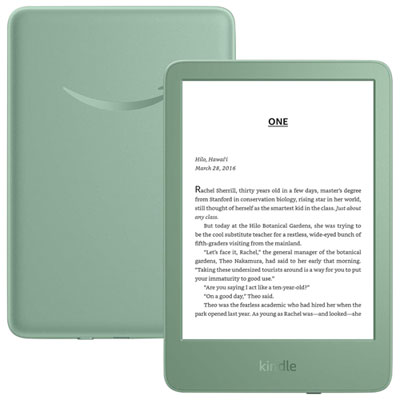 Your price for this item is $189.99
 -
 Your price for this item is $201.09
 -
 Your price for this item is $399.99
 -
 Your price for this item is $509.99
 -
 Your price for this item is $295.2
 -
 Your price for this item is $279.99
 -
 Your price for this item is $179.99
 -
 Your price for this item is $289.99
Discover more categories related to Digital Notebooks for School



Top Collections:
Pokemon Centers, Kindle Devices, Best Budget Office Chairs, Apple iPhones 16, Best Laptops for Writers, iPhone 15 Apple, Canon G7X Cameras, Refurbished Apple Laptops, Alarm Clock, Motorola Razr Phones
Some products may be subject to Environmental Handling Fees
(EHF) depending on your province.
Learn more about EHFs.