Digital Notebooks for Medical Students
Digital notebooks for medical students offer a modern solution for organizing notes, lectures, and study materials throughout medical school. Designed to support demanding coursework and fast-paced schedules, these devices make it easier to capture information efficiently, review complex topics, and stay prepared for exams and clinical rotations. Whether in the classroom, library, or on the go, digital notebooks for medical students provide a flexible way to manage academic responsibilities and enhance learning experiences.
Sort




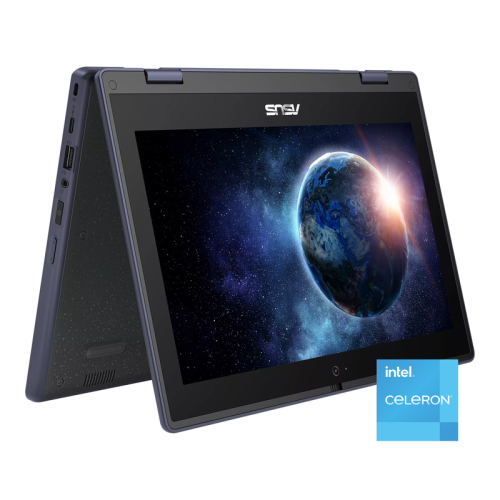
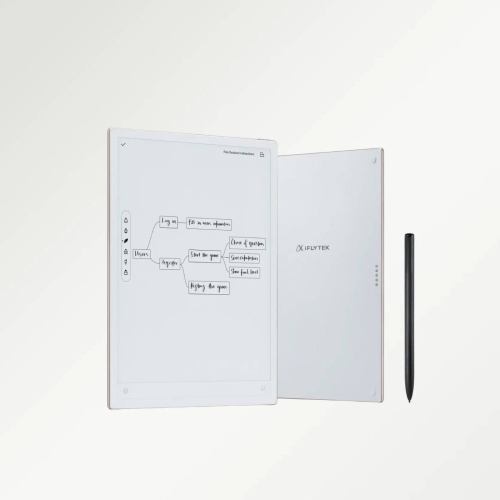
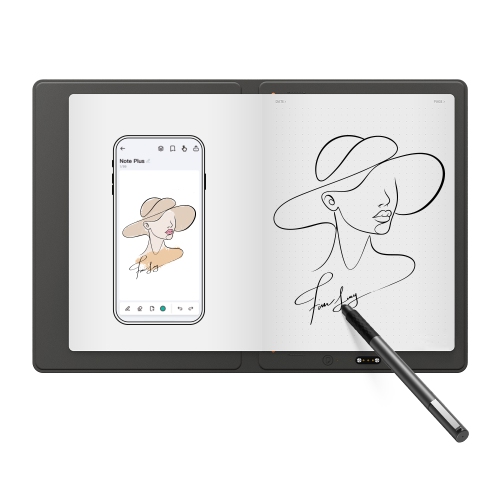

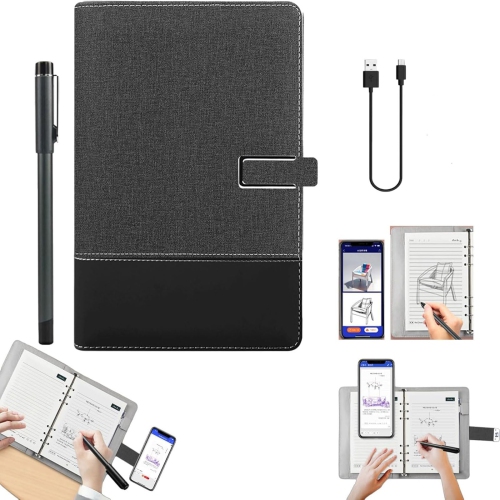
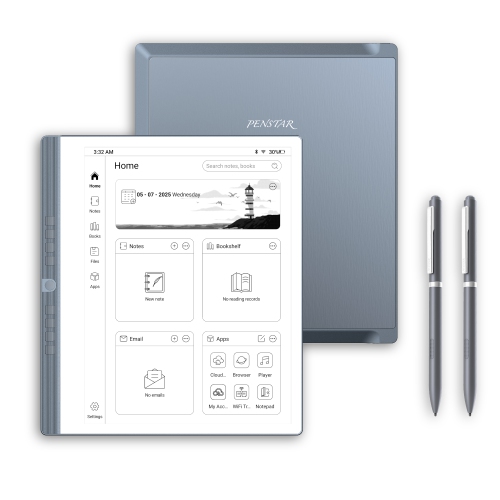
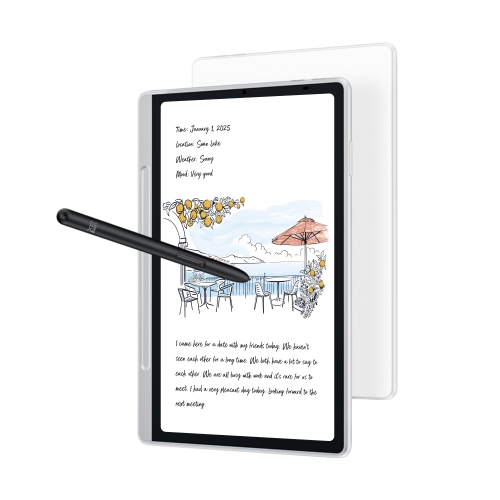
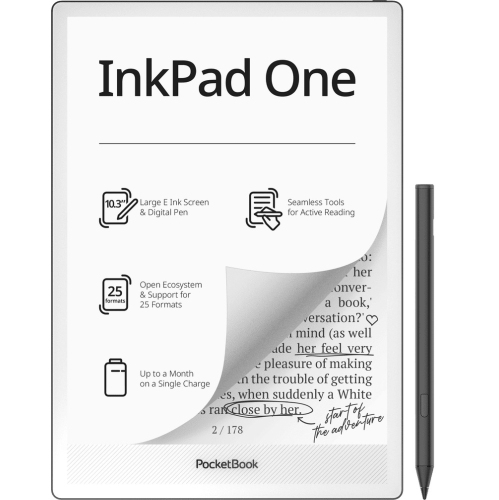
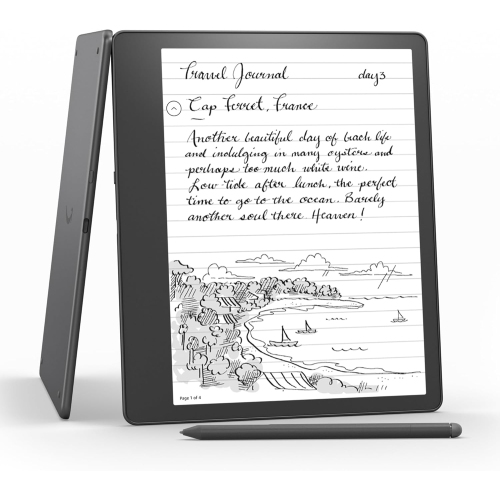
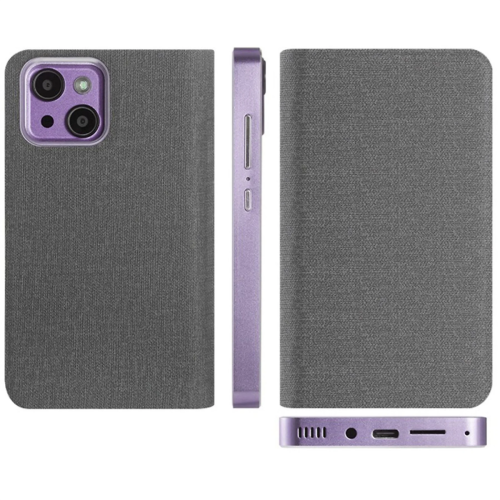
From lecture annotations to anatomy sketches in one workspace
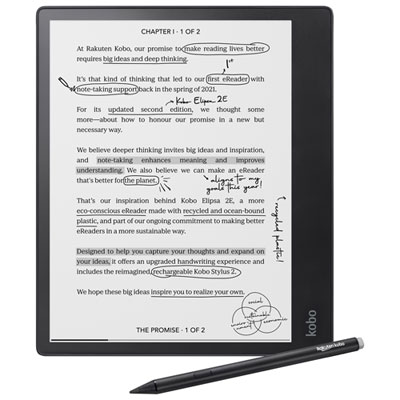
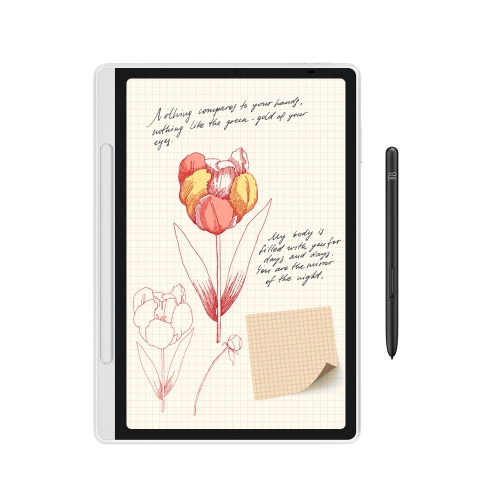
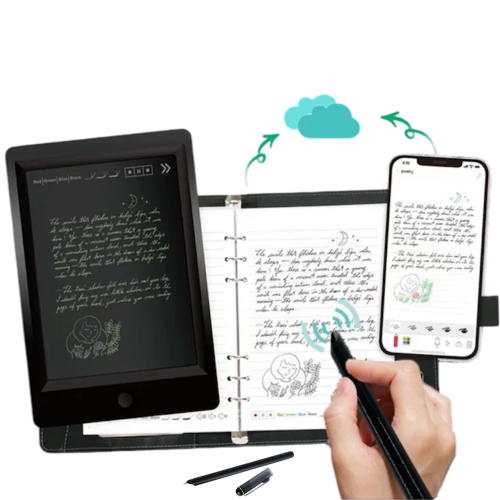
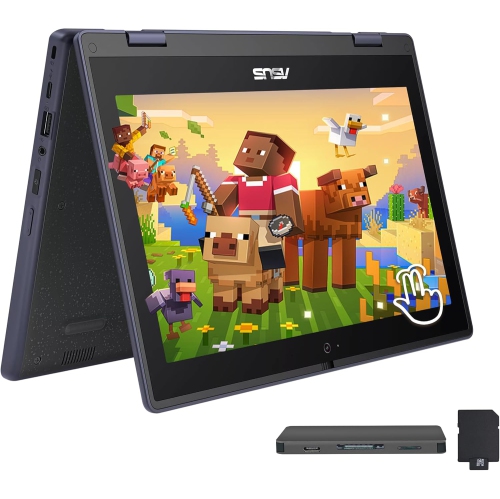
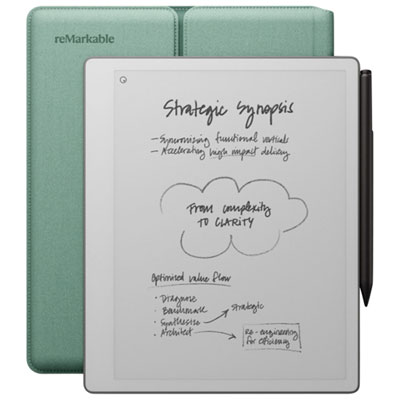
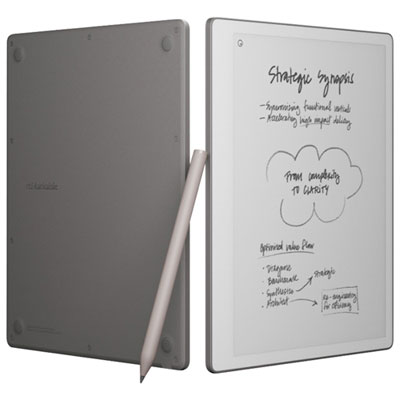
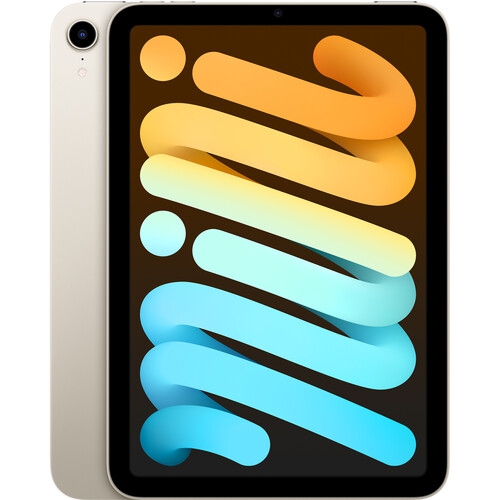
Digital notebooks for medical students bring handwritten notes, lecture slides, textbook excerpts, and study diagrams into a portable workspace. The category includes dedicated electronic notebooks with E Ink displays and compatible tablets used with a stylus and note-taking software. Both can support the familiar act of writing by hand while making it easier to organize material by course, body system, or clinical rotation. A student reviewing cardiovascular physiology might annotate a pressure-volume loop beside lecture notes, then return to the same file later to add a clarification from a tutorial. During anatomy revision, an uncluttered page provides room to sketch structures, label relationships, and cover annotations for self-testing. The best fit depends on how those tasks share time with reading, research, and other coursework. Dedicated E Ink notebooks generally emphasize reading and handwriting, with reflective displays that can feel closer to viewing a printed page under suitable lighting. Some include a built-in light, while others rely on room lighting. Their slower screen refresh makes them less suited to video or rapidly changing visual content. General-purpose tablets offer broader support for learning platforms, browser research, recorded lectures, and interactive anatomy resources, although compatibility depends on the device and software. Colour matters when distinguishing vessels, tracing pathways, or highlighting different tissue types, but colour E Ink and conventional tablet displays differ in saturation, contrast, and responsiveness. A monochrome display may suit text-heavy reading and handwritten summaries, provided diagrams remain understandable without colour cues. Screen size also affects everyday use: a larger writing area can make dense PDFs and split-page layouts more comfortable, while a smaller device is easier to carry between teaching rooms and the library. Medical learners comparing these formats with broader campus needs can also explore Digital Notebooks for University Students. Across these formats, the useful distinction is whether the device supports the way a student actually studies, rather than simply offering the longest feature list.
For medical coursework, the quality of the writing and document experience often matters more than an extensive selection of tools. Stylus responsiveness, palm rejection, and the amount of friction against the screen influence how naturally a student can draw a reflex arc or jot down an explanation before a slide changes. A smooth glass surface feels different from a textured writing surface, and preferences vary with handwriting style and writing pressure. Pen grip, weight, and button placement can also affect comfort during a lengthy revision session. Stylus compatibility is device-specific; some pens need charging, and replacement tips must match the pen. Handwriting search and conversion to typed text can be helpful where supported, but medical abbreviations, drug names, symbols, and hurried script still need careful checking. PDF handling deserves equal attention. Lecture decks with large images can be demanding, and a full textbook page may require zooming on a compact display. Features such as page cropping, bookmarks, hyperlinks, and margin expansion can make repeated reading less cumbersome, though support varies. A student preparing for a case-based discussion may want to move quickly between a reference chapter and a handwritten differential, while another may prefer a single full-screen page without interruptions. File import and export options determine how easily that work moves between a notebook, a computer, and a course platform. Exporting annotations to a widely used format can help preserve their usefulness beyond a particular app, but editable layers, links, and handwriting search may not transfer unchanged. Storage needs grow with scanned readings, image-heavy PDFs, and multimedia files, so usable capacity and supported file types are worth considering alongside organization tools. Wi-Fi access, offline document access, and any account requirements also affect daily routines. Battery life varies with lighting, wireless use, applications, and display type; a long lecture day followed by library study places different demands on a device than occasional handwritten revision. Clear folders, consistent file names, and regular backups help keep that growing collection manageable.
Daily portability introduces practical considerations beyond the screen. A digital notebook carried with textbooks, a charger, and other essentials benefits from a protective cover that shields the display from scratches and pressure inside a bag. Overall weight includes the case and pen, not just the device, and a secure stylus holder helps prevent the pen from slipping loose between classes. Casings may use plastic, metal, or a combination of materials, but material alone does not establish drop resistance or durability. A slim design can be comfortable to hold while still needing careful handling, particularly around exposed corners and the display. Glass screens and textured surfaces require care suited to their finish; a soft, lint-free cloth and the manufacturer’s cleaning directions are safer starting points than abrasive materials or unapproved liquids. Screen protectors can change pen friction, image clarity, and tip wear, so compatibility matters. For students moving into clinical placements, the intended use of a personal digital notebook needs a clear boundary. It can hold general learning objectives, anonymized practice cases, and personal study summaries, but it should not be assumed suitable for identifiable patient information. Placement rules, institutional privacy requirements, approved storage systems, and infection prevention procedures determine whether and how a personal device may be used. A screen lock or cloud account alone does not establish that a setup meets those requirements. Lecture audio features, where supported, likewise require permission and compliance with school policy before use. These considerations make digital notebooks useful not only for students beginning medical school, but also for learners refining their routines during clerkship or preparing for examinations. As a gift, the most practical choice reflects the recipient’s existing computer setup, preferred apps, accessibility needs, and comfort with handwriting on a screen. Adjustable text, zoom, display lighting, and software accessibility features vary substantially across formats. A well-matched digital notebook gives lecture annotations, practice diagrams, and revision summaries a consistent home without forcing a student to rebuild an effective study routine around the device.
For medical coursework, the quality of the writing and document experience often matters more than an extensive selection of tools. Stylus responsiveness, palm rejection, and the amount of friction against the screen influence how naturally a student can draw a reflex arc or jot down an explanation before a slide changes. A smooth glass surface feels different from a textured writing surface, and preferences vary with handwriting style and writing pressure. Pen grip, weight, and button placement can also affect comfort during a lengthy revision session. Stylus compatibility is device-specific; some pens need charging, and replacement tips must match the pen. Handwriting search and conversion to typed text can be helpful where supported, but medical abbreviations, drug names, symbols, and hurried script still need careful checking. PDF handling deserves equal attention. Lecture decks with large images can be demanding, and a full textbook page may require zooming on a compact display. Features such as page cropping, bookmarks, hyperlinks, and margin expansion can make repeated reading less cumbersome, though support varies. A student preparing for a case-based discussion may want to move quickly between a reference chapter and a handwritten differential, while another may prefer a single full-screen page without interruptions. File import and export options determine how easily that work moves between a notebook, a computer, and a course platform. Exporting annotations to a widely used format can help preserve their usefulness beyond a particular app, but editable layers, links, and handwriting search may not transfer unchanged. Storage needs grow with scanned readings, image-heavy PDFs, and multimedia files, so usable capacity and supported file types are worth considering alongside organization tools. Wi-Fi access, offline document access, and any account requirements also affect daily routines. Battery life varies with lighting, wireless use, applications, and display type; a long lecture day followed by library study places different demands on a device than occasional handwritten revision. Clear folders, consistent file names, and regular backups help keep that growing collection manageable.
Daily portability introduces practical considerations beyond the screen. A digital notebook carried with textbooks, a charger, and other essentials benefits from a protective cover that shields the display from scratches and pressure inside a bag. Overall weight includes the case and pen, not just the device, and a secure stylus holder helps prevent the pen from slipping loose between classes. Casings may use plastic, metal, or a combination of materials, but material alone does not establish drop resistance or durability. A slim design can be comfortable to hold while still needing careful handling, particularly around exposed corners and the display. Glass screens and textured surfaces require care suited to their finish; a soft, lint-free cloth and the manufacturer’s cleaning directions are safer starting points than abrasive materials or unapproved liquids. Screen protectors can change pen friction, image clarity, and tip wear, so compatibility matters. For students moving into clinical placements, the intended use of a personal digital notebook needs a clear boundary. It can hold general learning objectives, anonymized practice cases, and personal study summaries, but it should not be assumed suitable for identifiable patient information. Placement rules, institutional privacy requirements, approved storage systems, and infection prevention procedures determine whether and how a personal device may be used. A screen lock or cloud account alone does not establish that a setup meets those requirements. Lecture audio features, where supported, likewise require permission and compliance with school policy before use. These considerations make digital notebooks useful not only for students beginning medical school, but also for learners refining their routines during clerkship or preparing for examinations. As a gift, the most practical choice reflects the recipient’s existing computer setup, preferred apps, accessibility needs, and comfort with handwriting on a screen. Adjustable text, zoom, display lighting, and software accessibility features vary substantially across formats. A well-matched digital notebook gives lecture annotations, practice diagrams, and revision summaries a consistent home without forcing a student to rebuild an effective study routine around the device.
Top selling and popular products
-
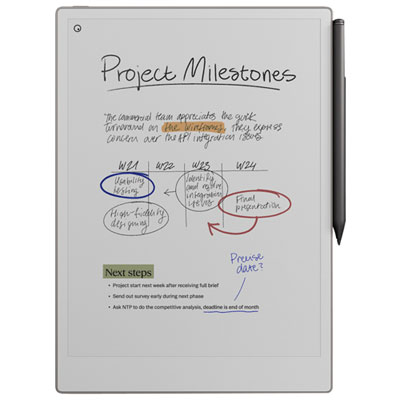 Your price for this item is $899.99
 -
 Your price for this item is $1099.99
 -
 Your price for this item is $1049.99
 -
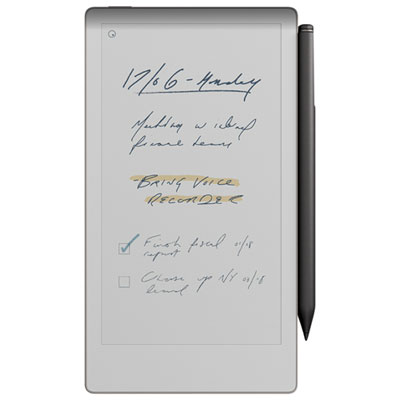 Your price for this item is $699.99
 -
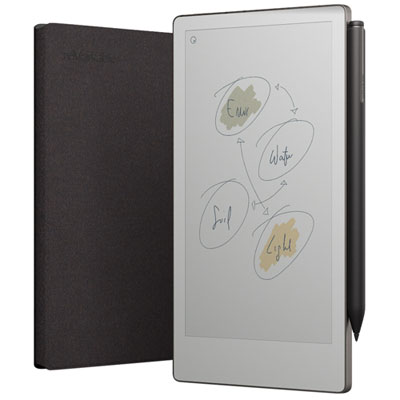 Your price for this item is $799.99
 -
 Your price for this item is $1063.99
 -
 Your price for this item is $679.99
 -
 Your price for this item is $549.99
Discover more categories related to Digital Notebooks for Medical Students


Top Collections:
Pokemon Centers, Kindle Devices, Best Budget Office Chairs, Apple iPhones 16, Best Laptops for Writers, iPhone 15 Apple, Canon G7X Cameras, Refurbished Apple Laptops, Alarm Clock, Motorola Razr Phones
Some products may be subject to Environmental Handling Fees
(EHF) depending on your province.
Learn more about EHFs.