Digital Notebooks That Sync With Phone
Digital notebooks that sync with phone offer a seamless way to organize notes, sketches, and ideas across your favorite devices. Perfect for students, professionals, and creatives alike, these innovative tools make it easy to keep information at your fingertips whether you’re at home, at work, or on the go. Explore a wide selection of digital notebooks that sync with phone to find the ideal solution for your productivity and connectivity needs.
Sort

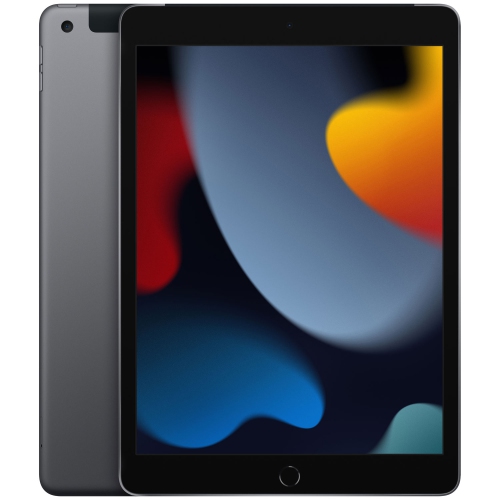
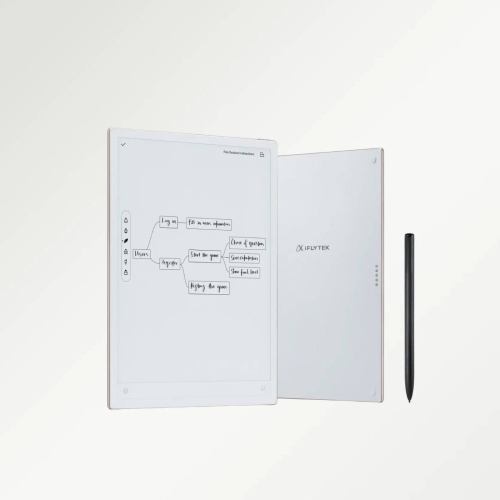
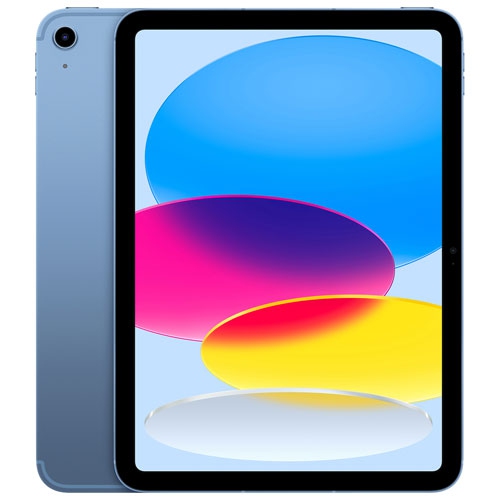
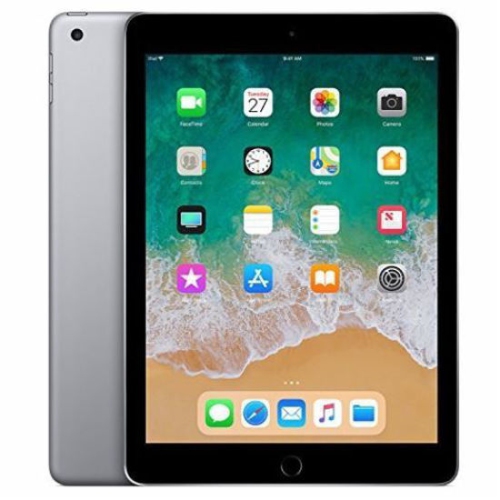
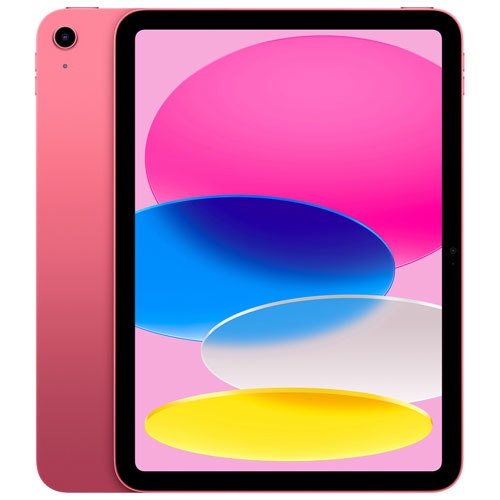
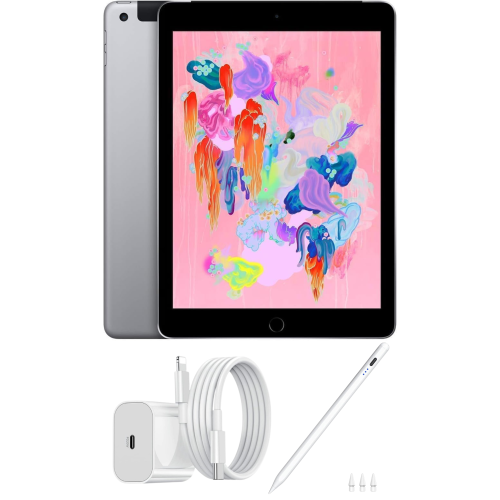

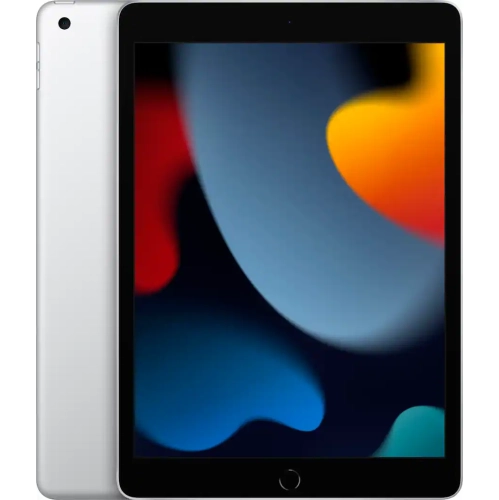
How writing feel and app features shape your choice
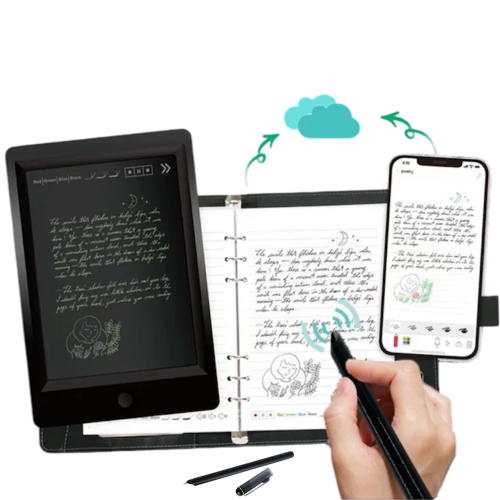
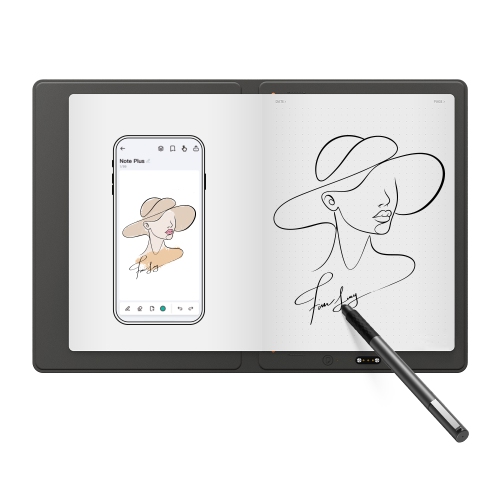
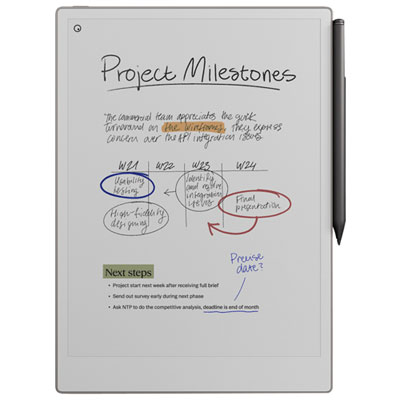
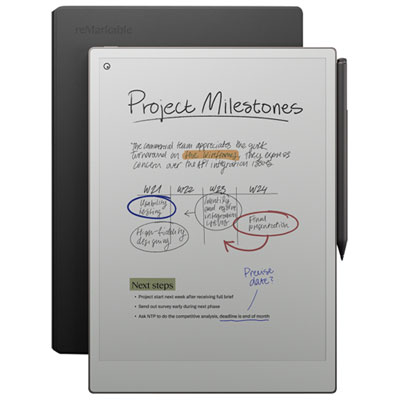
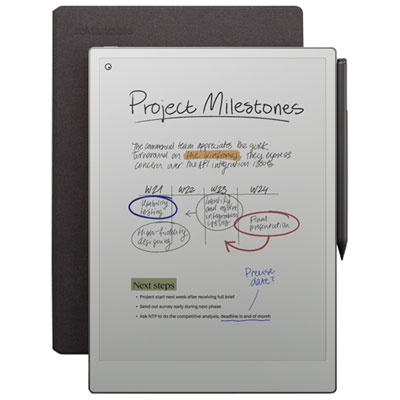
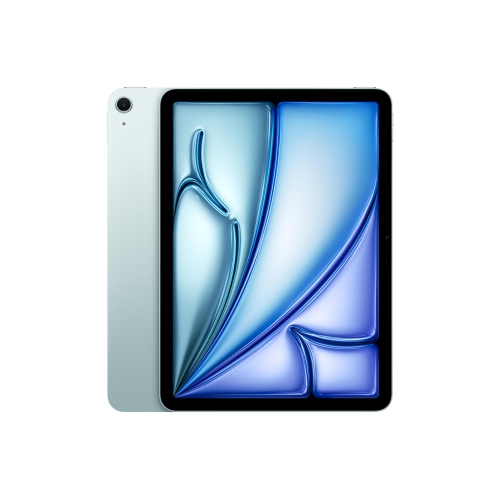
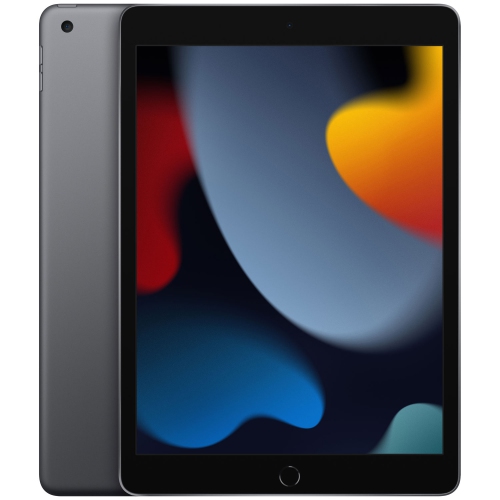
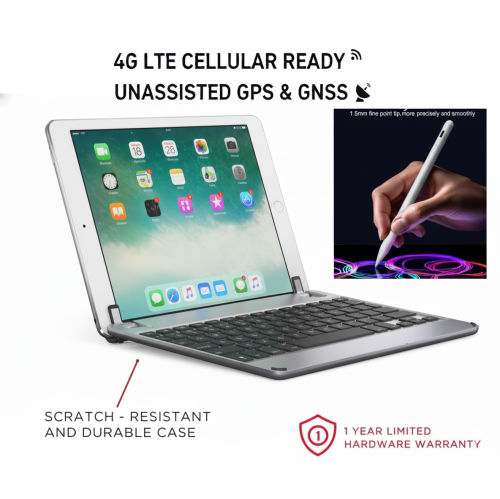
Digital notebooks that sync with a phone bring the familiar feel of handwriting together with the convenience of digital storage, search, sharing, and backup. They generally fall into two main categories: smart pen and paper systems, and standalone electronic writing tablets. Smart pen systems let you write on specially designed pages with a compatible pen, then capture those notes through a companion phone app. Depending on the setup, the app may convert handwriting into typed text, organize pages by subject, or send notes to destinations such as Google Drive, OneNote, email, or messaging services. This approach suits people who think best with a pen in hand but want their notes available on a phone after leaving the desk. A standalone e-ink or LCD writing tablet provides a screen-based writing surface, usually with a stylus that records each stroke directly. These devices may sync through Bluetooth, transfer files through a phone app, or hold notes offline until a connection is available. For shoppers comparing options, the writing surface is an important starting point. Some people prefer the slight texture and resistance of a paper-like page, while others like the smooth, distraction-free feel of an electronic display. Page size also affects comfort: a compact format slips easily into a small bag, whereas a larger screen gives more room for diagrams, meeting notes, calculations, or lecture outlines. It is also worth checking whether the device uses a replaceable or rechargeable battery, how the pen is powered, and whether the pen needs to be charged separately. A battery-free stylus can be convenient for everyday use, while an active pen may offer added precision, pressure sensitivity, shortcut buttons, or handwriting recognition.
Phone compatibility and app support can make as much difference as the notebook itself. Before choosing, check that the companion app works with the operating system on the intended phone and review the available export formats. Some users only need image files or PDFs, while others want searchable text that can be copied into a calendar, task list, document, or cloud folder. If notes need to move quickly between devices, look for a clear sync process and an app that makes it easy to name, sort, tag, and find pages later. The ability to write without an internet connection can be especially useful in classrooms, offices, cafés, transit, or meeting rooms where a reliable connection is not guaranteed. Certain models store dozens of pages locally before transferring them to a phone, while others send each stroke as it is written when Bluetooth is active. Handwriting-to-text performance is another practical consideration. Neat printing is typically easier for software to recognize than fast cursive, and results can vary with unusual names, formulas, sketches, or mixed languages. A notebook that saves the original handwritten page as well as the converted text gives you a useful backup when recognition is not perfect. Look for features such as page templates, lasso selection, erasing, handwriting search, audio recording, cloud export, and the ability to share a single page without sending an entire notebook. For people who draw, plan spaces, or annotate documents, a responsive pen and low writing delay may matter more than advanced text conversion. For students and professionals, storage, file organization, and quick sharing may take priority. Someone who keeps a daily journal may value privacy controls, a comfortable writing experience, and simple page management instead.
These notebooks can fit naturally into many routines, from capturing grocery lists and appointment details to recording lecture notes, project ideas, recipes, travel plans, and personal reflections. A student can write through a lesson, convert key points into typed text, and send a clean copy to a phone for review while travelling home. A project manager can sketch a timeline during a meeting, share it with a team, and keep the original page for reference. At home, a family member can use one for meal planning, household reminders, or handwritten messages that remain easy to organize digitally. They can also make thoughtful gifts for students, writers, designers, teachers, commuters, and anyone who carries a notebook but dislikes accumulating loose pages. During the cooler months, a compact model can be useful for planning indoor projects, recording ideas by a window, or keeping a reading list close at hand, while phone syncing makes those notes accessible when moving between home, work, and school. When selecting a gift, consider the recipient’s phone type, writing habits, preferred page size, and comfort with companion apps. A simple scan-and-send setup may be best for someone who wants familiar paper, while a screen-based tablet may appeal to a person who wants a cleaner digital workspace with fewer distractions. Shoppers who organize documents in Google’s cloud services may also want to explore Digital Notebook That Syncs With Google Drive options. Above all, choose a notebook that matches the way the recipient already captures information: quick lists, detailed handwriting, diagrams, annotated files, or a blend of all four. With the right combination of writing comfort, phone compatibility, offline capacity, app features, and sharing tools, a digital notebook can make handwritten ideas easier to keep, find, and use wherever the day leads.
Phone compatibility and app support can make as much difference as the notebook itself. Before choosing, check that the companion app works with the operating system on the intended phone and review the available export formats. Some users only need image files or PDFs, while others want searchable text that can be copied into a calendar, task list, document, or cloud folder. If notes need to move quickly between devices, look for a clear sync process and an app that makes it easy to name, sort, tag, and find pages later. The ability to write without an internet connection can be especially useful in classrooms, offices, cafés, transit, or meeting rooms where a reliable connection is not guaranteed. Certain models store dozens of pages locally before transferring them to a phone, while others send each stroke as it is written when Bluetooth is active. Handwriting-to-text performance is another practical consideration. Neat printing is typically easier for software to recognize than fast cursive, and results can vary with unusual names, formulas, sketches, or mixed languages. A notebook that saves the original handwritten page as well as the converted text gives you a useful backup when recognition is not perfect. Look for features such as page templates, lasso selection, erasing, handwriting search, audio recording, cloud export, and the ability to share a single page without sending an entire notebook. For people who draw, plan spaces, or annotate documents, a responsive pen and low writing delay may matter more than advanced text conversion. For students and professionals, storage, file organization, and quick sharing may take priority. Someone who keeps a daily journal may value privacy controls, a comfortable writing experience, and simple page management instead.
These notebooks can fit naturally into many routines, from capturing grocery lists and appointment details to recording lecture notes, project ideas, recipes, travel plans, and personal reflections. A student can write through a lesson, convert key points into typed text, and send a clean copy to a phone for review while travelling home. A project manager can sketch a timeline during a meeting, share it with a team, and keep the original page for reference. At home, a family member can use one for meal planning, household reminders, or handwritten messages that remain easy to organize digitally. They can also make thoughtful gifts for students, writers, designers, teachers, commuters, and anyone who carries a notebook but dislikes accumulating loose pages. During the cooler months, a compact model can be useful for planning indoor projects, recording ideas by a window, or keeping a reading list close at hand, while phone syncing makes those notes accessible when moving between home, work, and school. When selecting a gift, consider the recipient’s phone type, writing habits, preferred page size, and comfort with companion apps. A simple scan-and-send setup may be best for someone who wants familiar paper, while a screen-based tablet may appeal to a person who wants a cleaner digital workspace with fewer distractions. Shoppers who organize documents in Google’s cloud services may also want to explore Digital Notebook That Syncs With Google Drive options. Above all, choose a notebook that matches the way the recipient already captures information: quick lists, detailed handwriting, diagrams, annotated files, or a blend of all four. With the right combination of writing comfort, phone compatibility, offline capacity, app features, and sharing tools, a digital notebook can make handwritten ideas easier to keep, find, and use wherever the day leads.
Top selling and popular products
-
 Your price for this item is $109.99
 -
 Your price for this item is $617.99
 -
 Your price for this item is $639.99
 -
 Your price for this item is $645.55
 -
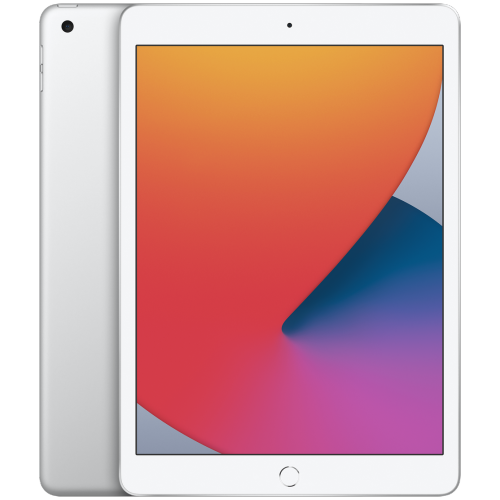 Your price for this item is $148.99
 -
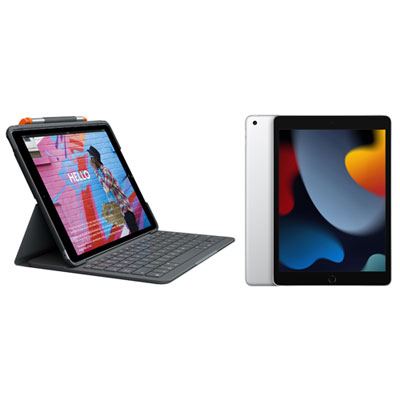 Your price for this item is $468.98
 -
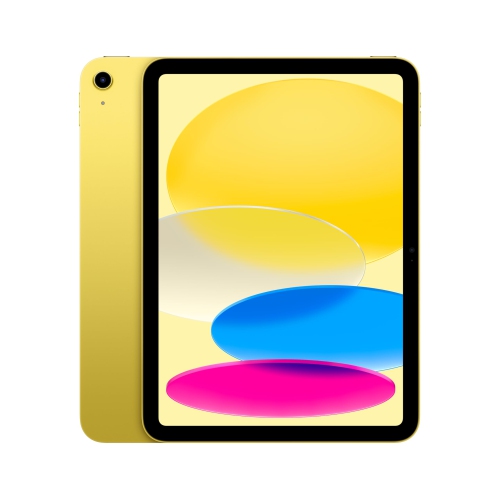 Your price for this item is $639.99
 -
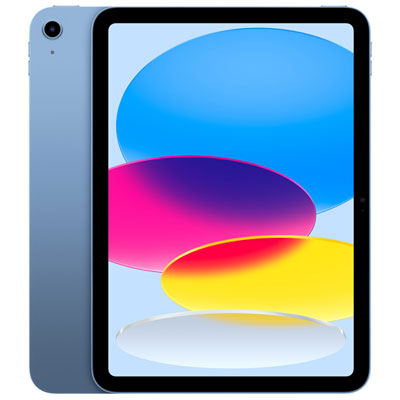 Your price for this item is $649.99
Discover more categories related to Digital Notebooks That Sync With Phone
Top Collections:
Pokemon Centers, Kindle Devices, Best Budget Office Chairs, Apple iPhones 16, Best Laptops for Writers, iPhone 15 Apple, Canon G7X Cameras, Refurbished Apple Laptops, Alarm Clock, Motorola Razr Phones
Some products may be subject to Environmental Handling Fees
(EHF) depending on your province.
Learn more about EHFs.