Digital Notebook That Syncs With Google Drive
Discover the convenience and efficiency of a digital notebook that syncs with Google Drive, designed to help you organize your notes and ideas seamlessly. Whether you're a student, professional, or creative thinker, these innovative notebooks make it easy to access your content from anywhere with cloud integration. Explore options that offer flexibility for note-taking, brainstorming, and collaboration, all while keeping your important information connected through Google Drive. Upgrade your workflow and stay organized with the right digital notebook for your needs.
Sort
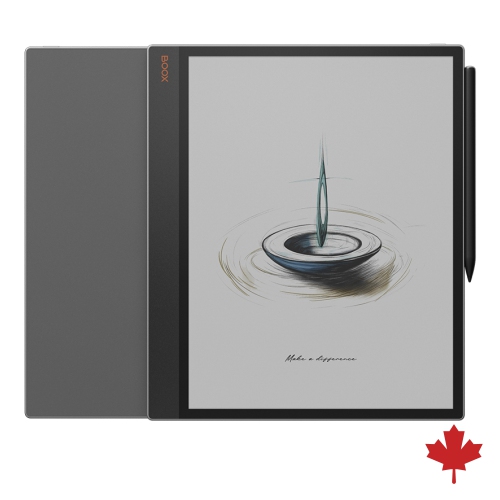
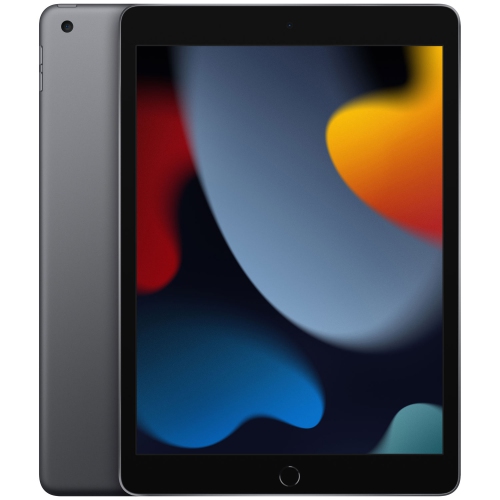
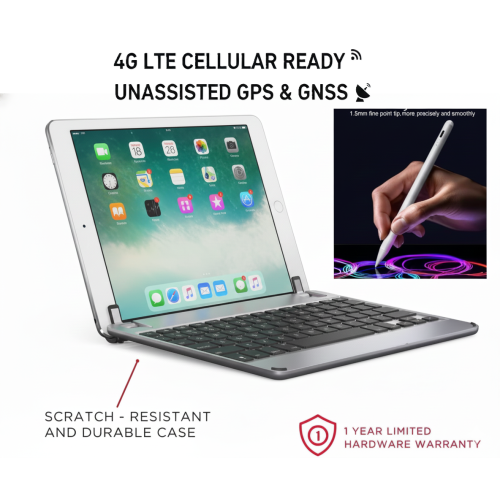
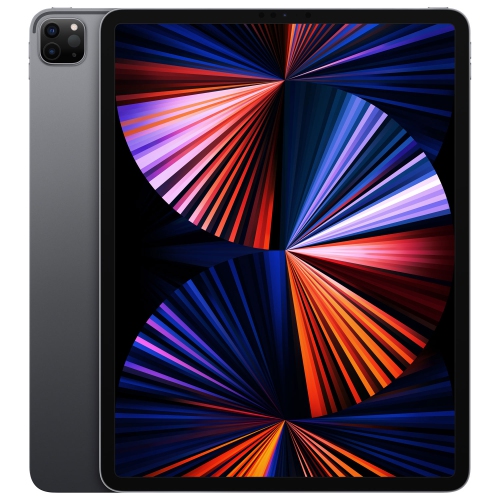


Why syncing and exporting your notes work differently
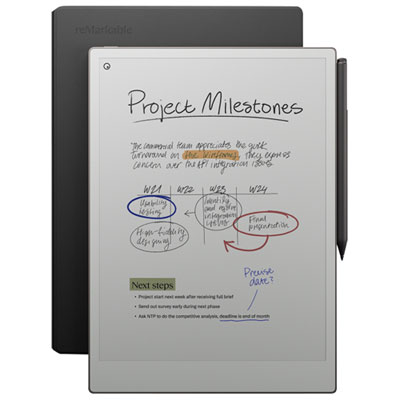
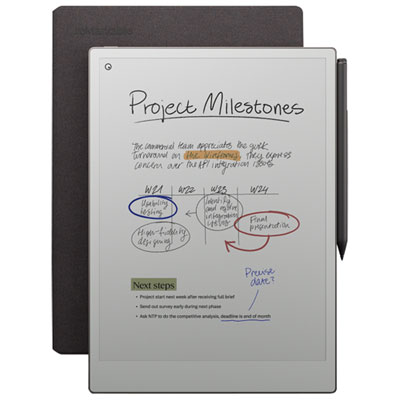
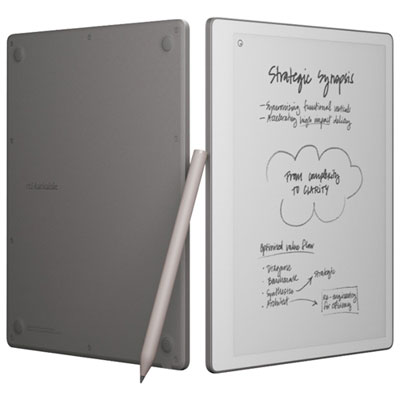
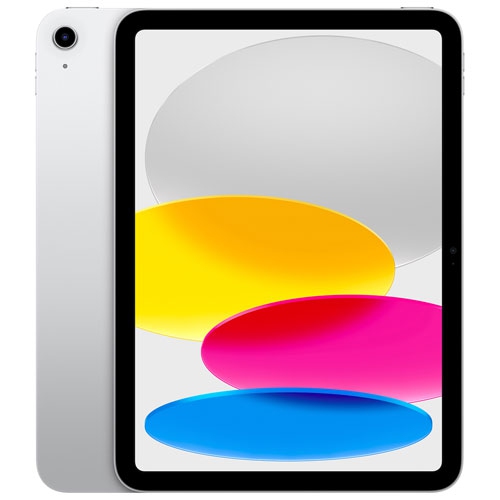
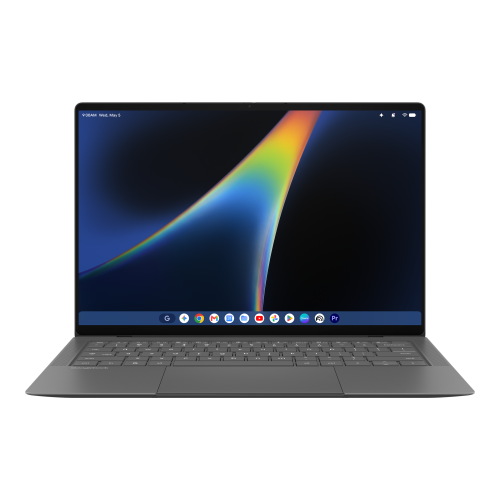
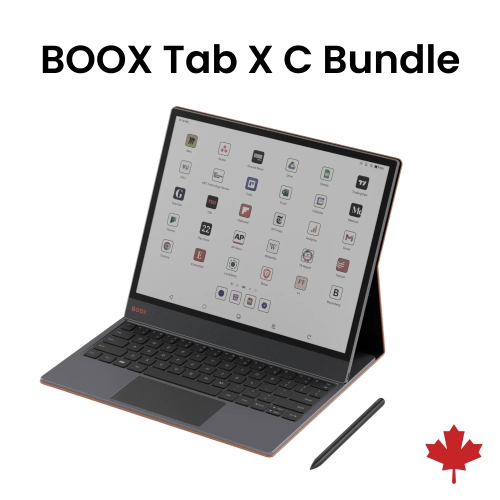
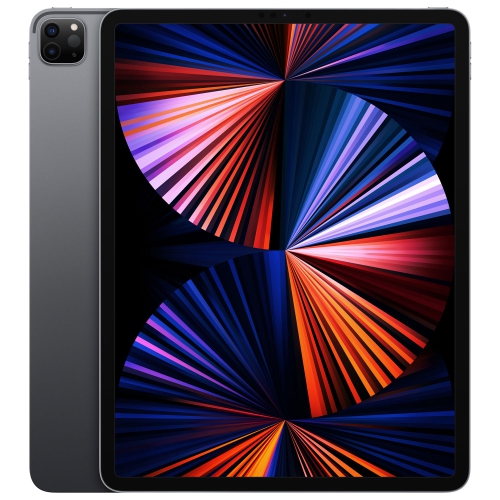
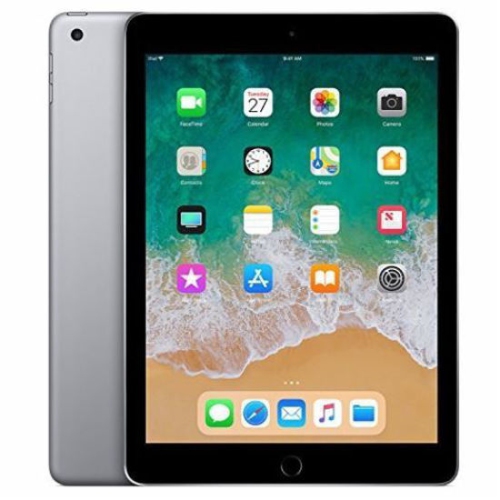
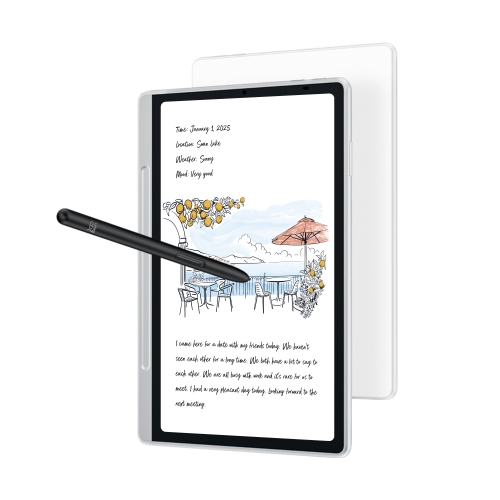
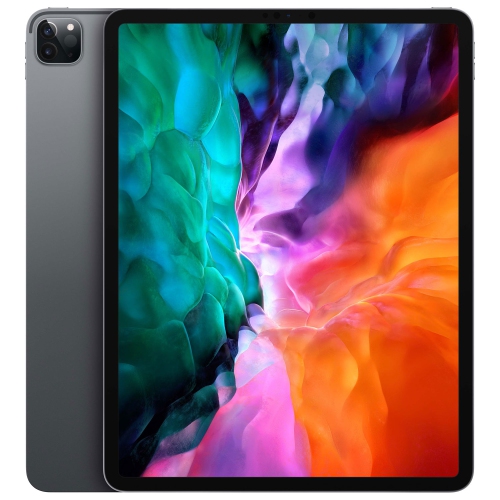
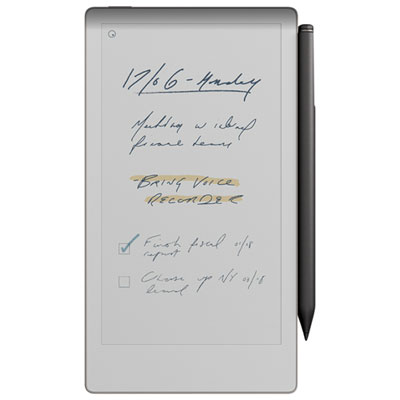
Digital notebooks that sync with Google Drive bring handwritten notes into a cloud-based filing system, making it easier to keep meeting notes, lecture summaries, sketches, and project plans together. The main formats include electronic ink writing tablets, reusable scan-to-cloud notebooks, and smart pen systems that capture handwriting on compatible paper. Each connects paper-style writing with digital storage differently. A writing tablet may offer a built-in cloud connection, support a compatible app, or export selected notebooks through a companion app. A scan-to-cloud notebook relies on a phone camera to capture pages and send them to a chosen folder. A smart pen records strokes as they are written, then transfers them through supported software. The important distinction is between automatic syncing, cloud backup, and manual export: a device that sends a PDF to Google Drive does not necessarily keep that file updated whenever the original notebook changes. For recurring notes, such as a weekly project meeting, automatic updates can reduce repeated filing; for completed lecture notes or signed-off sketches, a deliberate export may be a better fit. Common export formats include PDF for multipage documents and image files for individual pages, although supported formats vary. Handwriting recognition, where offered, may convert notes into typed text or make handwriting searchable, but results depend on legibility, language support, and the software used. Drawings, equations, and complex page layouts may remain more useful as images than converted text. A suitable setup also needs to match the way notes are captured: directly on a screen, with an erasable pen on reusable pages, or with a smart pen on specially patterned paper. Compatibility with Google Drive should be confirmed for the exact device and companion app, including whether the connection supports uploading only or also opening and updating existing files. That distinction matters when the same notebook needs to stay useful across a writing device, phone, and computer.
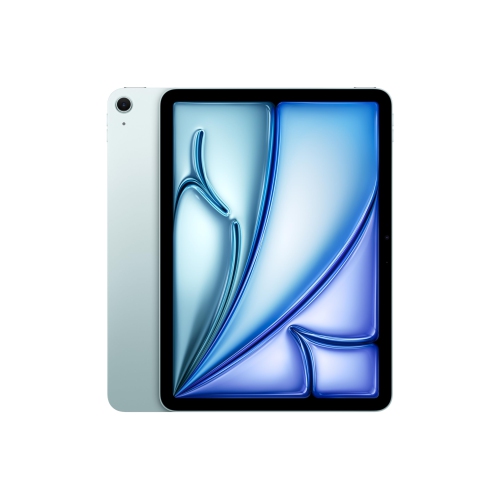
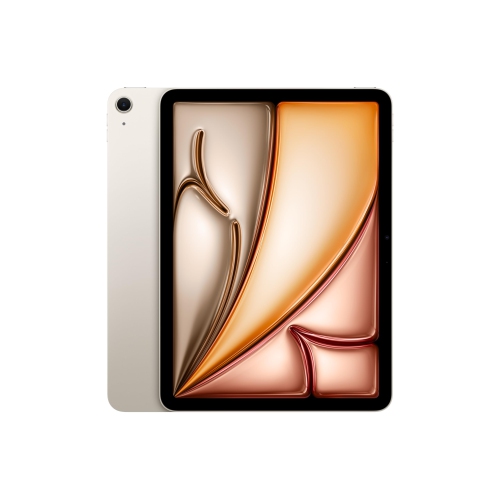
The writing surface has a noticeable effect on everyday comfort. Electronic ink displays can offer a restrained, paper-like appearance, while conventional tablet screens may be more suitable for colour diagrams, reference images, and switching between notes and other applications. Screen texture, pen-tip friction, writing responsiveness, and palm rejection all influence how natural handwriting feels. A larger writing area gives diagrams and annotated documents room to breathe, whereas a compact notebook is easier to carry between classrooms, meeting rooms, or appointments. Overall dimensions and weight matter as much as screen size, especially when the device needs to fit beside a laptop in a bag or sit comfortably on a small desk. For handwritten notes on physical pages, paper thickness, binding style, and whether the notebook lies flat can affect both writing and scanning. Reusable notebooks often have coated or synthetic pages that require a particular type of erasable ink; ordinary ballpoint ink may not wipe away. Cleaning methods differ, so pages should be wiped and dried according to the maker’s care directions before being written on again. Smart pen systems may require specially patterned paper rather than a standard notebook, and replacement pen tips or ink refills need to match the system. With a writing tablet, a fitted cover can help protect the display from scratches inside a bag, while a secure pen loop or holder keeps the writing tool close at hand. A rigid cover provides useful support when writing away from a desk, though it also adds weight. Durability depends on the construction and intended handling: hinges, page edges, charging ports, and exposed screens are all worth considering for frequent travel. Battery requirements differ, too. A scan-to-cloud notebook itself may need no charging, but its phone does; writing tablets and smart pens have their own charging needs. Offline note-taking can be useful during classes or appointments, but cloud uploads still require a supported connection, and pending transfers may need to be started or checked later.
A useful Google Drive connection fits into an existing routine without adding a complicated filing task. A student might keep a separate folder for each course, saving dated lecture notes alongside reading lists and assignment drafts. A consultant could group meeting notes by client, while a home organizer might keep measurements, renovation sketches, and appointment notes in dedicated folders. Clear filenames make those records easier to retrieve, especially when a scan contains handwriting that cannot be searched reliably. For phone-based scanning, even lighting, a contrasting background, and a page held flat can improve capture quality; page-edge detection and image cleanup depend on the app. Reviewing a scan before wiping a reusable page helps catch cropped margins, faint ink, or missing sheets while the original is still available. For shared work, a PDF preserves the appearance of handwritten notes, but it may not let collaborators edit individual strokes or rearrange handwritten content. Folder permissions also matter: uploading notes to a shared location can make them accessible to everyone with the relevant access, so personal and work records may need separate destinations. Workplace or school accounts may restrict third-party connections, and some cloud features require a subscription, making account compatibility part of choosing a notebook. For a broader look at connected writing formats, Digital Notebooks With Cloud Storage brings together options centred on saving handwritten work beyond the notebook itself. These formats can suit people who think best with a pen but need their notes accessible digitally, from students reviewing coursework on a computer to professionals retrieving decisions before a follow-up meeting. They can also make thoughtful gifts for frequent note-takers, provided the writing style, phone compatibility, and account requirements suit the recipient. The strongest fit is not simply the device with the most features, but the one that makes capturing, finding, and sharing everyday notes feel straightforward.
Top selling and popular products
-
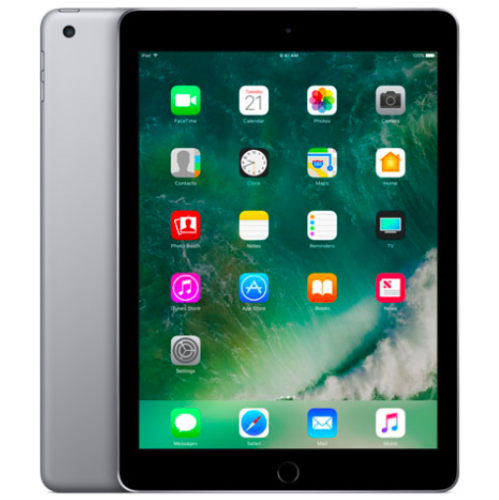 Your price for this item is $109.99
-
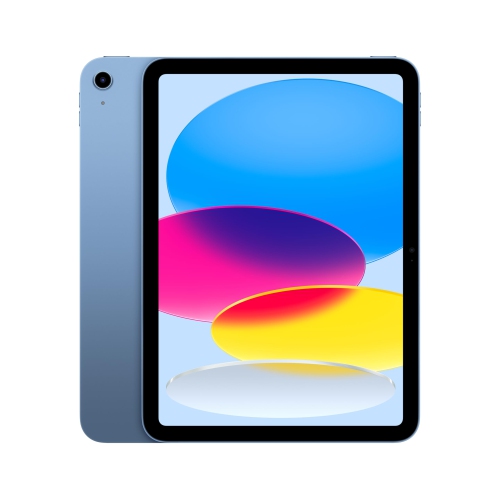 Your price for this item is $634
-
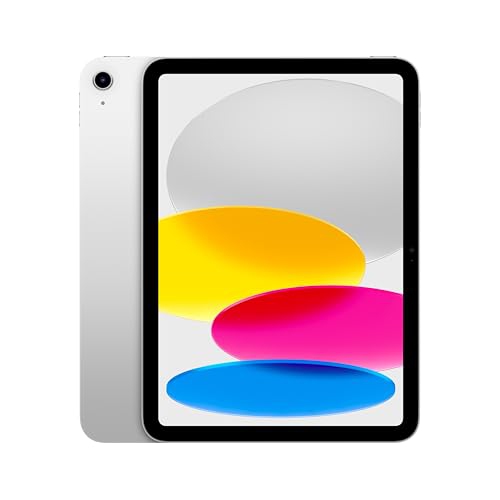 Your price for this item is $669.95
-
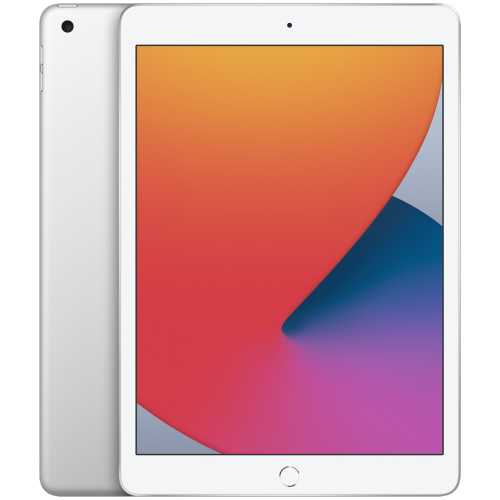 Your price for this item is $136.99
-
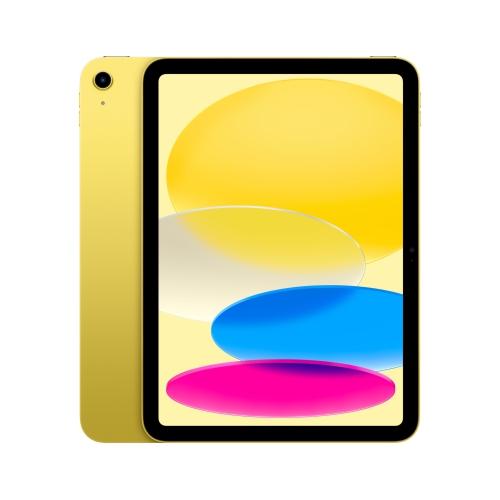 Your price for this item is $639.99
-
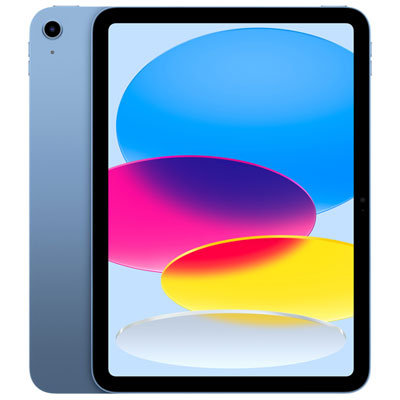 Your price for this item is $649.99
-
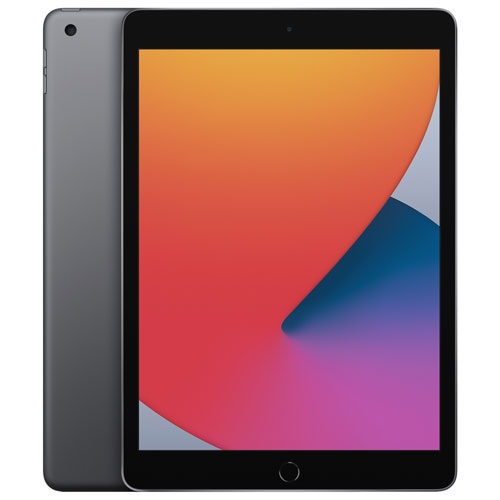 Your price for this item is $229.99
-
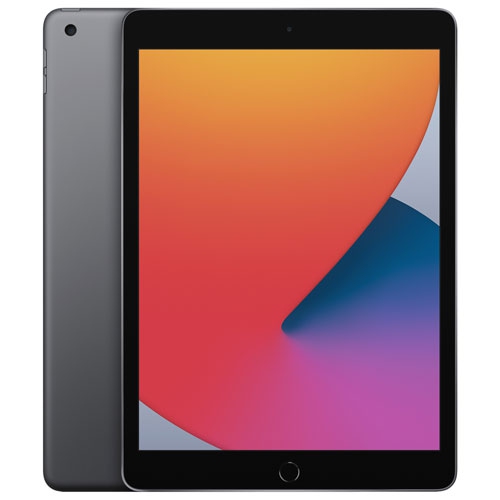 Your price for this item is $169.99
Discover more categories related to Digital Notebook That Syncs With Google Drive

Top Collections:
Best Black Friday Deals This Year, Best Black Friday Deals On Electronics, Kindle Devices, Best Black Friday Deals On Apple Products, Best Budget Office Chairs, Best Cameras for Sports Photography, Dyson Airwrap, Canon G7X Cameras, Best Laptops for Writers, Samsung Galaxy Phones
Some products may be subject to Environmental Handling Fees
(EHF) depending on your province.
Learn more about EHFs.