iPad Pro for Students
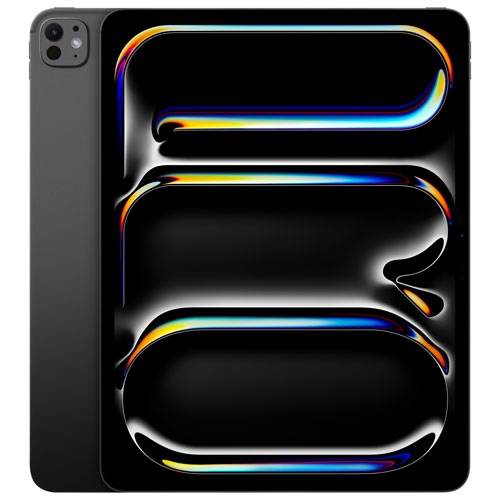
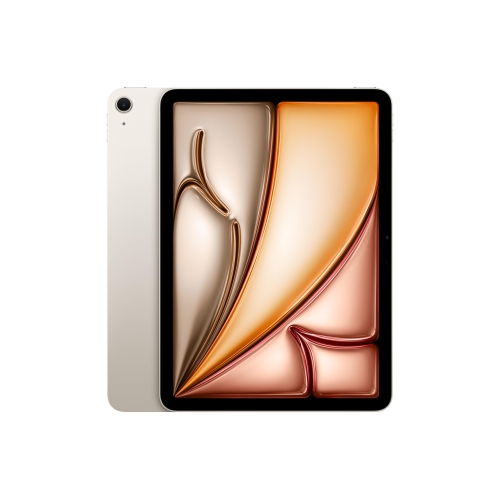
If you're a student, you know how important it is to have a device that can keep up with your busy schedule. The iPad Pro is perfect for students because it's portable and easy to carry around campus. It has a large screen that makes it easy to see your work, so you won't have to squint while studying. You can also use it for homework or classwork, play games or listen to music. The iPad Pro is an ideal device for students because it lets them be productive while they're on the go.
Sort




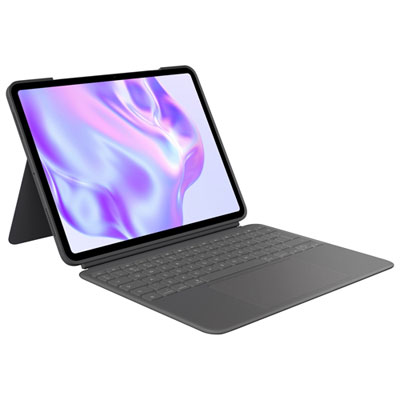
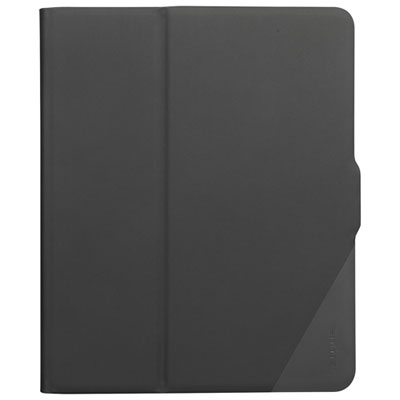
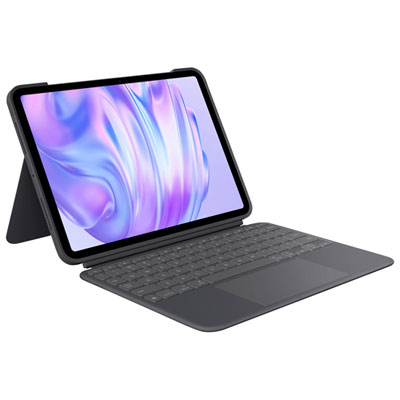
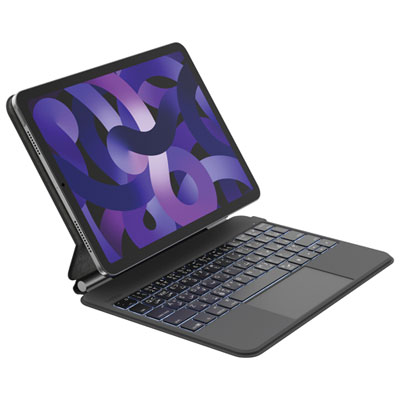
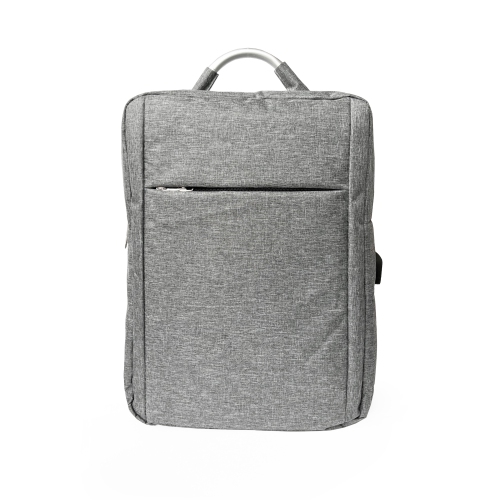
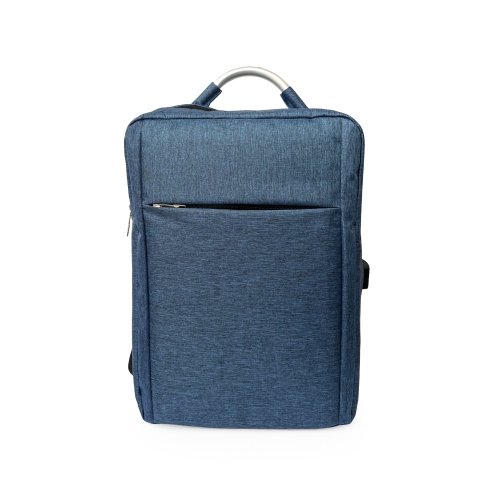
![GENER [Ipad Pro 13" Case (M5/m4, 2025/2024)] Slim Magnetic Trifold Stand Cover – Supports Apple Pencil Pro & Pencil (USB-C), Auto Wake/sleep](https://multimedia.bbycastatic.ca/multimedia/products/500x500/195/19583/19583812.webp)
![KEEGUARD [Shockproof Case for Ipad Pro 11" (M4 2024)] 3-In-1 Heavy-Duty Rugged Protective Cover w Kickstand – Hard PC & Soft Silicone Drop-Proof](https://multimedia.bbycastatic.ca/multimedia/products/500x500/195/19584/19584242.webp)
Balancing coursework, portability, accessories, and laptop needs
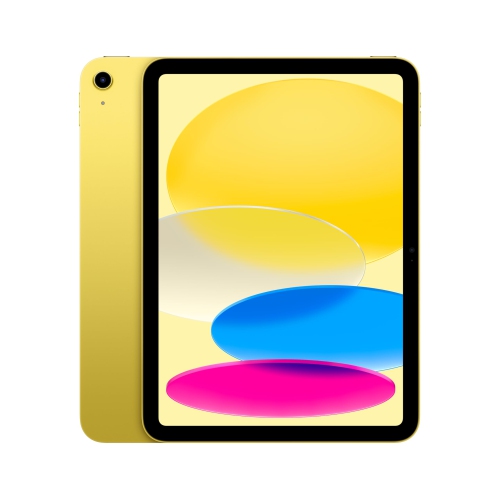
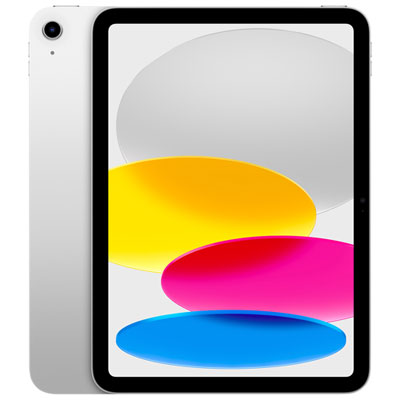
Choosing an iPad Pro for students starts with understanding how it will fit into a larger study setup. Its slim design, responsive touchscreen, bright display, and strong performance make it a useful companion for lectures, labs, studio work, and reading on the move. Students can carry it between a crowded campus library, a quiet corner at home, and a classroom without the bulk of a traditional computer, then use it to view digital textbooks, search course material, highlight PDFs, and organize notes. With a compatible stylus, handwriting can feel natural and precise, making it easier to work through algebra, annotate a history reading, sketch a biology diagram, or mark up a draft with quick corrections. The smooth display is also helpful for detailed illustrations, design work, photo editing, video projects, and other visual assignments where colour, clarity, and accurate touch response matter. For a student who learns by drawing connections across a page, the ability to write in the margins, circle key points, and rearrange ideas can be more intuitive than typing everything into a document. It can also be a thoughtful gift for a student heading into a new school year, beginning post-secondary studies, or building a more flexible workspace at home. Before making a purchase, consider the student’s program, existing devices, preferred study habits, and the software required by their school. An iPad Pro may be an excellent choice for creative programs, reading-heavy courses, digital note-taking, and mobile productivity, but it is not automatically the best replacement for a laptop. A reliable laptop remains important for long essays, detailed spreadsheets, extensive file management, coding environments, and specialized desktop applications. Students in engineering, computer science, advanced science, business, or other technical programs should check their school’s technology requirements carefully, since some courses may require Windows-based programs, full desktop software, or institution-specific systems that do not run on iPadOS. Even when an iPad Pro is the right fit, it is often most useful as a second device rather than the only computer.
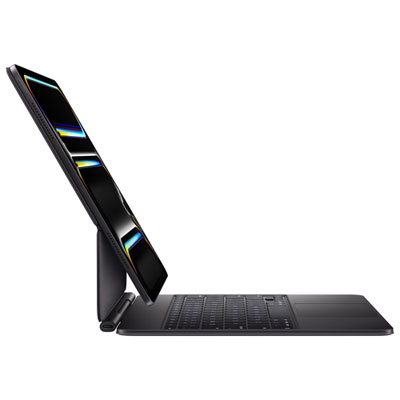
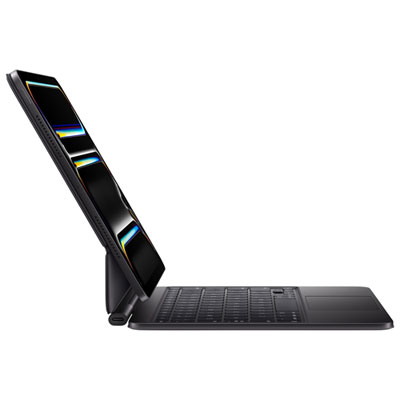
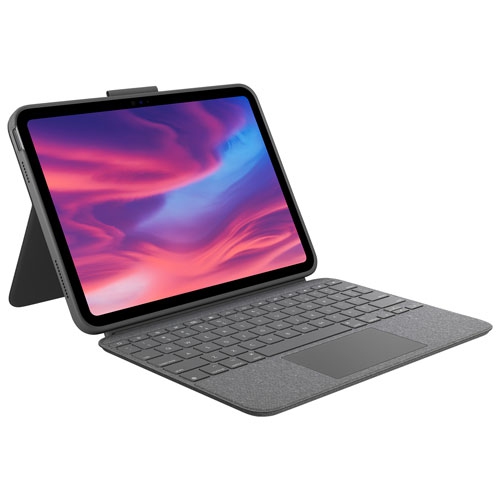
The best student setup depends on the balance between portability, performance, storage, and everyday comfort. Start by thinking about the student’s workload rather than choosing the most powerful option by default. Someone who mainly reads course material, takes handwritten notes, attends online classes, and browses the web may not need the same capacity as a student storing large video files, layered artwork, 3D models, or extensive offline textbooks. Storage needs can grow quickly once lecture recordings, scanned documents, creative projects, and downloaded media begin to accumulate, so leaving room for future coursework can help avoid constant file management. Screen size matters as well. A larger display can make split-screen research and note-taking more comfortable, while a smaller, lighter configuration may be easier to hold during a long commute or use in a lecture hall with limited desk space. Battery life, wireless connectivity, and charging habits are practical details that become noticeable during a full day of classes. Students who move between buildings may appreciate a setup that can last through lectures and study sessions without searching for an outlet, while those who work mostly at home may place greater value on a larger screen or additional storage. A keyboard can make written assignments, emails, and discussion posts much easier, especially when typing for several hours, while a stylus can support diagrams, handwritten calculations, annotations, and creative work. A protective case, screen protection, charging accessories, and a compact stand can also turn a tablet into a more dependable daily workstation. Browse iPad Accessories for Students to find useful additions that can help organize a study area and protect the device between classes. It is worth checking compatibility before buying accessories, since connection types, dimensions, keyboard layouts, and stylus support can vary between generations. Students who share living spaces may also benefit from headphones for recorded lectures or quiet study, while a simple stand can raise the screen for better viewing during video calls and reduce the need to hold the tablet for long periods.
An iPad Pro can support many different study routines, from the student who writes lecture notes by hand to the one who uses it as a portable creative studio. During a morning lecture, it can display a digital textbook beside a note-taking app, allowing key terms and diagrams to stay together in one place. In the library, it can be used to compare research sources, highlight readings, and keep reference material close while drafting an assignment on another computer. At home, it can serve as a second screen for a video lecture, a recipe-style checklist for a hands-on project, or a lightweight way to review flashcards from the sofa. Art, architecture, media, and design students may use the touchscreen for sketching, storyboarding, photo adjustments, or reviewing work with classmates. Students with accessibility needs may appreciate adjustable text size, screen magnification, voice input, dictation, and other built-in tools that can make reading and writing more comfortable. Families shopping for a student gift should consider the entire cost of the setup, including any keyboard, stylus, case, storage needs, and required school software, rather than looking only at the tablet itself. It may also help to ask whether the recipient already owns a suitable laptop, since the right combination of devices can be more useful than expecting one tablet to handle every task. During the warmer start of a school term and the cooler months that follow, a portable tablet can move easily between campus, home, transit, and study spaces, but its value ultimately comes from how closely it matches the student’s real routine. Review course requirements, compare the size and capacity options, think about how the device will be carried and protected, and choose accessories that support the way the student actually reads, writes, creates, and collaborates.
The best student setup depends on the balance between portability, performance, storage, and everyday comfort. Start by thinking about the student’s workload rather than choosing the most powerful option by default. Someone who mainly reads course material, takes handwritten notes, attends online classes, and browses the web may not need the same capacity as a student storing large video files, layered artwork, 3D models, or extensive offline textbooks. Storage needs can grow quickly once lecture recordings, scanned documents, creative projects, and downloaded media begin to accumulate, so leaving room for future coursework can help avoid constant file management. Screen size matters as well. A larger display can make split-screen research and note-taking more comfortable, while a smaller, lighter configuration may be easier to hold during a long commute or use in a lecture hall with limited desk space. Battery life, wireless connectivity, and charging habits are practical details that become noticeable during a full day of classes. Students who move between buildings may appreciate a setup that can last through lectures and study sessions without searching for an outlet, while those who work mostly at home may place greater value on a larger screen or additional storage. A keyboard can make written assignments, emails, and discussion posts much easier, especially when typing for several hours, while a stylus can support diagrams, handwritten calculations, annotations, and creative work. A protective case, screen protection, charging accessories, and a compact stand can also turn a tablet into a more dependable daily workstation. Browse iPad Accessories for Students to find useful additions that can help organize a study area and protect the device between classes. It is worth checking compatibility before buying accessories, since connection types, dimensions, keyboard layouts, and stylus support can vary between generations. Students who share living spaces may also benefit from headphones for recorded lectures or quiet study, while a simple stand can raise the screen for better viewing during video calls and reduce the need to hold the tablet for long periods.
An iPad Pro can support many different study routines, from the student who writes lecture notes by hand to the one who uses it as a portable creative studio. During a morning lecture, it can display a digital textbook beside a note-taking app, allowing key terms and diagrams to stay together in one place. In the library, it can be used to compare research sources, highlight readings, and keep reference material close while drafting an assignment on another computer. At home, it can serve as a second screen for a video lecture, a recipe-style checklist for a hands-on project, or a lightweight way to review flashcards from the sofa. Art, architecture, media, and design students may use the touchscreen for sketching, storyboarding, photo adjustments, or reviewing work with classmates. Students with accessibility needs may appreciate adjustable text size, screen magnification, voice input, dictation, and other built-in tools that can make reading and writing more comfortable. Families shopping for a student gift should consider the entire cost of the setup, including any keyboard, stylus, case, storage needs, and required school software, rather than looking only at the tablet itself. It may also help to ask whether the recipient already owns a suitable laptop, since the right combination of devices can be more useful than expecting one tablet to handle every task. During the warmer start of a school term and the cooler months that follow, a portable tablet can move easily between campus, home, transit, and study spaces, but its value ultimately comes from how closely it matches the student’s real routine. Review course requirements, compare the size and capacity options, think about how the device will be carried and protected, and choose accessories that support the way the student actually reads, writes, creates, and collaborates.
Top selling and popular products
-
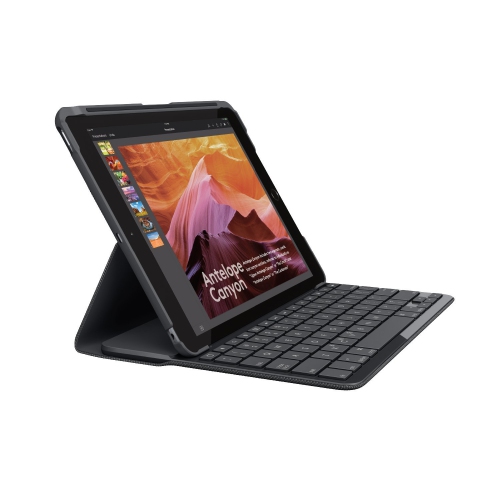 Your price for this item is $89.99
 -
 Your price for this item is $149
 -
 Your price for this item is $79.99
 -
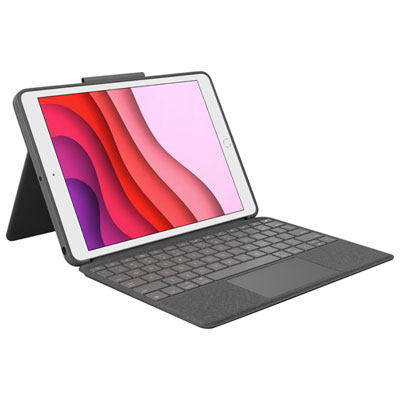 Your price for this item is $139.97
 -
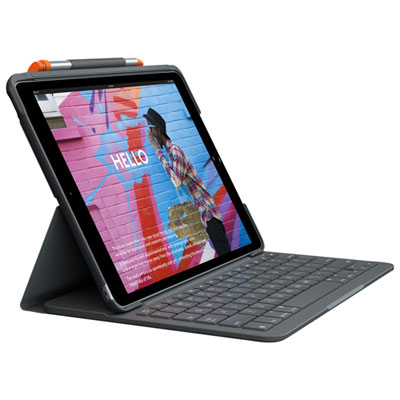 Your price for this item is $97.97
 -
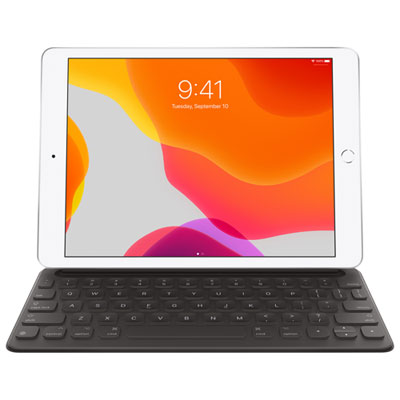 Your price for this item is $149.97
 -
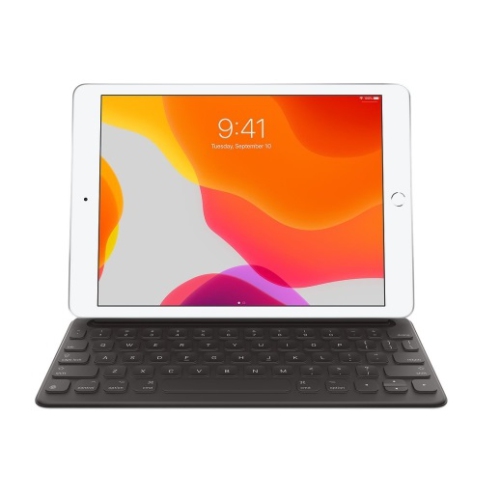 Your price for this item is $149
 -
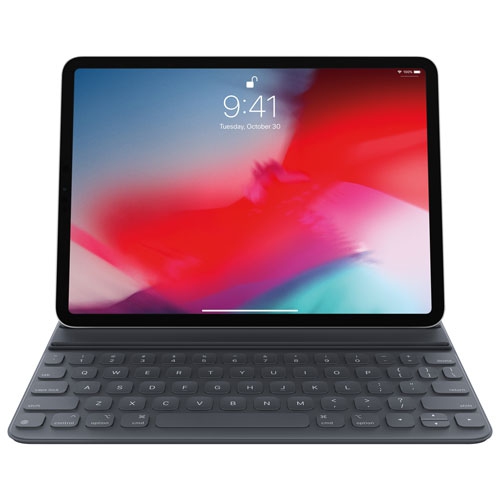 Your price for this item is $199
Discover more categories related to iPad Pro for Students
Top Collections:
Pokemon Centers, Budget 4K TVs, Best Budget Office Chairs, Kindle Devices, Canon G7X Cameras, Apple iPhones 16, iPhone 15 Apple, Laptops for Business Work, Xiaomi Phones, Flip Phones
Some products may be subject to Environmental Handling Fees
(EHF) depending on your province.
Learn more about EHFs.