Gaming Tablet Low Price
If you're looking for a tablet that can play games, watch movies, and do just about anything else you'd want to do on a tablet, but don't want to spend a lot of money, you've come to the right place. These devices are perfect for casual gamers or kids. They're also great for people who want to play games on the go, but don't want to lug around a big console. Here are some of our favorites.
Sort
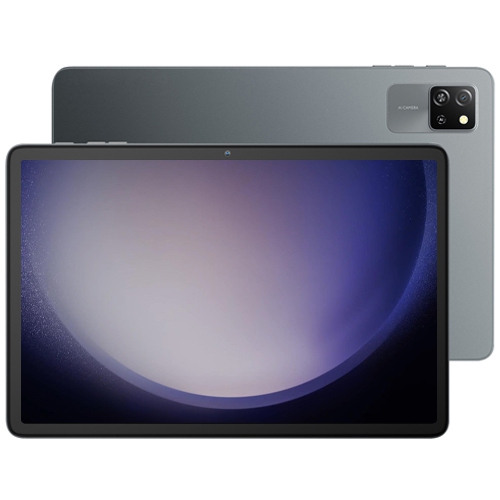
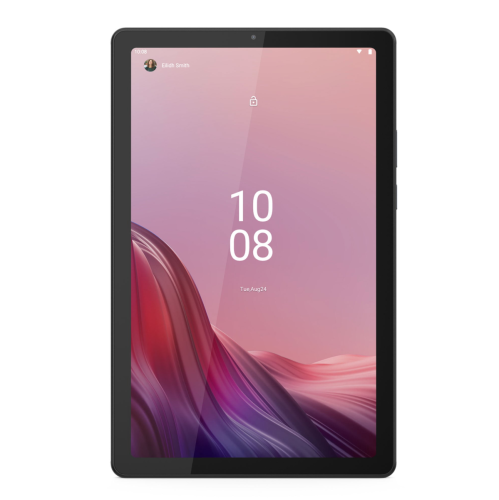
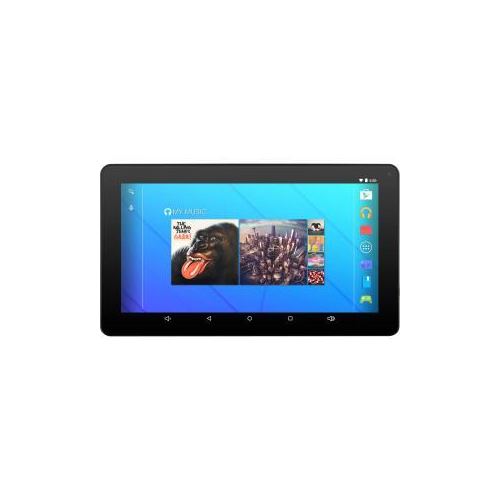
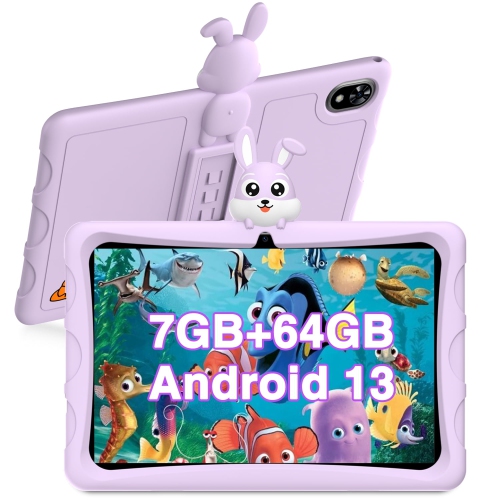
Why game compatibility matters more than gaming-inspired looks
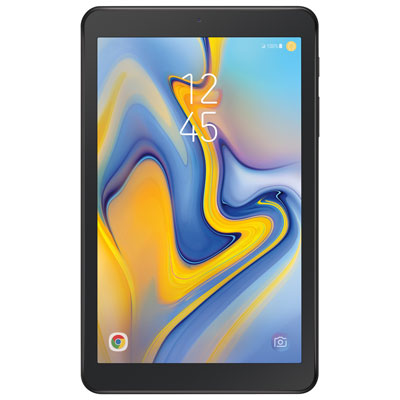
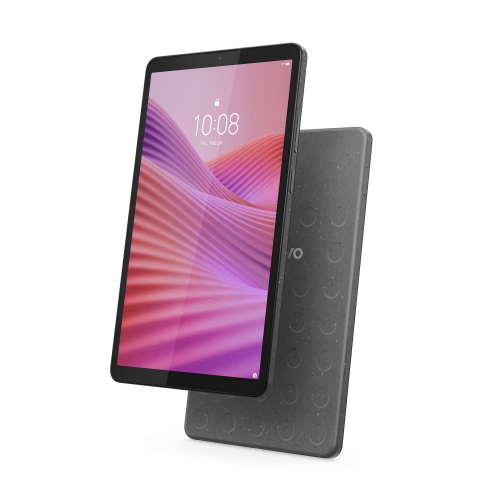
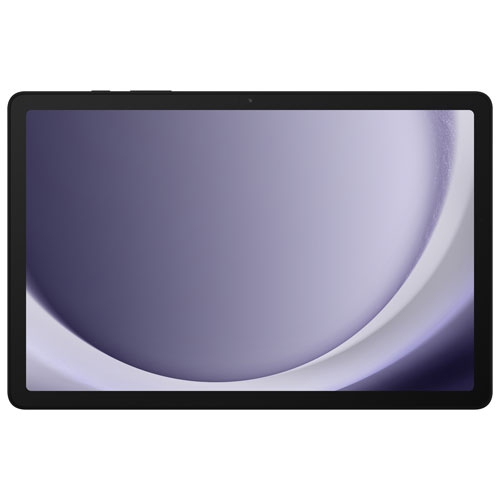
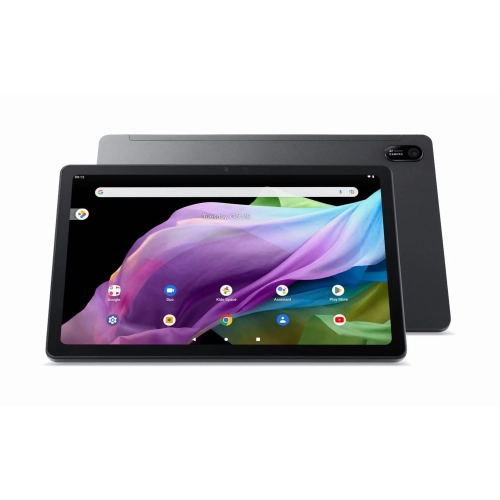
Gaming tablets bring touch-based play, streaming and everyday entertainment together on a portable screen. For casual players, the most useful features are often straightforward: responsive controls, a clear display, enough storage for favourite games and battery life that suits a typical session. Puzzle games, card games, turn-based adventures and many children’s games can be less demanding than fast-paced titles with detailed 3D graphics, although requirements vary by game. A tablet that handles a matching puzzle smoothly may not deliver the same experience in a large multiplayer arena, so compatibility with the games someone actually plays matters more than a gaming-inspired appearance. The processor and graphics hardware influence how quickly scenes load and how consistently action moves, while memory helps keep games and other apps running without frequent reloads. Extra memory alone does not guarantee better gameplay; the operating system, game settings and software optimization also affect responsiveness. Display quality makes a noticeable difference even in slower-paced games. Clear text helps with dialogue and menus, balanced colour makes illustrated worlds easier to enjoy, and reliable touch response helps when dragging pieces across a board or tapping small controls. A higher refresh rate can make movement look smoother when the game and hardware support it, but it does not automatically mean every game will run at a higher frame rate. Built-in speakers are convenient for quick sessions, while compatible headphones can make dialogue and directional cues easier to hear without filling a shared room with sound. Beyond gaming, a tablet can serve as a reading screen, video player or companion for video calls, making it useful for students, families and adults who want several familiar activities on one device. For someone who mainly enjoys a few rounds between other tasks, comfortable handling and dependable everyday performance may matter more than advanced graphics settings that rarely get used.
Screen size, weight and construction shape how a gaming tablet feels after more than a few minutes of play. A compact screen is easier to hold in both hands, especially when a game places virtual controls near the edges. A larger display gives maps, inventory menus and split-screen activities more room, but it may feel more comfortable resting on a stand than held above a lap. Aspect ratio also affects how games and videos fill the display, with some content showing borders rather than using every part of the screen. For handheld sessions on the sofa or during a commute, Lightweight Gaming Tablets are relevant to players who place particular importance on portability and ease of handling. Weight distribution matters alongside the number on a specification sheet: a tablet with a secure grip and comfortable edges can feel easier to manage than its dimensions suggest. Tablet bodies commonly use plastic or metal, each with practical differences in feel and finish, while the glass display benefits from careful handling regardless of the casing material. A well-fitting protective case can improve grip and cushion everyday bumps, though protection varies and no case makes a device damage-proof. Cases need to match the tablet’s exact dimensions, camera placement, buttons and charging port; screen size alone is not enough to establish fit. A stable stand is useful for controller-based games or longer sessions at a table, and a screen protector may help reduce surface scratches without replacing careful storage. Routine care is simple: follow the manufacturer’s cleaning directions, use a soft, lint-free cloth and avoid spraying liquid directly onto the device. Keeping crumbs and grit out of a bag compartment helps protect the screen and ports. For children, manageable weight, a secure case and accessible volume controls can make a tablet easier to use independently. For any player, short breaks and a supported position help keep handheld entertainment comfortable.
Storage, connectivity and software support determine how well a gaming tablet fits into everyday routines over time. Games can take up substantially more space after updates and additional downloads, so the advertised storage capacity is not the same as the space left for personal content. The operating system and preinstalled software use part of that capacity. Expandable storage, where supported, can be useful for photos, videos and some files, but not every game or app can be moved to a memory card. A reliable Wi-Fi connection matters for downloading large updates, joining online matches and keeping saved progress synchronized where that feature is supported. Cloud gaming runs games on remote servers rather than relying entirely on the tablet’s graphics hardware, but it still requires a compatible service, supported software and a sufficiently fast, stable internet connection. Network delay can make controls feel less immediate, particularly in games that depend on precise timing, and some services require a separate subscription or controller. Games installed directly on the tablet may work without internet access, but offline play depends on the title; account checks, multiplayer features and certain saved-game functions can still require a connection. Bluetooth controller support can make longer sessions more comfortable, although compatibility needs to extend to both the tablet and the game. Battery runtime also varies with screen brightness, sound, wireless use and the demands of the game, so video-playback estimates do not necessarily reflect gaming endurance. Charging connections and supported charging speeds are worth noting when the device will be shared or used away from its usual charging spot. Software updates contribute to security and app compatibility, making the manufacturer’s support policy relevant to long-term use. A gaming tablet can be a thoughtful gift for a puzzle enthusiast, a student who also wants an entertainment screen or a child ready for supervised play. The recipient’s preferred games, existing account and accessibility needs help determine a suitable fit. For shared family use, supported parental controls, purchase approvals and separate profiles can help keep games, settings and personal content organized.
Screen size, weight and construction shape how a gaming tablet feels after more than a few minutes of play. A compact screen is easier to hold in both hands, especially when a game places virtual controls near the edges. A larger display gives maps, inventory menus and split-screen activities more room, but it may feel more comfortable resting on a stand than held above a lap. Aspect ratio also affects how games and videos fill the display, with some content showing borders rather than using every part of the screen. For handheld sessions on the sofa or during a commute, Lightweight Gaming Tablets are relevant to players who place particular importance on portability and ease of handling. Weight distribution matters alongside the number on a specification sheet: a tablet with a secure grip and comfortable edges can feel easier to manage than its dimensions suggest. Tablet bodies commonly use plastic or metal, each with practical differences in feel and finish, while the glass display benefits from careful handling regardless of the casing material. A well-fitting protective case can improve grip and cushion everyday bumps, though protection varies and no case makes a device damage-proof. Cases need to match the tablet’s exact dimensions, camera placement, buttons and charging port; screen size alone is not enough to establish fit. A stable stand is useful for controller-based games or longer sessions at a table, and a screen protector may help reduce surface scratches without replacing careful storage. Routine care is simple: follow the manufacturer’s cleaning directions, use a soft, lint-free cloth and avoid spraying liquid directly onto the device. Keeping crumbs and grit out of a bag compartment helps protect the screen and ports. For children, manageable weight, a secure case and accessible volume controls can make a tablet easier to use independently. For any player, short breaks and a supported position help keep handheld entertainment comfortable.
Storage, connectivity and software support determine how well a gaming tablet fits into everyday routines over time. Games can take up substantially more space after updates and additional downloads, so the advertised storage capacity is not the same as the space left for personal content. The operating system and preinstalled software use part of that capacity. Expandable storage, where supported, can be useful for photos, videos and some files, but not every game or app can be moved to a memory card. A reliable Wi-Fi connection matters for downloading large updates, joining online matches and keeping saved progress synchronized where that feature is supported. Cloud gaming runs games on remote servers rather than relying entirely on the tablet’s graphics hardware, but it still requires a compatible service, supported software and a sufficiently fast, stable internet connection. Network delay can make controls feel less immediate, particularly in games that depend on precise timing, and some services require a separate subscription or controller. Games installed directly on the tablet may work without internet access, but offline play depends on the title; account checks, multiplayer features and certain saved-game functions can still require a connection. Bluetooth controller support can make longer sessions more comfortable, although compatibility needs to extend to both the tablet and the game. Battery runtime also varies with screen brightness, sound, wireless use and the demands of the game, so video-playback estimates do not necessarily reflect gaming endurance. Charging connections and supported charging speeds are worth noting when the device will be shared or used away from its usual charging spot. Software updates contribute to security and app compatibility, making the manufacturer’s support policy relevant to long-term use. A gaming tablet can be a thoughtful gift for a puzzle enthusiast, a student who also wants an entertainment screen or a child ready for supervised play. The recipient’s preferred games, existing account and accessibility needs help determine a suitable fit. For shared family use, supported parental controls, purchase approvals and separate profiles can help keep games, settings and personal content organized.
Top selling and popular products
-
 Your price for this item is $499.99
 -
 Your price for this item is $199.95
 -
 Your price for this item is $318.19
 -
 Your price for this item is $399.99
 -
 Your price for this item is $139.99
 -
 Your price for this item is $119.99
 -
 Your price for this item is $979.99
 -
 Your price for this item is $399.99
Discover more categories related to Gaming Tablet Low Price

Top Collections:
Pokemon Centers, Kindle Devices, Best Budget Office Chairs, Apple iPhones 16, Canon G7X Cameras, iPhone 15 Apple, Alarm Clock, Refurbished Apple Laptops, Flip Phones, Best Laptops for Writers
Some products may be subject to Environmental Handling Fees
(EHF) depending on your province.
Learn more about EHFs.