Best Gaming Tablets Under $200

Enjoy gaming on the go without stretching your budget. Our best gaming tablets under $200 are ranked by user review ratings to help you compare affordable options with feedback from fellow shoppers. Whether you prefer quick puzzles or casual adventures, find a tablet that suits your favourite games and everyday needs.

Read More

What to look for in gaming tablets under $200

1. Gaming Performance

Check the processor, RAM, and operating system against the requirements of the games you want to play. Tablets under $200 are generally better suited to casual games than demanding titles, which may need lower graphics settings.

2. Display and Touch Response

Look for a screen size and resolution that make game details and controls easy to see. Responsive touch controls matter for gameplay, while a larger display can be more comfortable for longer sessions but less convenient to carry.

3. Storage and Game Compatibility

Check how much built-in storage is available, since games and updates can take up considerable space. A microSD card slot can add room for media, but not all tablets let you install games on a memory card, so confirm storage options and app store availability before buying.

4. Battery Life and Connectivity

Compare battery estimates with the understanding that gaming can drain power faster than browsing or watching videos. Reliable Wi-Fi matters for online play, and Bluetooth support can be useful if you plan to pair a compatible controller or headset.
Citrus catapult arrow
  1. 1

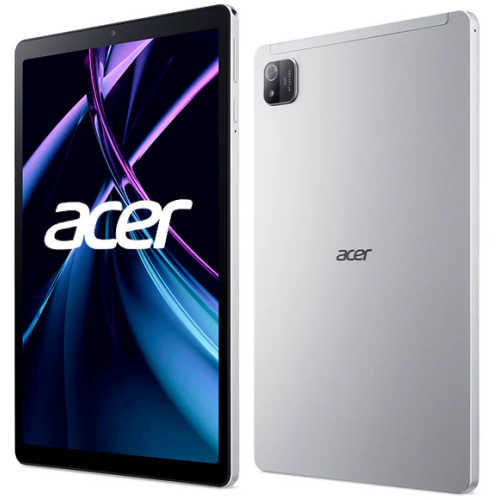
    ACER - Iconia Tab A 10.1” Tablet (Allwinner A333/4GB Ram/64GB Emmc/android 15) W/ 1 Year Warranty

    About this product

    A versatile tablet featuring a 10.1" IPS display, 4GB RAM, 64GB storage, and Android 15.

    (3)
    $119.00
    SAVE $20
    Your price for this item is $119
  2. 2

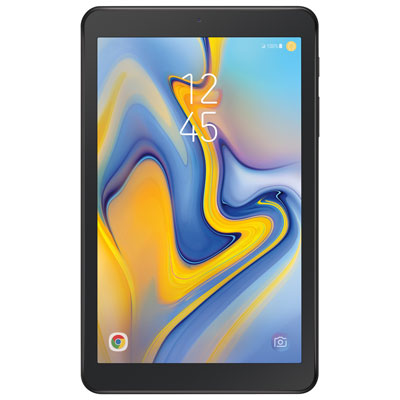
    Rogers Samsung Galaxy Tab A 8" 32GB Android O LTE Tablet With Snapdragon 425 4-Core Processor -Black - Monthly Financing

    About this product

    A sleek black tablet featuring an 8" display, Snapdragon 425 processor, LTE connectivity, and Android O.

    What customers like

    • Affordable and budget-friendly
    • Clear screen and good picture quality
    • Reliable LTE connectivity
    • Compact and lightweight design
    • Good performance for basic tasks
    (52)
    $14.96 Your price for this item is $14.96
  3. 3

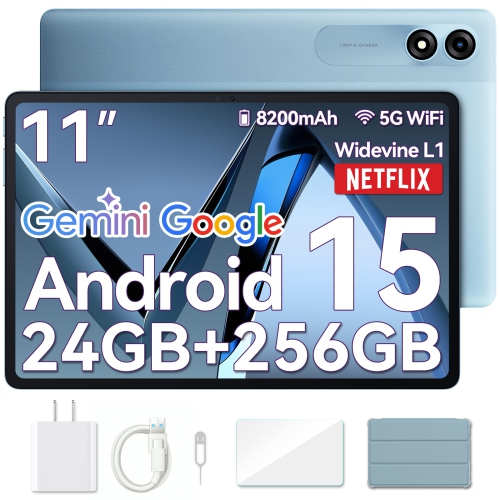
    BLACKVIEW Tablet 11" Android 15 Tablets, Tab 9Wifi w 18GB+256GB Storage(Expand to 2Tb), Protective Case/screen Protector Included, 2.4K Fhd

    About this product

    An Android 14 tablet featuring 18GB RAM, 256GB storage, 2.4K display, and included protective accessories.

    (1)
    $179.99
    SAVE $30
    Your price for this item is $179.99
  4. 4

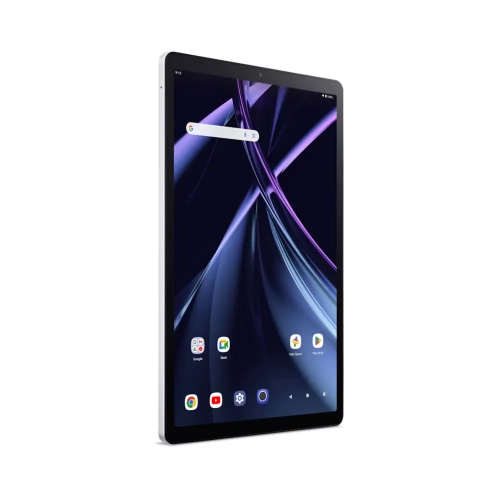
    ACER - Iconia Tab A 11” Tablet (Allwinner A523/4GB Ram/128GB Emmc/android 14) W/ 1 Year Warranty

    About this product

    An 11" tablet with a vivid IPS display, octa-core processor, 4GB RAM, and Android 14.

    (2)
    $145.00
    SAVE $84
    Your price for this item is $145
  5. 5

    ACER Iconia 10.4” Wuxga Ips Tablet (Mediatek Helio G99/6GB Ram/128GB Emmc/android 12) - W/ 1 Year Warranty

    About this product

    A versatile tablet featuring a 10.4" WUXGA IPS display, Helio G99 processor, and Android 12.

    $199.00
    SAVE $100
    Your price for this item is $199
  6. 6

    BLACKVIEW Tablet 11" Android 15 Tablets, Tab 9Wifi w 18GB+256GB Storage(Expand to 2Tb), Protective Case/screen Protector Included, 2.4K Fhd

    About this product

    An Android 14 tablet featuring 18GB RAM, 256GB storage, 2.4K display, and included protective accessories.

    $179.99
    SAVE $30
    Your price for this item is $179.99
  7. 7

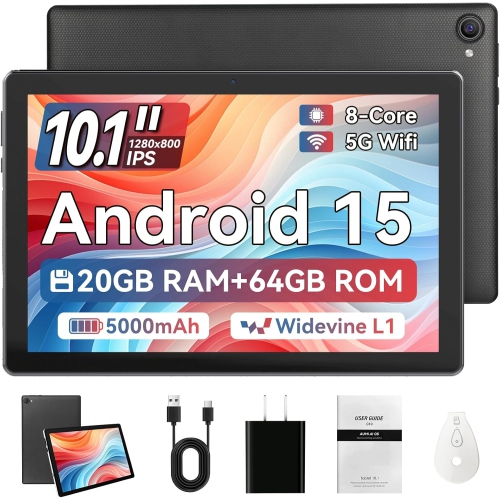
    HIGRACE Tablet 10.1 Inch Android 15, 20GB Ram + 64GB Rom, 1Tb Expand, HD Ips, Dual Camera, Wifi 6, Bt 5.4 In Black

    About this product

    A black Android tablet featuring 20GB RAM, HD IPS display, dual cameras, WiFi 6, and Bluetooth 5.4.

    $159.19
    SAVE $13
    Your price for this item is $159.19
  8. 8

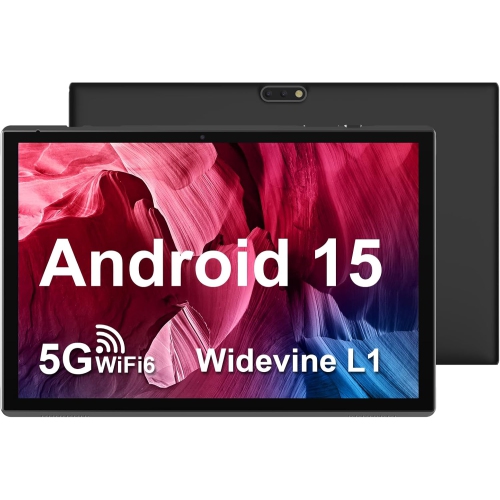
    ZZB 10 Inch Tablet Android 15, 10.1" Ddr4 8GB Ram (5GB Expand) + 32GB Rom, Dual Camera, 5G Wifi-6, Bt Support, 1Tb Expand, Ips HD, 6000Mah

    About this product

    A versatile Android tablet featuring 8GB RAM, dual cameras, 5G Wi-Fi 6, and a 6000mAh battery.

    $134.73
    SAVE $11
    Your price for this item is $134.73
  9. 9

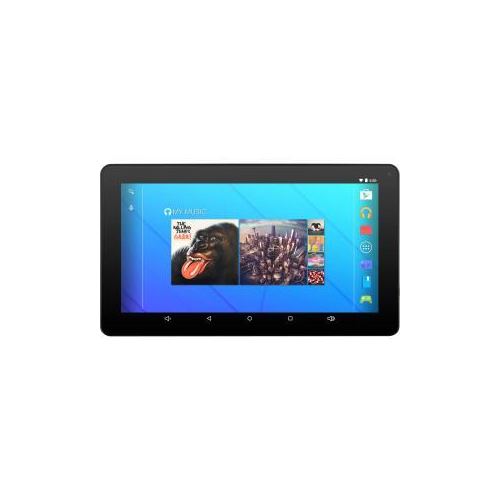
    EMATIC Egq235Skbu Quad Core Processor 1.20 Ghz 1 GB Memory 16 GB Flash Storage 7" 1024 X 600 Tablet PC Android 7.1 (Noug

    About this product

    A blue tablet featuring a 7" 1024 x 600 display, quad-core processor, and Android 7.1 Nougat.

    $159.97
    SAVE $40
    Your price for this item is $159.97
  10. 10

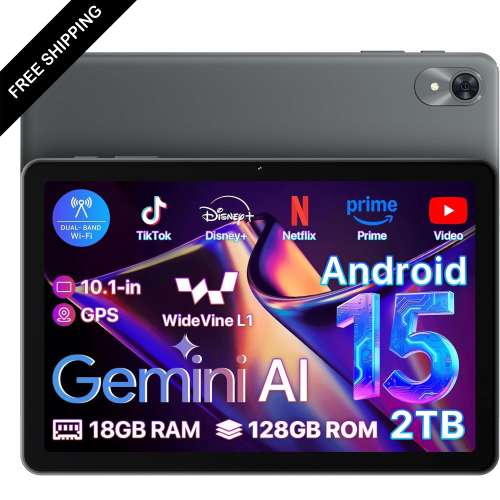
    LDAS ELECTRONICS Android 15 10.1 Inch, 18(6+12) GB+128GB+2Tb Expandable 2025 Widevine L1 Tablets w Speed 2.0 Ghz, 1280X800 HD Ips, Fm Radio

    About this product

    An Android tablet featuring a 10.1" HD IPS display, 18GB RAM, 128GB storage, and FM radio.

    $169.99
    SAVE $130
    Your price for this item is $169.99

Why your favourite games matter more than gaming labels

Gaming tablets bring touch-first entertainment to a screen that gives puzzles, card games, strategy maps, and virtual worlds more room than a phone. For entry-level models, the most suitable uses are casual mobile games, lighter multiplayer titles, and everyday entertainment, rather than demanding games at their highest graphics settings. A good match depends less on a “gaming” label than on how the processor, memory, display, and software work together with the games someone actually plays. A player who enjoys matching tiles or taking turns on a digital board has different needs from someone steering through a detailed racing circuit. The processor and graphics hardware affect how quickly a game responds, while RAM provides working space for active apps. Limited RAM can mean more frequent reloads when switching between a game, messages, and a browser. Processor core count alone does not establish gaming performance; chip design, software optimization, and the game’s requirements also matter. Reducing shadows, visual effects, or rendering resolution can help some demanding games run more smoothly, although not every title offers those controls. Closing unused apps can free up resources, but it cannot make an entry-level tablet perform like more powerful hardware. For someone who mostly plays short rounds on the sofa, a comfortable grip and reliable touch response may matter more than elaborate visual detail. For a player who spends longer sessions managing a farm or building a city, readable menus and enough memory to keep the game running comfortably become more important. These tablets can also suit households looking for a shared device that moves between games, reading, video calls, and streaming. The best fit is a tablet that handles those everyday tasks without asking the user to compromise on the particular game or app that makes the device worth picking up.

Screen size shapes both the playing experience and how comfortable a tablet feels in the hands. A smaller tablet is easier to hold while tapping controls with both thumbs, while a larger display provides more space for text, inventory panels, and split-screen board games. Weight and balance matter alongside the diagonal measurement: a broad tablet that feels comfortable on a stand may become tiring when held through several rounds. Display resolution affects the clarity of small lettering and fine details, but screen size also influences how sharp that resolution looks. Viewing angles are useful for two people sharing a game at a table, and adjustable brightness helps keep the picture comfortable under different indoor lighting. Refresh rate describes how often the screen updates; a higher figure can make motion appear smoother only when the game and hardware can deliver enough frames. Touch responsiveness is a separate consideration, especially for rhythm games and quick swipes. Storage deserves similar attention because the space printed in a specification is not all free for games. The operating system and preinstalled apps occupy part of it, and game downloads can grow substantially after additional levels, textures, and updates are installed. A supported memory card may provide room for photos, videos, or other files, but many games still need internal storage, and app transfers depend on the device and software. Game compatibility also depends on the operating system version, app store access, and developer support. A familiar title on one device is not guaranteed to work on another, even when their screen sizes and memory figures look similar. Software support matters beyond the first setup, since updates can address security issues and affect ongoing app compatibility. For households sharing a tablet, separate profiles, where supported, can help keep game progress and personal settings apart. Parental controls may also provide ways to manage downloads, purchases within apps, and playtime, although the available controls vary by platform.

Construction and care make a practical difference to a tablet that travels between a backpack, kitchen table, and living room. Plastic-backed designs can be light and easy to handle, while metal housings may feel firmer; neither material alone establishes how well a device will survive a drop. The glass screen and exposed corners remain vulnerable, so a properly fitted case with raised edges can add protection without blocking charging ports, speakers, or buttons. A stable stand is useful for controller-based games and shared play, and a case should match the tablet’s exact dimensions rather than just its stated screen size. A compatible screen protector can help limit everyday scratches, though it cannot guarantee protection from impacts. For cleaning, a soft, lint-free cloth and the manufacturer’s care directions are safer choices than abrasive cleaners or spraying liquid directly onto the screen. Battery life also depends on how the tablet is used: high brightness, wireless connections, demanding graphics, and voice chat can shorten playtime compared with reading or watching downloaded video. Charging connections and accessory compatibility deserve attention when a tablet will be used with headphones or a controller. Bluetooth support does not mean every controller works with every game, and wired accessories may require a suitable port or adapter. Cloud gaming can offer another way to play supported titles because the game runs on remote hardware, but it requires a compatible service, device, and often a controller. Reliable Wi-Fi, sufficient connection speed, and low latency are important; an unstable connection can create delayed inputs or a blurry picture even when the tablet itself is working properly. Casual gaming tablets can make thoughtful gifts for children, students, or adults who enjoy portable entertainment, provided the recipient’s preferred games and accessibility needs are part of the choice. Adjustable text, audio options, and manageable device weight can be just as valuable as graphics performance. For a broader range of play styles, Best Gaming Tablets brings together the same essential priorities: compatible games, comfortable handling, and hardware suited to the way the tablet will be used.
Read More

FAQ

Some products may be subject to Environmental Handling Fees (EHF) depending on your province. Learn more about EHFs.