Tablets for Study
Finding the perfect tablet for study can revolutionize your academic experience, offering a versatile tool that seamlessly blends learning with technology. Whether you're taking notes in class, researching for assignments, or accessing digital textbooks, tablets provide a portable and convenient solution for students of all ages. With a range of options available, you can choose a tablet that fits your study habits and enhances productivity. Explore our selection to discover devices that cater to educational needs, ensuring you stay organized and efficient in your studies.
Sort
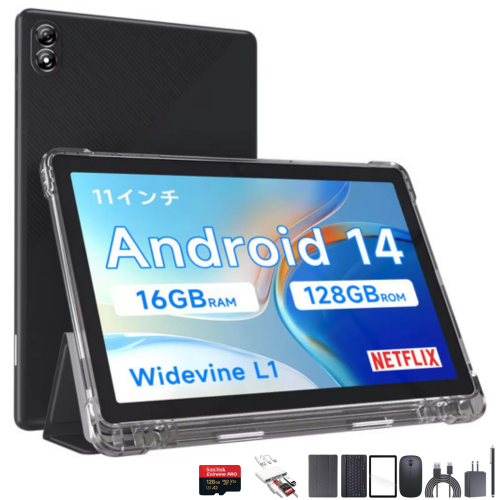
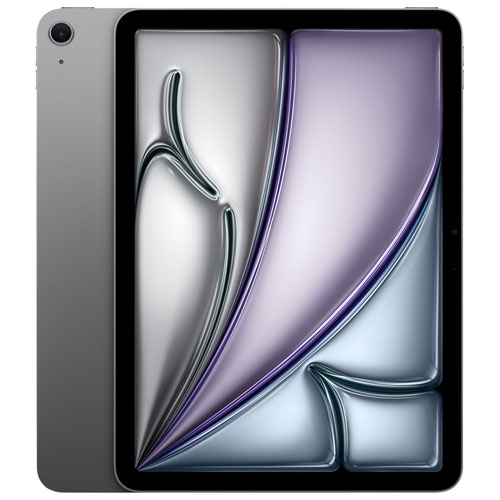

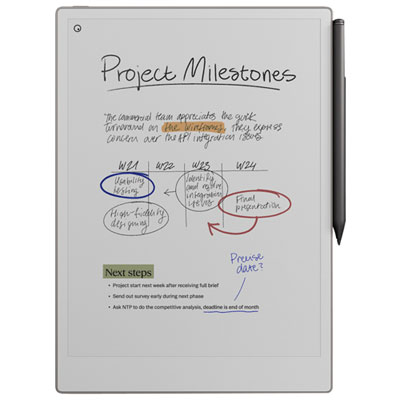
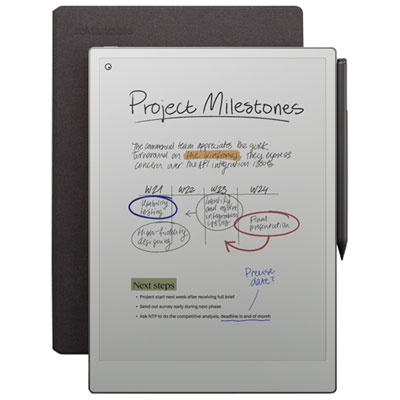
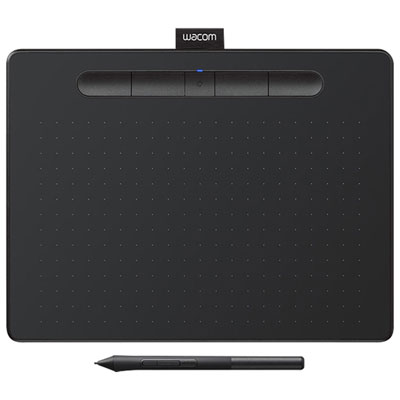
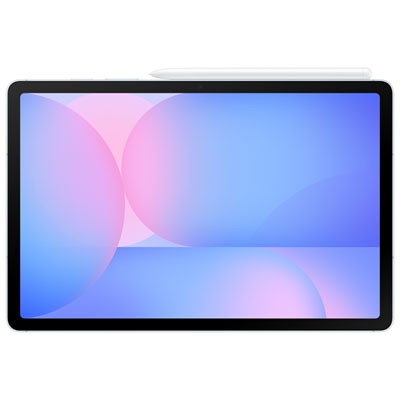

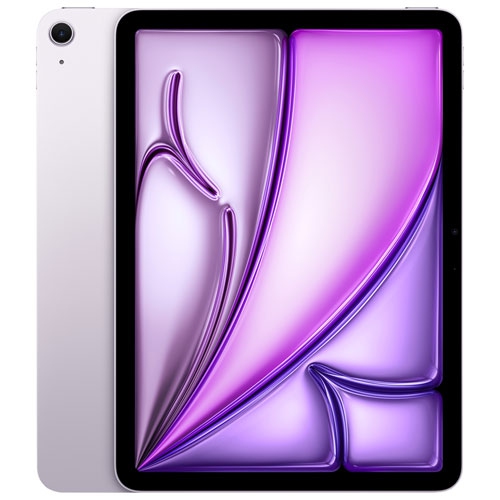

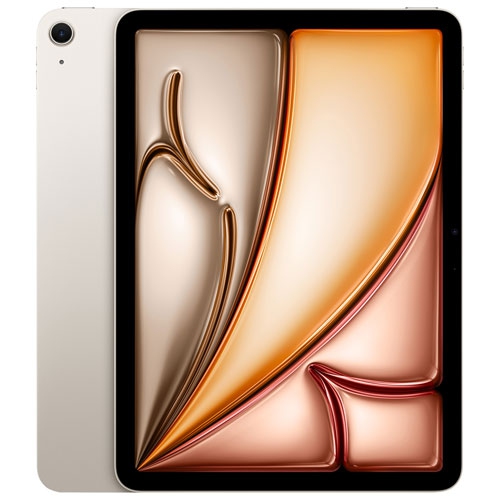
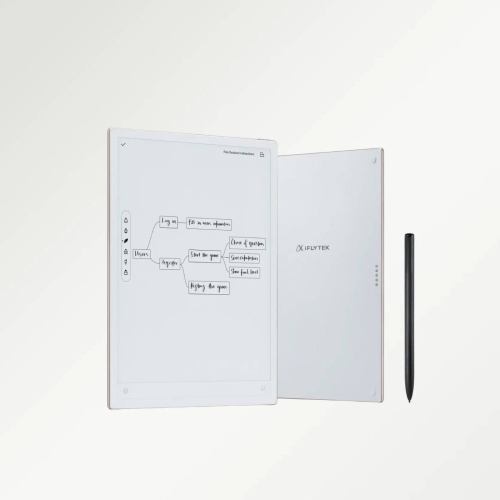
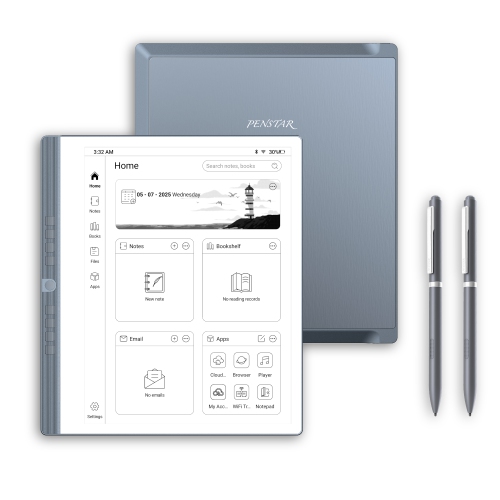
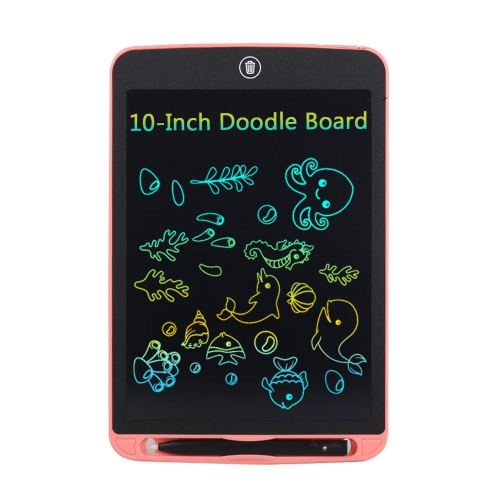
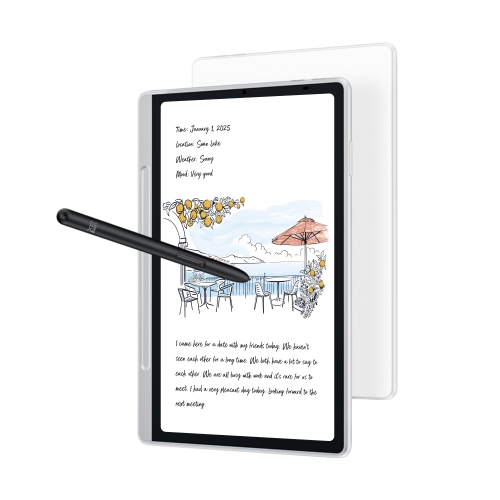
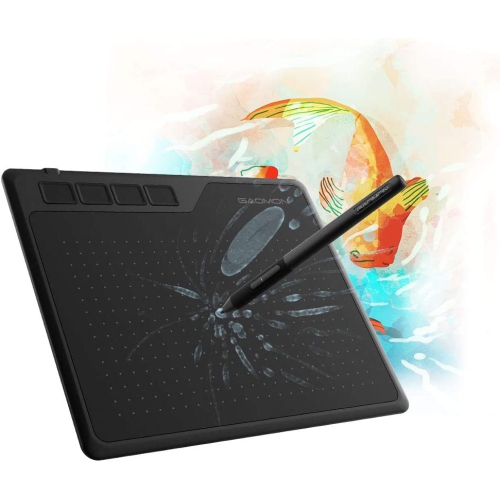
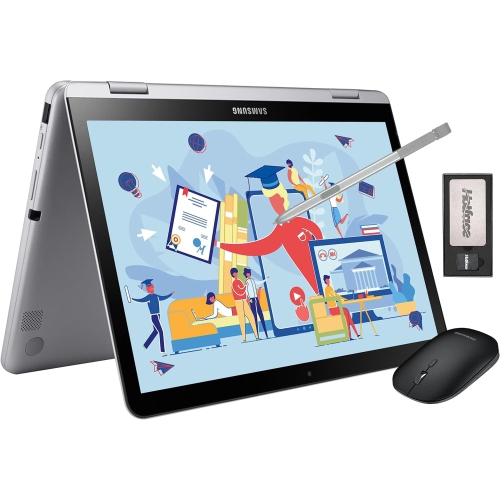
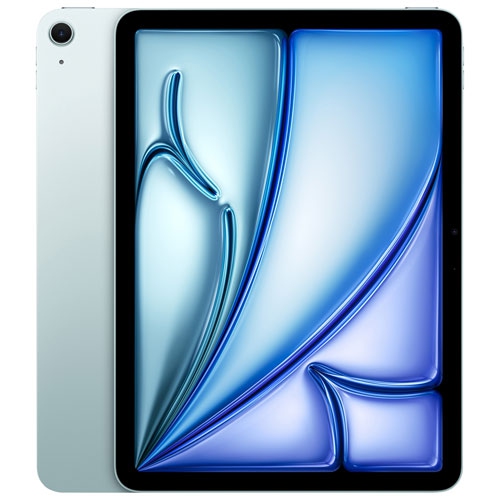
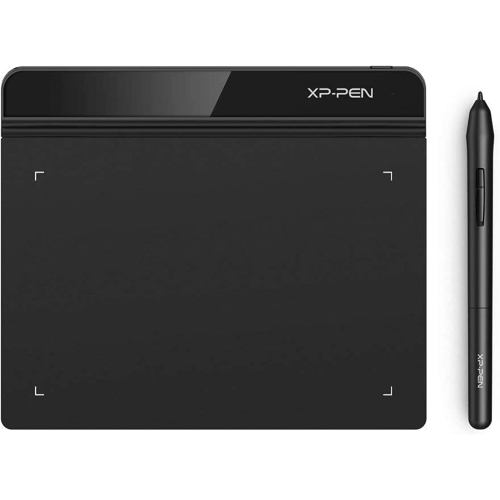
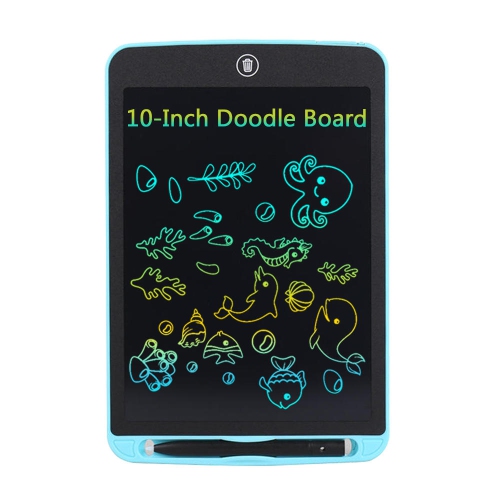
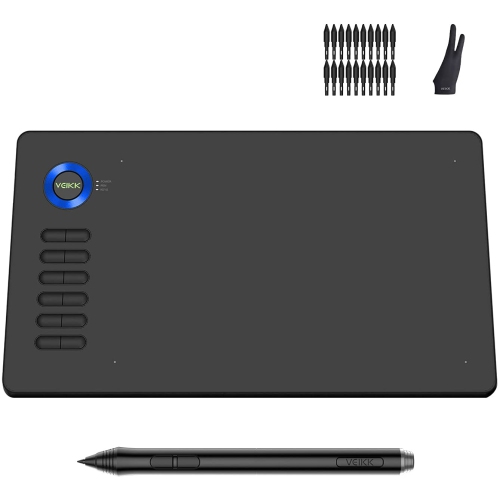
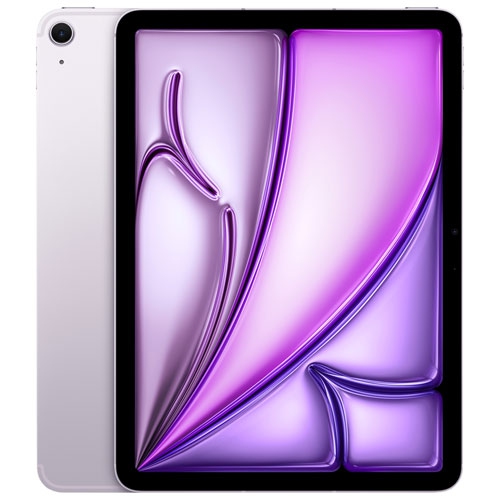
From digital textbooks to handwritten notes, study stays portable
Tablets for study can make it easier to carry readings, notes, reference materials and coursework between home, school, the library and other study spaces. A tablet with a clear display can serve as a digital textbook reader, research screen, lecture companion and lightweight entertainment device, all in one. Students may use one to review slides before class, follow along with online lessons, access learning platforms, organize a calendar or listen to recorded lectures while commuting. It can also be a practical gift for a high school student preparing for more independent study, a university student moving into residence, an adult learner taking online courses or anyone who prefers a compact alternative to a traditional computer for everyday academic tasks. When comparing tablets for study, begin with the way the device will be used most often. Someone who mainly reads articles and checks assignments may be well served by an affordable tablet with a sharp display and dependable battery life, while a student who writes detailed notes, marks up PDFs or works through equations may benefit from a model that supports a compatible stylus. For those who type long essays, discussion posts or research notes, a keyboard attachment can make the tablet feel more like a traditional workstation. A protective case and screen protector are also worth considering, particularly when the tablet will travel in a backpack alongside textbooks, chargers and water bottles. The best fit is not necessarily the device with the most features; it is the one that matches the student’s routine, preferred apps and study habits without adding unnecessary complexity.
A responsive stylus can be especially useful for handwritten lecture notes, highlighting digital textbooks, drawing diagrams, solving mathematical problems and adding comments to documents. Some tablets include a stylus, while others support one that must be purchased separately, so check compatibility before choosing accessories. Screen size also affects the study experience. A compact display is easy to hold during a bus ride or while standing in a crowded hallway, whereas a larger screen provides more room for split-screen work, side-by-side documents and detailed charts. A high-resolution display with comfortable brightness can make long reading sessions easier, and adjustable text size can help when viewing dense articles or presentation slides. Battery life matters when classes, commuting and library sessions fill the day. Look for a tablet designed to last through extended use, and consider models with a battery capacity around 8,000 mAh or higher when available, while remembering that screen brightness, video streaming, wireless connections and demanding apps all affect runtime. Storage is another important consideration. At least 128GB can provide room for course documents, downloaded readings, apps, photos and lecture recordings, while a microSD card slot may offer additional flexibility on compatible tablets. Cloud storage can help keep files accessible across devices, but local storage remains useful when studying in places with limited or unreliable internet access. Performance should be smooth enough for switching between a browser, note-taking app, video call and document without distracting pauses. Memory, processor capability and operating system support all contribute to that experience, so review the tablet’s specifications as a group rather than focusing on a single number. Android and iOS tablets each offer broad app selections, but the right choice may depend on the platforms already used by the student, the devices at home and the software required for school. Checking app compatibility, file-sharing options, parental controls and software update support can prevent surprises after purchase.
Study tablets are often used in ways that extend beyond the classroom. A student may read a chapter at the kitchen table in the morning, annotate a worksheet during a quiet library period and join a virtual study group from a bedroom desk in the evening, all on the same device. Split-screen features can keep a video lesson open beside a set of notes, while a front-facing camera and built-in microphone can support online classes, presentations and group projects. A tablet can also help younger learners practise spelling, explore educational apps or complete supervised assignments, provided that the device includes suitable controls and a durable case. For older students, a fingerprint reader or passcode, secure wireless connectivity and regular file backups can help protect personal information and coursework. Weight and portability deserve attention as well: a tablet that slips easily into a backpack is more likely to be carried to class, but a larger model may be preferable for extended writing or visual projects. Those comparing options for commuting or moving between classrooms can browse Tablets for Studying on the Go for features that support mobile learning. During the cooler months, a tablet can be a convenient way to continue studying from a warm café, living-room chair or home office while keeping course materials close at hand. Consider the complete setup, including charging needs, accessories, connectivity and the student’s preferred method of working. With the right combination of display quality, battery life, storage, performance and note-taking support, a study tablet can become a reliable part of a daily routine rather than another device left unused in a drawer.
A responsive stylus can be especially useful for handwritten lecture notes, highlighting digital textbooks, drawing diagrams, solving mathematical problems and adding comments to documents. Some tablets include a stylus, while others support one that must be purchased separately, so check compatibility before choosing accessories. Screen size also affects the study experience. A compact display is easy to hold during a bus ride or while standing in a crowded hallway, whereas a larger screen provides more room for split-screen work, side-by-side documents and detailed charts. A high-resolution display with comfortable brightness can make long reading sessions easier, and adjustable text size can help when viewing dense articles or presentation slides. Battery life matters when classes, commuting and library sessions fill the day. Look for a tablet designed to last through extended use, and consider models with a battery capacity around 8,000 mAh or higher when available, while remembering that screen brightness, video streaming, wireless connections and demanding apps all affect runtime. Storage is another important consideration. At least 128GB can provide room for course documents, downloaded readings, apps, photos and lecture recordings, while a microSD card slot may offer additional flexibility on compatible tablets. Cloud storage can help keep files accessible across devices, but local storage remains useful when studying in places with limited or unreliable internet access. Performance should be smooth enough for switching between a browser, note-taking app, video call and document without distracting pauses. Memory, processor capability and operating system support all contribute to that experience, so review the tablet’s specifications as a group rather than focusing on a single number. Android and iOS tablets each offer broad app selections, but the right choice may depend on the platforms already used by the student, the devices at home and the software required for school. Checking app compatibility, file-sharing options, parental controls and software update support can prevent surprises after purchase.
Study tablets are often used in ways that extend beyond the classroom. A student may read a chapter at the kitchen table in the morning, annotate a worksheet during a quiet library period and join a virtual study group from a bedroom desk in the evening, all on the same device. Split-screen features can keep a video lesson open beside a set of notes, while a front-facing camera and built-in microphone can support online classes, presentations and group projects. A tablet can also help younger learners practise spelling, explore educational apps or complete supervised assignments, provided that the device includes suitable controls and a durable case. For older students, a fingerprint reader or passcode, secure wireless connectivity and regular file backups can help protect personal information and coursework. Weight and portability deserve attention as well: a tablet that slips easily into a backpack is more likely to be carried to class, but a larger model may be preferable for extended writing or visual projects. Those comparing options for commuting or moving between classrooms can browse Tablets for Studying on the Go for features that support mobile learning. During the cooler months, a tablet can be a convenient way to continue studying from a warm café, living-room chair or home office while keeping course materials close at hand. Consider the complete setup, including charging needs, accessories, connectivity and the student’s preferred method of working. With the right combination of display quality, battery life, storage, performance and note-taking support, a study tablet can become a reliable part of a daily routine rather than another device left unused in a drawer.
Top selling and popular products
-
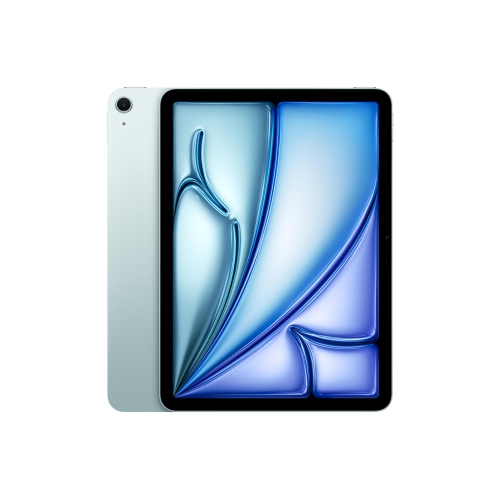 Your price for this item is $889.99
 -
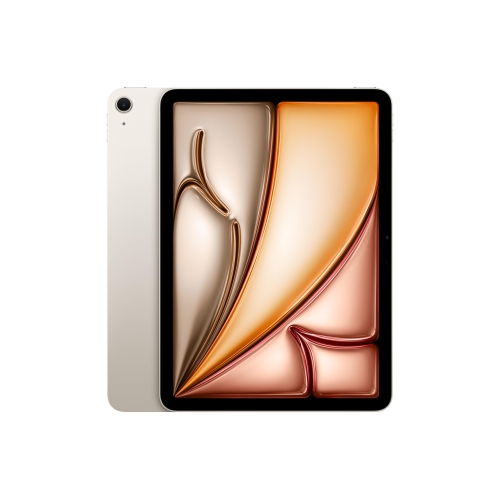 Your price for this item is $869.99
 -
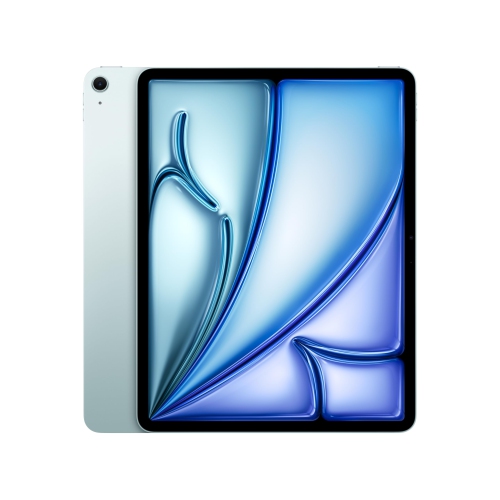 Your price for this item is $1549.99
 -
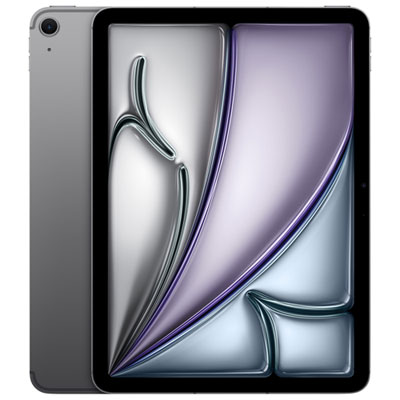 Your price for this item is $999.99
 -
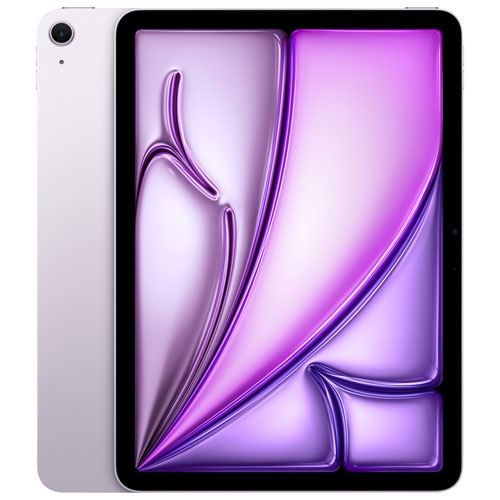 Your price for this item is $999.99
 -
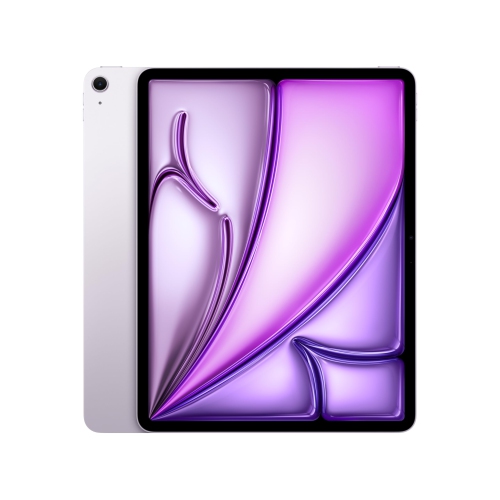 Your price for this item is $1459.95
 -
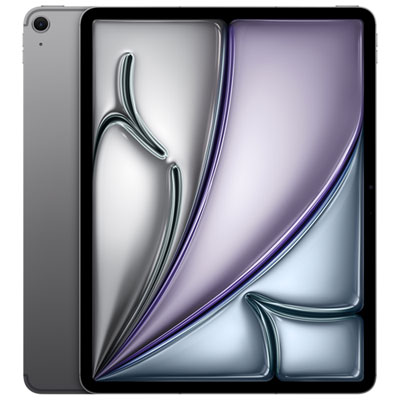 Your price for this item is $1199.99
 -
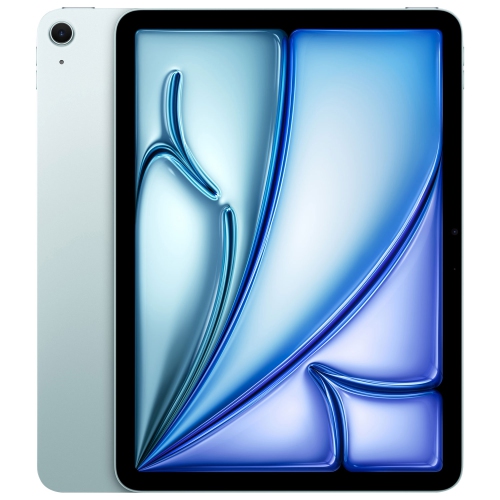 Your price for this item is $929.99
Discover more categories related to Tablets for Study


Top Collections:
Pokemon Centers, Kindle Devices, Best Budget Office Chairs, Apple iPhones 16, Best Laptops for Writers, iPhone 15 Apple, Canon G7X Cameras, Refurbished Apple Laptops, Alarm Clock, Motorola Razr Phones
Some products may be subject to Environmental Handling Fees
(EHF) depending on your province.
Learn more about EHFs.