The New MacBook Pro
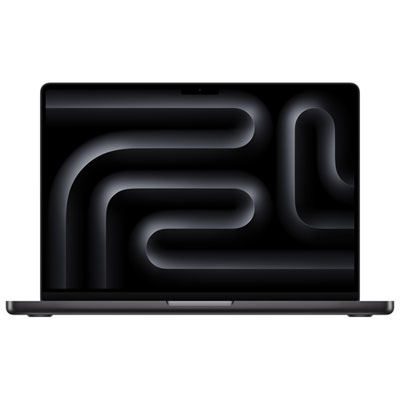
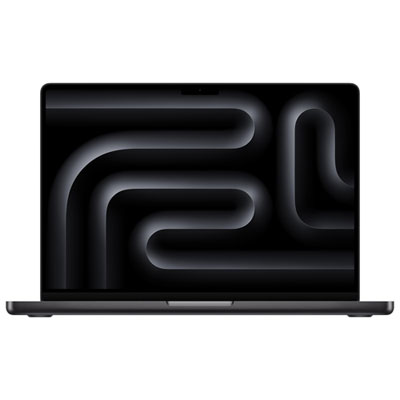
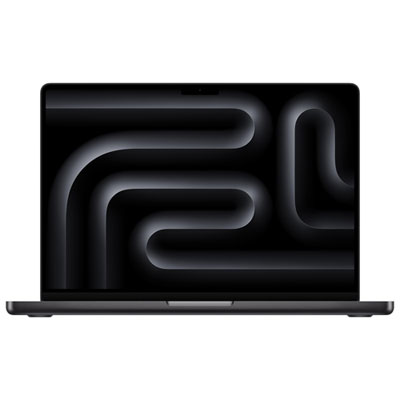
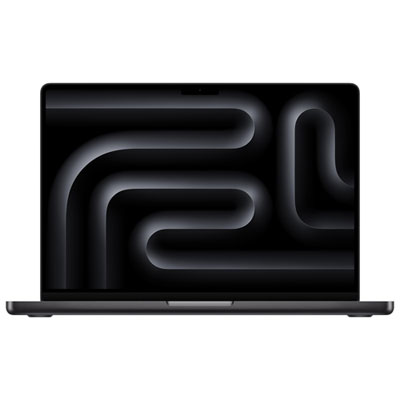
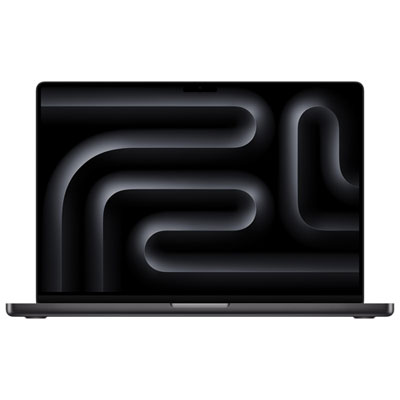
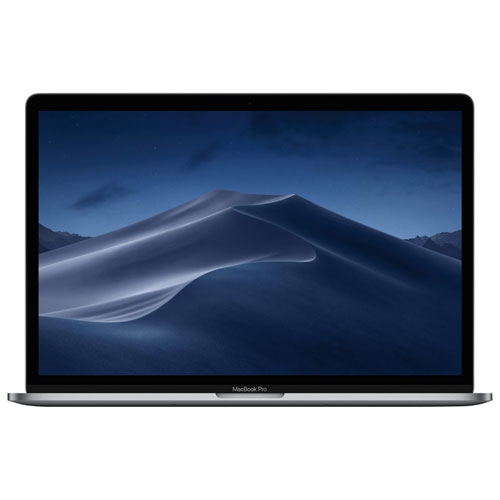
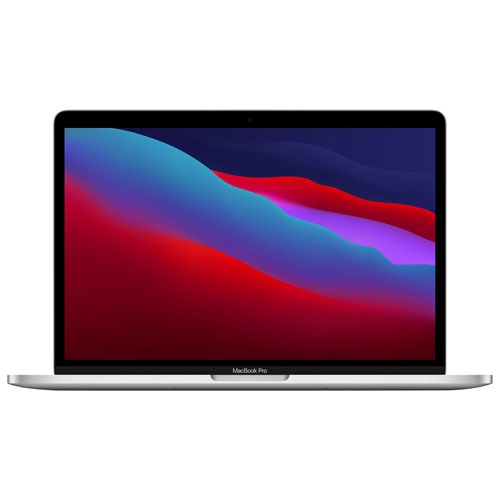
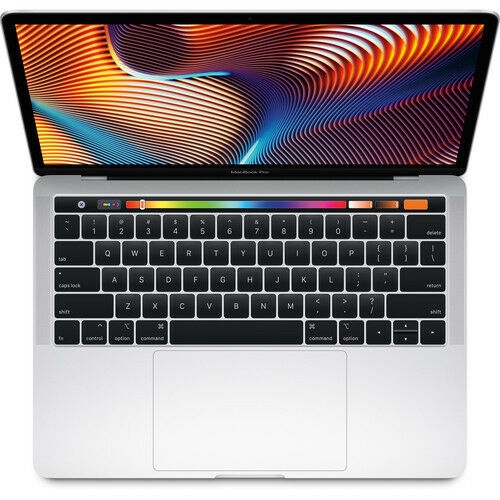
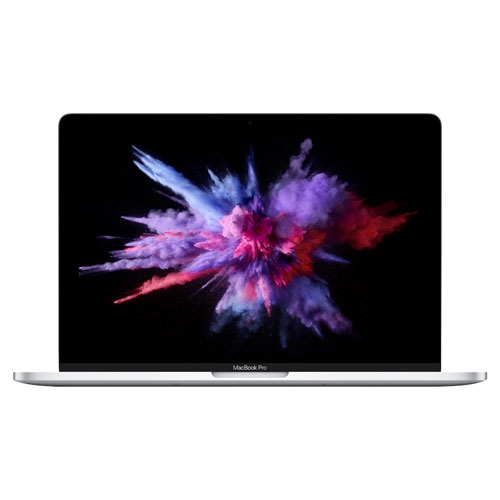
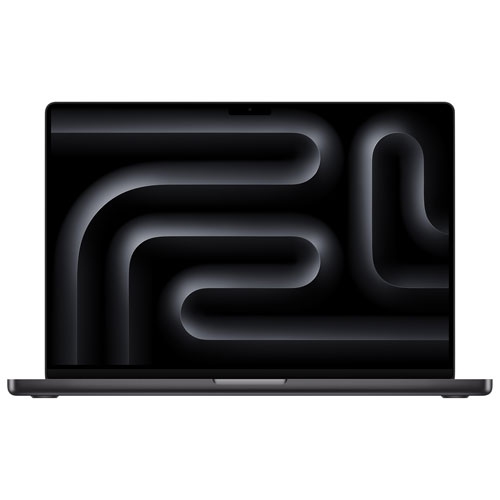
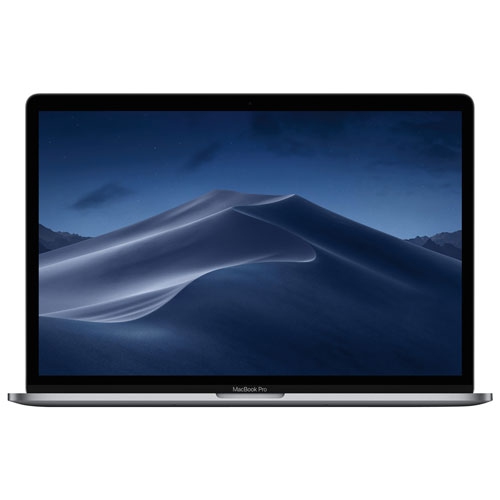
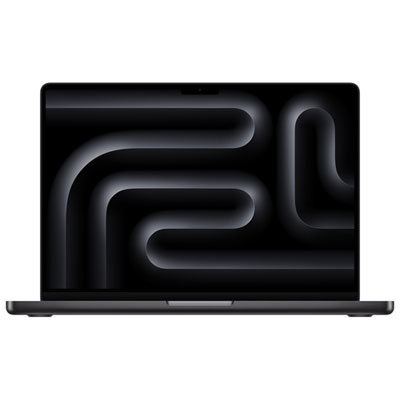
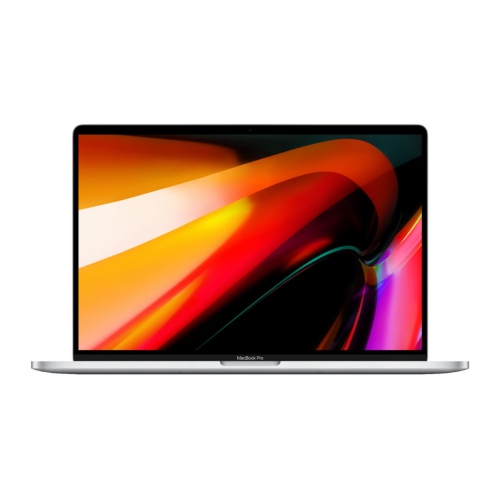
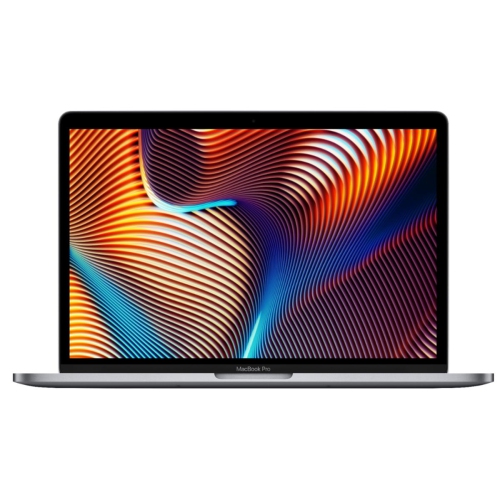
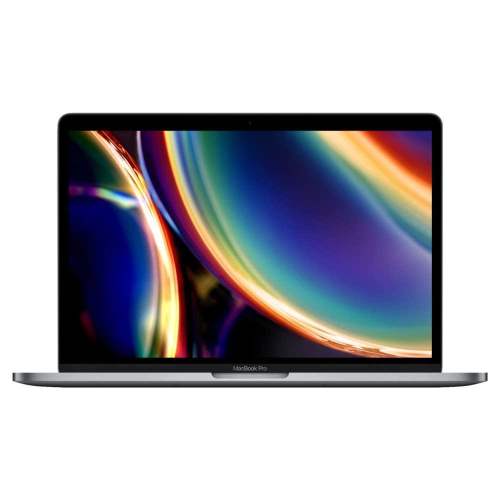
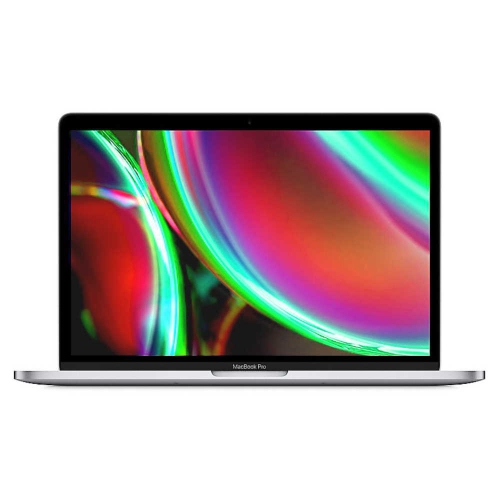
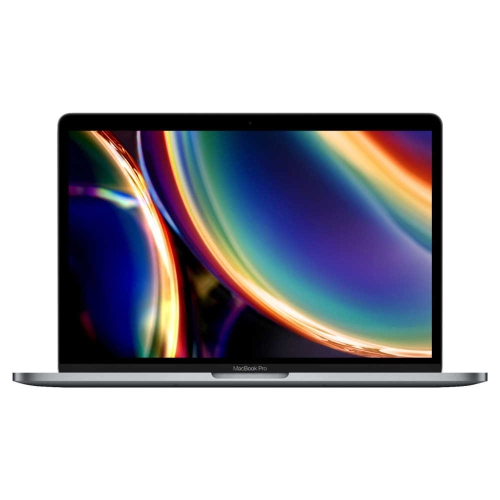
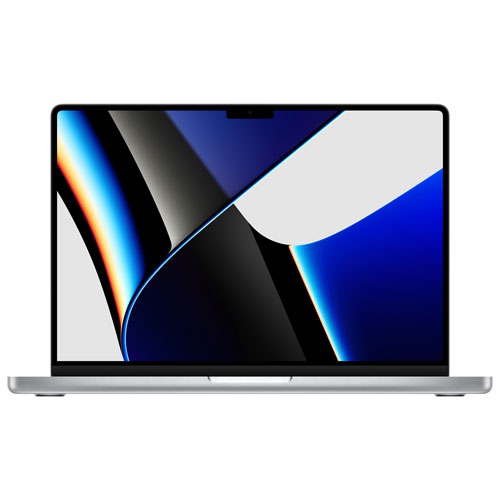
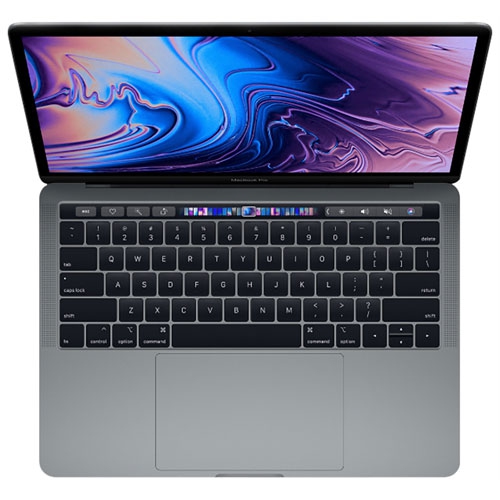
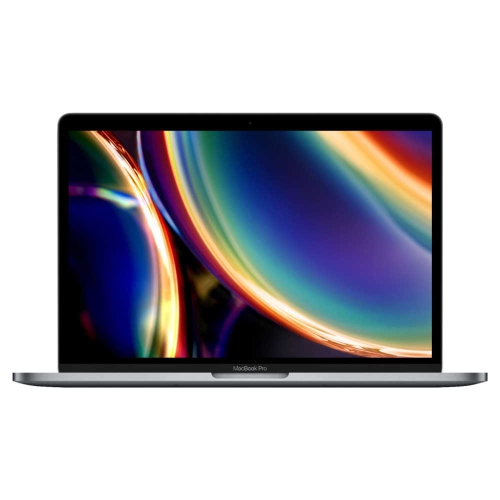
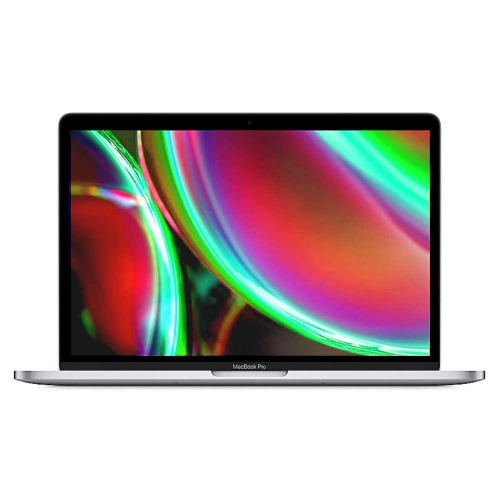
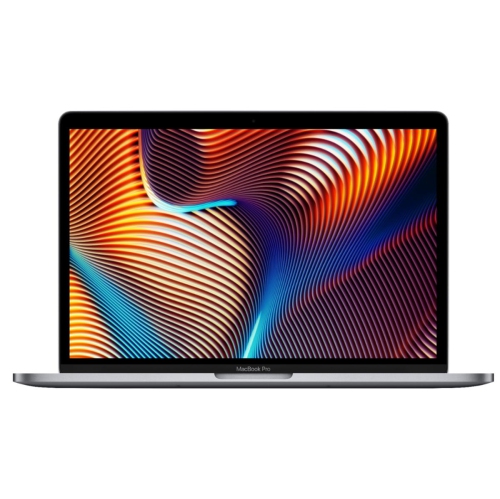
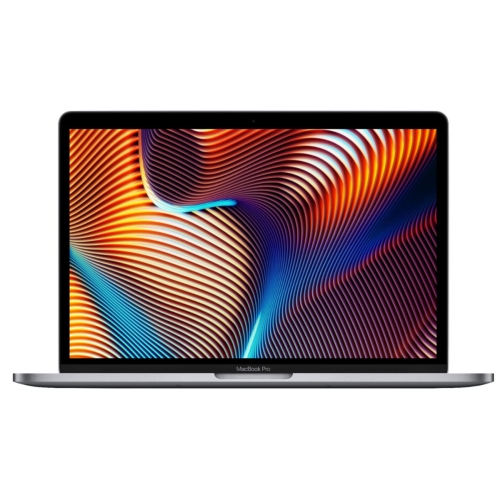
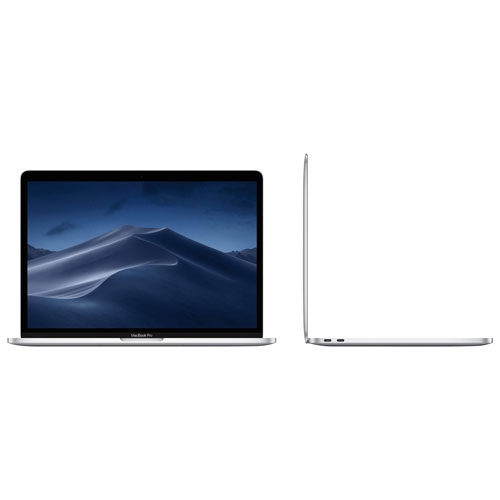
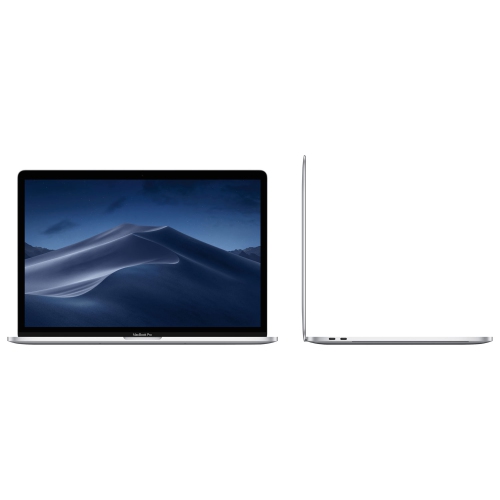
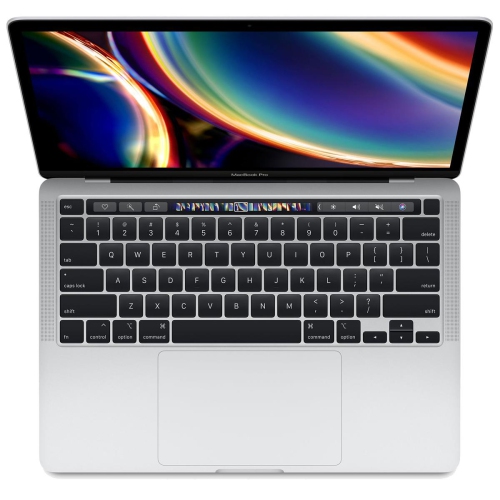
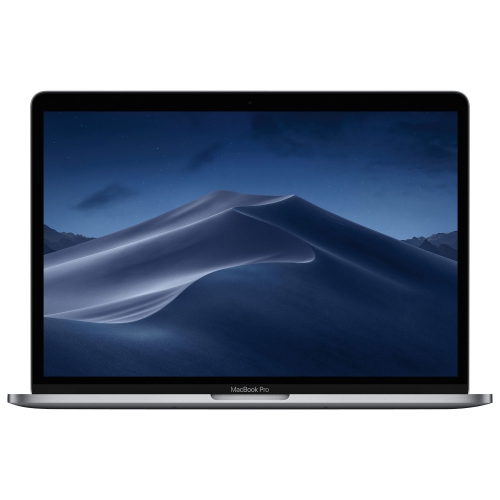
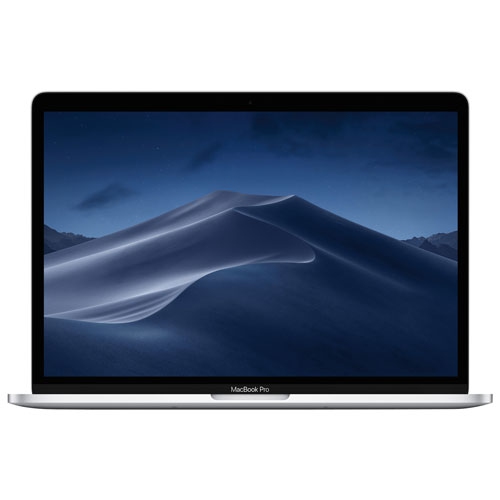
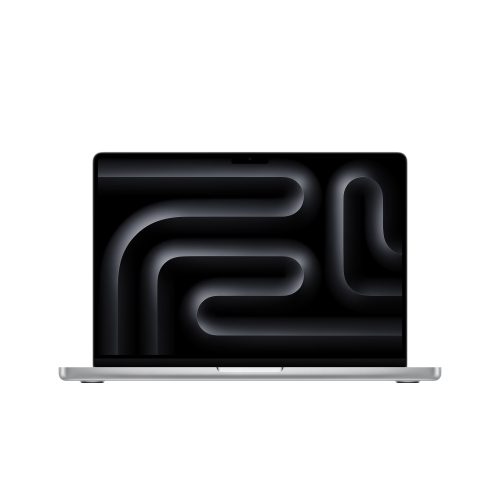
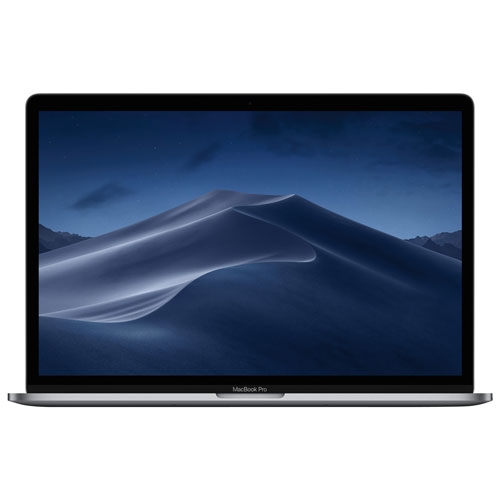
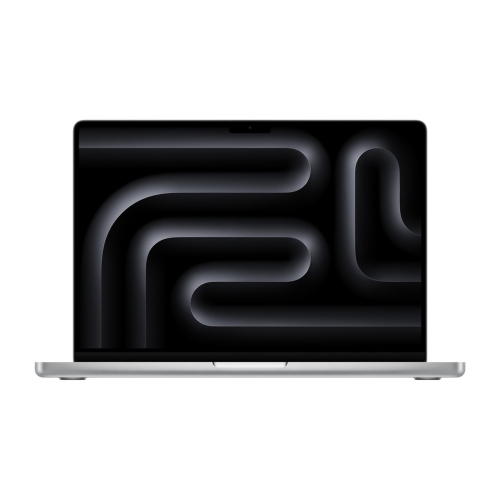
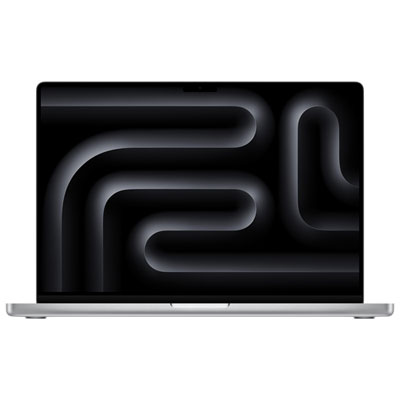
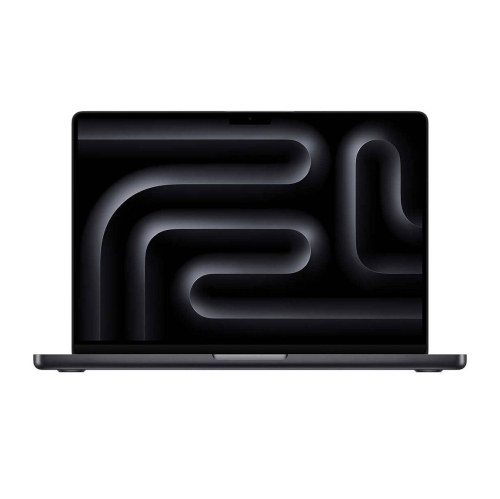
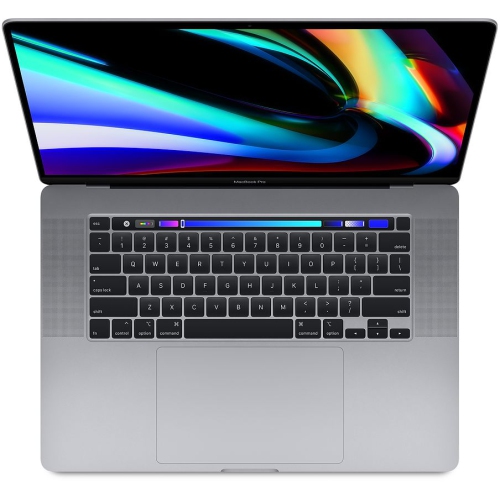
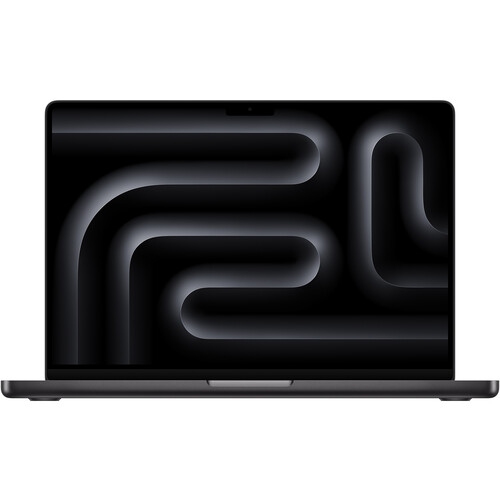
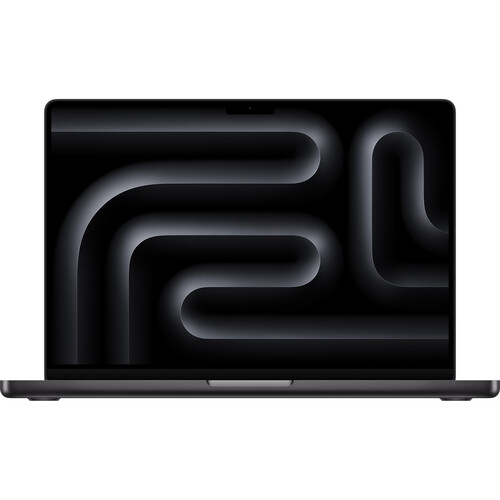
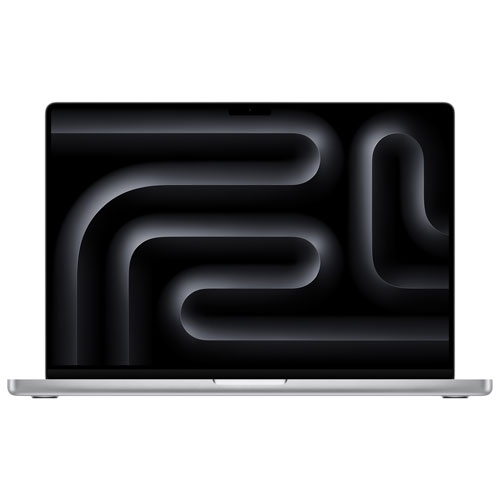
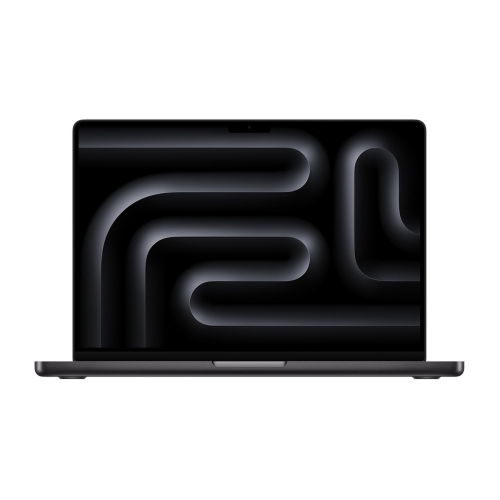
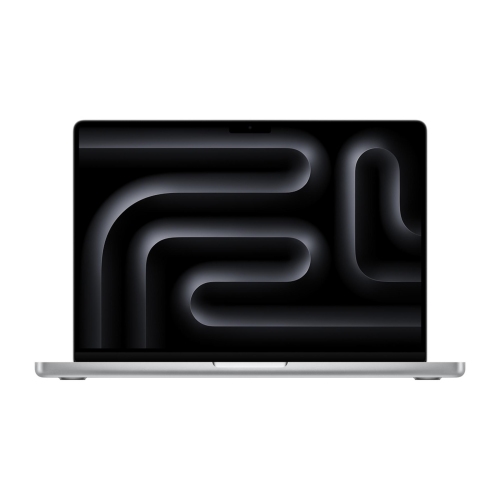
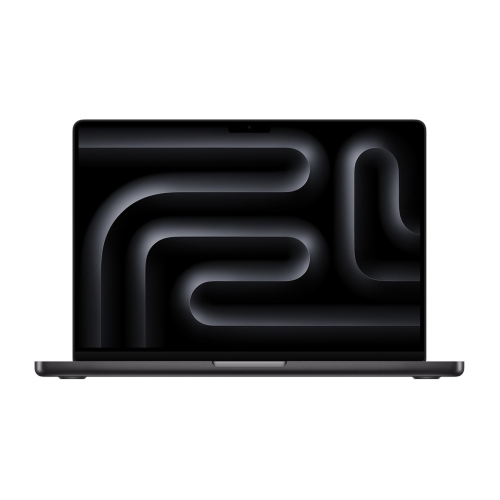
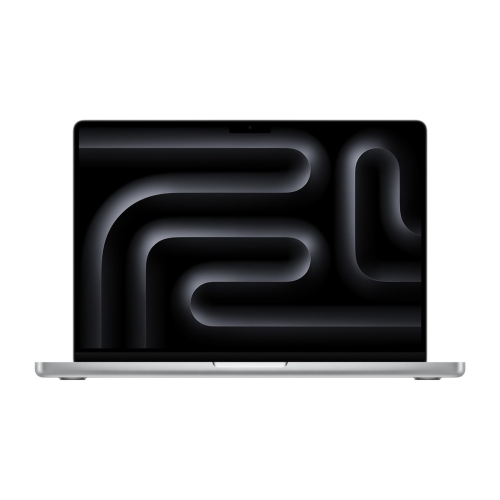
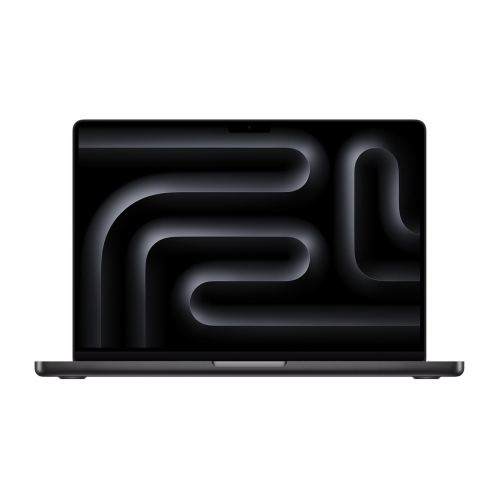
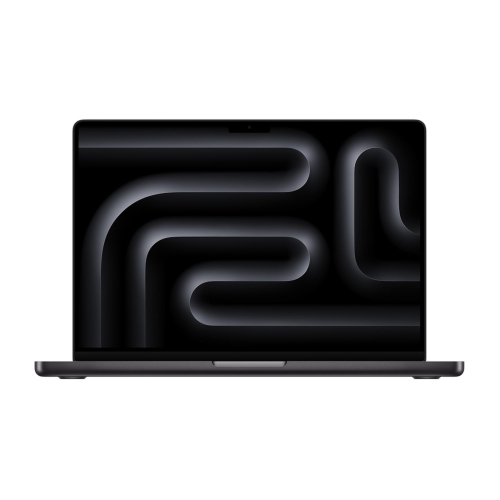
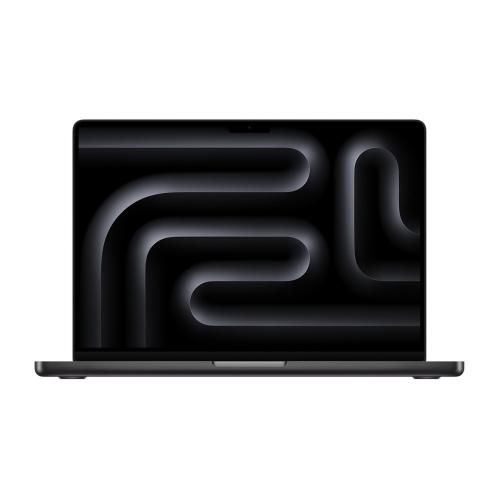
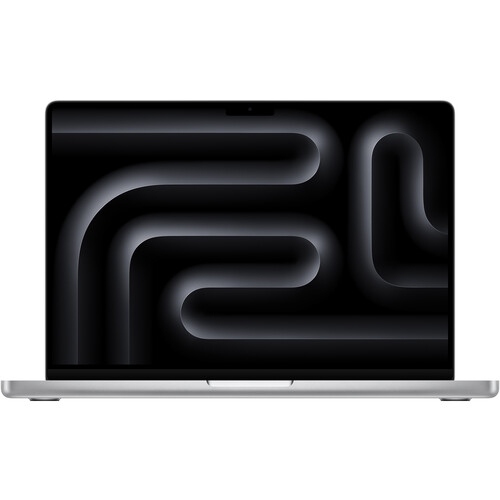
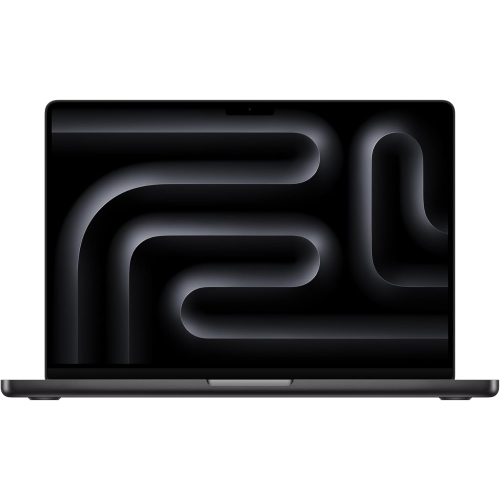
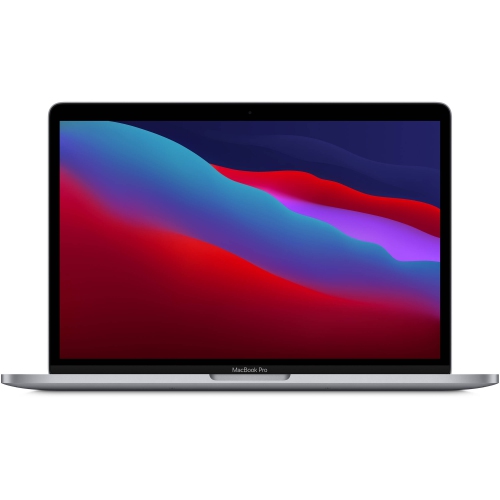
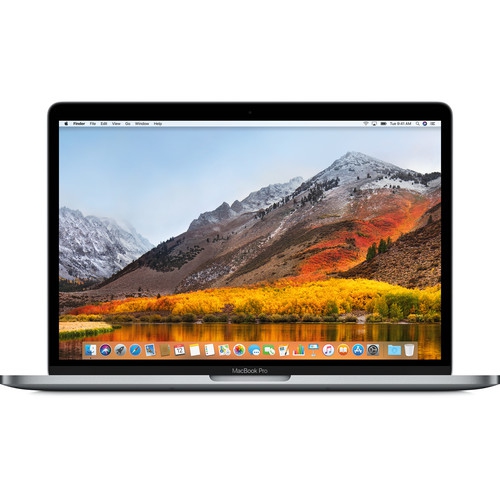
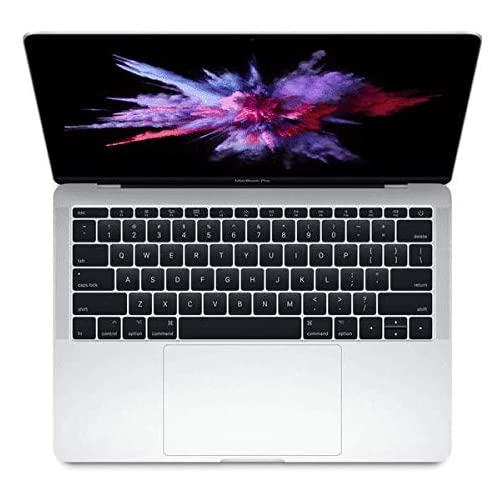
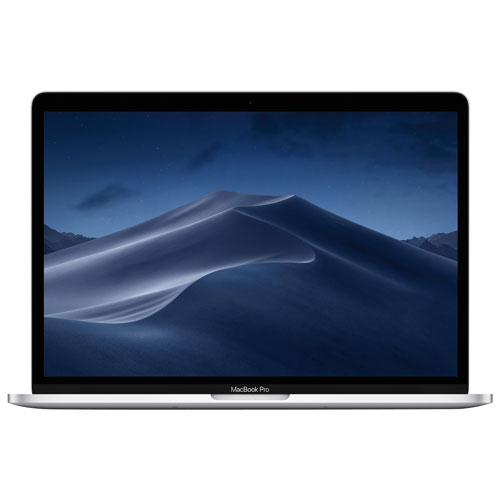
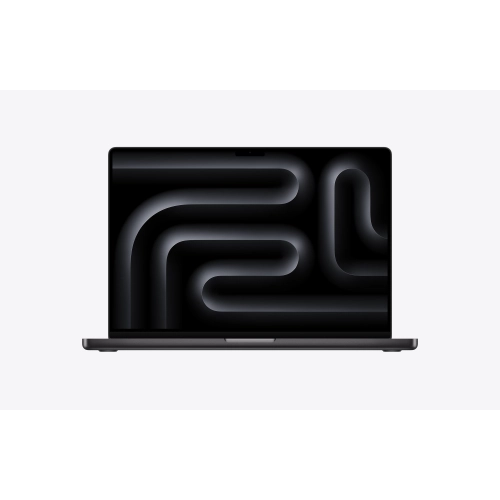
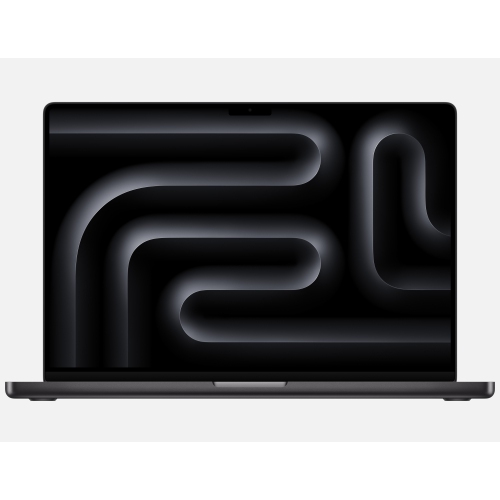
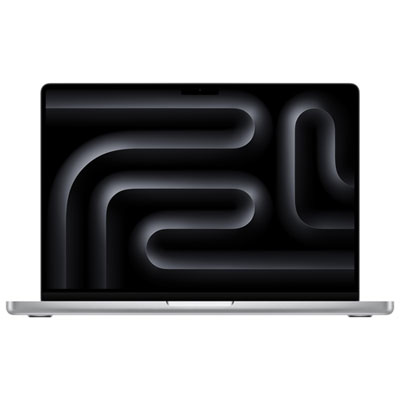
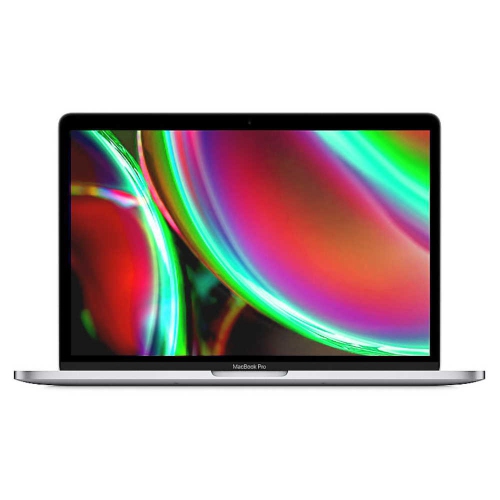
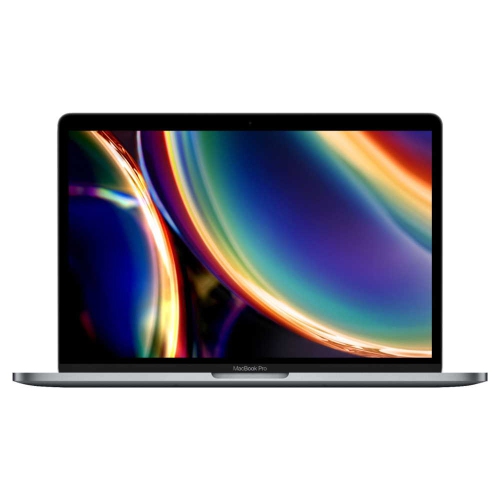
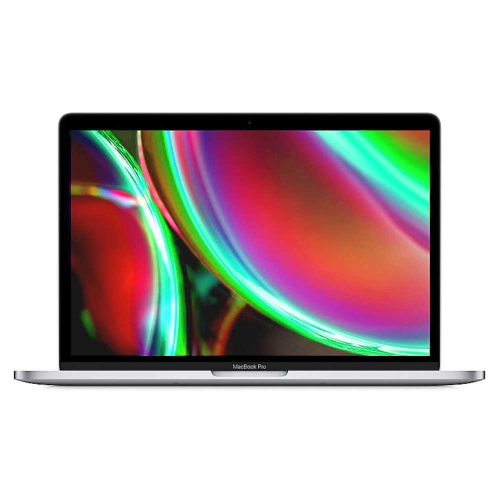
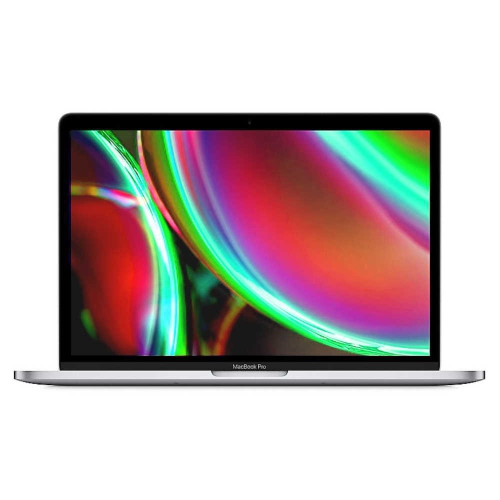
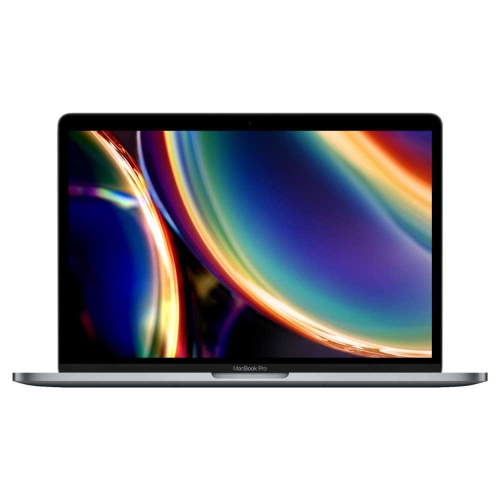
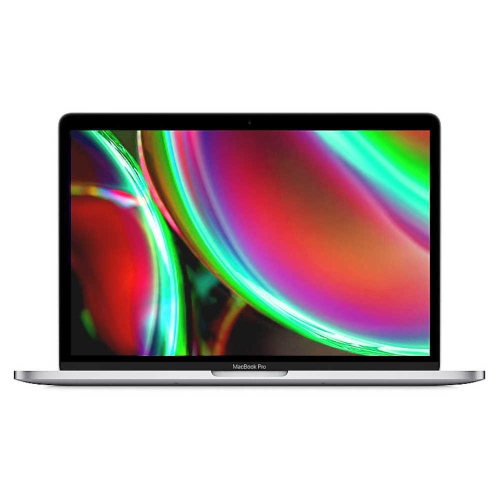
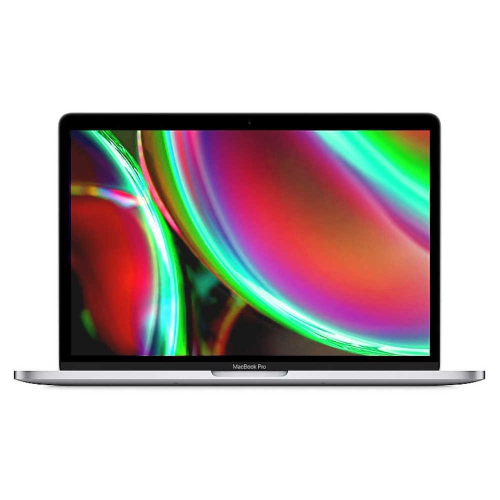
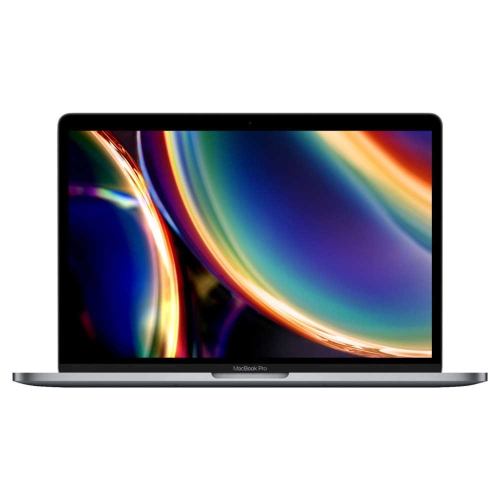
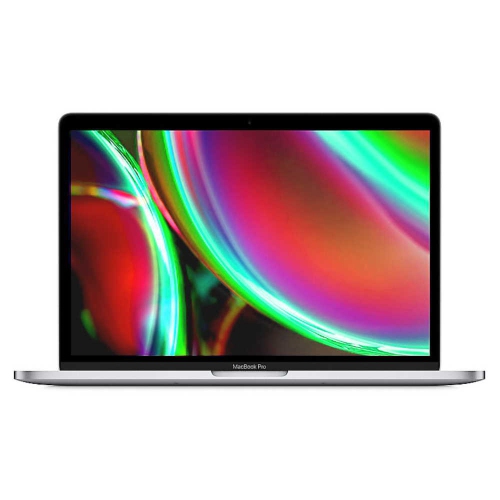
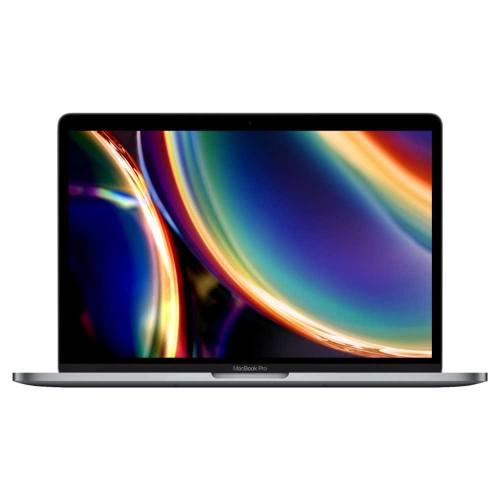
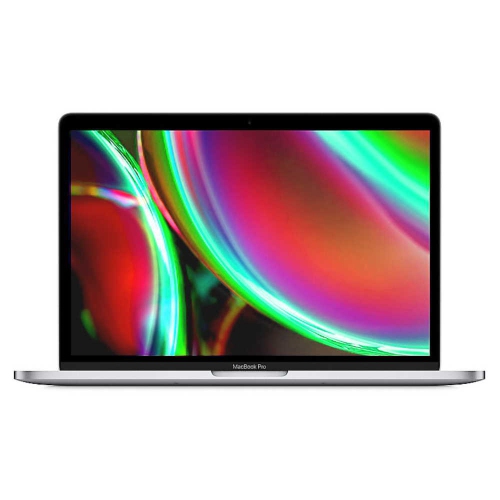
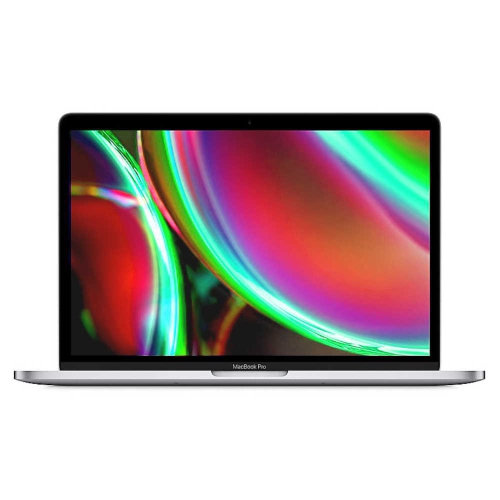
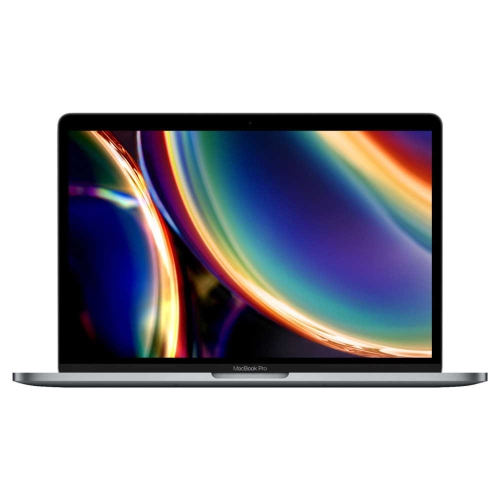
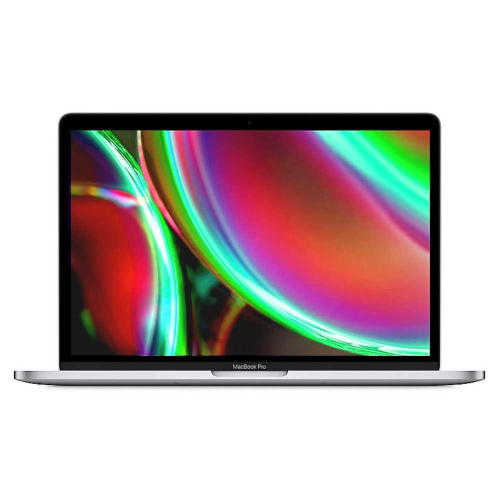
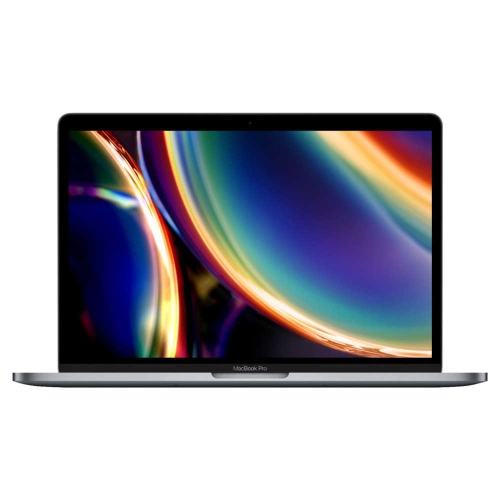
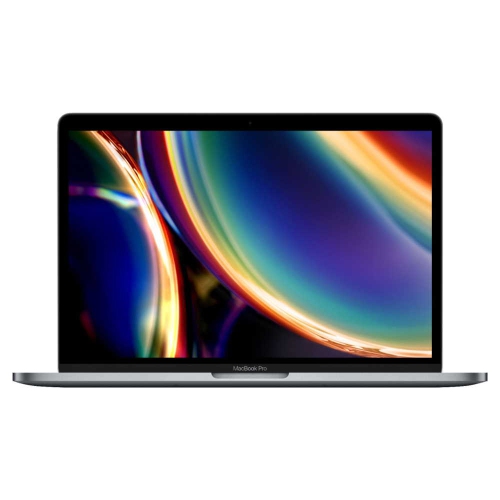
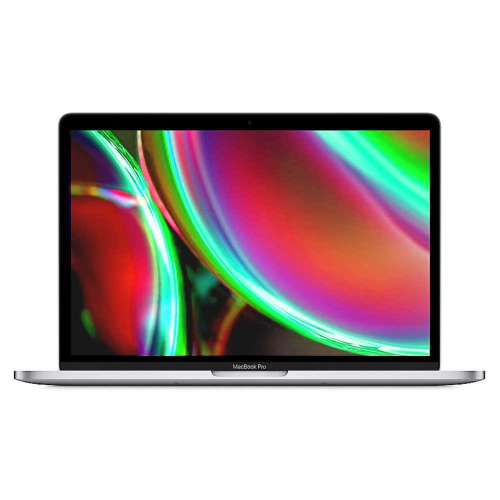
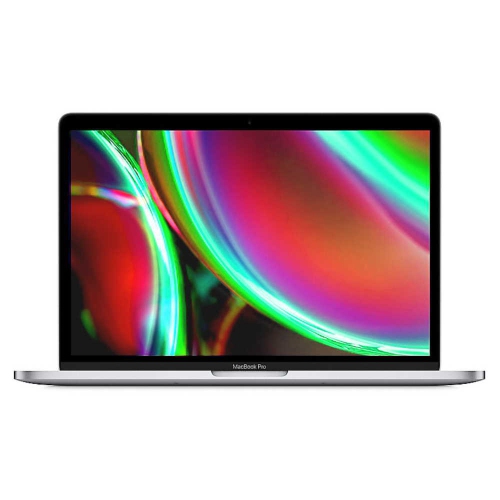
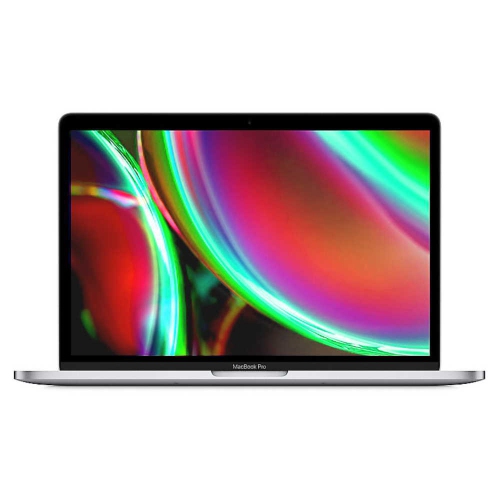
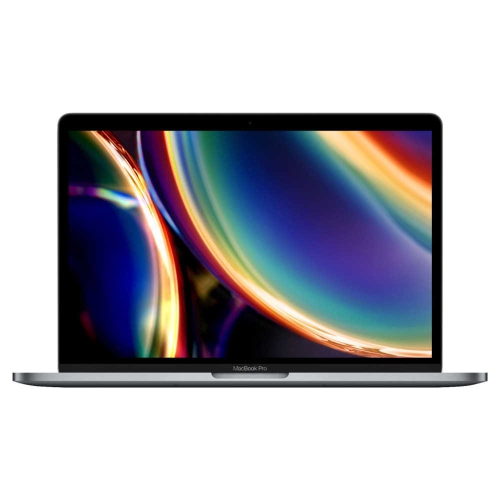
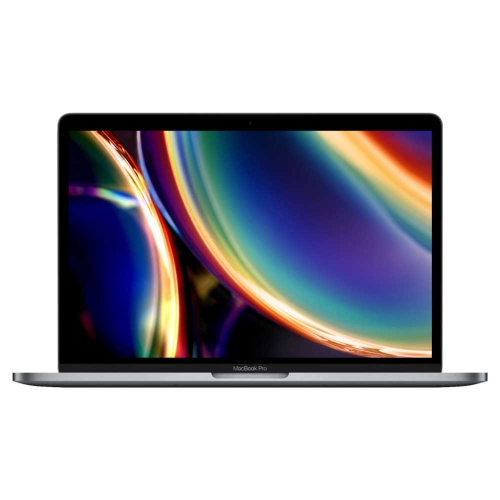
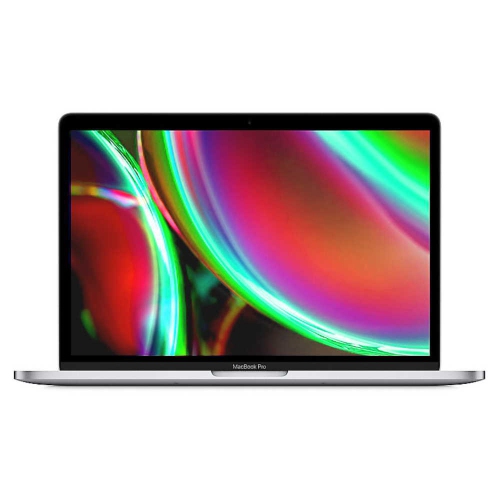
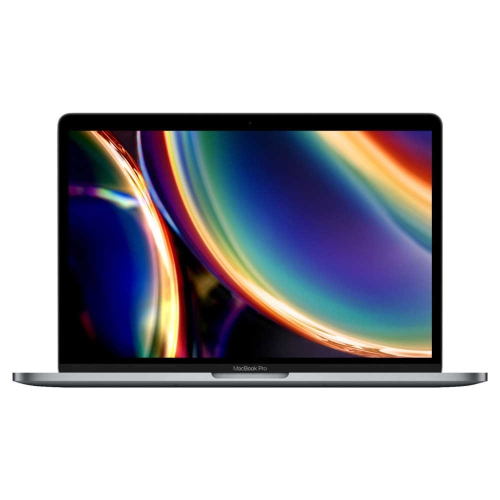
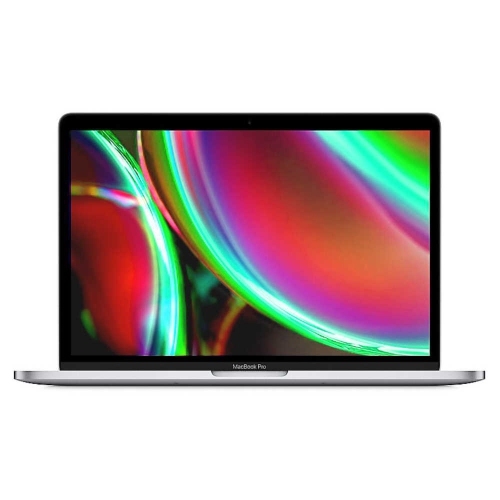
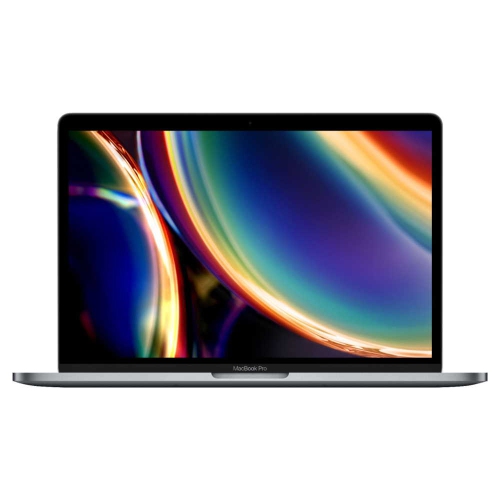
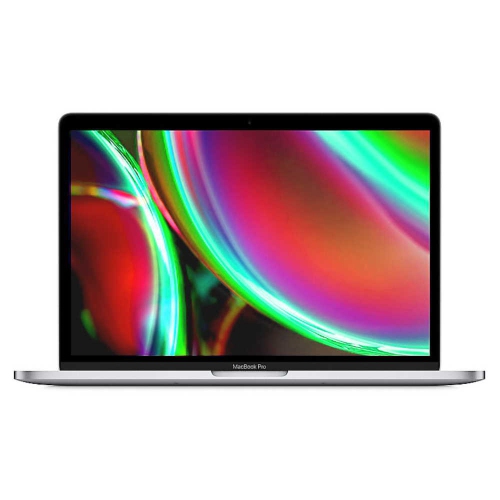
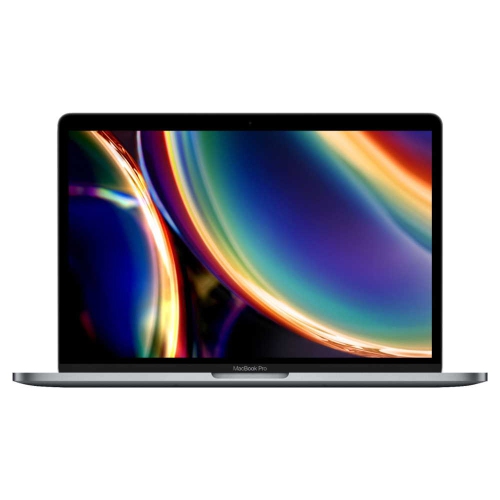
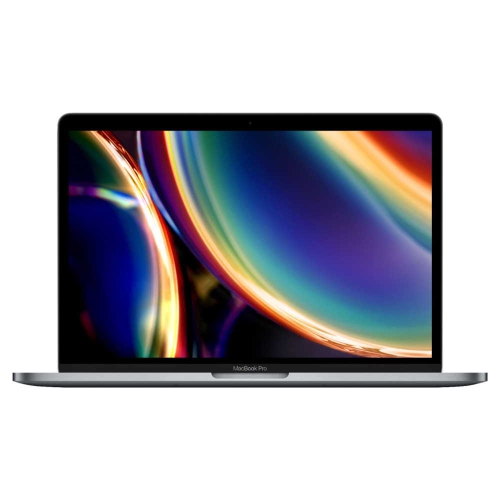
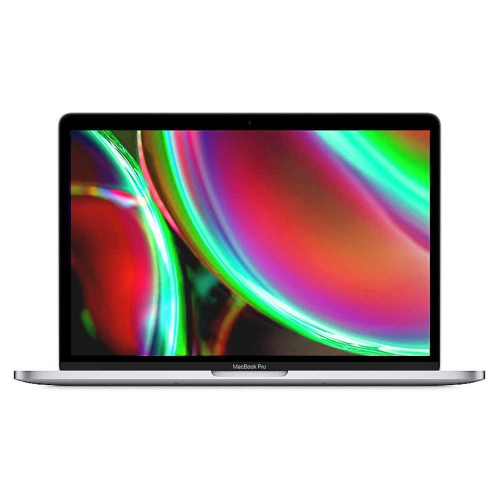
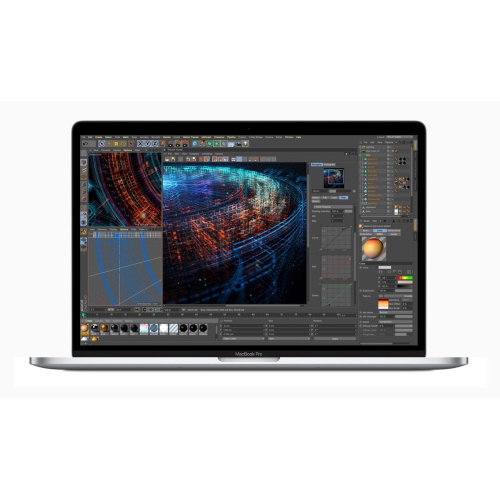
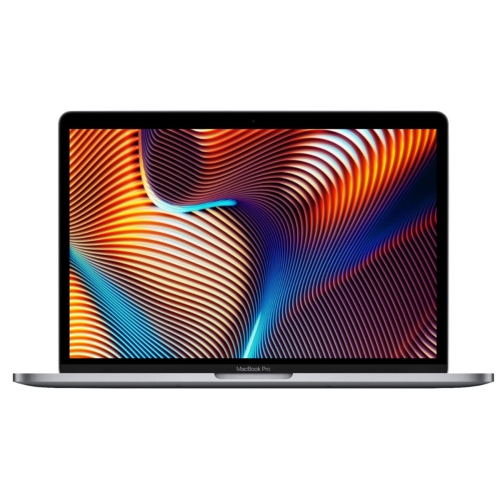
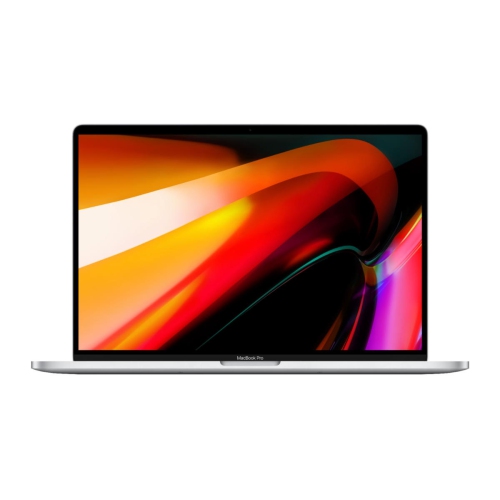
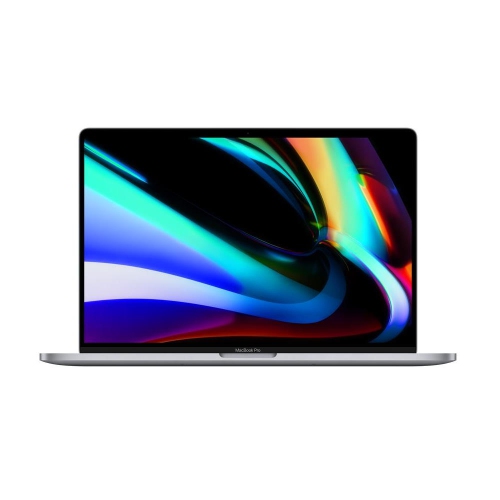
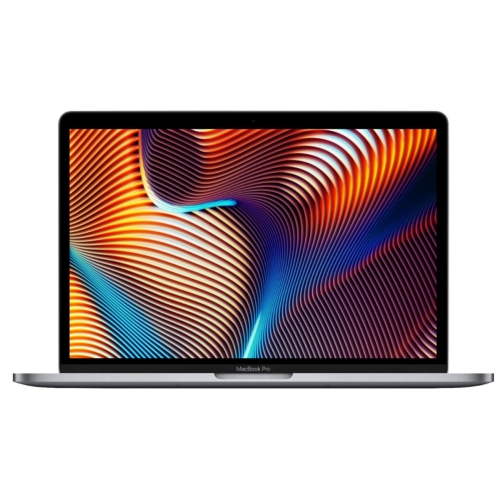
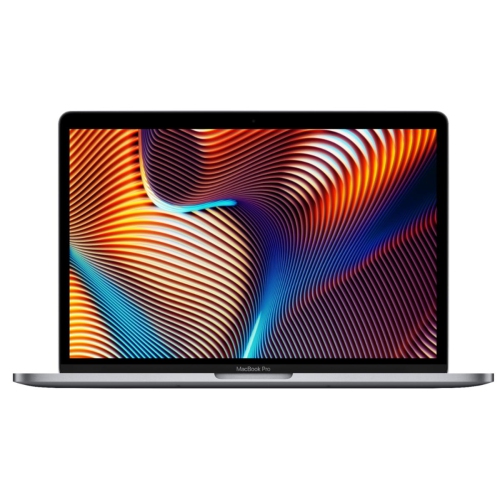
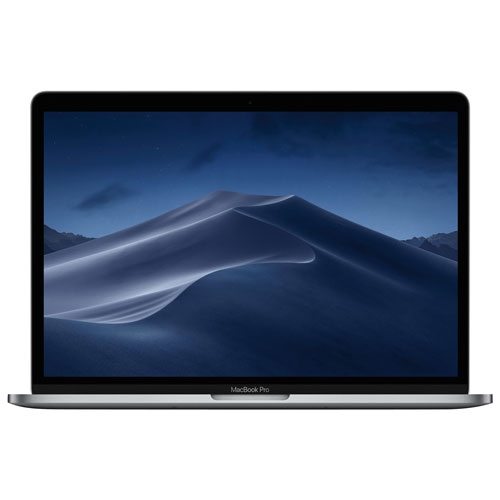
Shop the new MacBook Pro and compare available Apple laptops by screen size, chip, memory, and storage. Review each model’s specifications and price to find a configuration that fits your work, creative projects, and budget.




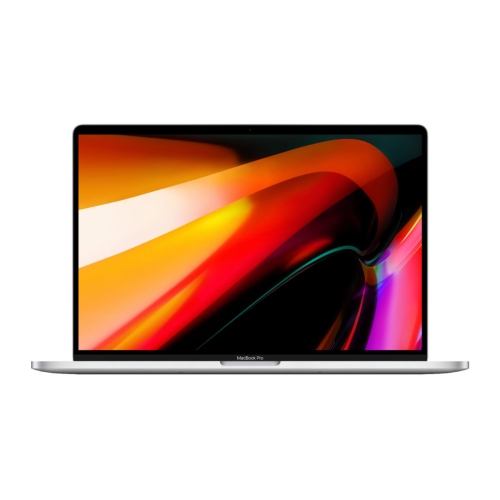
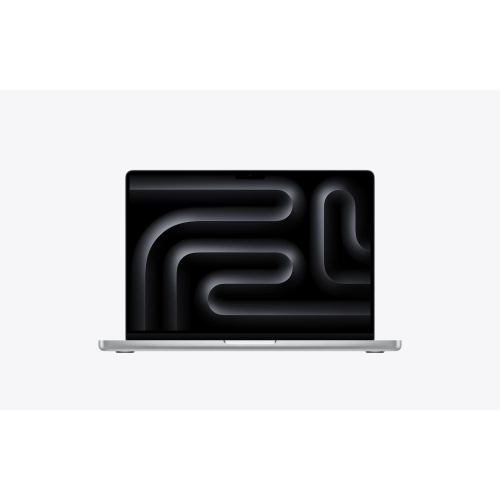
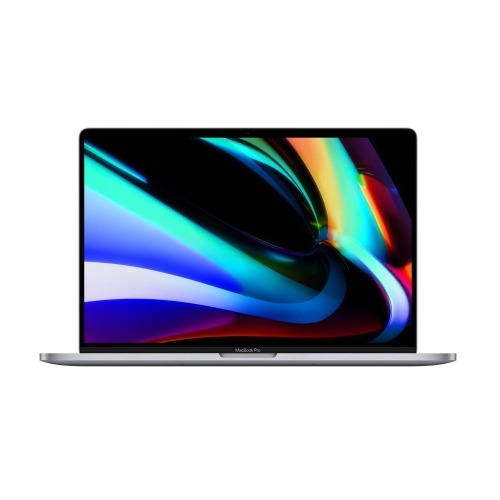
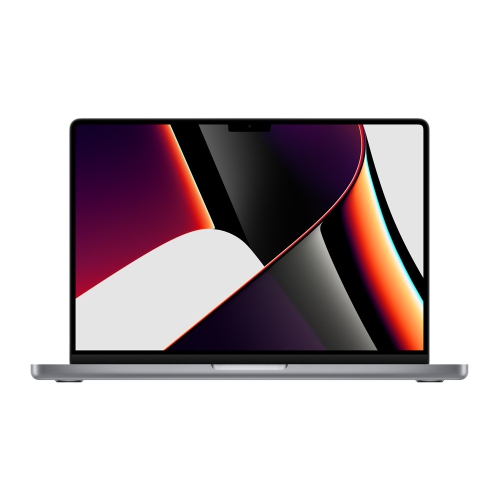
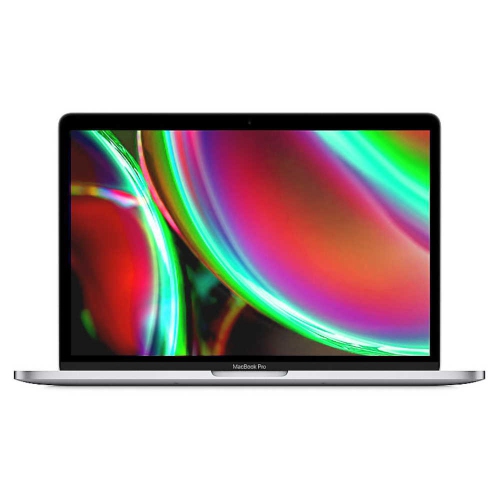
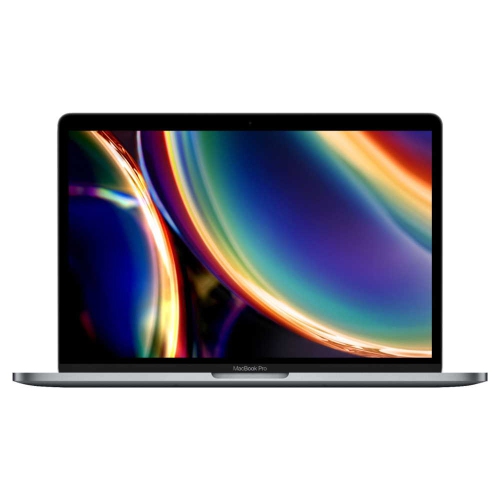
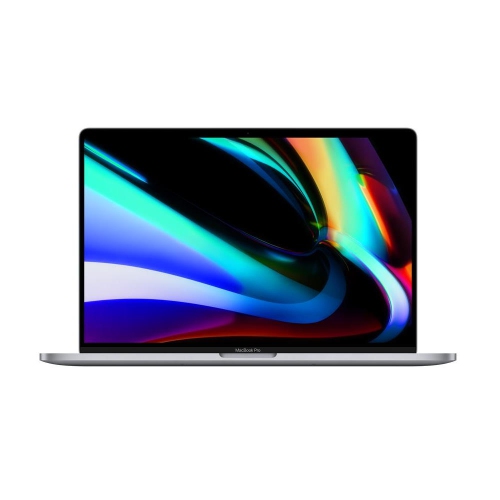

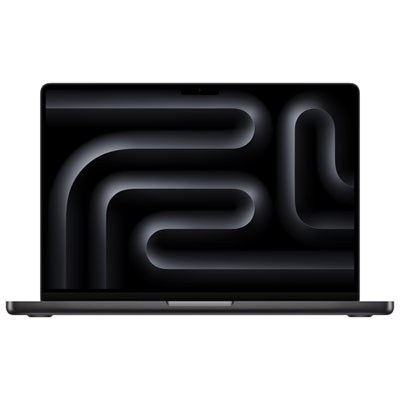

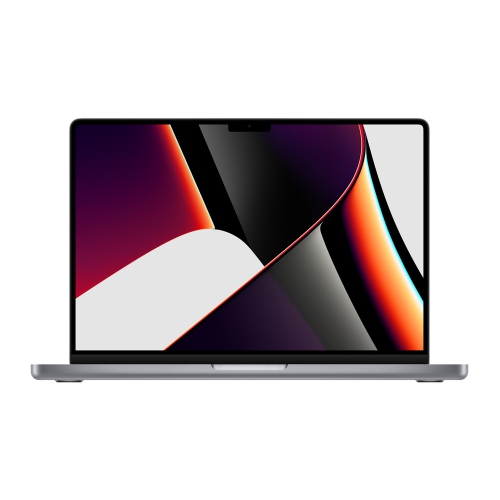
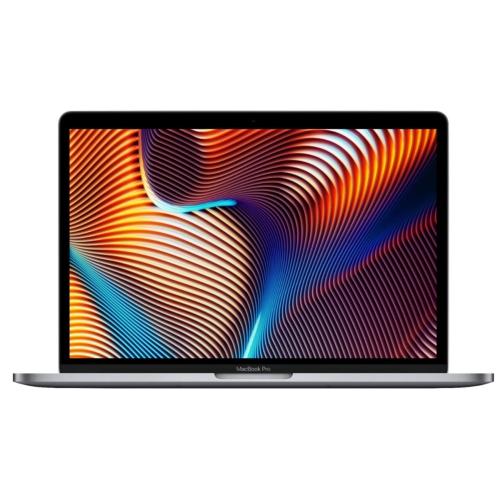
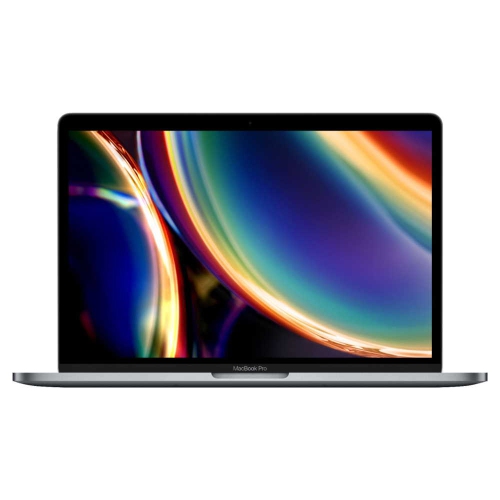
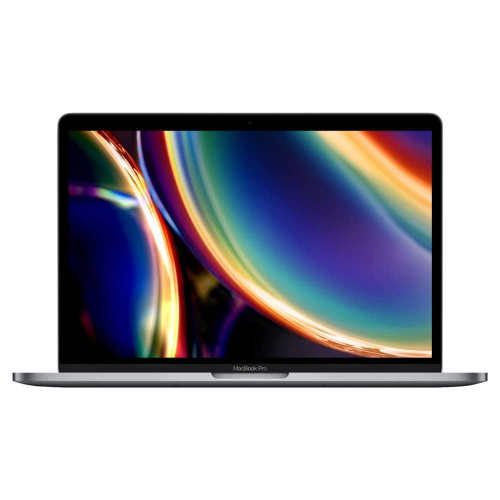
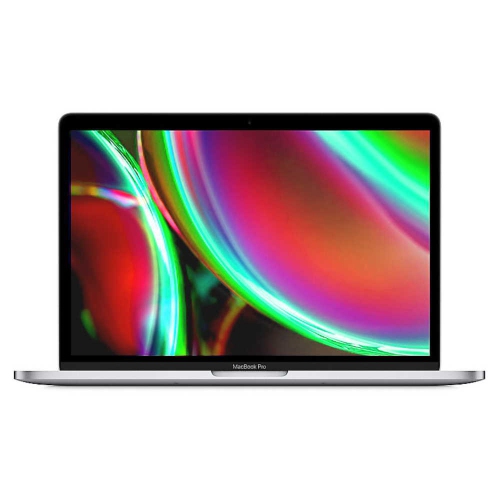
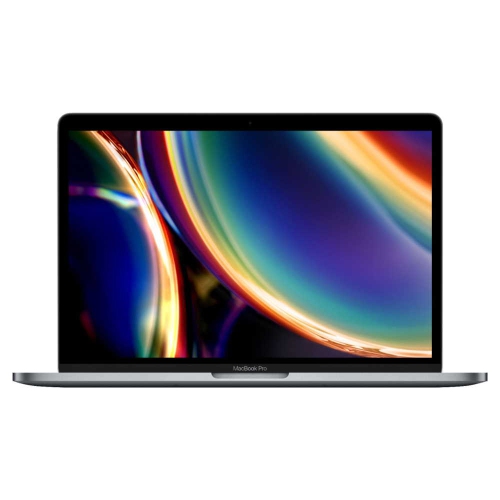
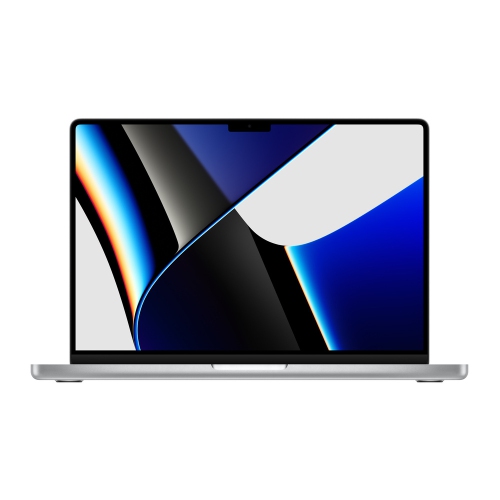
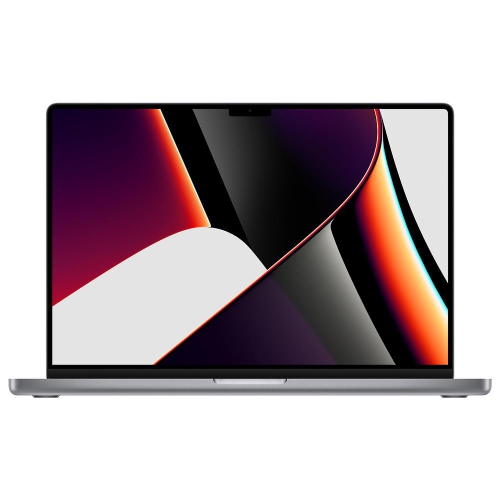
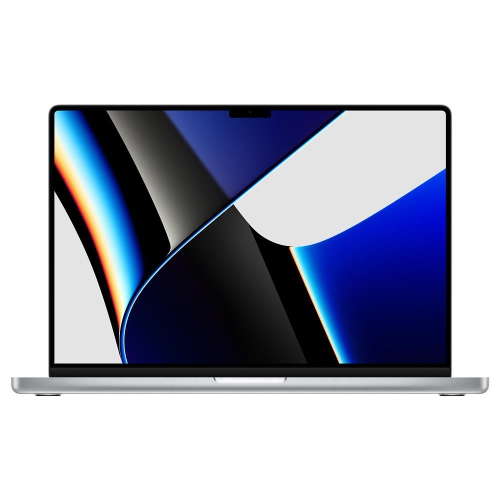
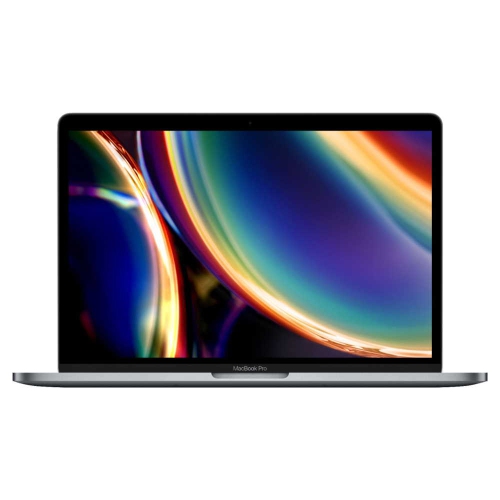
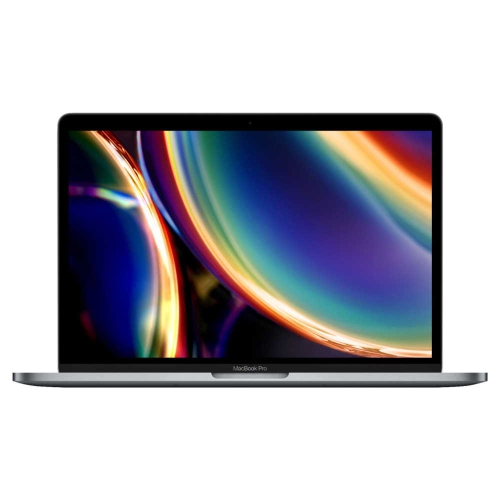
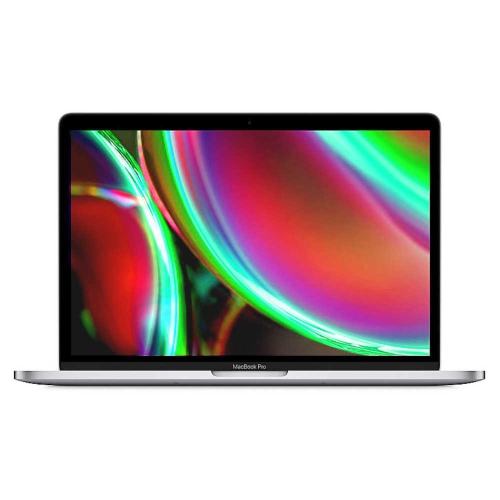
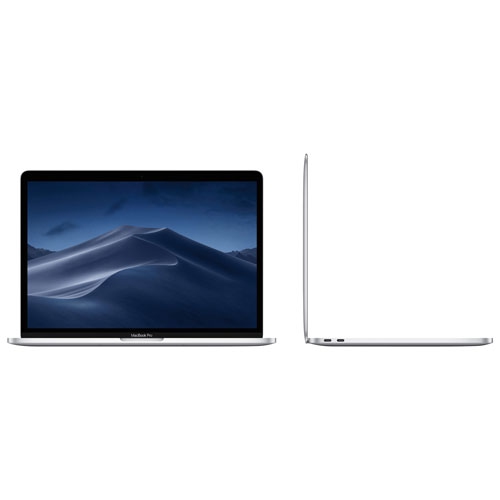
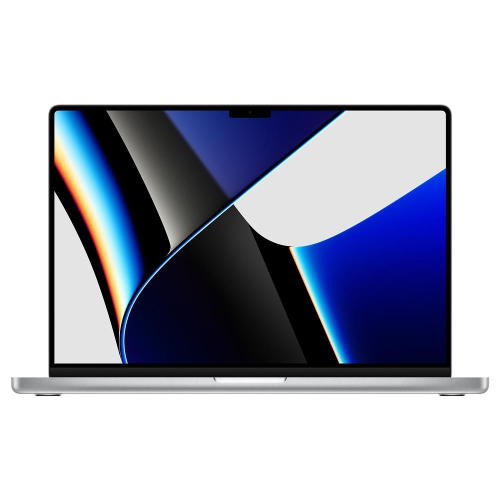
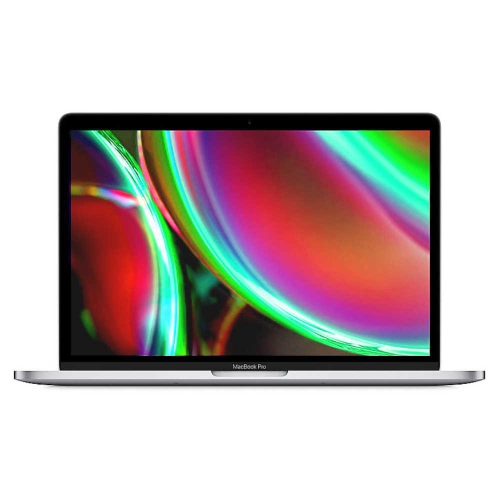
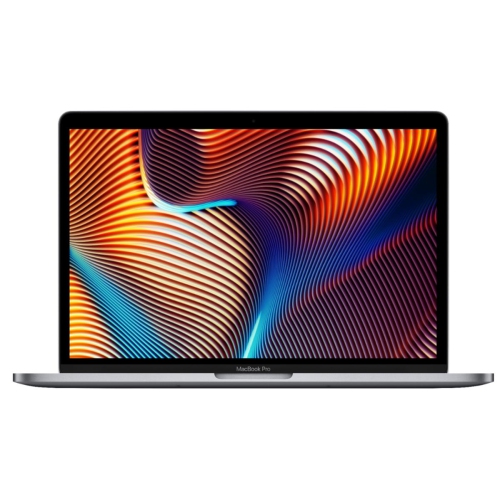
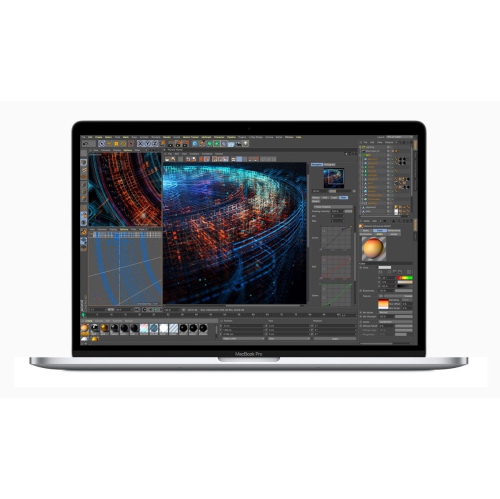
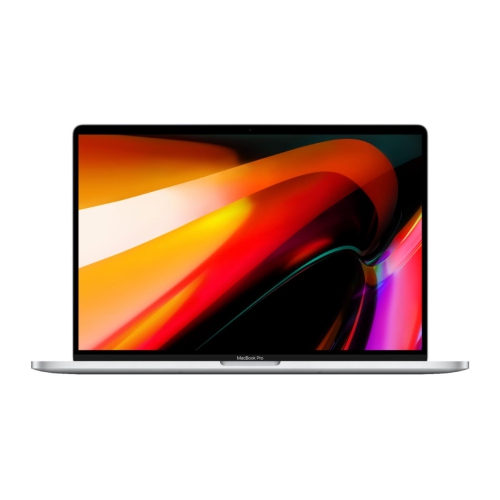
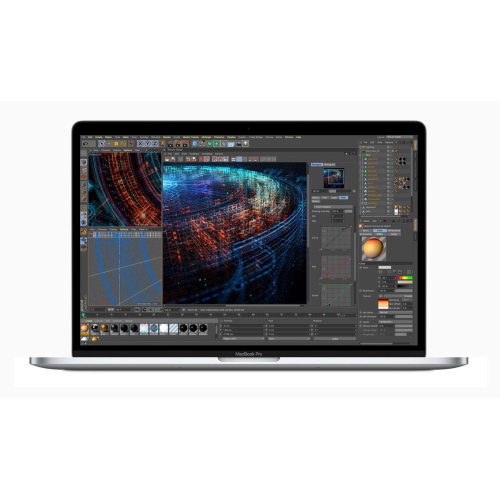
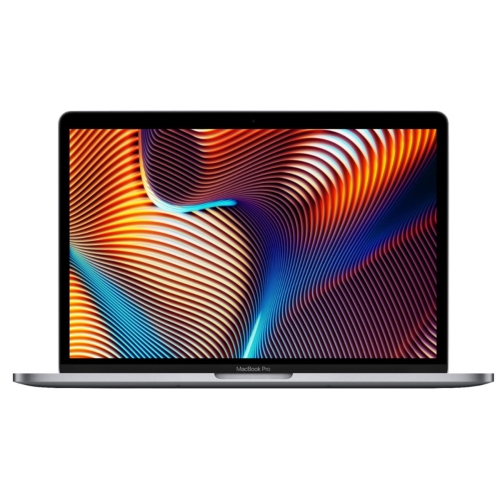
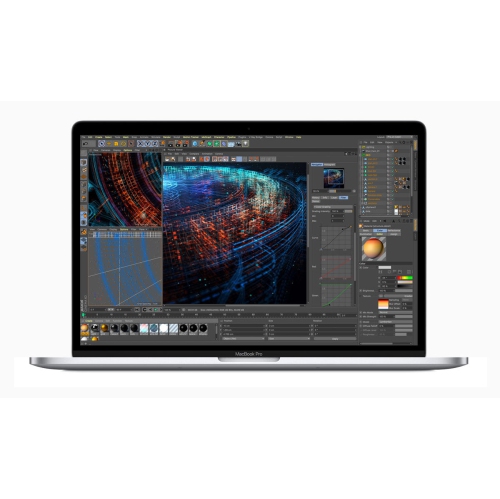
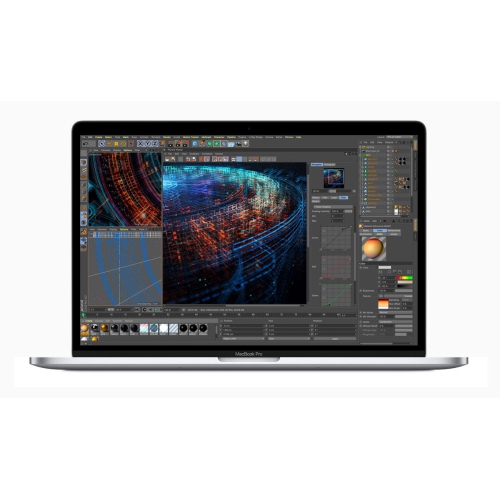
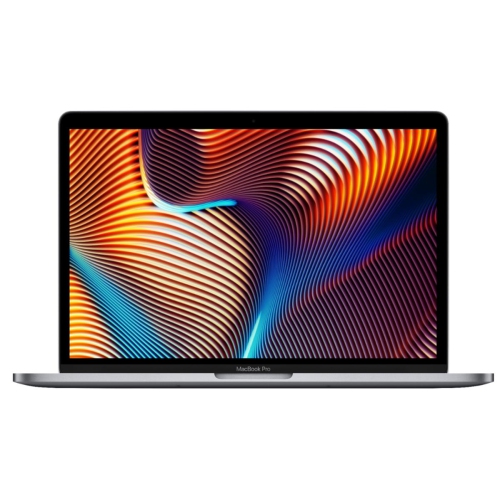
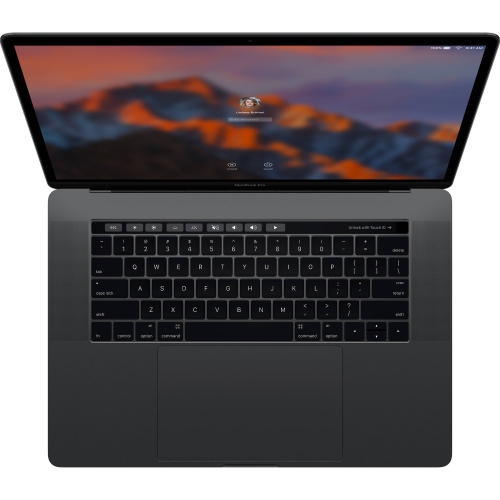
![APPLE Refurbished(Excellent) - Macbook Pro 16" (2021) - ( M1 Max Chip / 1Tb SSD / 64GB Ram) - English[Like New]](https://multimedia.bbycastatic.ca/multimedia/products/500x500/174/17477/17477406.jpeg)



FAQ
New MacBook Pro laptops run macOS, which includes tools for managing files, browsing the web, making video calls and organizing your workspace. They also include the Mac App Store for downloading compatible apps.
Recent MacBook Pro models include Thunderbolt ports with USB-C connectors, HDMI, an SDXC card slot, a headphone jack and MagSafe charging. Thunderbolt specifications vary by model, and accessories with other connectors may require an adapter or dock.
Apple’s Migration Assistant can transfer documents, user accounts and other supported content from another Mac or a Windows PC. You can also move files using an external drive or a cloud storage service. Some apps may need to be reinstalled in a Mac-compatible version.
A MacBook Pro can share files with an iPhone through AirDrop, sync supported content through iCloud and use Handoff to continue tasks in compatible apps. Available features depend on your devices, software versions and settings; some require both devices to use the same Apple Account.
MacBook Pro laptops support compatible external monitors through HDMI or Thunderbolt connections. The number of supported displays, resolutions and refresh rates depends on the model and chip. Check the laptop’s display specifications and your monitor’s connection requirements when choosing cables or adapters.
Top selling and popular products
Discover more categories related to The New MacBook Pro
Some products may be subject to Environmental Handling Fees (EHF) depending on your province. Learn more about EHFs.