2017 Macbook Pro
Looking for powerful and sleek laptops that can keep up with your demanding tasks? Look no further than these 2017 MacBook Pros. With their cutting-edge technology and impressive performance, these laptops are designed to enhance your productivity and elevate your computing experience. Whether you're a creative professional, a student, or a business executive, these 2017 MacBook Pros offer the perfect blend of style and functionality. From their stunning Retina display to their lightning-fast processor, these laptops are built to deliver exceptional speed, graphics, and storage capabilities.
Sort

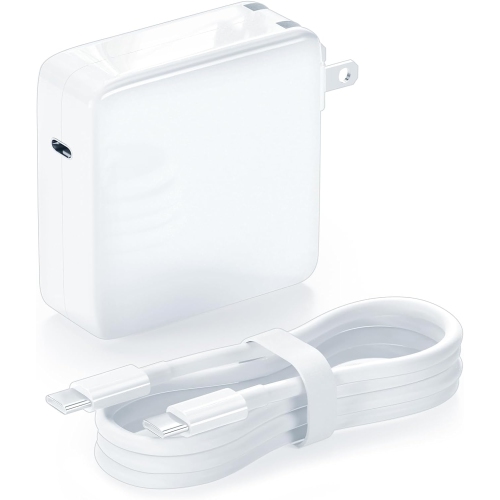
![DOLAER USB C Cable 6.6Ft [60W/3A], Type C to C Cord Fast Charging for Macbook Pro, Macbook Air, New Ipad Pro 12.9/11, Air 5Th/ 4Th, Mini 6, Samsung](https://multimedia.bbycastatic.ca/multimedia/products/500x500/165/16580/16580604.jpeg)
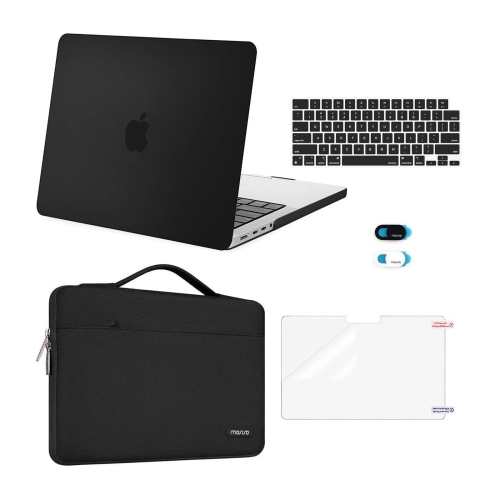
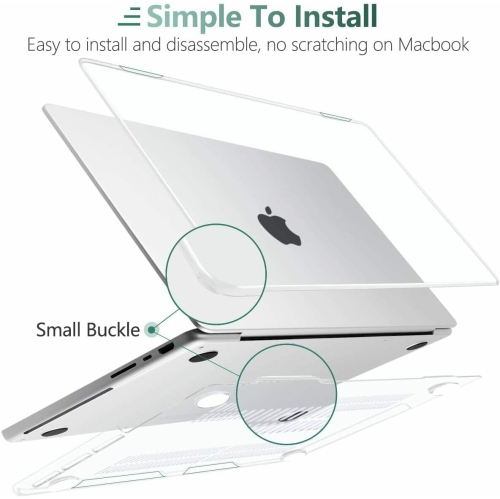
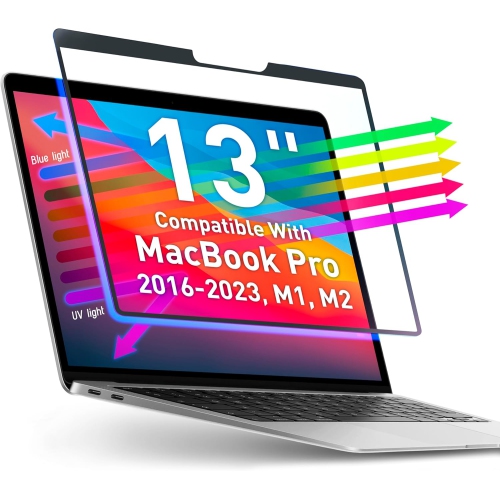
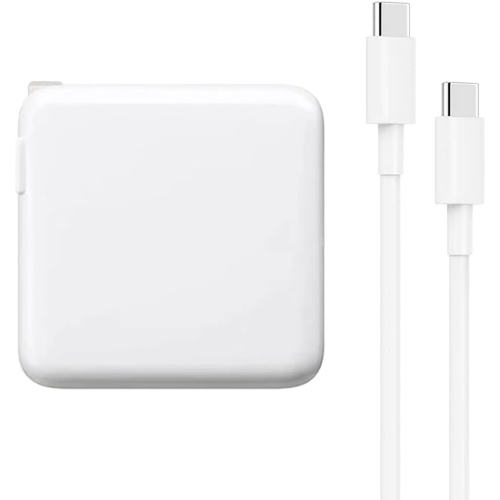
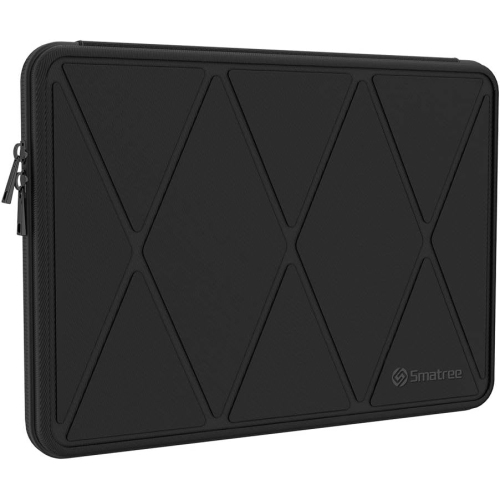

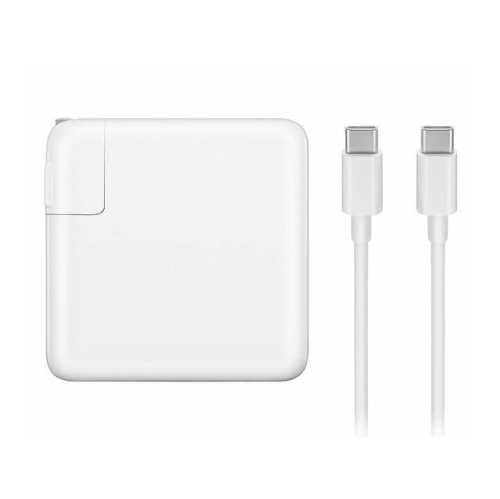
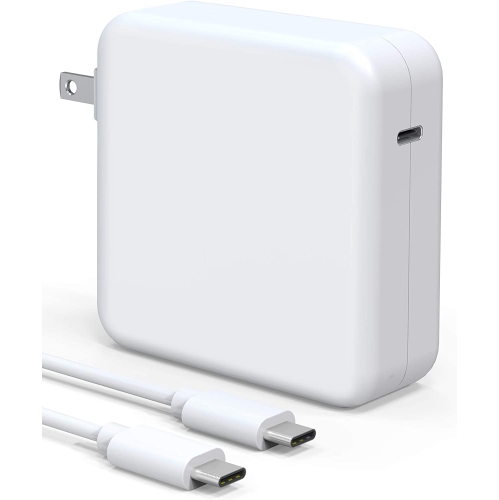
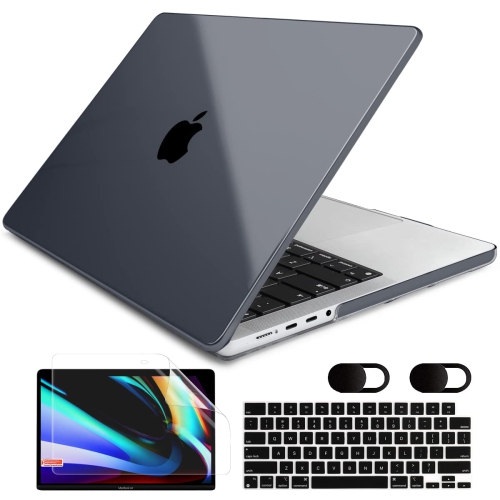
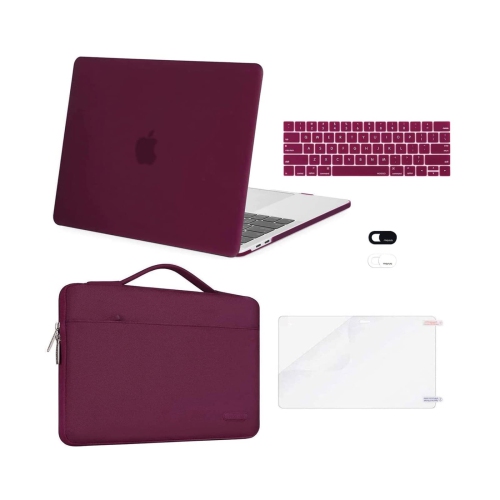
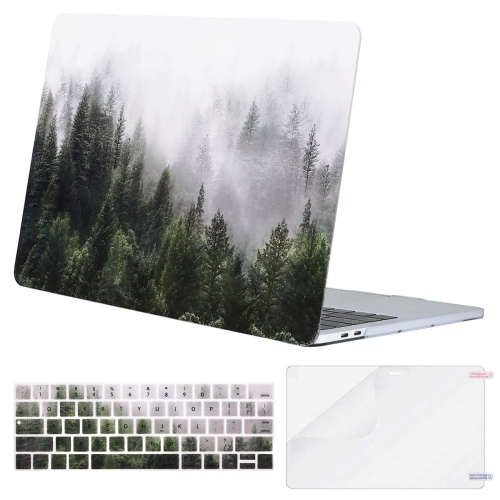
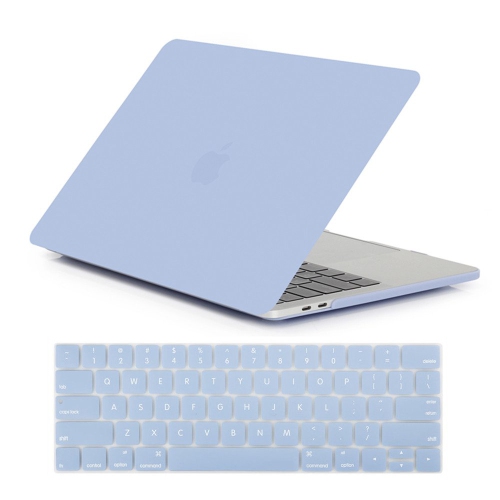
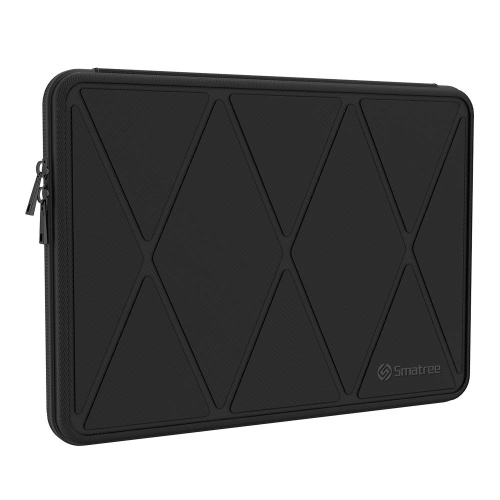
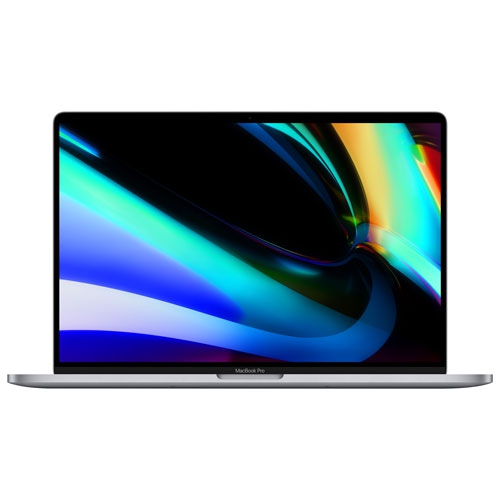
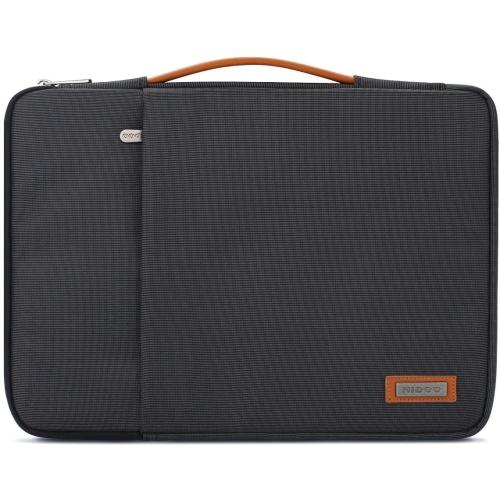
Everyday capability depends on configuration, condition, and compatibility
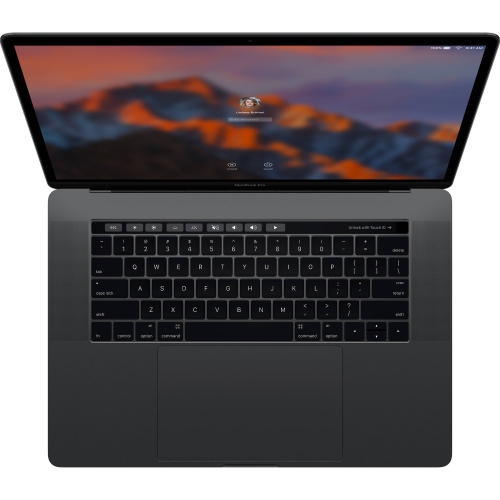
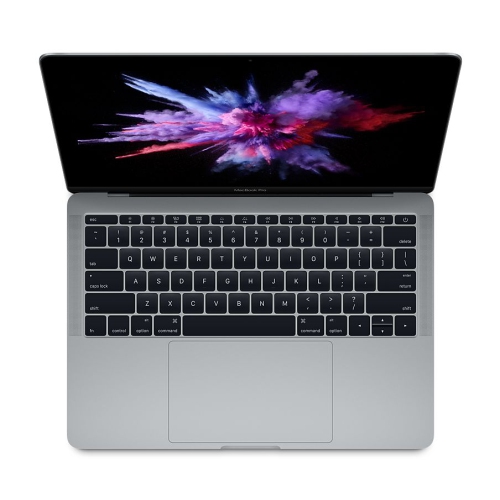
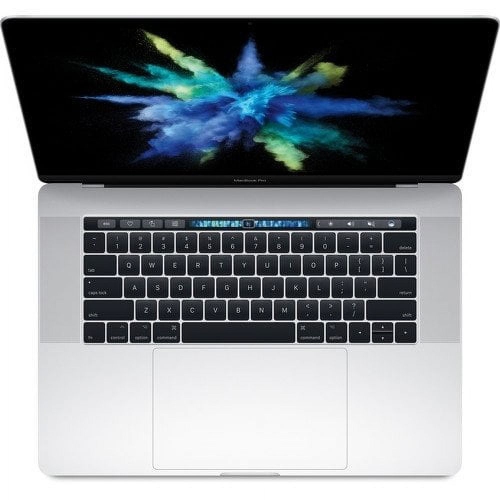
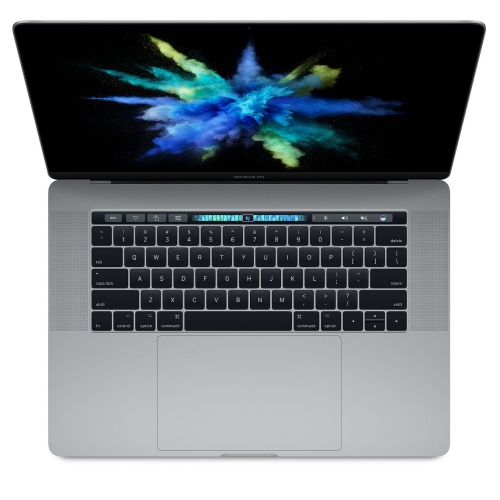
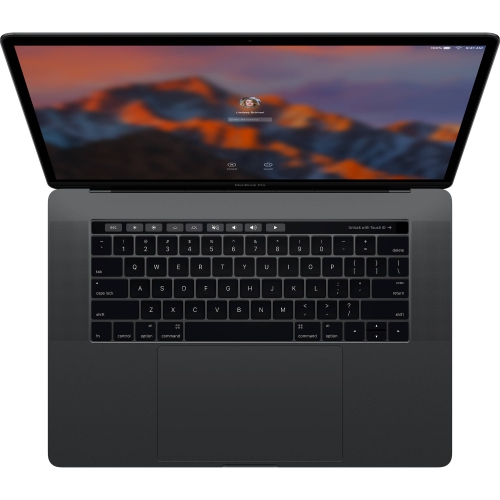
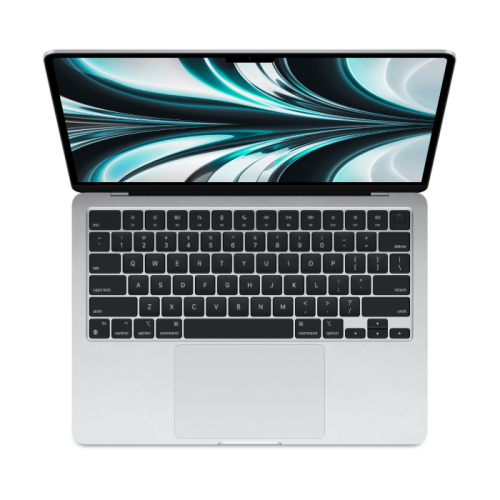
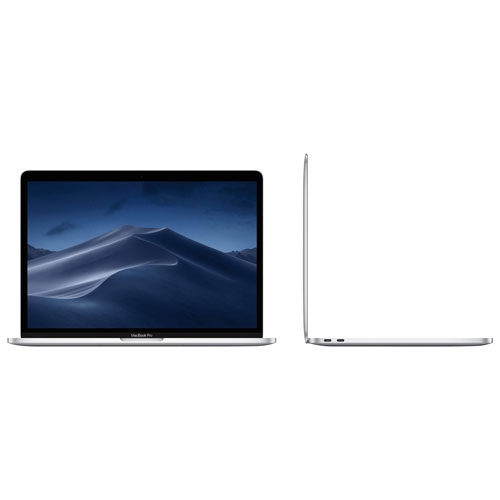
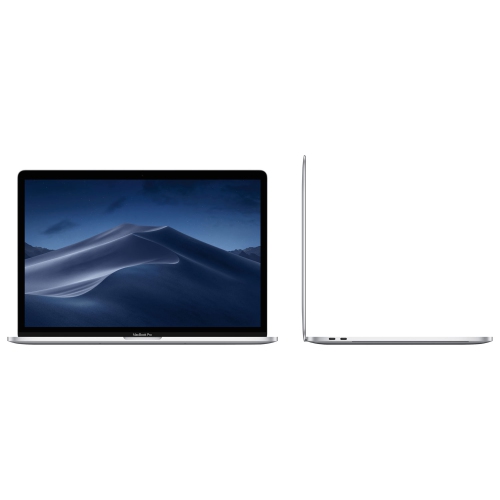
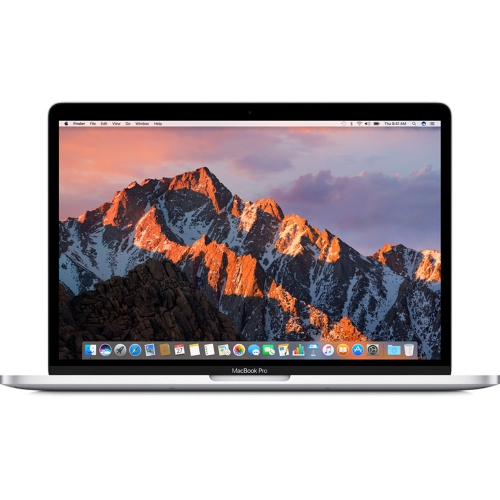
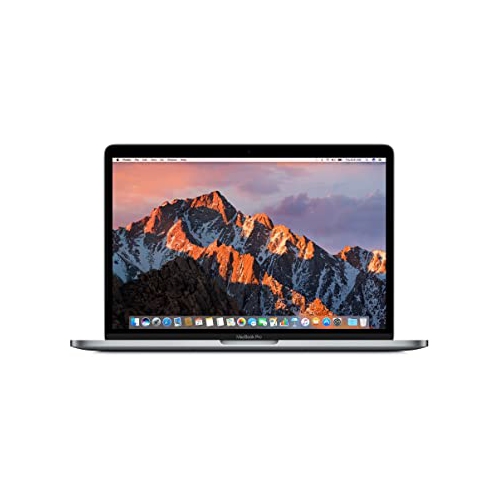
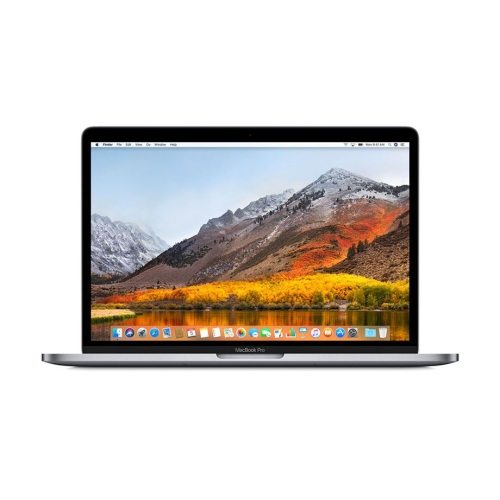
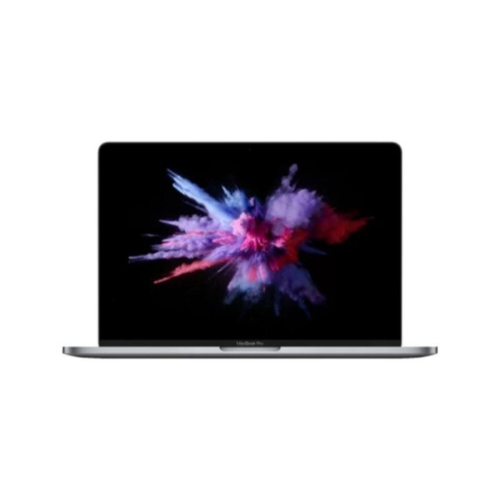
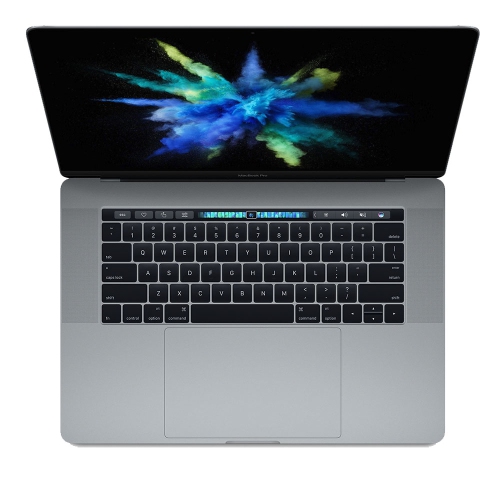
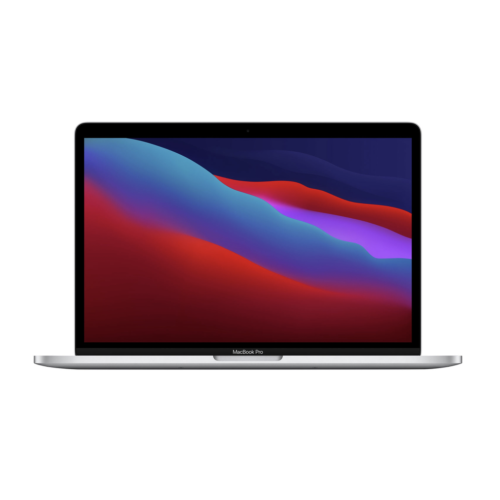
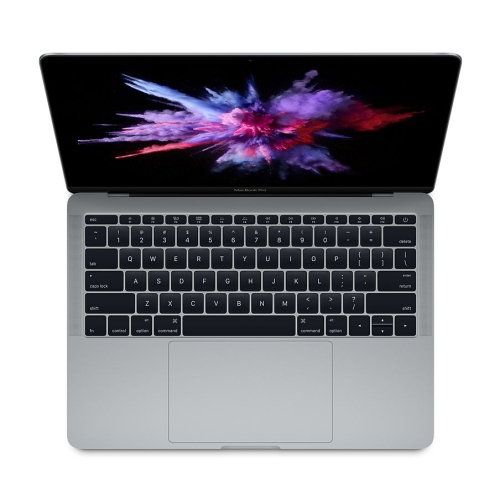
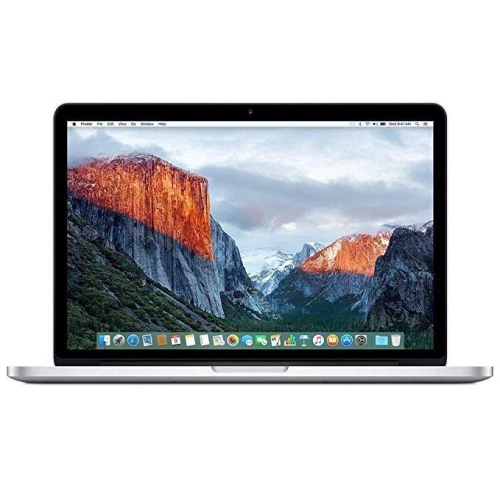
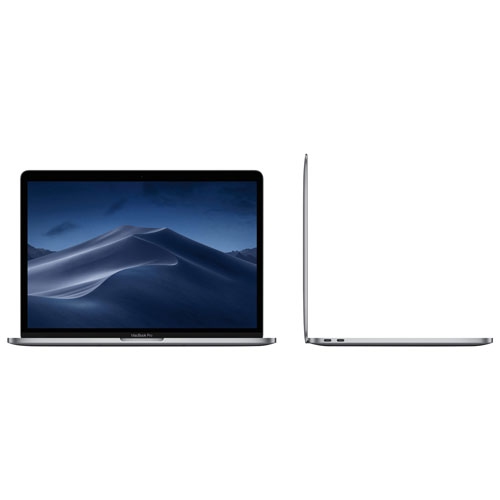
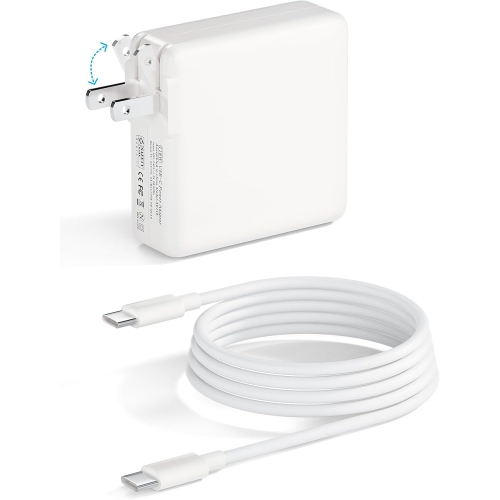
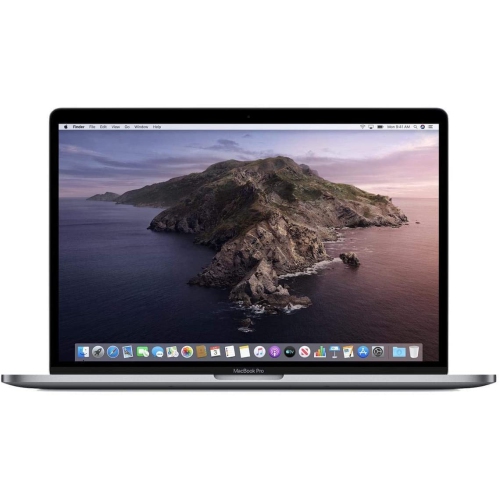
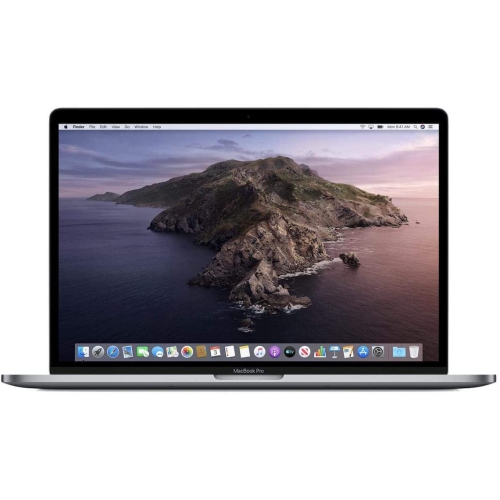
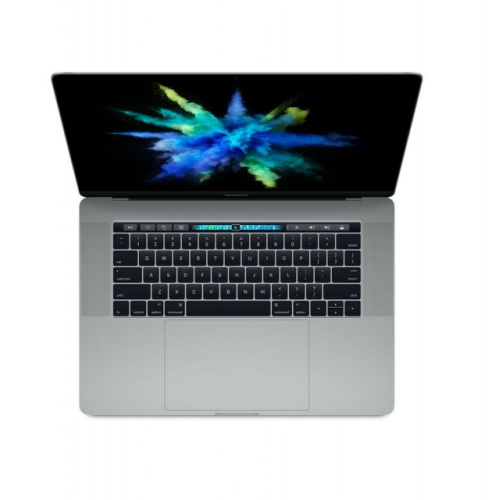
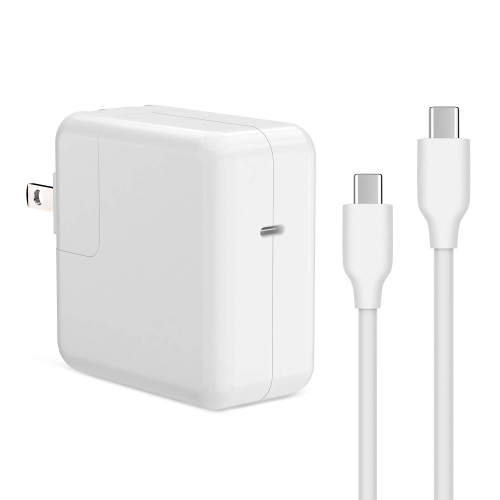
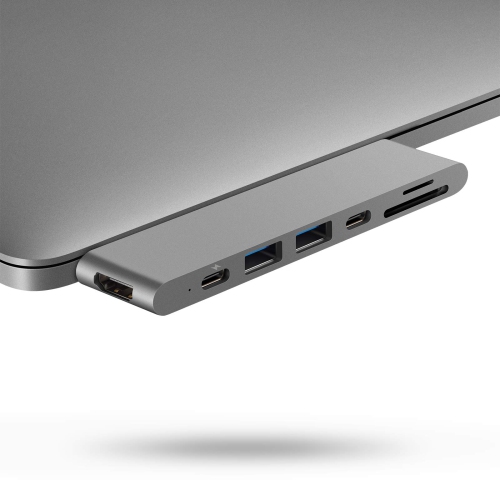
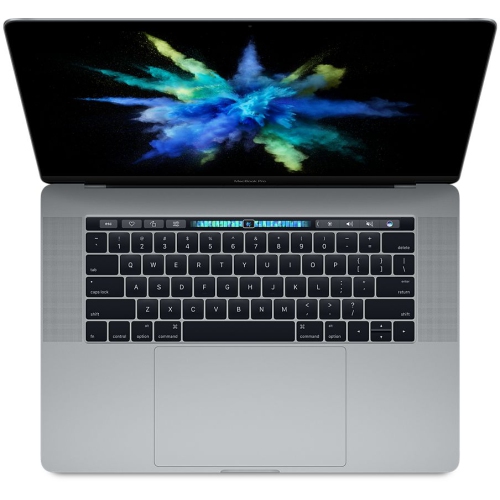
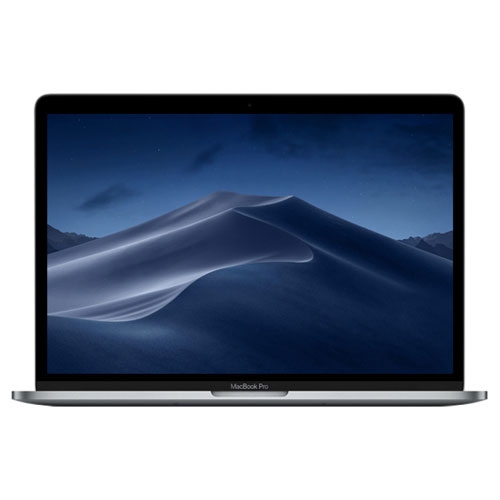
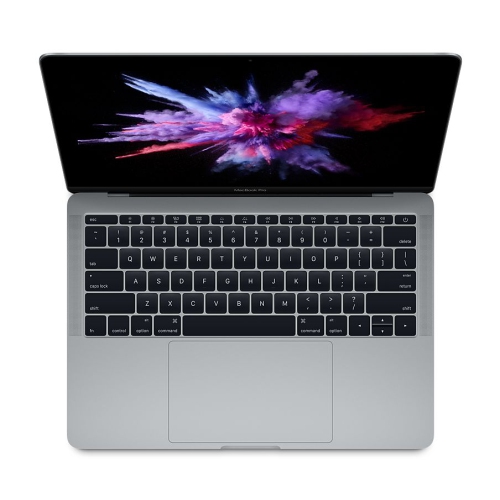
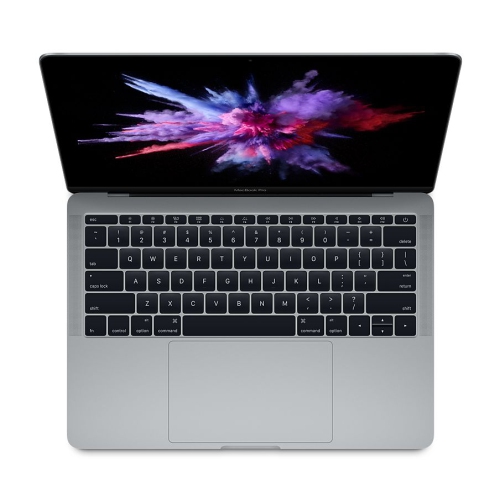
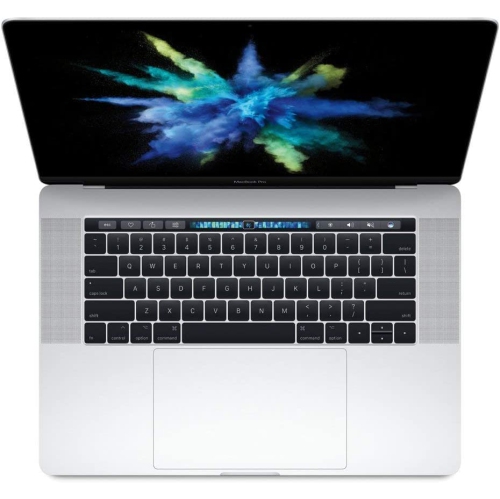
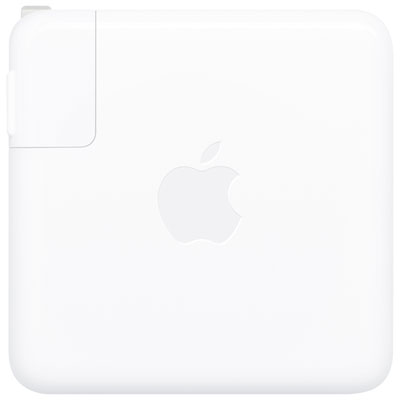
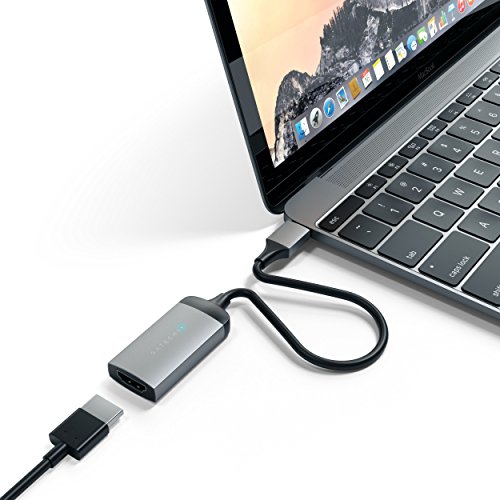
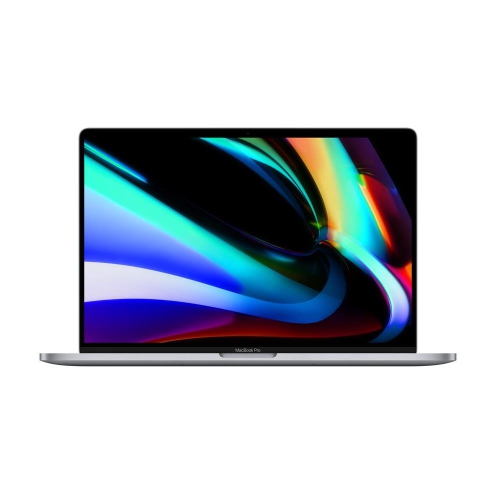
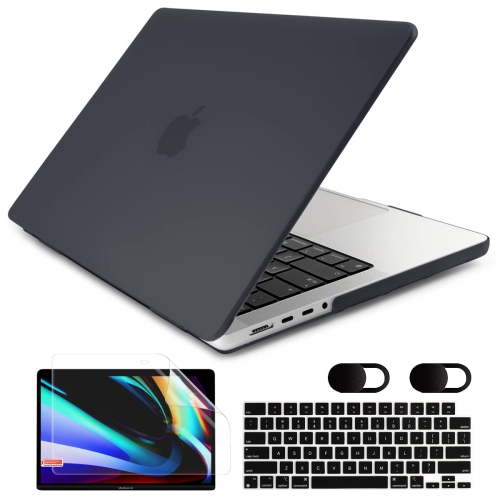
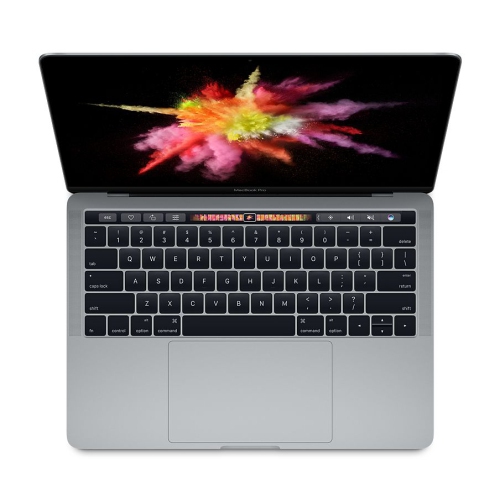
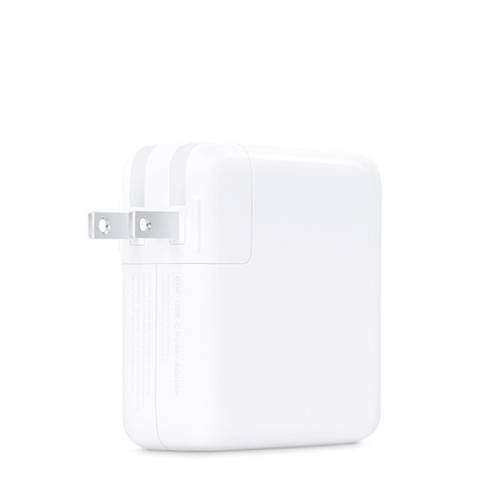
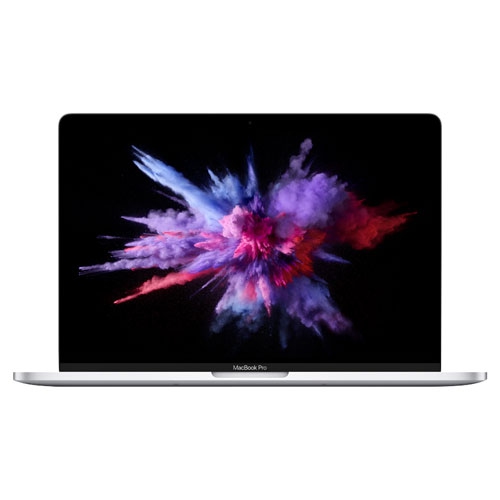
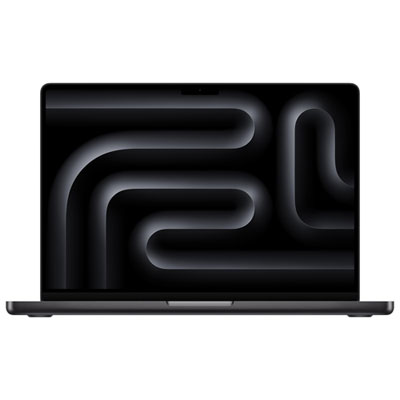
The 2017 MacBook Pro remains a practical option for shoppers looking for a compact, premium-feeling laptop for everyday computing, provided its age and configuration are considered carefully. These laptops were offered with 13.3-inch and 15.4-inch Retina displays, slim aluminium bodies, solid-state storage, and seventh-generation Intel processors. The 13.3-inch versions are generally easier to carry between home, school, work, and cafés, while the larger 15.4-inch versions provide more screen space for working with spreadsheets, timelines, design layouts, or several windows at once. Retina resolution makes text look crisp and photographs appear detailed, and the bright display can be helpful when moving between a dim home office and a sunlit room. Depending on the configuration, shoppers may find dual-core or quad-core processors, 8GB or 16GB of memory, and storage capacities ranging from 128GB to 512GB or more. Memory is not designed to be upgraded later, so choosing enough capacity for the intended workload is important. An 8GB configuration may be suitable for browsing, email, online learning, word processing, video calls, music, and basic photo management, while 16GB can provide more breathing room for larger documents, many browser tabs, light creative work, and multitasking. Storage needs deserve equal attention: a smaller solid-state drive can fill quickly with photos, downloaded videos, games, and application files, whereas a larger drive offers more room for local files without relying as heavily on external storage or cloud services. Connectivity is another defining consideration. The 2017 MacBook Pro uses Thunderbolt 3 ports with the USB-C connector, which can support charging, displays, storage, and other accessories through compatible cables or adapters. Shoppers replacing an older computer may need to budget for a hub or adapter if they regularly use USB-A accessories, memory cards, wired networking, or external displays with older connectors. A quick inventory of existing cables at home can prevent an inconvenient surprise when setting up the laptop. For buyers comparing configurations, the MacBook Pro With Touchbar selection can provide useful context about related laptop features and form factors without assuming that every configuration offers the same experience.
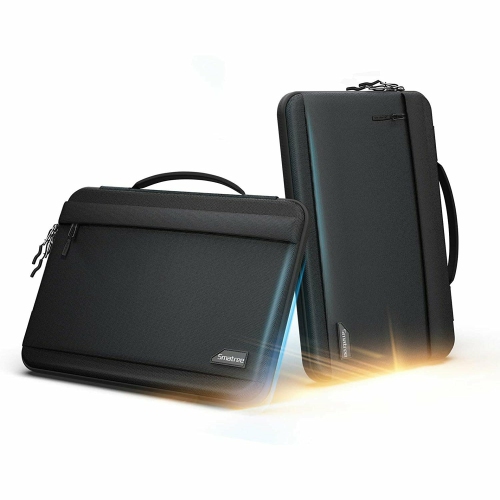
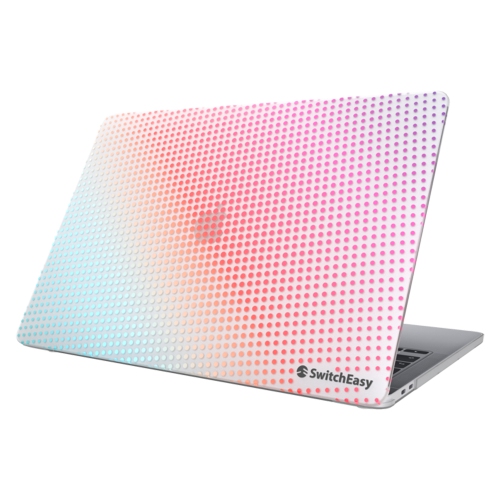
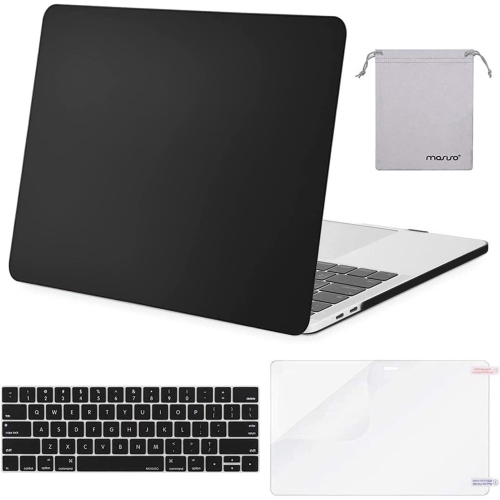
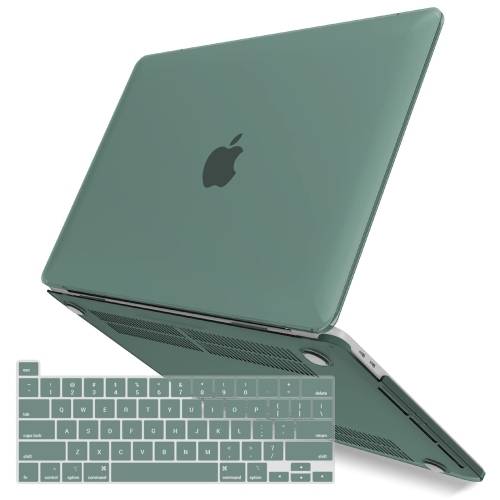
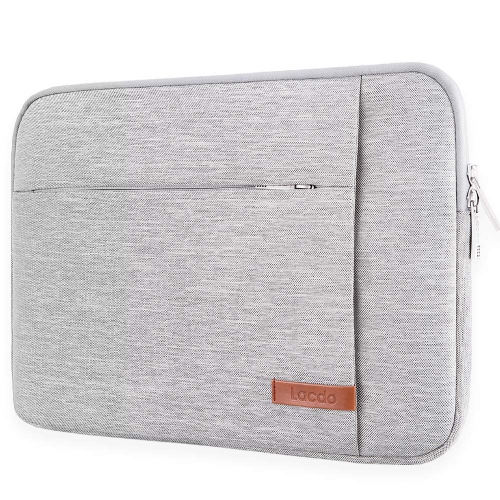
A 2017 MacBook Pro can suit a student writing assignments in a library, a household member managing finances and appointments, a remote worker handling documents and video meetings, or a creative hobbyist organizing photographs and making straightforward edits. It may also be a thoughtful gift for someone who needs a dependable computer for school or personal projects, especially when a portable design and sharp screen matter more than running the newest demanding software. It is less appropriate for workloads that depend on sustained high performance, such as advanced three-dimensional rendering, intensive video production, modern gaming, or large-scale software development, where newer hardware may complete tasks more quickly and remain responsive under heavier loads. Because these computers are several years old, condition can vary significantly from one unit to another. Before purchasing, review the battery condition, charging behaviour, display quality, keyboard response, trackpad operation, webcam, speakers, and all ports. A battery that drains rapidly can make a portable laptop feel tied to a wall outlet, while a keyboard with inconsistent or unresponsive keys can affect everything from schoolwork to casual browsing. Look closely for dents, uneven gaps, worn keycaps, screen marks, or signs of liquid exposure, and confirm that the charger is included and suitable for the computer. Refurbished or previously owned units should be checked for warranty coverage, return terms, included accessories, and any testing or inspection details. It is also wise to confirm the exact screen size, processor, memory, storage, and port count rather than relying only on a general model name, since two laptops from the same year can feel quite different in daily use. Software compatibility should be part of the decision as well. Basic web services, office applications, streaming, and communication tools may work well, but operating system support and application requirements can change over time. Anyone who relies on specialized school, workplace, or creative software should verify compatibility before ordering. During the warmer part of the year, a laptop may be used on a patio table or carried in a backpack for travel, while cooler months often bring more time at a kitchen counter, study desk, or living-room table; in either setting, ventilation matters. Using the computer on a hard, flat surface helps air circulate, and keeping vents clear can reduce heat during demanding tasks. A protective sleeve, suitable USB-C accessories, and a comfortable external mouse or keyboard can make an older laptop easier to integrate into a modern workspace. With realistic expectations, careful condition checks, and a configuration matched to everyday needs, a 2017 MacBook Pro can continue to serve as a capable computer for browsing, communication, documents, learning, and moderate creative projects.
A 2017 MacBook Pro can suit a student writing assignments in a library, a household member managing finances and appointments, a remote worker handling documents and video meetings, or a creative hobbyist organizing photographs and making straightforward edits. It may also be a thoughtful gift for someone who needs a dependable computer for school or personal projects, especially when a portable design and sharp screen matter more than running the newest demanding software. It is less appropriate for workloads that depend on sustained high performance, such as advanced three-dimensional rendering, intensive video production, modern gaming, or large-scale software development, where newer hardware may complete tasks more quickly and remain responsive under heavier loads. Because these computers are several years old, condition can vary significantly from one unit to another. Before purchasing, review the battery condition, charging behaviour, display quality, keyboard response, trackpad operation, webcam, speakers, and all ports. A battery that drains rapidly can make a portable laptop feel tied to a wall outlet, while a keyboard with inconsistent or unresponsive keys can affect everything from schoolwork to casual browsing. Look closely for dents, uneven gaps, worn keycaps, screen marks, or signs of liquid exposure, and confirm that the charger is included and suitable for the computer. Refurbished or previously owned units should be checked for warranty coverage, return terms, included accessories, and any testing or inspection details. It is also wise to confirm the exact screen size, processor, memory, storage, and port count rather than relying only on a general model name, since two laptops from the same year can feel quite different in daily use. Software compatibility should be part of the decision as well. Basic web services, office applications, streaming, and communication tools may work well, but operating system support and application requirements can change over time. Anyone who relies on specialized school, workplace, or creative software should verify compatibility before ordering. During the warmer part of the year, a laptop may be used on a patio table or carried in a backpack for travel, while cooler months often bring more time at a kitchen counter, study desk, or living-room table; in either setting, ventilation matters. Using the computer on a hard, flat surface helps air circulate, and keeping vents clear can reduce heat during demanding tasks. A protective sleeve, suitable USB-C accessories, and a comfortable external mouse or keyboard can make an older laptop easier to integrate into a modern workspace. With realistic expectations, careful condition checks, and a configuration matched to everyday needs, a 2017 MacBook Pro can continue to serve as a capable computer for browsing, communication, documents, learning, and moderate creative projects.
Top selling and popular products
-
 Your price for this item is $1500
 -
 Your price for this item is $749.77
 -
 Your price for this item is $649.77
 -
 Your price for this item is $549.77
 -
 Your price for this item is $699.77
 -
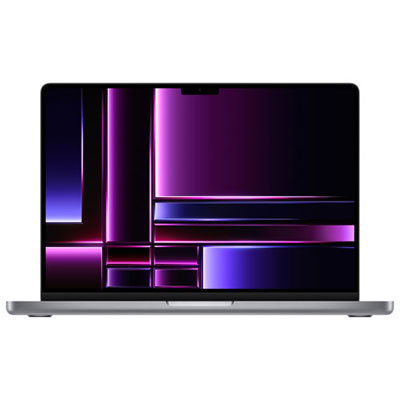 Your price for this item is $2299.97
 -
 Your price for this item is $679.77
 -
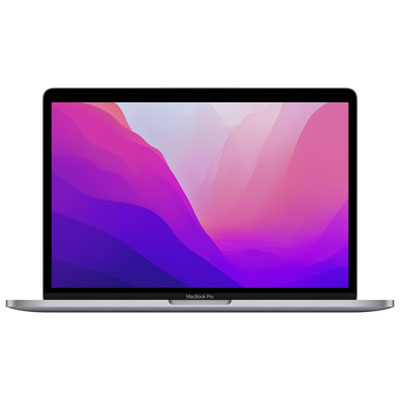 Your price for this item is $1599.97
Discover more categories related to 2017 Macbook Pro
Top Collections:
Pokemon Centers, Kindle Devices, Best Budget Office Chairs, Apple iPhones 16, Best Laptops for Writers, iPhone 15 Apple, Canon G7X Cameras, Refurbished Apple Laptops, Alarm Clock, Motorola Razr Phones
Some products may be subject to Environmental Handling Fees
(EHF) depending on your province.
Learn more about EHFs.