TP-Link AXE5400
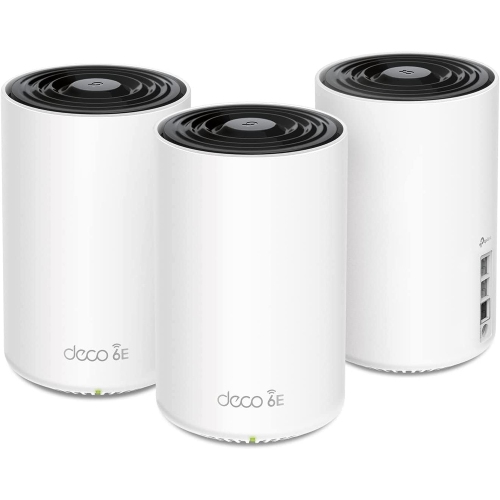
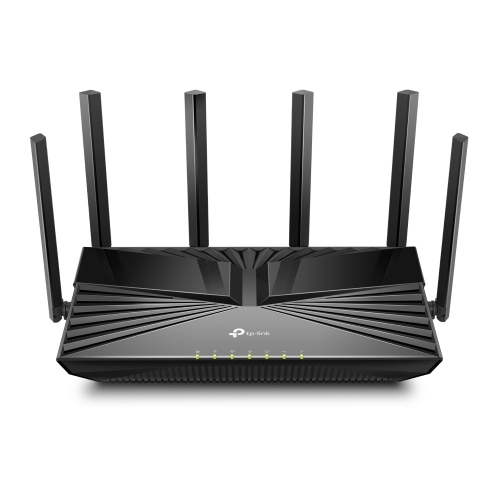
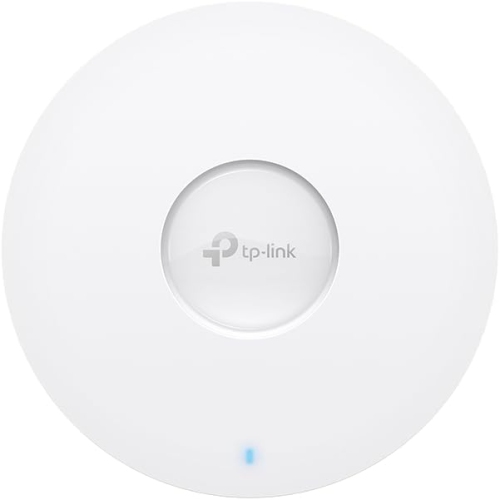
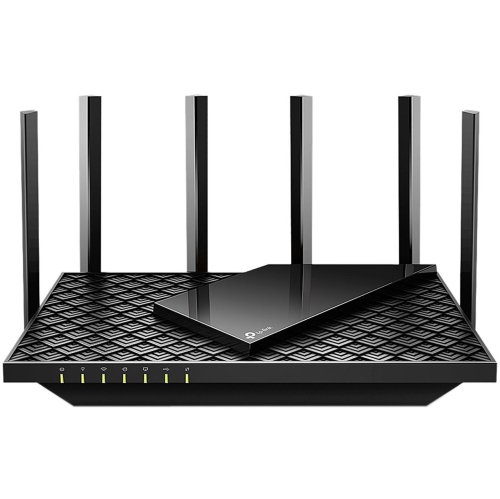
Shop TP-Link AXE5400 Wi-Fi 6E routers to upgrade your home network. Compare available models by coverage, Ethernet ports, and mesh compatibility to find a fit for your space, and check device compatibility to make the most of the 6 GHz band.
FAQ
AXE identifies a Wi-Fi 6E router class that includes access to the 6 GHz band. The 5400 designation represents the rounded total of the maximum theoretical wireless speeds across all bands, expressed in Mbps. It is not the speed available to a single device or the speed of your internet plan.
A tri-band Wi-Fi 6E router uses the 2.4 GHz, 5 GHz and 6 GHz bands. These are separate wireless frequency ranges. Depending on the router’s settings, the bands may share a network name or appear as separate networks.
Older Wi-Fi devices can generally connect using the 2.4 GHz or 5 GHz band, provided they support the network’s security settings. Access to the 6 GHz band requires a device that explicitly supports 6 GHz Wi-Fi, such as a compatible Wi-Fi 6E or Wi-Fi 7 device.
A standalone Wi-Fi 6E router does not usually replace a modem. It connects to the modem or optical network terminal supplied or supported by your internet provider. If your provider supplies a combined modem and router, its configuration may need to be adjusted when adding your own router.
A standalone router provides a network from one central unit, while a mesh system uses multiple compatible units managed as a shared network. Some standalone routers support mesh expansion, but compatibility depends on the model and mesh platform. Sharing the AXE5400 designation does not mean two routers can form a mesh network together.
Top selling and popular products
Discover more categories related to TP-Link AXE5400
Some products may be subject to Environmental Handling Fees (EHF) depending on your province. Learn more about EHFs.