TP Link Deco X50
Explore seamless connectivity and reliable performance with the TP Link Deco X50. Designed to enhance your home or office network, the TP Link Deco X50 offers a user-friendly solution for optimizing your internet experience. Whether streaming, gaming, or handling daily tasks, discover how this system can help you enjoy smooth and consistent coverage throughout your space. Find the right option for your needs and elevate your wireless network with the TP Link Deco X50.
Sort
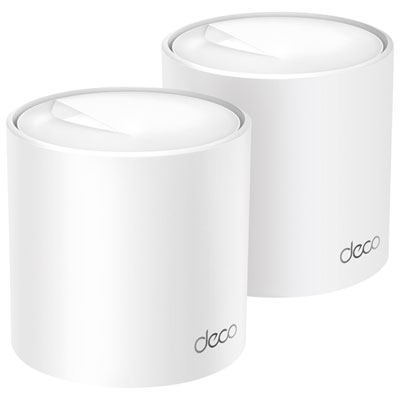
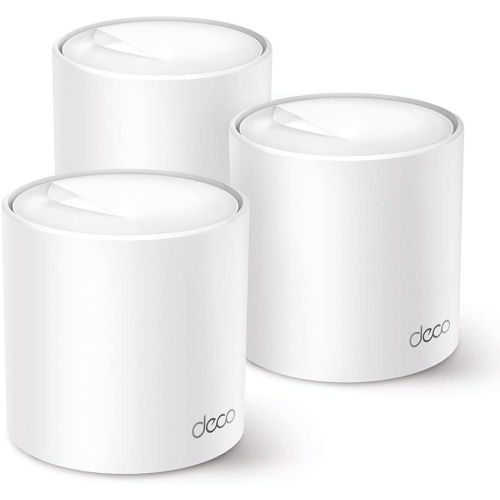
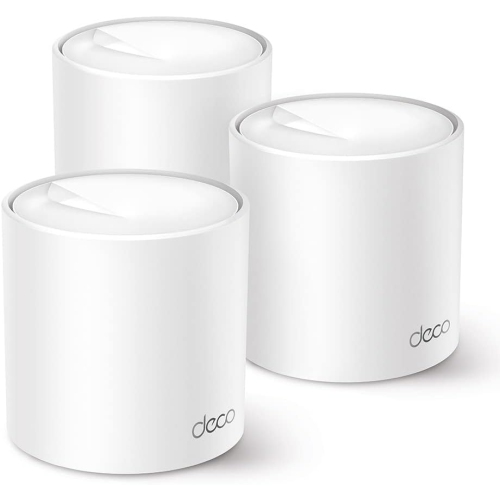
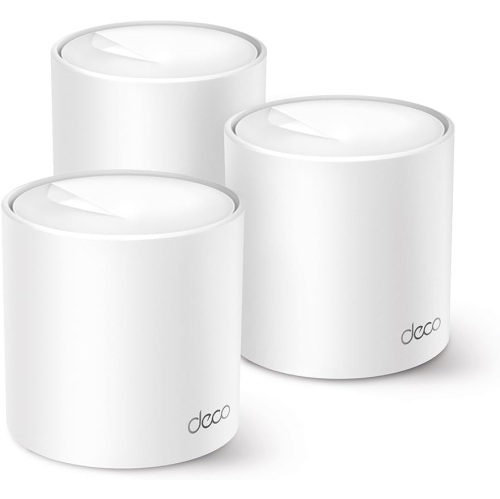

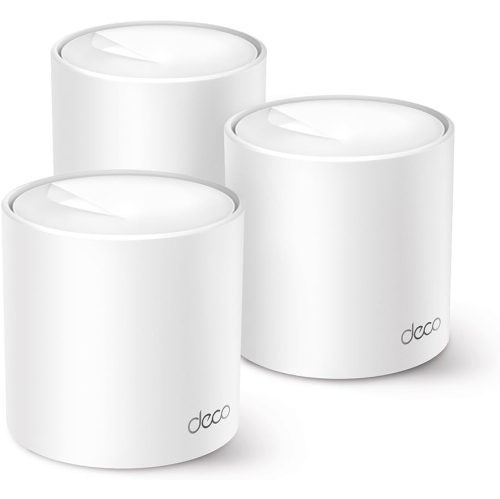
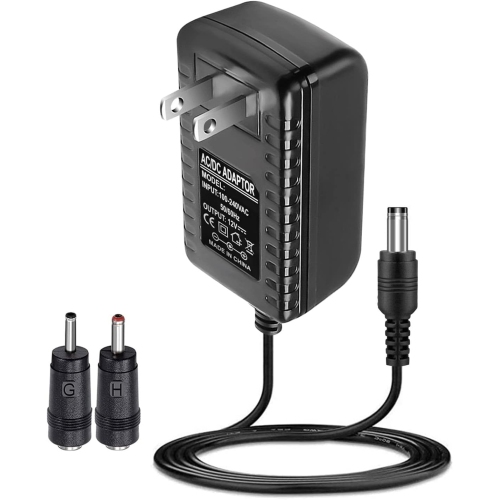

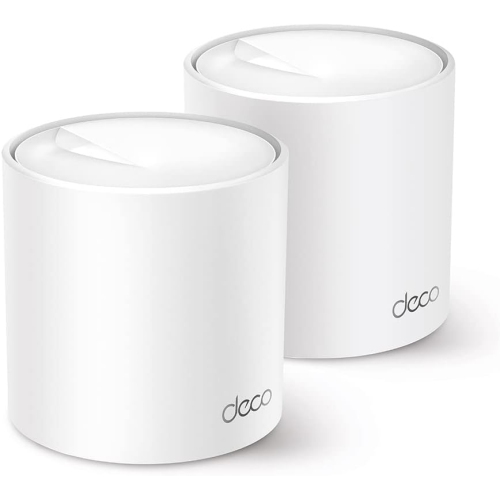
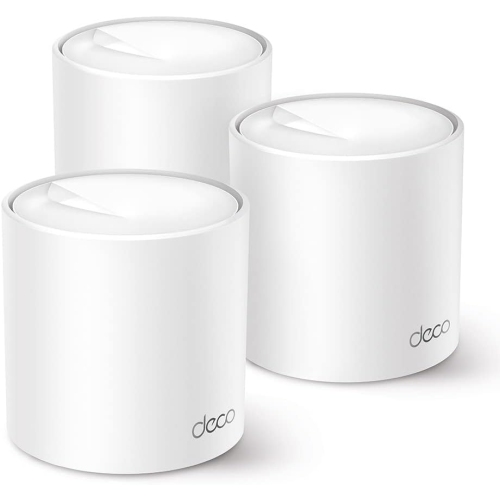
How mesh Wi-Fi extends coverage across your home
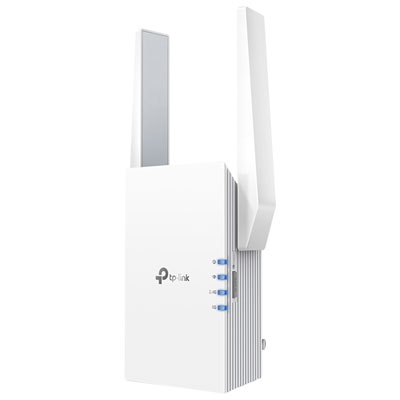
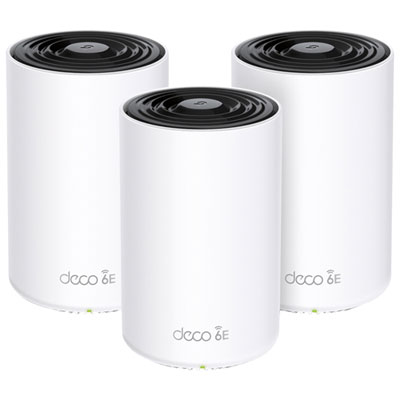
AX3000 dual-band Wi-Fi 6 mesh systems are designed to distribute a home’s wireless connection across several rooms through coordinated router units. Instead of relying on one router to reach every corner, a mesh network uses a main unit and additional nodes to extend coverage under a single network name. This approach can help address weak reception in an upstairs bedroom, a home office at the back of the house or a living room separated from the router by several walls. Devices can move between coverage areas without requiring someone to manually select a different network, although roaming behaviour depends partly on the connected device. Dual-band networking uses both the 2.4 GHz and 5 GHz bands: the former generally reaches farther, while the latter supports higher wireless speeds at shorter distances. The AX3000 designation refers to an approximate combined theoretical wireless capacity of 3 Gbps across those bands, not the speed available to one device or a promise of internet performance. Actual results depend on the internet plan, the connected device, interference, building construction and the connection between nodes. Wi-Fi 6 adds technologies that help compatible devices share wireless capacity more efficiently, which is useful when video calls, streaming televisions, phones and smart-home accessories are active together. Older Wi-Fi devices can generally connect as well, though they do not gain every benefit of the newer standard. For a household where someone is attending an online meeting while another person watches a film and a tablet downloads an update, that ability to manage simultaneous traffic can matter more than a headline speed figure. Mesh networking is therefore as much about making coverage more consistent as it is about supporting faster connections. It also offers a way to extend a network as household needs change, provided any additional nodes are compatible with the existing system. Related whole-home networking options can be explored in the Deco TP Link collection.
A mesh system’s fit depends on the layout of the home, not just its floor area. A compact apartment with concrete dividing walls can present a different challenge from a larger house with open rooms and wood-framed floors. Brick, metal ductwork, mirrors and reinforced concrete can weaken or redirect wireless signals, while neighbouring networks may add interference in densely occupied buildings. Additional nodes work best where they can still receive a dependable connection from the rest of the network; placing one directly inside an existing dead zone may leave it with too little signal to pass along. An open shelf or side table between the main router and a distant room is often a more useful location than the farthest possible corner. Space around each unit matters, too, both for wireless performance and ventilation. In homes with suitable Ethernet wiring, supported wired backhaul allows nodes to exchange data over a cable rather than using wireless capacity for that connection. This can be particularly helpful between floors or across areas where walls make wireless links unreliable. Ethernet ports also give compatible desktop computers, televisions and gaming consoles a direct connection, although port counts and supported speeds vary by system. For gaming or large file transfers, a wired connection can provide more predictable performance than wireless alone, but it cannot remove delays caused by a remote server or the internet service itself. Mesh equipment distributes the connection supplied by an internet provider; it does not replace an internet subscription or automatically increase the plan’s speed. Some installations continue to use the provider’s modem or gateway, with router or access-point settings chosen to suit that equipment. Power outlet locations, cable routes and the number of rooms needing coverage all influence how neatly a system fits into daily life. A well-positioned set of nodes can serve a work desk, a television area and bedrooms without turning every room into a wiring project.
The physical design of mesh networking equipment is intended to suit everyday living spaces, where a router may sit in plain view rather than inside a utility cupboard. Compact housings, often made from rigid plastic, can fit on shelves or small tables, while neutral finishes blend with a range of furniture and wall colours. Dimensions still matter: a unit needs a stable surface, room for its power connector and any Ethernet cables, and clear ventilation openings. These are indoor electronics rather than rugged portable devices, so a dry location away from spills and accidental knocks supports reliable long-term use. Routine care is straightforward: dust the exterior with a soft, dry cloth, keep vents unobstructed and avoid spraying cleaning liquids directly onto the housing. Software maintenance is equally relevant to durability in the practical sense of keeping a home network useful and protected. Firmware updates can address security issues and improve operation, while supported automatic updates may reduce routine upkeep. App-based setup and management are common in this category, with features that may include a guest network, connected-device lists, parental controls or traffic prioritization. Exact functions, account requirements and any subscription-based features differ, so the included capabilities matter as much as the hardware’s appearance. A separate guest network can be useful when visitors need internet access without joining the household’s main network. Device controls can also help parents organize connection schedules, although no network setting replaces age-appropriate supervision. These systems suit remote workers, students, families with several connected devices and people establishing a network in a new home. They can also be a practical gift for someone frustrated by patchy coverage, especially when the home layout and existing internet equipment are understood beforehand. The most useful match balances coverage, connection options, straightforward management and enough capacity for the way the household actually uses the internet.
Top selling and popular products
-
 Your price for this item is $189.99
-
 Your price for this item is $189.99
-
 Your price for this item is $219
-
 Your price for this item is $899.99
-
 Your price for this item is $299.99
-
 Your price for this item is $139.99
-
 Your price for this item is $499.99
-
 Your price for this item is $349.99
Discover more categories related to TP Link Deco X50
Top Collections:
Best Black Friday Deals This Year, Best Black Friday Deals On Electronics, Kindle Devices, Pokemon Centers, Best Black Friday Deals On Apple Products, Best Cameras for Sports Photography, Dyson Airwrap, Pokémon 30th Celebration Cards, Apple iPhone 17 Pro, Canon G7X Cameras
Some products may be subject to Environmental Handling Fees
(EHF) depending on your province.
Learn more about EHFs.