17 Inch Laptop Backpacks
If you're looking for a backpack that can carry everything you need for a day at the office, a school trip, or a weekend away, consider an 17-inch laptop backpack. These bags are designed to fit laptops up to 17 inches in size. They have enough room for a laptop, accessories, notebooks, pens, pencils, and other items you'll need for your daily grind.
Sort



![LDAS ELECTRONICS Travel Laptop Backpack w USB Charging Port Anti-Theft[Water Resistant] College School Bookbag Fits 17 Inch Laptop(17 Inch](https://multimedia.bbycastatic.ca/multimedia/products/500x500/196/19686/19686109.png)
Why laptop backpack fit goes beyond screen size
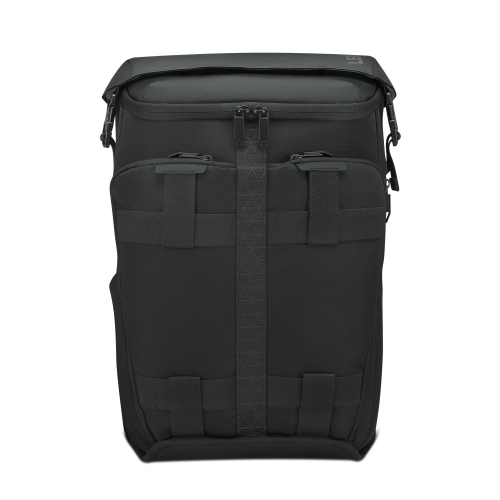
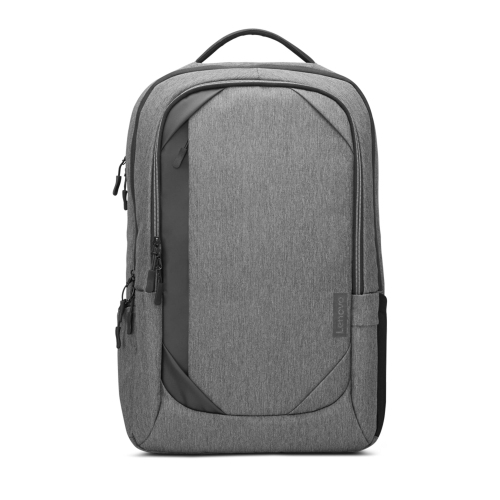
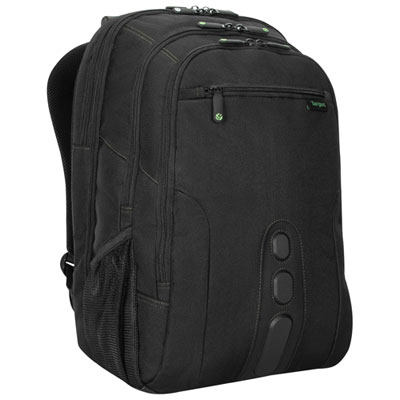
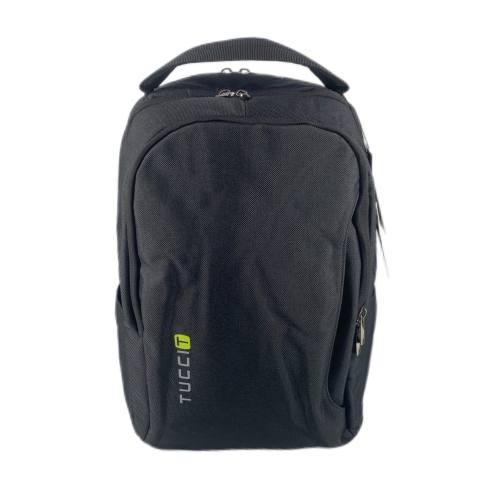
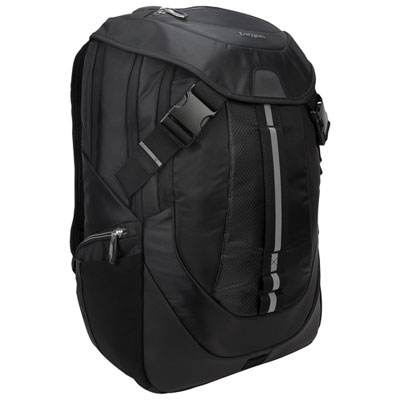
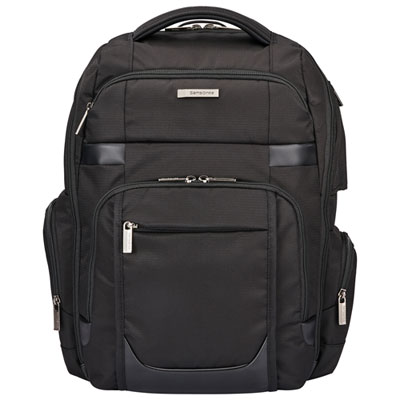
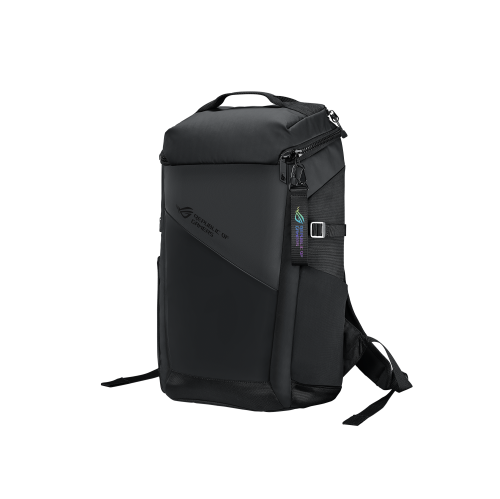
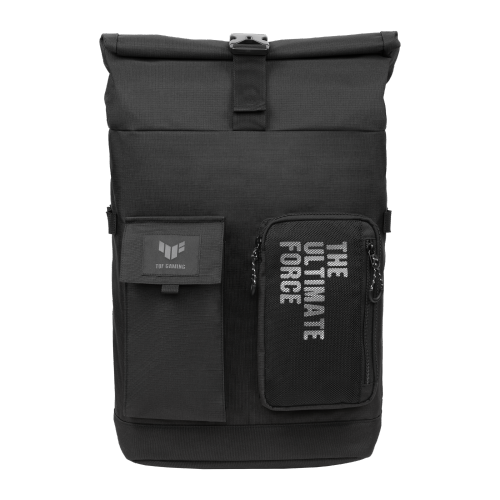
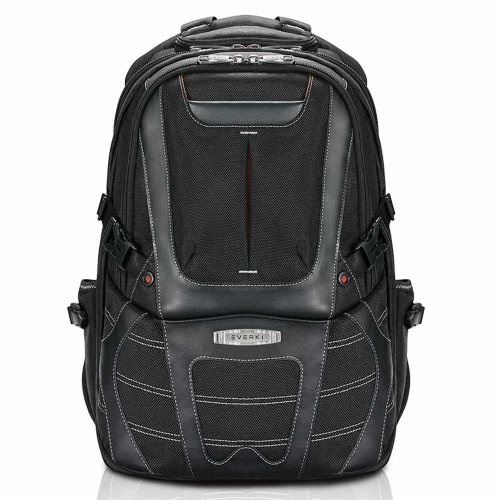
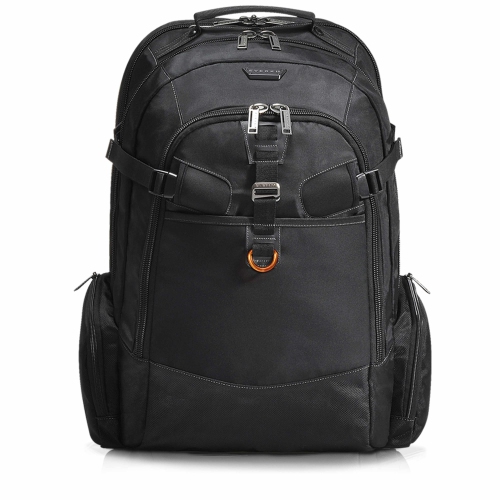
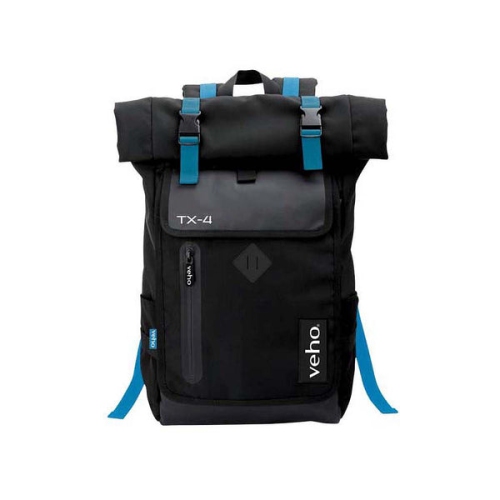
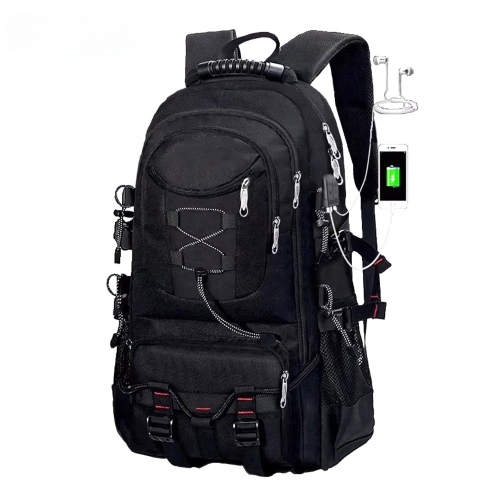
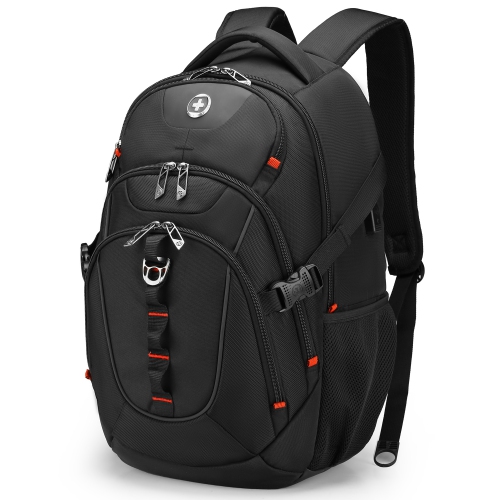
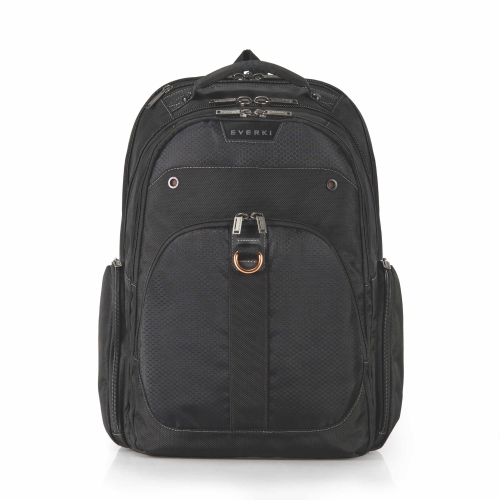
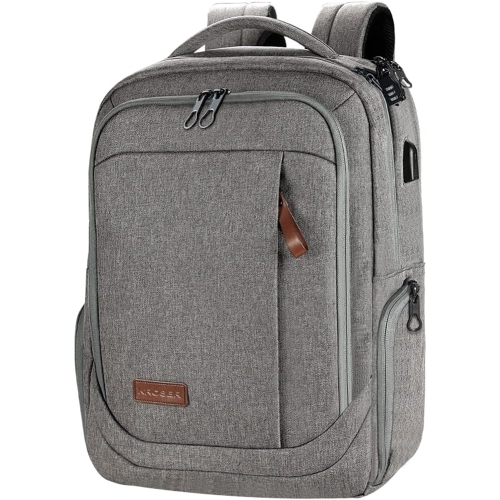
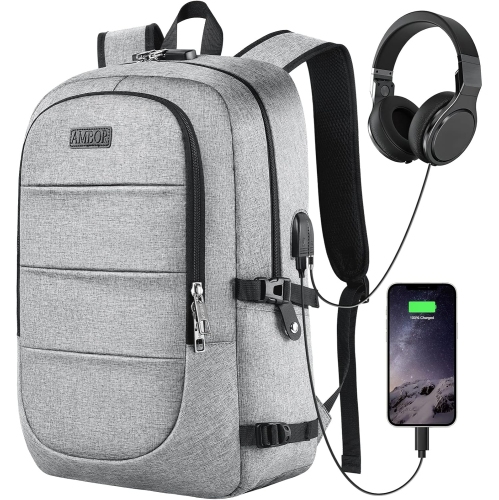
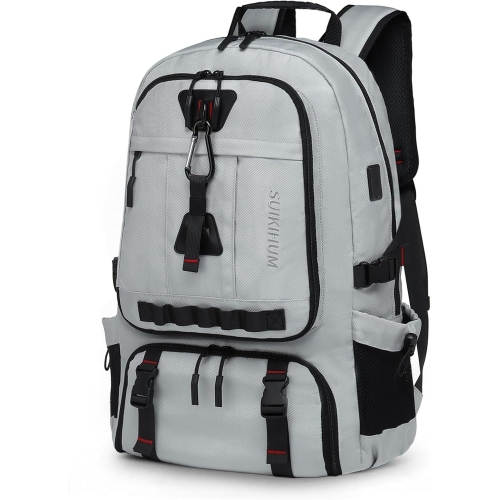
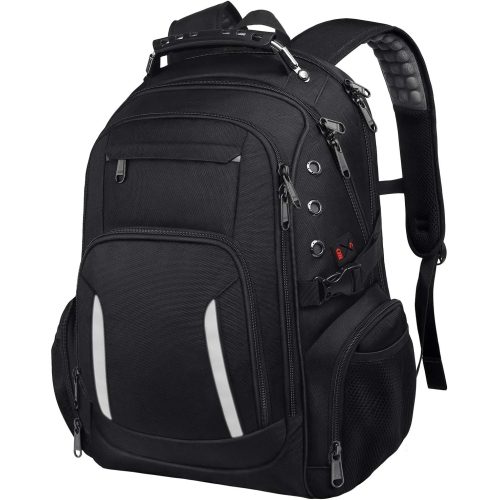
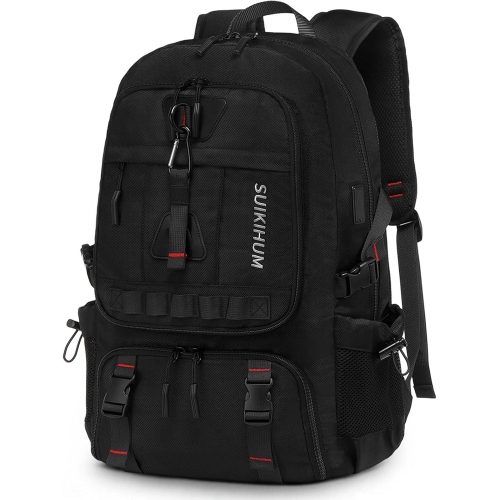
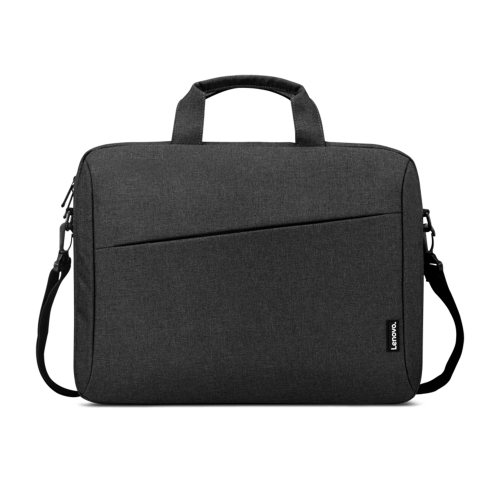
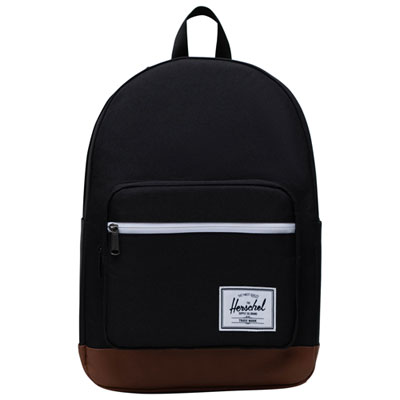
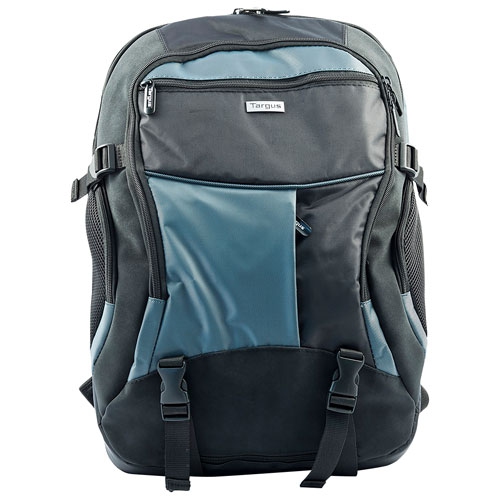
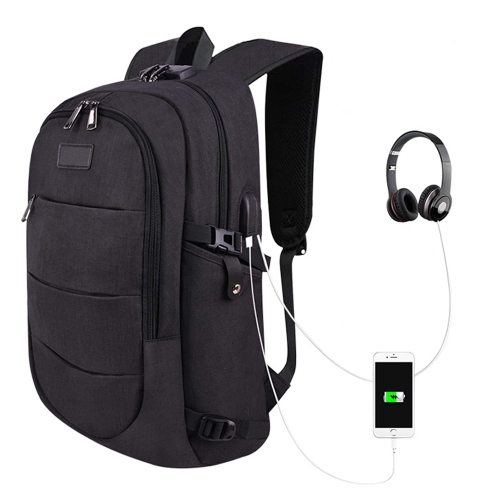
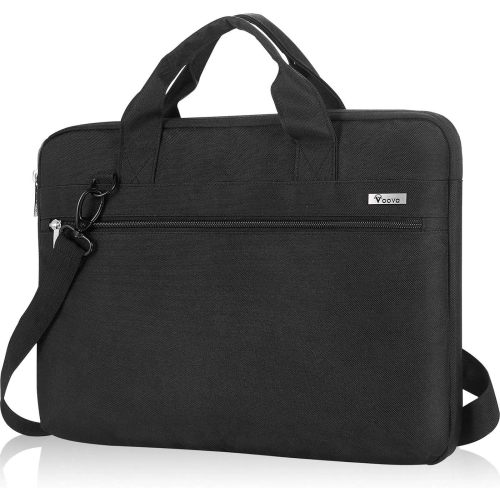
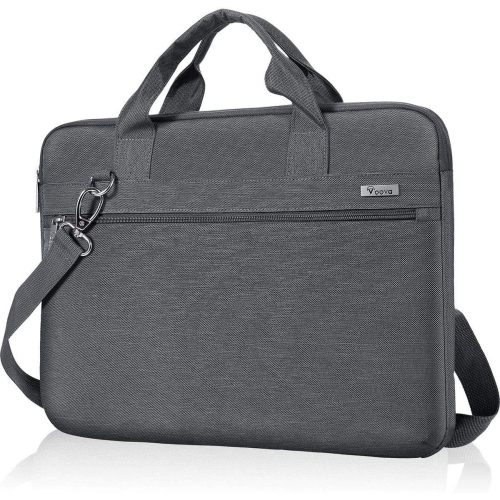
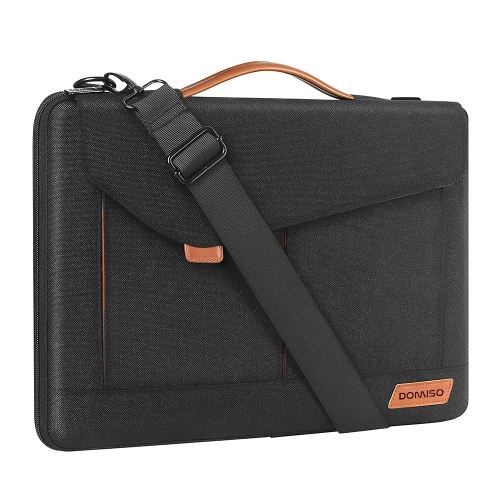
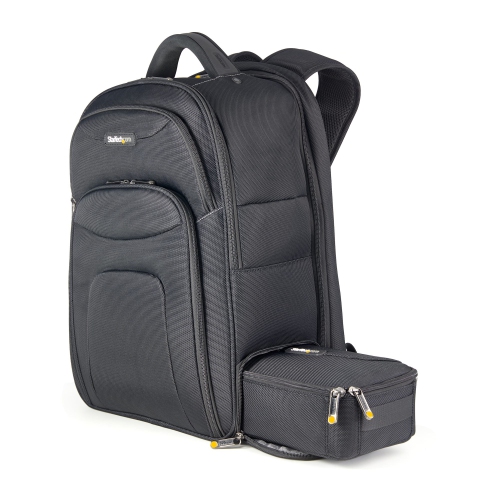
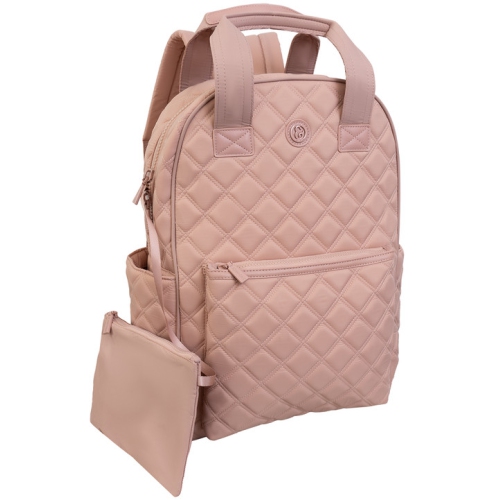
A 17-inch laptop backpack gives a larger computer a dedicated place alongside the accessories and everyday essentials that travel with it. For students carrying a laptop between lectures, professionals moving between offices, or gamers taking their setup to a friend’s place, the right layout can make a full bag feel more manageable. The most important fit detail is the laptop compartment’s internal dimensions, not just the screen size printed in a backpack’s description. A 17-inch screen is measured diagonally, while the computer’s overall width, depth, and thickness depend on its casing, bezel, and design. A slim workstation and a thick gaming laptop may have the same screen measurement but need quite different amounts of space. Backpacks labelled for 17-inch or 17.3-inch laptops should therefore be matched against the actual device measurements, allowing room for a protective sleeve if one will stay on the computer. A suitable compartment holds the laptop without forcing the zipper closed or letting the device shift loosely with every step. Padding along the sides and base helps cushion everyday knocks, while a suspended sleeve can keep the bottom edge of the laptop above the backpack’s floor when the bag is set down. Neither feature makes a computer immune to damage, but both can add useful separation from hard surfaces and other belongings. A dedicated laptop section also keeps a power adapter, keys, and notebook corners from pressing directly against the casing. The broader 17 Inches Backpacks collection offers another way to explore bags in this size range, with compartment measurements remaining the clearest check for device compatibility. Beyond the computer itself, usable capacity matters: someone carrying only a charger and a few documents has different needs from someone packing headphones, textbooks, a mouse, and a substantial power brick. A bag that fits the whole routine is more useful than one that simply fits the laptop.
Comfort becomes especially noticeable when a large laptop travels farther than the distance between a car and a desk. Broad, padded shoulder straps can spread the load, while adjustable straps help keep the backpack close to the body rather than hanging low against the hips. A contoured back panel and breathable mesh may make extended carrying more comfortable, although the bag’s weight and how it is packed still matter. Where included, a sternum strap can help keep the shoulder straps in position; a properly fitted hip belt may transfer some weight away from the shoulders. These features are particularly relevant for a walk across campus or a commute involving several transfers. The backpack’s own dimensions deserve attention, too. A tall bag that accommodates a large computer may sit awkwardly on a shorter torso, and a deep, fully packed main compartment can be cumbersome in a crowded aisle. Materials influence both the feel and the structure of the bag. Nylon and polyester are common choices for their relatively low weight and suitability for frequent use, while canvas offers a textured appearance and may feel heavier in a comparable design. Leather accents can add a more formal finish, though their care requirements may differ from those of the surrounding fabric. Fabric thickness alone does not tell the whole story of durability: reinforced strap attachments, neatly finished seams, sturdy zipper pulls, and a well-supported base all contribute to how a backpack handles repeated loading. A structured front panel can help the bag retain its shape, while a softer construction may be easier to tuck into a locker when lightly packed. Smooth zipper movement is particularly useful around the corners of a laptop compartment, where an overfilled bag can place extra strain on the closure. For everyday handling, a padded top handle provides a comfortable grip when lifting the backpack onto a desk or taking it from a luggage compartment. Simple styling and a neutral colour can suit shared workspaces, while brighter colours or distinctive details make a bag easier to identify among similar luggage.
Organization is most useful when it matches what actually goes into the backpack. A separate laptop compartment allows the computer to be reached without digging past a sweatshirt or lunch container, while smaller pockets can keep a charging cable, access card, pens, and earbuds from collecting at the bottom. For gaming or creative work, space for a full-size mouse, over-ear headphones, an external drive, and the laptop’s power adapter may be just as important as the main sleeve. Padded accessory sections help separate delicate equipment from bulkier objects, and cable loops or small pouches can prevent tangled cords from slowing down setup. An external bottle pocket can keep a drink separate from electronics, provided the bottle fits securely and its lid seals properly. Travellers may appreciate a luggage pass-through that slides over a rolling suitcase handle, but a backpack’s overall measurements still need to meet the airline’s applicable baggage limits. A wide-opening compartment can simplify packing and unpacking; it does not guarantee that a laptop can remain inside during airport screening. Similarly, a charging pass-through provides a route for a cable rather than power of its own, so the need for a separate power bank depends on the design. Everyday care helps preserve the bag’s finish and function. Loose crumbs and grit can be removed from empty compartments, and many fabric surfaces can be spot-cleaned with a soft cloth and mild soap when the care label permits. Machine washing, strong cleaners, and direct heat may affect padding, coatings, or structural components, so the manufacturer’s cleaning directions should take priority. Letting the bag dry fully before replacing electronics also helps protect its contents. Avoiding overpacking reduces pressure on seams and zippers, while keeping heavier accessories close to the back can make the load feel steadier. As a gift for a student, commuter, or frequent traveller, a 17-inch laptop backpack is most practical when the recipient’s computer dimensions and usual carrying habits are known. The strongest match balances secure laptop storage, comfortable carrying, and enough accessible space for the belongings that accompany each day.
Comfort becomes especially noticeable when a large laptop travels farther than the distance between a car and a desk. Broad, padded shoulder straps can spread the load, while adjustable straps help keep the backpack close to the body rather than hanging low against the hips. A contoured back panel and breathable mesh may make extended carrying more comfortable, although the bag’s weight and how it is packed still matter. Where included, a sternum strap can help keep the shoulder straps in position; a properly fitted hip belt may transfer some weight away from the shoulders. These features are particularly relevant for a walk across campus or a commute involving several transfers. The backpack’s own dimensions deserve attention, too. A tall bag that accommodates a large computer may sit awkwardly on a shorter torso, and a deep, fully packed main compartment can be cumbersome in a crowded aisle. Materials influence both the feel and the structure of the bag. Nylon and polyester are common choices for their relatively low weight and suitability for frequent use, while canvas offers a textured appearance and may feel heavier in a comparable design. Leather accents can add a more formal finish, though their care requirements may differ from those of the surrounding fabric. Fabric thickness alone does not tell the whole story of durability: reinforced strap attachments, neatly finished seams, sturdy zipper pulls, and a well-supported base all contribute to how a backpack handles repeated loading. A structured front panel can help the bag retain its shape, while a softer construction may be easier to tuck into a locker when lightly packed. Smooth zipper movement is particularly useful around the corners of a laptop compartment, where an overfilled bag can place extra strain on the closure. For everyday handling, a padded top handle provides a comfortable grip when lifting the backpack onto a desk or taking it from a luggage compartment. Simple styling and a neutral colour can suit shared workspaces, while brighter colours or distinctive details make a bag easier to identify among similar luggage.
Organization is most useful when it matches what actually goes into the backpack. A separate laptop compartment allows the computer to be reached without digging past a sweatshirt or lunch container, while smaller pockets can keep a charging cable, access card, pens, and earbuds from collecting at the bottom. For gaming or creative work, space for a full-size mouse, over-ear headphones, an external drive, and the laptop’s power adapter may be just as important as the main sleeve. Padded accessory sections help separate delicate equipment from bulkier objects, and cable loops or small pouches can prevent tangled cords from slowing down setup. An external bottle pocket can keep a drink separate from electronics, provided the bottle fits securely and its lid seals properly. Travellers may appreciate a luggage pass-through that slides over a rolling suitcase handle, but a backpack’s overall measurements still need to meet the airline’s applicable baggage limits. A wide-opening compartment can simplify packing and unpacking; it does not guarantee that a laptop can remain inside during airport screening. Similarly, a charging pass-through provides a route for a cable rather than power of its own, so the need for a separate power bank depends on the design. Everyday care helps preserve the bag’s finish and function. Loose crumbs and grit can be removed from empty compartments, and many fabric surfaces can be spot-cleaned with a soft cloth and mild soap when the care label permits. Machine washing, strong cleaners, and direct heat may affect padding, coatings, or structural components, so the manufacturer’s cleaning directions should take priority. Letting the bag dry fully before replacing electronics also helps protect its contents. Avoiding overpacking reduces pressure on seams and zippers, while keeping heavier accessories close to the back can make the load feel steadier. As a gift for a student, commuter, or frequent traveller, a 17-inch laptop backpack is most practical when the recipient’s computer dimensions and usual carrying habits are known. The strongest match balances secure laptop storage, comfortable carrying, and enough accessible space for the belongings that accompany each day.
Top selling and popular products
-
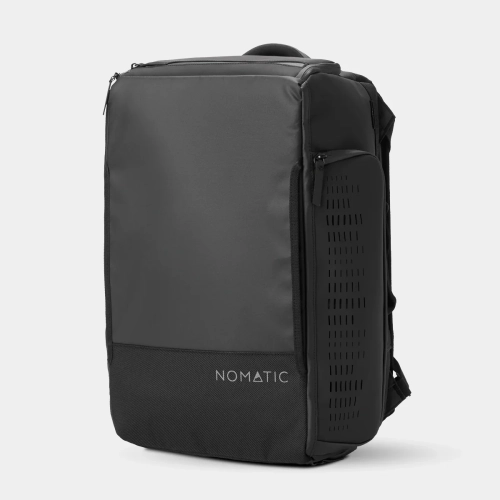 Your price for this item is $419.99
 -
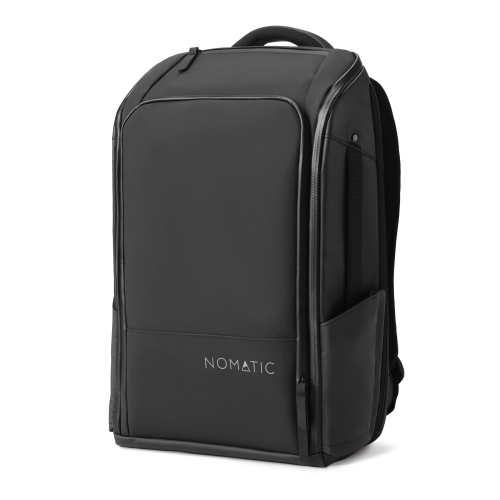 Your price for this item is $399.99
 -
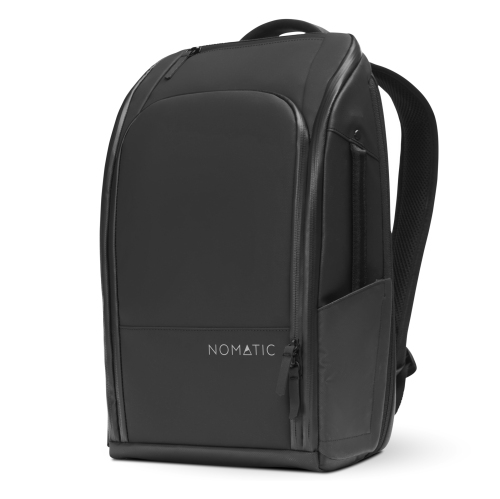 Your price for this item is $369.99
 -
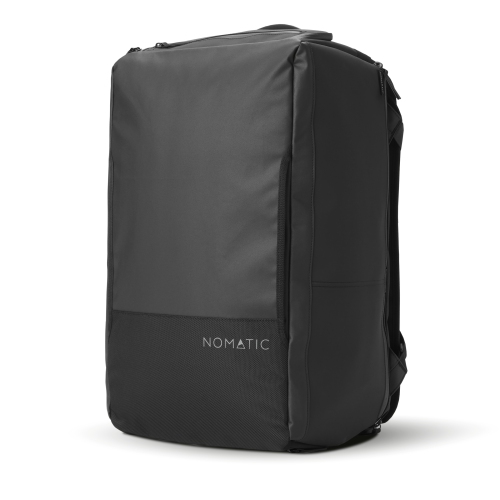 Your price for this item is $399.99
 -
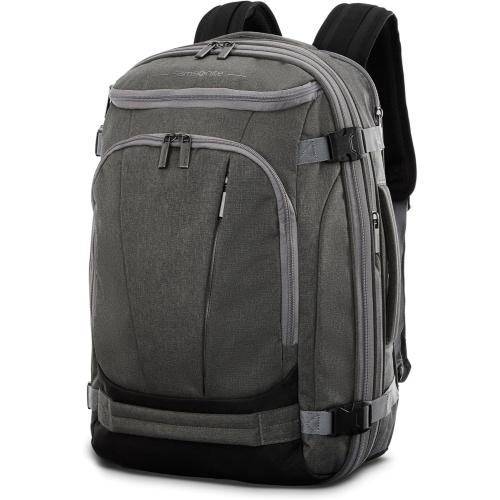 Your price for this item is $218.48
 -
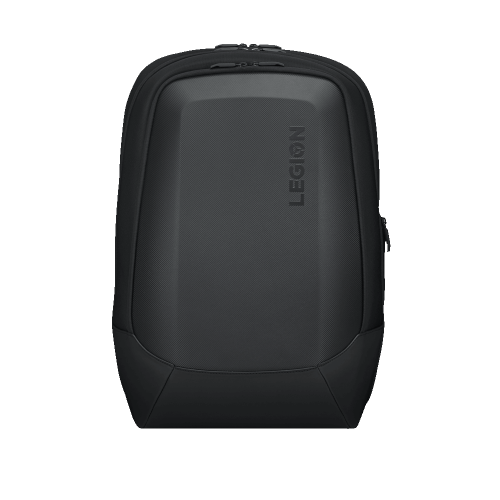 Your price for this item is $124.99
 -
 Your price for this item is $99.99
 -
 Your price for this item is $59.97
Discover more categories related to 17 Inch Laptop Backpacks
Top Collections:
Pokemon Centers, Kindle Devices, Best Budget Office Chairs, Apple iPhones 16, Best Laptops for Writers, iPhone 15 Apple, Canon G7X Cameras, Refurbished Apple Laptops, Alarm Clock, Motorola Razr Phones
Some products may be subject to Environmental Handling Fees
(EHF) depending on your province.
Learn more about EHFs.