Apple TV Remotes
Discover the seamless way to elevate your home entertainment experience with a sleek and intuitive TV remote. Designed with user-friendly navigation and precision control in mind, this remote enhances your viewing pleasure by putting everything you need right at your fingertips. Whether you're streaming your favorite shows, browsing through apps, or adjusting settings, this remote offers effortless interaction with your TV setup. Its ergonomic design ensures comfort during extended use, while its modern aesthetics complement any living space. Experience the ultimate convenience and control that transforms how you enjoy your media.
Sort
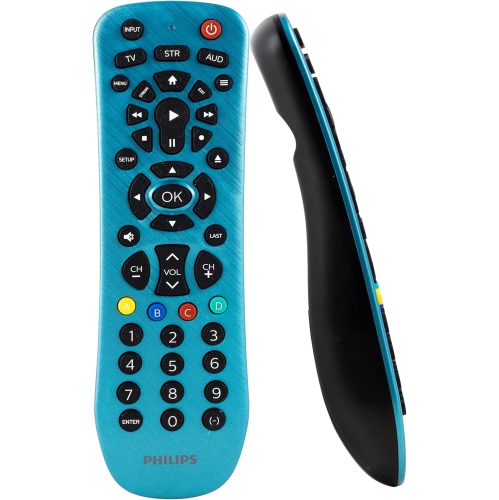
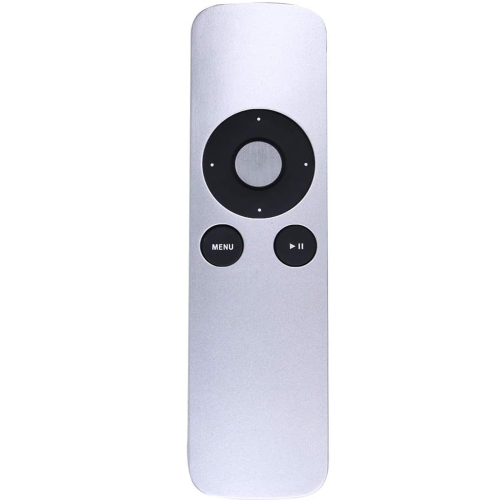
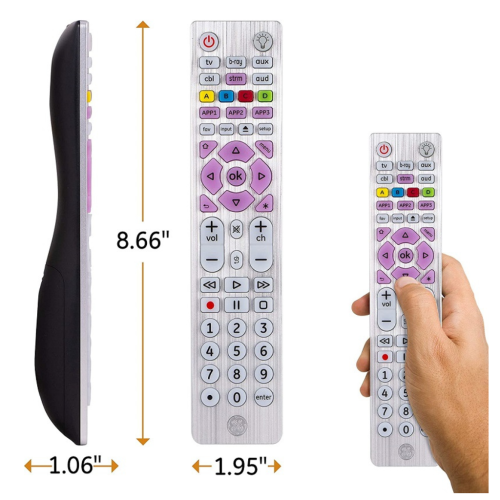
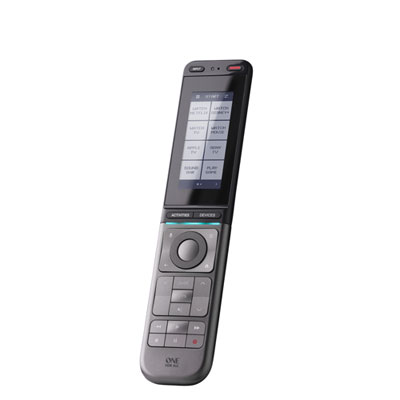
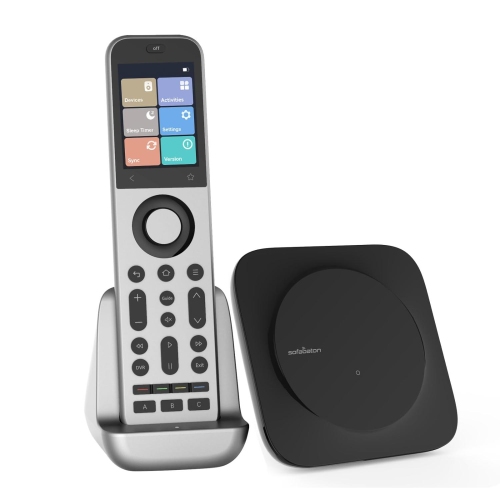
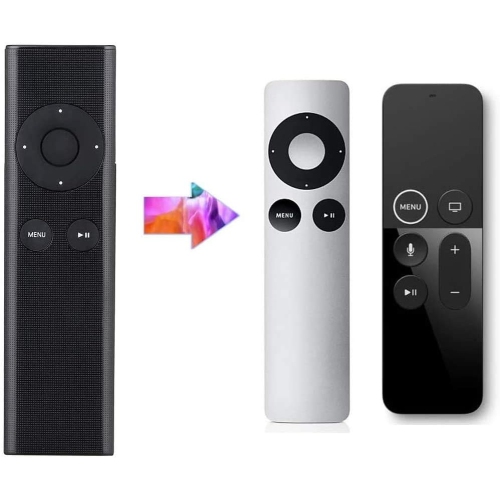
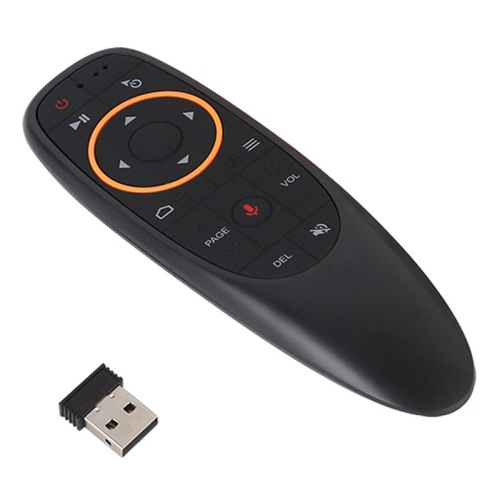
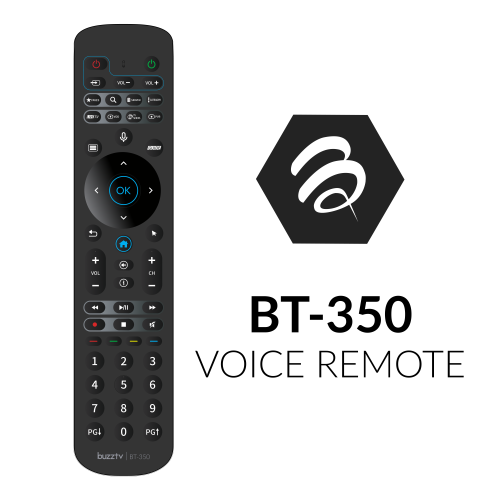
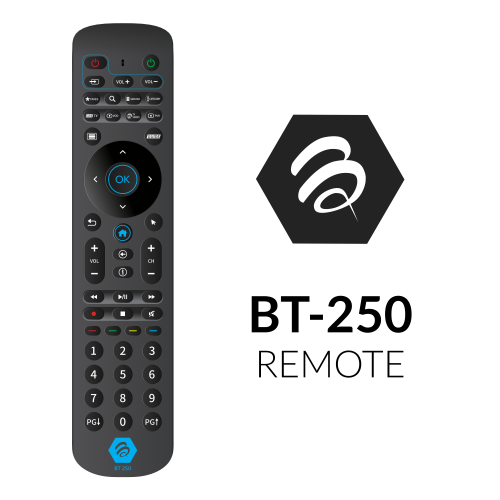
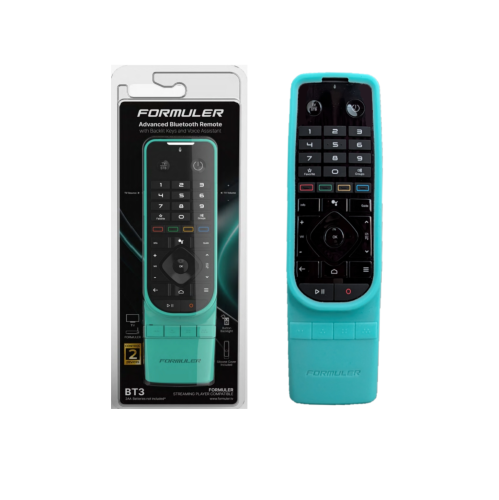
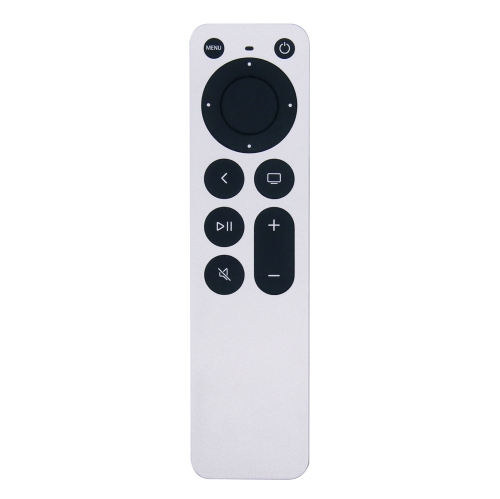
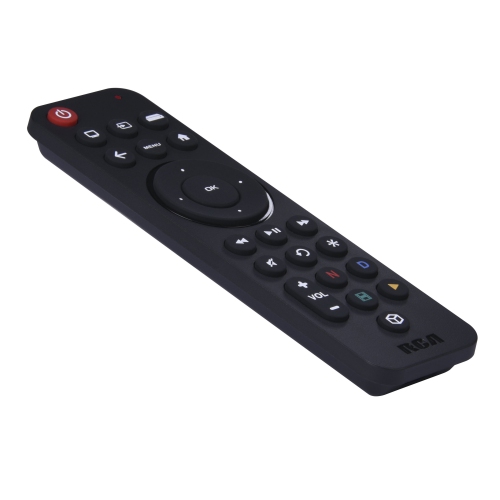
Similar-looking remotes can offer very different controls
Apple TV remotes provide handheld control for browsing streaming apps, selecting movies and shows, adjusting playback, and navigating a connected television setup. A compatible replacement can restore those everyday functions when an original remote is lost, damaged, or no longer holds a charge. The most important consideration is compatibility with the streaming device itself: remotes that look similar may support different generations of hardware, and a familiar button layout does not guarantee that every function will work. Compatibility information should identify the supported device generations and distinguish basic navigation from features such as voice input, touch controls, volume adjustment, and power control. For someone who mainly watches a few favourite streaming services, clearly marked directional buttons and a responsive play/pause control may matter more than advanced gestures. Someone who searches frequently for films, actors, or programmes may appreciate a supported voice-search function that reduces the need to enter text one character at a time. Touch-enabled controls can make browsing long rows of content feel fluid, while a directional clickpad offers distinct presses for moving between menus and confirming selections. These differences become noticeable during ordinary moments, such as pausing a scene when the doorbell rings or moving through a lengthy episode list without overshooting the intended selection. A physical remote also gives a household a shared controller without requiring someone to hand over a personal phone. It can be particularly useful in a living room used by several people, a guest bedroom, or a television setup where straightforward controls are the priority. A spare may also be a thoughtful, practical gift for someone whose existing controller has become unreliable, provided its compatibility is confirmed first. For any replacement, the goal is not simply to match the appearance of the previous remote but to preserve the controls that the viewer actually uses.
Connection methods explain many of the differences between streaming remotes. Bluetooth allows a compatible controller to communicate with the streaming box without being pointed directly at it, which can be helpful when the box sits behind the television or inside an open media console. Infrared controls generally need a clear path to the receiving sensor, so furniture placement and the position of a television or sound system can affect their usefulness. Some remotes combine connection methods, using one for navigation and another for television or audio controls. Power and volume functions may also depend on the television, receiver, soundbar, and supported HDMI control settings; they should not be assumed to work identically in every setup. Voice functionality likewise requires support from both the remote and the connected device. A microphone button alone is not enough to establish compatibility, and a basic replacement may offer navigation without voice search or touch gestures. Pairing requirements deserve attention, especially when replacing a controller on an existing setup. Wireless remotes may need to be paired before use, and the correct process depends on the remote and streaming-device generation. Many setups are intended to use one paired handheld controller at a time, so a spare should not automatically be treated as a second simultaneously active remote. Charging is another practical distinction. Rechargeable designs can use different connector types, and the charging cable already beside the sofa may not fit a replacement. Battery-powered alternatives have their own requirements for battery size and access to the compartment. Checking these details helps avoid a controller that suits the television but adds an unexpected charging routine. Households with more than one streaming platform also need to keep their controllers distinct. A separate selection of Android TV Remotes serves a different device category; a similar shape or shared wireless technology does not make the two types interchangeable. Matching each remote to its intended platform keeps expectations clear.
The way a remote feels in the hand matters almost as much as its list of functions. Slim housings take up little room on a side table, but their smooth surfaces can be harder to grasp when lifted from a cushion. Metal housings can feel solid and have a firm, cool-to-the-touch finish, while moulded plastic designs are often light and easy to handle. Neither material alone determines durability: button construction, housing joints, charging-port protection, and the way the remote is used all play a part. Rounded edges, a balanced shape, and enough space between frequently used buttons can make daily handling more comfortable. For viewers with reduced dexterity or limited vision, tactile differences and clear button contrast may be more useful than a particularly compact design. A protective silicone cover can add grip and help distinguish one household controller from another by colour, but it needs to fit the exact remote shape. Openings should leave the charging port, microphone, and any signal window unobstructed, and the cover should not interfere with a touch surface or prevent buttons from returning freely after a press. A loose cover can shift during use, while one made for a different generation may place its openings incorrectly. Care is generally straightforward: follow the manufacturer's cleaning directions, wipe the exterior with a soft cloth, and keep liquids away from seams, ports, and battery compartments. Avoid spraying cleaner directly onto the controller or using abrasive materials that could wear away button markings. Keeping the remote in a shallow tray or a consistent place beside the seating area can reduce falls, accidental pressure between sofa cushions, and the familiar search beneath blankets. Charging cables should connect without being pulled tightly across a walkway or bent sharply at the port. In homes with children or pets, a place out of reach can help protect small components and discourage chewing or rough handling. Whether the remote is intended for a main television, a quieter viewing space, or a family member who prefers physical buttons, the best fit combines confirmed compatibility with comfortable handling and a control layout that makes everyday viewing feel uncomplicated.
Connection methods explain many of the differences between streaming remotes. Bluetooth allows a compatible controller to communicate with the streaming box without being pointed directly at it, which can be helpful when the box sits behind the television or inside an open media console. Infrared controls generally need a clear path to the receiving sensor, so furniture placement and the position of a television or sound system can affect their usefulness. Some remotes combine connection methods, using one for navigation and another for television or audio controls. Power and volume functions may also depend on the television, receiver, soundbar, and supported HDMI control settings; they should not be assumed to work identically in every setup. Voice functionality likewise requires support from both the remote and the connected device. A microphone button alone is not enough to establish compatibility, and a basic replacement may offer navigation without voice search or touch gestures. Pairing requirements deserve attention, especially when replacing a controller on an existing setup. Wireless remotes may need to be paired before use, and the correct process depends on the remote and streaming-device generation. Many setups are intended to use one paired handheld controller at a time, so a spare should not automatically be treated as a second simultaneously active remote. Charging is another practical distinction. Rechargeable designs can use different connector types, and the charging cable already beside the sofa may not fit a replacement. Battery-powered alternatives have their own requirements for battery size and access to the compartment. Checking these details helps avoid a controller that suits the television but adds an unexpected charging routine. Households with more than one streaming platform also need to keep their controllers distinct. A separate selection of Android TV Remotes serves a different device category; a similar shape or shared wireless technology does not make the two types interchangeable. Matching each remote to its intended platform keeps expectations clear.
The way a remote feels in the hand matters almost as much as its list of functions. Slim housings take up little room on a side table, but their smooth surfaces can be harder to grasp when lifted from a cushion. Metal housings can feel solid and have a firm, cool-to-the-touch finish, while moulded plastic designs are often light and easy to handle. Neither material alone determines durability: button construction, housing joints, charging-port protection, and the way the remote is used all play a part. Rounded edges, a balanced shape, and enough space between frequently used buttons can make daily handling more comfortable. For viewers with reduced dexterity or limited vision, tactile differences and clear button contrast may be more useful than a particularly compact design. A protective silicone cover can add grip and help distinguish one household controller from another by colour, but it needs to fit the exact remote shape. Openings should leave the charging port, microphone, and any signal window unobstructed, and the cover should not interfere with a touch surface or prevent buttons from returning freely after a press. A loose cover can shift during use, while one made for a different generation may place its openings incorrectly. Care is generally straightforward: follow the manufacturer's cleaning directions, wipe the exterior with a soft cloth, and keep liquids away from seams, ports, and battery compartments. Avoid spraying cleaner directly onto the controller or using abrasive materials that could wear away button markings. Keeping the remote in a shallow tray or a consistent place beside the seating area can reduce falls, accidental pressure between sofa cushions, and the familiar search beneath blankets. Charging cables should connect without being pulled tightly across a walkway or bent sharply at the port. In homes with children or pets, a place out of reach can help protect small components and discourage chewing or rough handling. Whether the remote is intended for a main television, a quieter viewing space, or a family member who prefers physical buttons, the best fit combines confirmed compatibility with comfortable handling and a control layout that makes everyday viewing feel uncomplicated.
Top selling and popular products
-
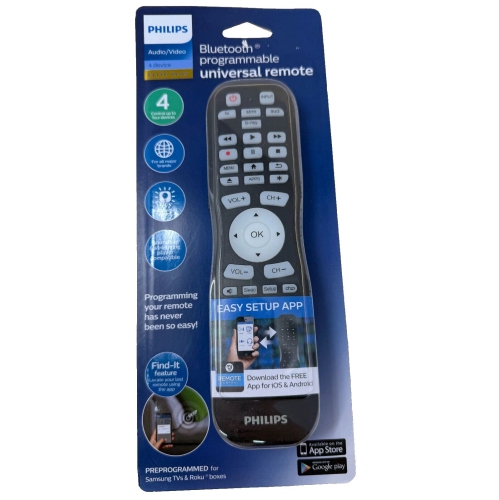 Your price for this item is $14.99
 -
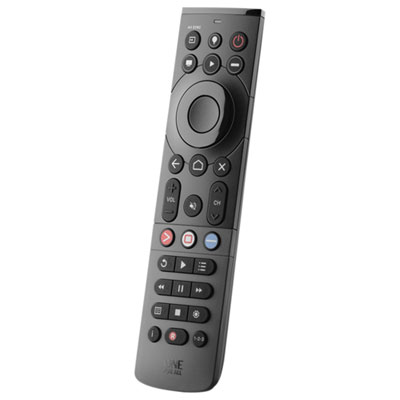 Your price for this item is $69.99
 -
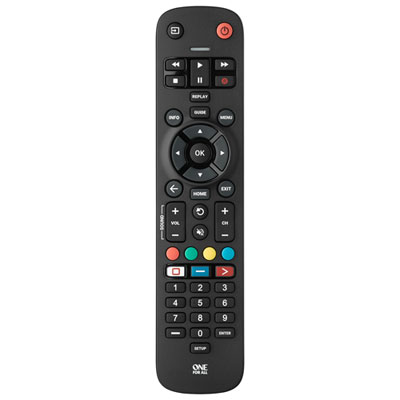 Your price for this item is $19.99
 -
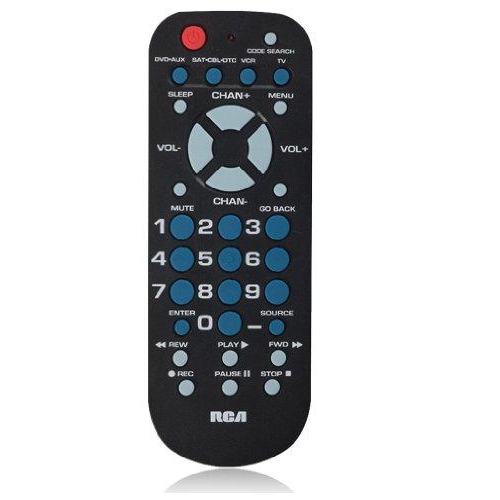 Your price for this item is $14.99
 -
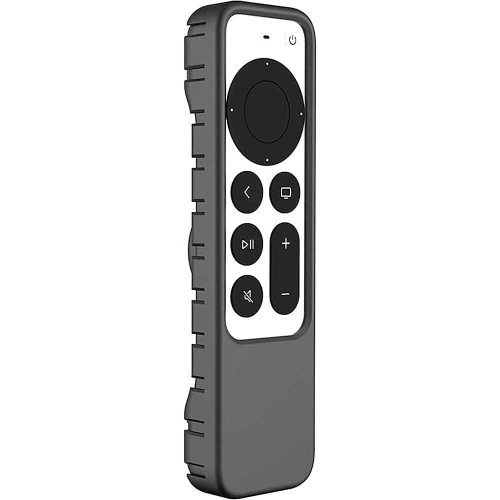 Your price for this item is $52
 -
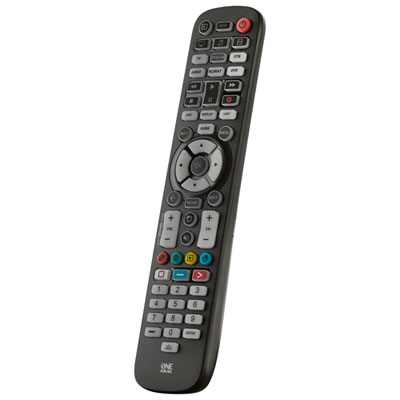 Your price for this item is $39.99
 -
 Your price for this item is $39.99
 -
 Your price for this item is $39.99
Discover more categories related to Apple TV Remotes
Top Collections:
Pokemon Centers, Best Cameras for Sports Photography, Kindle Devices, Samsung Galaxy Phones, Canon G7X Cameras, Pokémon 30th Celebration Cards, Refurbished Apple Laptops, iPhone 15 Apple, Laptops for Students, Budget Smartphones
Some products may be subject to Environmental Handling Fees
(EHF) depending on your province.
Learn more about EHFs.