Back To School Dorm TVs
Back-to-school dorm TVs help you make the most of limited space, whether you’re watching a show between classes or connecting a gaming console. Browse TVs with your room layout in mind, comparing screen sizes, dimensions, and inputs to find a fit for your desk or TV stand and the devices you plan to connect.

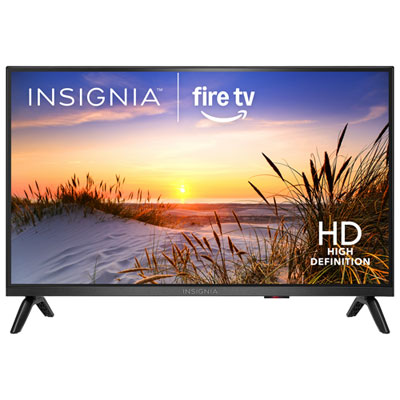
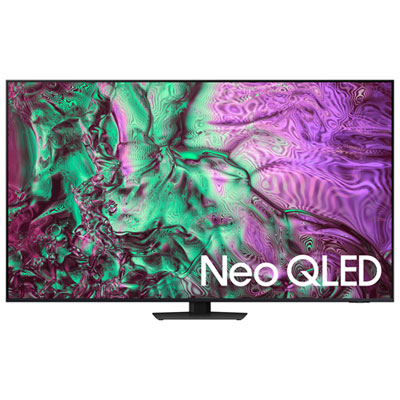
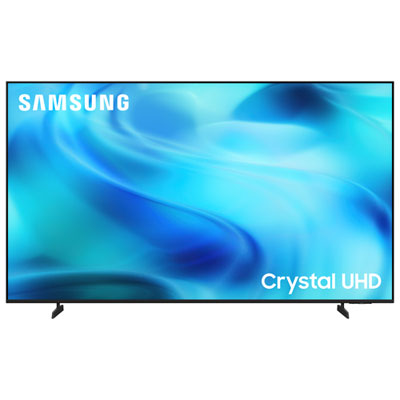
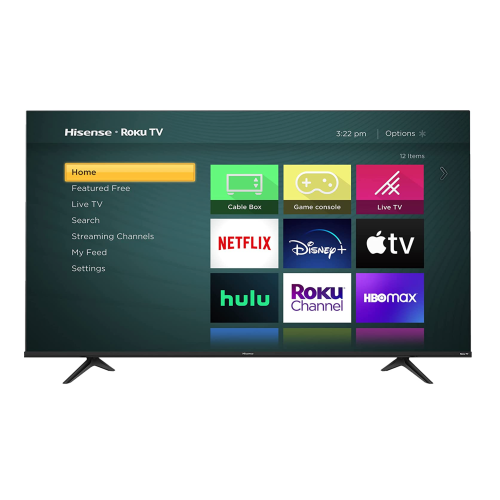
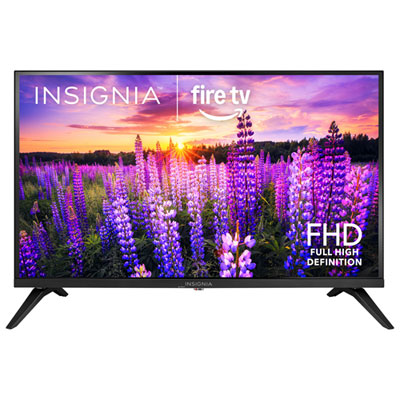
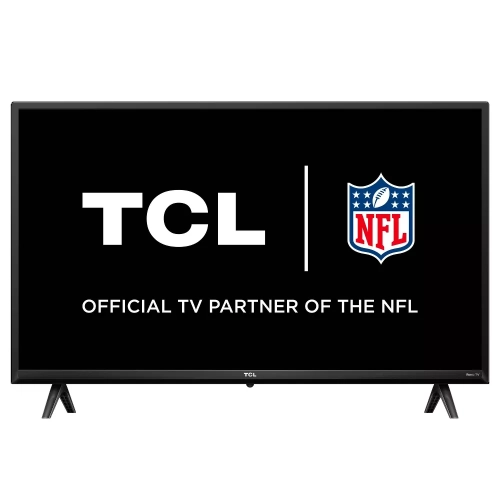
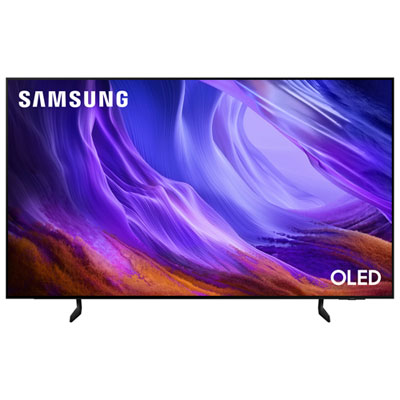
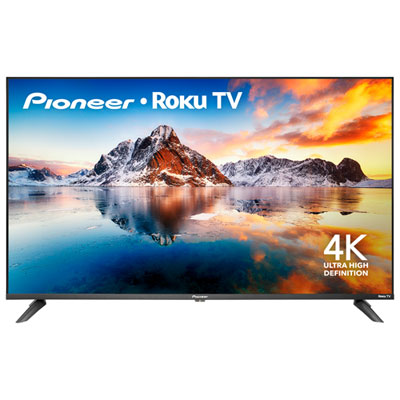


FAQ
A smart TV connects to the internet and offers built-in apps for streaming shows, movies, and music. A TV without smart features typically needs an external streaming device or a connected laptop to access those services. App availability varies by TV platform, and some services require a separate subscription.
Many smart TVs support Wi-Fi, but connecting through a campus network depends on your residence’s setup. Some networks require device registration or a browser-based sign-in that a TV may not support. Check your school’s connection instructions, including whether an Ethernet connection is available.
Most TVs have HDMI inputs for connecting compatible laptops and gaming consoles. A laptop without an HDMI port may need a compatible video adapter. Check the TV’s available inputs if you plan to keep a console, laptop, and streaming device connected.
Depending on the model, a TV may support Bluetooth headphones, a wired headphone connection, or audio through a compatible streaming device or gaming controller. Bluetooth audio support varies, so check whether the TV supports headphone pairing rather than only Bluetooth accessories.
Live TV may be available through streaming apps or an over-the-air antenna connected to a TV with a compatible tuner. Streaming options can include free ad-supported channels and subscription services. Antenna channel availability depends on local broadcasts, your building, and antenna placement.
Top selling and popular products
Discover more categories related to Back To School Dorm TVs
Some products may be subject to Environmental Handling Fees (EHF) depending on your province. Learn more about EHFs.