Best 65 Inch TVs Under $1000

Enjoy big-screen entertainment for less with the best 65-inch TVs under $1000, ranked by customer review ratings. Whether you’re watching movies, catching the game or streaming your favourite shows, this list makes it easy to compare highly rated options and find a TV that fits your space and budget.

What to look for in 65-inch TVs under $1000

1. Picture Quality

Look for 4K resolution to enjoy detailed images on a 65-inch screen. Full-array local dimming can improve contrast, while higher brightness helps make HDR highlights stand out.

2. Refresh Rate and Gaming Features

A native 60Hz refresh rate suits most everyday viewing, while a native 120Hz panel can deliver smoother motion for sports and compatible games. For gaming, check for low input lag, variable refresh rate (VRR), and support for 4K at 120Hz if those features matter to your setup.

3. Smart TV Features

Choose a smart TV platform that supports your preferred streaming apps and is easy to navigate. Built-in Wi-Fi, voice controls, and phone casting can make it simpler to find and share entertainment, though streaming subscriptions may cost extra.

4. Connections and Fit

Check that there are enough HDMI inputs for your consoles, streaming devices, and other equipment, plus an HDMI eARC port if you plan to connect a compatible sound bar. Compare the TV’s actual dimensions and stand width with your furniture, or check its VESA mounting pattern and weight for wall mounting.
  1. 1

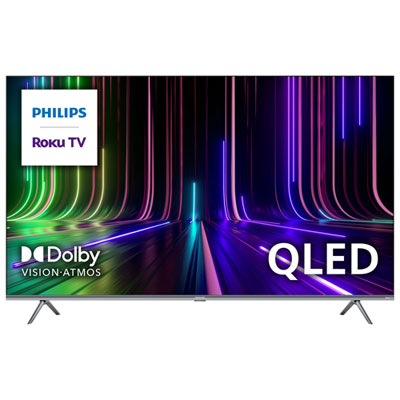
    Philips 65" 4K UHD HDR10 Dolby Vision QLED Roku TV Smart TV (65PUL7973/F6) - 2023 - Great for Streaming - Only at Best Buy

    About this product

    A vibrant QLED smart TV with 4K UHD resolution, advanced HDR, and Roku platform for seamless streaming.

    What customers like

    • Excellent picture quality
    • Good sound quality
    • Vibrant color accuracy
    • User-friendly Roku interface
    • Great value for money
    (60)
    $637.95 Your price for this item is $637.95
  2. 2

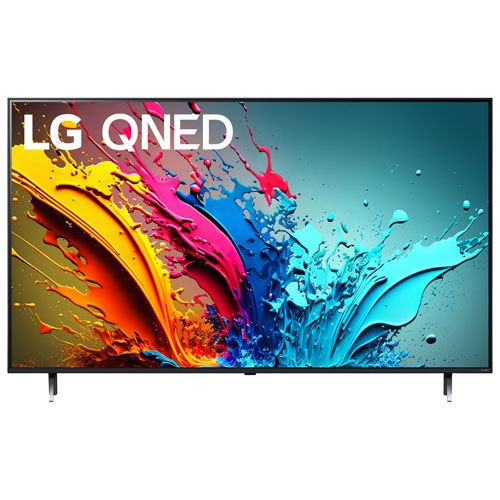
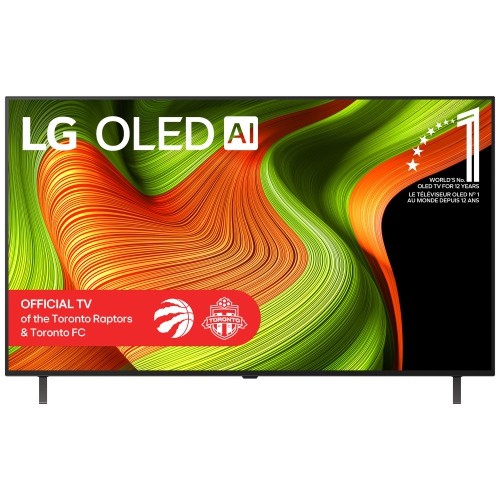
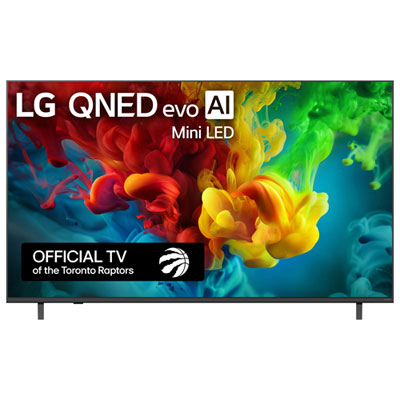
    LG - 65" Qned Evo Ai Qned85 4K Uhd Dolby Vision HDr Mini-Led 120Hz Dolby Atmos Webos Smart Tv (65Qned85A) - Great for Gaming

    About this product

    A 4K UHD HDR Mini-LED smart TV featuring AI-powered picture quality and webOS for seamless streaming.

    (1)
    $699.99
    SAVE $600
    Your price for this item is $699.99
  3. 3

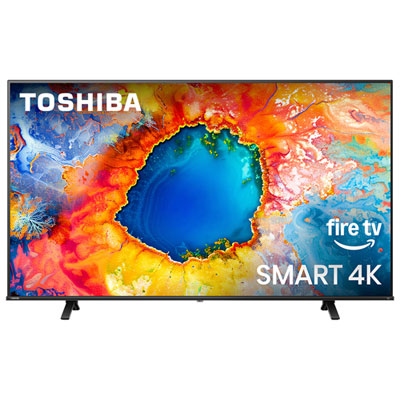
    Toshiba 65" C350NC Series 4K UHD Dolby Vision HDR LED Fire TV Smart TV (65C350NC) - 2025 - Great for Streaming & Gaming - Only at Best Buy

    About this product

    A 4K UHD HDR smart TV with Dolby Atmos audio, bottom speakers, and versatile connectivity options.

    (5)
    $639.95 Your price for this item is $639.95
  4. 4

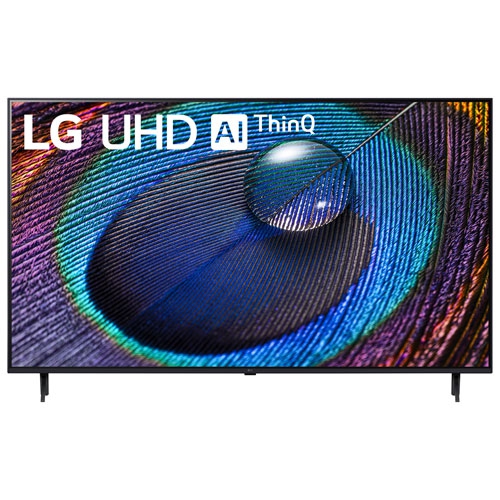
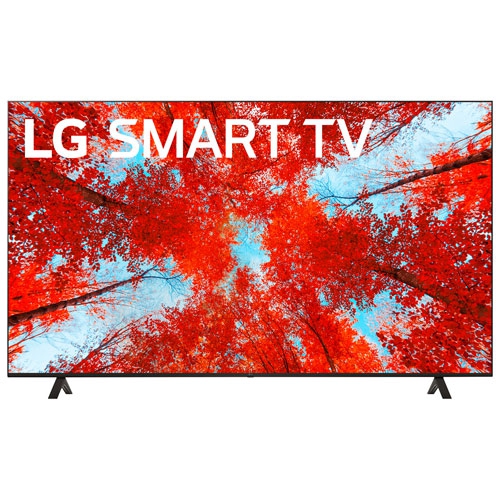
    LG - 65" 4K Uhd HDr10 Pro Led Webos Smart Tv (65Ur9000Pua) - Great for Streaming

    About this product

    A 65-inch 4K HDR Smart TV with a 60Hz refresh rate, perfect for immersive entertainment.

    $599.99
    SAVE $400
    Your price for this item is $599.99
  5. 5

    LG - 65" Qned 4K Uhd HDr10 Pro 120Hz Webos Smart Tv (65Qned85Tua) - Great for Streaming

    About this product

    A 4K HDR smart TV with a 120Hz refresh rate for smooth, vibrant viewing experiences.

    $649.99
    SAVE $250
    Your price for this item is $649.99
  6. 6

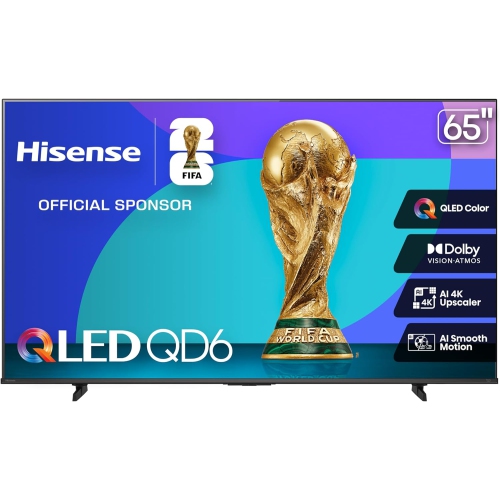
    HISENSE 65Qd6Qf 65-Inch 4K Qled Fire Tv (2025)

    About this product

    A 65-inch 4K QLED Smart TV featuring vibrant visuals and integrated Fire TV for seamless streaming.

    $668.00
    SAVE $130
    Your price for this item is $668
  7. 7

    LG - 65" 4K Uhd HDr Led Webos Smart Tv (65Uq9000Pud) - 2022 - Titan - Great for Movies & Gaming In Grey

    About this product

    A grey LED smart TV offering 4K UHD HDR visuals, built-in streaming apps, and voice assistant support.

    $849.99
    SAVE $150
    Your price for this item is $849.99
  8. 8

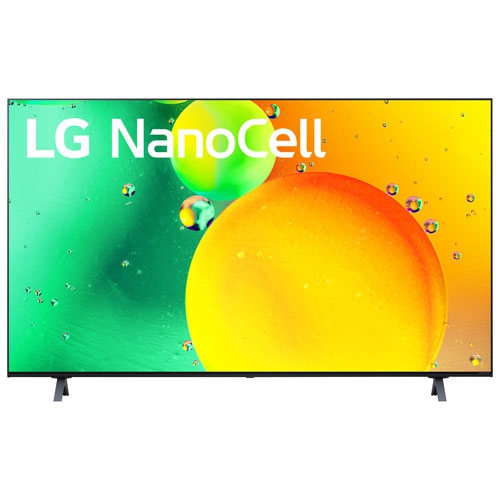
    LG - Nanocell 65" 4K Uhd HDr Led Webos Smart Tv (65Nano75Uqa) - 2022 - Ashed - Great for Gaming Local Toronto Delivery Only In Blue

    About this product

    An advanced blue LED smart TV delivering vivid 4K UHD visuals with AI processing and smooth TruMotion refresh.

    $599.99
    SAVE $400
    Your price for this item is $599.99
  9. 9

    LG Refurbished (Good) - 65" Qned85 4K Uhd HDr10 120Hz Webos 24 Smart Tv (65Qned85Tua) - 2024

    About this product

    A refurbished smart TV featuring 4K UHD, HDR10 Pro, local dimming, and AI-powered sound and picture.

    $599.99
    SAVE $500
    Your price for this item is $599.99

Why picture quality matters beyond screen size

A 65-inch TV brings a generous picture into a living room, family room, or shared entertainment space, making it easier to follow a fast-moving match, read game menus from the sofa, or settle into a film with everyone comfortably seated. The best fit combines clear detail, convincing contrast, natural colour, and straightforward controls rather than relying on screen size alone. At this size, 4K resolution provides a detailed picture when paired with a suitable source, while the television’s processing helps determine how lower-resolution broadcasts and older programmes look on the larger screen. Good upscaling can soften jagged edges and reduce visible noise, but it cannot restore detail that was never captured in the original footage. Contrast matters just as much as resolution: a dark jacket against a shadowy doorway should retain visible texture instead of blending into one flat patch. On LCD televisions, local dimming can improve contrast by adjusting the backlight in separate areas, although its effectiveness depends on the implementation, not simply the number of zones. Bright subtitles against a dark scene are a useful example of where light spilling into neighbouring areas may become noticeable. Quantum dot colour technology can support a wider colour range, but it does not guarantee accurate colour or strong black levels on its own. High dynamic range, or HDR, can add depth to highlights and shadows when the content and television support it; actual brightness, contrast, and tone mapping determine how convincing that effect appears. For everyday viewing, the most satisfying picture is often one that keeps faces looking natural, preserves detail in bright skies, and remains comfortable to watch through a full-length film. Households that mainly watch broadcast television may value processing and ease of use, while frequent film viewers may place more emphasis on shadow detail. Those differences make the intended viewing routine more useful than any single headline specification when comparing 65-inch TVs.

Room layout has a direct effect on how well a large television works at home. The 65-inch measurement describes the screen diagonally, not the width of the cabinet or the distance between its feet. A typical 65-inch widescreen display is about 57 inches wide before accounting for the frame, so the listed dimensions remain essential when checking a media unit, alcove, or wall. Stand designs vary: widely spaced feet need a broad supporting surface, while a central pedestal may work better on a narrower cabinet if its depth and weight capacity are suitable. The entire stand should sit securely on the furniture without overhanging an edge. Around 6.5 to 9 feet between the screen and the main seat can provide a useful starting point for a 65-inch 4K TV, with personal comfort, eyesight, and content influencing the preferred distance. A screen positioned roughly at seated eye level usually feels more comfortable than one mounted high above the main viewing area. For a room where a smaller screen would leave better clearance around shelves or suit a closer seating arrangement, best 55-inch TVs under $1000 offers a related size category to consider. Seating across a wide sectional also makes viewing angle important, since some displays lose colour intensity or contrast when viewed from the side. Reflections deserve attention too: a window or lamp opposite the screen can obscure dark scenes even when the television has plenty of brightness. Slight changes in placement, curtains, or lighting can help more than increasing the picture setting to its maximum. For wall installation, the mounting pattern, television weight, wall construction, and bracket capacity all need to match. Cable access and ventilation space should remain clear after installation. Homes with children or pets also benefit from secure mounting or an appropriate anti-tip restraint, with cords routed away from walkways and curious hands.

Smart features, connections, and everyday upkeep shape the experience long after the first film night. A useful smart TV interface makes it easy to reach favourite streaming services, switch to a console, and return to live television without navigating layers of menus. App support varies by platform and region, and some services require separate subscriptions, so support for the services a household actually uses is more valuable than a long list of unfamiliar apps. Wi-Fi is convenient for streaming, while a wired Ethernet connection can be useful where wireless reception is inconsistent. Screen sharing and voice controls may add convenience, but compatibility with existing devices should be checked rather than assumed. For gaming, low input lag helps on-screen actions respond promptly to controller movements, and an automatic low-latency mode can simplify switching between games and video. A native 120 Hz panel can show smoother motion with compatible sources than a native 60 Hz panel, though advertised motion ratings are not the same as the panel’s actual refresh rate. Variable refresh rate can reduce tearing in supported games, and any desired combination of resolution and refresh rate must be supported by the television, its HDMI input, the cable, and the connected device. Enough accessible HDMI ports make it easier to leave a console, streaming device, and other equipment connected. An HDMI connection with ARC or eARC can carry television audio to a compatible soundbar or receiver, with eARC supporting higher-bandwidth audio formats when both devices support them. Clear dialogue settings can help with everyday programmes, while external speakers may better suit action films or a larger room. Durability also depends on sensible handling and care. Large screens should be moved by two people as directed by the manufacturer, without pressure on the display surface. For routine cleaning, switch the television off and use a clean, soft microfibre cloth, following the manufacturer’s directions for stubborn marks rather than spraying liquid directly onto the panel. Clear vents, stable furniture, and accessible connections help keep a 65-inch TV practical for everything from quiet solo viewing to a full sofa on game night.

FAQ

Some products may be subject to Environmental Handling Fees (EHF) depending on your province. Learn more about EHFs.