Best TV To Use As A Monitors
The best TVs to use as monitors offer a spacious screen for work, gaming, and streaming. When choosing a TV for your desk, look for sharp text, low input lag, and HDMI connectivity that works with your computer. Explore the options below, ranked by user review ratings, to find a TV that suits your setup.
What to look for in TVs to use as monitors
1. Resolution and Text Clarity
2. Screen Size and Viewing Distance
3. Connectivity and Refresh Rate
4. Input Lag and Desktop Use
-
1
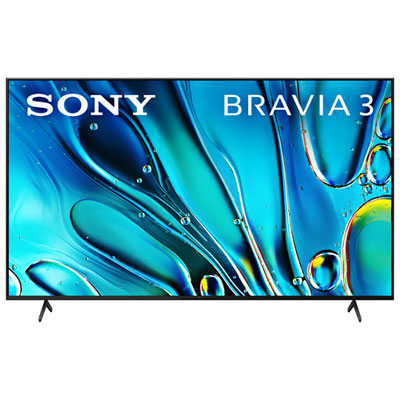
Sony Bravia 3 75" S30B Series 4K UHD HDR LED Smart Google TV (K75S30B) - 2024
About this product
A smart LED TV with 4K UHD resolution, HDR, Dolby Vision, Dolby Atmos, and Google TV integration.
What customers like
(1,105)$959.97 Your price for this item is $959.97 -
2
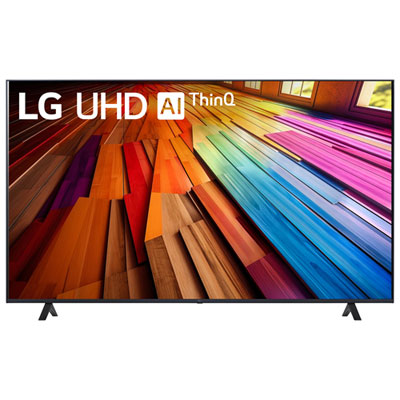
LG 75" UT8000 4K UHD HDR10 Pro LED FILMMAKER Mode webOS 24 Smart TV (75UT8000PUA) - 2024 - Great for Movies & Gaming - Only at Best Buy
About this product
A 75" LG smart TV with 4K Ultra HD resolution, HDR10 Pro, and webOS for a user-friendly experience.
What customers like
(337)$839.97 Your price for this item is $839.97 -
3
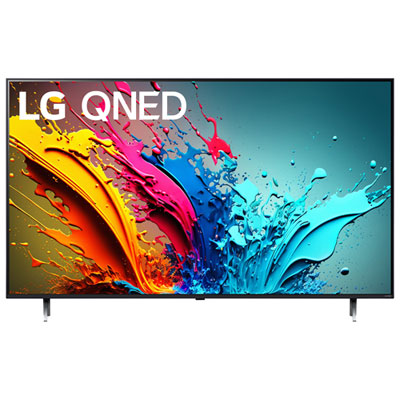
LG 75" QNED85 4K UHD HDR10 Pro QNED 120Hz webOS Smart TV (75QNED85TYA) - 2024 - Great for Gaming & Streaming - Only at Best Buy
About this product
A 4K UHD Smart TV with Quantum Dot and NanoCell technology for vibrant, lifelike visuals and smooth motion.
What customers like
(249)$1,099.95 Your price for this item is $1099.95 -
4
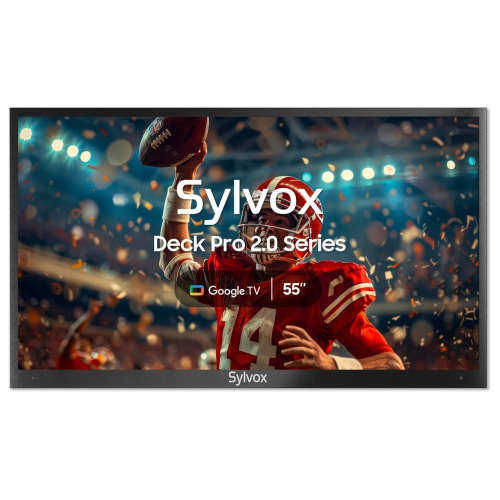
SYLVOX 55" Deck Pro 3.0 4K Uhd Led Outdoor Tv for Partial Sun, 1000 Nits, Ip56, Dolby Atmos Google Tv Smart Tv - 2026 - Great for Streaming
About this product
An outdoor 4K UHD smart TV with 1000-nit brightness, IP55 weatherproofing, Chromecast, and Google Assistant.
What customers like
(52)$1,903.00Your price for this item is $1903SAVE $296 -
5
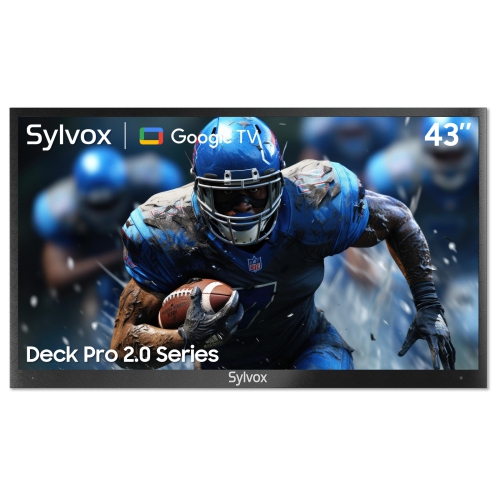
SYLVOX 43" Deck Pro3.0 4K Uhd HDr10 Dolby Vision Led 1000-Nit Partial-Sun Outdoor Waterproof Ip56 Google Tv Smart Tv (Deck Pro3.0) - 2026
About this product
An outdoor 4K UHD smart TV with 1000-nit brightness, IP55 waterproofing, Chromecast, and Google Assistant.
What customers like
(28)$1,367.00Your price for this item is $1367SAVE $132 -
6
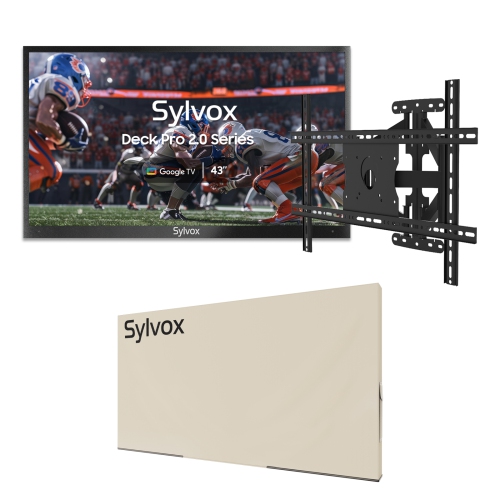
SYLVOX 43" Outdoor Partial Sun 4K Uhd HDr10 Led Tv W/soundbar 1000 Nits Ip56 Waterproof Dolby Atmos Google Tv Smart Tv (Deck Pro 3.0) - 2026
About this product
An outdoor 4K smart TV with 1000-nit brightness, IP55 waterproof metal casing, mount, and weatherproof cover.
(12)$1,926.00Your price for this item is $1926SAVE $132 -
7
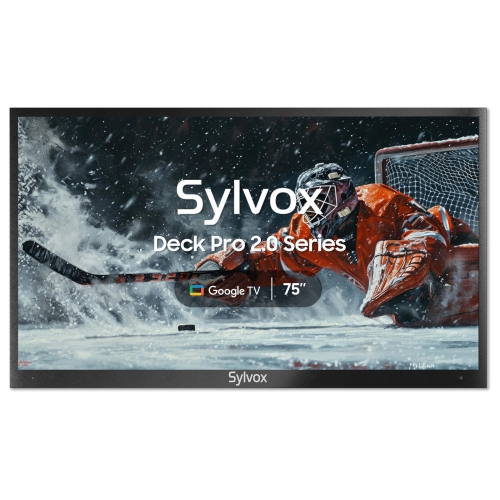
SYLVOX 75" Deck Pro 3.0 4K Uhd HDr10 Led 1000 Nits Outdoor Tv for Partial Sun, Ip56, Dolby Atmos Google Tv Smart Tv (Deck Pro3.0) - 2026
About this product
An ultra-bright, weatherproof smart TV with 4K UHD, Google TV, Chromecast, and hands-free voice control.
(8)$4,359.00Your price for this item is $4359SAVE $340 -
8
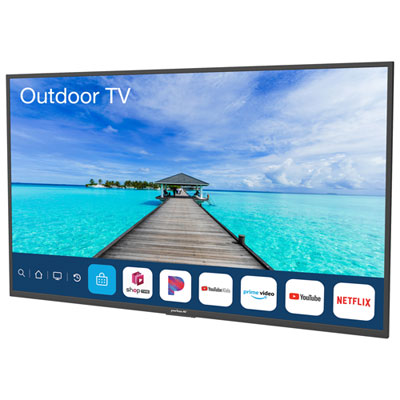
Neptune Full Sun 55" 4K UHD HDR LED Outdoor webOS Smart TV (ODTV5504) - 1500 nit 2026 version
About this product
A weather-resistant black outdoor smart TV delivering vibrant 4K UHD HDR visuals with webOS functionality.
(7)$4,198.00 Your price for this item is $4198 -
9
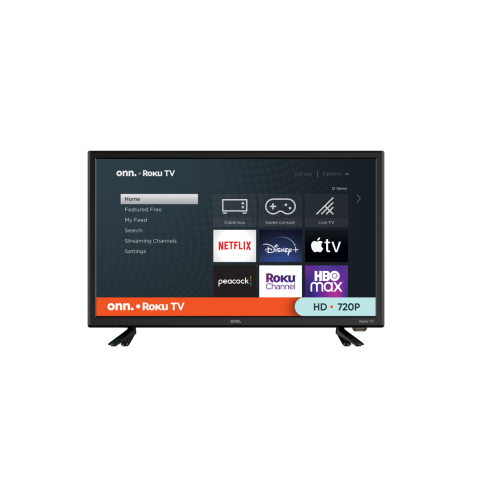
ONN Refurbished (Excellent) - . 24" 720P HD Led Roku Smart Tv (100012590-Ca) - 3 HDMI, 1 USB
About this product
A refurbished 24" HD smart TV with Roku, 3 HDMI ports, 1 USB, and 60 Hz refresh rate.
(1)$119.95Your price for this item is $119.95SAVE $105
FAQ
Look for a TV with 4K resolution, low input lag, support for 4:4:4 chroma, and a dedicated PC mode. These features help display clear text and responsive cursor movement. Check that the TV’s HDMI inputs support your computer’s intended resolution and refresh rate.
A 4:4:4 chroma signal preserves full colour detail, helping text and fine edges appear clear on a desktop. Without it, coloured text can look blurry or fringed. Some TVs require PC mode or an enhanced HDMI input setting to accept and display 4:4:4 chroma.
Connect the computer’s HDMI output to a compatible HDMI input on the TV, then select that input. If your computer only has DisplayPort or USB-C video output, you may need an adapter that supports your intended resolution and refresh rate. In your computer’s display settings, choose whether to duplicate your desktop or extend it across both displays.
Enable PC mode if available, select the TV’s native resolution in your computer’s display settings, and turn off overscan so the entire desktop is visible. Disable motion smoothing and unnecessary image processing. Adjust desktop scaling for readable text, and use a neutral sharpness setting to avoid artificial outlines.
Refresh rate affects how often the display can update the image. A native 120 Hz panel can show more frames per second than a 60 Hz panel when the computer and connection support it. For gaming, variable refresh rate support can also help reduce screen tearing. Check supported input formats rather than relying on motion enhancement ratings.
Top selling and popular products
Discover more categories related to Best TV To Use As A Monitors
Some products may be subject to Environmental Handling Fees (EHF) depending on your province. Learn more about EHFs.