Energy Efficient Television
Discover the perfect balance of performance and savings with an energy efficient television. Designed to deliver vibrant visuals and smart functionality, these TVs help you enjoy your favorite shows, movies, and games while optimizing power usage. Explore a wide selection of models in various sizes and styles to find the ideal energy efficient television that fits seamlessly into your home entertainment setup.
Sort
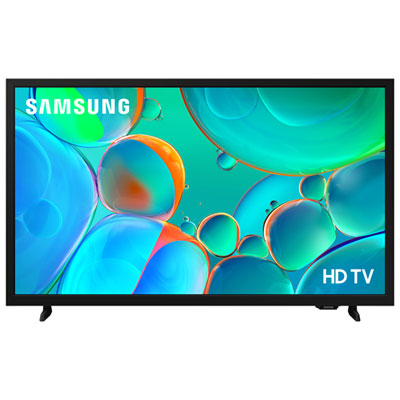
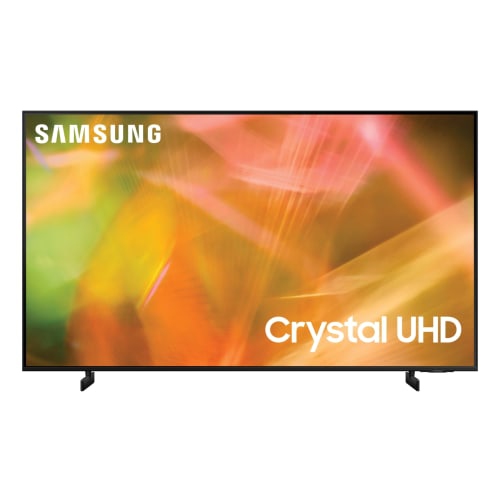
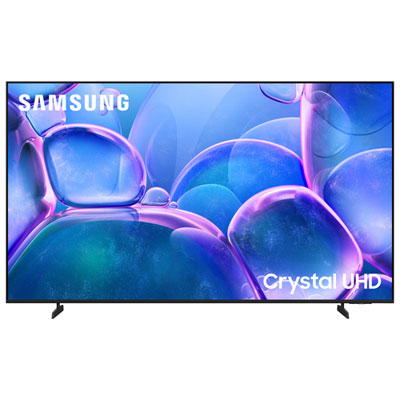
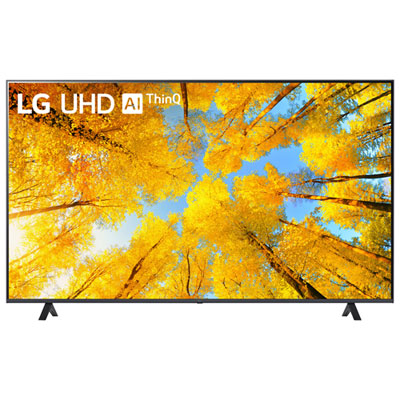
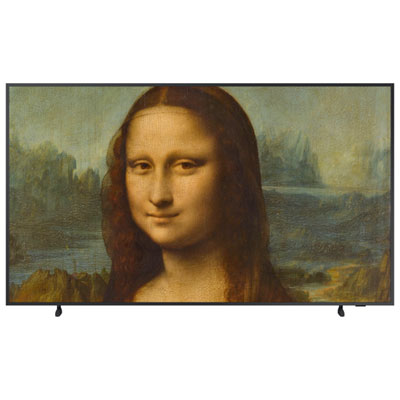
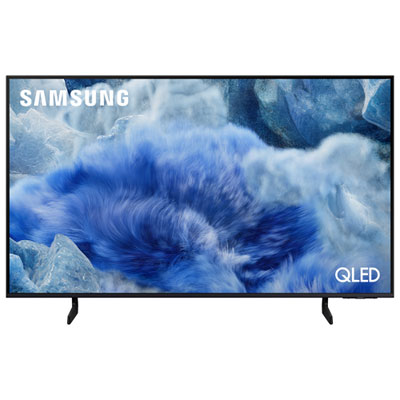

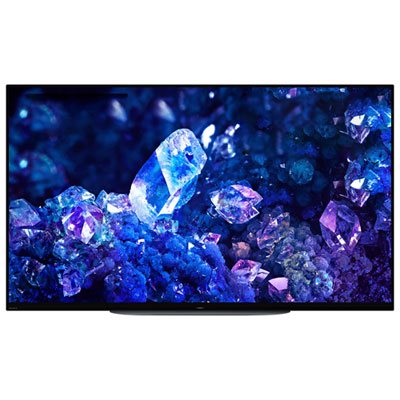


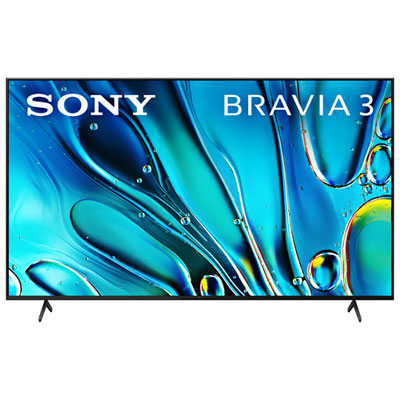
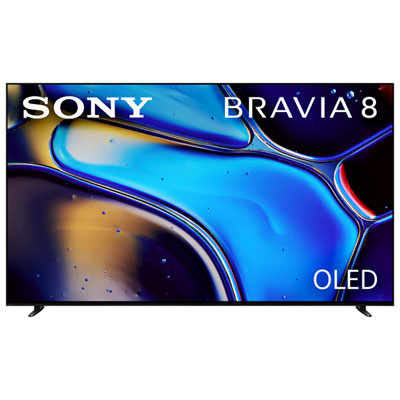
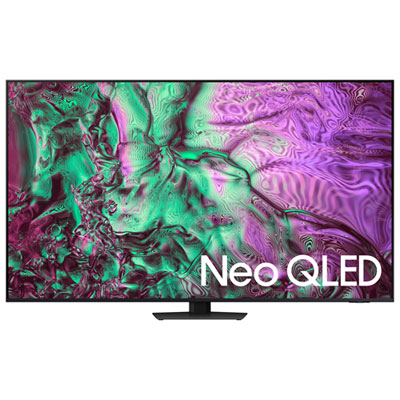
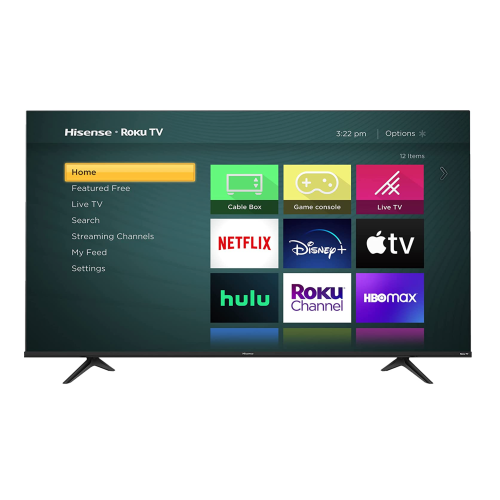
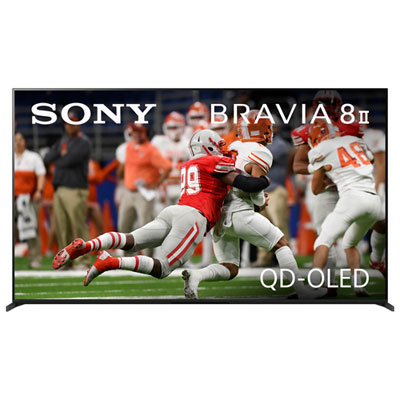
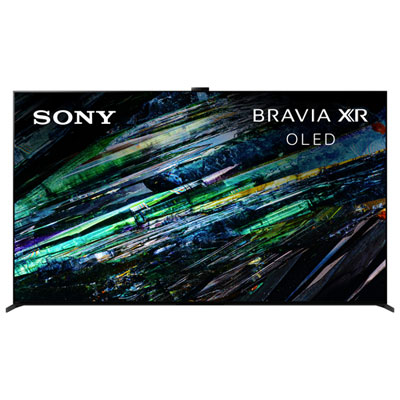
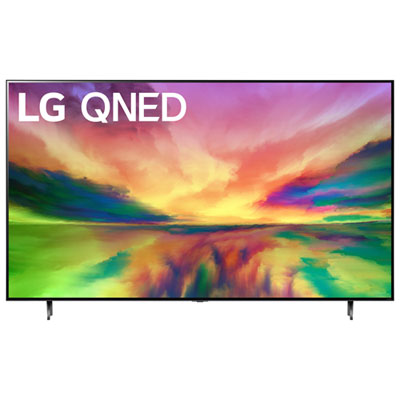
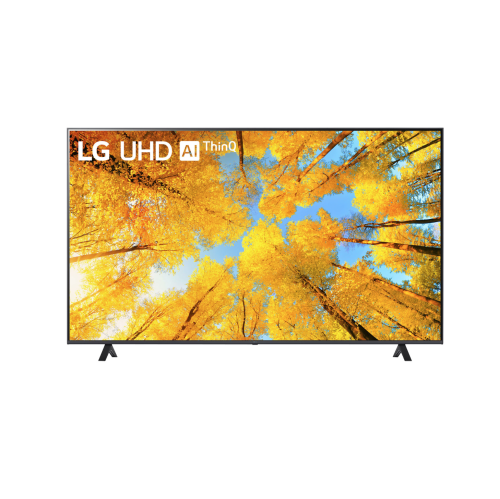
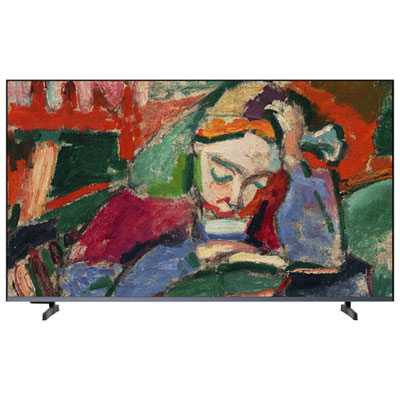
How screen size and settings affect television power use
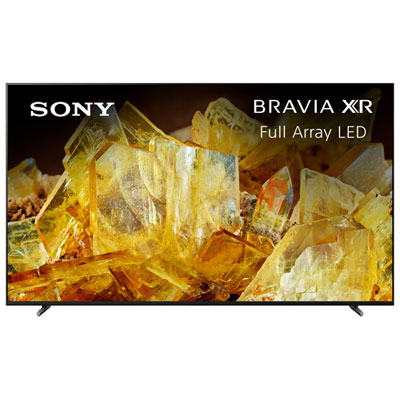
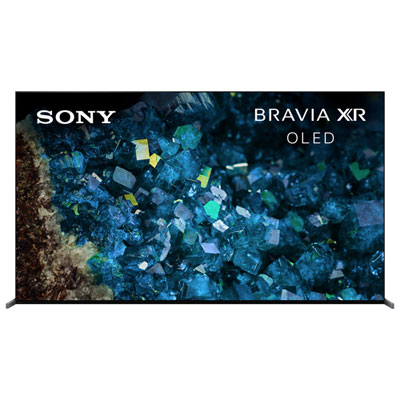
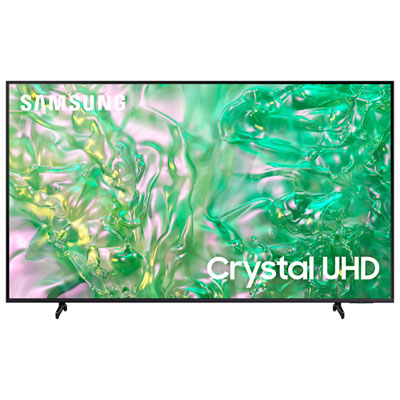
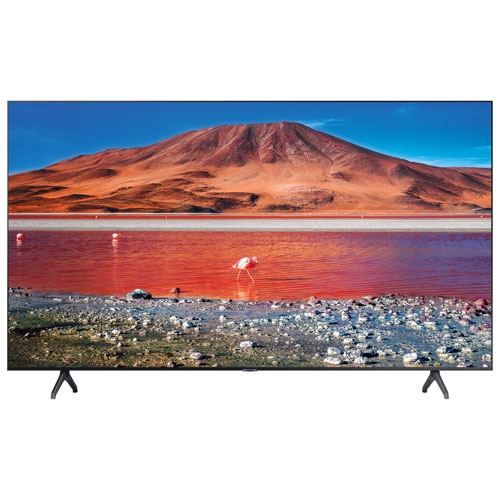
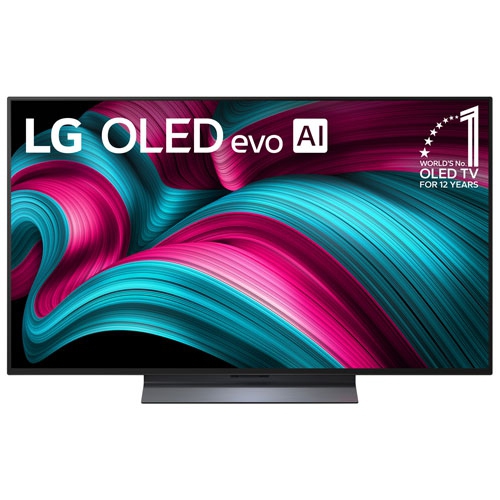
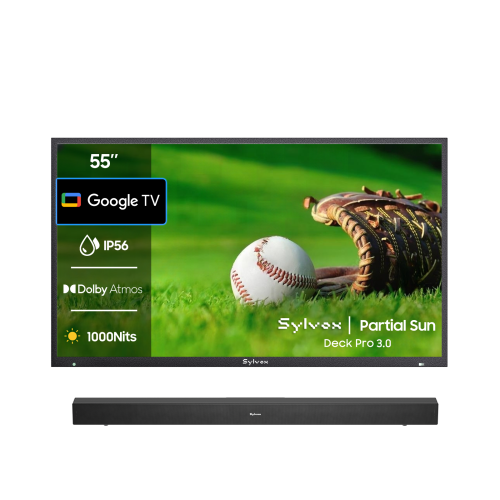
Energy-efficient televisions are designed to deliver a satisfying picture while using less electricity during everyday viewing, standby, and sleep modes. For many households, the easiest place to begin is by looking for the ENERGY STAR label, which indicates that a television meets established requirements for power use in active and low-power states. LED-backlit LCD televisions are a popular choice because they combine bright, consistent images with generally modest energy demands, while OLED televisions can be especially efficient when displaying darker scenes. OLED pixels produce their own light and can switch off completely in black areas, so a night-time drama, space documentary, or film with deep shadows may use less power than a similarly sized display showing a bright, fully illuminated image. Screen size also matters: larger televisions typically require more power, particularly when brightness is set high. Choosing a size that suits the room can make a noticeable difference without compromising comfort. A television for a bedroom, den, apartment living room, or gaming corner may not need the same screen area as one intended for a spacious home theatre. Measure the wall, stand, and viewing distance before shopping, and consider how much of the screen will be used for regular programming rather than occasional movie nights. For households seeking a familiar balance of size, picture quality, and power-conscious operation, explore Best Energy Efficient 55 Inch TVs. A 55-inch screen can be a practical middle ground for many living rooms, offering enough space for captions, sports, console games, and shared viewing while remaining more manageable than an extra-large display.
Picture settings have a direct effect on how much electricity a television uses. Brightness, backlight intensity, contrast, and picture modes can all influence power consumption, and a television set to its brightest retail display mode may use considerably more power than it needs to at home. Once the screen is installed, take a few minutes to switch from a vivid showroom preset to a standard, cinema, filmmaker, or custom mode, depending on the model. Lowering the backlight slightly can make a room feel more comfortable during evening viewing, reduce glare on darker scenes, and limit unnecessary power use. An ambient light sensor can make these adjustments automatically by detecting the lighting in the room and adapting screen brightness as the day changes. This feature is useful in a family room that receives natural light during the afternoon but becomes dim and cosy during the cooler months. It can also help in bedrooms or dens where lights are often turned down for a more relaxed atmosphere. Look for automatic power-saving settings that dim the screen after a period of inactivity or place the television into sleep mode when no one is watching. These features are helpful in busy homes where the television may be left on while someone answers the door, prepares a snack, helps with homework, or settles children for the night. If you connect a streaming device, game console, soundbar, Blu-ray player, or antenna accessory, check the settings on those devices as well. Their standby draw can add up when several components remain plugged in around the clock. A smart power bar with automatic shutoff or individually controlled outlets can help cut power to connected equipment when the television is turned off, while the main television outlet remains active for scheduled functions where needed. For the most reliable results, review the television’s energy information, confirm the sleep timer is enabled, and turn the set off fully when it will not be used for an extended period.
An energy-efficient television can suit a wide range of viewers and makes a thoughtful gift for someone setting up a first apartment, refreshing a guest room, or creating a comfortable space for shared entertainment. Students and renters may appreciate a compact model with straightforward controls and built-in streaming access, especially when space and outlet availability are limited. Families may prefer a display with automatic brightness adjustment, parental controls, multiple HDMI connections, and a responsive interface for switching between live television, streaming services, and gaming systems. For older adults or anyone who values simplicity, clear menus, an easy-to-read remote, and dependable voice control can be just as important as the screen itself. A television given as a housewarming gift can become the centre of a room where friends gather for weekend films, family members follow live events, or guests unwind after travelling. During the cooler months, it may provide a warm, inviting backdrop for quiet evenings indoors, from cooking shows playing softly in the kitchen to nature programmes filling the room with expansive scenery. When selecting a model, compare its energy information at the screen size you are considering rather than relying only on general claims, and check whether the television includes an ambient light sensor, a sleep timer, automatic power-down options, and an ENERGY STAR certification. Think about the room’s lighting, the distance between the seating area and screen, the number of devices that will be connected, and whether the television will be watched for a few hours or used throughout much of the day. A well-sized display with sensible picture settings can offer a bright, detailed viewing experience without demanding more power than necessary, making it a practical choice for everyday entertainment, thoughtful gifting, and comfortable home viewing.
Picture settings have a direct effect on how much electricity a television uses. Brightness, backlight intensity, contrast, and picture modes can all influence power consumption, and a television set to its brightest retail display mode may use considerably more power than it needs to at home. Once the screen is installed, take a few minutes to switch from a vivid showroom preset to a standard, cinema, filmmaker, or custom mode, depending on the model. Lowering the backlight slightly can make a room feel more comfortable during evening viewing, reduce glare on darker scenes, and limit unnecessary power use. An ambient light sensor can make these adjustments automatically by detecting the lighting in the room and adapting screen brightness as the day changes. This feature is useful in a family room that receives natural light during the afternoon but becomes dim and cosy during the cooler months. It can also help in bedrooms or dens where lights are often turned down for a more relaxed atmosphere. Look for automatic power-saving settings that dim the screen after a period of inactivity or place the television into sleep mode when no one is watching. These features are helpful in busy homes where the television may be left on while someone answers the door, prepares a snack, helps with homework, or settles children for the night. If you connect a streaming device, game console, soundbar, Blu-ray player, or antenna accessory, check the settings on those devices as well. Their standby draw can add up when several components remain plugged in around the clock. A smart power bar with automatic shutoff or individually controlled outlets can help cut power to connected equipment when the television is turned off, while the main television outlet remains active for scheduled functions where needed. For the most reliable results, review the television’s energy information, confirm the sleep timer is enabled, and turn the set off fully when it will not be used for an extended period.
An energy-efficient television can suit a wide range of viewers and makes a thoughtful gift for someone setting up a first apartment, refreshing a guest room, or creating a comfortable space for shared entertainment. Students and renters may appreciate a compact model with straightforward controls and built-in streaming access, especially when space and outlet availability are limited. Families may prefer a display with automatic brightness adjustment, parental controls, multiple HDMI connections, and a responsive interface for switching between live television, streaming services, and gaming systems. For older adults or anyone who values simplicity, clear menus, an easy-to-read remote, and dependable voice control can be just as important as the screen itself. A television given as a housewarming gift can become the centre of a room where friends gather for weekend films, family members follow live events, or guests unwind after travelling. During the cooler months, it may provide a warm, inviting backdrop for quiet evenings indoors, from cooking shows playing softly in the kitchen to nature programmes filling the room with expansive scenery. When selecting a model, compare its energy information at the screen size you are considering rather than relying only on general claims, and check whether the television includes an ambient light sensor, a sleep timer, automatic power-down options, and an ENERGY STAR certification. Think about the room’s lighting, the distance between the seating area and screen, the number of devices that will be connected, and whether the television will be watched for a few hours or used throughout much of the day. A well-sized display with sensible picture settings can offer a bright, detailed viewing experience without demanding more power than necessary, making it a practical choice for everyday entertainment, thoughtful gifting, and comfortable home viewing.
Top selling and popular products
-
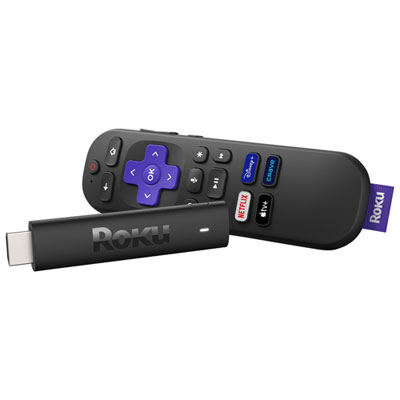 Your price for this item is $69.99
 -
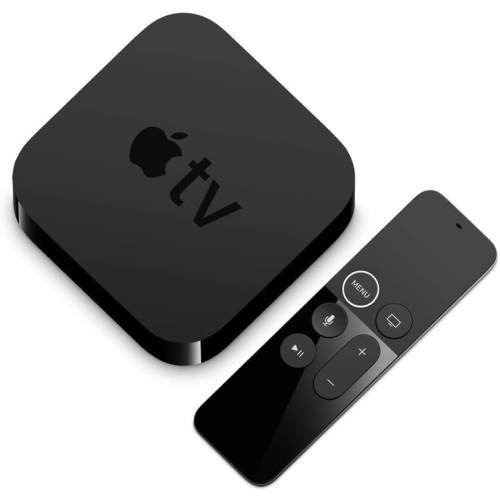 Your price for this item is $143.99
 -
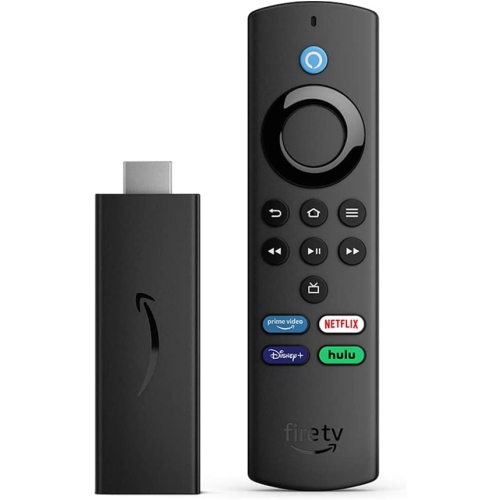 Your price for this item is $39.97
 -
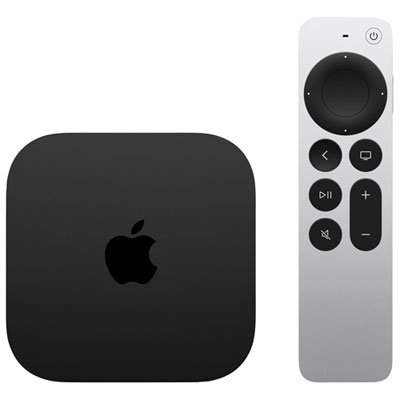 Your price for this item is $349.99
 -
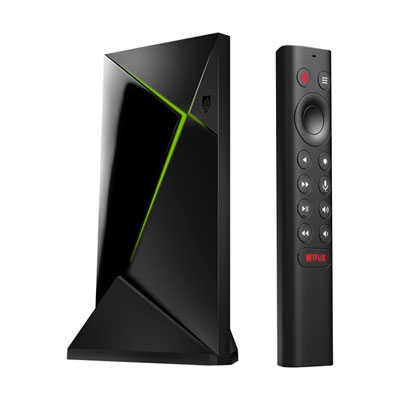 Your price for this item is $259.99
 -
 Your price for this item is $39.99
 -
 Your price for this item is $98.85
 -
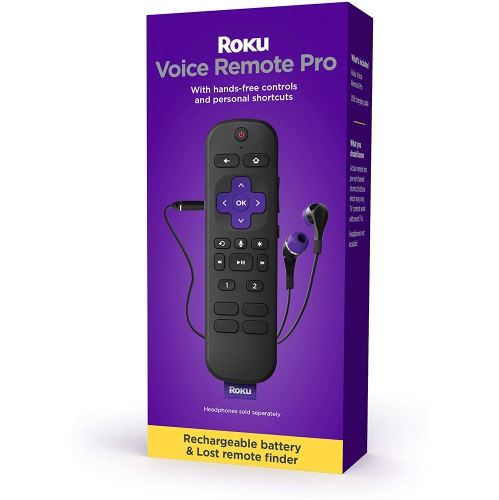 Your price for this item is $110
Discover more categories related to Energy Efficient Television
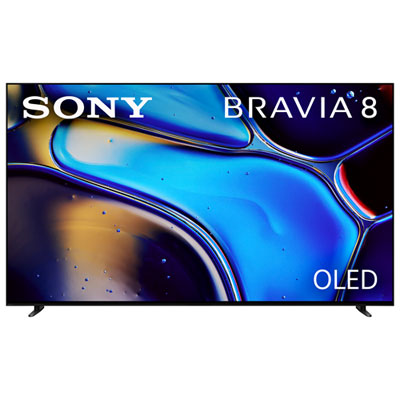
Top Collections:
Best Laptops for Video Editing, Pokemon Centers, Samsung Z Fold, Kindle Devices, Best Cell Phones Under $300, Best Laptops for Writers, Best Budget Office Chairs, Best Cell Phones Under $500, Best Laptop Computers for Students, iPhone 15 Apple
Some products may be subject to Environmental Handling Fees
(EHF) depending on your province.
Learn more about EHFs.