Hdmi Audio Splitters
If you're looking to enhance your audio setup with ease and efficiency, explore this selection of HDMI audio splitters, designed to revolutionize the way you experience sound. Whether you're a home theater enthusiast, a gaming aficionado, or simply seeking to optimize your entertainment system, these versatile devices offer seamless connectivity and crystal-clear audio distribution. Say goodbye to tangled cords and limited connection options. With an HDMI audio splitter, you can enjoy immersive sound across multiple devices simultaneously.
Sort





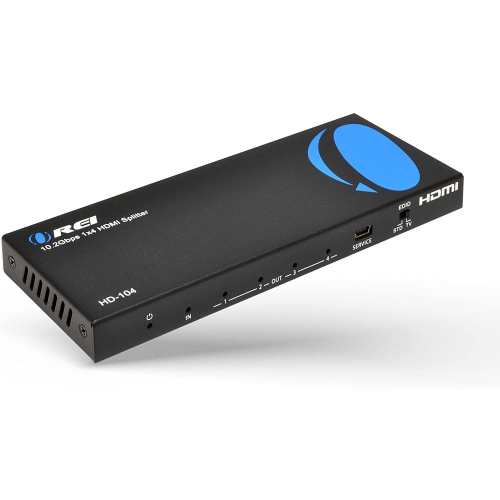
![TTX TECH Universal HDMI Splitterttx]](https://multimedia.bbycastatic.ca/multimedia/products/500x500/175/17550/17550375.jpeg)
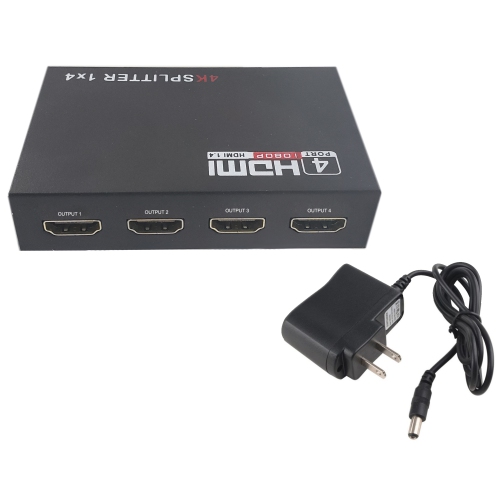
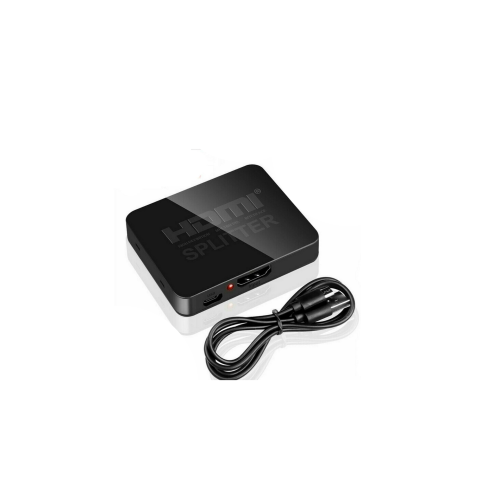
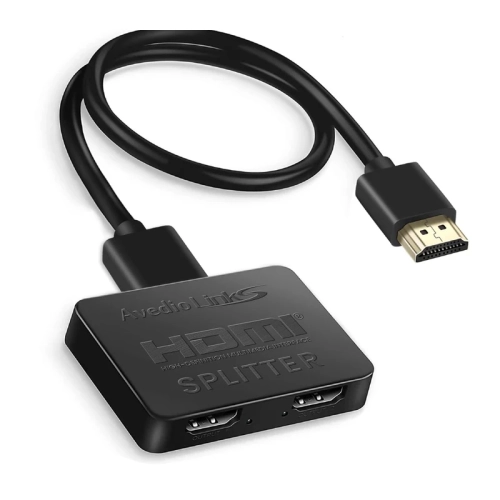
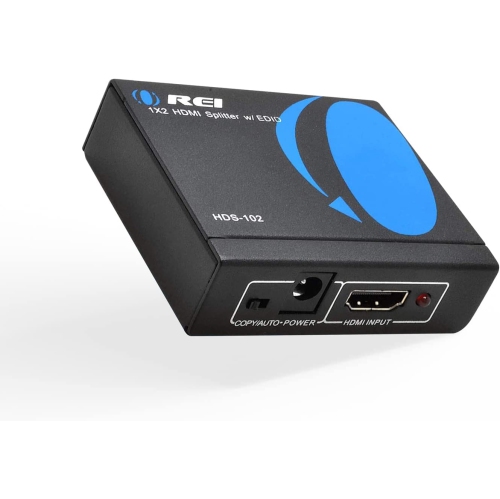
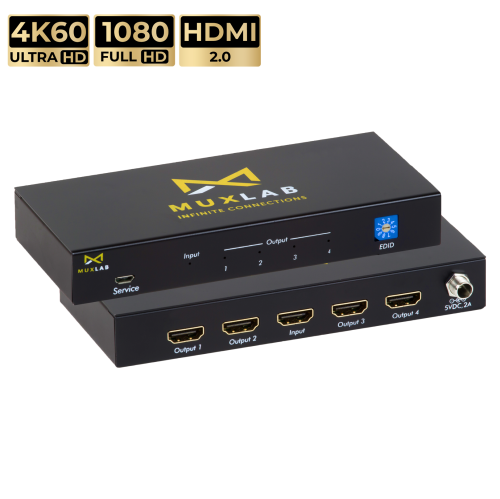
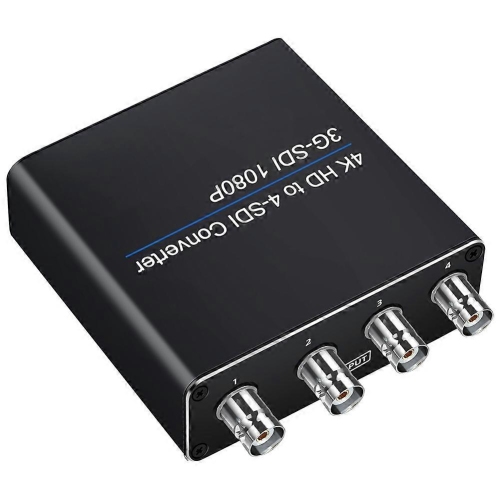
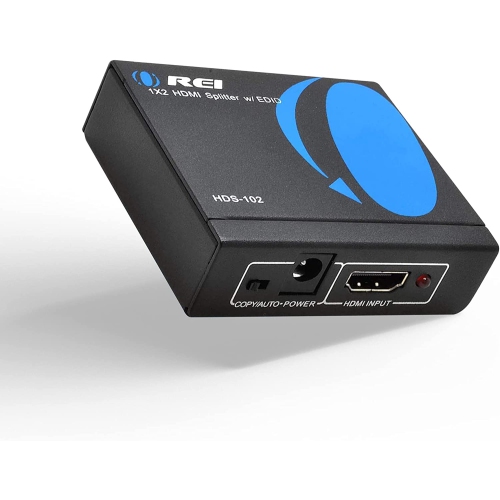
A practical bridge between HDMI video and older audio
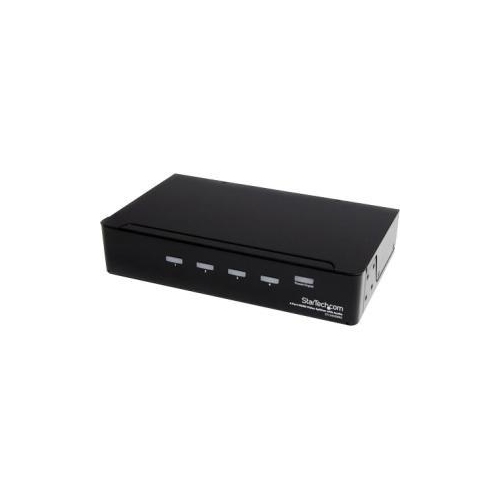
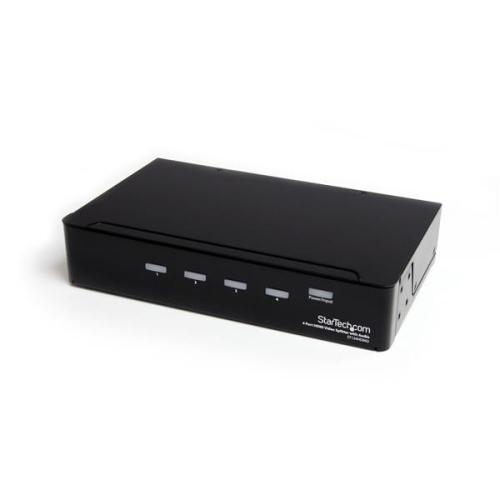
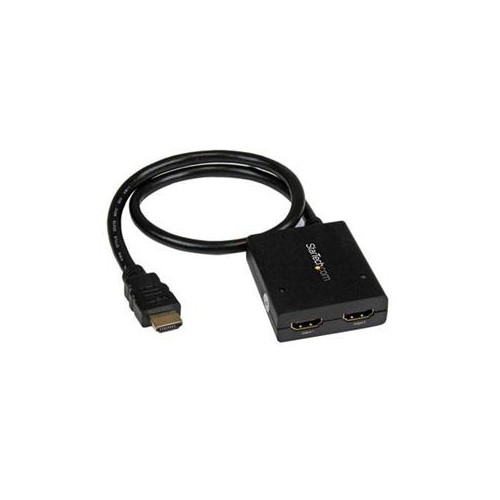
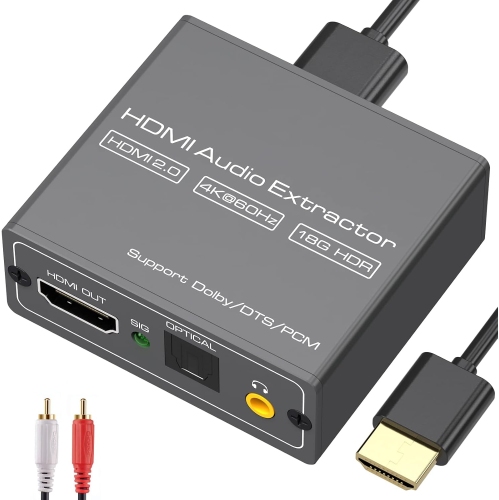
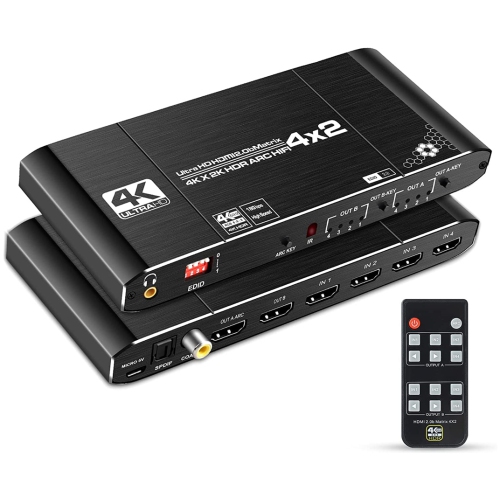
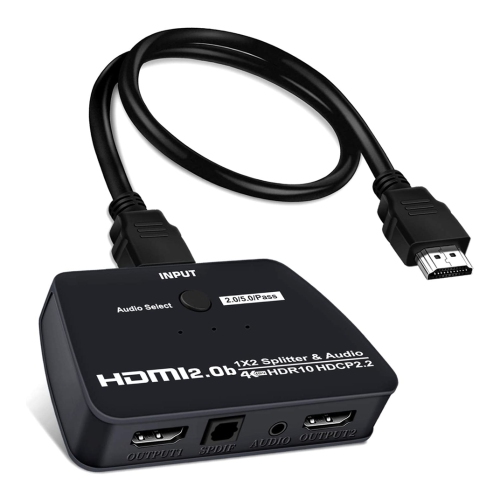
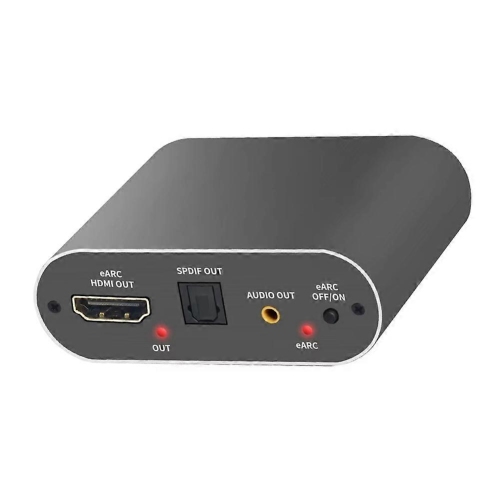
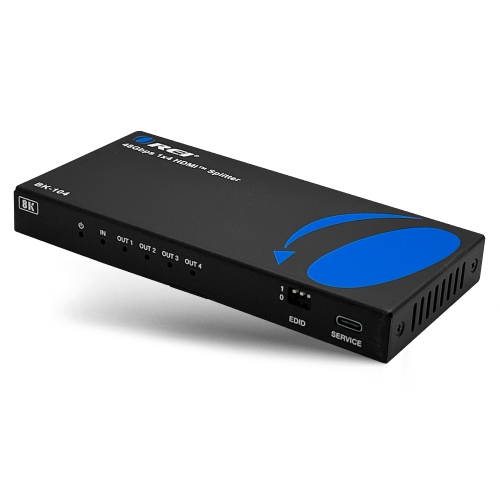
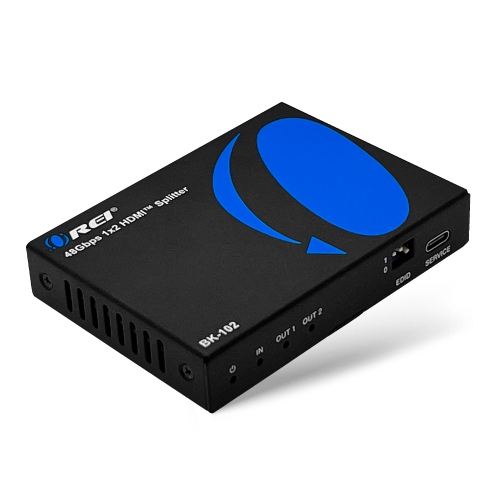
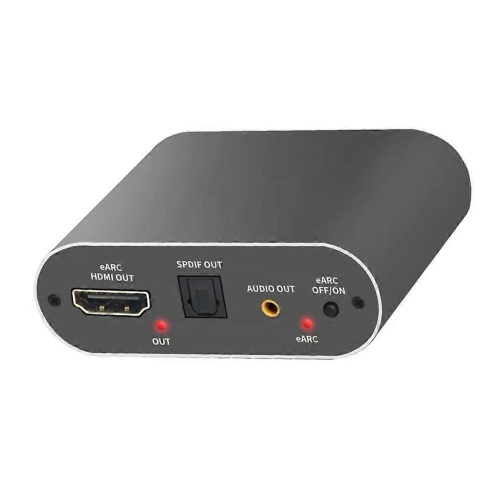
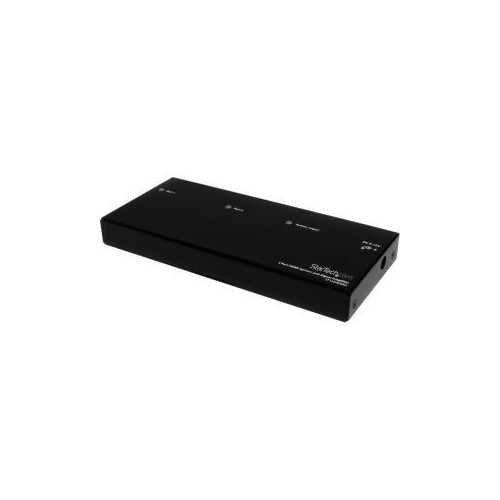
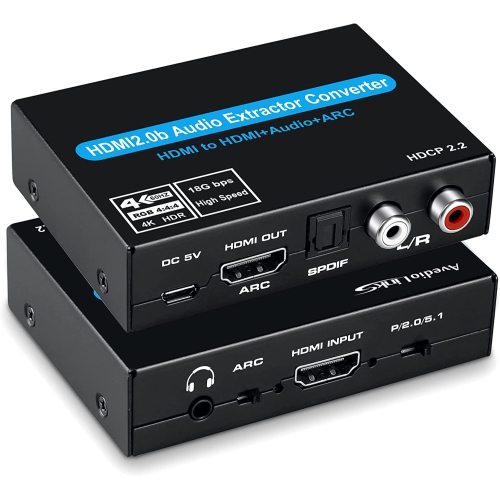
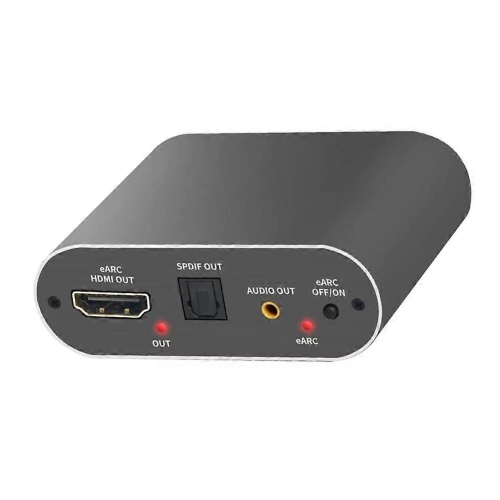
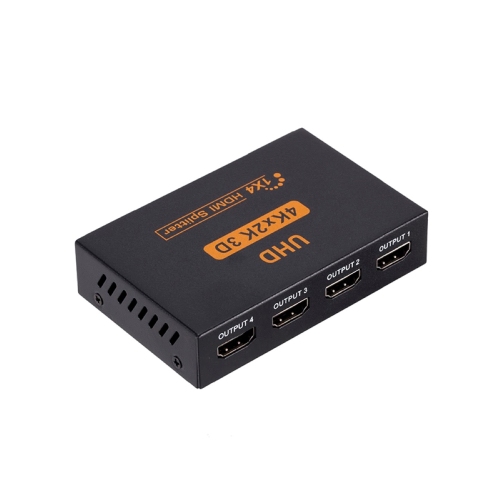
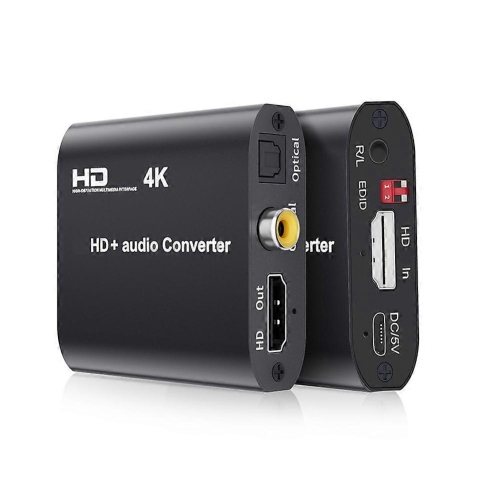
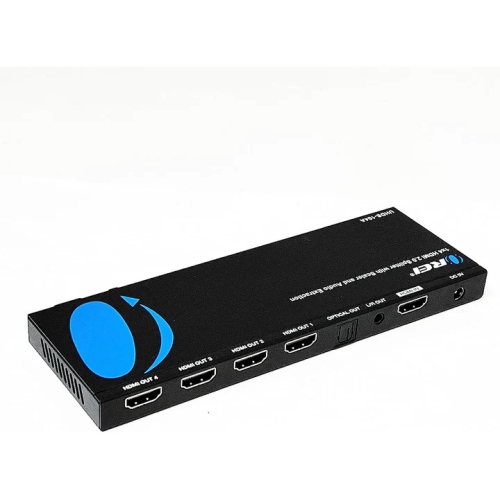
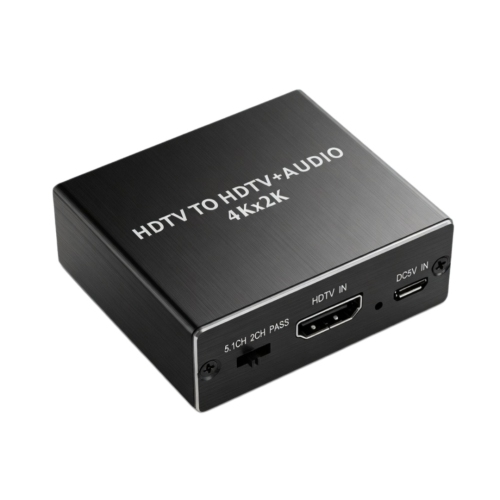
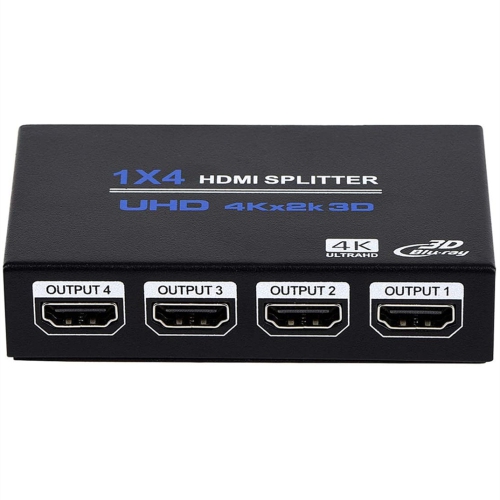
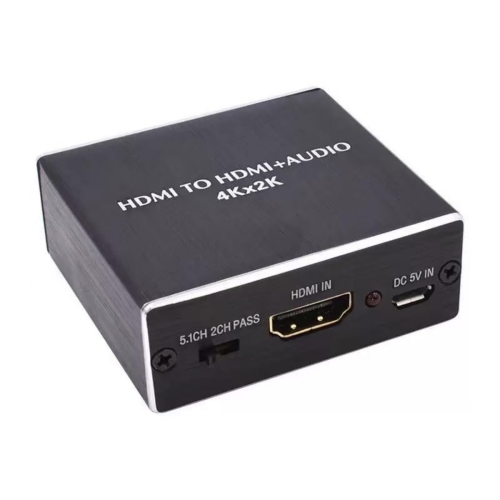
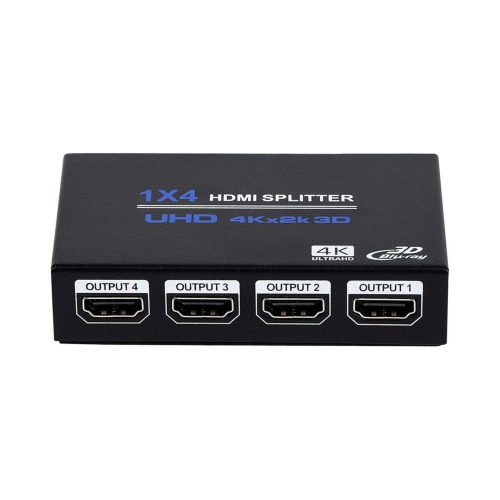
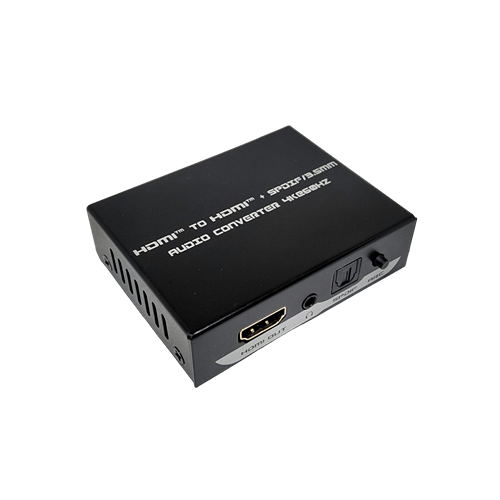
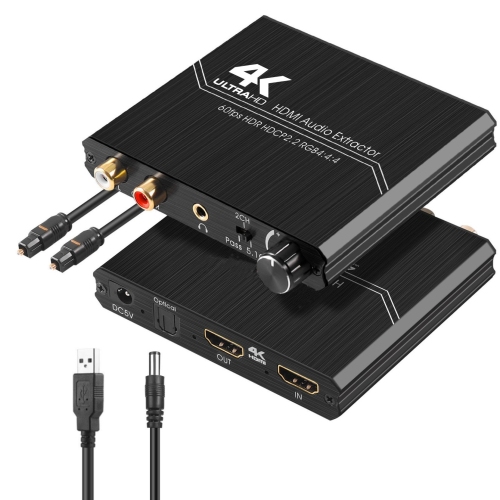
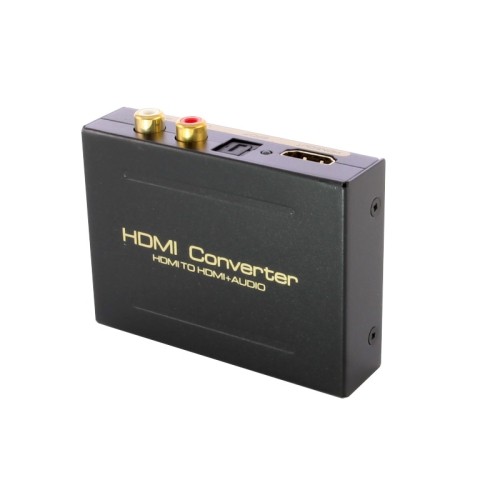
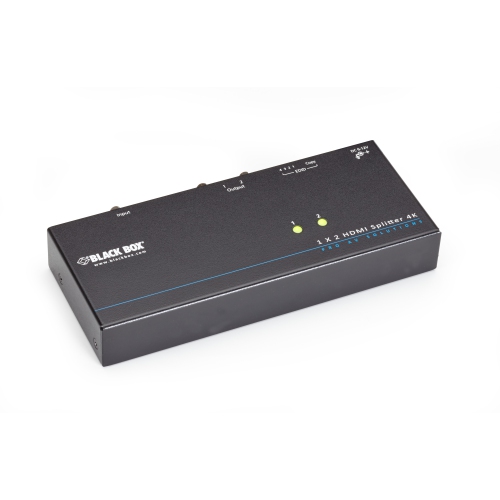
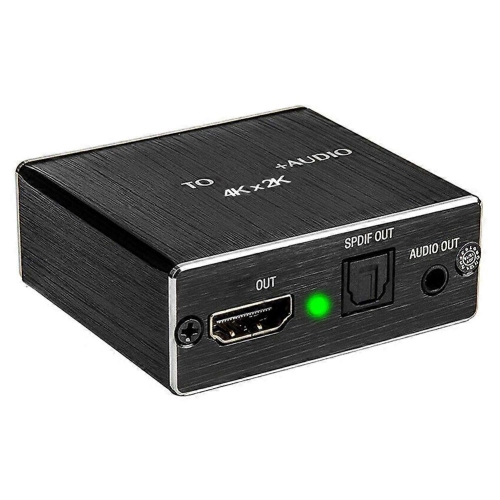
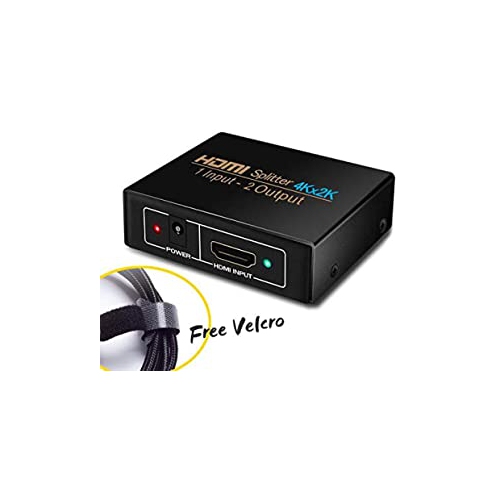
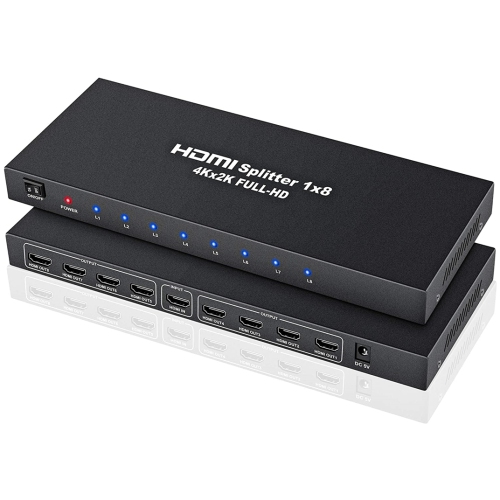
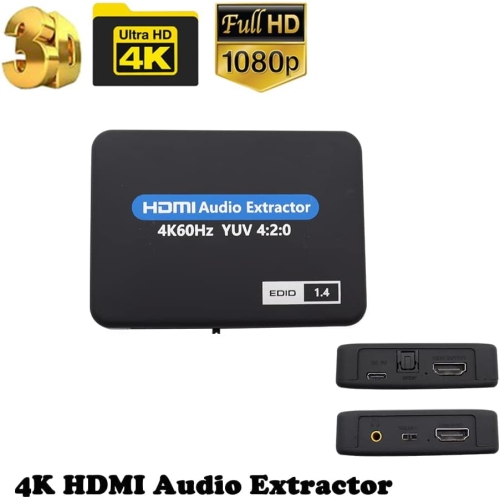
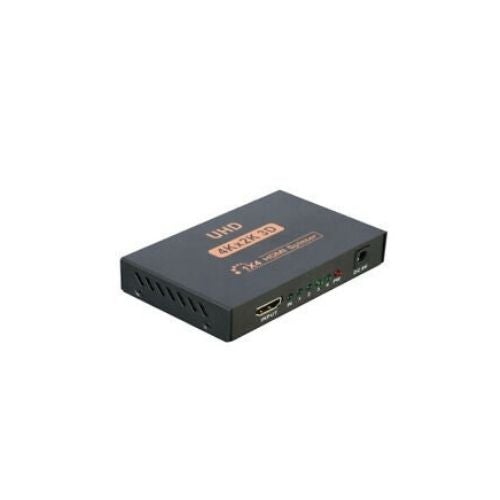
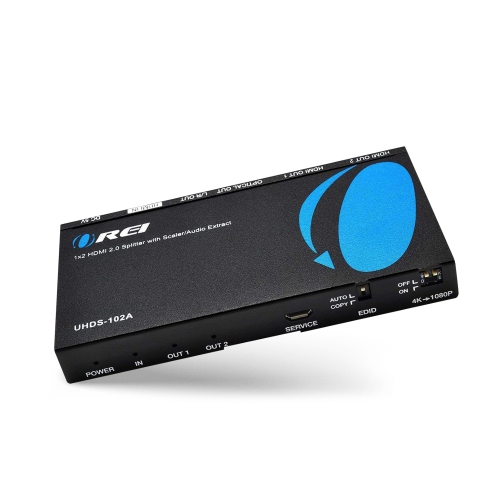
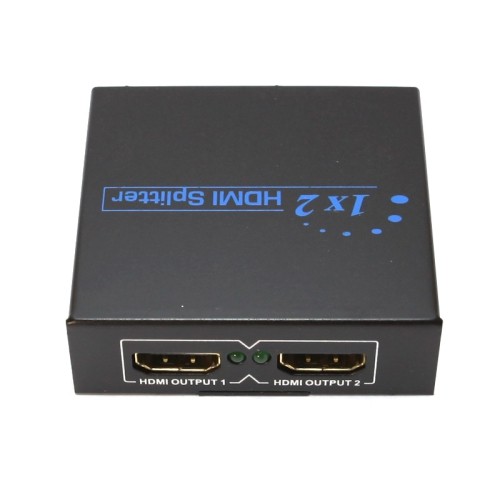
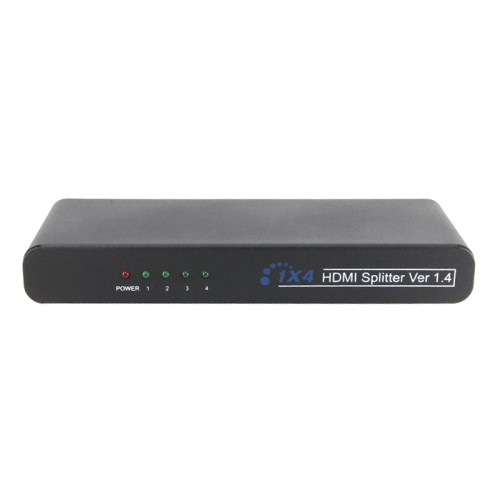
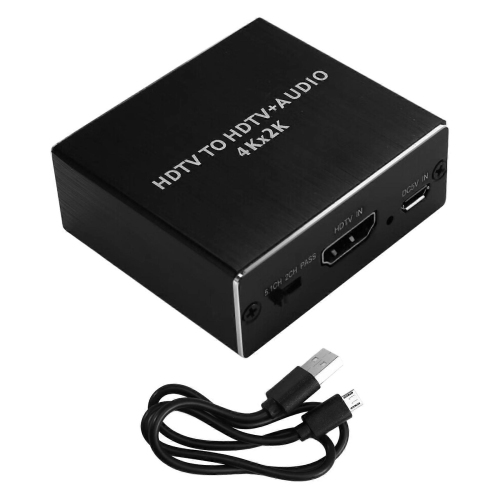
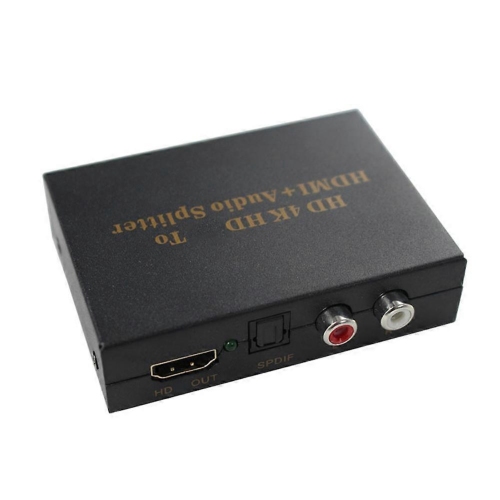
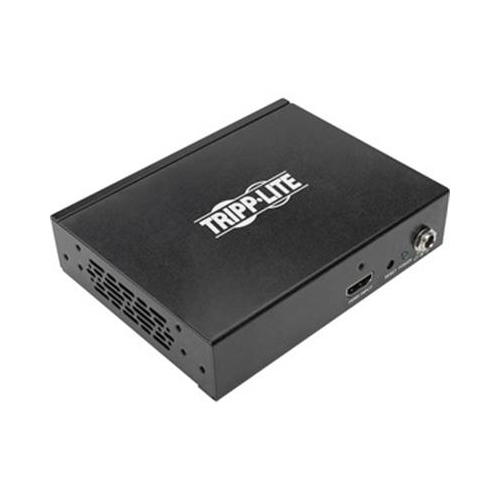
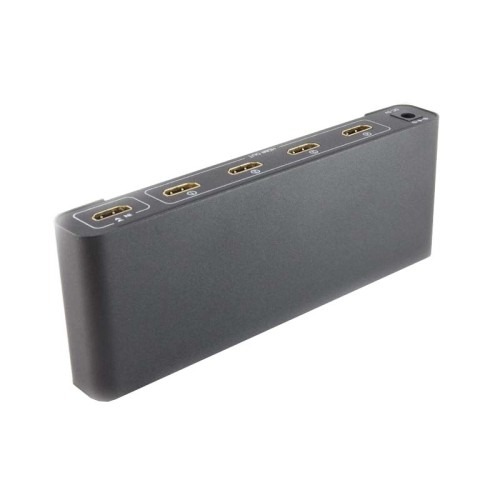
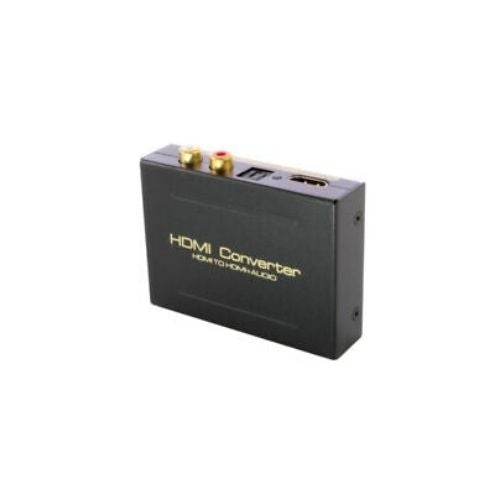
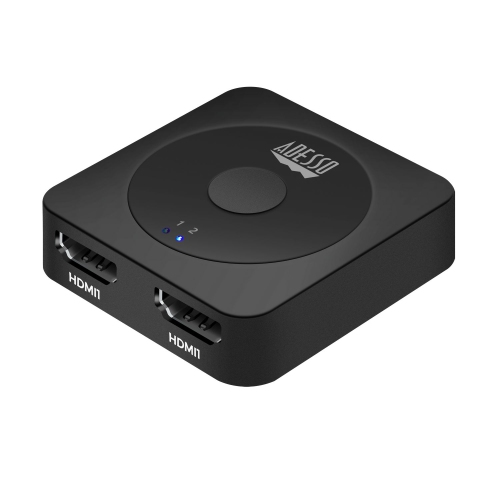
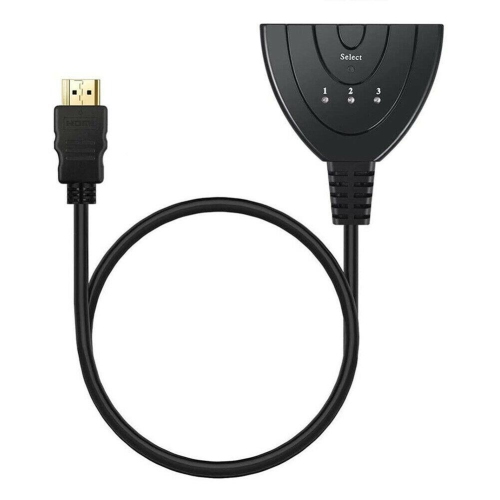
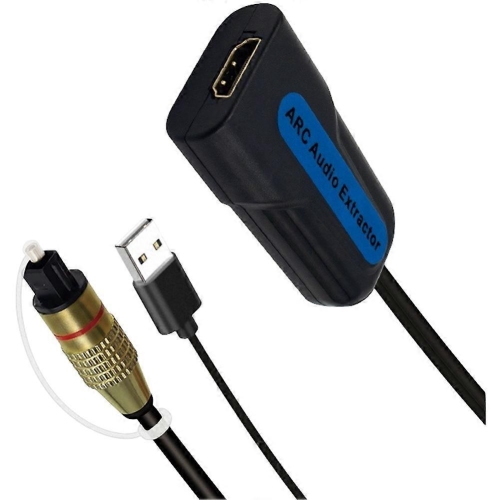
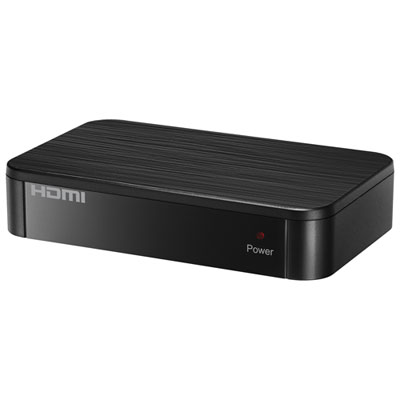
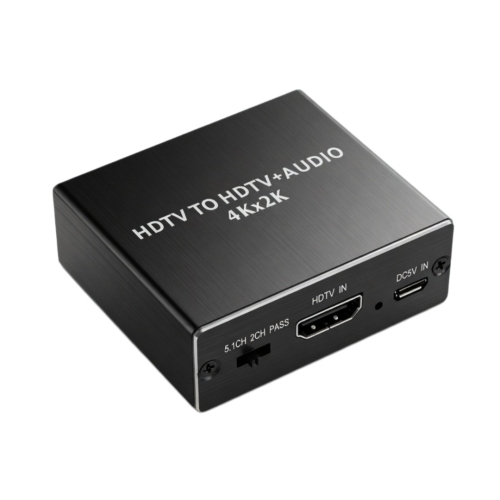
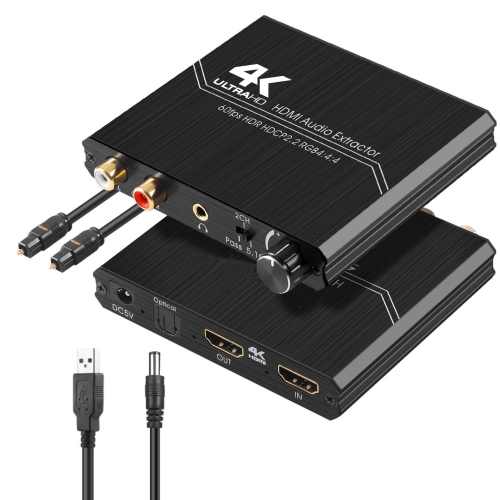
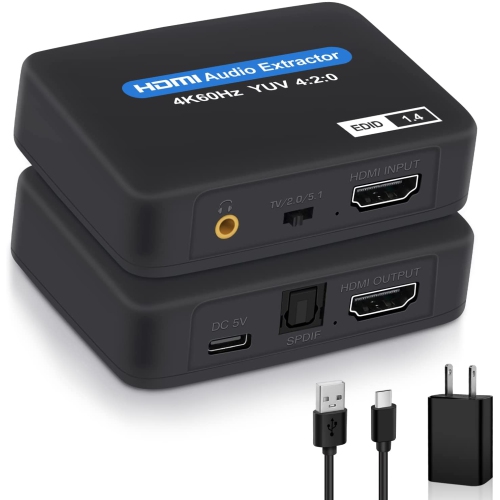
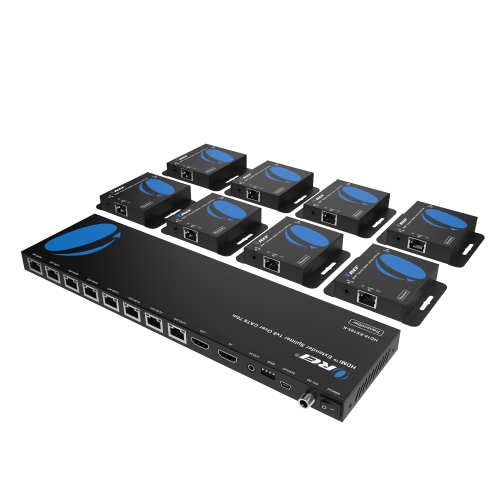
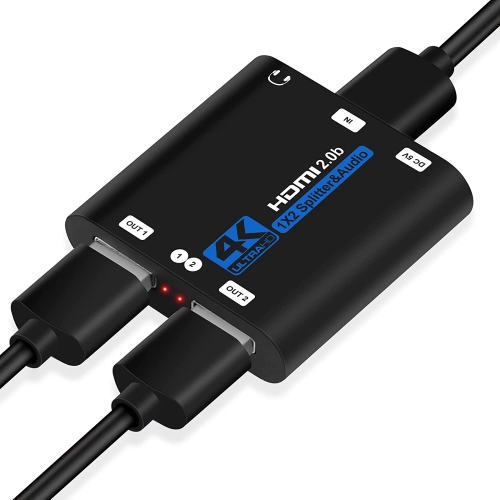
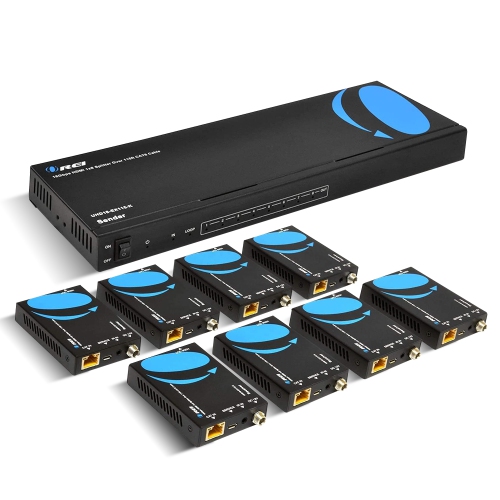
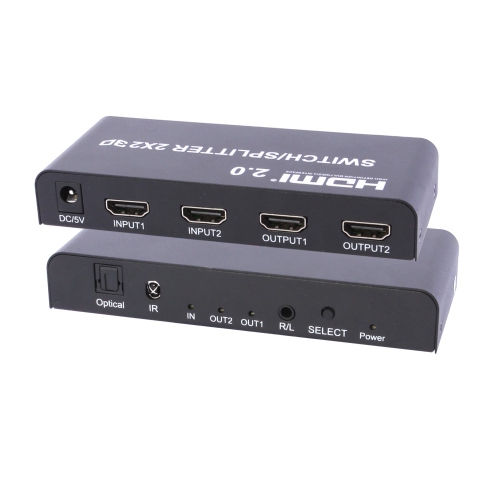
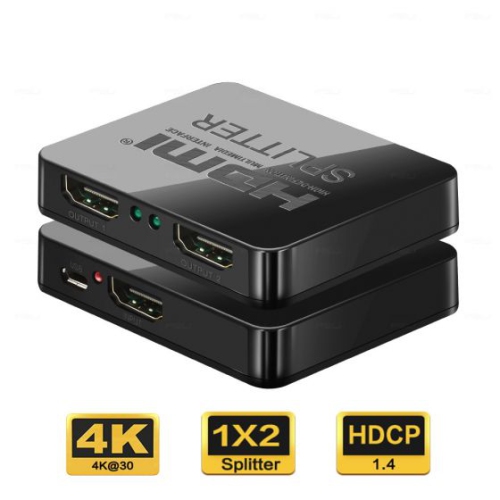
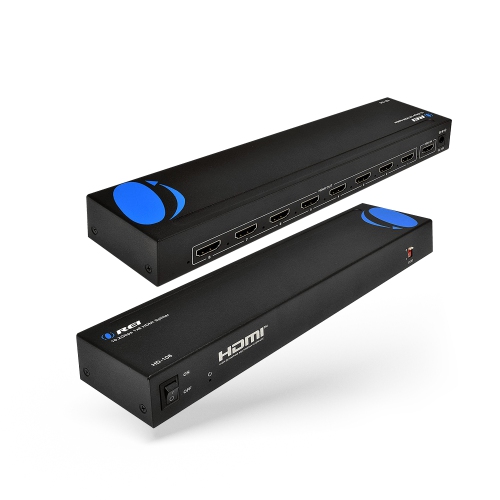
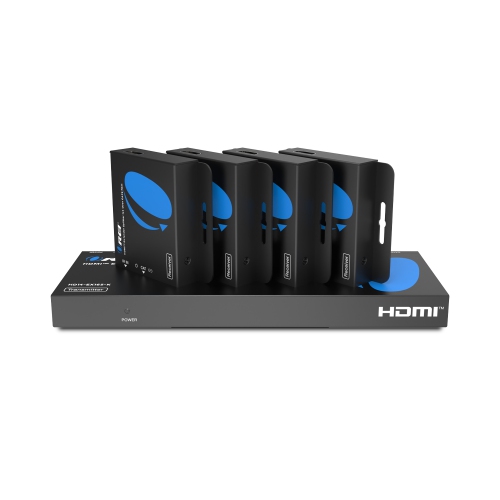
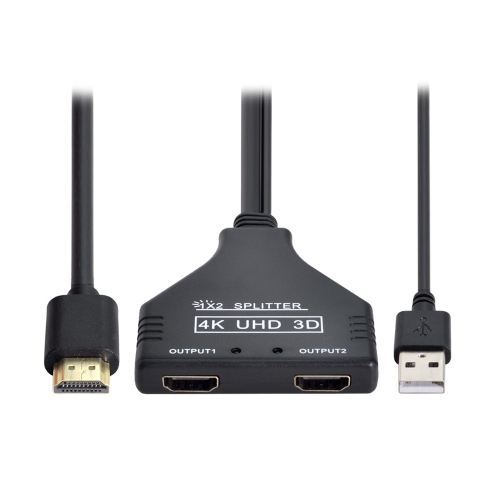
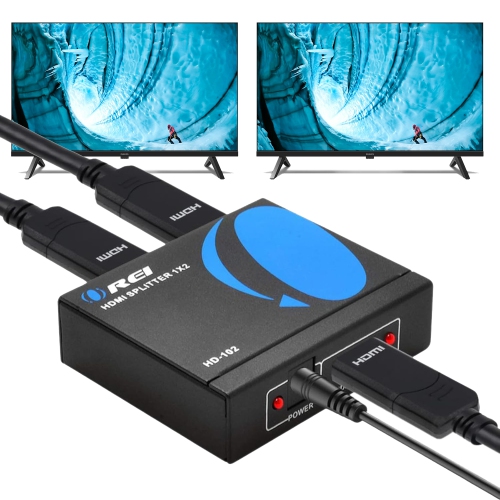
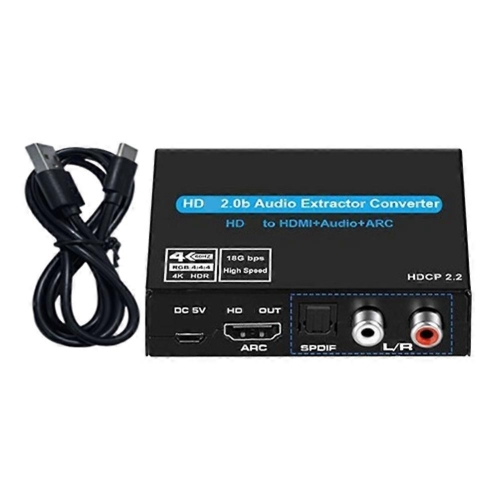
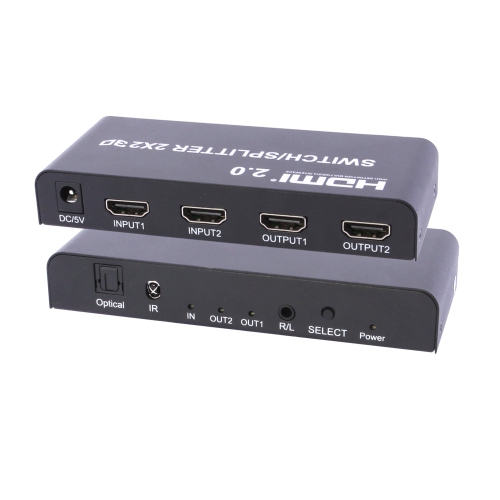
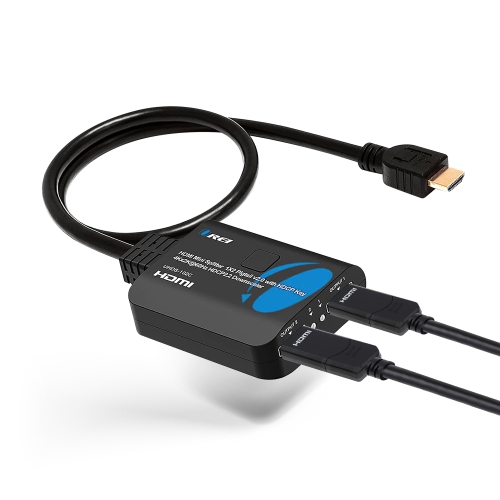
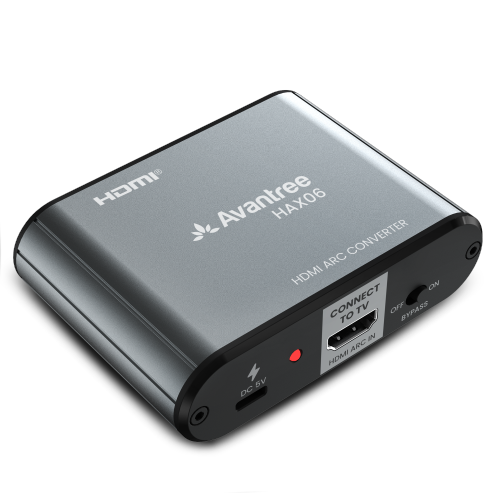
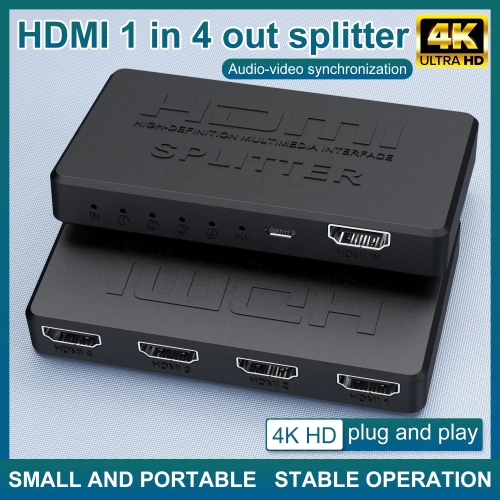
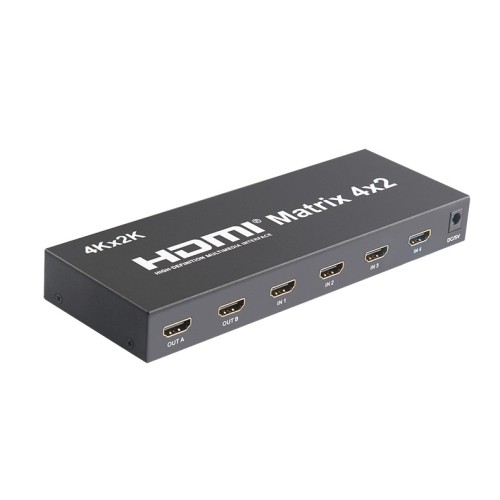
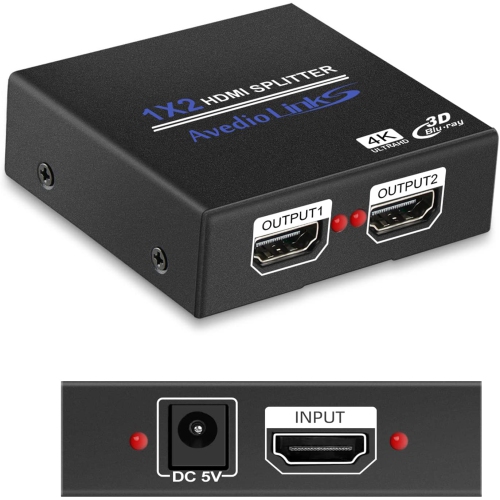
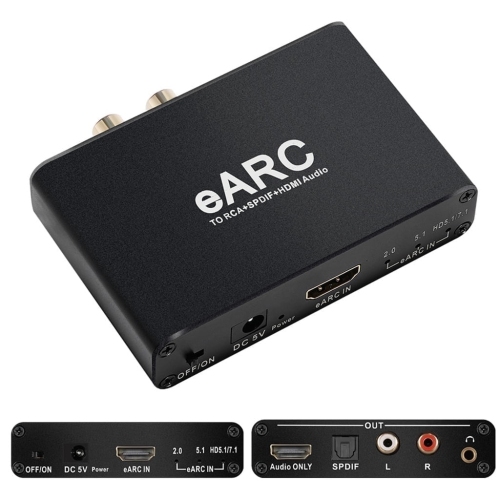
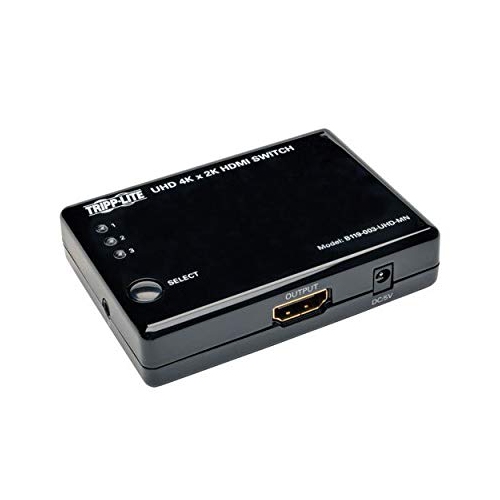
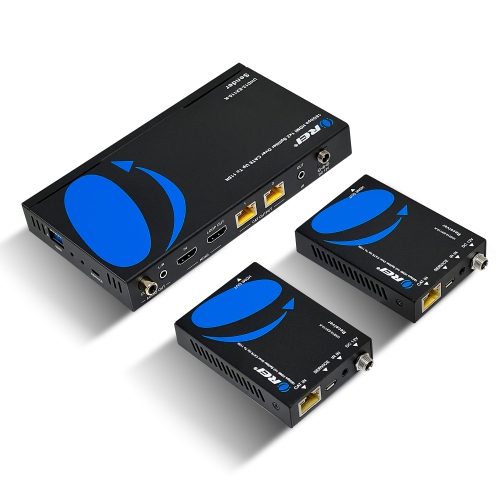
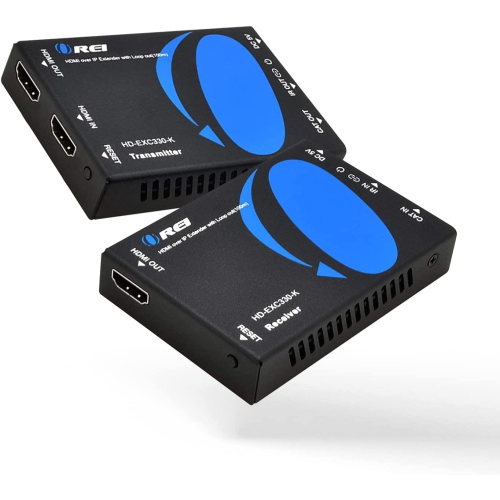
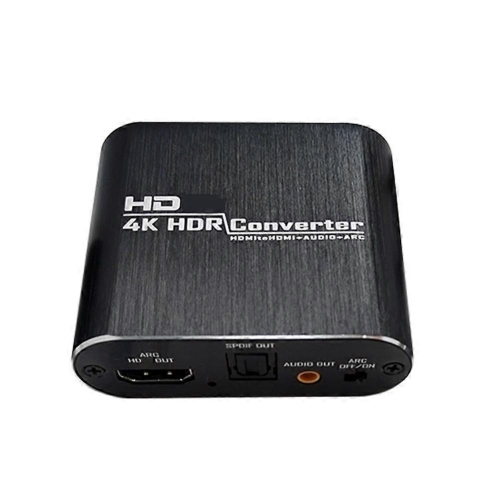
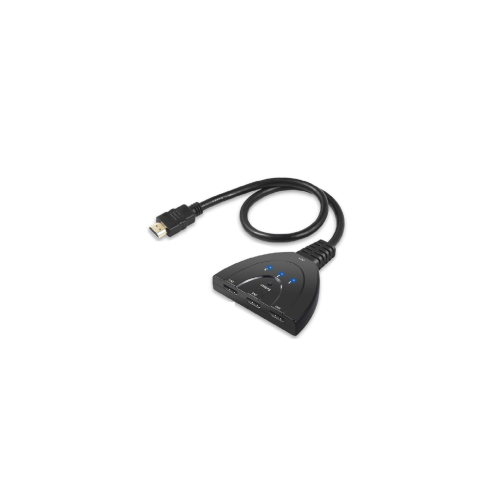
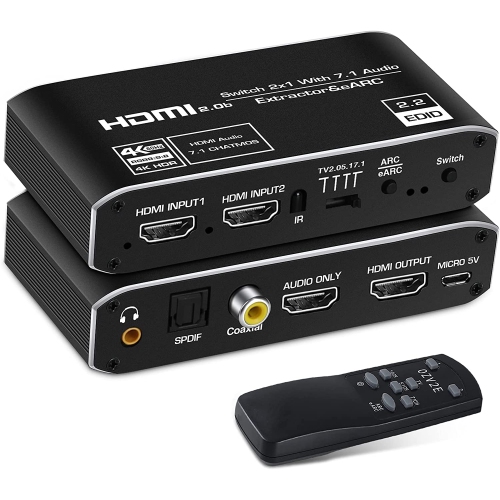
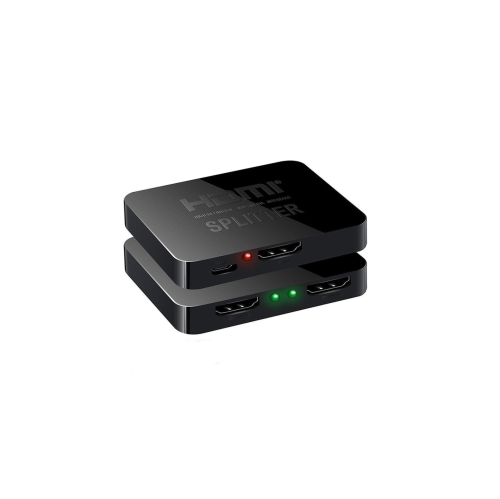
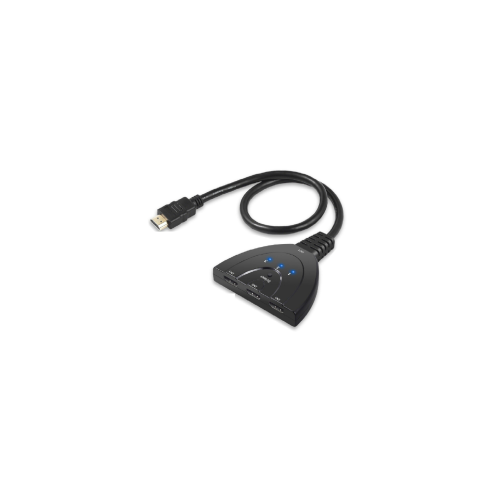
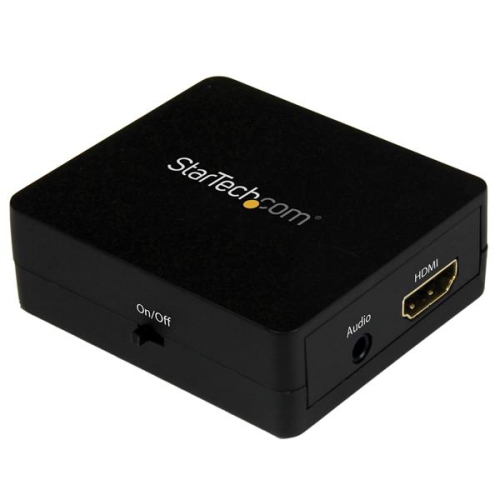
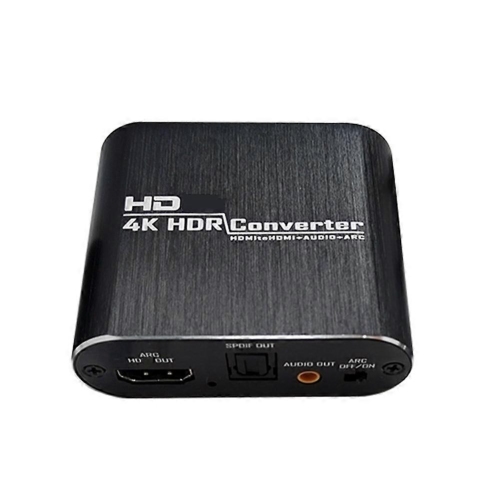
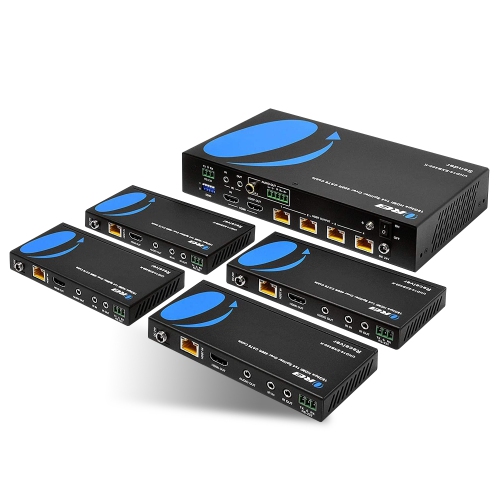
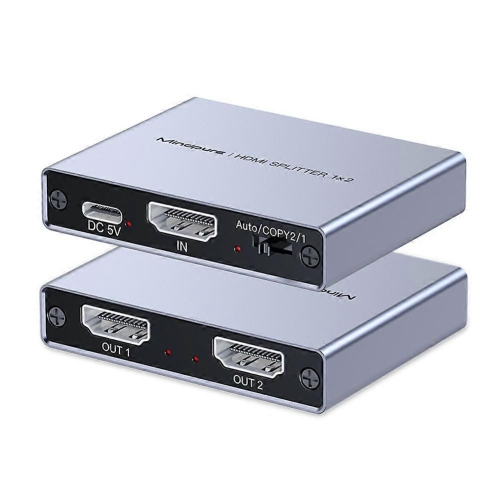
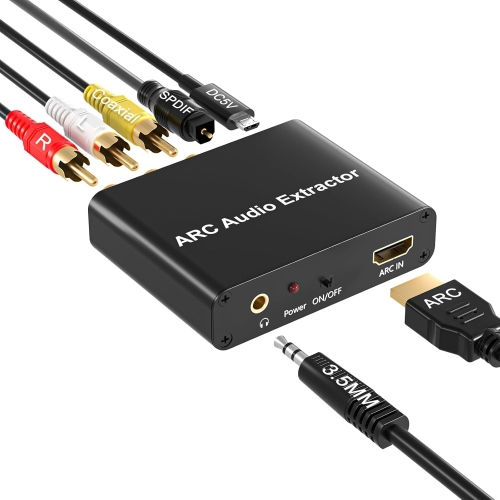
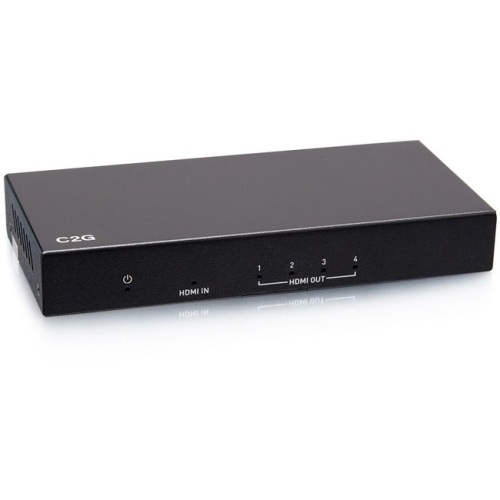
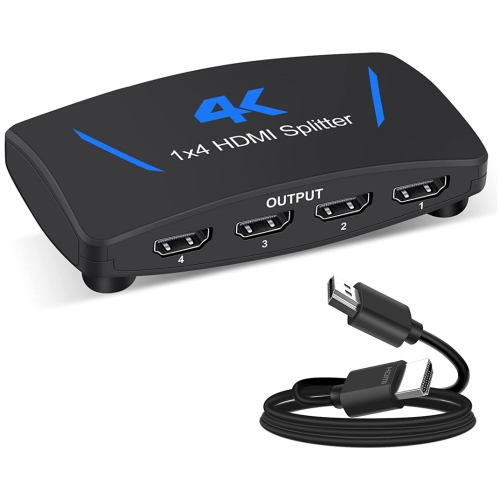
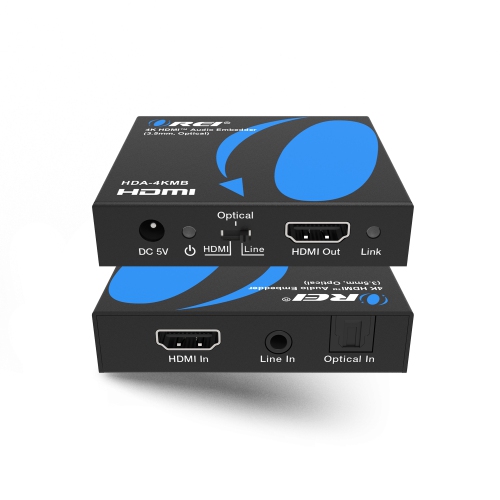
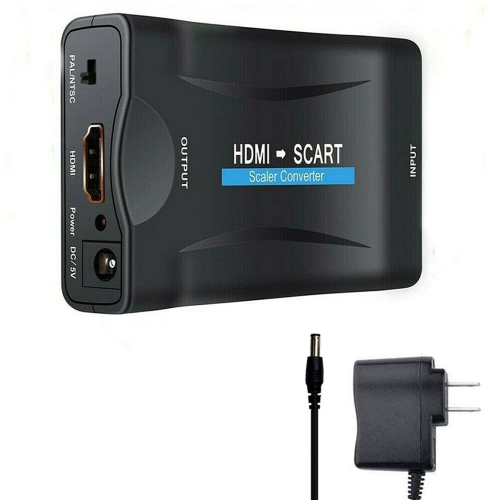
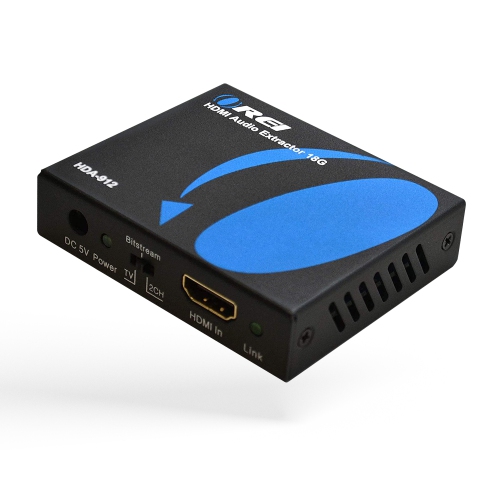
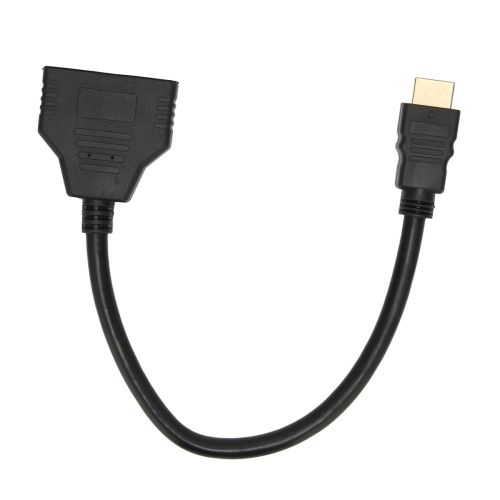
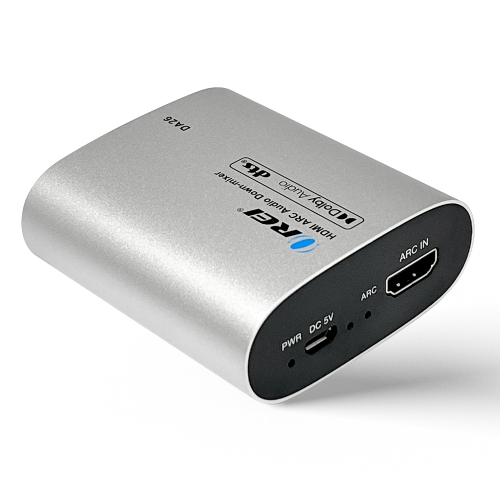
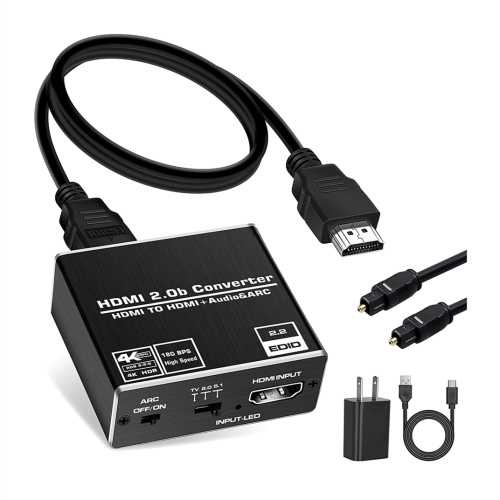
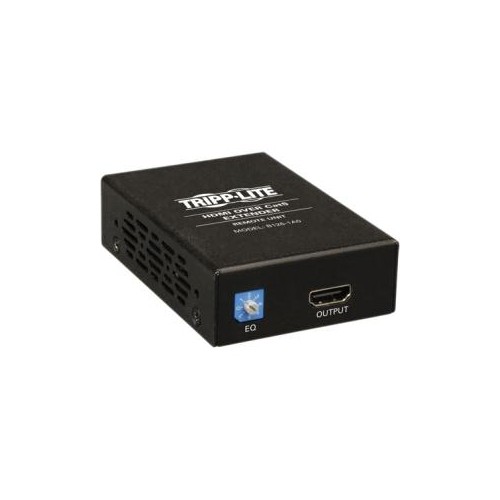
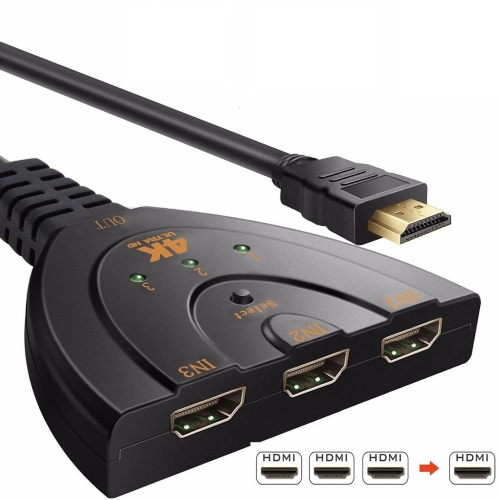
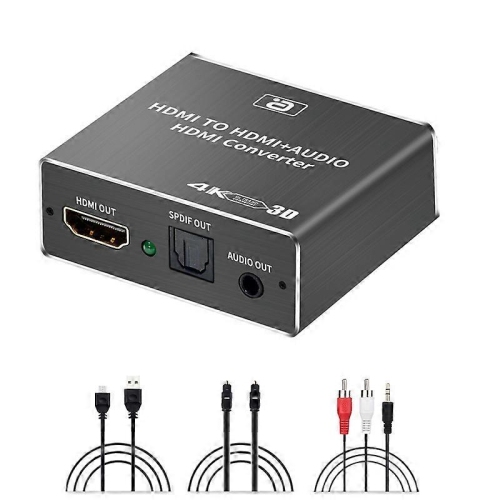
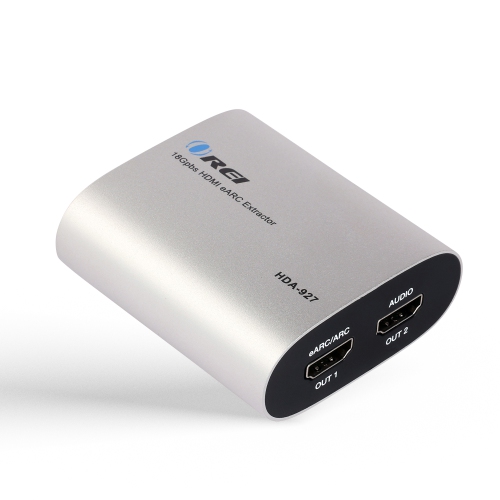
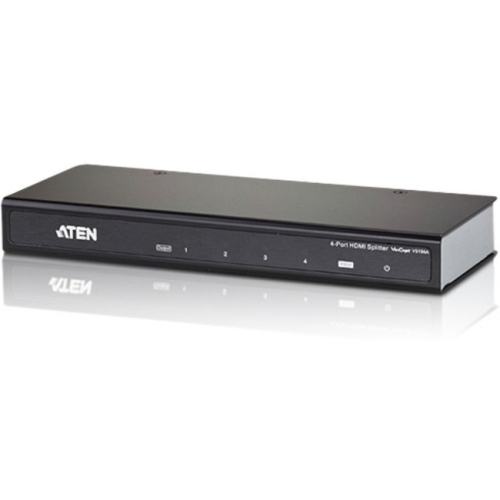
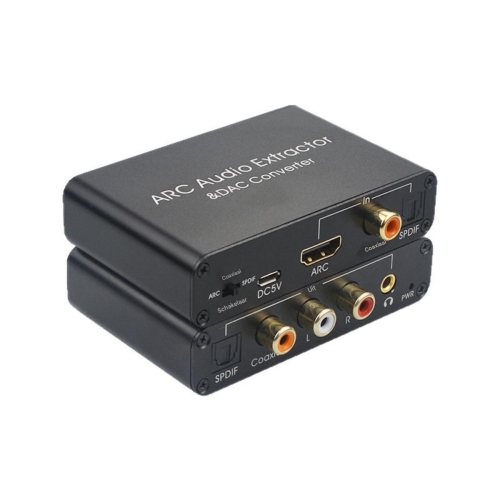
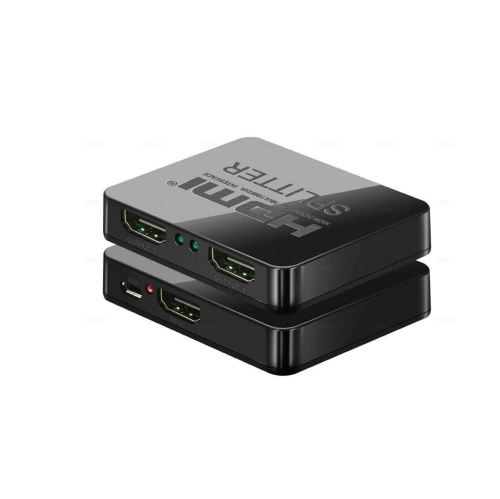
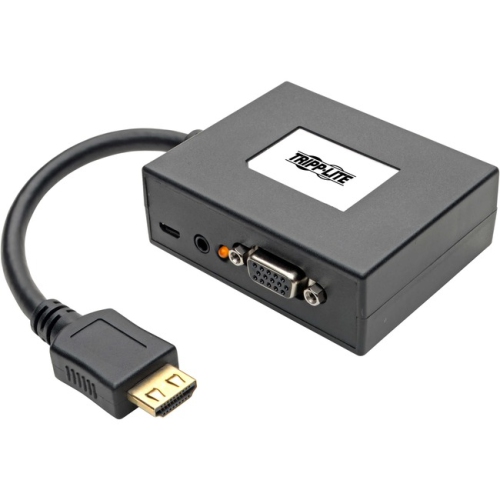
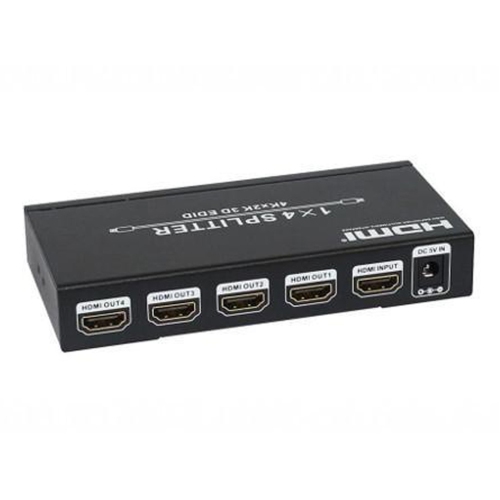
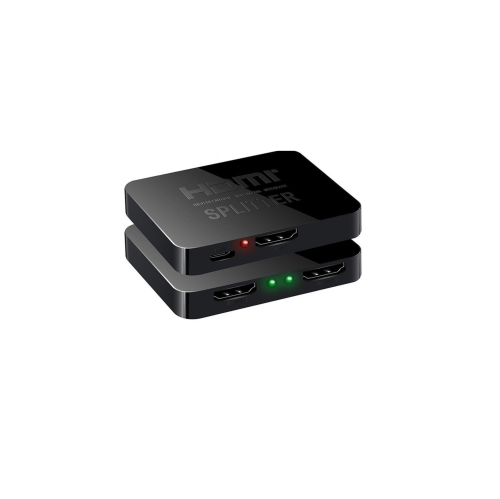
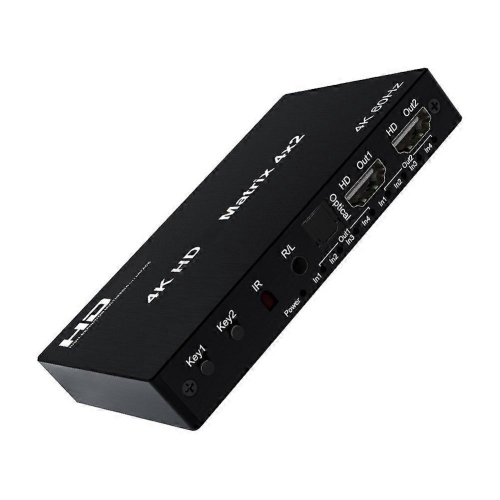
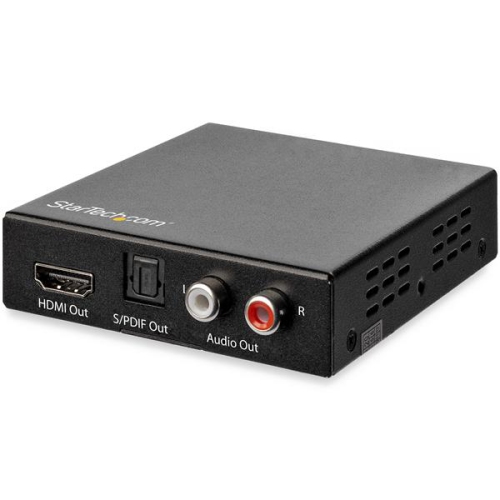
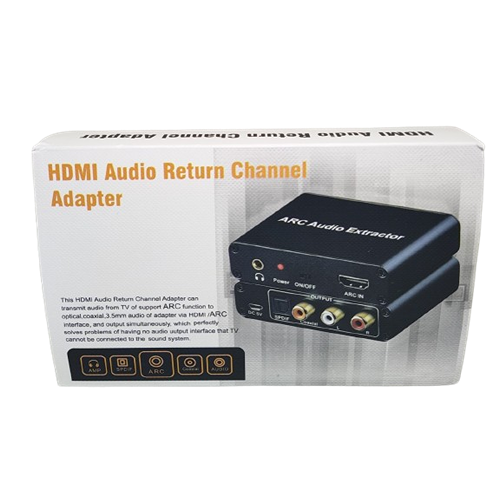
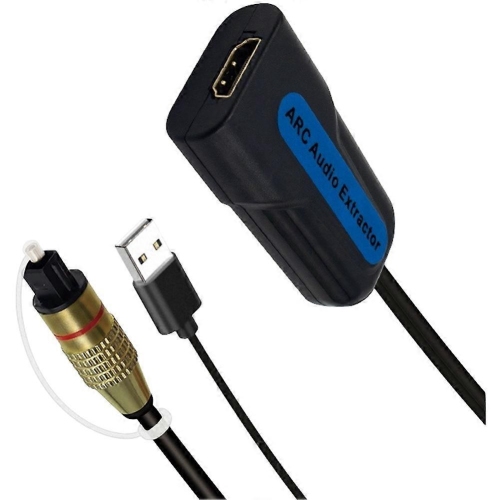
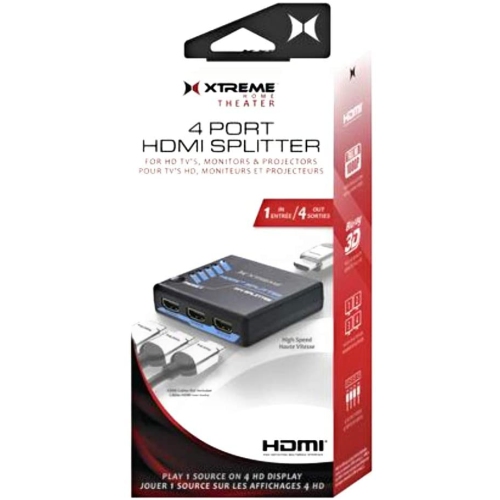
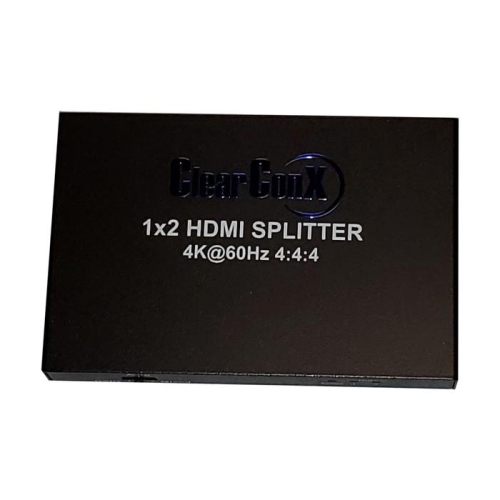
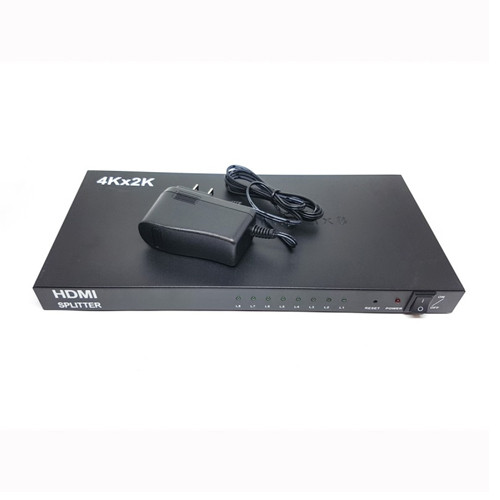
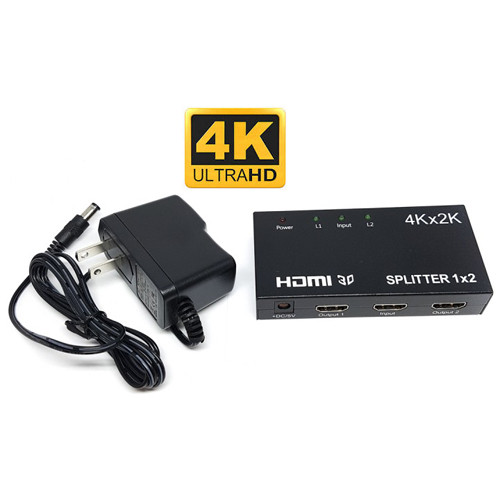
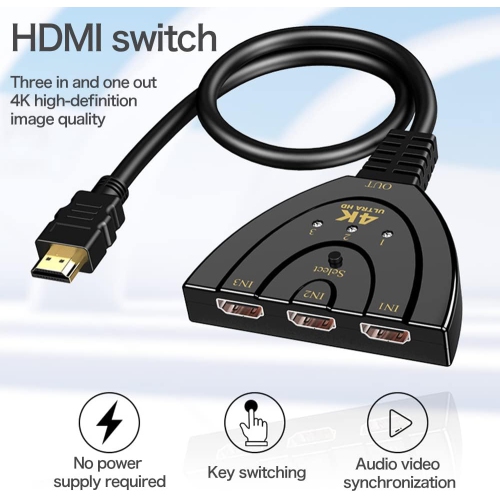
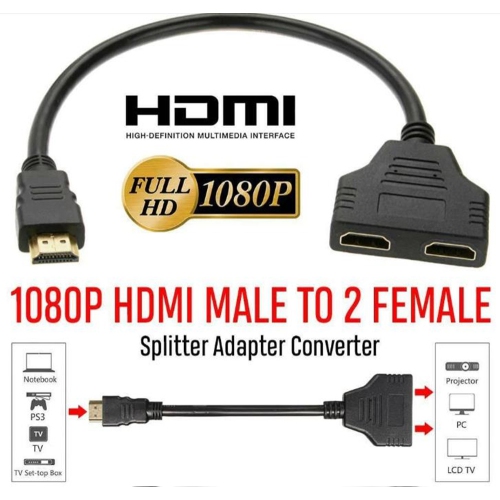
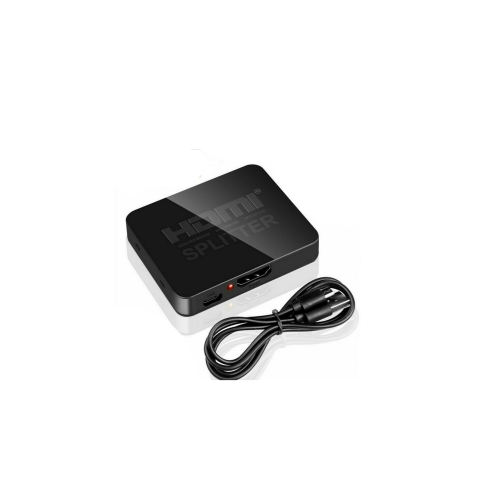
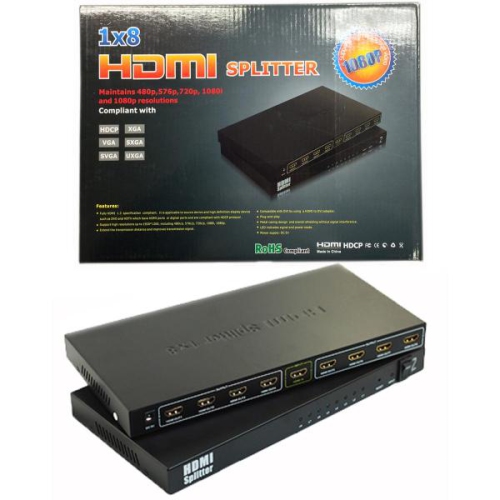
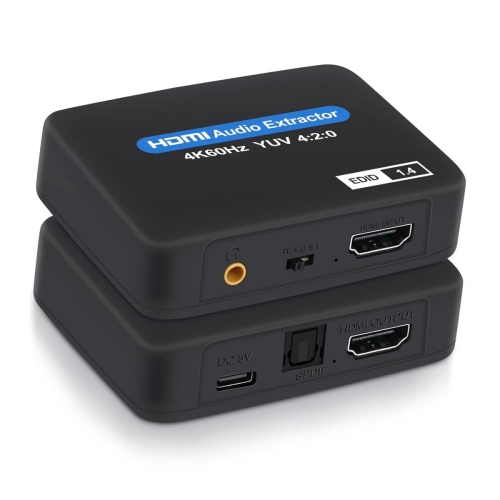
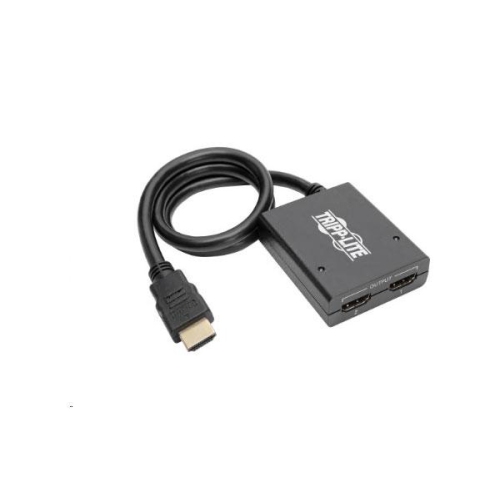
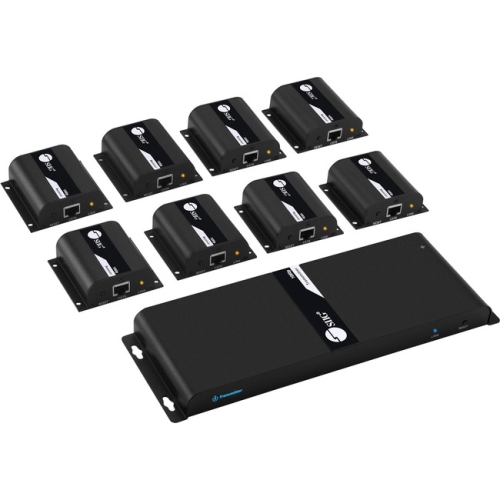
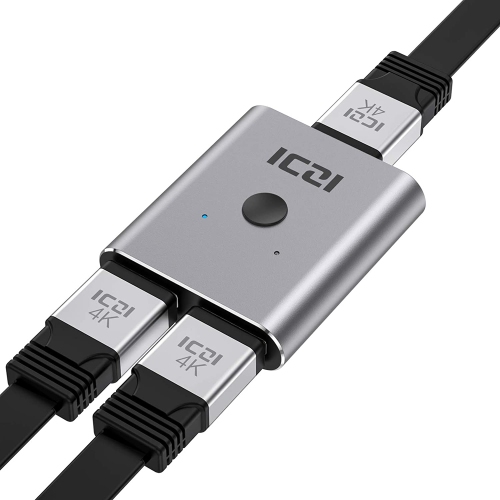
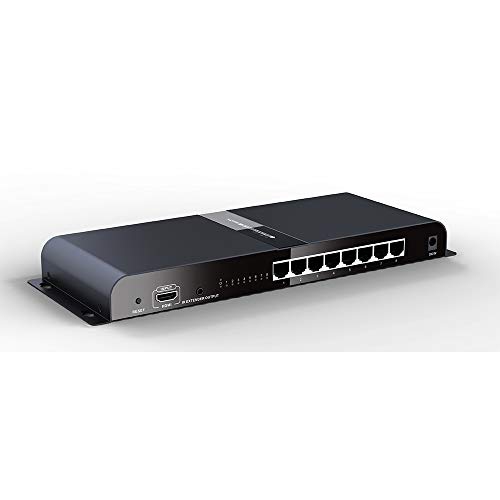
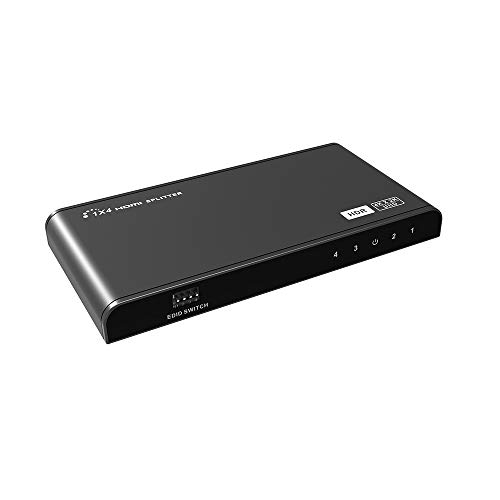
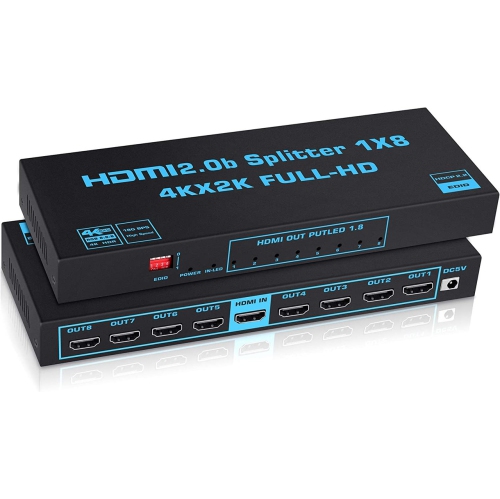
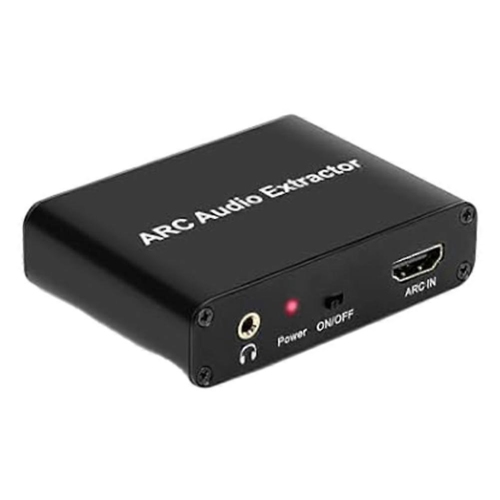
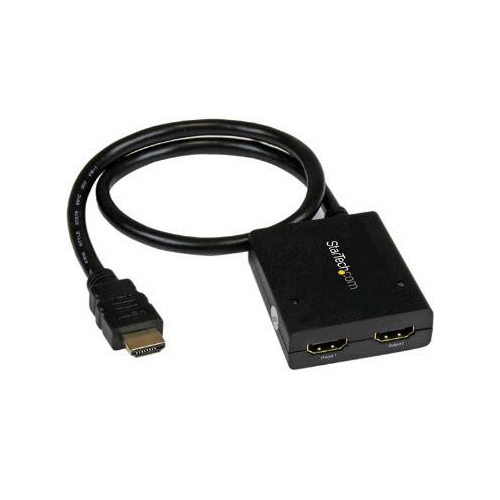
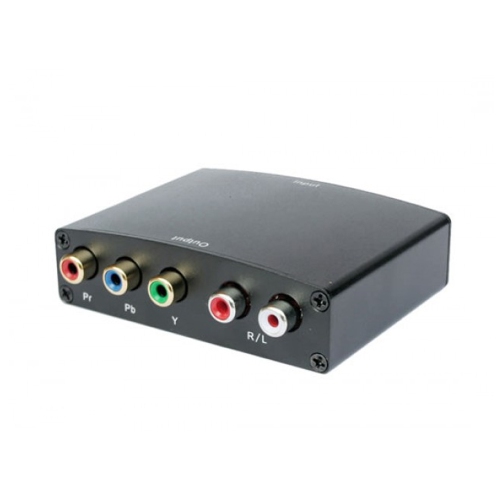
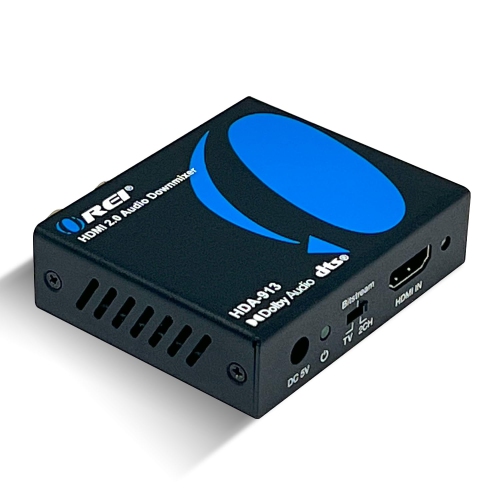
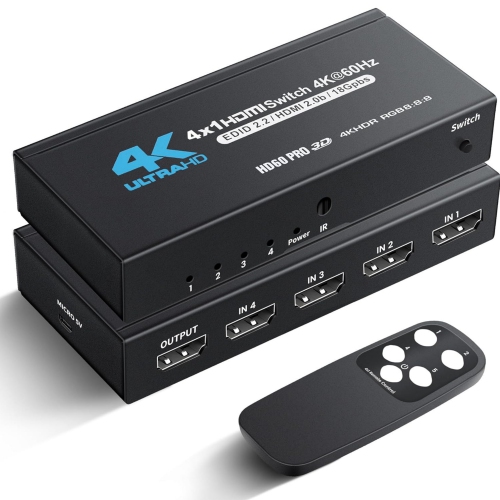
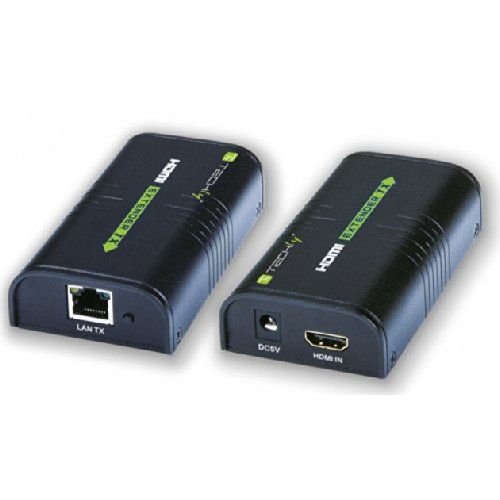
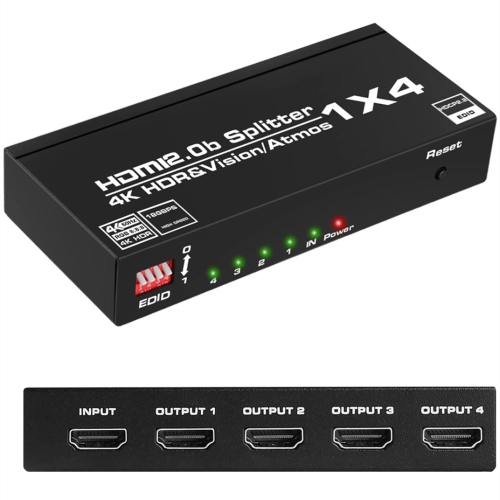
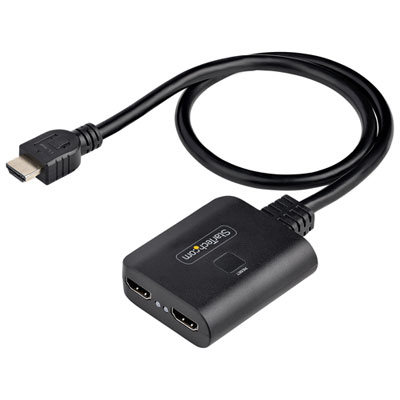
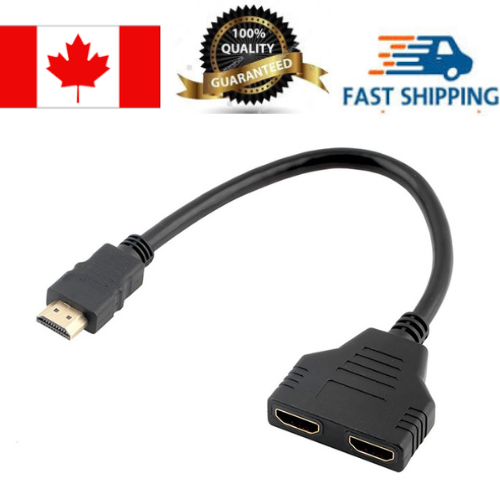
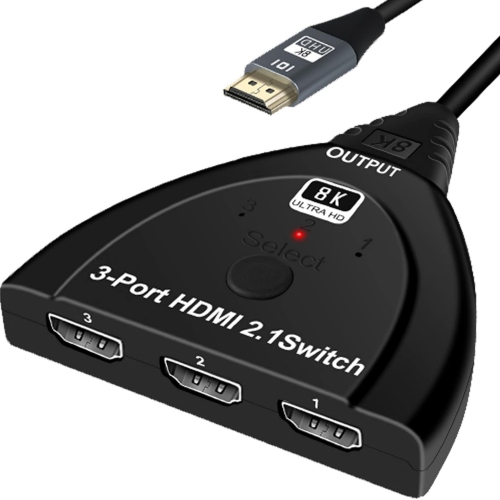
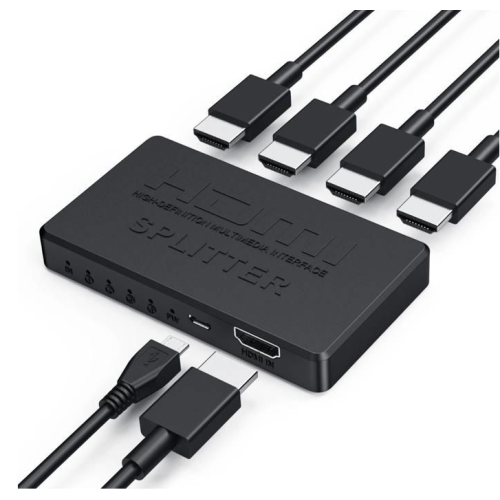
HDMI audio splitters, also known as HDMI audio extractors, are designed for home entertainment setups where the video needs to continue to a television or monitor while the audio travels to a separate sound system. A typical unit accepts an HDMI signal from a game console, streaming device, Blu-ray player, cable box, computer, or another source, then sends the picture through to the display while separating the sound through an optical Toslink or 3.5 mm AUX connection. This can be especially useful when a newer source or television does not connect directly to an older receiver, powered speaker system, or soundbar. Instead of replacing every component in a media room, an extractor can help bridge different generations of equipment. For example, a television may provide a sharp 4K picture while an existing receiver still relies on optical audio rather than HDMI inputs. An HDMI audio splitter can sit between the source and display, keeping the video path straightforward and giving the sound system a compatible audio connection. Some models are made for a single source and screen, while others can duplicate one HDMI signal across two displays and provide a separate audio output. Understanding the layout of the equipment is an important first step: check whether the audio will come from an HDMI source or from the television’s ARC or eARC port, and confirm which cable connections are available on the sound system. ARC and eARC extractors are intended for setups where audio travels back from a compatible smart TV, allowing sound from built-in streaming apps and connected devices to be routed to an older audio system. Standard extractors generally pull audio from an incoming HDMI signal before passing the video onward.
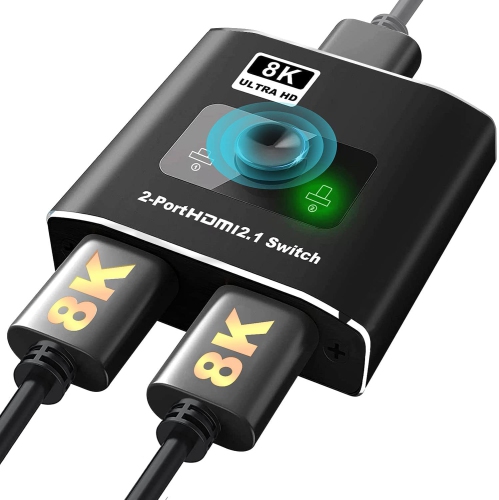
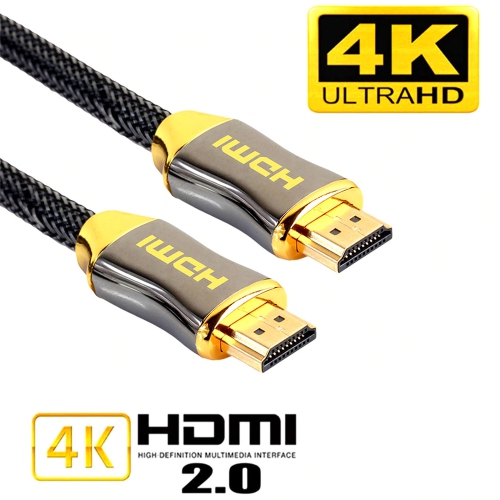
Resolution, refresh rate, and HDMI version are key considerations when choosing an HDMI audio splitter. A basic model may support Full HD, while more advanced options can support 4K at 60 Hz, HDR formats, higher bandwidth, or HDMI 2.1 features. The right choice depends on the complete signal chain, including the source, extractor, HDMI cables, display, and audio equipment. If a gaming console or computer is set up for 4K at 120 Hz, a standard extractor that supports only 4K at 30 or 60 Hz may limit the available picture settings or reduce the refresh rate. Similarly, an 8K display requires an extractor and cables that are rated for the necessary bandwidth if the full resolution is to be maintained. When two displays are connected through a 1x2 splitter, the source may negotiate a shared format based on the capabilities of both screens. In practical terms, a source connected to one 4K display and one older 1080p display may send the same signal at the lower supported resolution, depending on the equipment. Audio format support also varies. A 3.5 mm output is generally intended for two-channel stereo, making it suitable for powered speakers, headphones with the appropriate connection, or compact desktop audio. Optical output can support higher-quality digital audio and, with compatible equipment and settings, compressed 5.1-channel formats such as Dolby Digital or DTS. It is important to match the extractor’s supported formats with the receiver or soundbar, since the audio device may not decode every format sent by the source. Some units include selectable audio modes, such as stereo, 5.1, or pass-through, which can help resolve compatibility issues. If sound is missing, checking the television or source audio menu, selecting a compatible output format, and confirming that the optical or AUX cable is connected to the correct port can often restore playback.
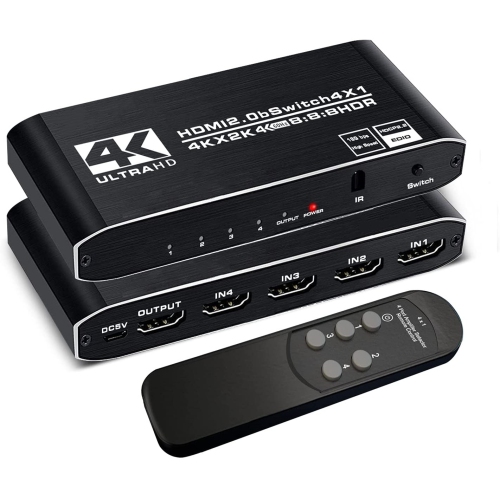
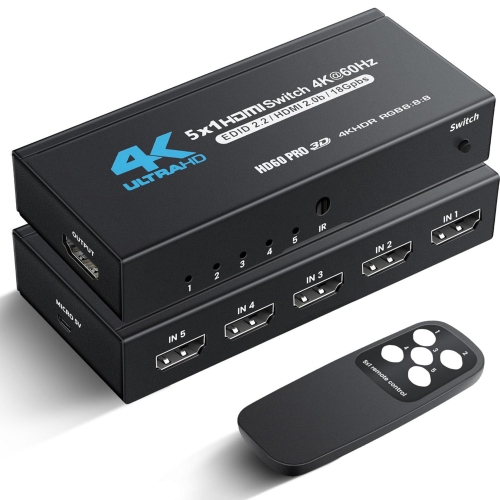
These products can be useful for movie and television viewing, console gaming, home offices, classrooms, conference rooms, and compact entertainment spaces. Someone arranging a media room during the cooler months may use an extractor to connect a streaming setup to a trusted speaker system without adding a large receiver or running a complicated collection of adapters. A gamer may use one to send a high-resolution picture to a monitor while directing sound to external speakers, particularly when the display has limited audio outputs. In a home office, an extractor can help separate presentation video from audio when a computer is connected to a television or projector. They can also make practical gifts for someone building a first entertainment setup, updating a gaming area, or bringing older audio equipment into a newer HDMI-based system. Before purchasing, count the required HDMI inputs and outputs, identify whether the unit needs ARC or eARC support, and measure the available space around the ports and power connection. Confirm whether the extractor passes HDR, 3D video, CEC controls, HDCP versions, and the desired resolution and refresh rate. A powered model may offer more dependable signal handling over longer cable runs, while a compact design can be convenient behind a wall-mounted television or on a crowded media shelf. Users expanding their setup may also want to compare HDMI audio splitters with HDMI Amplifiers, since the two product types address different connection needs. An amplifier is intended to strengthen or distribute an HDMI signal, whereas an audio splitter focuses on separating sound from the video path. Careful attention to connection types, audio formats, resolution support, and the capabilities of every connected component makes it easier to create a clean, dependable setup with fewer surprises during playback.
Resolution, refresh rate, and HDMI version are key considerations when choosing an HDMI audio splitter. A basic model may support Full HD, while more advanced options can support 4K at 60 Hz, HDR formats, higher bandwidth, or HDMI 2.1 features. The right choice depends on the complete signal chain, including the source, extractor, HDMI cables, display, and audio equipment. If a gaming console or computer is set up for 4K at 120 Hz, a standard extractor that supports only 4K at 30 or 60 Hz may limit the available picture settings or reduce the refresh rate. Similarly, an 8K display requires an extractor and cables that are rated for the necessary bandwidth if the full resolution is to be maintained. When two displays are connected through a 1x2 splitter, the source may negotiate a shared format based on the capabilities of both screens. In practical terms, a source connected to one 4K display and one older 1080p display may send the same signal at the lower supported resolution, depending on the equipment. Audio format support also varies. A 3.5 mm output is generally intended for two-channel stereo, making it suitable for powered speakers, headphones with the appropriate connection, or compact desktop audio. Optical output can support higher-quality digital audio and, with compatible equipment and settings, compressed 5.1-channel formats such as Dolby Digital or DTS. It is important to match the extractor’s supported formats with the receiver or soundbar, since the audio device may not decode every format sent by the source. Some units include selectable audio modes, such as stereo, 5.1, or pass-through, which can help resolve compatibility issues. If sound is missing, checking the television or source audio menu, selecting a compatible output format, and confirming that the optical or AUX cable is connected to the correct port can often restore playback.
These products can be useful for movie and television viewing, console gaming, home offices, classrooms, conference rooms, and compact entertainment spaces. Someone arranging a media room during the cooler months may use an extractor to connect a streaming setup to a trusted speaker system without adding a large receiver or running a complicated collection of adapters. A gamer may use one to send a high-resolution picture to a monitor while directing sound to external speakers, particularly when the display has limited audio outputs. In a home office, an extractor can help separate presentation video from audio when a computer is connected to a television or projector. They can also make practical gifts for someone building a first entertainment setup, updating a gaming area, or bringing older audio equipment into a newer HDMI-based system. Before purchasing, count the required HDMI inputs and outputs, identify whether the unit needs ARC or eARC support, and measure the available space around the ports and power connection. Confirm whether the extractor passes HDR, 3D video, CEC controls, HDCP versions, and the desired resolution and refresh rate. A powered model may offer more dependable signal handling over longer cable runs, while a compact design can be convenient behind a wall-mounted television or on a crowded media shelf. Users expanding their setup may also want to compare HDMI audio splitters with HDMI Amplifiers, since the two product types address different connection needs. An amplifier is intended to strengthen or distribute an HDMI signal, whereas an audio splitter focuses on separating sound from the video path. Careful attention to connection types, audio formats, resolution support, and the capabilities of every connected component makes it easier to create a clean, dependable setup with fewer surprises during playback.
Top selling and popular products
-
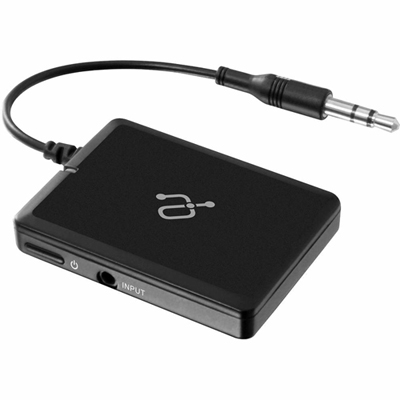 Your price for this item is $34.99
 -
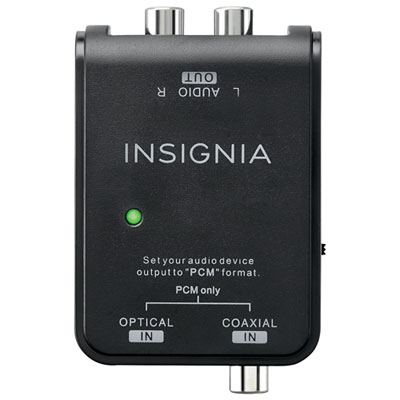 Your price for this item is $39.99
 -
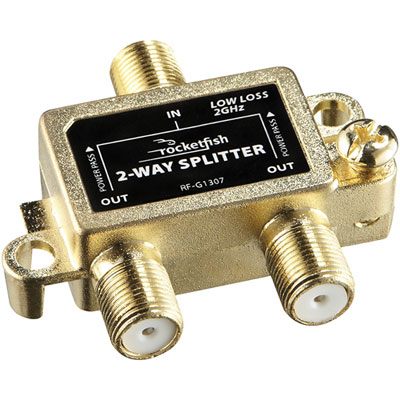 Your price for this item is $10.97
 -
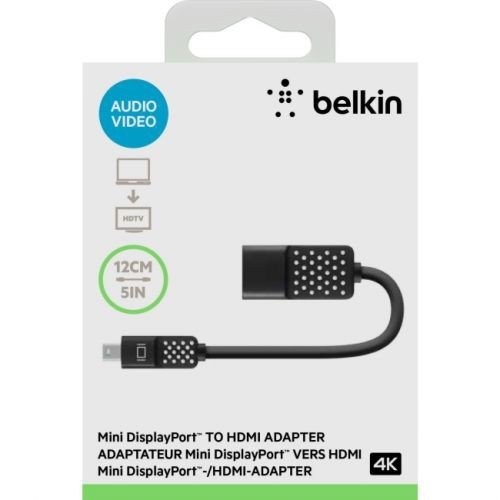 Your price for this item is $36.68
 -
 Your price for this item is $24.99
 -
 Your price for this item is $9.99
 -
 Your price for this item is $75.99
 -
 Your price for this item is $19.99
Discover more categories related to Hdmi Audio Splitters


Top Collections:
Pokemon Centers, Kindle Devices, Best Budget Office Chairs, Canon G7X Cameras, Apple iPhones 16, Samsung Galaxy Phones, Refurbished Apple Laptops, Laptops for Students, iPhone 15 Apple, Budget Smartphones
Some products may be subject to Environmental Handling Fees
(EHF) depending on your province.
Learn more about EHFs.