Toslink Digital Audio Splitters
Enhance your home audio setup with a Toslink Digital Audio Splitter, designed to make connecting multiple devices to your sound system simple and efficient. Whether you're looking to connect your TV, gaming console, or other digital components, a Toslink Digital Audio Splitter offers a convenient solution for managing your audio connections. Explore options that help you enjoy seamless sound distribution throughout your entertainment space. Find the right Toslink Digital Audio Splitter to support your audio needs and elevate your listening experience.
Sort


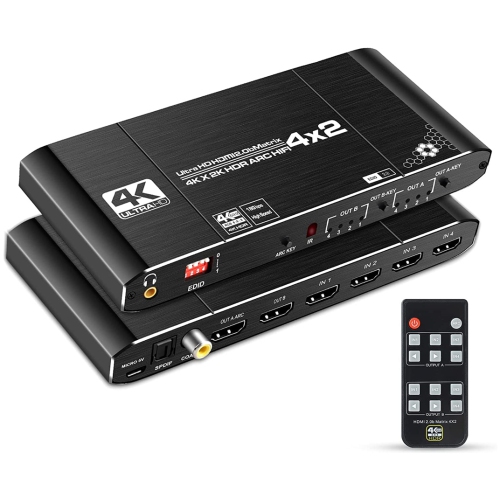
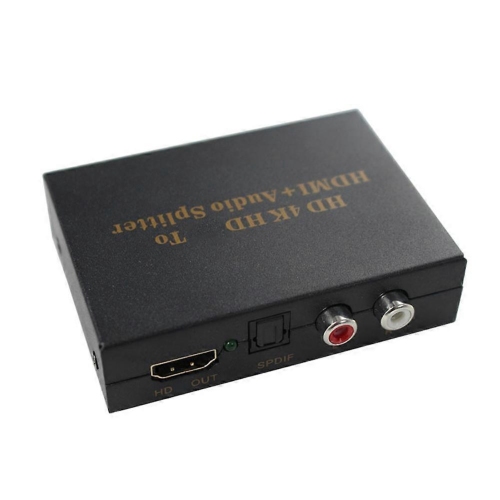
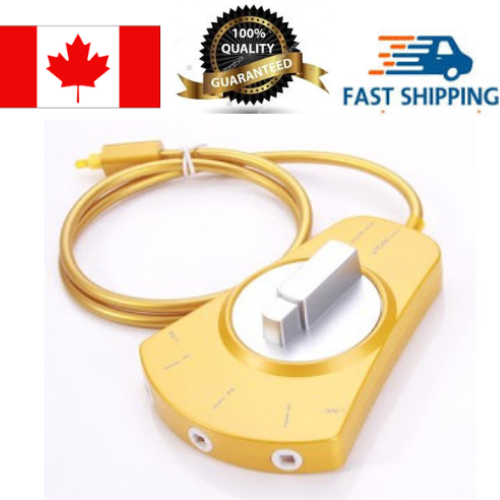
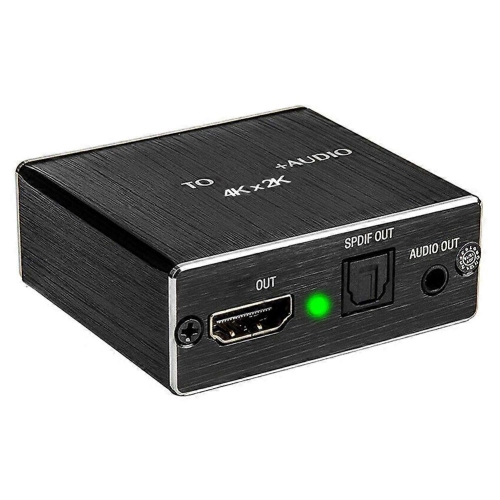
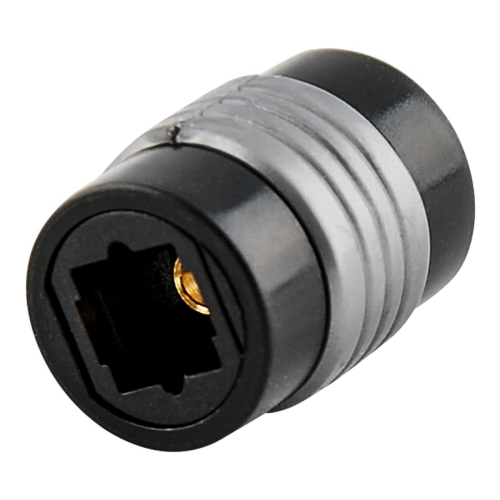
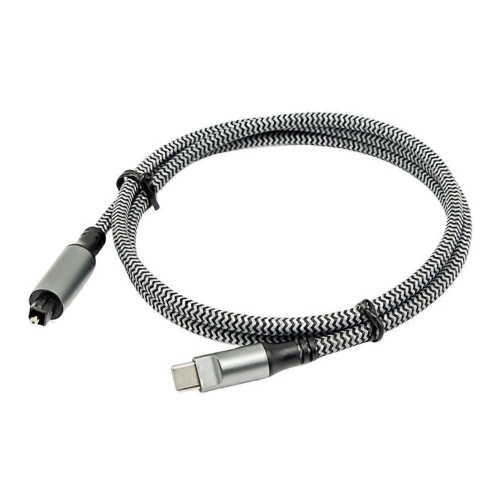
How one optical signal reaches multiple audio devices
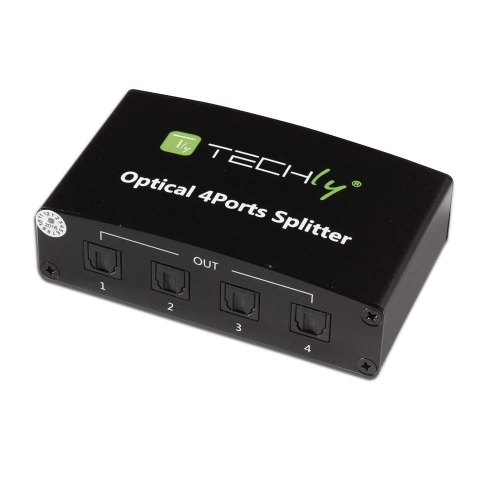
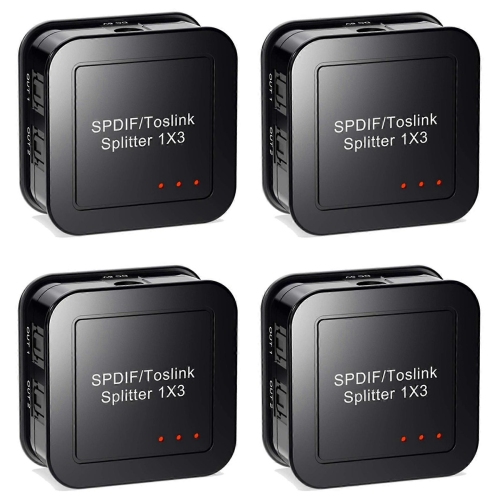
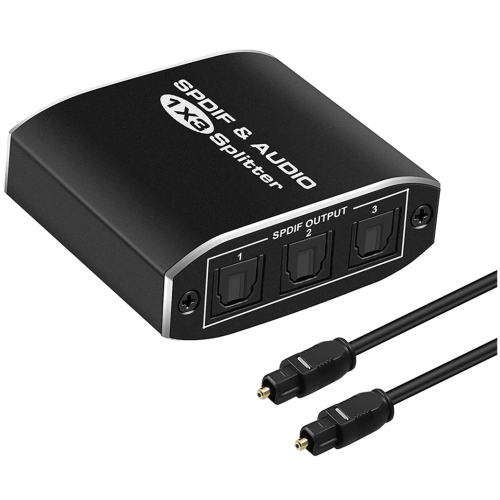
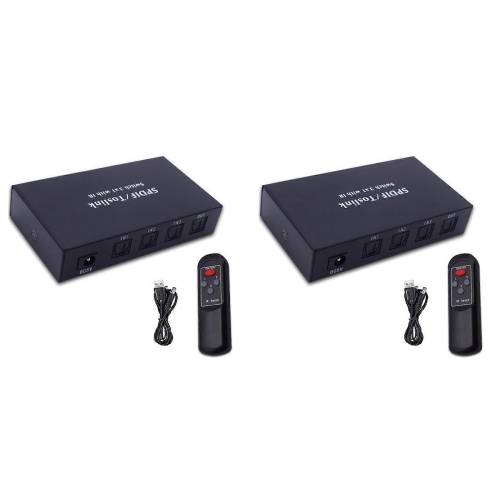
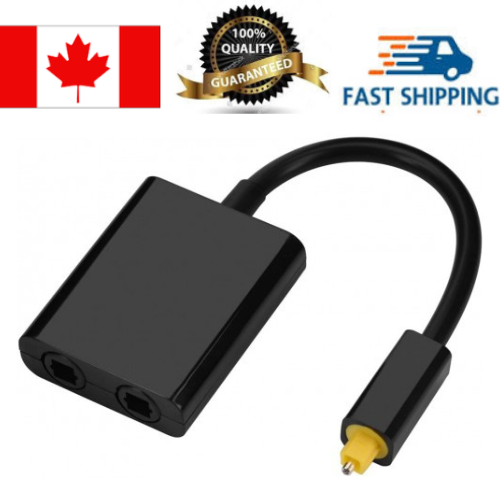
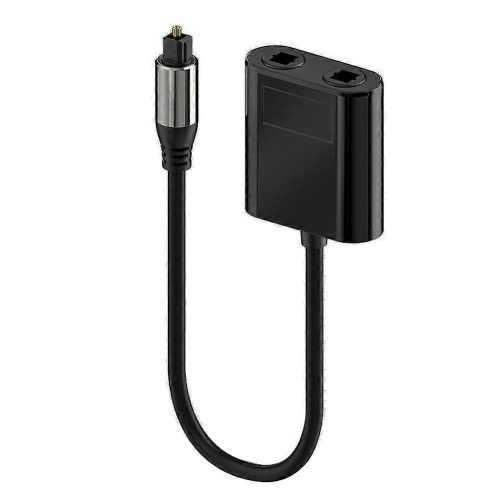
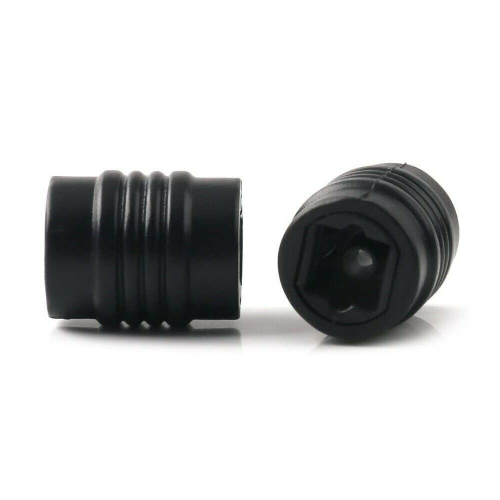
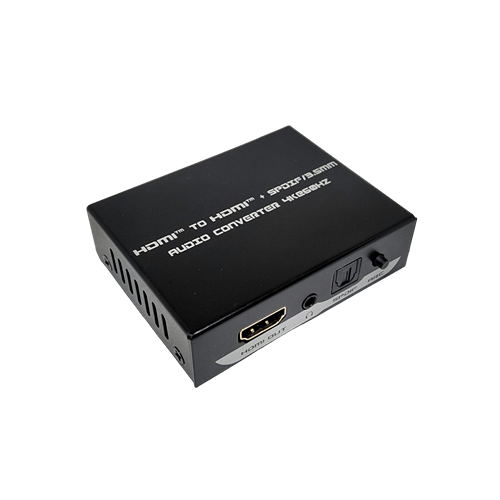
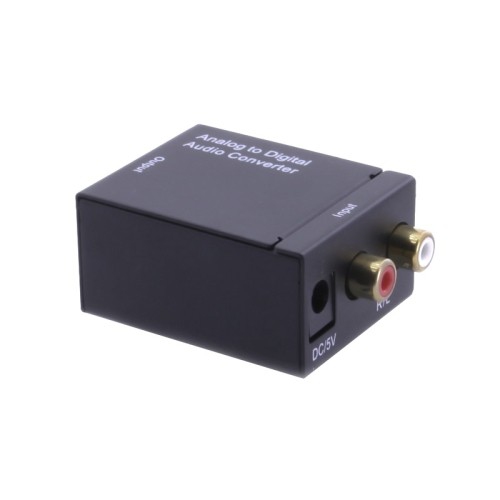
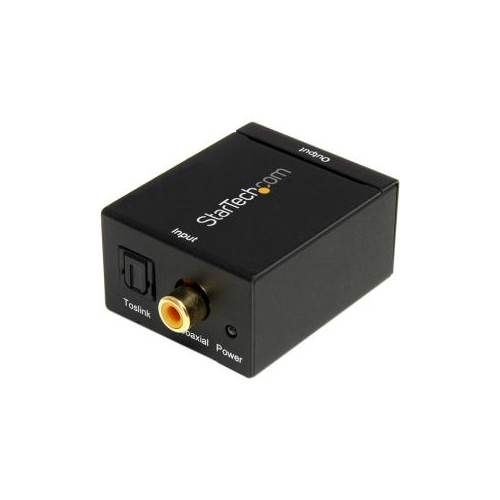
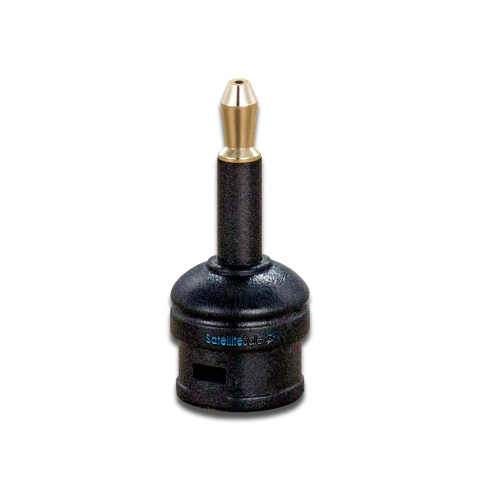
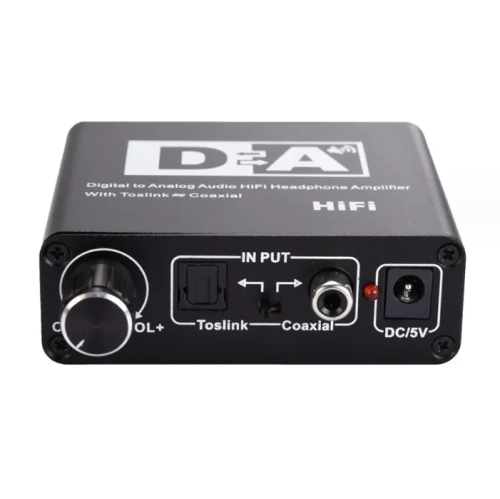
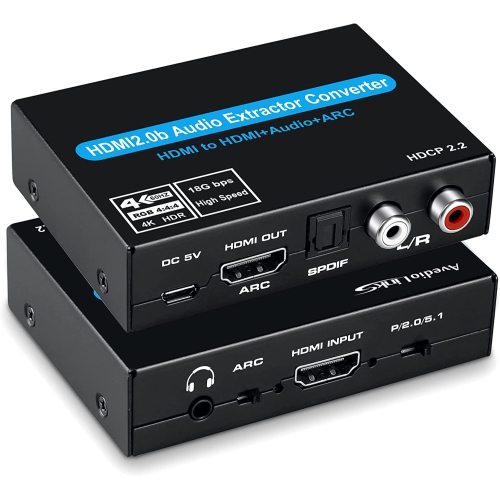
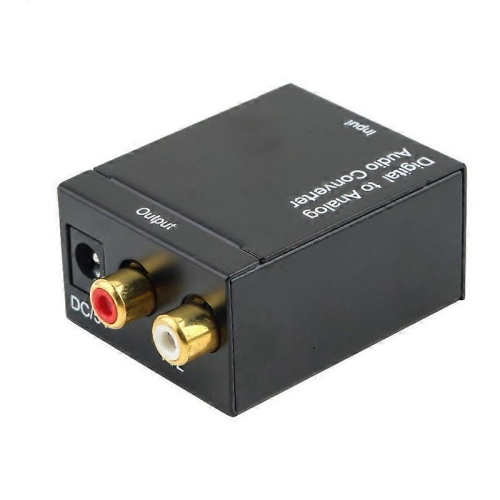
Toslink digital audio splitters distribute one optical S/PDIF audio signal to two or more receiving devices at the same time. A typical connection sends sound from a television, media player, or CD player to both an A/V receiver and an optical-input headphone transmitter. Each connected device receives the same programme audio; the splitter does not create separate soundtracks or turn one source into independent listening zones. This makes optical audio splitters useful in living rooms where different listening options share a single source, or in a music setup where one player feeds two compatible components. The distinction between a splitter and a switch matters: a splitter sends one input to multiple outputs, while a switch selects between multiple inputs for an output. An optical matrix combines input selection with output routing, although its routing options depend on the design. Port descriptions such as one input and two outputs help clarify the intended connection more reliably than the number of sockets alone. Passive Toslink splitters require no external power and divide the incoming light signal between their outputs. That division reduces the optical power reaching each receiver, so performance depends on the source, the receiving equipment, the cables, and the total connection length. Powered optical splitters use electronic circuitry to receive and distribute the signal, making them better suited to many multi-device arrangements, subject to their specified limits. Neither type automatically improves the original audio or adds support for a new audio format. The physical connections matter, too. Standard Toslink sockets accept the familiar keyed optical plug, while mini-Toslink connections require an appropriate cable or adapter. A socket that resembles a headphone jack is not necessarily an optical connection. Optical S/PDIF and coaxial S/PDIF also use different connections, so a simple plug adapter cannot substitute for an active converter between them. These distinctions help separate straightforward signal distribution from switching, conversion, and other audio functions.
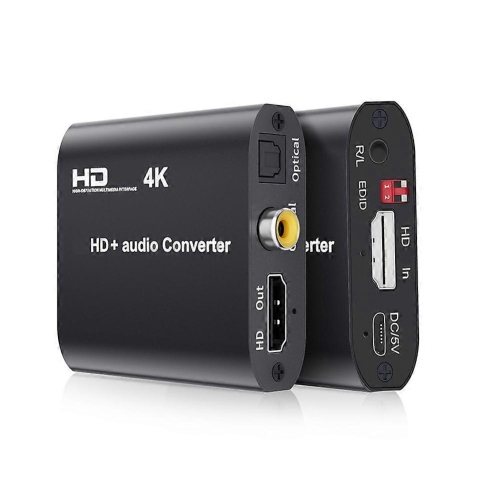
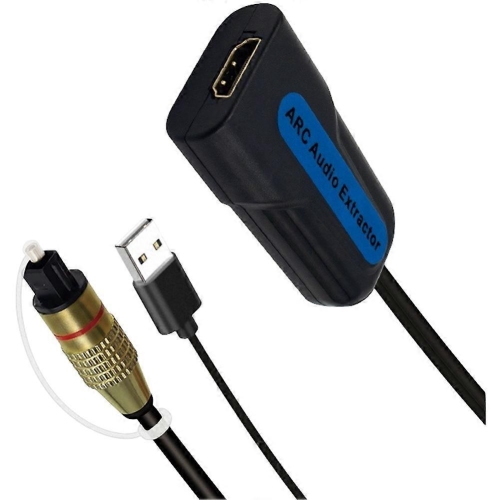
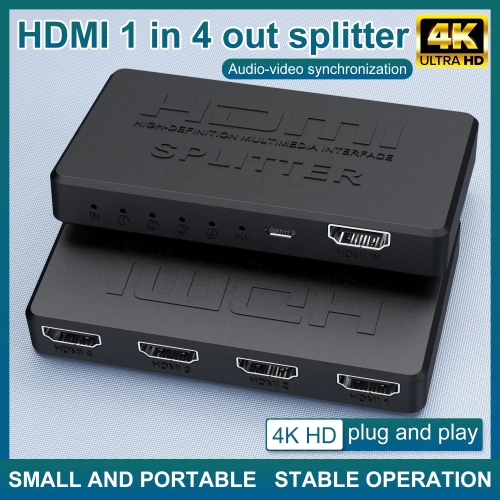
Audio-format compatibility determines whether every connected device can use the shared signal. Standard optical S/PDIF commonly carries uncompressed two-channel PCM and compatible compressed surround formats, including Dolby Digital 5.1 and DTS, when the source, splitter, and receiving equipment all support them. Support for a particular sample rate or format is not universal across optical splitters, and a splitter cannot make an incompatible receiver understand the incoming audio. For example, a television might send a compressed surround soundtrack that an A/V receiver can play, while a stereo-only headphone transmitter connected to the other output produces no sound. A two-channel PCM output setting may provide a shared format in that arrangement, but it also changes what reaches the surround receiver. A basic splitter does not normally provide independent conversion or downmixing for each output. Toslink also lacks the bandwidth for uncompressed multichannel PCM and high-bandwidth formats such as Dolby TrueHD and DTS-HD Master Audio. For systems built around HDMI connections or audio requirements beyond standard optical capability, HDMI audio splitters offer a related category to consider, with supported formats and functions depending on the equipment. Optical splitting remains useful when the goal is simply to share compatible digital sound without changing an established connection layout. Volume control is another practical distinction: many televisions provide a fixed-level optical output, leaving volume adjustments to the receiver, soundbar, or headphone system rather than the television remote. A basic optical splitter does not add HDMI control features. Sending identical audio to two devices also does not guarantee that their sound will arrive at the listener at exactly the same moment, because each device may apply different processing. A soundbar and receiver playing aloud together can produce an audible echo, even though both receive the same source signal. Separate listening positions, headphone use, or suitable delay adjustments can make shared-output arrangements more practical.
Construction, cable routing, and everyday handling all contribute to a dependable optical audio connection. Splitter housings are commonly made from moulded plastic or metal, with compact designs fitting behind a television or alongside other audio components. A metal enclosure may offer greater resistance to knocks, while a lightweight plastic adapter places less weight on a short cable run; either construction still needs secure connectors and sensible placement. Small passive adapters can become awkward when several stiff cables pull in different directions, especially behind a wall-mounted screen with little clearance. A short cable between the source and splitter can provide more positioning flexibility than a rigid adapter attached directly to the source socket. Optical cables carry light through fibre and benefit from gentle curves rather than sharp folds, tight coils, or pressure from furniture. Cable length should suit the actual route, with enough slack for connections and movement but without unnecessary excess. The acceptable distance depends on the splitter and connected equipment, and passive splitting leaves less margin for losses than an unsplit connection. Clear input and output labels, accessible sockets, and room for the plugs to seat fully make a crowded media cabinet easier to manage. Powered splitters also need a suitable power connection; supply voltage, connector type, and any included power accessories are relevant parts of compatibility. Heat-producing components should not crowd the splitter, and its placement should leave any ventilation openings unobstructed. For routine care, a dry, soft cloth is generally suitable for the exterior, while unused optical ports and disconnected cable ends benefit from protective caps. Dust, damaged cable tips, and plugs that are not fully seated can interrupt the light path. Pulling a cable by its connector rather than its jacket helps protect the connection during equipment changes. For home-theatre enthusiasts, headphone listeners, or someone keeping an existing optical-input receiver in use, a Toslink splitter can be a practical accessory when the source, destinations, and supported audio formats are already understood.
Audio-format compatibility determines whether every connected device can use the shared signal. Standard optical S/PDIF commonly carries uncompressed two-channel PCM and compatible compressed surround formats, including Dolby Digital 5.1 and DTS, when the source, splitter, and receiving equipment all support them. Support for a particular sample rate or format is not universal across optical splitters, and a splitter cannot make an incompatible receiver understand the incoming audio. For example, a television might send a compressed surround soundtrack that an A/V receiver can play, while a stereo-only headphone transmitter connected to the other output produces no sound. A two-channel PCM output setting may provide a shared format in that arrangement, but it also changes what reaches the surround receiver. A basic splitter does not normally provide independent conversion or downmixing for each output. Toslink also lacks the bandwidth for uncompressed multichannel PCM and high-bandwidth formats such as Dolby TrueHD and DTS-HD Master Audio. For systems built around HDMI connections or audio requirements beyond standard optical capability, HDMI audio splitters offer a related category to consider, with supported formats and functions depending on the equipment. Optical splitting remains useful when the goal is simply to share compatible digital sound without changing an established connection layout. Volume control is another practical distinction: many televisions provide a fixed-level optical output, leaving volume adjustments to the receiver, soundbar, or headphone system rather than the television remote. A basic optical splitter does not add HDMI control features. Sending identical audio to two devices also does not guarantee that their sound will arrive at the listener at exactly the same moment, because each device may apply different processing. A soundbar and receiver playing aloud together can produce an audible echo, even though both receive the same source signal. Separate listening positions, headphone use, or suitable delay adjustments can make shared-output arrangements more practical.
Construction, cable routing, and everyday handling all contribute to a dependable optical audio connection. Splitter housings are commonly made from moulded plastic or metal, with compact designs fitting behind a television or alongside other audio components. A metal enclosure may offer greater resistance to knocks, while a lightweight plastic adapter places less weight on a short cable run; either construction still needs secure connectors and sensible placement. Small passive adapters can become awkward when several stiff cables pull in different directions, especially behind a wall-mounted screen with little clearance. A short cable between the source and splitter can provide more positioning flexibility than a rigid adapter attached directly to the source socket. Optical cables carry light through fibre and benefit from gentle curves rather than sharp folds, tight coils, or pressure from furniture. Cable length should suit the actual route, with enough slack for connections and movement but without unnecessary excess. The acceptable distance depends on the splitter and connected equipment, and passive splitting leaves less margin for losses than an unsplit connection. Clear input and output labels, accessible sockets, and room for the plugs to seat fully make a crowded media cabinet easier to manage. Powered splitters also need a suitable power connection; supply voltage, connector type, and any included power accessories are relevant parts of compatibility. Heat-producing components should not crowd the splitter, and its placement should leave any ventilation openings unobstructed. For routine care, a dry, soft cloth is generally suitable for the exterior, while unused optical ports and disconnected cable ends benefit from protective caps. Dust, damaged cable tips, and plugs that are not fully seated can interrupt the light path. Pulling a cable by its connector rather than its jacket helps protect the connection during equipment changes. For home-theatre enthusiasts, headphone listeners, or someone keeping an existing optical-input receiver in use, a Toslink splitter can be a practical accessory when the source, destinations, and supported audio formats are already understood.
Top selling and popular products
-
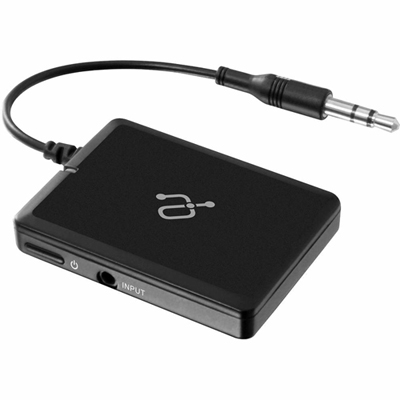 Your price for this item is $34.99
 -
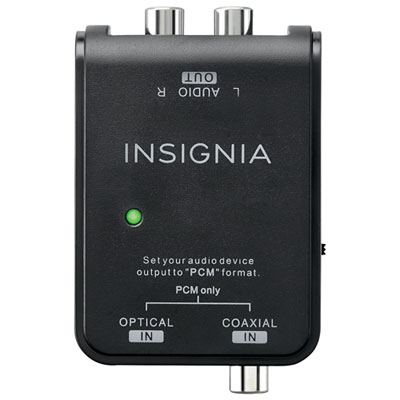 Your price for this item is $39.99
 -
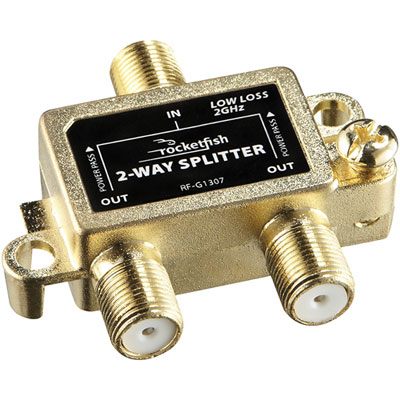 Your price for this item is $10.97
 -
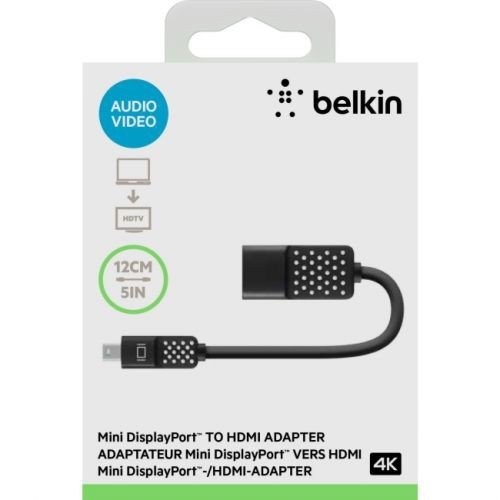 Your price for this item is $46.68
 -
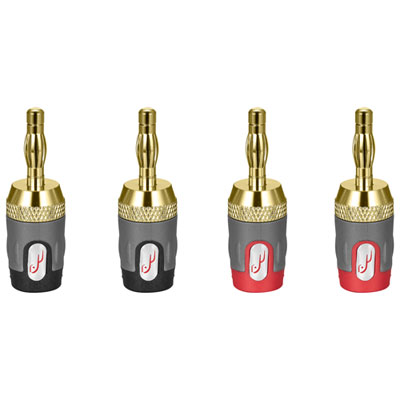 Your price for this item is $24.99
 -
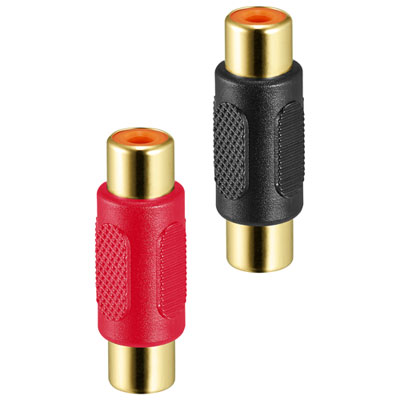 Your price for this item is $9.99
 -
 Your price for this item is $75.99
 -
 Your price for this item is $19.99
Discover more categories related to Toslink Digital Audio Splitters

Top Collections:
Pokemon Centers, Best Cameras for Sports Photography, Kindle Devices, Samsung Galaxy Phones, Canon G7X Cameras, Pokémon 30th Celebration Cards, Refurbished Apple Laptops, iPhone 15 Apple, Laptops for Students, Budget Smartphones
Some products may be subject to Environmental Handling Fees
(EHF) depending on your province.
Learn more about EHFs.