HDMI Matrix
Unlock the full potential of your home entertainment or professional setup with an HDMI matrix. This versatile device seamlessly connects multiple HDMI sources to various displays, allowing you to enjoy high-definition content without the hassle of constantly switching cables. Whether you're setting up a multi-screen gaming station, enhancing a home theater experience, or managing a conference room presentation, an HDMI matrix offers the flexibility and convenience you need to streamline your audio-visual connections. Explore options that cater to different configurations and resolutions, ensuring that your viewing experience is both smooth and immersive. Dive into a world of connectivity where simplicity meets high performance.
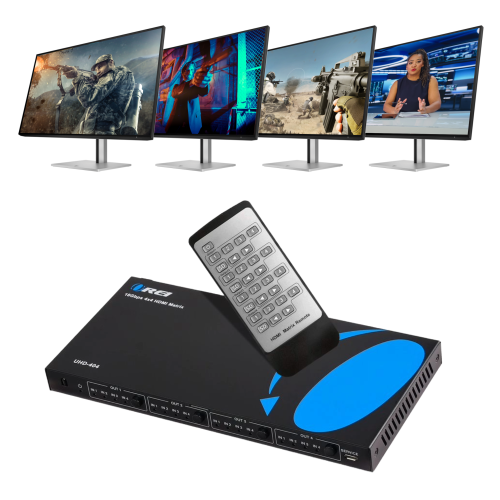
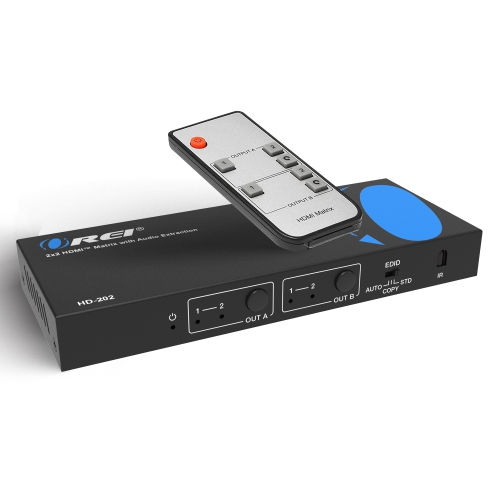
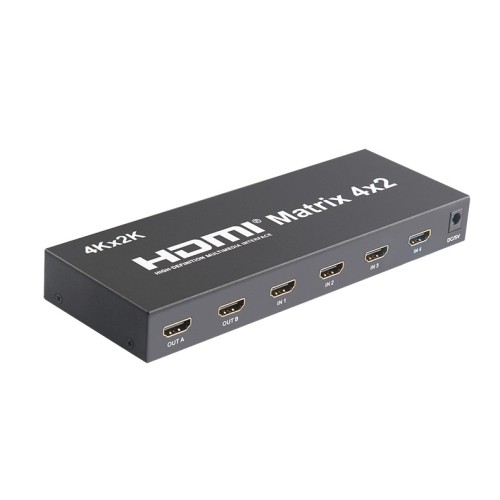

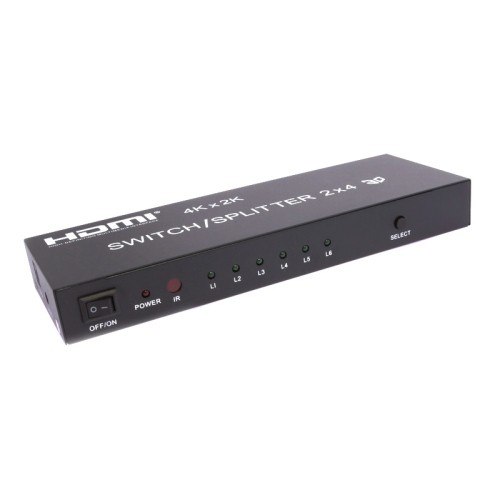
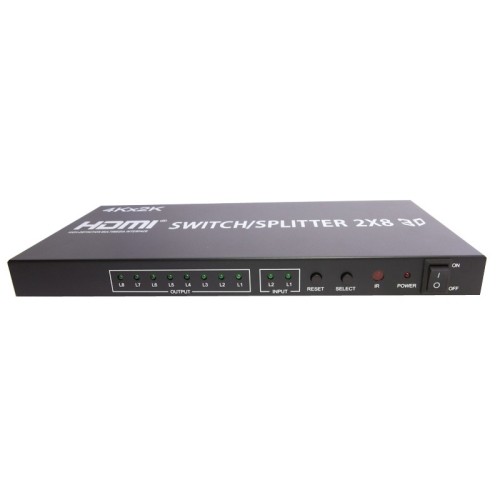
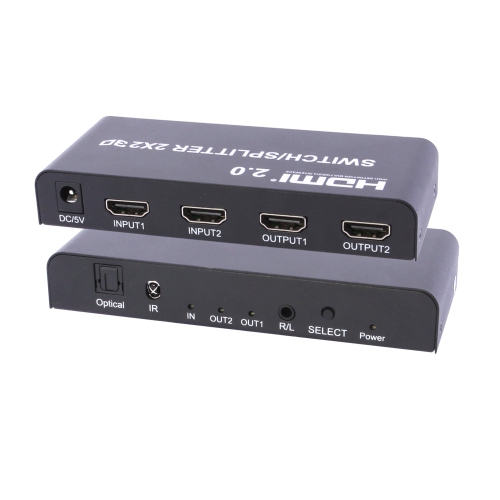
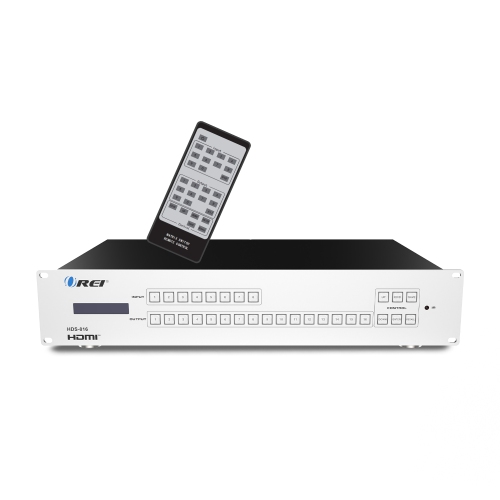
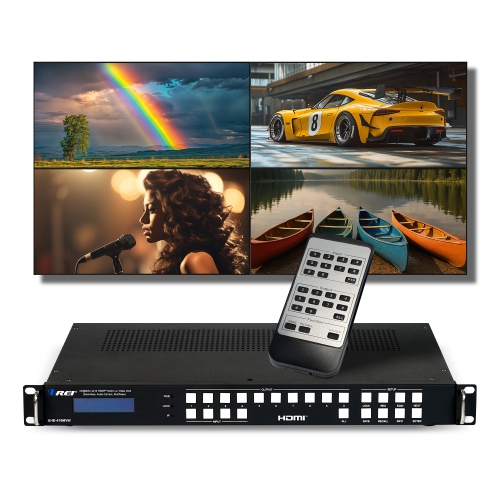
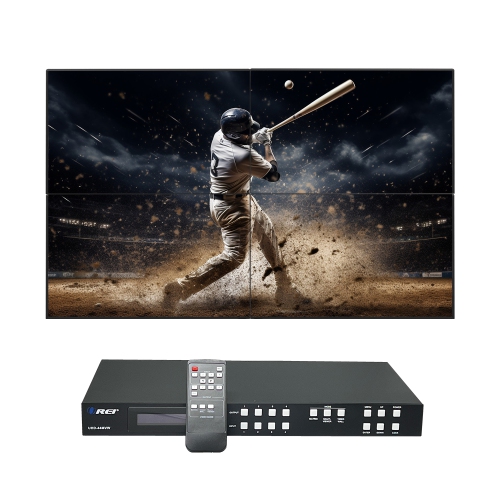
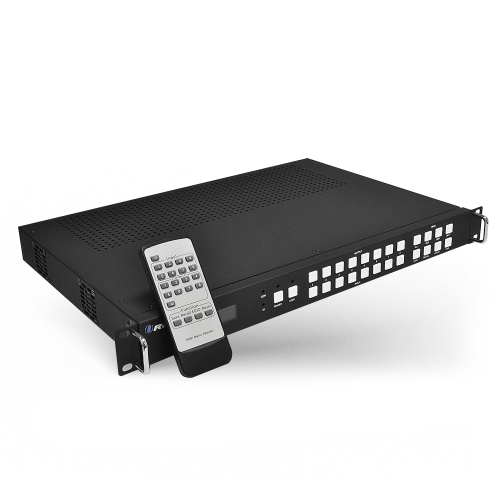
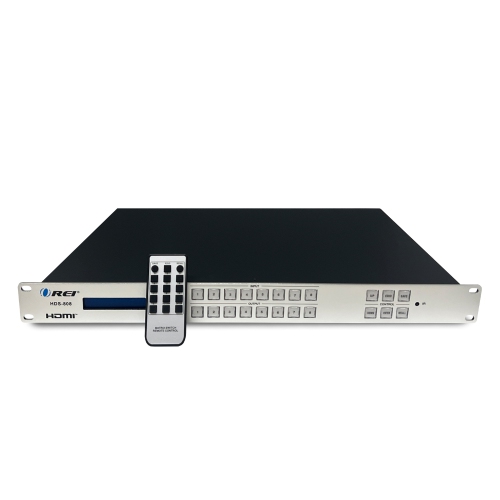
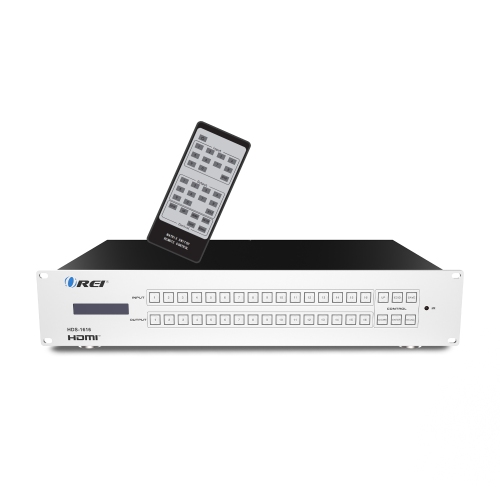
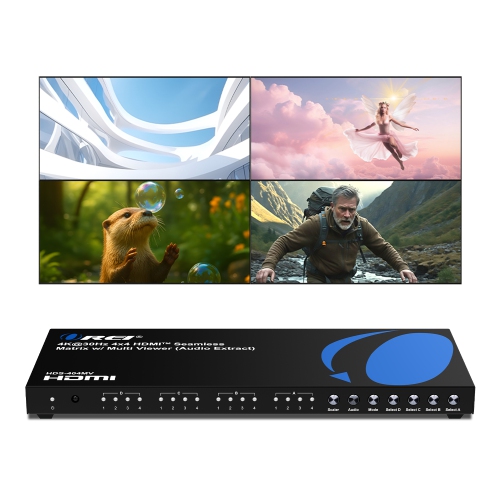
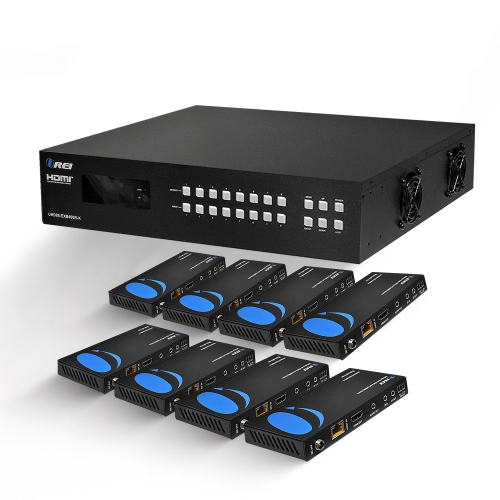
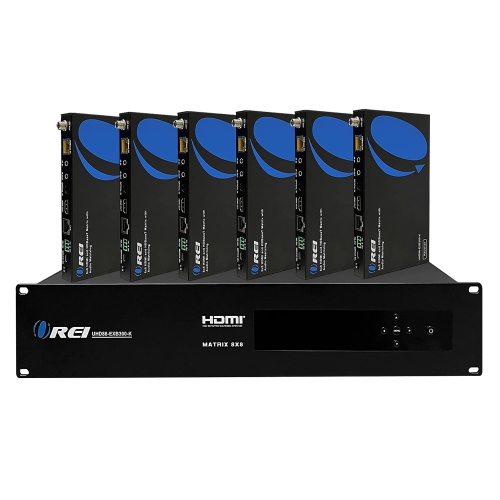
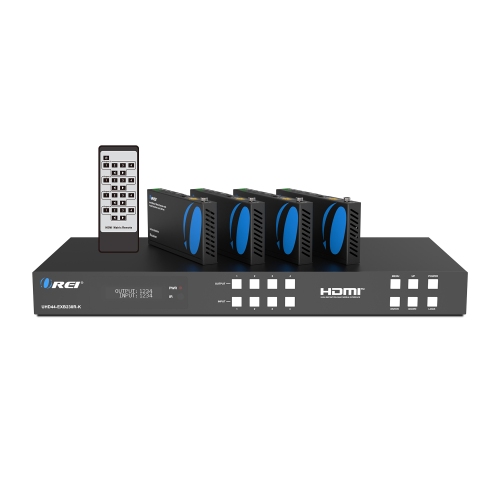
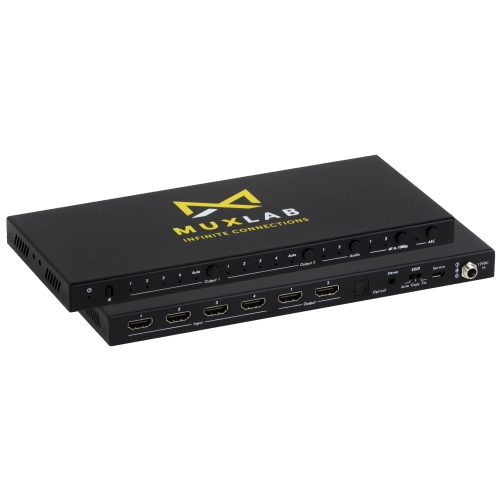
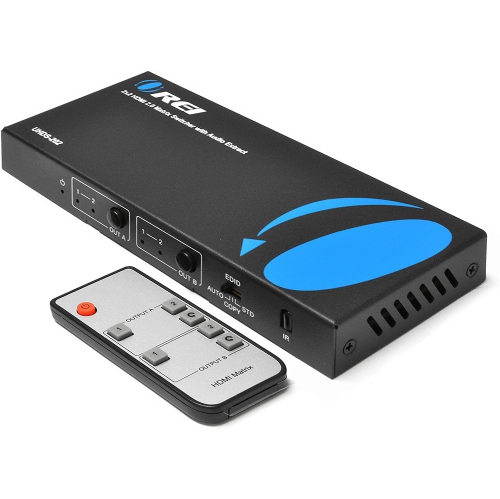

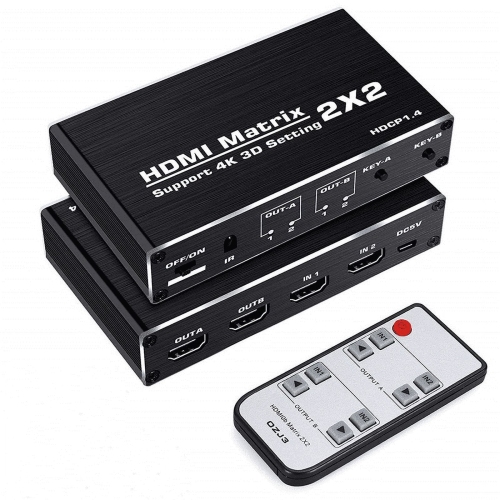


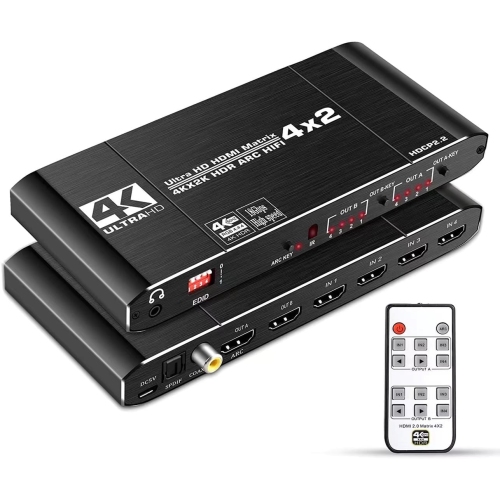
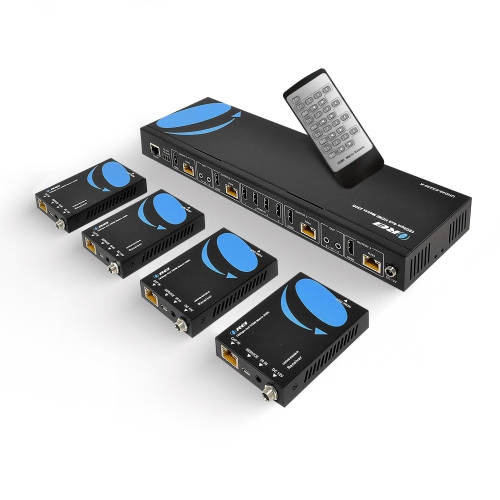
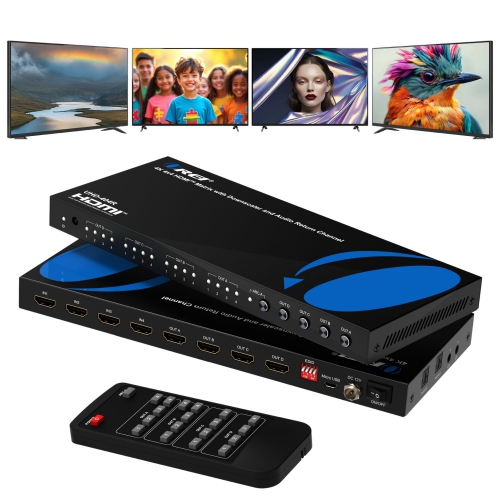
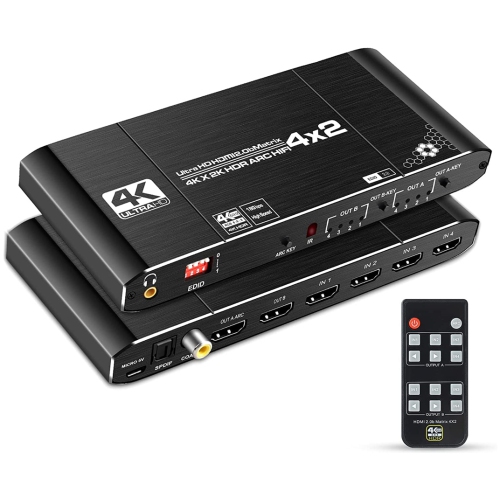
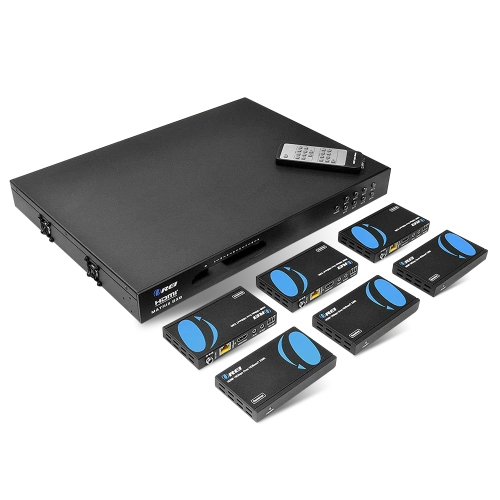
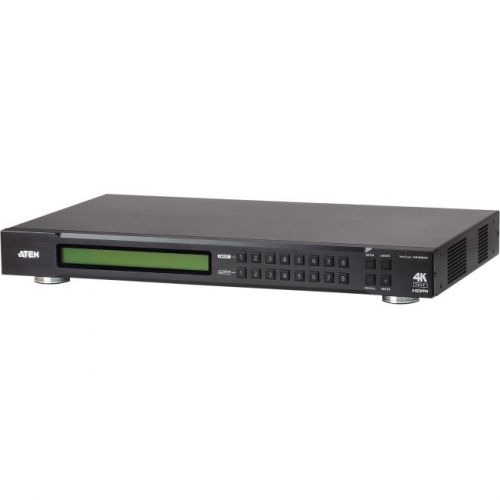
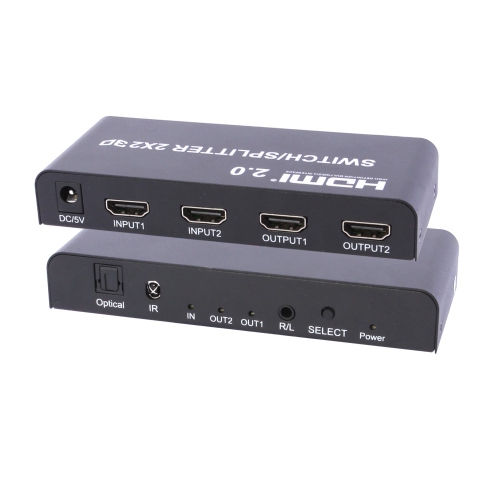
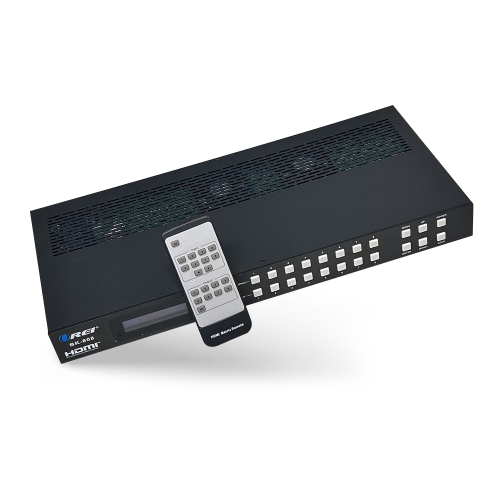
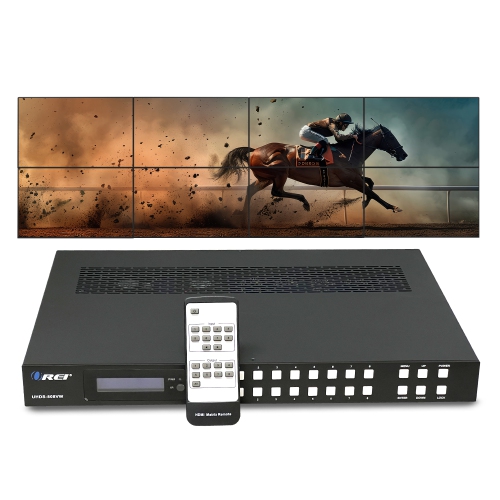
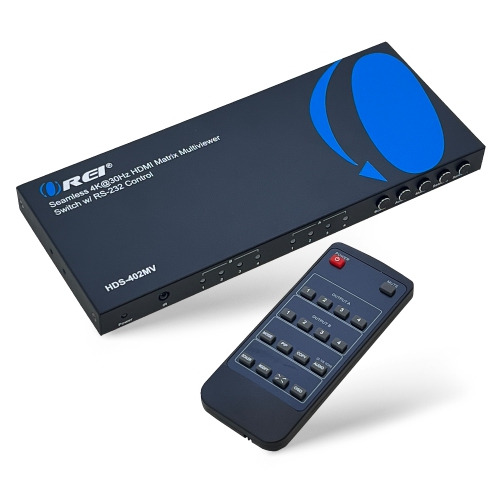
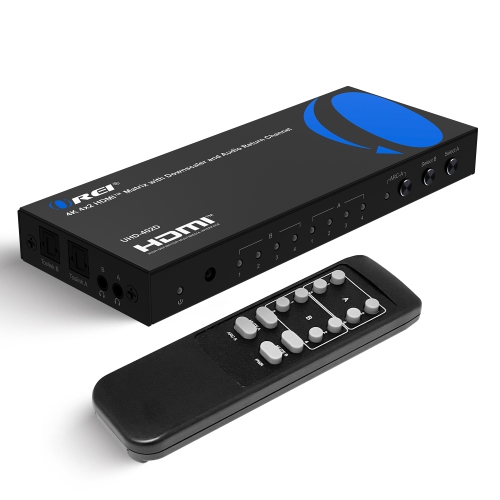
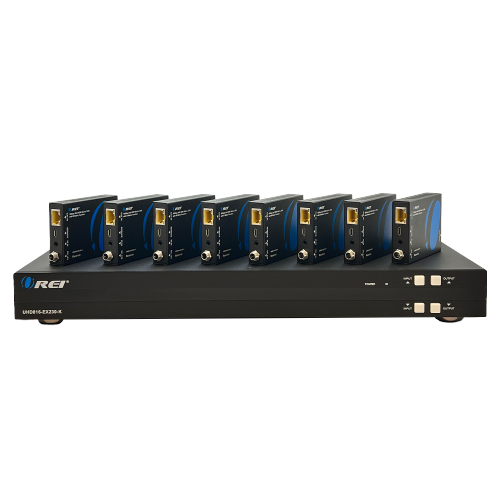
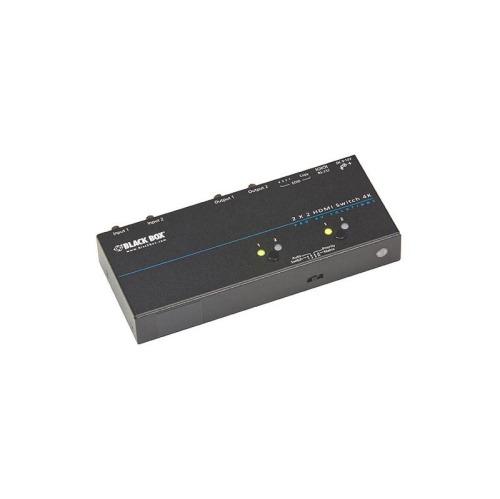
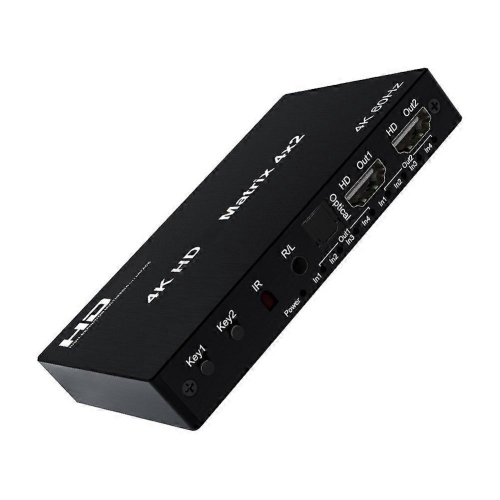
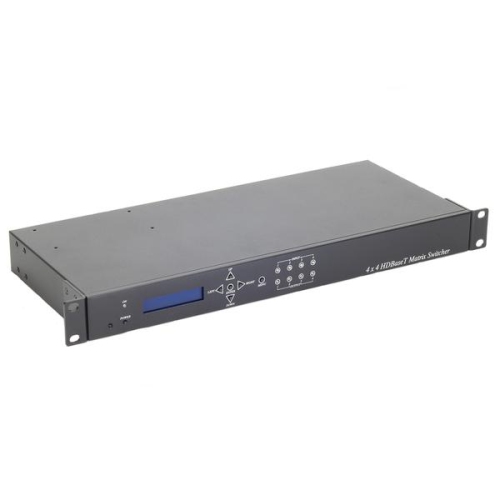

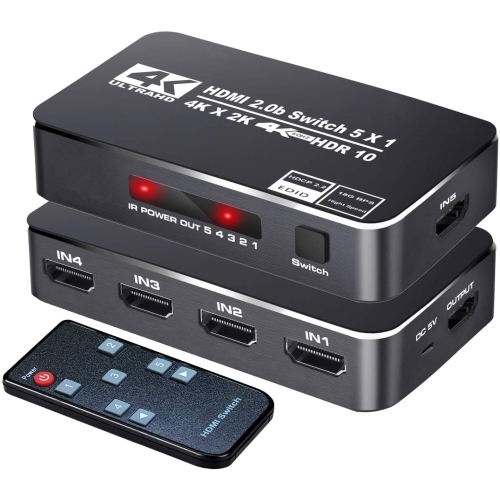
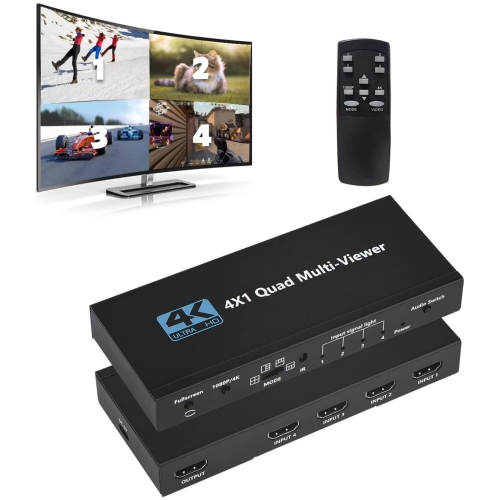
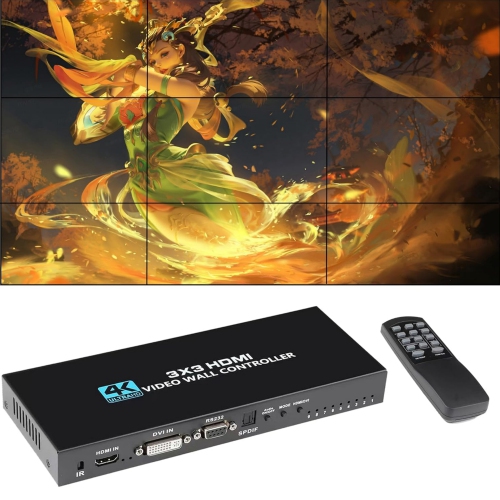
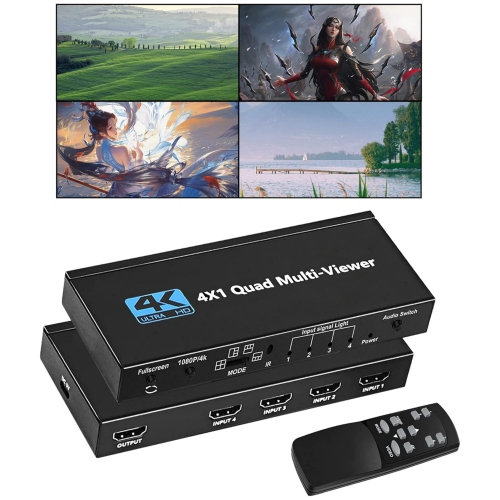
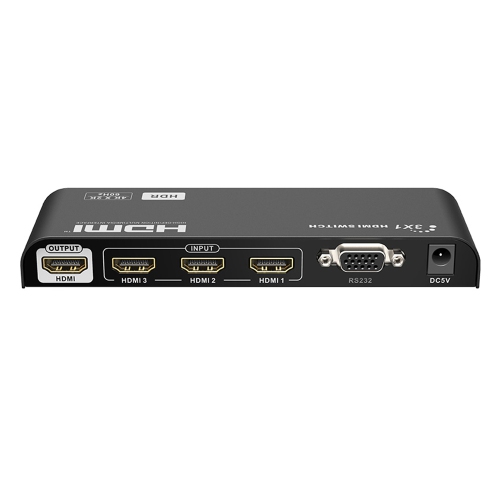
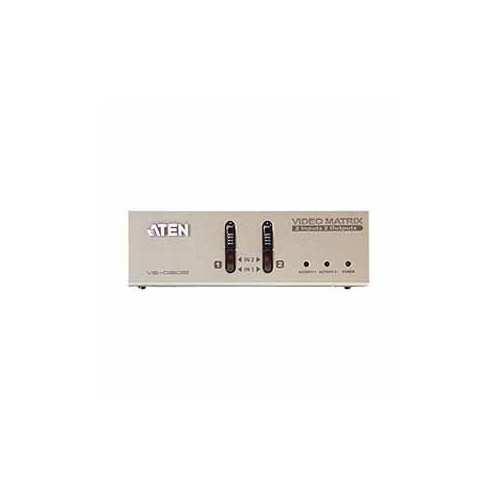
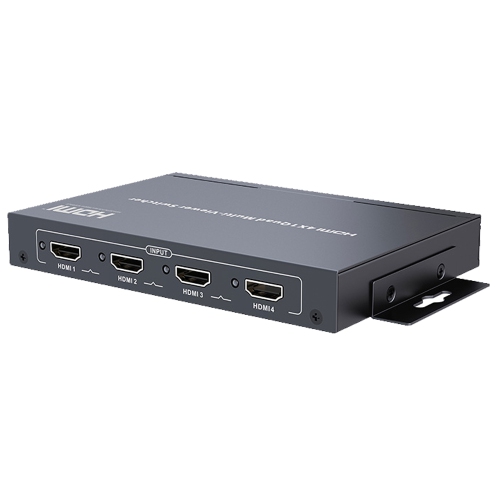

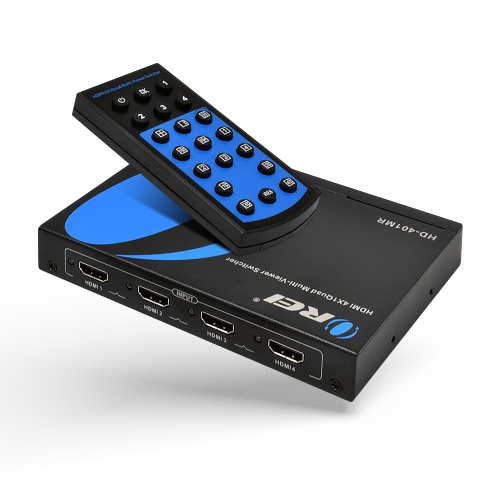
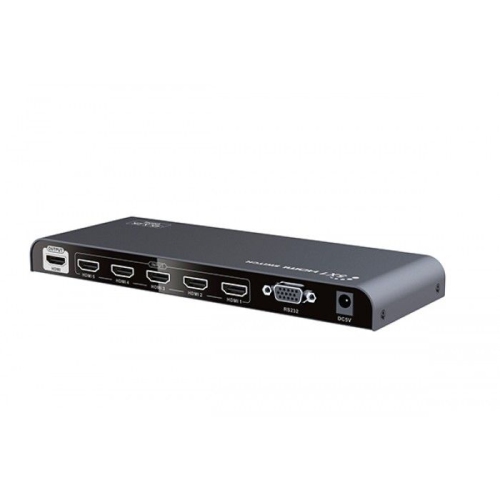
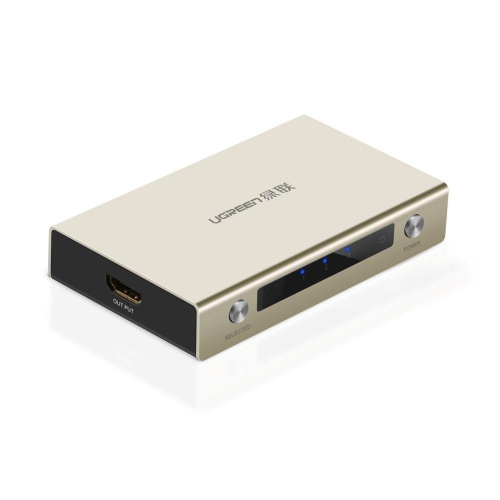
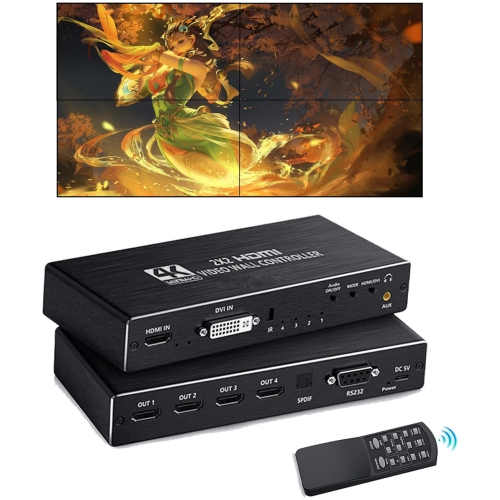
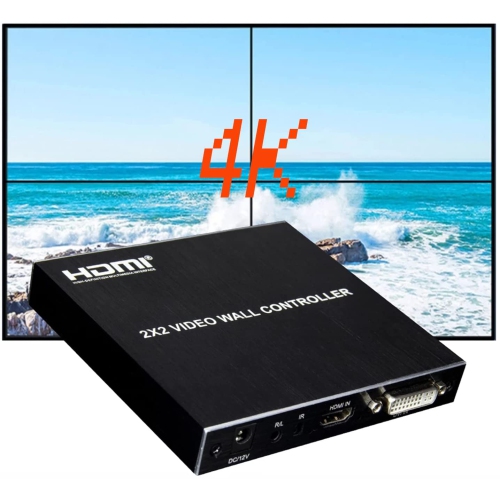
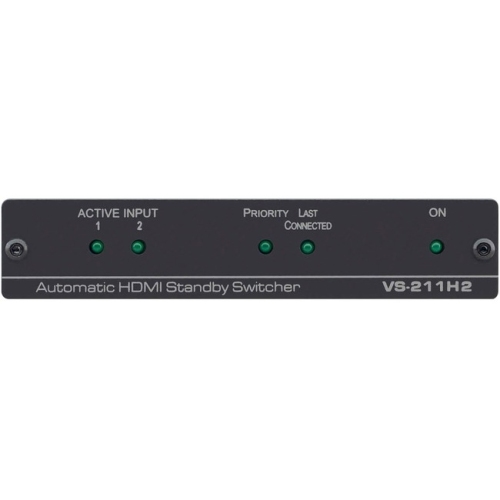
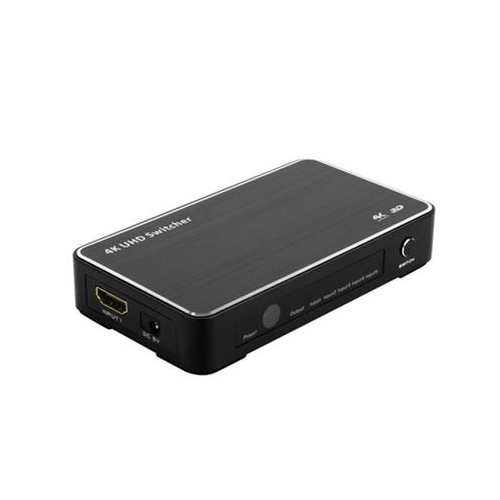


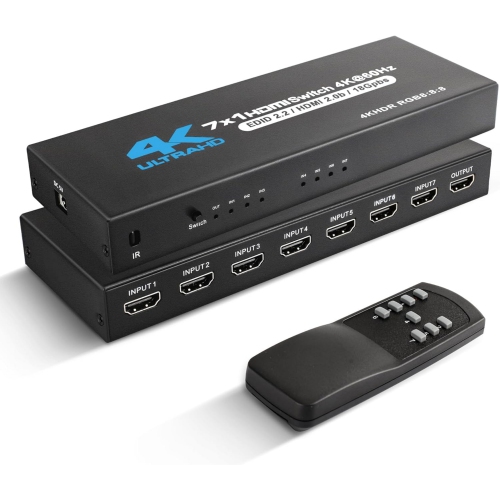
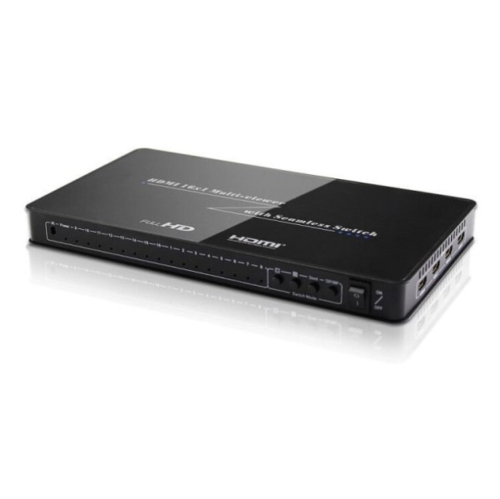
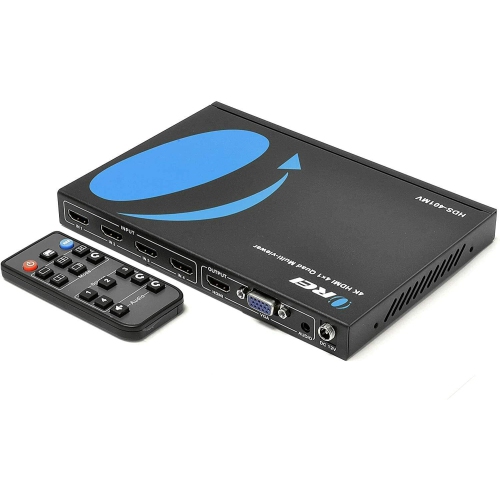
Multi-screen viewing with independent source routing
Video specifications deserve close attention because the matrix sits between your source devices and displays. Look for support that matches the capabilities you actually use, including resolution, refresh rate, HDR formats, colour depth, and HDCP compatibility. A setup intended for standard television and streaming may have different requirements from a gaming system connected to a 4K display. HDMI 2.0 equipment commonly supports 4K at 60Hz, while HDMI 2.1 is relevant for compatible setups seeking features such as 8K resolution or 4K at 120Hz. The source, matrix, cable, and display must all support the desired feature for it to work properly; connecting one component with a lower specification can limit the signal across that connection. Gamers should pay particular attention to refresh rate, input lag, variable refresh rate support, and features such as Auto Low Latency Mode when applicable. Home theatre users may want HDR pass-through and dependable audio handling for soundbars, AV receivers, or surround-sound systems. Some HDMI matrices include audio extraction through optical or 3.5mm connections, which can be helpful when video is going to a display while sound is routed separately. Others may support ARC or eARC, though compatibility varies by model and equipment. Check whether the matrix passes through the audio formats you use rather than assuming every connected device will work in the same way. A television with built-in speakers, a receiver with multiple audio inputs, and a soundbar connected through optical may each require a different arrangement. For installations with longer cable runs, signal quality and cable certification matter as well. Keep cables as short as practical, use cables rated for the resolution and refresh rate you need, and consider the physical route before placing the matrix. Clear labelling on both ends of each cable can save considerable time later, especially when several identical HDMI connections disappear behind furniture.
Control and everyday convenience can be just as important as technical specifications. Basic HDMI matrices may use front-panel buttons, while others include an infrared remote for switching from across the room. More advanced options can support RS-232, network control, or integration with a broader home automation system. Think about who will use the setup and where the matrix will be located. If it sits inside a media cabinet, a remote or external control option may be more practical than front-panel buttons. If several family members share the space, straightforward source labels and a responsive switching system can prevent the familiar tangle of remotes and repeated cable changes. EDID management is another feature worth understanding. EDID helps connected devices communicate their supported display capabilities, and a matrix with useful EDID controls can help maintain a stable signal when screens have different resolutions or capabilities. This is particularly valuable when one output feeds a newer 4K television and another connects to an older display or projector. Before installation, confirm the output arrangement, power requirements, ventilation, and included accessories. A compact matrix can be a thoughtful gift for someone building a gaming room, upgrading a home theatre, or adding displays to a workspace, provided you know how many sources and screens they plan to connect. It can also be a practical choice for a family that wants one console or media library available in more than one room without constantly unplugging equipment. For related equipment that can help manage or extend HDMI connections, explore HDMI Amplifiers. With the right port count, signal support, audio options, and control method, an HDMI matrix can make a multi-screen setup feel organized and effortless, whether it is used for evening entertainment, competitive gaming, presentations, or keeping different viewing areas running smoothly during the cooler months.
Top selling and popular products
-
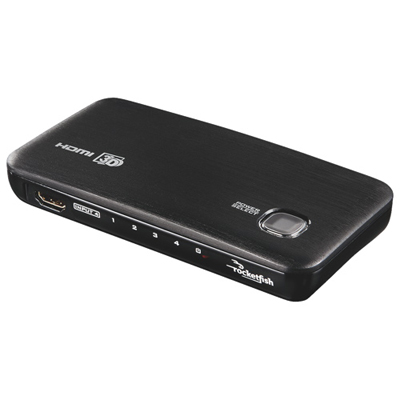 Your price for this item is $79.97
 -
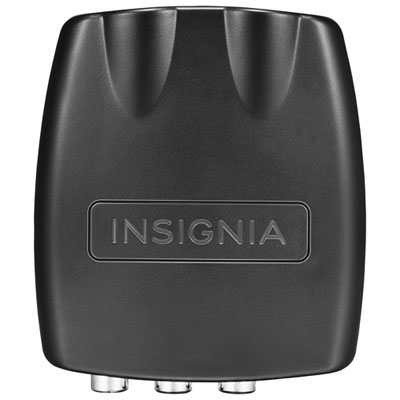 Your price for this item is $47.97
 -
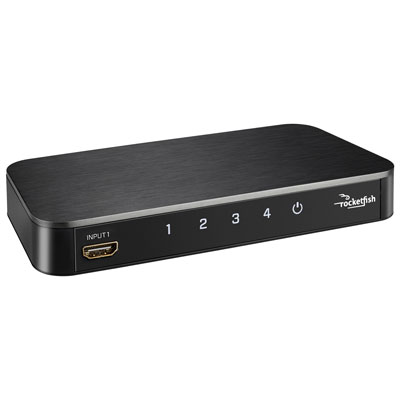 Your price for this item is $107.97
 -
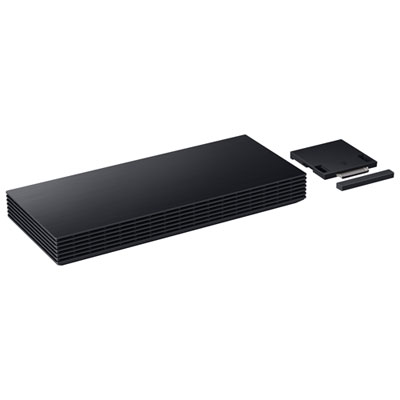 Your price for this item is $499.99
 -
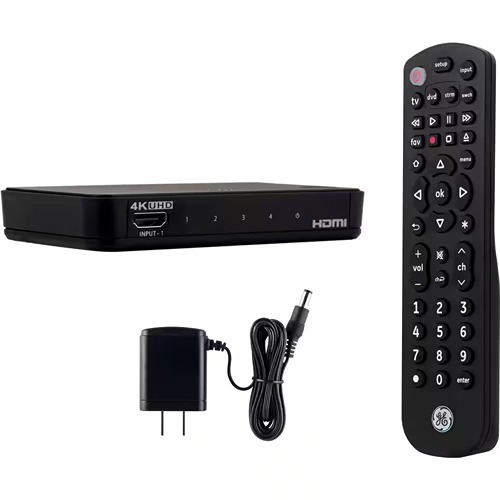 Your price for this item is $29.99
 -
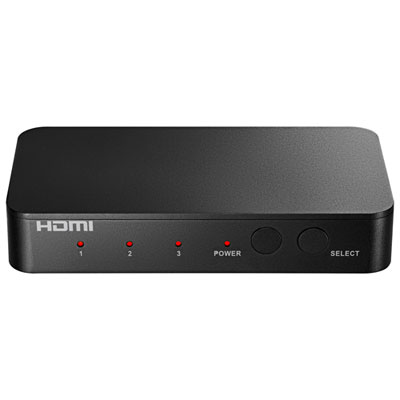 Your price for this item is $54.99
 -
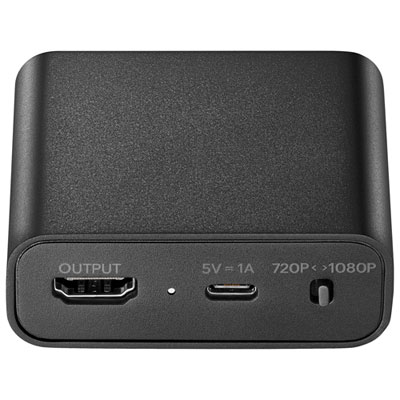 Your price for this item is $49.99
 -
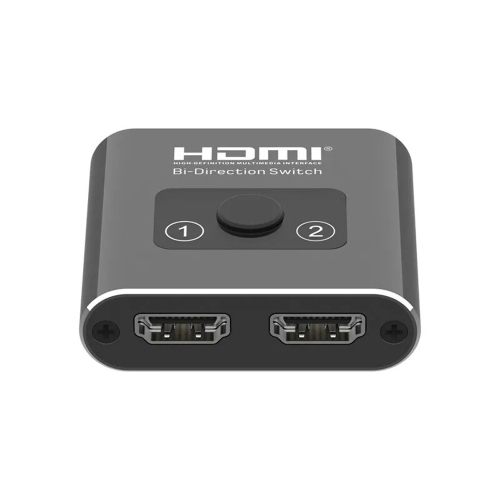 Your price for this item is $13.99