HDMI Hdbasets
HDMI HDBaseT solutions offer a reliable way to enjoy high-quality audio and video transmission across longer distances, making them ideal for home theaters, conference rooms, and multimedia setups. Find a range of HDMI HDBaseT options designed to simplify your entertainment or professional installations. Explore products that help you connect your devices with ease and enhance your viewing experience with streamlined connectivity. Discover the benefits of upgrading your setup with HDMI HDBaseT technology for seamless integration and performance.
Sort
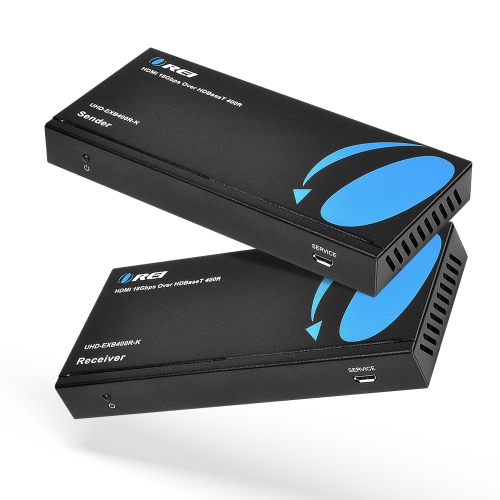
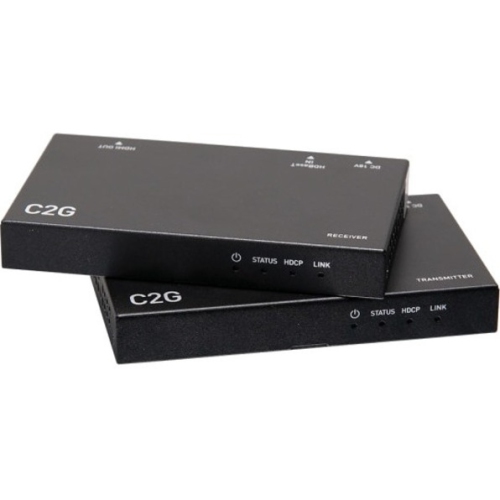
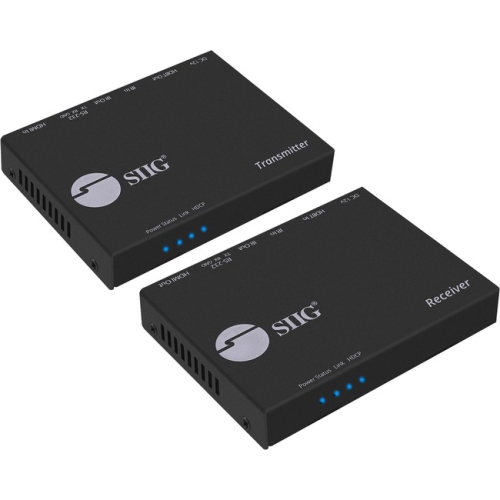
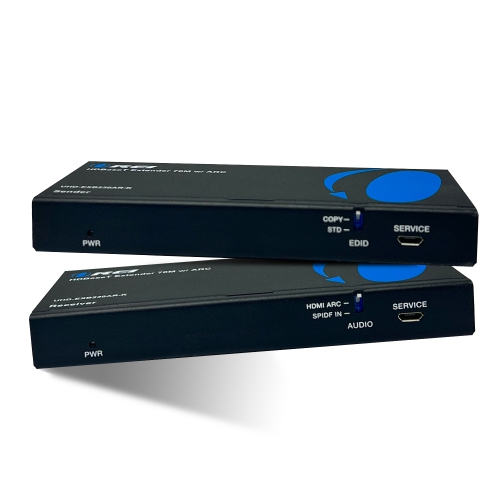
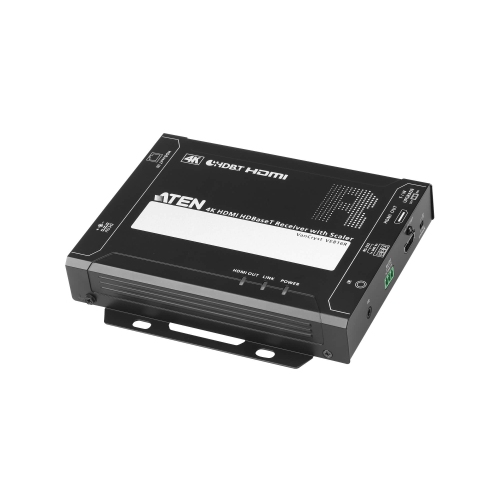
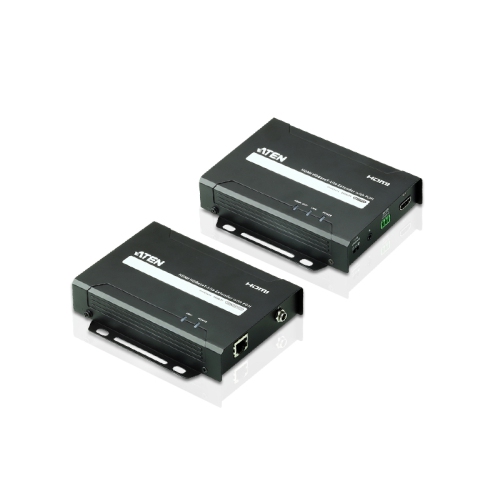
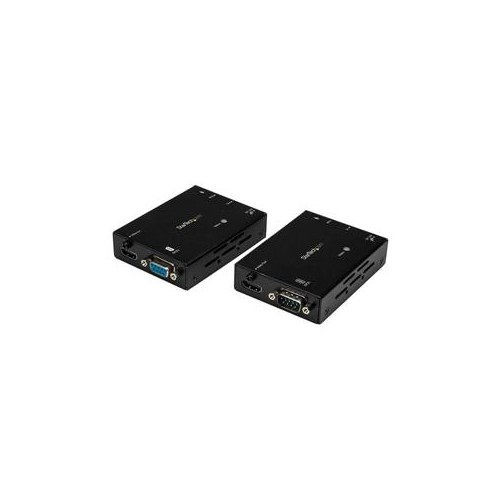
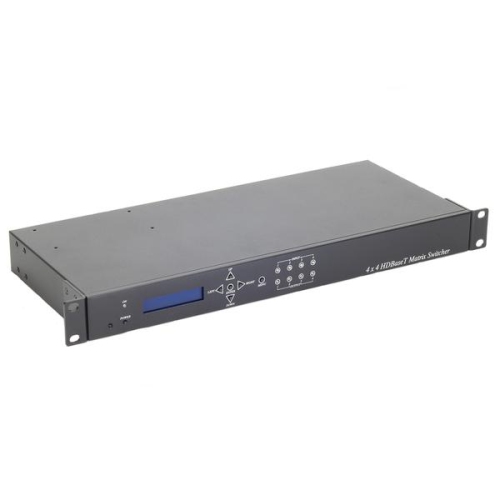


Long-distance video connections with equipment out of sight
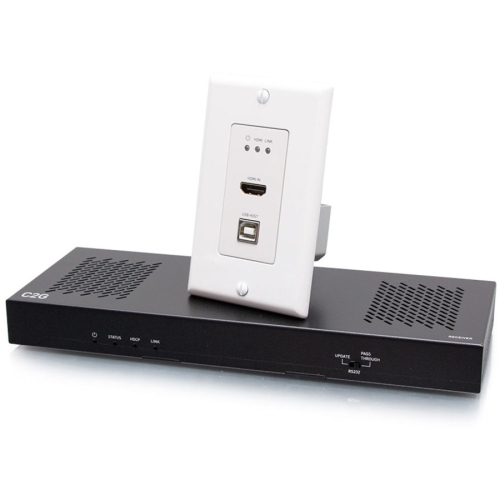
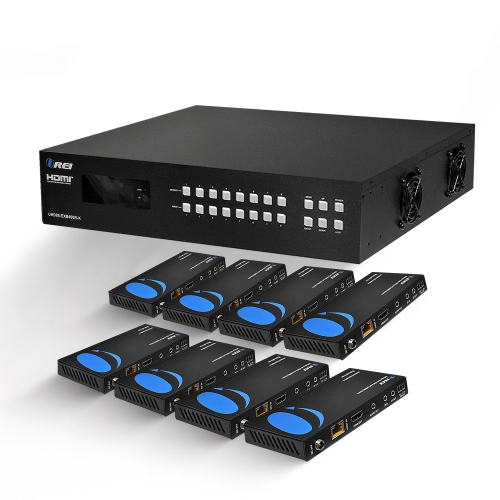
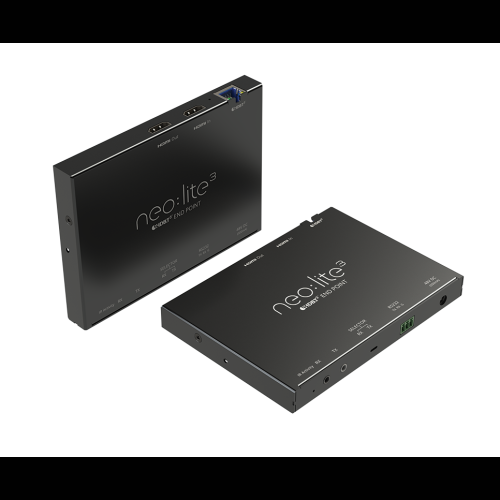
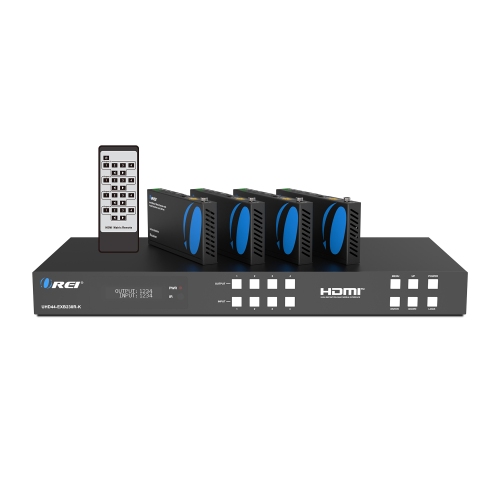
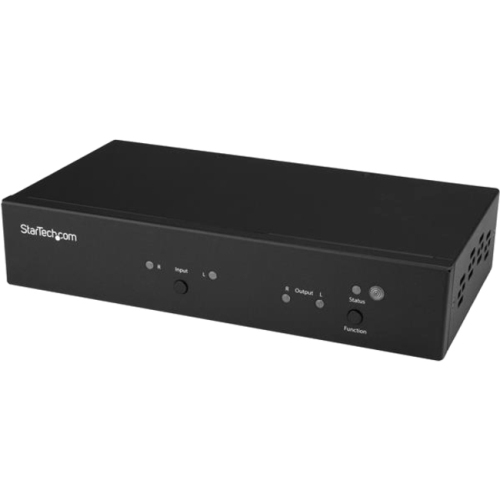
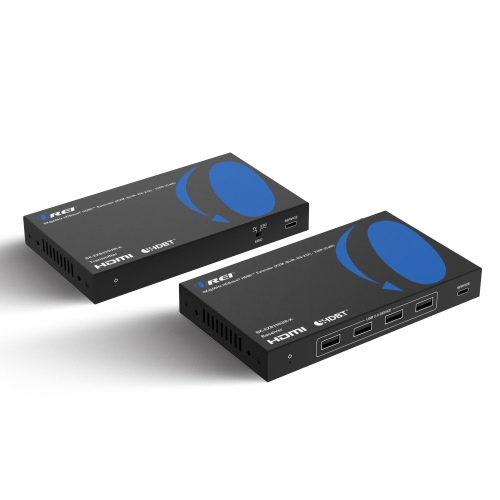
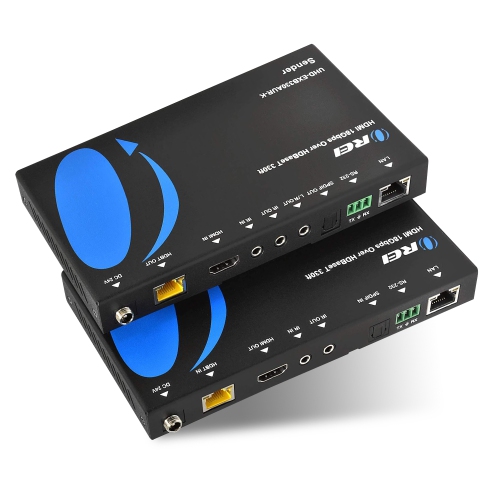
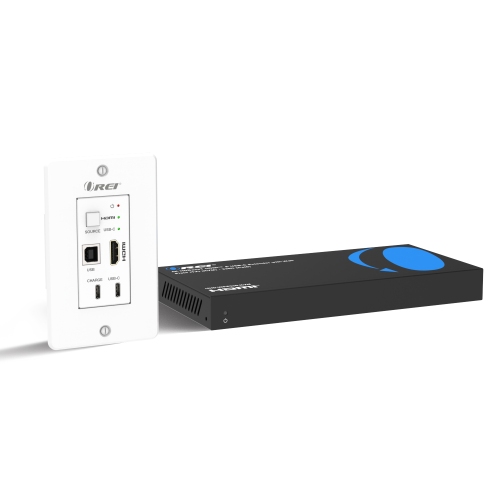
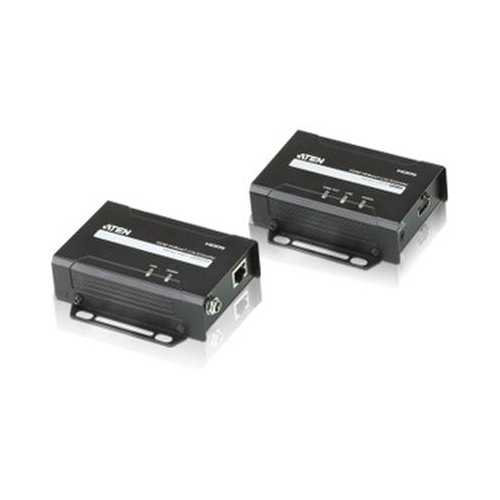
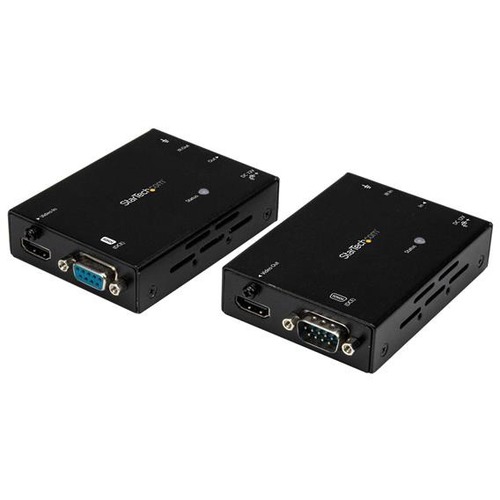
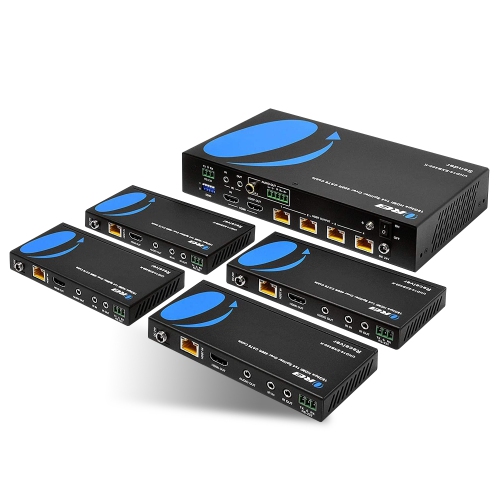
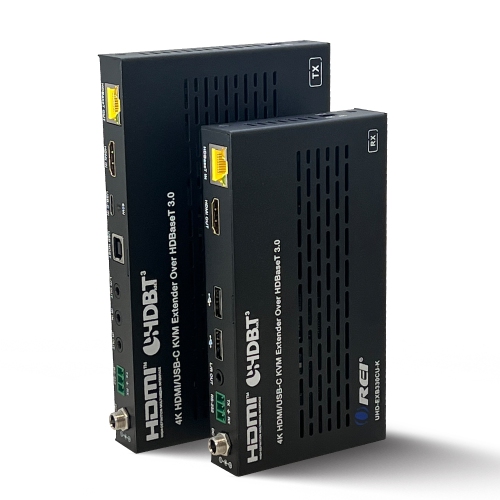
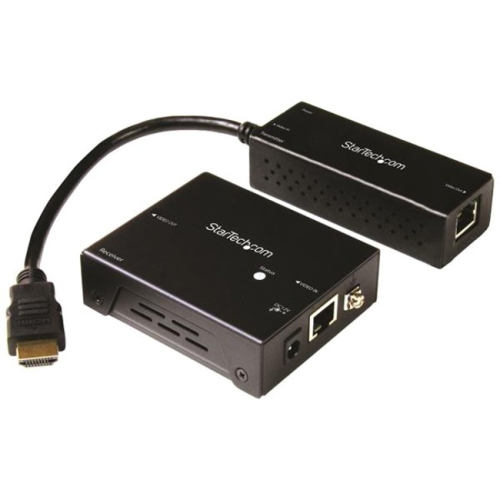
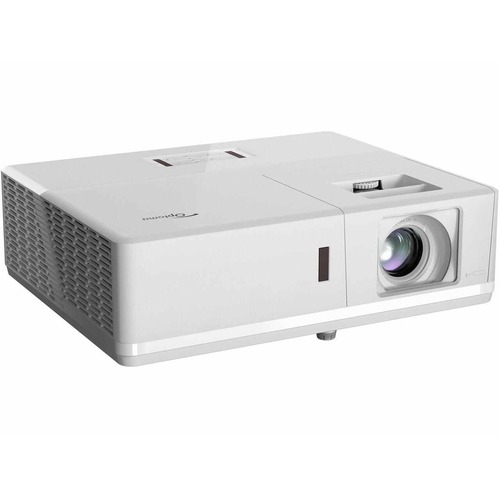
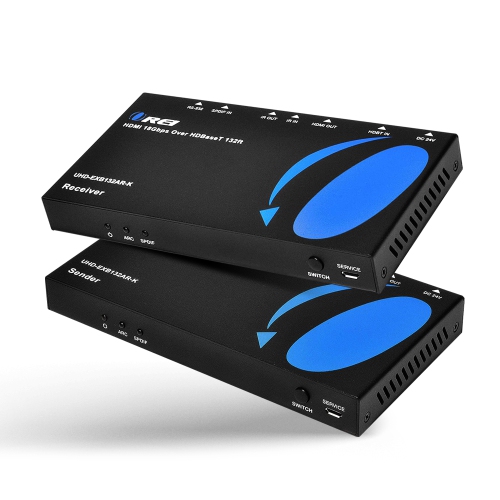
HDMI HDBaseT extenders transmit digital video and audio from an HDMI source to a distant display over a single category cable, typically Cat5e, Cat6, or Cat6A. A typical system pairs a transmitter near the source with a receiver near the screen, with short HDMI cables connecting the equipment at either end. This arrangement suits spaces where the display belongs well away from the playback equipment: a television above a fireplace with components in a side cabinet, a projector across a home theatre, or a meeting room screen connected to equipment in a separate rack. HDBaseT is a connectivity standard designed to carry multiple signals over twisted-pair copper cabling. Depending on the implementation, those signals can include uncompressed video, multichannel audio, Ethernet, USB, control commands, and power. Not every extender supports every function, so the supported feature set matters as much as the distance rating. Many HDBaseT systems support cable runs of up to 100 metres, approximately 328 feet, although the actual limit depends on the hardware, cable category, signal format, and installation quality. Some configurations have shorter limits for higher-resolution video. The practical appeal is a long connection that keeps equipment out of sight without relying on a wireless link between the source and display. HDBaseT transport is designed for very low latency, making compatible extenders useful for presentations, video playback, and other applications where a noticeable delay would be distracting. For gaming, the display’s processing and the complete signal chain still influence responsiveness. In a living room, this can mean keeping a media player beside the rest of the entertainment equipment rather than balancing it behind a wall-mounted screen. In a classroom or training room, it can mean delivering a clear picture from a presenter’s station to a display that everyone can see, without stretching a conventional HDMI cable across the floor.
Picture compatibility involves more than finding a 4K label. Resolution, refresh rate, colour sampling, colour depth, and high dynamic range support all contribute to the amount of data an extender must carry. A connection intended for films at 24 Hz has different demands from one carrying a computer desktop or game at 60 Hz. Fine text and detailed graphics can make full-colour 4:4:4 support particularly relevant, while compatible HDR support helps preserve the intended range of brightness and colour from source to screen. HDBaseT generations and individual extender designs have different capabilities; some carry supported video formats without compression, while others use compression for higher-bandwidth signals. A distance claim therefore makes the most sense alongside the exact video format it applies to. Audio support deserves the same attention. Two-channel sound, multichannel formats, and audio return functions are separate capabilities, and ARC or eARC support should not be assumed simply because a unit has HDMI connections. A television sending audio back to a receiver or sound system needs a compatible return path throughout that connection. HDCP compatibility is also important for protected content, while EDID handling helps a source identify the display’s supported picture and audio formats. These details become especially noticeable when a setup combines equipment with different capabilities. A projector and a television, for example, may accept different resolutions or audio formats even when both use HDMI. For shoppers comparing extension methods more broadly, HDMI Cable Extenders provides a related category alongside HDBaseT-based connections. The useful distinction is how each connection fits the room and the equipment, rather than distance alone. USB extension can support compatible keyboards, mice, or other peripherals at the remote end, but supported device types and USB speeds vary. Infrared pass-through can make a remote control useful when the source is hidden in a cabinet, while RS-232 control can serve integrated meeting rooms or professionally managed AV installations.
Cable construction and physical fit have a substantial effect on an HDMI HDBaseT installation. Solid-copper category cable is generally preferred for fixed runs, subject to the extender manufacturer’s requirements, while copper-clad aluminium cable can introduce performance and power-delivery concerns. The supported cable category, shielding requirements, connector quality, and total run length all matter; a higher category marking alone does not guarantee that an existing cable route will work. Wall plates, couplers, patch panels, and extra patch leads can affect the usable connection, so a run through several junctions is not equivalent to one uninterrupted cable of the same length. Appropriate in-wall cable ratings and compliance with local building requirements are important where wiring passes through walls or ceilings. Although HDBaseT commonly uses familiar network-style connectors, a conventional point-to-point HDBaseT link is not ordinary Ethernet traffic and should not be routed through a standard network switch unless the equipment explicitly supports that arrangement. Power delivery also varies. Some systems can power one endpoint from the other over the category cable, reducing the need for a nearby outlet, while others require separate power connections. Power over HDBaseT and Power over Ethernet are not automatically interchangeable. Beyond the signal specifications, enclosure dimensions, mounting points, ventilation space, and access to ports determine how neatly the hardware fits behind a display or inside a cabinet. Metal housings and secure mounting can be useful in fixed installations, but connectors still need protection from sideways pressure and sharply bent cables. Routine care is straightforward: accessible surfaces benefit from gentle dust removal, ventilation openings need to remain clear, and cable connections should not bear the weight of hanging adapters or power supplies. These considerations suit homeowners planning a tidy entertainment area, businesses connecting meeting spaces, educators using larger displays, and installers managing equipment across a room. A well-matched HDMI HDBaseT setup brings the screen closer to the audience while allowing the source equipment to stay somewhere practical, accessible, and unobtrusive.
Picture compatibility involves more than finding a 4K label. Resolution, refresh rate, colour sampling, colour depth, and high dynamic range support all contribute to the amount of data an extender must carry. A connection intended for films at 24 Hz has different demands from one carrying a computer desktop or game at 60 Hz. Fine text and detailed graphics can make full-colour 4:4:4 support particularly relevant, while compatible HDR support helps preserve the intended range of brightness and colour from source to screen. HDBaseT generations and individual extender designs have different capabilities; some carry supported video formats without compression, while others use compression for higher-bandwidth signals. A distance claim therefore makes the most sense alongside the exact video format it applies to. Audio support deserves the same attention. Two-channel sound, multichannel formats, and audio return functions are separate capabilities, and ARC or eARC support should not be assumed simply because a unit has HDMI connections. A television sending audio back to a receiver or sound system needs a compatible return path throughout that connection. HDCP compatibility is also important for protected content, while EDID handling helps a source identify the display’s supported picture and audio formats. These details become especially noticeable when a setup combines equipment with different capabilities. A projector and a television, for example, may accept different resolutions or audio formats even when both use HDMI. For shoppers comparing extension methods more broadly, HDMI Cable Extenders provides a related category alongside HDBaseT-based connections. The useful distinction is how each connection fits the room and the equipment, rather than distance alone. USB extension can support compatible keyboards, mice, or other peripherals at the remote end, but supported device types and USB speeds vary. Infrared pass-through can make a remote control useful when the source is hidden in a cabinet, while RS-232 control can serve integrated meeting rooms or professionally managed AV installations.
Cable construction and physical fit have a substantial effect on an HDMI HDBaseT installation. Solid-copper category cable is generally preferred for fixed runs, subject to the extender manufacturer’s requirements, while copper-clad aluminium cable can introduce performance and power-delivery concerns. The supported cable category, shielding requirements, connector quality, and total run length all matter; a higher category marking alone does not guarantee that an existing cable route will work. Wall plates, couplers, patch panels, and extra patch leads can affect the usable connection, so a run through several junctions is not equivalent to one uninterrupted cable of the same length. Appropriate in-wall cable ratings and compliance with local building requirements are important where wiring passes through walls or ceilings. Although HDBaseT commonly uses familiar network-style connectors, a conventional point-to-point HDBaseT link is not ordinary Ethernet traffic and should not be routed through a standard network switch unless the equipment explicitly supports that arrangement. Power delivery also varies. Some systems can power one endpoint from the other over the category cable, reducing the need for a nearby outlet, while others require separate power connections. Power over HDBaseT and Power over Ethernet are not automatically interchangeable. Beyond the signal specifications, enclosure dimensions, mounting points, ventilation space, and access to ports determine how neatly the hardware fits behind a display or inside a cabinet. Metal housings and secure mounting can be useful in fixed installations, but connectors still need protection from sideways pressure and sharply bent cables. Routine care is straightforward: accessible surfaces benefit from gentle dust removal, ventilation openings need to remain clear, and cable connections should not bear the weight of hanging adapters or power supplies. These considerations suit homeowners planning a tidy entertainment area, businesses connecting meeting spaces, educators using larger displays, and installers managing equipment across a room. A well-matched HDMI HDBaseT setup brings the screen closer to the audience while allowing the source equipment to stay somewhere practical, accessible, and unobtrusive.
Top selling and popular products
-
 Your price for this item is $54.99
 -
 Your price for this item is $39.99
 -
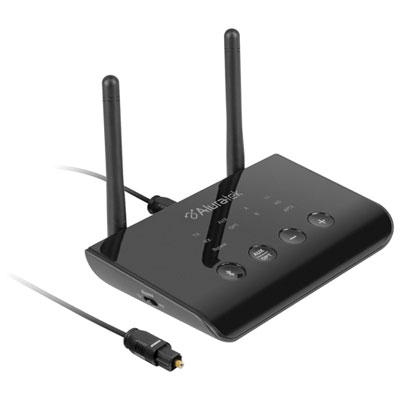 Your price for this item is $99.99
 -
 Your price for this item is $200
 -
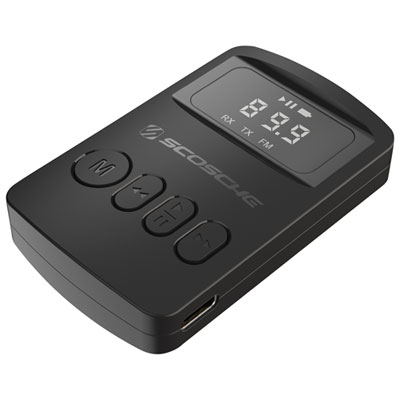 Your price for this item is $29.99
 -
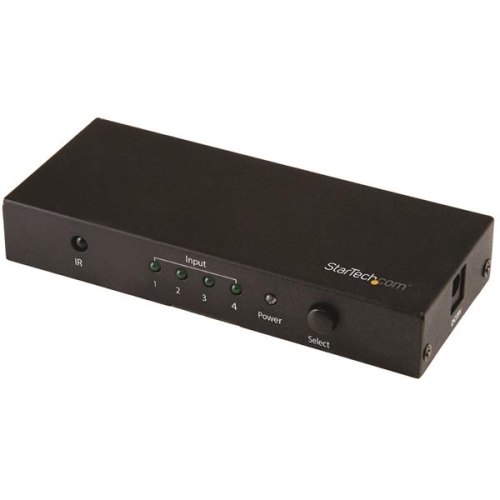 Your price for this item is $81.99
 -
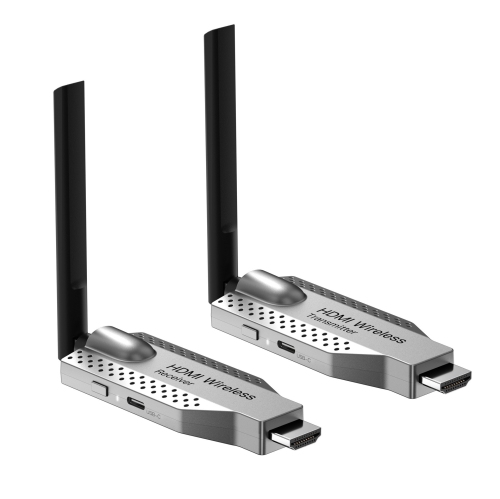 Your price for this item is $99.99
 -
 Your price for this item is $279
Discover more categories related to HDMI Hdbasets
Top Collections:
Pokemon Centers, Best Cameras for Sports Photography, Kindle Devices, Samsung Galaxy Phones, Canon G7X Cameras, Pokémon 30th Celebration Cards, Refurbished Apple Laptops, iPhone 15 Apple, Laptops for Students, Budget Smartphones
Some products may be subject to Environmental Handling Fees
(EHF) depending on your province.
Learn more about EHFs.