Hisense Remotes
Hisense Remotes make it easy to control your home entertainment system with convenience and precision. Whether you need a replacement remote or want an extra on hand, finding the right option ensures seamless access to your favorite shows, movies, and streaming services. Explore a wide selection of Hisense Remotes designed to keep you connected to your TV and media devices with ease.
Sort
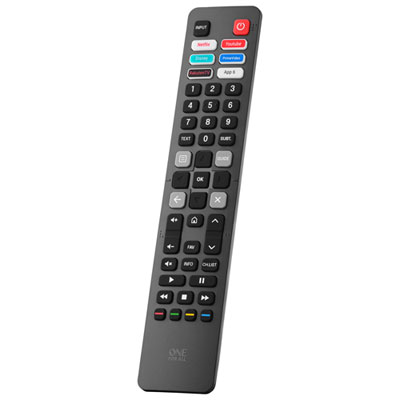


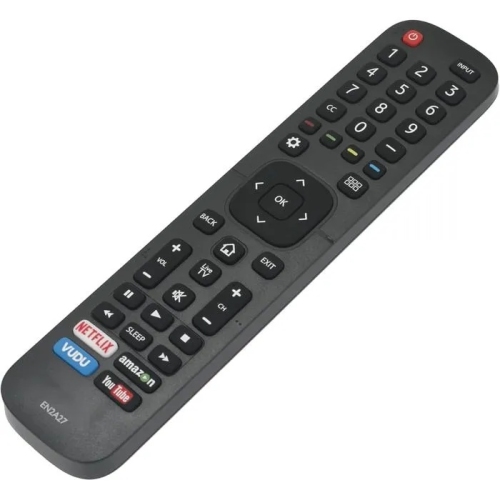
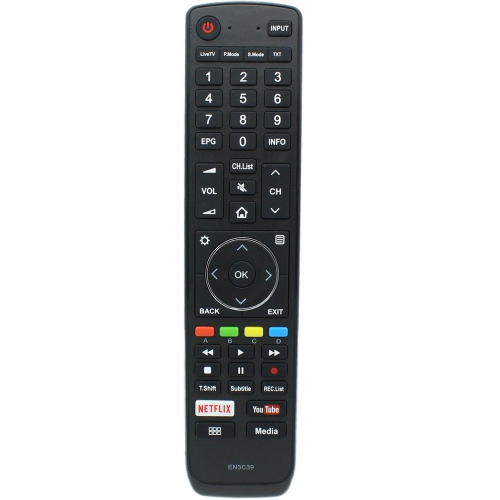
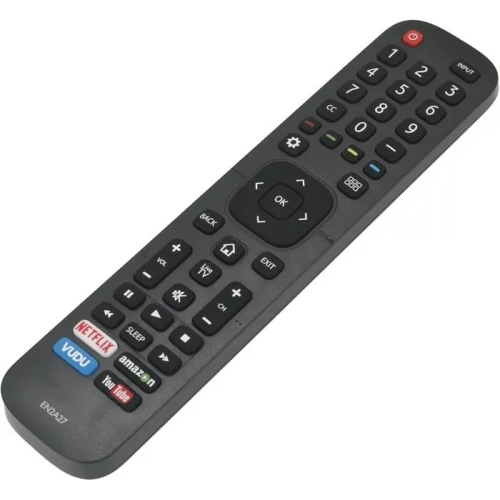
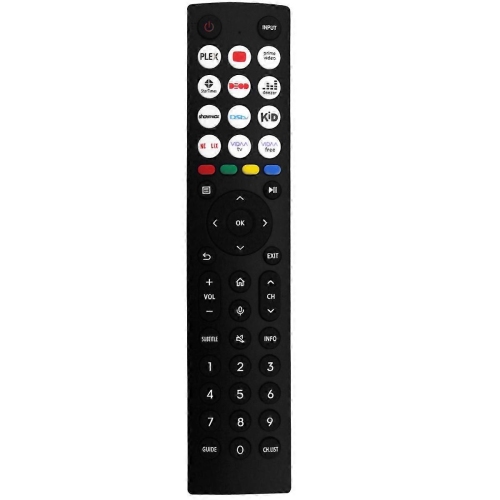
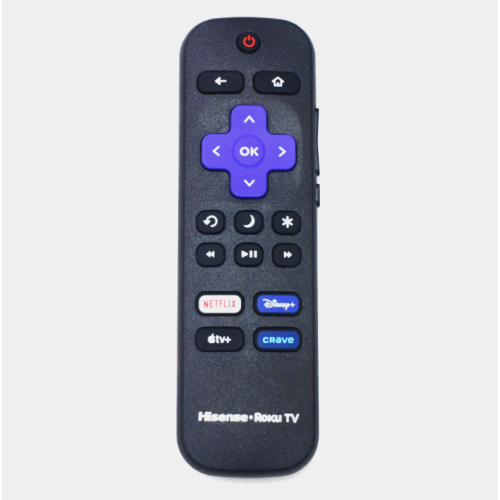
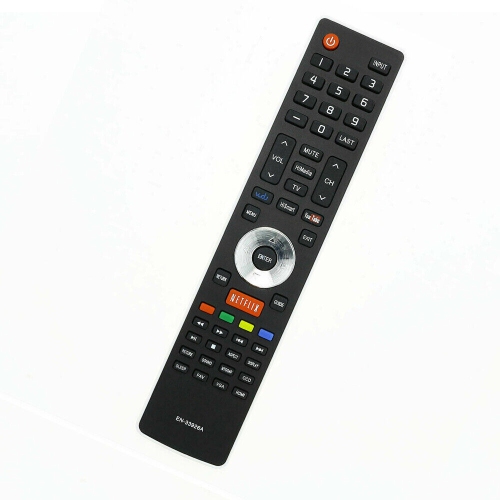
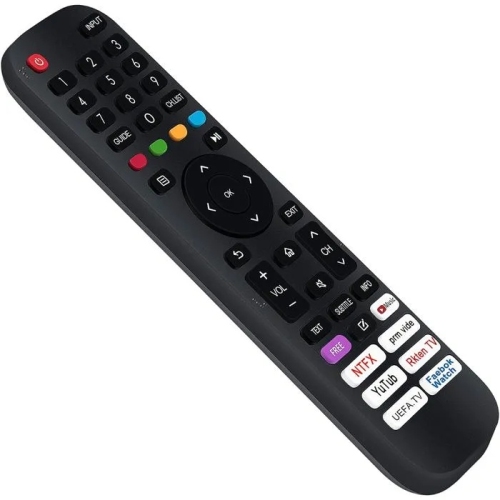
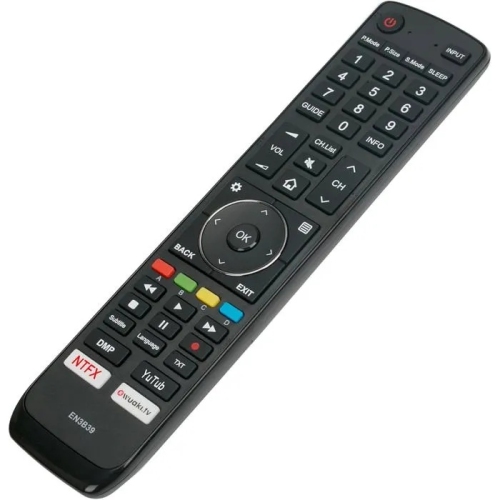
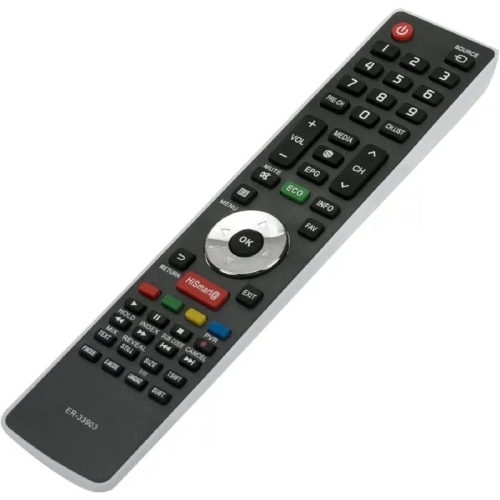
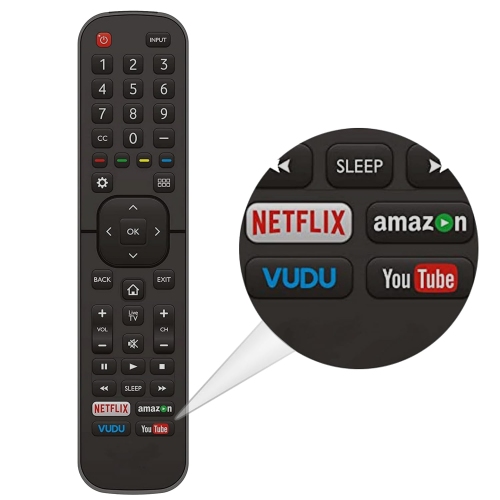
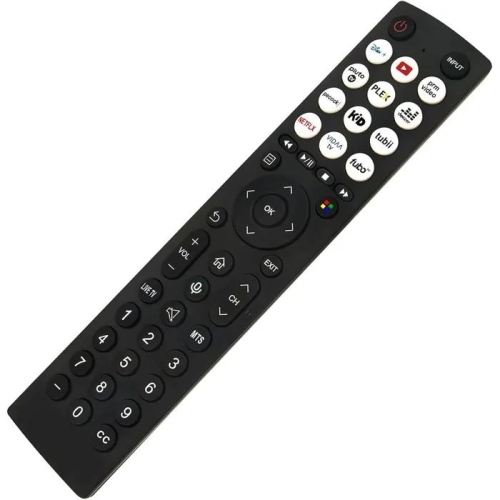
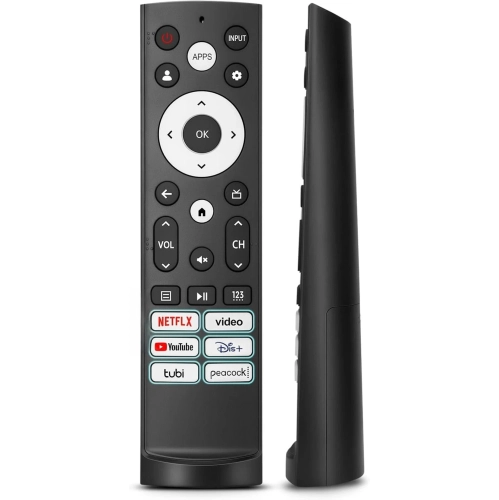
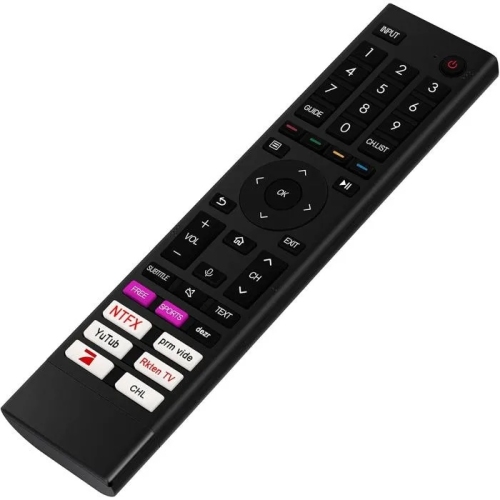
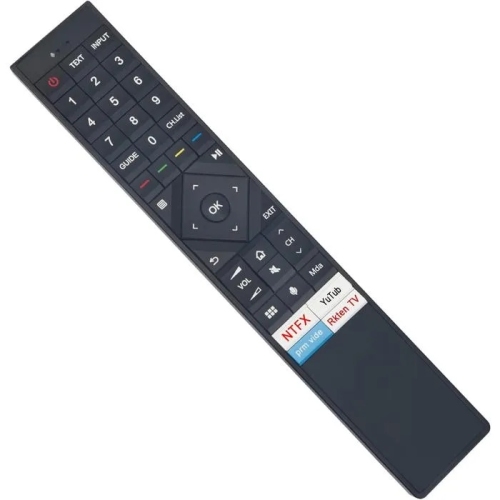
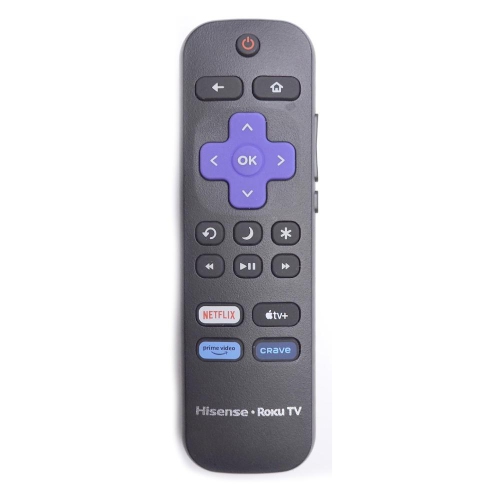
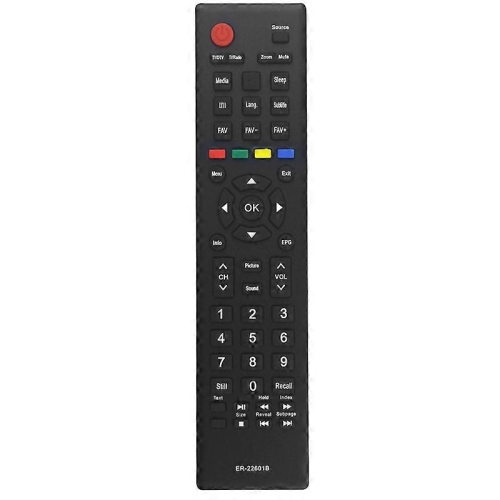
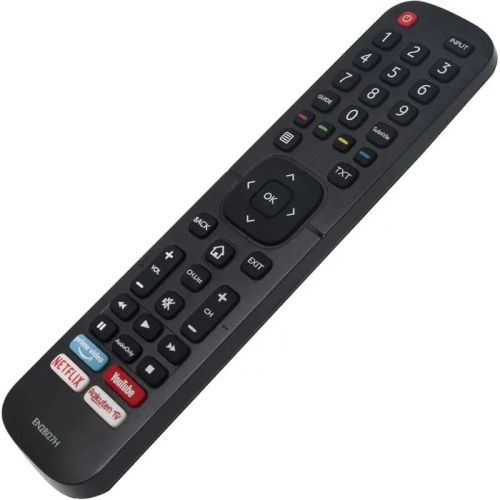
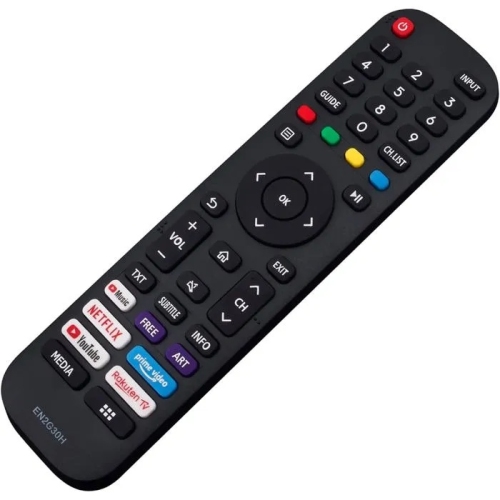
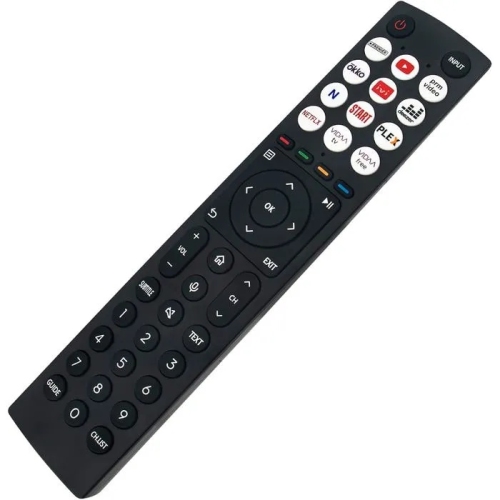
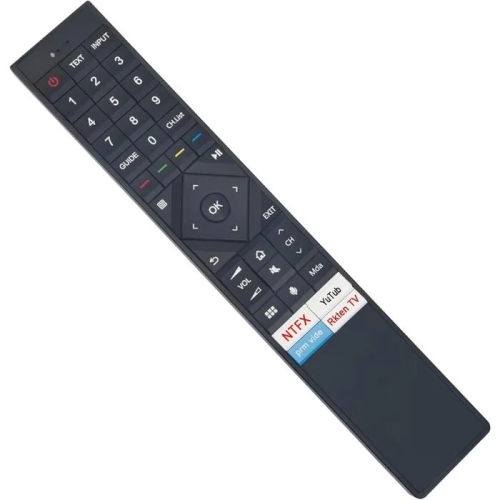
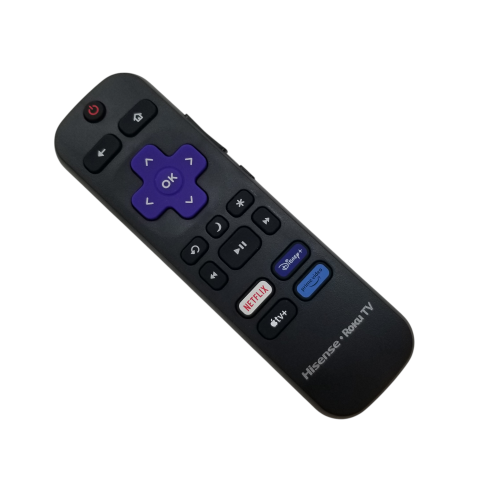
Remote compatibility goes beyond a familiar button layout
Replacement television remotes bring familiar control back to everyday viewing, whether the original handset has gone missing, a frequently used button has stopped responding, or a second remote would make a shared room easier to use. A compatible remote for Hisense TVs needs to match more than the television’s appearance or screen size: the exact TV model, built-in smart TV platform, and supported connection method all matter. Model-specific replacements are designed around a particular television or group of compatible televisions, while universal remotes can support multiple devices through preset codes, programming, or learning functions, depending on their design. Two handsets with nearly identical button layouts may not support the same features, so a familiar shape alone does not establish compatibility. The television’s model information, usually found on its rear label or in its settings, provides a more reliable reference than screen size or the year it was purchased. Basic functions such as power, volume, channel selection, and input switching may work with a compatible infrared replacement, but voice search, app shortcuts, and certain smart TV controls can require a closer match. A universal remote may also operate a soundbar or another entertainment device, although that depends on its supported device types and programming capabilities. For a living room with several connected devices, that broader control can reduce the number of handsets on the coffee table. In a bedroom or guest room, a straightforward replacement with familiar navigation buttons may be the more comfortable fit. The important distinction is between restoring essential television controls and retaining the full experience of the original remote. A handset that turns the TV on is not necessarily one that can open every menu, activate voice features, or control connected audio equipment. Compatibility information should describe the functions that matter in daily use, not simply identify a broad television family.
The way a remote communicates with the television helps explain those differences. Infrared remotes generally send commands from a transmitter at the front of the handset to a receiver on the TV and usually do not require wireless pairing. They work best with a clear path between the remote and the receiver; a soundbar positioned in front of the television’s sensor or an object on the TV stand can interrupt that path. Bluetooth-enabled remotes communicate wirelessly after pairing with a compatible television, and some use Bluetooth for navigation or voice functions while retaining infrared for certain commands. Pairing requirements vary, so working power or volume buttons do not always mean every feature is connected. Voice control also depends on support from both the remote and the television’s software platform; a microphone button on its own is not a guarantee of voice search. Some televisions support a mobile remote app as an alternative, typically when the phone and TV are connected to the same local network, but app access can depend on the television’s settings and may not help during initial network setup. A physical handset remains useful when a phone is charging, another household member is using it, or a visitor simply wants to adjust the volume. Button layout makes a noticeable difference in those ordinary moments. A clearly defined directional pad, distinct home and back buttons, and a volume rocker that is easy to identify by touch can make navigation feel familiar without constant glances down. Number buttons suit viewers who regularly select broadcast channels, while direct input access is useful for switching between television programming and a connected game console. Dedicated streaming shortcuts may open particular services on supported televisions, but they do not include subscriptions or guarantee that every shortcut will function across different TV platforms. Larger buttons, readable labels, and comfortable spacing can also make a remote easier to share among people with different levels of familiarity or dexterity.
Construction and fit deserve attention because a remote is handled repeatedly, carried between seats, and often used without much thought about where it lands. Many television remotes combine a rigid plastic housing with flexible buttons, although the feel and arrangement vary. A slim handset can sit neatly beside a television, while a slightly wider body may offer a more secure grip for someone who finds narrow controls awkward to hold. Weight, balance, and the position of frequently used buttons affect whether the remote rests comfortably in one hand or needs repositioning for every adjustment. A well-fitted battery cover helps keep the compartment closed during normal use, and clearly printed button labels are valuable on controls that receive frequent presses. An accidental drop onto a hard floor can damage the casing or internal components, so a compatible protective cover may be useful in a busy family room, provided it does not block the infrared transmitter, microphone, or battery access. Care is generally uncomplicated: a soft, dry cloth removes surface dust, while any deeper cleaning should follow the manufacturer’s directions. Liquid sprayed directly onto a handset can enter around buttons and seams, and abrasive cleaners can wear away markings or damage the finish. Battery requirements also vary, including the battery size, quantity, and whether the design uses replaceable cells or a built-in rechargeable battery. The correct battery type and orientation matter, and weak batteries can cause intermittent responses that resemble a compatibility problem. Keeping the remote in a consistent spot, such as a side-table tray, makes it easier to find and less likely to disappear between cushions. For a parent who prefers familiar controls, a housemate who regularly uses the television, or a household setting up a guest room, a thoughtfully matched replacement can be a practical addition. It can also make a useful gift when the television model and preferred controls are known. The most suitable choice is the one that combines confirmed compatibility, comfortable handling, and dependable access to the functions the viewer actually uses.
Top selling and popular products
-
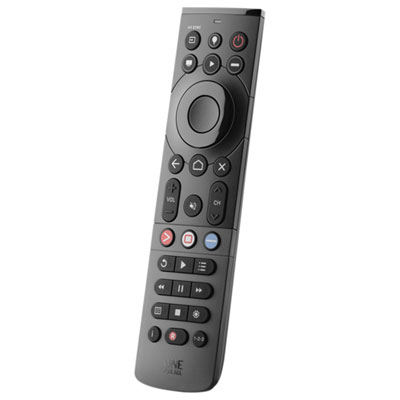 Your price for this item is $69.99
-
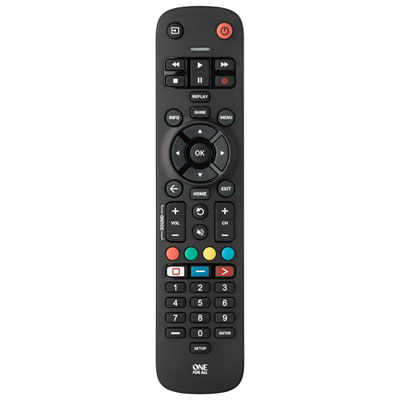 Your price for this item is $19.99
-
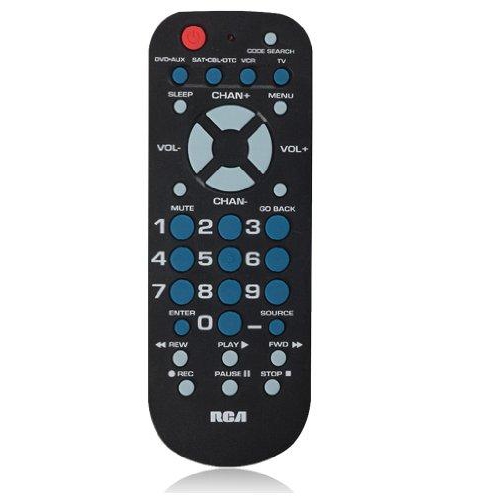 Your price for this item is $14.99
-
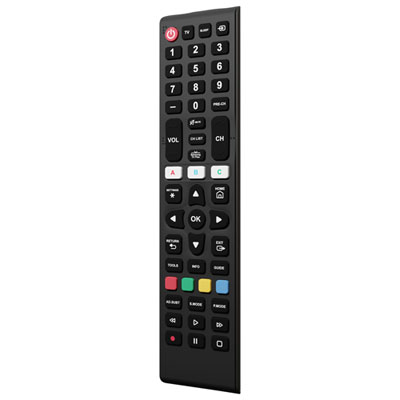 Your price for this item is $29.99
-
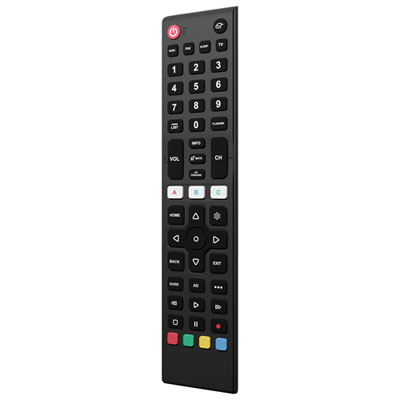 Your price for this item is $29.99
-
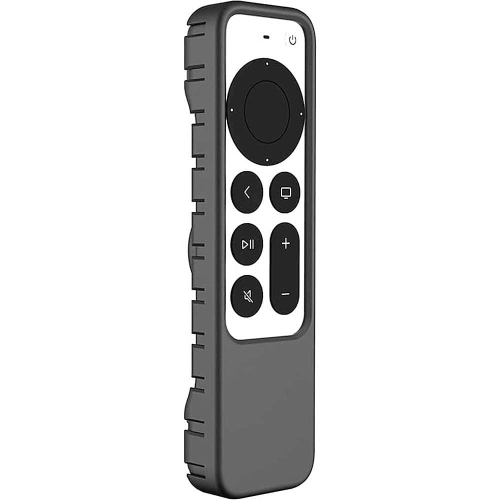 Your price for this item is $52
-
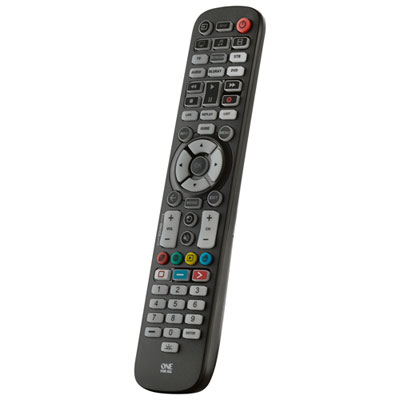 Your price for this item is $39.99
-
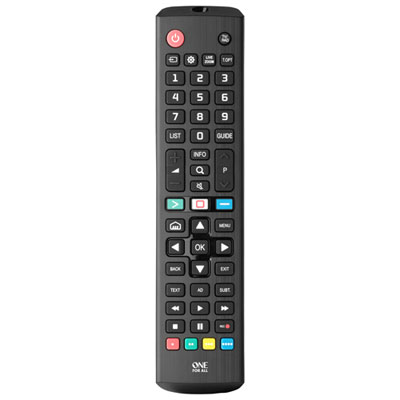 Your price for this item is $39.99
Discover more categories related to Hisense Remotes


Top Collections:
Best Black Friday Deals This Year, Best Black Friday Deals On Electronics, Kindle Devices, Pokemon Centers, Best Black Friday Deals On Apple Products, Best Cameras for Sports Photography, Dyson Airwrap, Pokémon 30th Celebration Cards, Apple iPhone 17 Pro, Canon G7X Cameras
Some products may be subject to Environmental Handling Fees
(EHF) depending on your province.
Learn more about EHFs.