Hisense TVs 65
Discover an impressive selection of Hisense TV 65 options designed to elevate your home entertainment experience. Whether you're upgrading your living room or creating a dedicated media space, these televisions offer the perfect blend of size and visual impact. Explore models that fit seamlessly into your setup while delivering captivating visuals for movies, sports, gaming, and more. Find the ideal Hisense TV 65 to transform any room into a vibrant hub of entertainment.
Sort
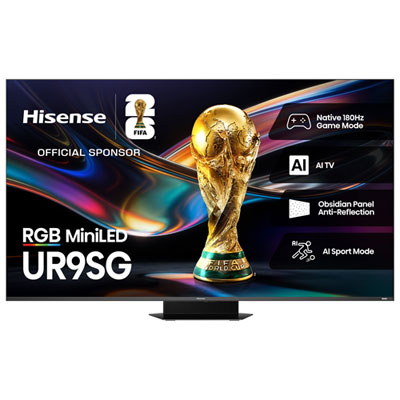
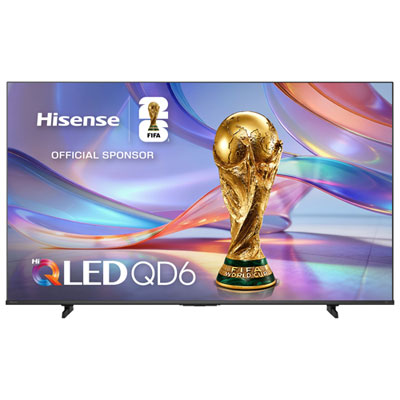
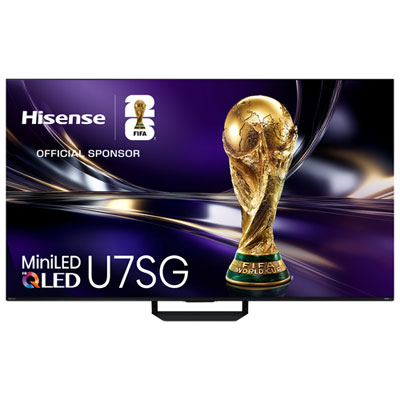
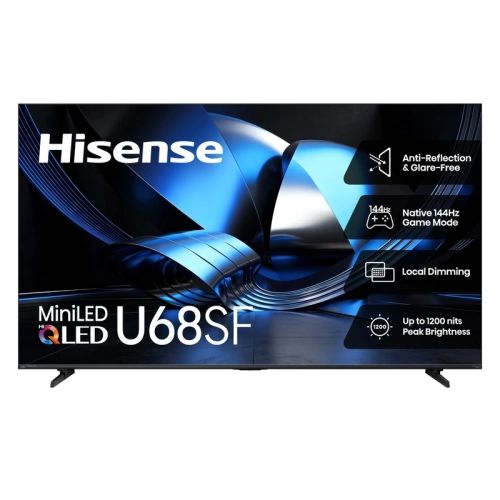
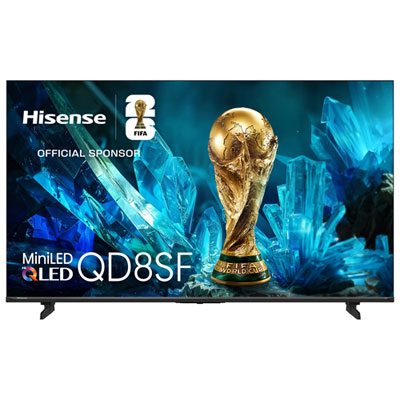
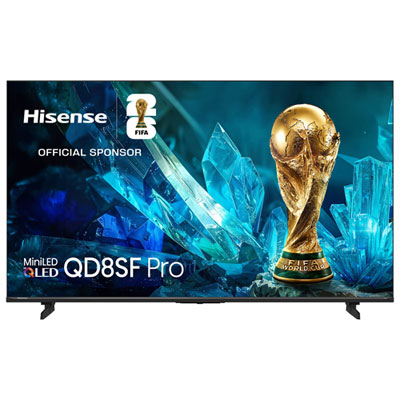
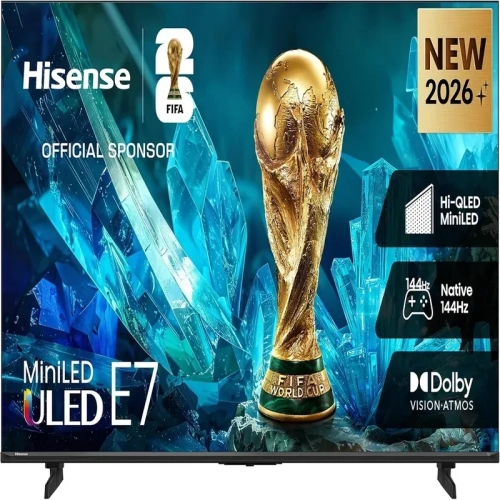
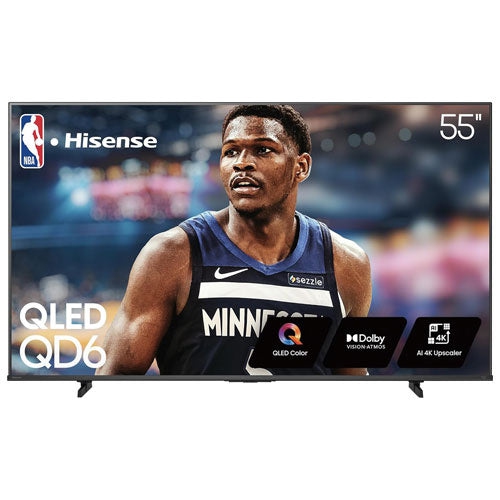
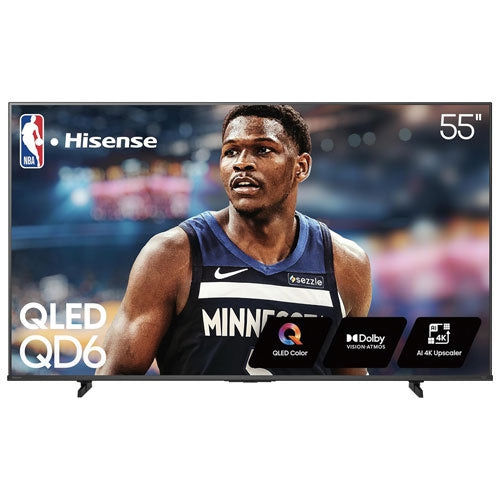
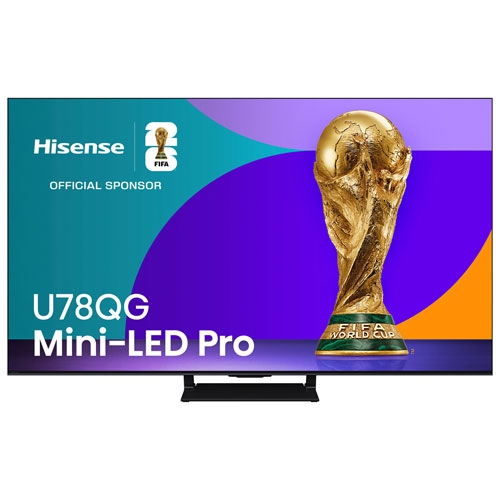
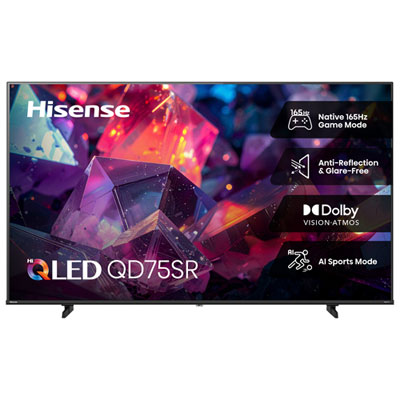
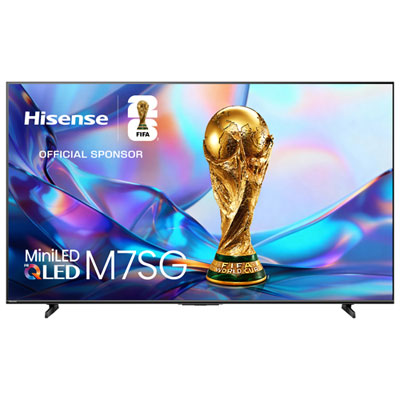
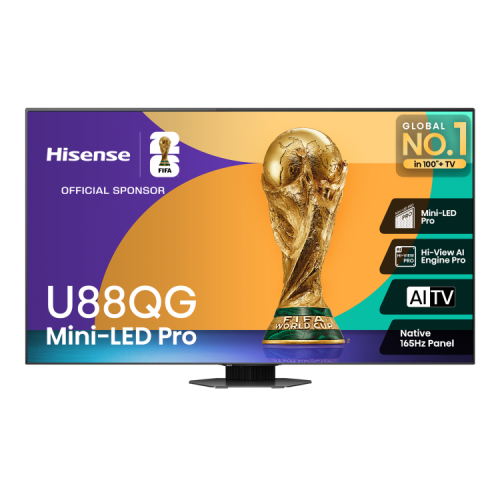
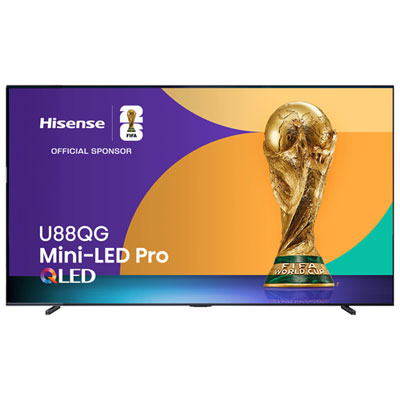
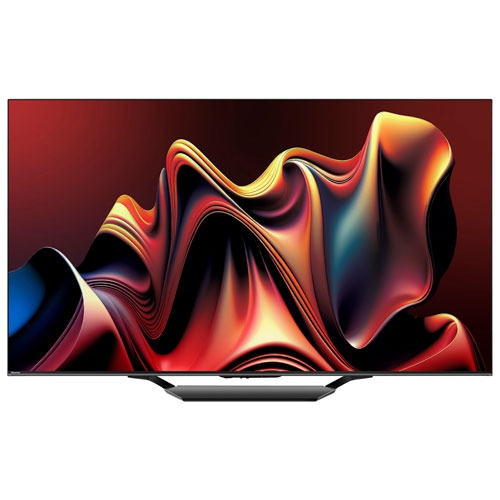
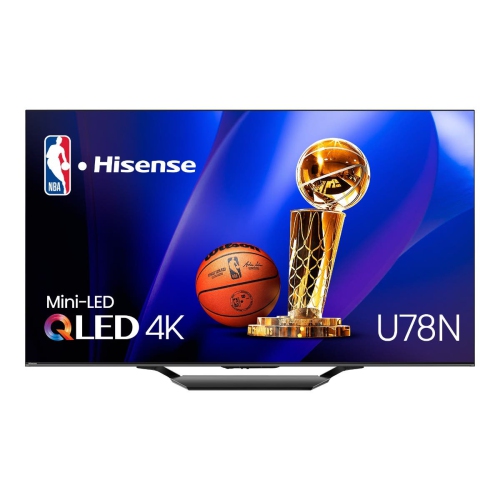
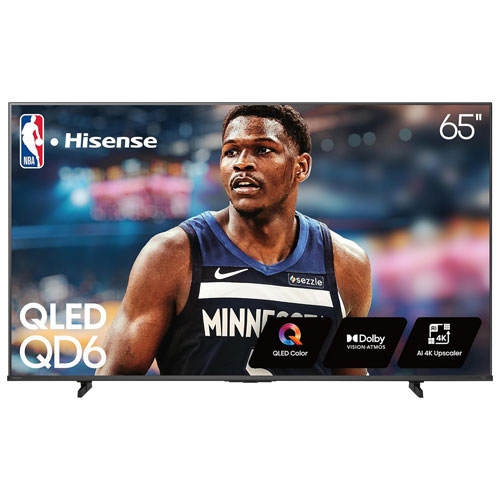
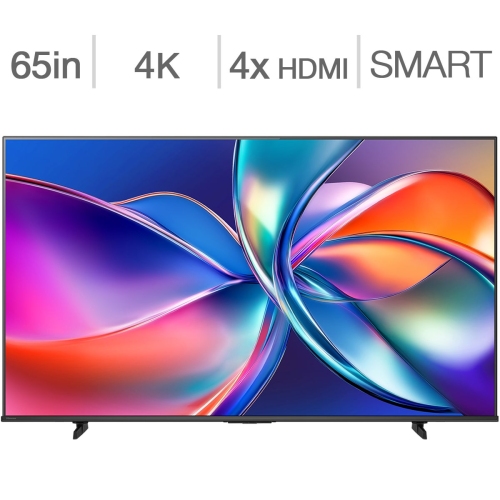
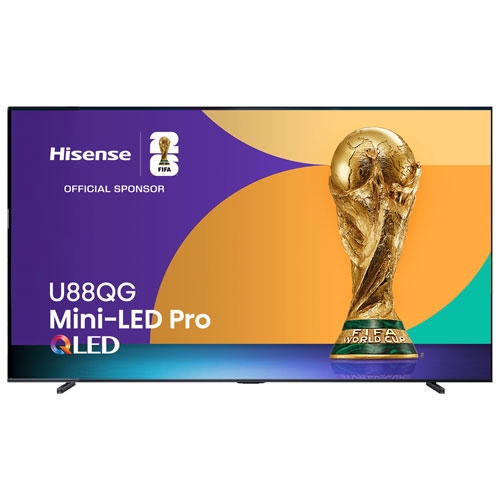

How seating distance and room light shape your picture
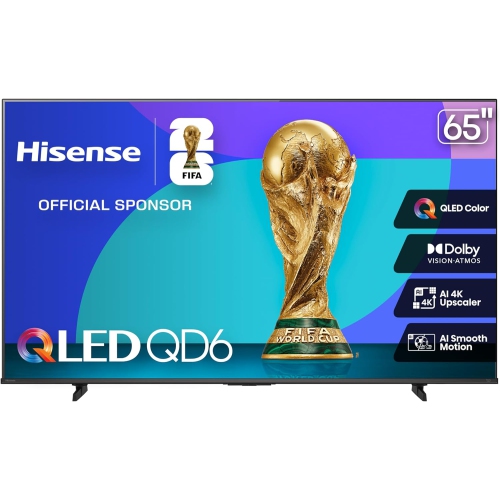
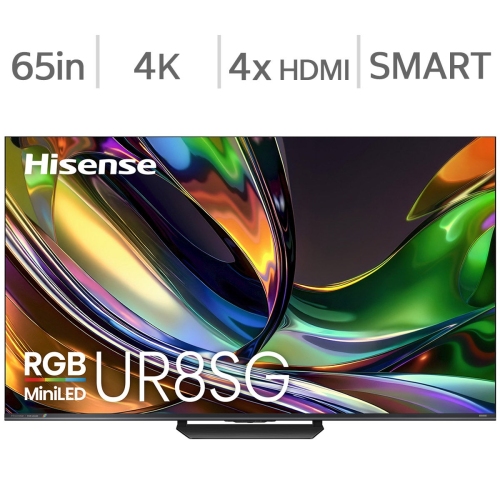
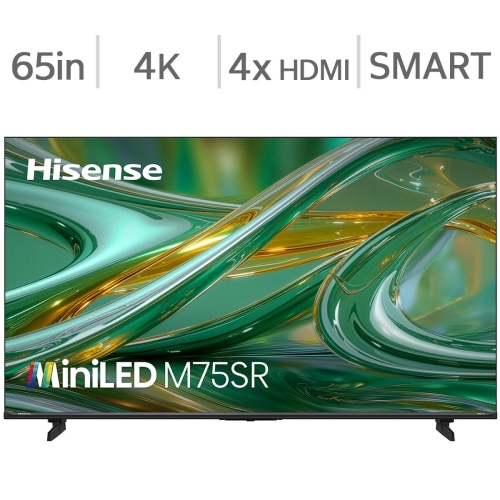
65-inch TVs bring a generous picture to living rooms, family rooms, and dedicated entertainment spaces, making it easier to follow a fast-moving match, read game menus, or settle into a film without pulling every chair close to the screen. The size refers to the diagonal measurement of the display, not its width: a typical 65-inch widescreen picture measures approximately 144 cm across and 81 cm high, before the frame and stand are included. Those dimensions make furniture width, nearby shelving, and the position of doors worth considering alongside viewing distance. A sofa roughly two to three metres away can be a useful starting point for planning a 4K setup, although personal comfort and the type of content watched matter too. Most TVs in this size category have 4K Ultra HD resolution, with 3840 × 2160 pixels providing fine detail when the source supports it. Picture quality also depends on the panel, backlight, processing, and room lighting. QLED technology uses quantum dots to help reproduce a broad range of colours, while Mini-LED refers to a backlighting system that can support more precise brightness control. The two technologies can appear together in the same display; they are not competing screen sizes or resolutions. Local dimming can help dark scenes retain depth while bright details stand out, though performance varies with the backlight design and processing. HDR support adds another consideration, since compatible content can show a wider range between shadows and highlights. For a room with large windows, screen reflections and brightness may matter more than they would in a space used mainly with the lights lowered. Wide seating arrangements also make off-centre picture quality important: someone watching from an armchair beside the sofa should still have a comfortable view. Sports fans may value clear motion and an evenly lit playing field, while film enthusiasts may pay closer attention to shadow detail, natural skin tones, and how well subtitles remain defined against a dark background.
A 65-inch smart TV can serve as the centre of everyday entertainment, bringing streaming, live television, console gaming, and connected devices onto one large screen. The smart platform affects how apps are organized, how searches work, and which streaming services can be accessed directly. App support, account requirements, and subscription terms differ, so compatibility with the services a household already uses is more useful than simply counting app icons. Reliable Wi-Fi helps with streaming, while a wired Ethernet connection, where supported, can be practical when the router is nearby or wireless reception is inconsistent. Screen sharing and casting can make photos, short videos, and presentations easier for a group to see, provided the TV and source device support compatible methods. For gaming, native refresh rate and input lag deserve separate attention. A 60 Hz panel can suit everyday television and many console games, while supported 120 Hz or 144 Hz operation can provide smoother motion with compatible hardware and content. Advertised motion-processing figures are not necessarily the same as the panel’s native refresh rate. Variable refresh rate can reduce visible tearing during supported games, and automatic low-latency mode can switch the television into a more responsive picture setting. Higher-resolution, high-frame-rate gaming also depends on the capabilities of the HDMI input, the connected device, and the cable. Connection planning matters even in a straightforward setup: a console, streaming device, cable receiver, and soundbar can quickly occupy several ports. An HDMI connection with audio return support can simplify soundbar use, while enhanced audio return support can carry certain higher-bandwidth audio formats when both devices are compatible. Built-in speakers may suit casual viewing, but a separate sound system can give dialogue greater presence and add weight to action scenes. Clear-dialogue settings, captions, accessible menus, and straightforward remote controls can be just as valuable as headline picture specifications, particularly when several people share the television.
The physical design of a 65-inch TV influences how comfortably it fits into daily life. Slim frames keep attention on the picture, while the finish of the cabinet, the shape of the feet, and the position of cable connections affect the overall setup. Cabinets commonly combine plastic with metal components, but a thin screen still needs careful handling regardless of its exterior materials. For placement on furniture, the stand footprint and the furniture’s weight capacity matter more than the screen width alone; widely spaced feet may require a broader surface than a central pedestal. A compatible restraint can help reduce tipping risk, especially in homes with children or pets. Wall mounting calls for a bracket matched to the television’s mounting pattern and weight, with suitable support in the wall and enough clearance for ventilation and cable connections. A position close to seated eye level is generally more comfortable for long viewing sessions than a screen mounted high above the main seating area. For a tighter layout, comparing the dimensions with Hisense 55 can help establish whether a smaller screen would leave more room around shelves or a media unit. Ongoing care is straightforward but important: follow the manufacturer’s cleaning directions, remove dust with a clean, soft microfibre cloth, and avoid pressing on the panel or spraying liquid directly onto it. Clear ventilation openings and sensible cable routing help protect the setup from everyday wear, accidental pulls, and unnecessary strain on connectors. Software updates can address supported features and operating issues, while picture settings can be adjusted to suit different rooms and viewing preferences. As a shared household purchase or a substantial gift, a television this size is best matched to the recipient’s space, preferred services, and existing equipment. For a household that gathers for films, follows sports together, or shares a gaming console, the most satisfying fit combines an engaging picture with comfortable placement and controls that everyone can use.
Top selling and popular products
-
 Your price for this item is $1496.95
-
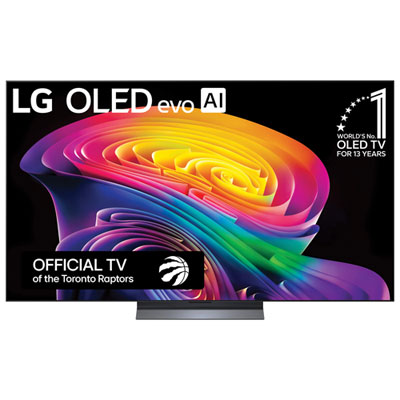 Your price for this item is $1999.99
-
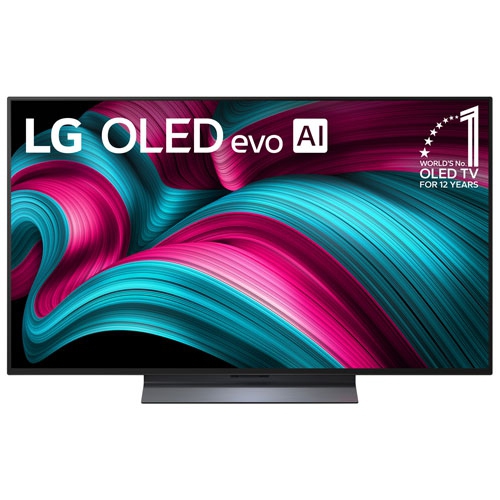 Your price for this item is $1749
-
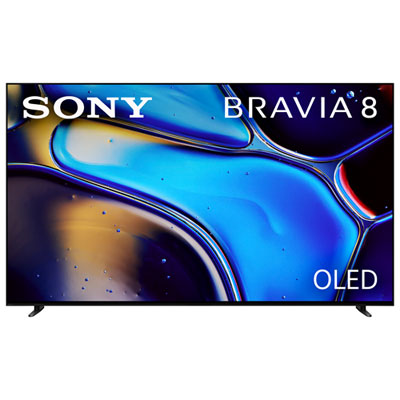 Your price for this item is $2399.99
-
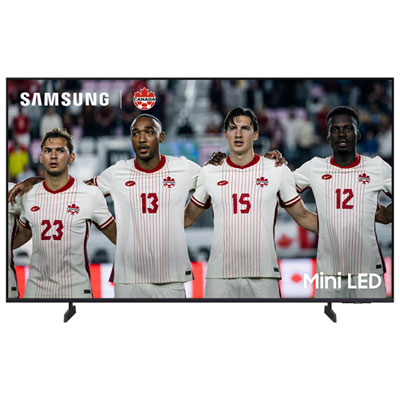 Your price for this item is $699.99
-
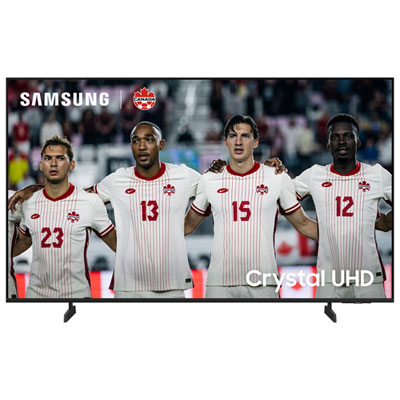 Your price for this item is $599.99
-
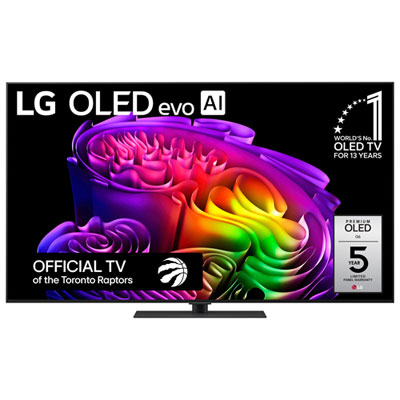 Your price for this item is $3999.99
-
 Your price for this item is $3999.99
Discover more categories related to Hisense TVs 65
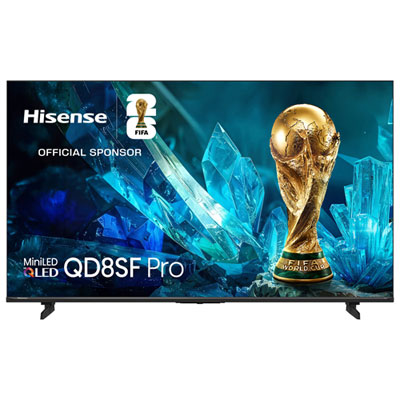
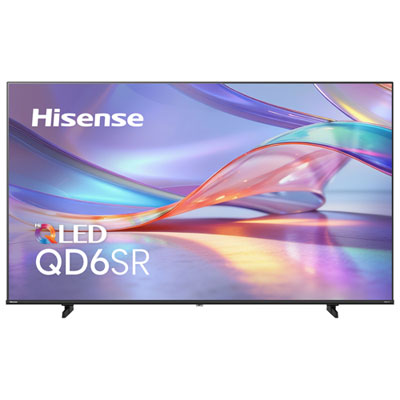
Top Collections:
Best Black Friday Deals This Year, Best Black Friday Deals On Electronics, Kindle Devices, Pokemon Centers, Best Black Friday Deals On Apple Products, Best Cameras for Sports Photography, Dyson Airwrap, Pokémon 30th Celebration Cards, Apple iPhone 17 Pro, Canon G7X Cameras
Some products may be subject to Environmental Handling Fees
(EHF) depending on your province.
Learn more about EHFs.