LG 55 Inch OLED Evo
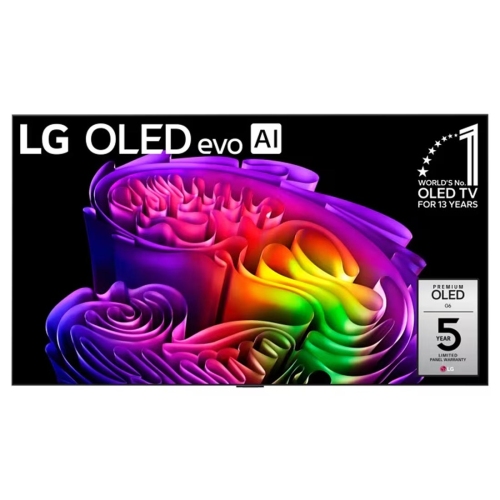
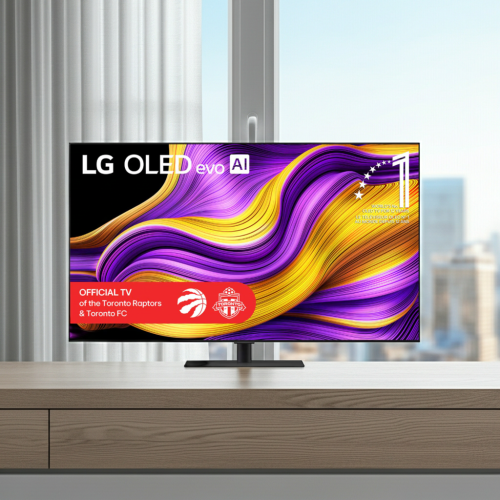
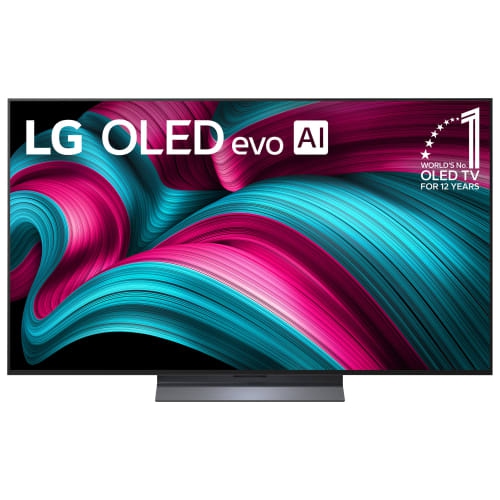
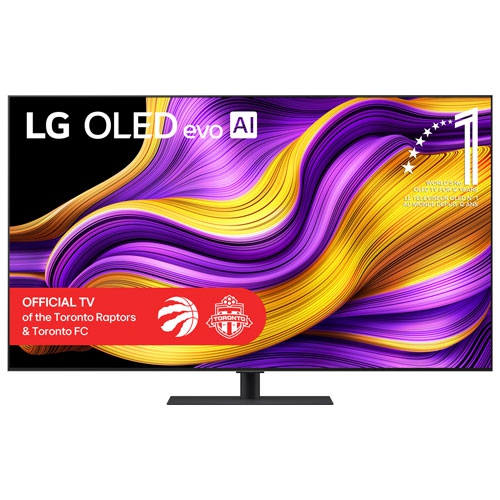
Experience breathtaking visuals and exceptional entertainment with the LG 55 Inch OLED Evo. Perfect for movie nights, gaming sessions, or streaming your favorite shows, this advanced display brings vibrant color and remarkable clarity into any living space. Explore a range of options designed to elevate your home viewing experience and discover how the LG 55 Inch OLED Evo can transform the way you enjoy content.
Sort
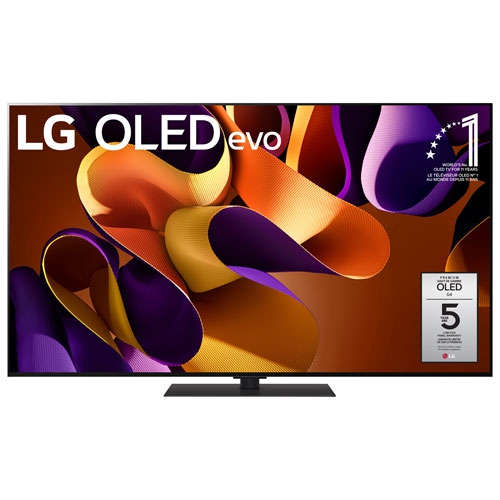

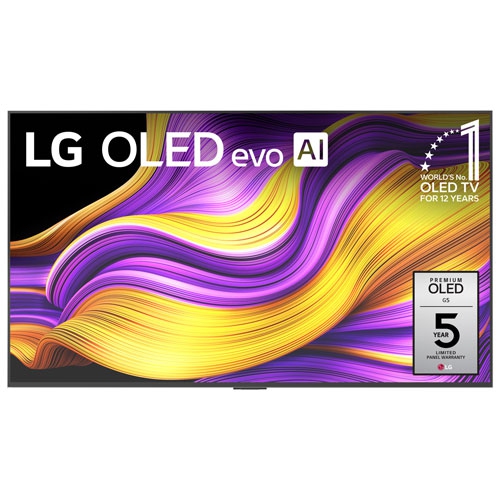

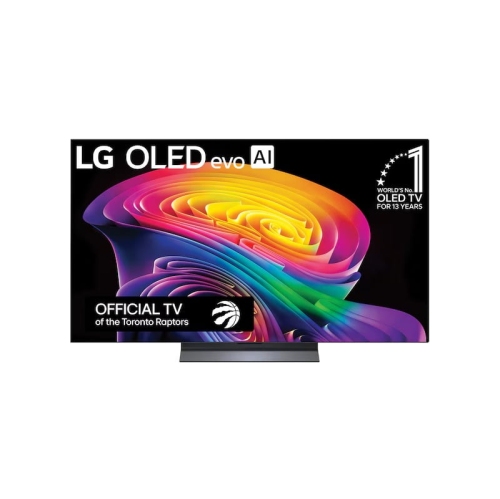
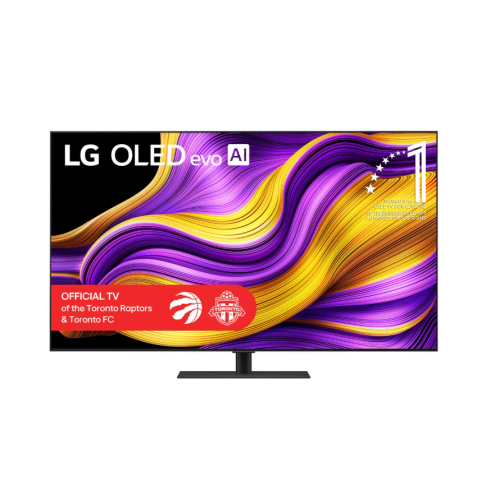






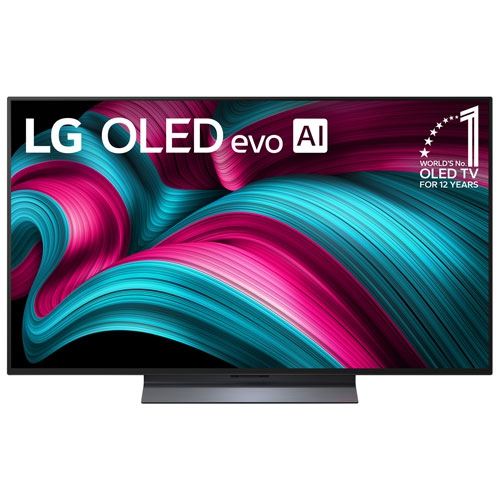
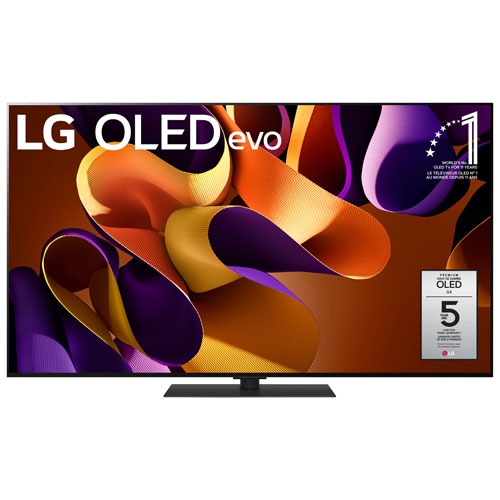
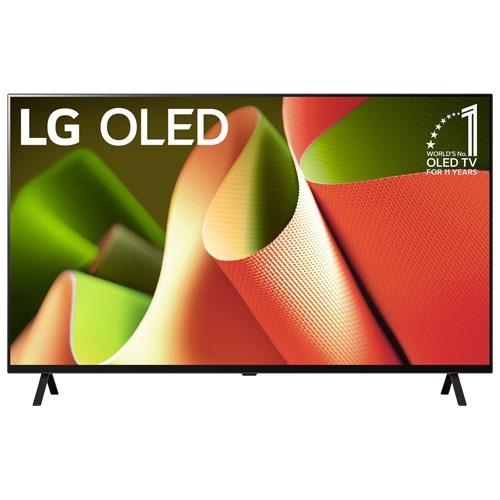
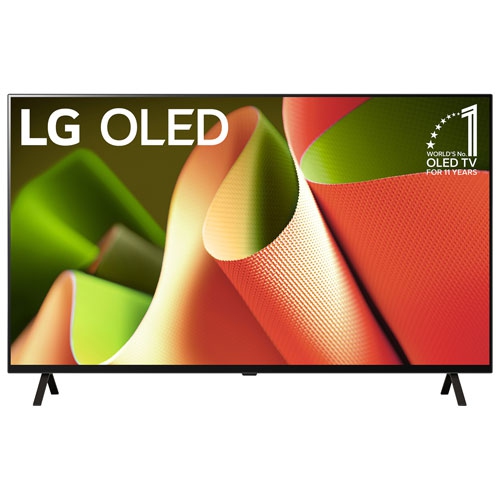
Why OLED contrast makes dark scenes stand out
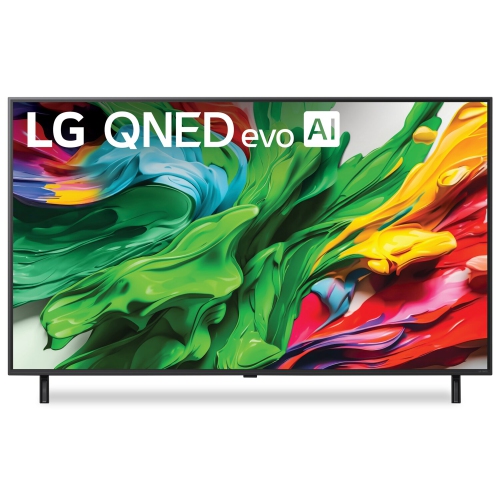
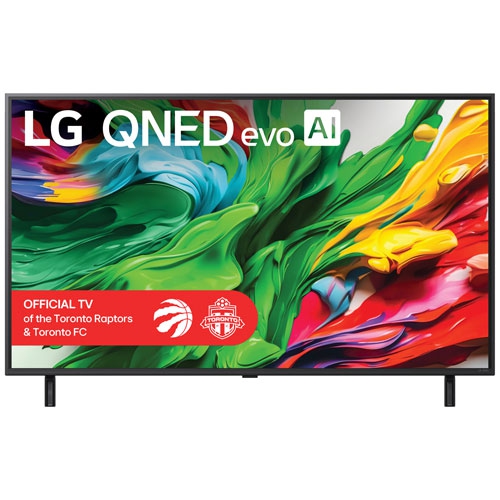
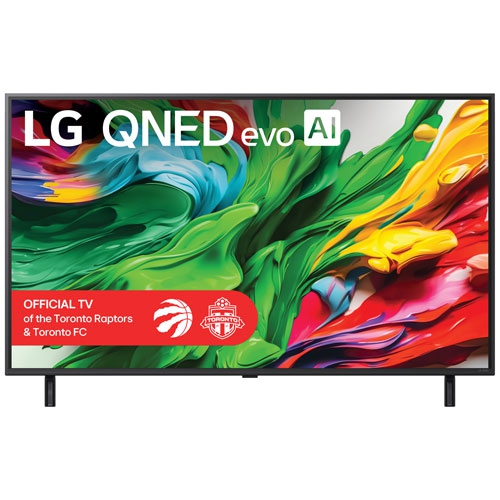
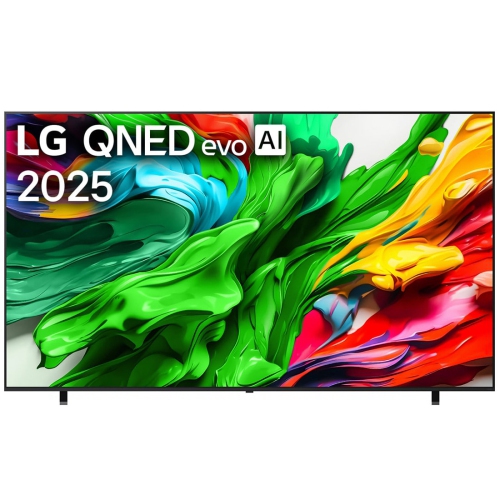
A 55-inch OLED TV brings a cinematic picture to a screen size that suits many living rooms, dens, and dedicated viewing spaces without requiring an oversized entertainment unit. OLED stands for organic light-emitting diode, a display technology in which each pixel produces its own light rather than relying on a separate backlight. Individual pixels can switch off to create deep blacks, helping bright details stand out against dark backgrounds. That contrast is especially noticeable in scenes such as a skyline after sunset, where illuminated windows remain distinct against the surrounding darkness. A 4K OLED screen has a resolution of 3840 × 2160 pixels, providing fine detail in compatible movies, games, and streaming programmes. Picture processing also influences how lower-resolution content looks, although upscaling cannot restore detail that was never present in the source. High dynamic range, commonly called HDR, can reveal a wider range of brightness and colour when the television and content support the same format. Peak brightness, colour performance, and image processing vary between televisions, so the OLED label alone does not describe every aspect of picture quality. Room lighting matters, too: a screen facing a large window may show reflections even when its picture is bright, while lamps positioned away from the display can make evening viewing more comfortable. OLED generally maintains colour and contrast well from an angle, which can be useful when a sectional sofa or several armchairs spread viewers across the room. For films, a picture mode intended for cinema viewing can retain a more natural appearance than a highly vivid setting. Sports introduce different demands, particularly motion handling and the clarity of fast-moving players or pucks. Motion settings can change the appearance of movement, and preferences differ between viewers who favour smoother action and those who prefer the original presentation. The result is a display category suited to households that move between dramatic films, live events, everyday television, and interactive entertainment.
The 55-inch measurement describes the screen diagonally, not the width of the television or the furniture needed beneath it. A standard widescreen display of this size has a visible picture area approximately 122 cm wide and 68 cm high, with the frame adding to its overall dimensions. Stand placement, depth, and clearance are separate considerations: widely spaced feet require a different support surface from a central pedestal, and either arrangement needs furniture rated for the television’s weight. At a viewing distance of roughly two metres, a 55-inch 4K screen can offer an engaging picture without dominating every seating arrangement, although eyesight, room layout, and personal preference all affect comfort. Positioning the screen close to seated eye level helps avoid the neck strain that can come with mounting it high above furniture. The slim profile associated with OLED panels also makes wall placement appealing, but a thin display still needs a compatible bracket, suitable wall structure, and room for connections. Mounting-hole patterns, weight limits, and the space required behind the television vary, particularly when a bracket sits close to the wall. Cables with bulky connectors may need more clearance than the panel itself suggests. Construction commonly combines a delicate display surface with a metal or plastic rear housing and a separate stand; the exact materials and finish depend on the television. The panel should not be lifted by its thin upper edges or pressed during handling. For routine care, a clean, dry microfibre cloth is generally appropriate, with the manufacturer’s cleaning directions taking priority over general household methods. Spraying liquid directly onto the screen or using abrasive cleaners can damage its surface. Long-term care also includes following the operating instructions for automatic panel-maintenance features. OLED can develop image retention or permanent burn-in after prolonged, repeated exposure to static elements, such as fixed game interfaces or news graphics. Varied viewing, appropriate brightness settings, and built-in screen-protection functions can help reduce that risk, but cannot eliminate it entirely.
For gaming, the appeal of a 55-inch OLED television extends beyond its contrast to fast pixel response, which can keep moving objects looking sharply defined. Pixel response and input lag are different measurements, however: the former describes how quickly pixels change, while the latter concerns the delay between an action and its appearance on screen. A dedicated game mode can reduce processing delays, and variable refresh rate can help smooth out uneven frame delivery from compatible hardware. Native 120Hz panels can display higher-frame-rate content than 60Hz panels, while some televisions support additional refresh-rate options for compatible computers. These capabilities are model-dependent, and a higher rate only helps when the connected device, game, cable, and input support it. The number and capabilities of HDMI inputs matter in a household using a console, streaming device, and sound system together. An HDMI connection with eARC can carry supported audio from the television to a compatible soundbar or receiver, reducing the need to route every source through separate audio equipment. Built-in speakers may be sufficient for everyday programmes, while a separate sound system can give dialogue more presence and add weight to film soundtracks. Placement remains important: a soundbar should not cover the bottom of the picture or block the television’s remote-control sensor. Smart features bring streaming apps, search tools, and connected-device controls onto the screen, but supported services and functions differ, and subscriptions may be required. Reliable Wi-Fi or a wired network connection helps with streaming consistency, particularly when several people share the same internet service. Caption settings, dialogue adjustments, remote layout, and supported accessibility features can be just as meaningful as picture specifications for daily use. These televisions can suit film enthusiasts, console players, couples furnishing a shared space, or families replacing a smaller main-room screen. The related Samsung OLED TVs 55 collection offers another selection within the same screen-size and display category. Across the category, the most useful differences are those that match the room, connected equipment, viewing habits, and comfort of the people watching.
The 55-inch measurement describes the screen diagonally, not the width of the television or the furniture needed beneath it. A standard widescreen display of this size has a visible picture area approximately 122 cm wide and 68 cm high, with the frame adding to its overall dimensions. Stand placement, depth, and clearance are separate considerations: widely spaced feet require a different support surface from a central pedestal, and either arrangement needs furniture rated for the television’s weight. At a viewing distance of roughly two metres, a 55-inch 4K screen can offer an engaging picture without dominating every seating arrangement, although eyesight, room layout, and personal preference all affect comfort. Positioning the screen close to seated eye level helps avoid the neck strain that can come with mounting it high above furniture. The slim profile associated with OLED panels also makes wall placement appealing, but a thin display still needs a compatible bracket, suitable wall structure, and room for connections. Mounting-hole patterns, weight limits, and the space required behind the television vary, particularly when a bracket sits close to the wall. Cables with bulky connectors may need more clearance than the panel itself suggests. Construction commonly combines a delicate display surface with a metal or plastic rear housing and a separate stand; the exact materials and finish depend on the television. The panel should not be lifted by its thin upper edges or pressed during handling. For routine care, a clean, dry microfibre cloth is generally appropriate, with the manufacturer’s cleaning directions taking priority over general household methods. Spraying liquid directly onto the screen or using abrasive cleaners can damage its surface. Long-term care also includes following the operating instructions for automatic panel-maintenance features. OLED can develop image retention or permanent burn-in after prolonged, repeated exposure to static elements, such as fixed game interfaces or news graphics. Varied viewing, appropriate brightness settings, and built-in screen-protection functions can help reduce that risk, but cannot eliminate it entirely.
For gaming, the appeal of a 55-inch OLED television extends beyond its contrast to fast pixel response, which can keep moving objects looking sharply defined. Pixel response and input lag are different measurements, however: the former describes how quickly pixels change, while the latter concerns the delay between an action and its appearance on screen. A dedicated game mode can reduce processing delays, and variable refresh rate can help smooth out uneven frame delivery from compatible hardware. Native 120Hz panels can display higher-frame-rate content than 60Hz panels, while some televisions support additional refresh-rate options for compatible computers. These capabilities are model-dependent, and a higher rate only helps when the connected device, game, cable, and input support it. The number and capabilities of HDMI inputs matter in a household using a console, streaming device, and sound system together. An HDMI connection with eARC can carry supported audio from the television to a compatible soundbar or receiver, reducing the need to route every source through separate audio equipment. Built-in speakers may be sufficient for everyday programmes, while a separate sound system can give dialogue more presence and add weight to film soundtracks. Placement remains important: a soundbar should not cover the bottom of the picture or block the television’s remote-control sensor. Smart features bring streaming apps, search tools, and connected-device controls onto the screen, but supported services and functions differ, and subscriptions may be required. Reliable Wi-Fi or a wired network connection helps with streaming consistency, particularly when several people share the same internet service. Caption settings, dialogue adjustments, remote layout, and supported accessibility features can be just as meaningful as picture specifications for daily use. These televisions can suit film enthusiasts, console players, couples furnishing a shared space, or families replacing a smaller main-room screen. The related Samsung OLED TVs 55 collection offers another selection within the same screen-size and display category. Across the category, the most useful differences are those that match the room, connected equipment, viewing habits, and comfort of the people watching.
Top selling and popular products
-
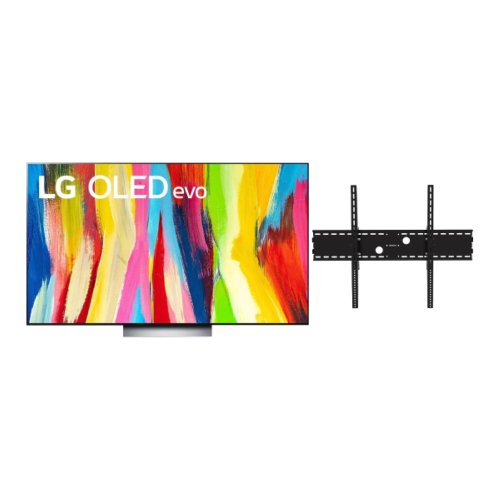 Your price for this item is $1527.99
 -
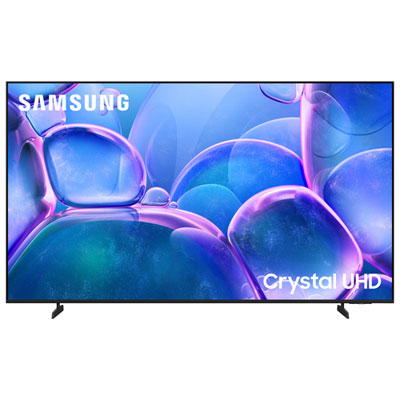 Your price for this item is $549.95
 -
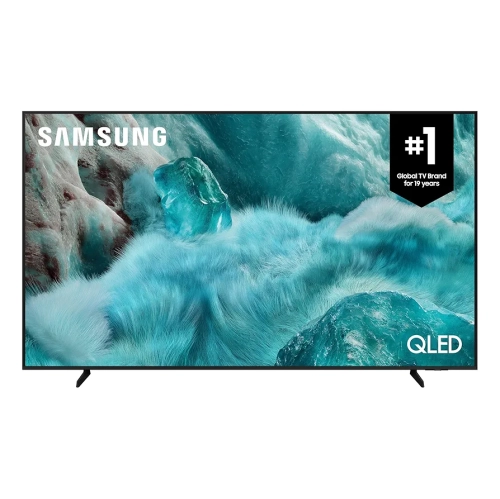 Your price for this item is $479.99
 -
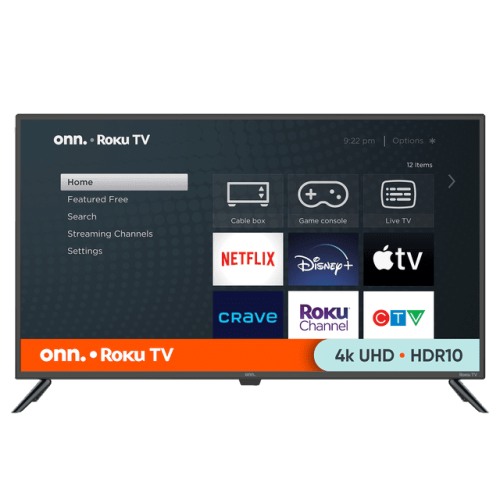 Your price for this item is $399.98
 -
 Your price for this item is $2299.99
 -
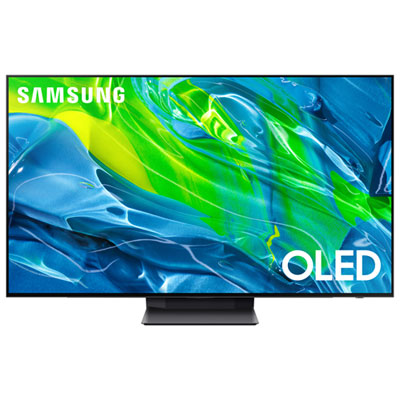 Your price for this item is $1699.97
 -
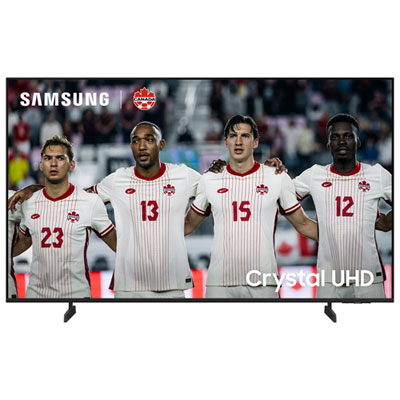 Your price for this item is $649.99
 -
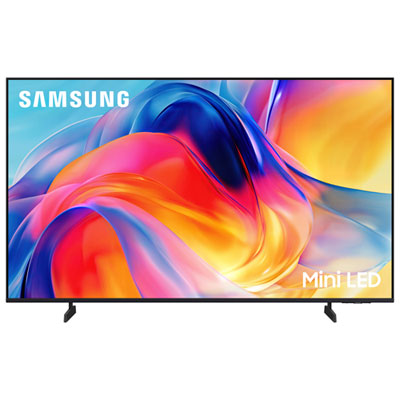 Your price for this item is $799.99
Discover more categories related to LG 55 Inch OLED Evo
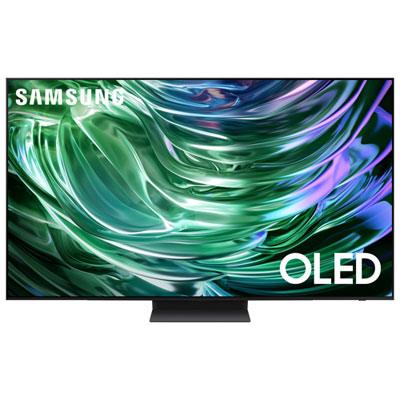

Top Collections:
Pokemon Centers, Best Cameras for Sports Photography, Kindle Devices, Samsung Galaxy Phones, Canon G7X Cameras, Pokémon 30th Celebration Cards, Refurbished Apple Laptops, iPhone 15 Apple, Laptops for Students, Budget Smartphones
Some products may be subject to Environmental Handling Fees
(EHF) depending on your province.
Learn more about EHFs.