Meeting Room Displays
Enhance your workplace efficiency with our selection of meeting room displays. Streamline your meetings and presentations with cutting-edge technology designed to keep your team organized and engaged. From sleek digital signage to interactive touchscreens, elevate the way you communicate and collaborate in your office space. Find the perfect meeting room display to suit your business needs and take your meetings to the next level.
Sort















![HASEGAWA [Fa02] 1:12 Meeting Room Desk & Chair](https://multimedia.bbycastatic.ca/multimedia/products/500x500/201/20183/20183916.webp)



Room availability at a glance without opening the door
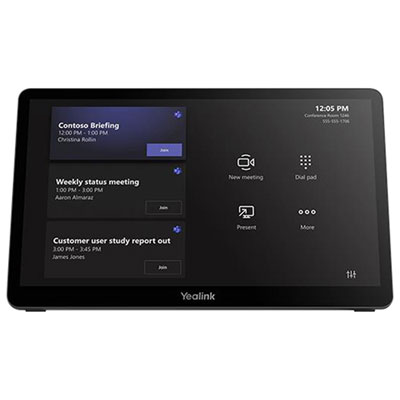
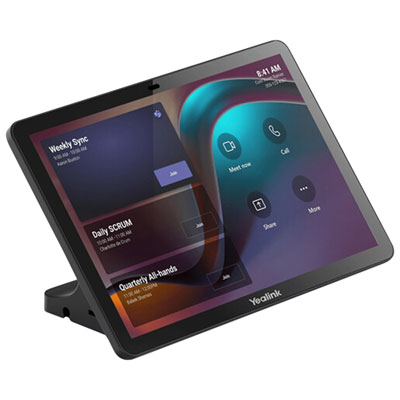
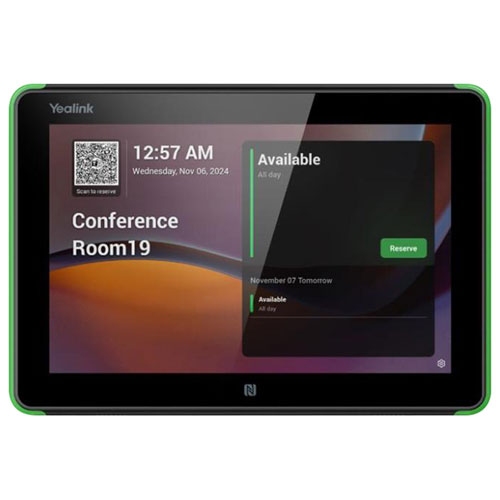
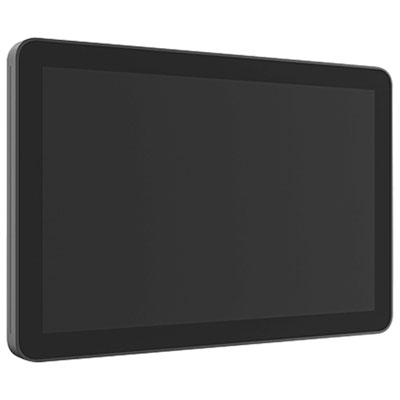
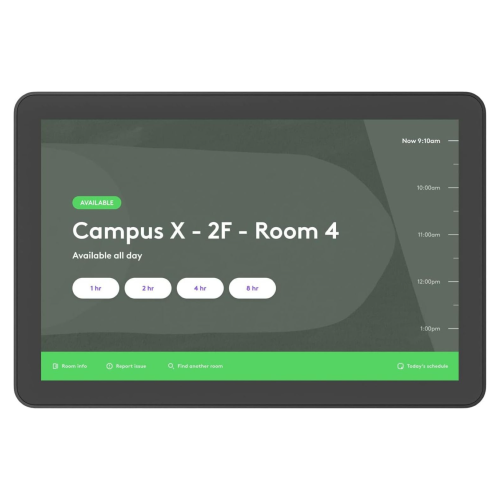
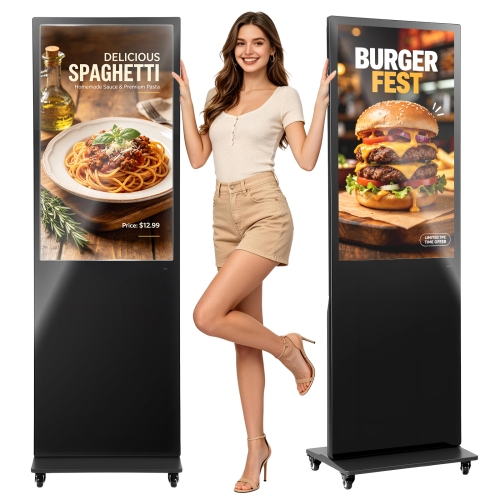
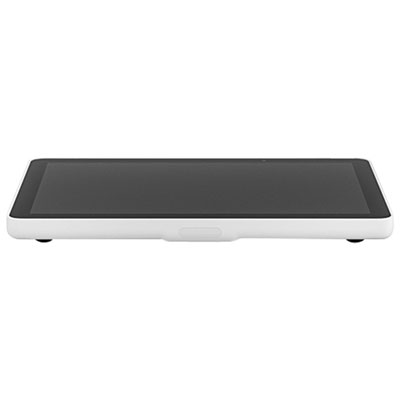
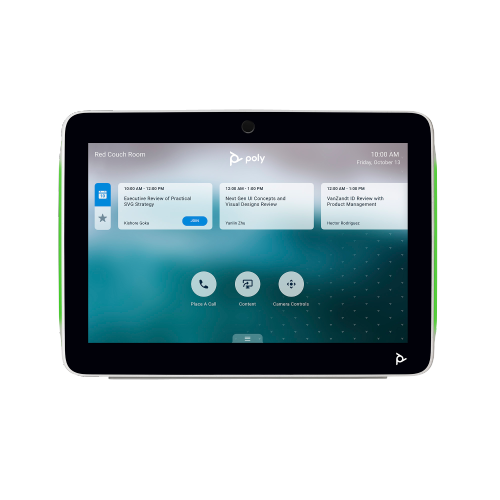
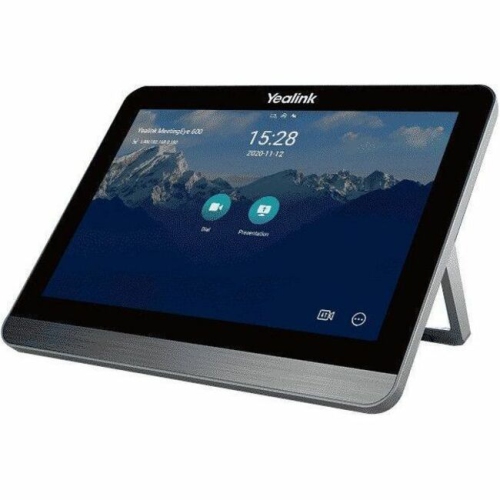
Meeting room displays help people find the right space, see whether it is booked, and keep shared rooms organized throughout the working day. The term commonly refers to a small touchscreen scheduling panel mounted outside a meeting room, where it shows the room name, its booking status, and upcoming reservations. It can also describe larger presentation screens and interactive boards used inside the room, so the intended placement is an important distinction. An outside-door scheduling display answers a practical need: someone walking down a corridor can see whether a room is free without opening the door or interrupting a discussion. Many panels combine readable text with coloured status lights, making occupied and unoccupied rooms easier to identify at a glance. Labels and symbols are useful alongside colour indicators, particularly for people who have difficulty distinguishing colours. When connected to a compatible workplace calendar, a scheduling panel can reflect reservations made at a desk or through a mobile device. Depending on the hardware and booking software, its touchscreen may also let someone reserve an open room, check in for a scheduled meeting, end a booking early, or extend a session when there is no reservation immediately afterward. Some setups support badge-based access or check-in, although the reader, credentials, and software must work together. These functions are particularly useful in offices with shared project rooms, training centres, libraries, and coworking spaces where several groups use the same facilities. A clearly labelled panel can help a visiting presenter locate a reserved room, while a visible schedule helps employees judge whether there is enough time for a quick conversation before the next booking. Live status depends on a working connection and successful calendar updates; a reservation display does not necessarily detect whether people are physically inside. Occupancy sensing, automatic room release, and similar functions require appropriate supporting hardware or software rather than being standard features of every display.
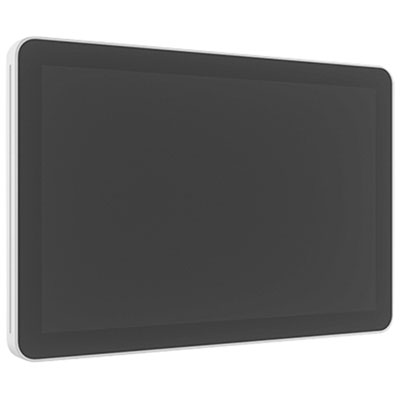
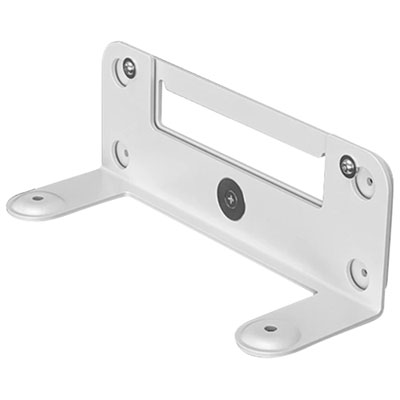
For scheduling panels, compatibility with the existing booking system matters as much as screen size or appearance. A panel needs to support the workplace’s calendar platform, room accounts, authentication requirements, and network setup to provide useful, accurate information. Dedicated scheduling hardware is designed around this role, while a tablet-based setup generally combines a touchscreen device, a secure enclosure, and suitable room-booking software. Either approach needs a clear plan for power, connectivity, mounting, and ongoing administration. Power over Ethernet can carry power and data through one cable on supported equipment, reducing the number of connections at the doorway, but it requires a compatible network switch or injector. Wi-Fi can suit locations without a nearby data connection, though a wireless panel still needs power and dependable network coverage. Installation details vary between plasterboard, masonry, glass partitions, and freestanding posts, and a mount intended for one surface may not suit another. Glass-mounted panels deserve particular attention to cable routing and the appearance of the installation from both sides of the partition. A slim enclosure with protected ports and secure fasteners can help keep a busy corridor tidy and discourage tampering. The display should sit where text and controls are easy to reach and read, without interfering with door movement, accessible routes, or nearby switches. Screen brightness, viewing angle, and glare resistance affect whether the schedule remains legible under overhead lighting or beside a window. Durable housings, securely fitted mounts, and touch surfaces designed for repeated use are practical considerations in shared spaces. Smooth glass faces and simple enclosure shapes are generally easier to wipe than surfaces with deep edges or exposed recesses. For routine care, follow the manufacturer’s cleaning directions, use an appropriate soft cloth, and avoid spraying liquid directly onto the screen or into openings. Administrative controls also deserve attention: limiting access to settings, managing updates, and deciding whether meeting titles should be visible can help maintain a consistent experience while protecting sensitive information.
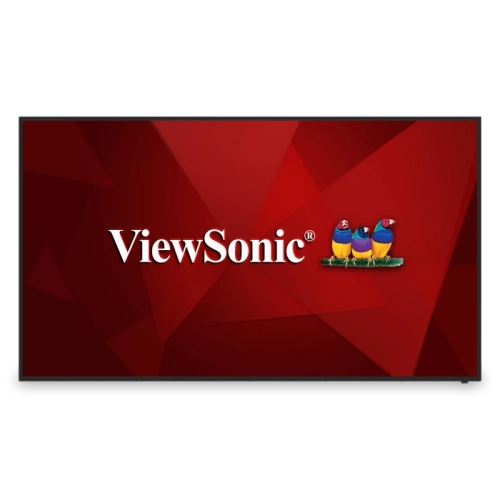
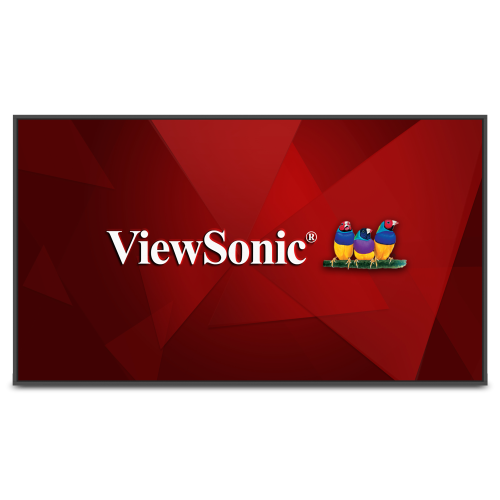
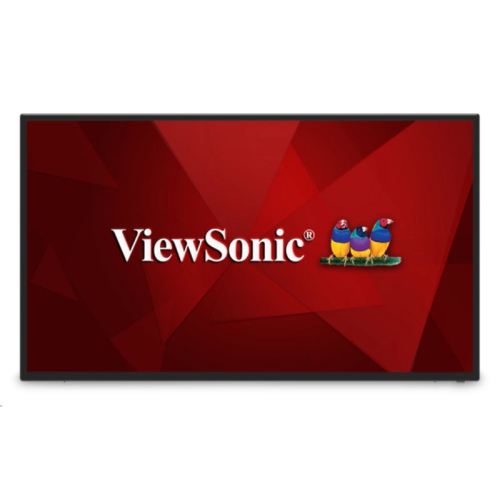
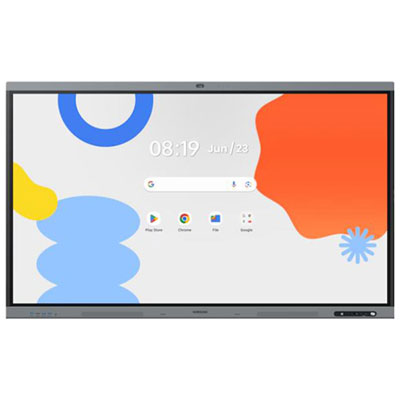
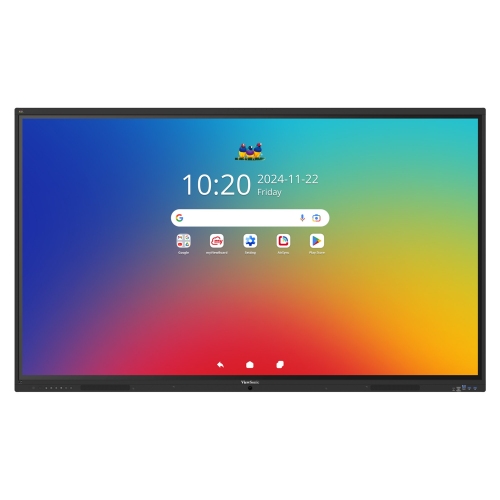
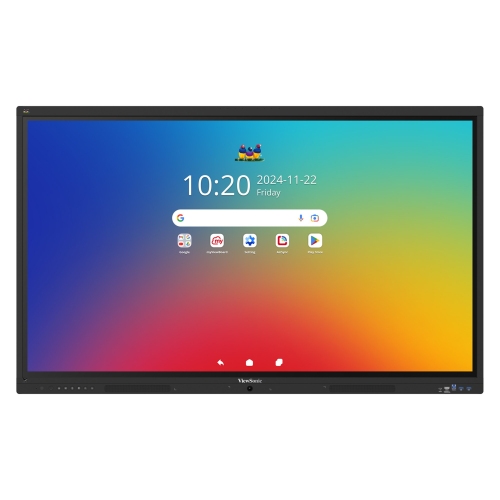
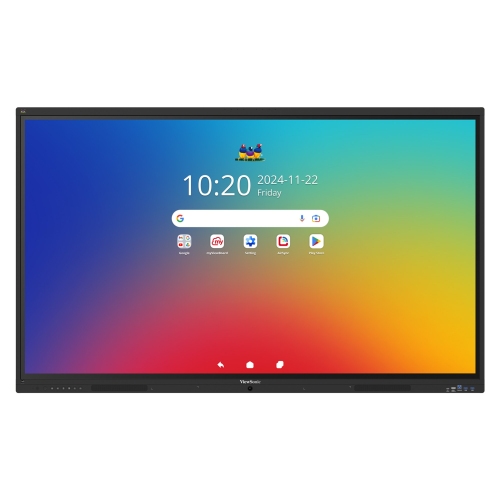
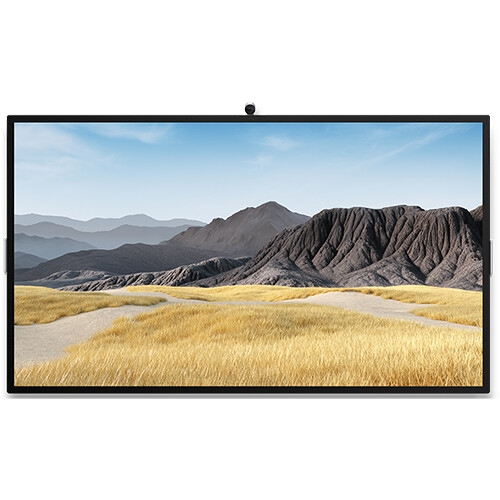
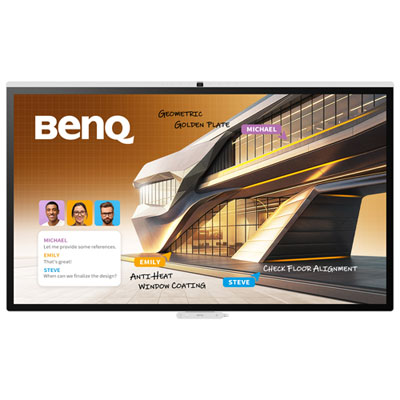
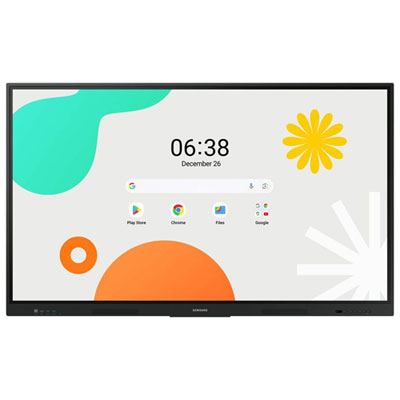
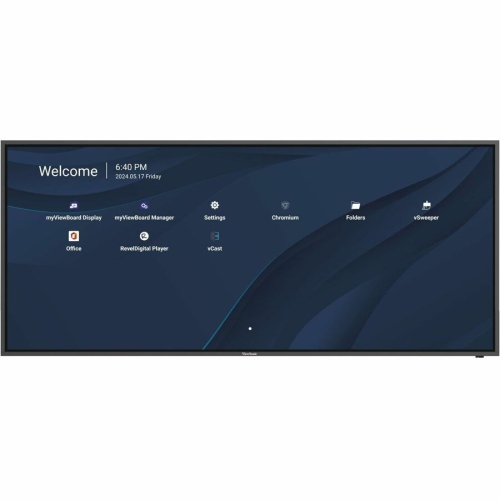
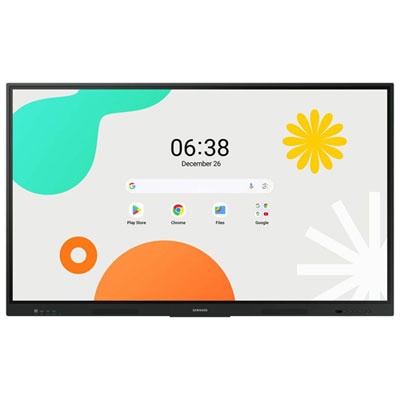
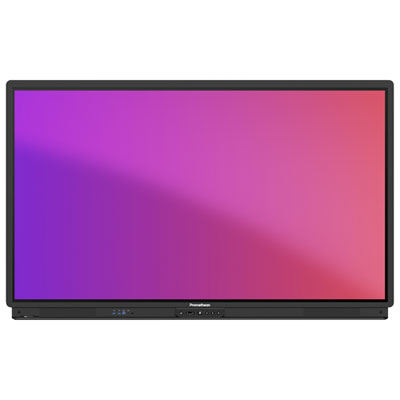
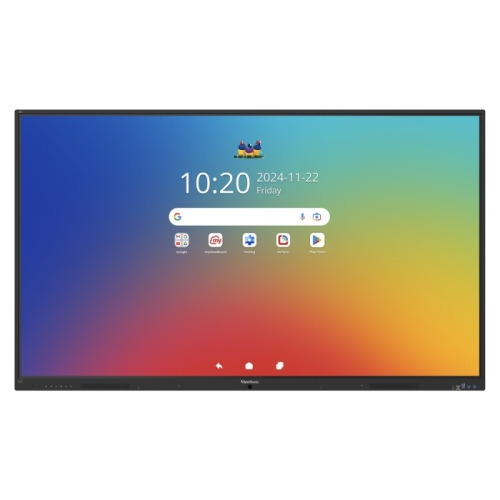
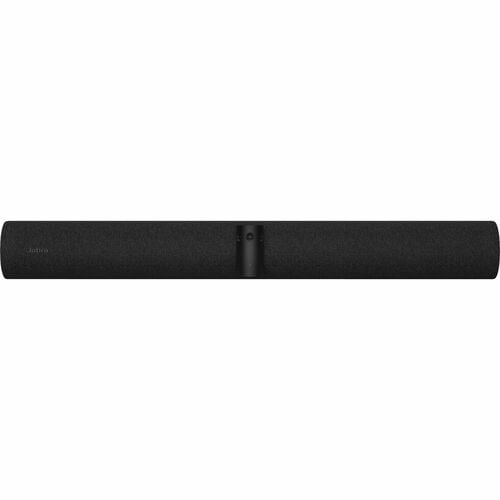
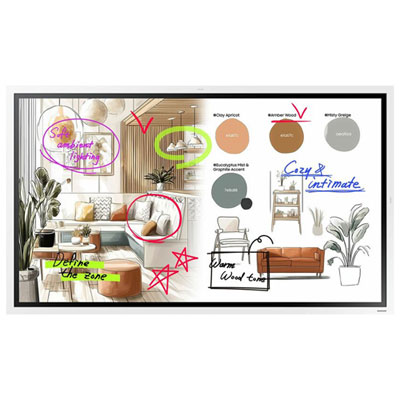
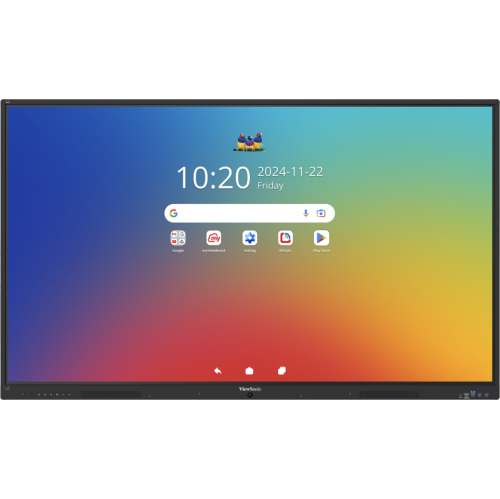
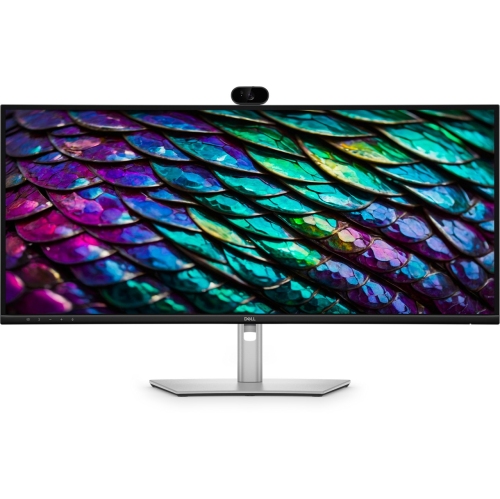
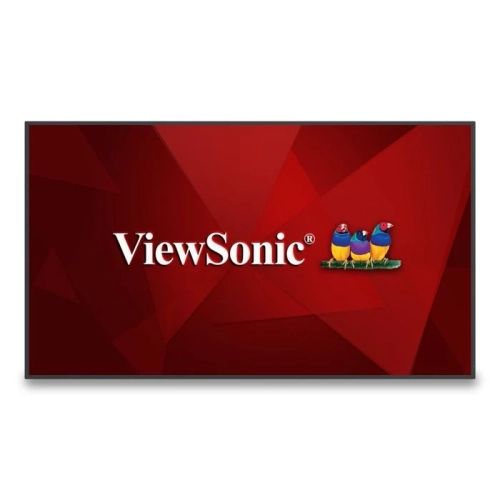
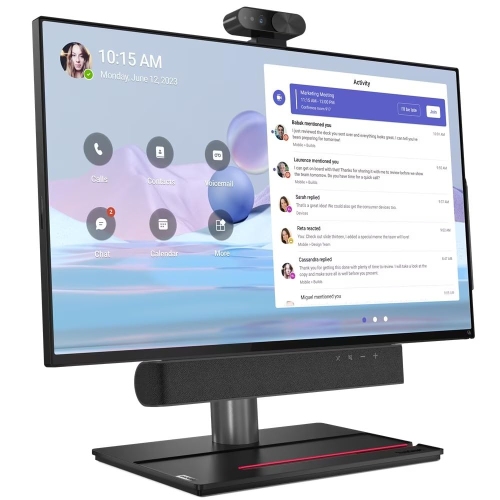
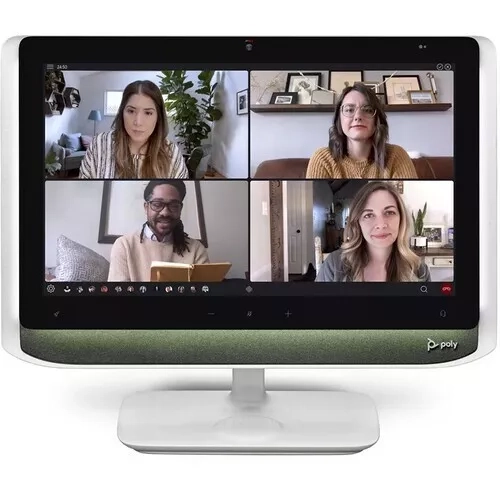
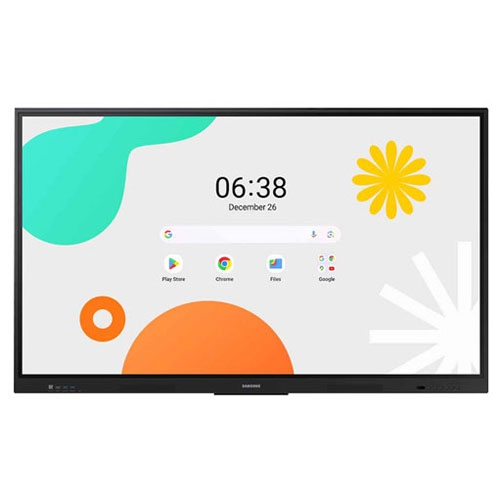
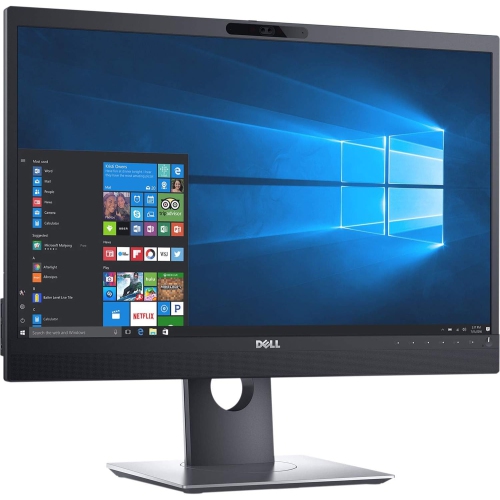
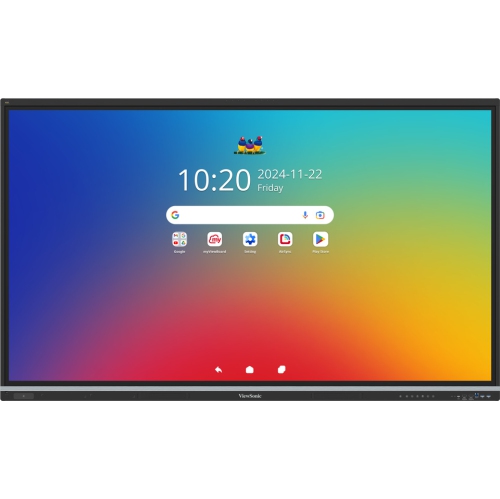
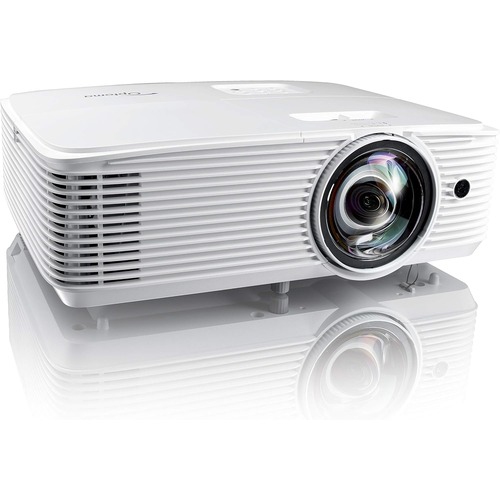
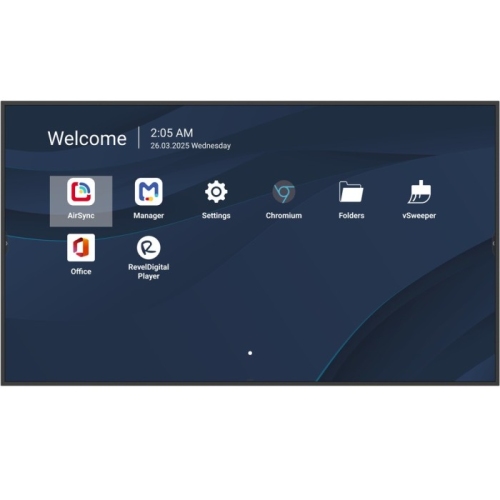
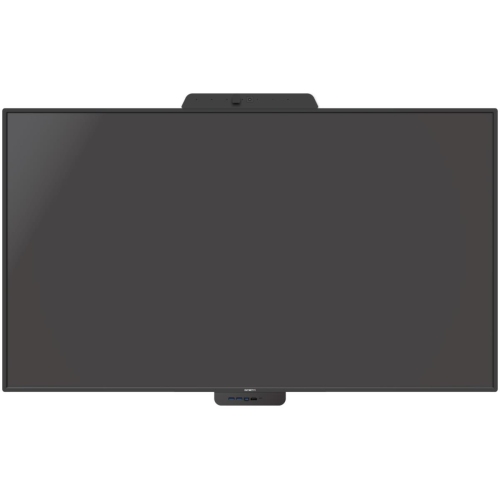
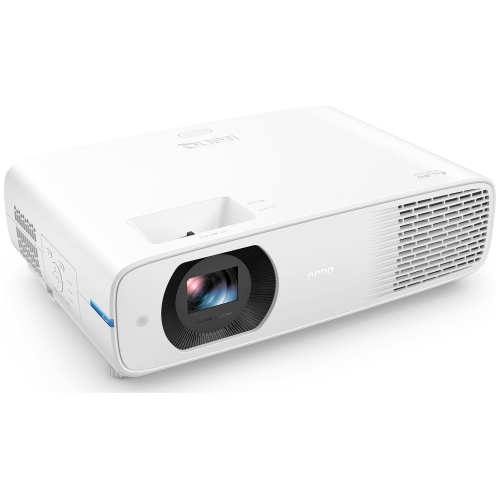
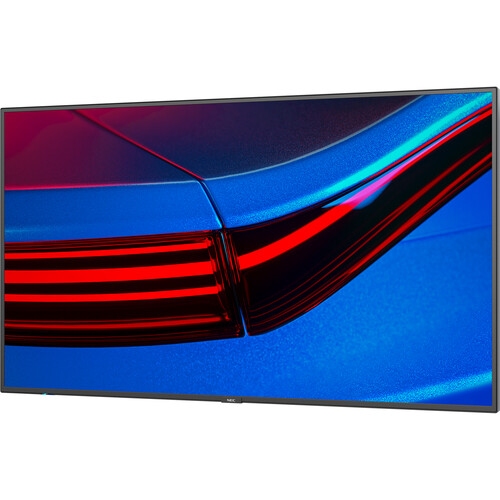
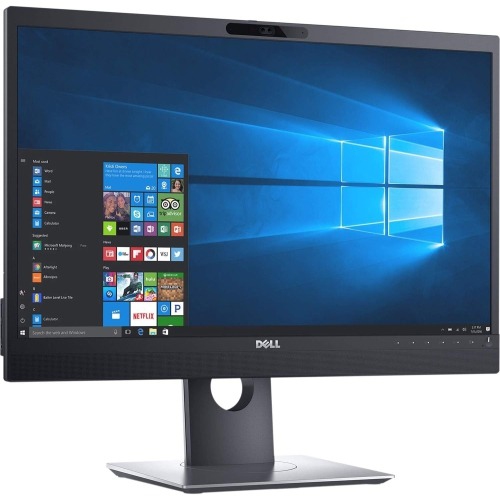
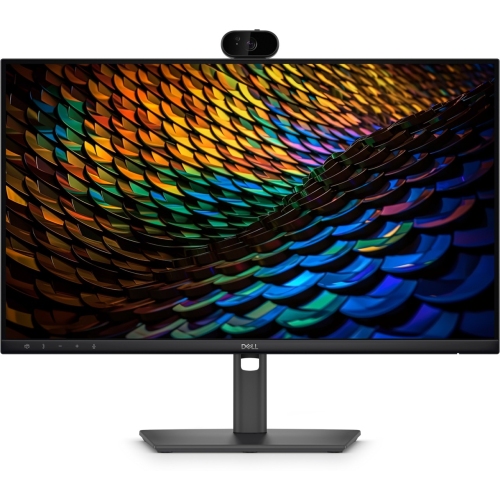
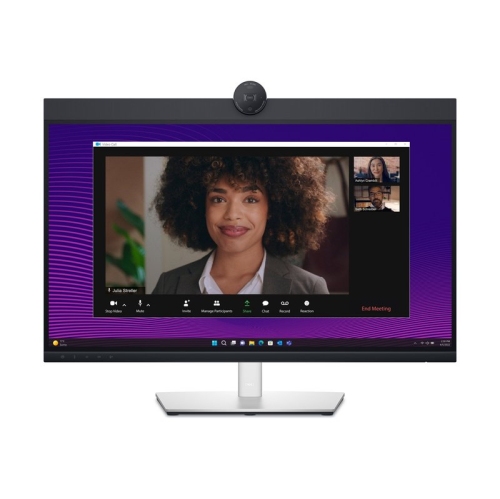
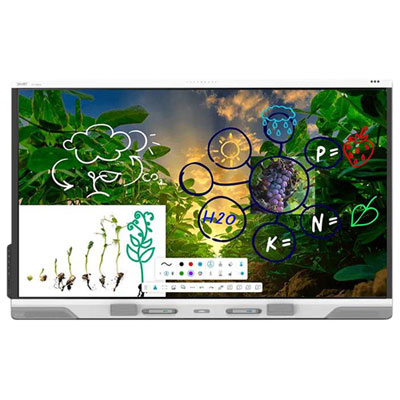
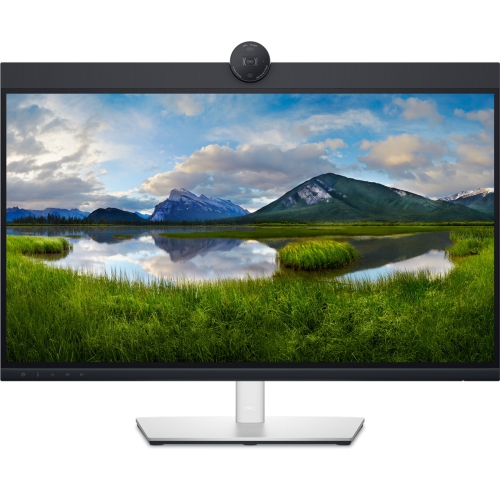
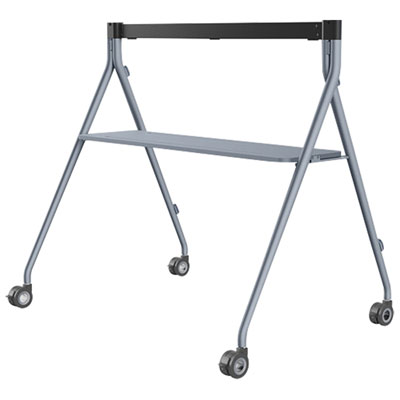
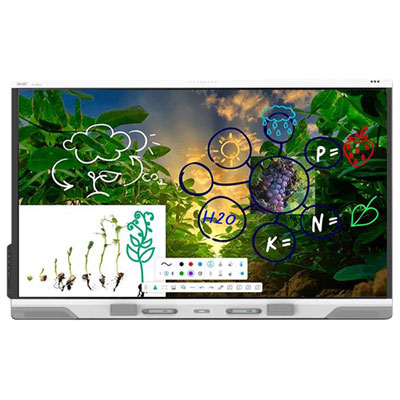
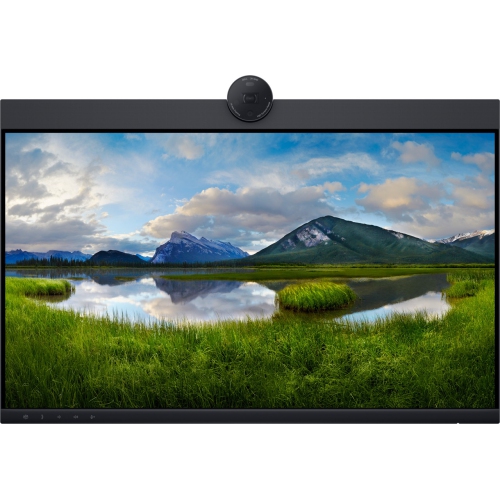
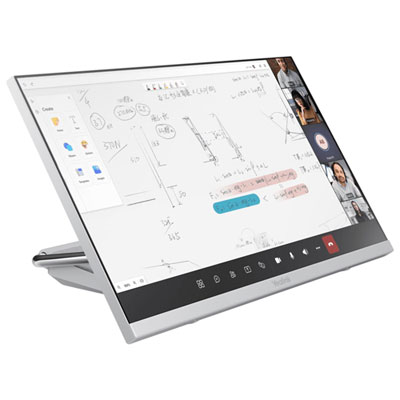
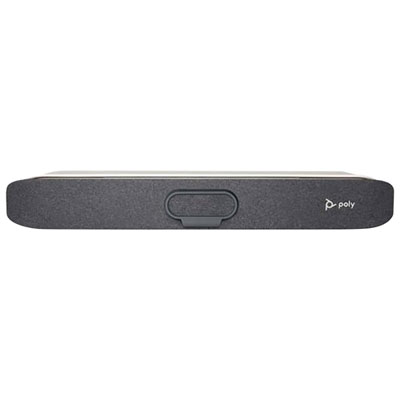
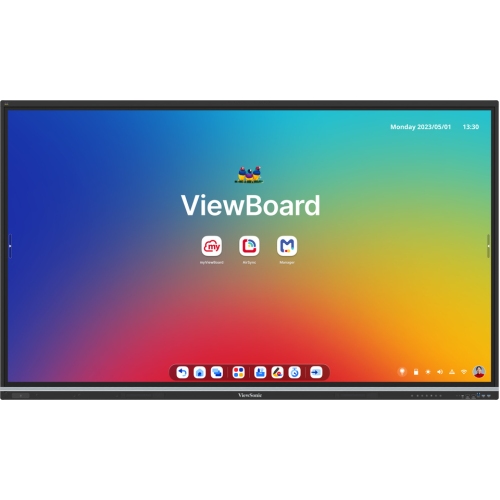
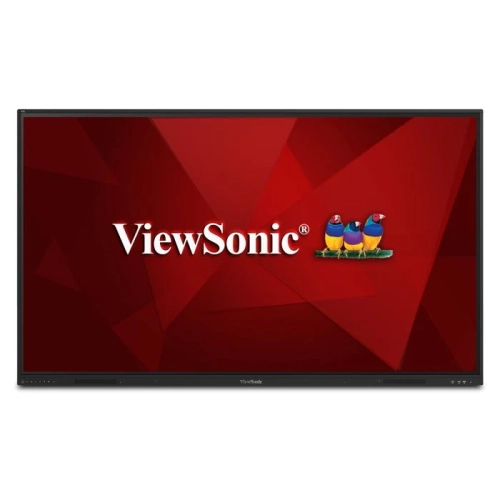
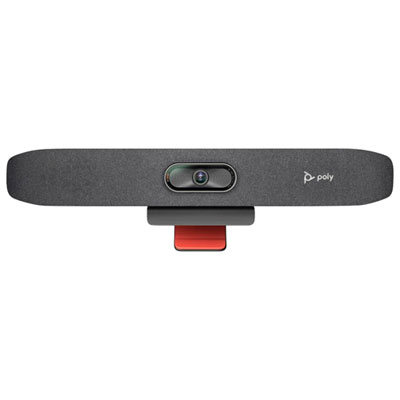
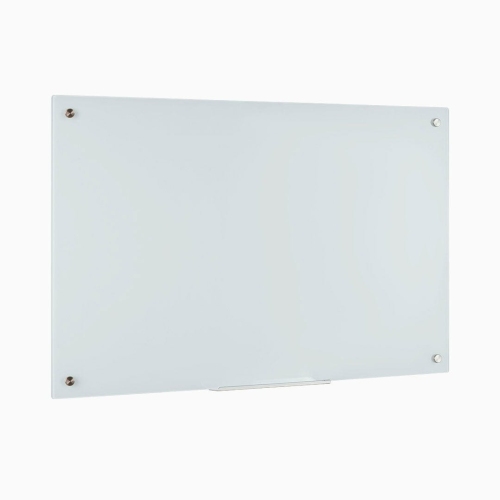
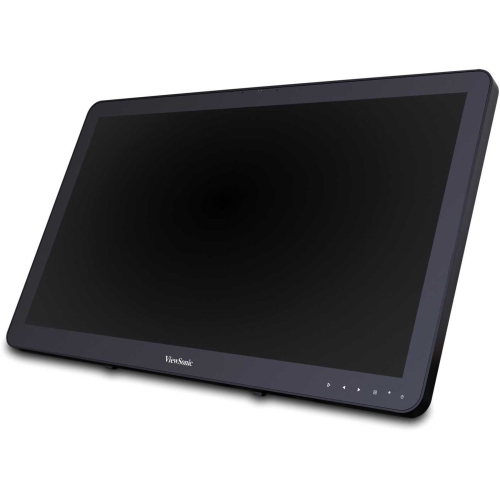
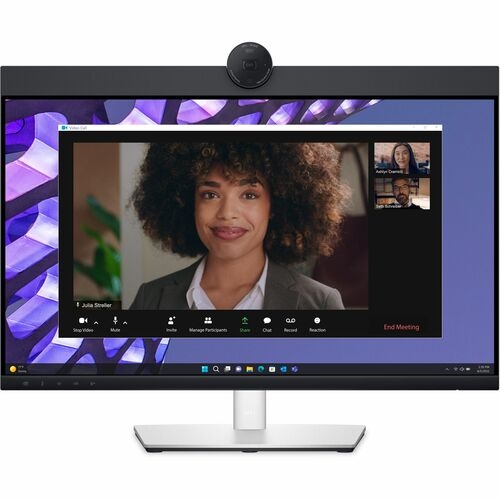
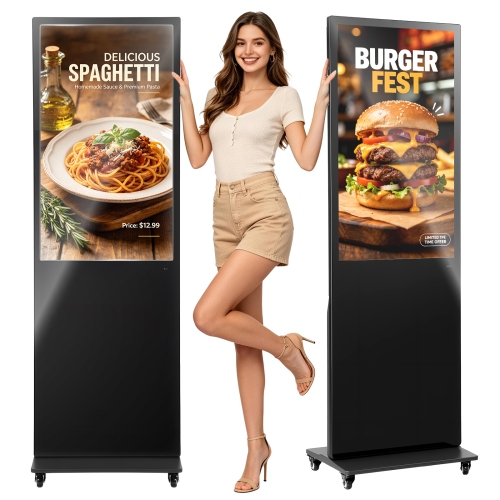
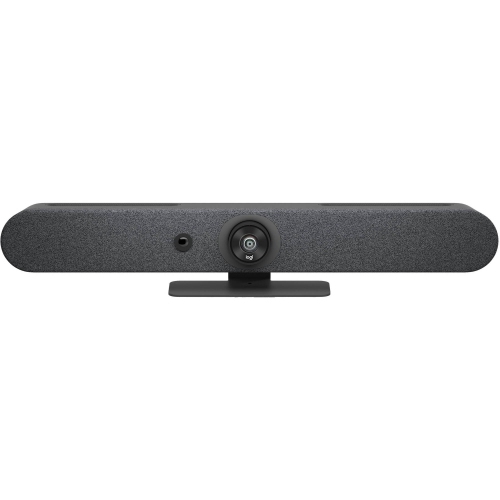
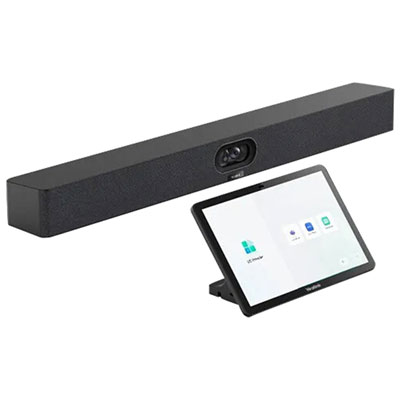
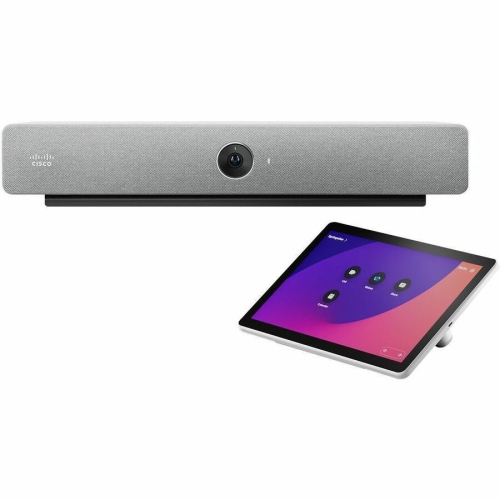
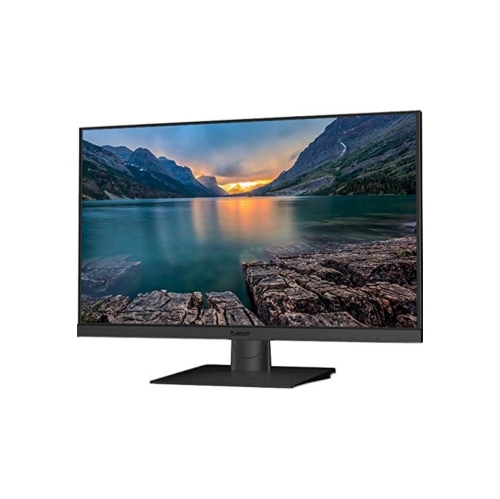
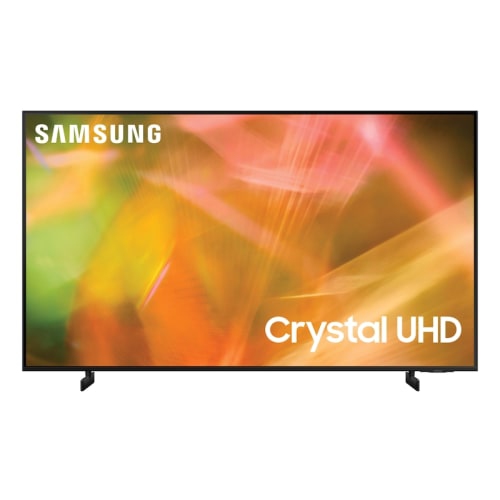
Inside the room, meeting room displays serve a different purpose: making shared content visible and supporting conversations between people at the table and those joining remotely. A presentation display can show slides, spreadsheets, drawings, or a video call, while an interactive collaboration board may add touch input, handwritten notes, and digital whiteboarding. The right format depends on how the room is used. A compact discussion space may need a straightforward screen for laptop sharing, whereas a long boardroom needs enough display area for participants at the far end to read ordinary text comfortably. Screen resolution contributes to clarity, but it cannot compensate for a spreadsheet shown too small or a display placed beyond a comfortable viewing distance. Wide viewing angles help people seated off-centre, and glare control can make diagrams easier to follow without rearranging the entire room. For touch-enabled displays, mounting height should support both viewing from seats and comfortable writing while standing. Glass finish, pen response, supported touch points, and palm rejection can influence how natural annotation feels, where those features are supported. Connection options are another everyday consideration. HDMI commonly handles video and audio, while USB-C capabilities vary: a port may support video, data, or laptop charging only in particular combinations. Touch control may need an additional USB connection, and wireless sharing requires compatible devices and suitable network settings. Cameras, microphones, and speakers may be integrated or separate, so a large screen alone should not be assumed to provide a complete video meeting setup. Related Meeting Room Equipment can help connect the display with the audio, video, and mounting components needed for the space. Wall mounts must match the display’s mounting pattern and weight, while mobile stands need suitable load ratings and locking castors for secure positioning. Equipment intended for extended daily operation may be appropriate where screens remain on through repeated meetings; permitted operating hours and warranty terms vary. Thoughtful cable management, accessible inputs, and straightforward controls make the difference between a room that requires assistance before every presentation and one where participants can connect, share content, and begin their discussion with fewer interruptions.
For scheduling panels, compatibility with the existing booking system matters as much as screen size or appearance. A panel needs to support the workplace’s calendar platform, room accounts, authentication requirements, and network setup to provide useful, accurate information. Dedicated scheduling hardware is designed around this role, while a tablet-based setup generally combines a touchscreen device, a secure enclosure, and suitable room-booking software. Either approach needs a clear plan for power, connectivity, mounting, and ongoing administration. Power over Ethernet can carry power and data through one cable on supported equipment, reducing the number of connections at the doorway, but it requires a compatible network switch or injector. Wi-Fi can suit locations without a nearby data connection, though a wireless panel still needs power and dependable network coverage. Installation details vary between plasterboard, masonry, glass partitions, and freestanding posts, and a mount intended for one surface may not suit another. Glass-mounted panels deserve particular attention to cable routing and the appearance of the installation from both sides of the partition. A slim enclosure with protected ports and secure fasteners can help keep a busy corridor tidy and discourage tampering. The display should sit where text and controls are easy to reach and read, without interfering with door movement, accessible routes, or nearby switches. Screen brightness, viewing angle, and glare resistance affect whether the schedule remains legible under overhead lighting or beside a window. Durable housings, securely fitted mounts, and touch surfaces designed for repeated use are practical considerations in shared spaces. Smooth glass faces and simple enclosure shapes are generally easier to wipe than surfaces with deep edges or exposed recesses. For routine care, follow the manufacturer’s cleaning directions, use an appropriate soft cloth, and avoid spraying liquid directly onto the screen or into openings. Administrative controls also deserve attention: limiting access to settings, managing updates, and deciding whether meeting titles should be visible can help maintain a consistent experience while protecting sensitive information.
Inside the room, meeting room displays serve a different purpose: making shared content visible and supporting conversations between people at the table and those joining remotely. A presentation display can show slides, spreadsheets, drawings, or a video call, while an interactive collaboration board may add touch input, handwritten notes, and digital whiteboarding. The right format depends on how the room is used. A compact discussion space may need a straightforward screen for laptop sharing, whereas a long boardroom needs enough display area for participants at the far end to read ordinary text comfortably. Screen resolution contributes to clarity, but it cannot compensate for a spreadsheet shown too small or a display placed beyond a comfortable viewing distance. Wide viewing angles help people seated off-centre, and glare control can make diagrams easier to follow without rearranging the entire room. For touch-enabled displays, mounting height should support both viewing from seats and comfortable writing while standing. Glass finish, pen response, supported touch points, and palm rejection can influence how natural annotation feels, where those features are supported. Connection options are another everyday consideration. HDMI commonly handles video and audio, while USB-C capabilities vary: a port may support video, data, or laptop charging only in particular combinations. Touch control may need an additional USB connection, and wireless sharing requires compatible devices and suitable network settings. Cameras, microphones, and speakers may be integrated or separate, so a large screen alone should not be assumed to provide a complete video meeting setup. Related Meeting Room Equipment can help connect the display with the audio, video, and mounting components needed for the space. Wall mounts must match the display’s mounting pattern and weight, while mobile stands need suitable load ratings and locking castors for secure positioning. Equipment intended for extended daily operation may be appropriate where screens remain on through repeated meetings; permitted operating hours and warranty terms vary. Thoughtful cable management, accessible inputs, and straightforward controls make the difference between a room that requires assistance before every presentation and one where participants can connect, share content, and begin their discussion with fewer interruptions.
Top selling and popular products
-
 Your price for this item is $899.99
 -
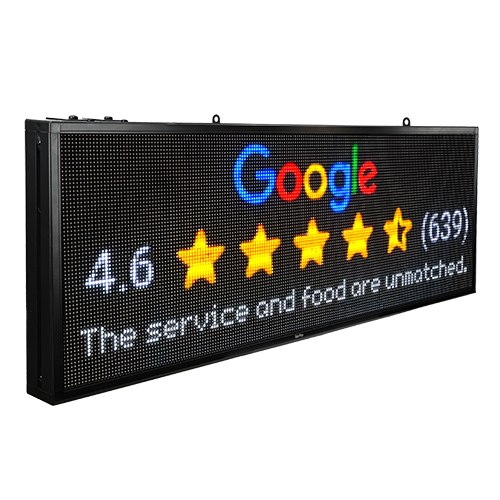 Your price for this item is $699
 -
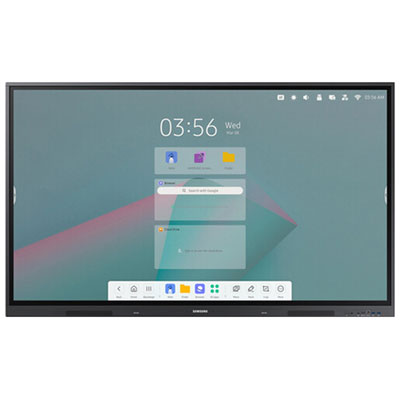 Your price for this item is $1299.99
 -
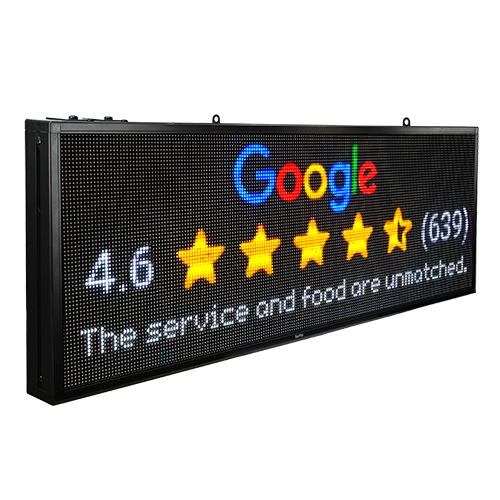 Your price for this item is $799
 -
 Your price for this item is $691.87
 -
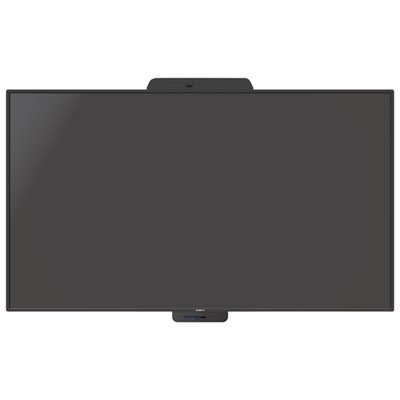 Your price for this item is $3739.99
 -
 Your price for this item is $567.99
 -
 Your price for this item is $69.99
Discover more categories related to Meeting Room Displays

Top Collections:
Pokemon Centers, Kindle Devices, Best Budget Office Chairs, Canon G7X Cameras, Apple iPhones 16, Samsung Galaxy Phones, Refurbished Apple Laptops, Laptops for Students, iPhone 15 Apple, Budget Smartphones
Some products may be subject to Environmental Handling Fees
(EHF) depending on your province.
Learn more about EHFs.