Meeting Room Equipment
Elevate your workspace with a wide selection of meeting room equipment designed to enhance collaboration and productivity. Whether you're outfitting a small huddle space or a large conference area, find everything you need to create a seamless and professional environment. Explore options that make connecting, presenting, and communicating with your team easier than ever. Discover meeting room equipment suited for businesses of all sizes, tailored to help every meeting run smoothly.
Sort





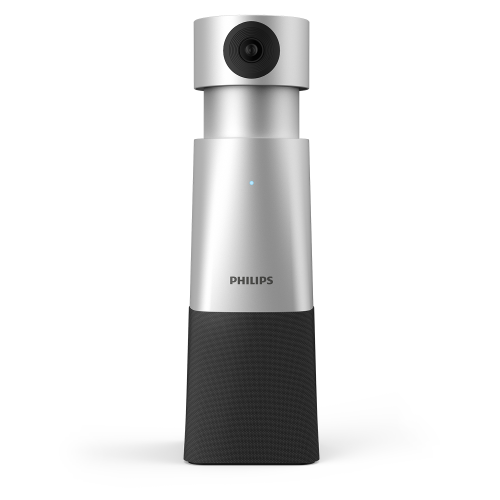
Why room size matters for clearer hybrid meetings
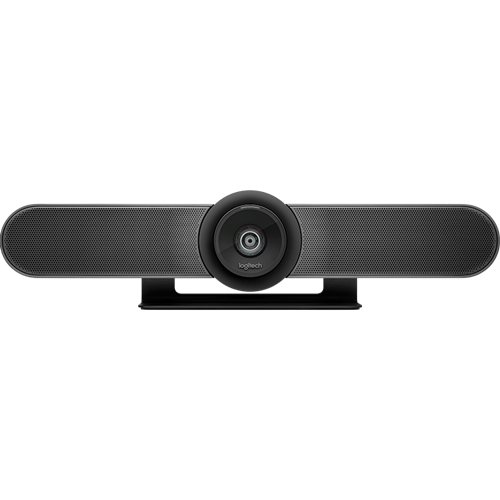
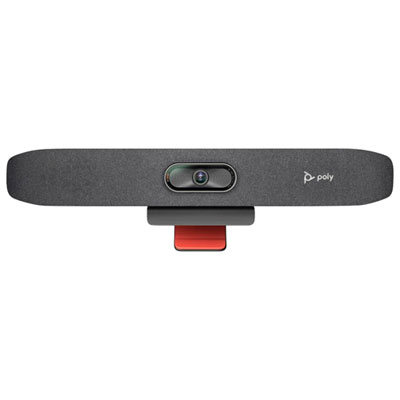
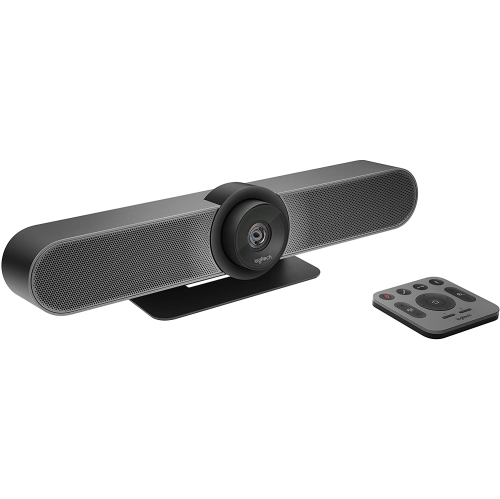
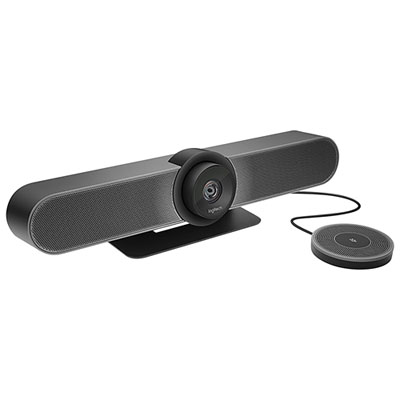
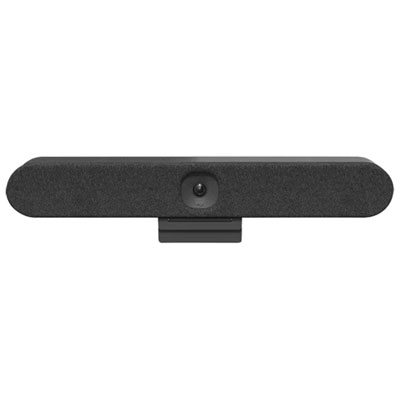
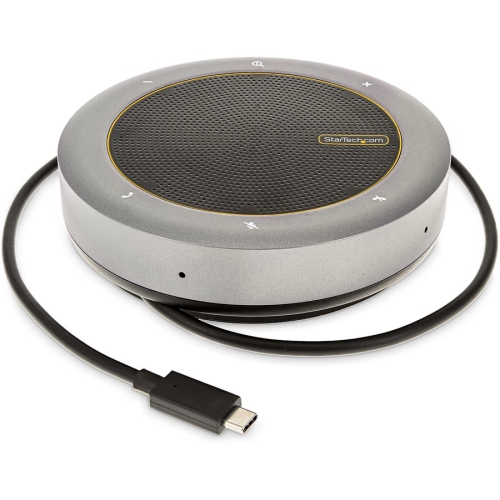
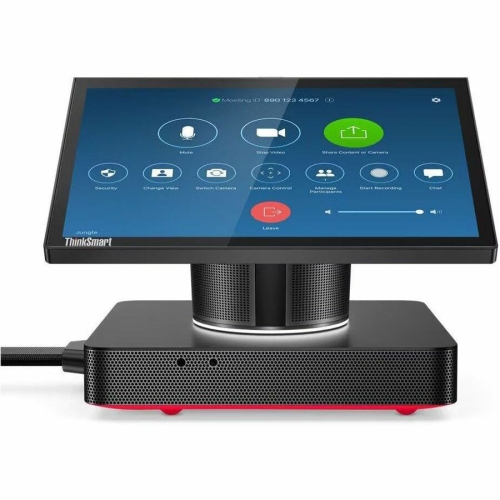
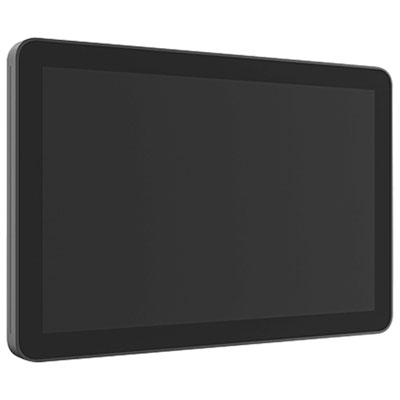
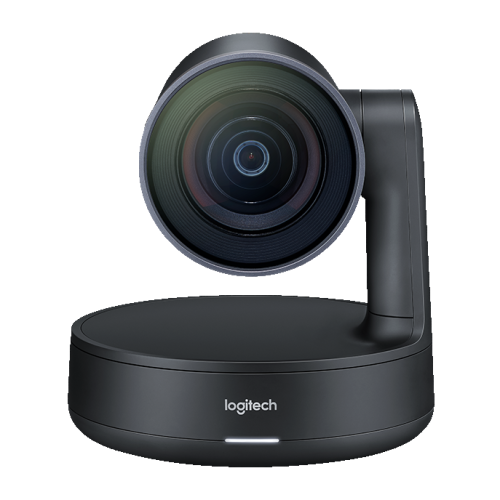
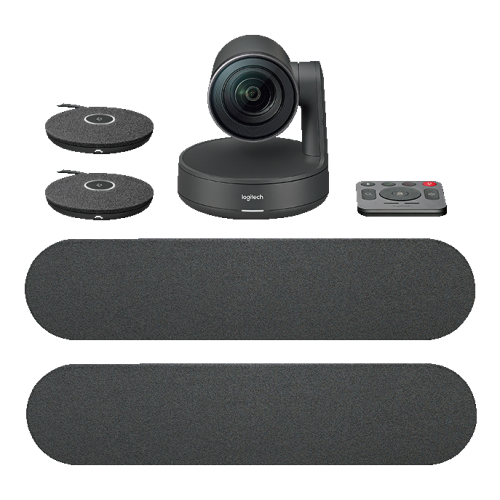
Meeting room equipment includes the displays, cameras, microphones, speakers, connection hardware, and furniture used for presentations, video calls, and group collaboration. The right combination depends on the room’s size, seating capacity, typical activities, and compatibility with the organization’s conferencing software. A small space used for quick team check-ins has different requirements from a boardroom where participants sit along a long table or a training room that regularly changes layout. In a compact room, a combined camera, microphone, and speaker unit can reduce clutter and simplify connections. Larger spaces may need separate components, wider microphone coverage, and additional speakers so that people at either end of the table can participate comfortably. For hybrid meetings, the aim is to make conversation clear in both directions: people joining remotely need to see faces and hear contributions, while those in the room need an unobstructed view of shared content and remote participants. Camera placement matters as much as camera resolution. A camera positioned near the main display helps keep attention directed towards the conversation, while a suitable field of view includes the seats without making people appear unnecessarily distant. Microphone pickup should cover the actual seating area rather than just the centre of the table. A person speaking quietly from a corner seat can otherwise be much harder to hear than someone sitting beside the equipment. Offices, schools, community organizations, and shared workspaces may also use meeting rooms for interviews, workshops, client presentations, and staff onboarding. These uses influence whether the room needs a permanent conferencing setup, portable equipment that moves between spaces, or a flexible combination of both. Physical whiteboards and digital writing tools can support brainstorming alongside video calls, particularly when diagrams, project timelines, or handwritten notes are part of the discussion. Equipment that suits these everyday activities helps the space function as a working room rather than simply a place with a screen on the wall. Clearly placed controls and reachable connections also make it easier for different groups to use the same room throughout the day.
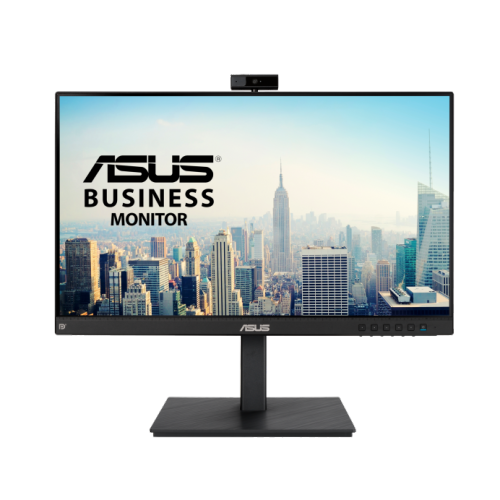
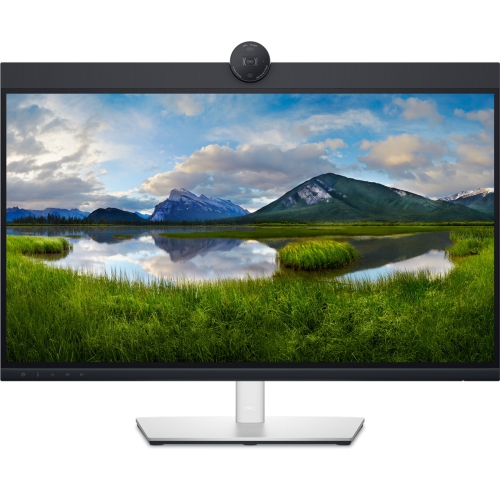
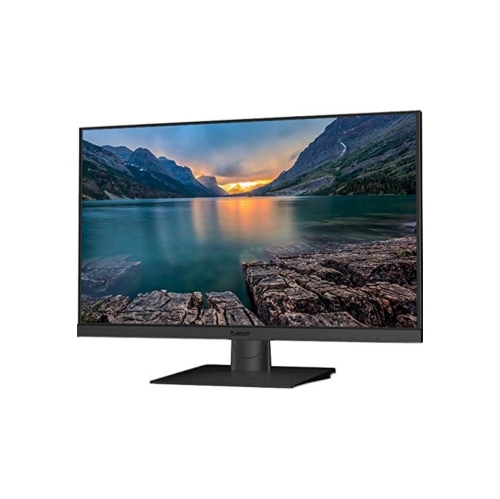
Shared visuals need to remain readable from the seats where people actually work. Screen size, resolution, brightness, and viewing angle all affect how comfortably a group can follow a spreadsheet, presentation, or video call. A display that looks sharp from the front of the room may still make small text difficult to read from the far end of a long table. Reflections from windows and overhead lighting can also obscure content, so display placement and surface finish deserve attention alongside picture quality. Dedicated meeting room monitors can provide a shared viewing surface for presentations and conferencing, with connection options and mounting requirements that vary by design. Wall mounting can free up floor space, while a mobile stand allows a display to serve different seating arrangements when the stand is rated for its size and weight. Touch-enabled displays add another consideration: participants need enough clear space to approach the screen and write or select content comfortably. Behind the visible setup, connection hardware determines how easily a meeting gets started. HDMI carries video and audio, while USB connections commonly serve cameras, microphones, and other peripherals. USB-C capabilities vary between devices and cables, so matching the connector alone does not establish support for video, charging, or the required data transfer. Wireless presentation can reduce the need to pass a cable around the table, but it still depends on compatible devices and a suitable network configuration. Wi-Fi coverage, wired network access, and the organization’s security requirements all influence the final arrangement. A shared room computer may suit a regularly scheduled conferencing space, while a bring-your-own-device setup gives presenters the option to connect their own laptop. Compatibility with the chosen conferencing platform remains important in either case, especially for features such as camera control, touch interaction, and microphone muting. Clearly identified cables and accessible ports help presenters connect without reaching behind a display or moving furniture, and sensible cable routing keeps the table usable for notebooks, documents, and other meeting essentials.
Furniture, room acoustics, and routine care have a direct effect on how well meeting room equipment performs over time. Table dimensions need to accommodate both the expected number of participants and the equipment placed between them. A narrow table can feel crowded once microphones, laptops, and documents are in use, while an oversized table may leave little room to move chairs or approach a whiteboard. Seating should support the length and style of the meetings held there, with suitable seat height, back support, and clearance beneath the table. Clear routes around furniture matter for accessibility as well as everyday movement. Durable metal frames, sturdy mounting hardware, and laminate work surfaces are common choices for shared spaces because they can withstand regular handling when used and maintained as directed. Upholstered seating can add comfort, although its cleaning requirements differ from those of wipeable surfaces. Stable stands, secure cable connections, and appropriately rated mounts are especially important where equipment is moved frequently. Sound also changes with the room itself. Glass walls, bare floors, and large uncovered tables can create reflections that make speech less distinct, even when the microphone is working properly. Sound-absorbing furnishings or acoustic treatments may help control those reflections without requiring every meeting participant to raise their voice. Speakers positioned away from microphones can also support clearer calls when paired with suitable audio processing. For daily upkeep, displays and camera lenses benefit from gentle cleaning with a soft, lint-free cloth and methods approved by the manufacturer; liquid should not be sprayed directly onto electronic equipment. Cables, mounting points, and moving parts need occasional checks for wear or loosening, particularly on mobile setups. Easily reached mute controls and visible camera indicators help participants manage audio and video during sensitive conversations. Where supported, room controls and scheduling displays can make shared spaces easier to coordinate. A practical arrangement brings these details together so that starting a presentation, hearing a colleague, or sharing an idea feels straightforward, whether the room hosts a brief project update or a longer working session.
Shared visuals need to remain readable from the seats where people actually work. Screen size, resolution, brightness, and viewing angle all affect how comfortably a group can follow a spreadsheet, presentation, or video call. A display that looks sharp from the front of the room may still make small text difficult to read from the far end of a long table. Reflections from windows and overhead lighting can also obscure content, so display placement and surface finish deserve attention alongside picture quality. Dedicated meeting room monitors can provide a shared viewing surface for presentations and conferencing, with connection options and mounting requirements that vary by design. Wall mounting can free up floor space, while a mobile stand allows a display to serve different seating arrangements when the stand is rated for its size and weight. Touch-enabled displays add another consideration: participants need enough clear space to approach the screen and write or select content comfortably. Behind the visible setup, connection hardware determines how easily a meeting gets started. HDMI carries video and audio, while USB connections commonly serve cameras, microphones, and other peripherals. USB-C capabilities vary between devices and cables, so matching the connector alone does not establish support for video, charging, or the required data transfer. Wireless presentation can reduce the need to pass a cable around the table, but it still depends on compatible devices and a suitable network configuration. Wi-Fi coverage, wired network access, and the organization’s security requirements all influence the final arrangement. A shared room computer may suit a regularly scheduled conferencing space, while a bring-your-own-device setup gives presenters the option to connect their own laptop. Compatibility with the chosen conferencing platform remains important in either case, especially for features such as camera control, touch interaction, and microphone muting. Clearly identified cables and accessible ports help presenters connect without reaching behind a display or moving furniture, and sensible cable routing keeps the table usable for notebooks, documents, and other meeting essentials.
Furniture, room acoustics, and routine care have a direct effect on how well meeting room equipment performs over time. Table dimensions need to accommodate both the expected number of participants and the equipment placed between them. A narrow table can feel crowded once microphones, laptops, and documents are in use, while an oversized table may leave little room to move chairs or approach a whiteboard. Seating should support the length and style of the meetings held there, with suitable seat height, back support, and clearance beneath the table. Clear routes around furniture matter for accessibility as well as everyday movement. Durable metal frames, sturdy mounting hardware, and laminate work surfaces are common choices for shared spaces because they can withstand regular handling when used and maintained as directed. Upholstered seating can add comfort, although its cleaning requirements differ from those of wipeable surfaces. Stable stands, secure cable connections, and appropriately rated mounts are especially important where equipment is moved frequently. Sound also changes with the room itself. Glass walls, bare floors, and large uncovered tables can create reflections that make speech less distinct, even when the microphone is working properly. Sound-absorbing furnishings or acoustic treatments may help control those reflections without requiring every meeting participant to raise their voice. Speakers positioned away from microphones can also support clearer calls when paired with suitable audio processing. For daily upkeep, displays and camera lenses benefit from gentle cleaning with a soft, lint-free cloth and methods approved by the manufacturer; liquid should not be sprayed directly onto electronic equipment. Cables, mounting points, and moving parts need occasional checks for wear or loosening, particularly on mobile setups. Easily reached mute controls and visible camera indicators help participants manage audio and video during sensitive conversations. Where supported, room controls and scheduling displays can make shared spaces easier to coordinate. A practical arrangement brings these details together so that starting a presentation, hearing a colleague, or sharing an idea feels straightforward, whether the room hosts a brief project update or a longer working session.
Top selling and popular products
-
 Your price for this item is $79.99
 -
 Your price for this item is $123.44
 -
 Your price for this item is $27.98
 -
 Your price for this item is $48.49
 -
 Your price for this item is $149.99
 -
 Your price for this item is $249.99
 -
 Your price for this item is $49.99
 -
 Your price for this item is $34.99
Discover more categories related to Meeting Room Equipment
Top Collections:
Pokemon Centers, Best Cameras for Sports Photography, Kindle Devices, Samsung Galaxy Phones, Canon G7X Cameras, Pokémon 30th Celebration Cards, Refurbished Apple Laptops, iPhone 15 Apple, Laptops for Students, Budget Smartphones
Some products may be subject to Environmental Handling Fees
(EHF) depending on your province.
Learn more about EHFs.