Multiple Outlet Surge Protectors
Multiple Outlet Surge Protector solutions make it easy to power and protect your essential devices at home, in the office, or on the go. With options designed to accommodate multiple plugs, these surge protectors help you keep your electronics organized and connected. Browse a wide selection of Multiple Outlet Surge Protector models to find the right fit for your workspace, entertainment center, or any area that needs reliable power distribution. Enjoy convenient charging and peace of mind with versatile choices for every setup.
Sort
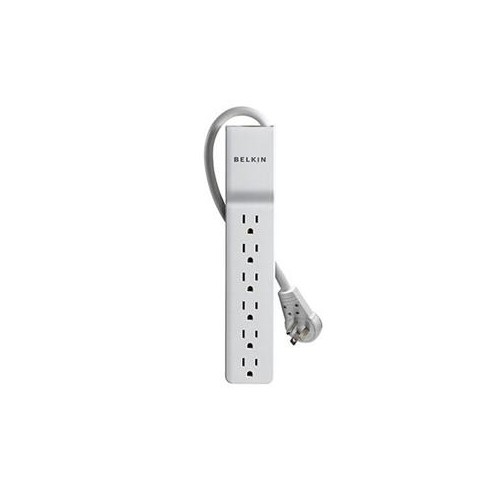

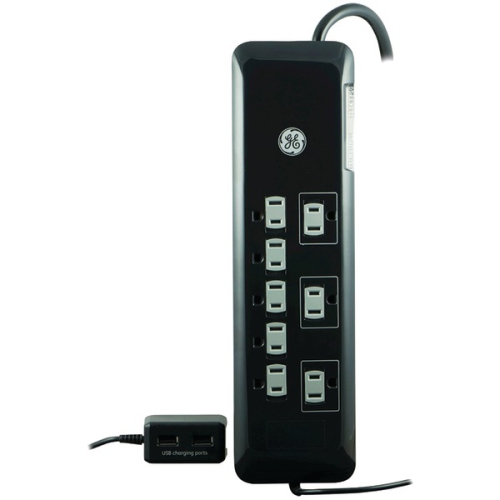
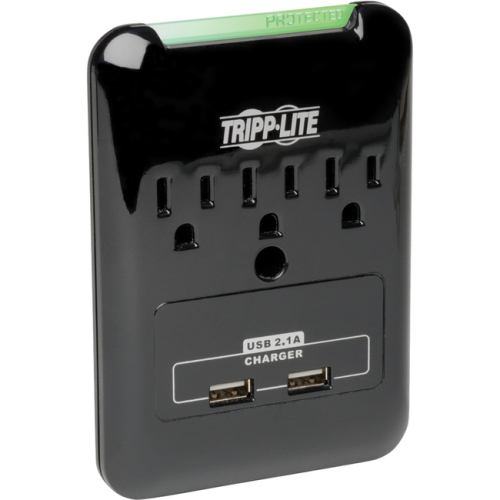
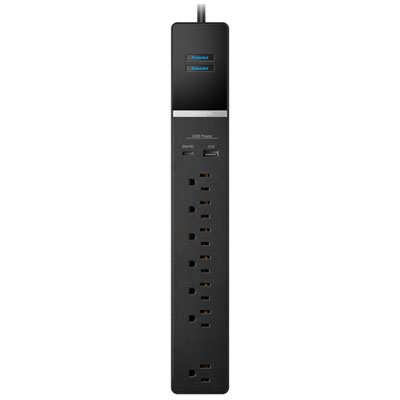

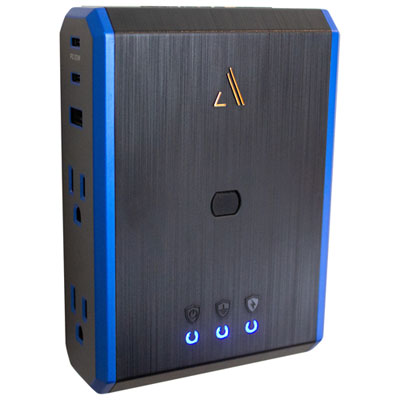
What an outlet count doesn’t tell you
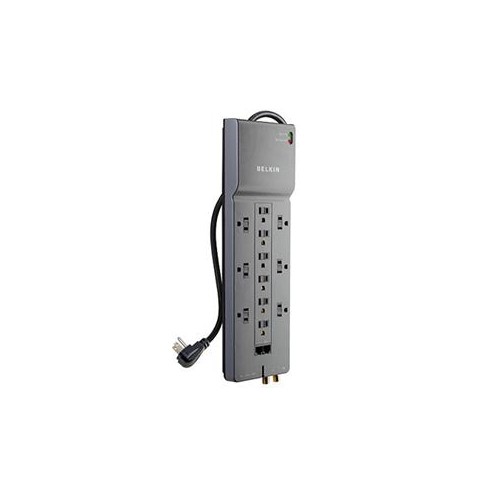
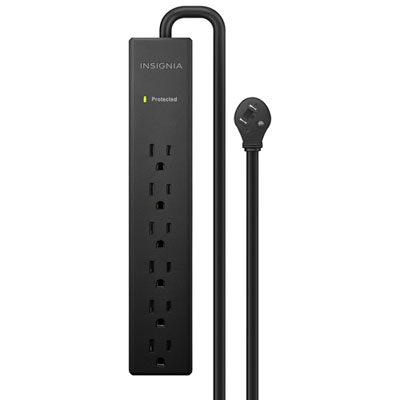
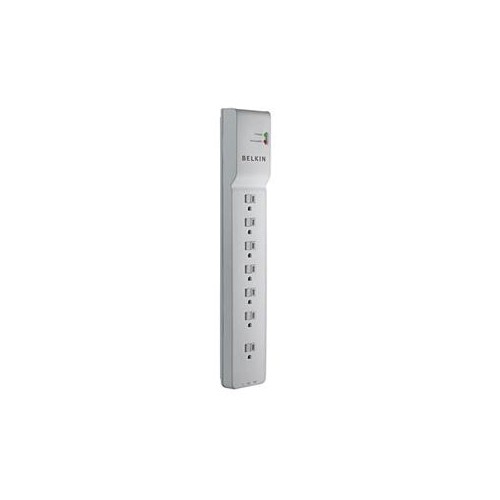
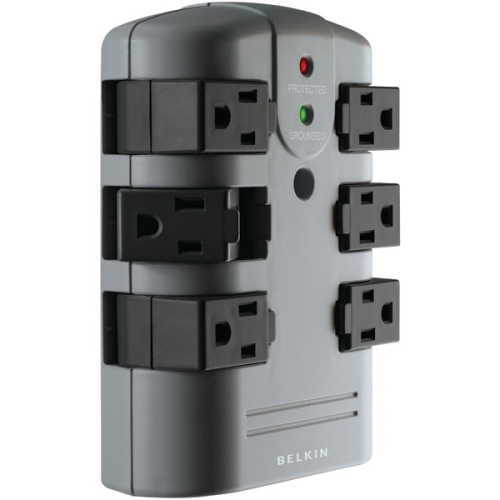
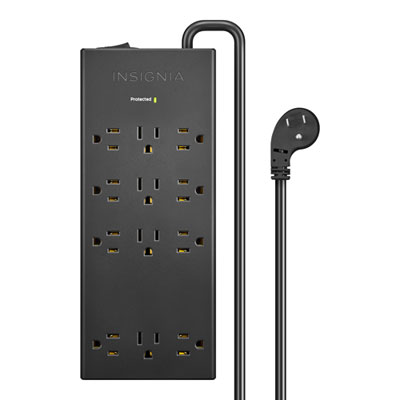
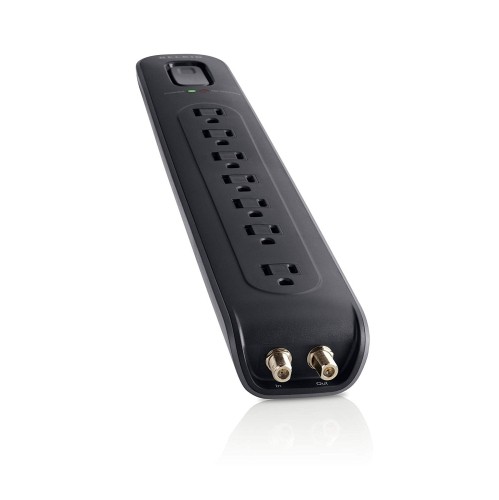
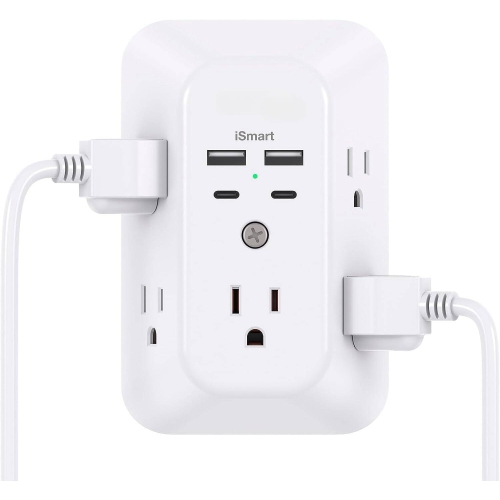
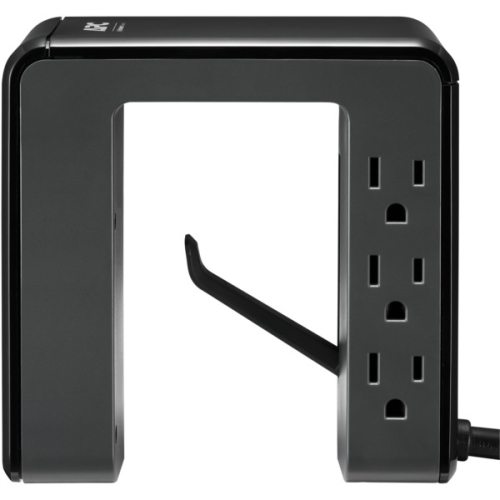
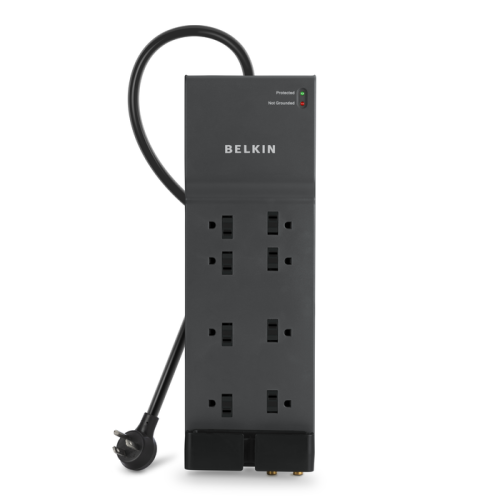
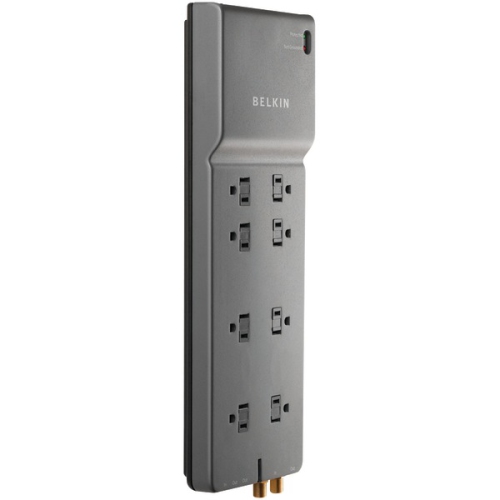
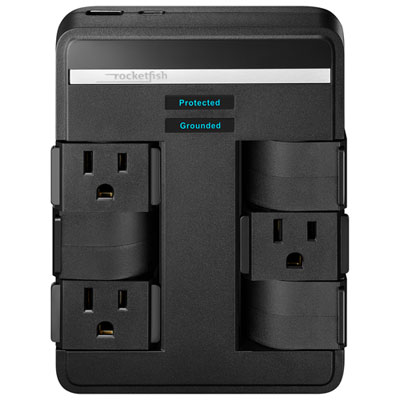
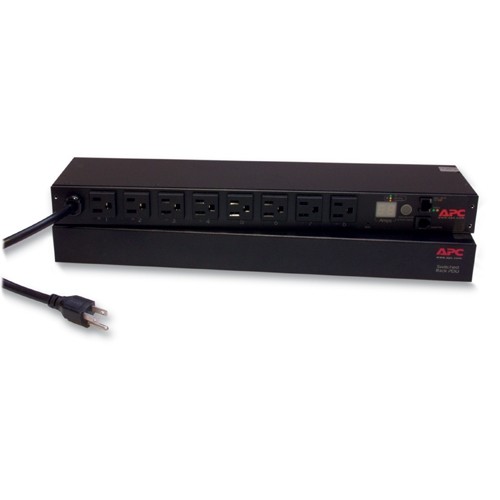
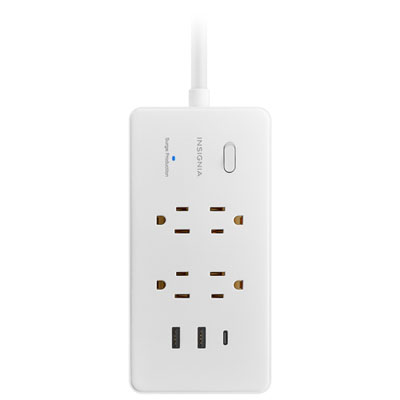
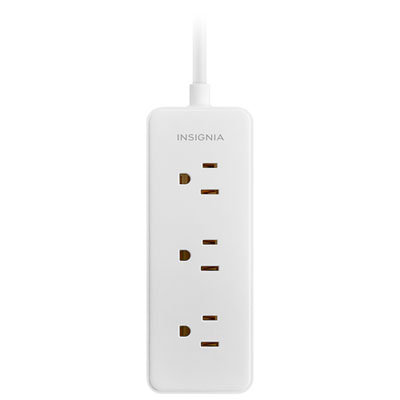
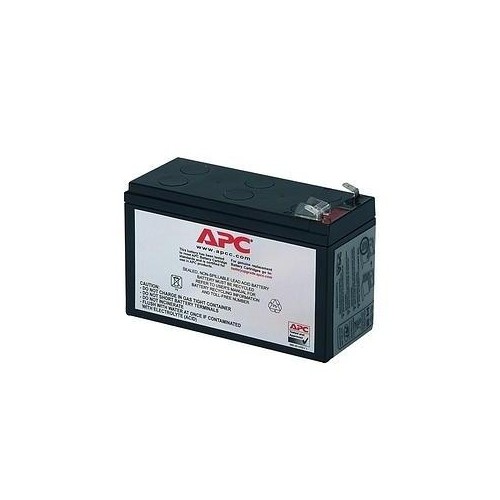
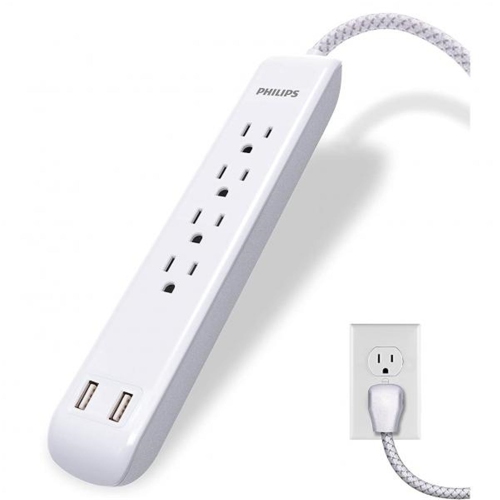
A multiple outlet surge protector plugs into one wall receptacle and provides several AC outlets, with USB charging ports on some models. It gives electronics a shared place to plug in while helping guard them against brief voltage spikes. That protection is the difference between a surge protector and a basic power strip: both can add outlets, but a strip without built-in surge protection does not guard against voltage spikes. When browsing Multi Outlet Power Strips, look for surge protection in the specifications if that feature matters to the setup. A surge protector is also different from a battery backup. It does not keep a computer or modem running during an outage, and it cannot prevent damage from every electrical event. Its everyday role is easy to picture at a home theatre, where a television, streaming device, soundbar and game console may all draw power from the same spot behind a media cabinet. A corded strip can bring the outlets forward far enough that a plug can be reached without pulling the cabinet away from the wall. At a desktop, the same format can keep a monitor, speakers and laptop charger together while leaving the wall receptacle clear of bulky adapters. Where the wall outlet is already easy to reach, a compact plug-in design can add sockets without leaving a length of cord to manage. Either style can be useful when setting up a home office, arranging a gaming space or moving into an apartment with only one accessible receptacle near the work surface. A surge protector can also make a practical housewarming gift when the recipient’s setup is familiar. Knowing where the desk or media cabinet sits, and how much room there is behind it, makes it easier to choose a layout that fits rather than guessing at how many outlets will be useful.
Outlet spacing often matters as much as outlet count. Six closely spaced sockets may not hold six plugs if two power adapters are wide enough to cover the outlets beside them. Extra space at one end of the strip can give a bulky adapter room without taking up the socket needed for a lamp or monitor. The direction the plugs face matters too, particularly along a shallow work surface where thick cords can stick out into the space behind a desk. A low-profile wall plug can fit more easily behind furniture, provided there is still room for the cord to exit without being pinched. For a corded model, measure the route along the wall or baseboard rather than the straight-line distance to the wall receptacle. That leaves room for turns and avoids running the cord across a walkway or pulling it tight. Mounting slots can keep the controls within reach and the unit off the floor when used as directed. Built-in USB ports can free up an AC outlet by removing the need for a separate charging adapter. If those ports will serve more than one device, check their combined output as well as the output per port, since charging power may be shared. A USB-C connector alone does not indicate how much power a port can deliver. For everyday durability, look at how the housing is built, how the cord is reinforced where it enters the case, and whether the switch and status lights will be visible once everything is plugged in. Moulded plastic housings are common, and some designs use metal housings. Neither material on its own indicates how much surge protection the unit provides; the electrical ratings and markings are more useful for that comparison.
For household use in Canada, look for a certification mark accepted in Canada and check that the unit is rated for the devices it will supply. A surge protector adds places to plug in, not capacity to the electrical circuit. Compare the combined load of the connected equipment with the unit’s rating, even if there are still sockets to spare. Plug the surge protector directly into a grounded wall receptacle rather than into another strip or an extension cord. Keep high-draw devices such as portable heaters off the strip and follow the appliance manufacturer’s instructions for plugging them in. When comparing surge protection specifications, the joule rating describes the amount of surge energy a unit is rated to absorb. It is useful as a comparison point, but it does not predict exactly how long the protection will last. Some designs have a light that shows whether surge protection is active. Check what each light means, since a power light may simply show that the outlets have electricity. Some units can still supply power after the protective components have worn out, so a monitor that turns on is not proof that it is still protected. Follow the manufacturer’s replacement guidance if the protection indicator goes out or the unit has been through a significant surge. For routine care, unplug the strip before wiping it with a dry cloth, keep it clear of spills and avoid trapping it under a rug or behind furniture that presses against the plugs. Stop using it if the cord is frayed, the housing is cracked or an outlet no longer holds a plug securely. A strip that can be reached without moving heavy furniture makes these checks easier. In a shared workspace, that same access lets someone unplug a charger without reaching past a tangle of cords or disturbing the equipment that needs to stay connected.
Top selling and popular products
-
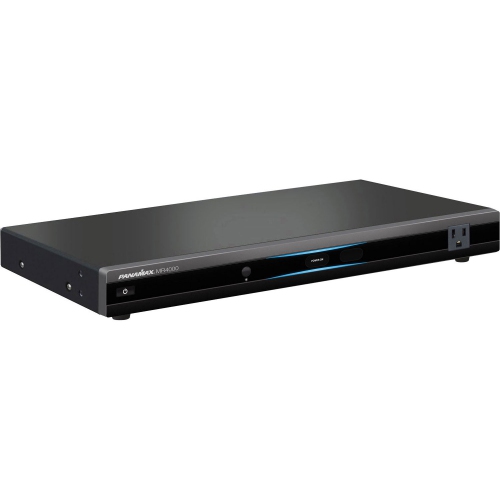 Your price for this item is $377.68
-
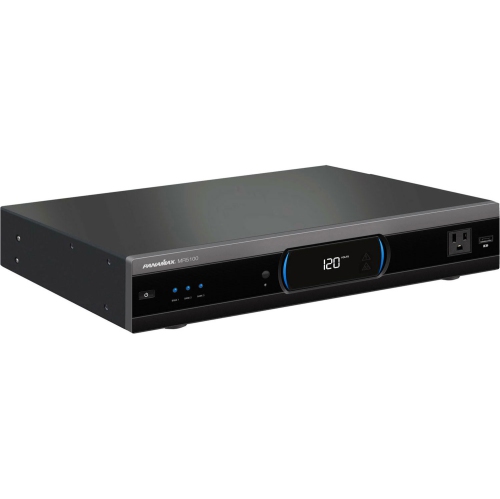 Your price for this item is $808.68
-
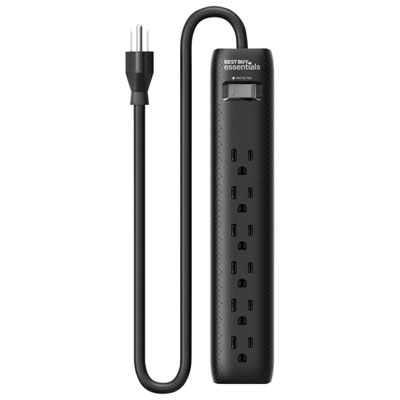 Your price for this item is $14.99
-
 Your price for this item is $39.99
-
 Your price for this item is $19.99
-
 Your price for this item is $94.37
-
 Your price for this item is $26.97
-
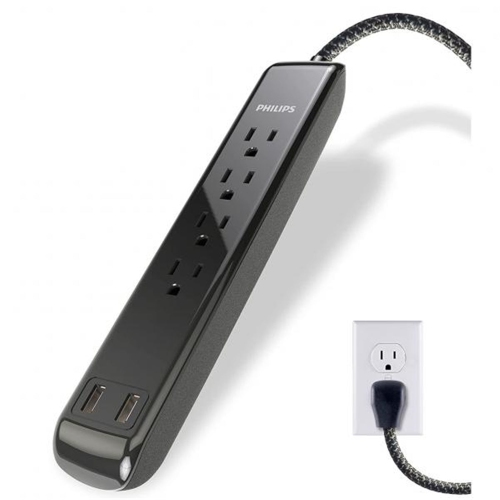 Your price for this item is $26.97
Discover more categories related to Multiple Outlet Surge Protectors
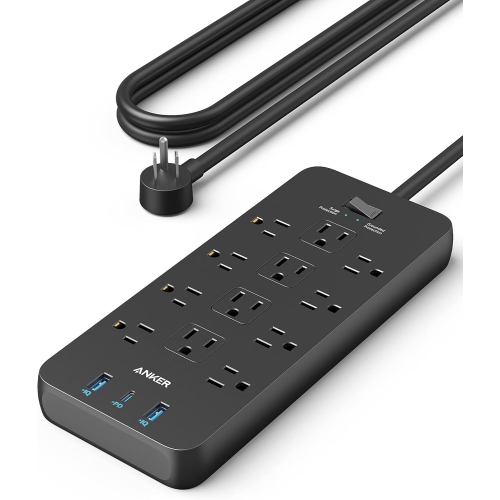

Top Collections:
Best Black Friday Deals This Year, Best Black Friday Deals On Electronics, Kindle Devices, Pokemon Centers, Best Black Friday Deals On Apple Products, Best Cameras for Sports Photography, Dyson Airwrap, Pokémon 30th Celebration Cards, Apple iPhone 17 Pro, Canon G7X Cameras
Some products may be subject to Environmental Handling Fees
(EHF) depending on your province.
Learn more about EHFs.