Phone Screen Cleaners
Keep your phone screen looking spotless with our selection of phone screen cleaners. Whether you're tired of smudges and fingerprints obscuring your view or simply want to maintain the pristine condition of your device, our range of phone screen cleaners has got you covered. From cleaning solutions to microfiber cloths, we offer a variety of options to suit your needs. Say goodbye to blurry screens and hello to crystal-clear viewing with our phone screen cleaners.
Sort
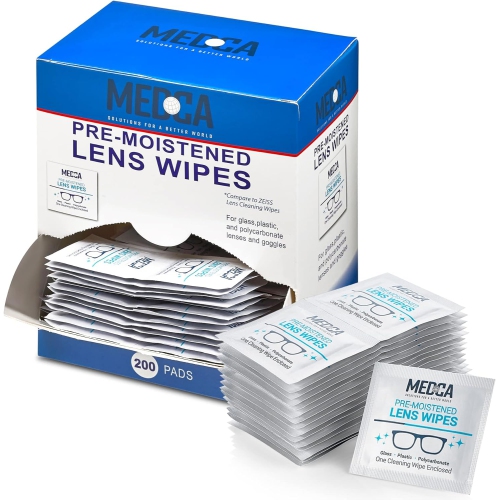
![MEDCA Lens Cleaning Wipes - [210 Pack] Pre Moistened Cleansing Cloths And Individually Wrapped Eyeglass Cleaner Wipe Pads for Phones, Tablet Screens](https://multimedia.bbycastatic.ca/multimedia/products/500x500/175/17593/17593356.jpeg)
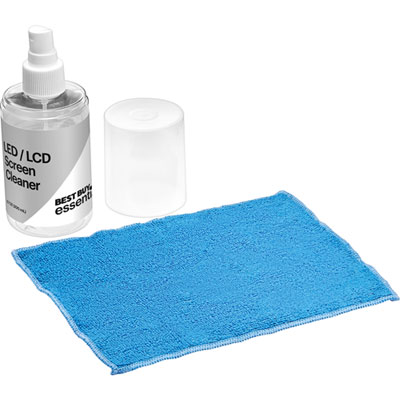
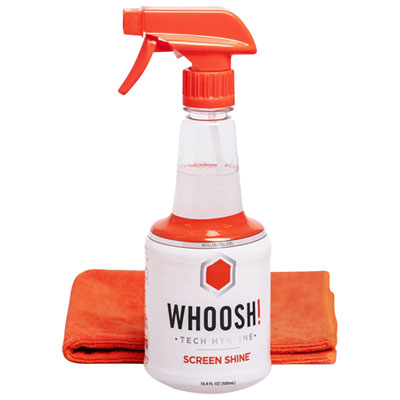
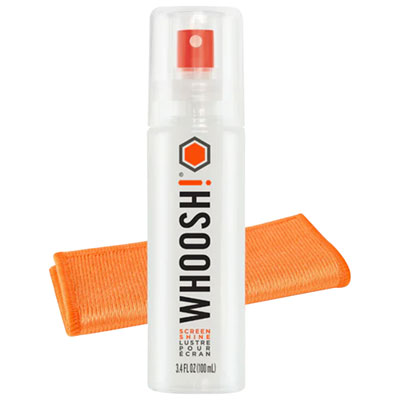
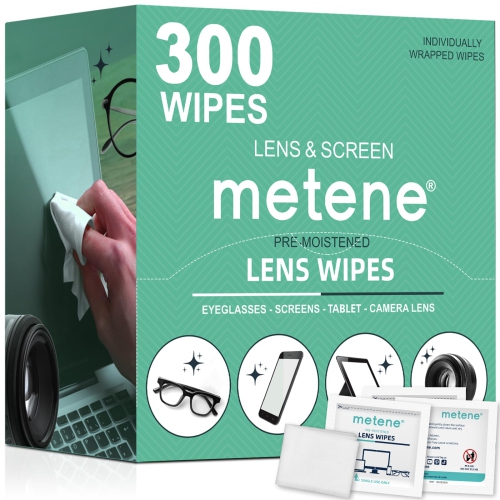
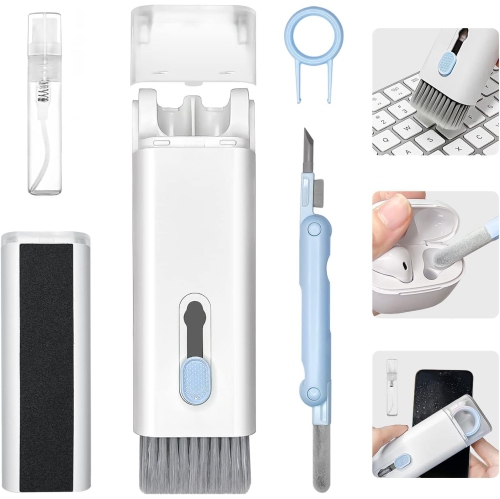
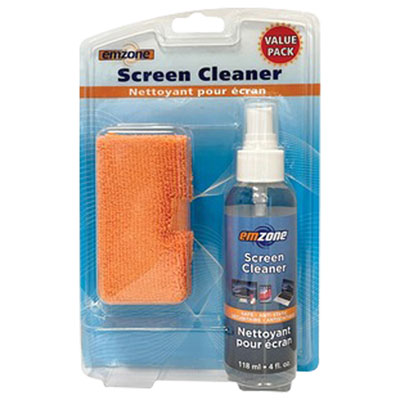
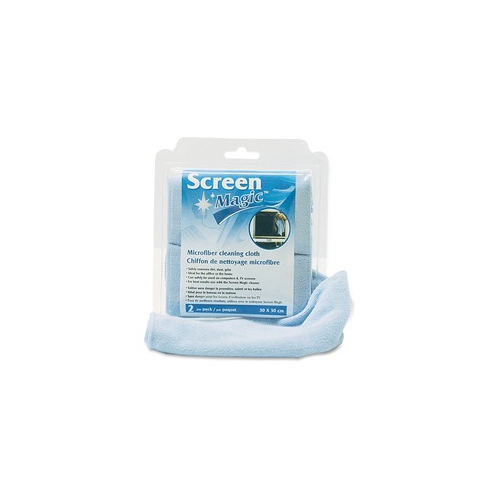
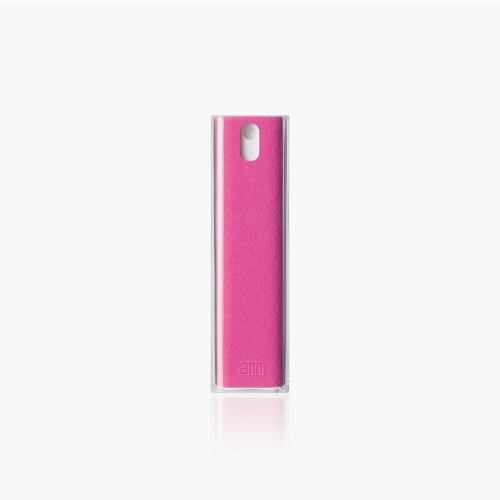
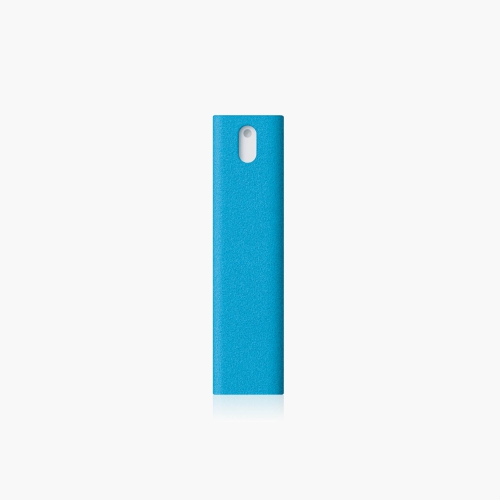
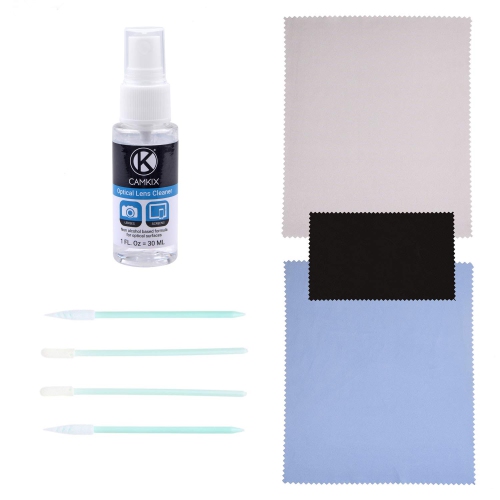
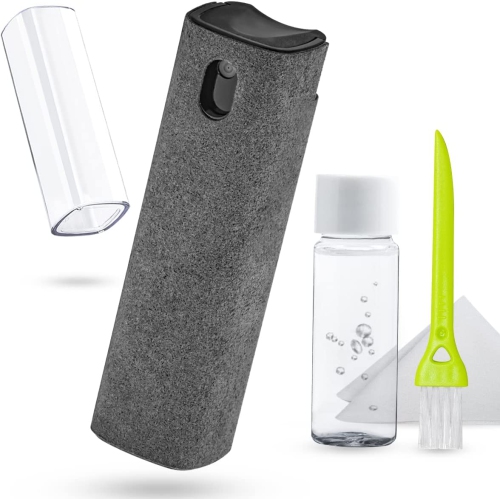
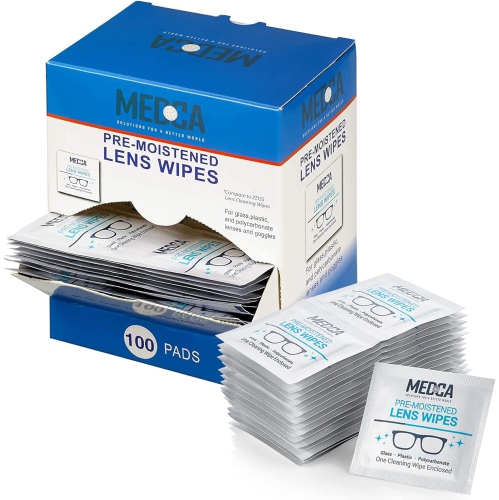

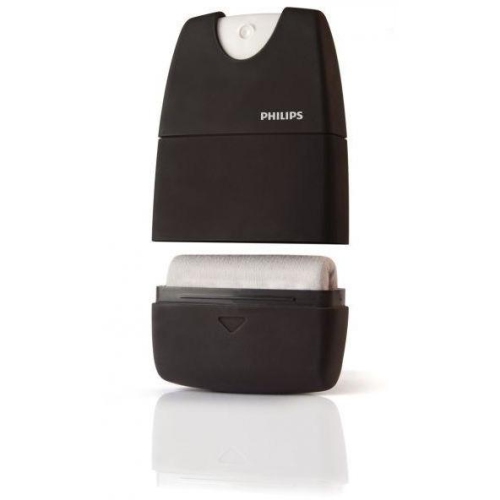
![MEDCA Lens Cleaning Wipes - [100 Pack] Pre Moistened Cleansing Cloths And Eyeglass Cleaner Wipe Pads for Phones, Tablet Screens, Helps Clean Cameras](https://multimedia.bbycastatic.ca/multimedia/products/500x500/175/17593/17593358.jpeg)
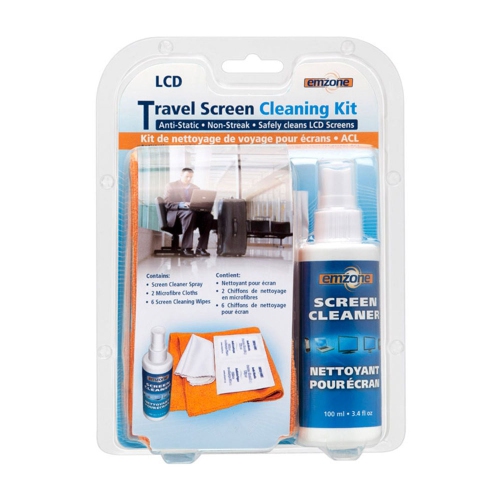
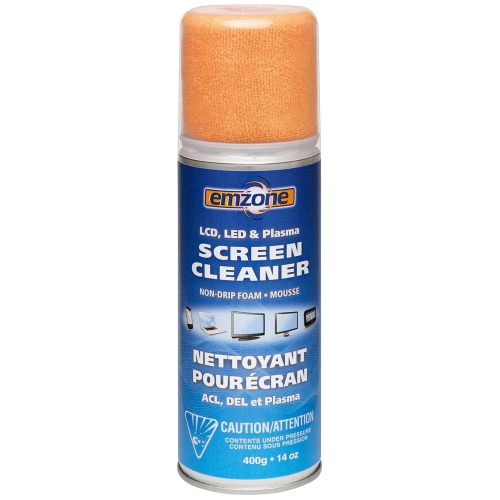
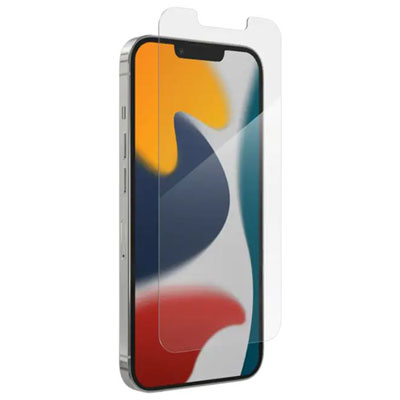
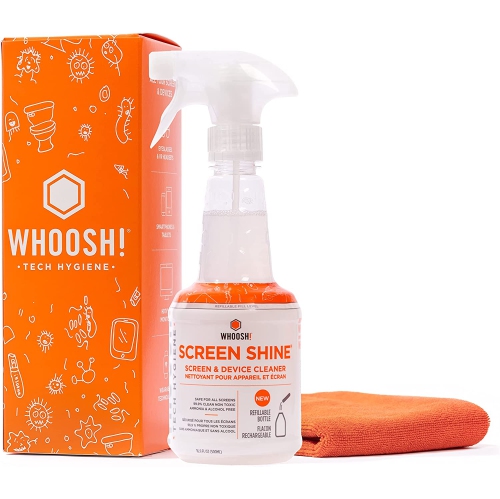
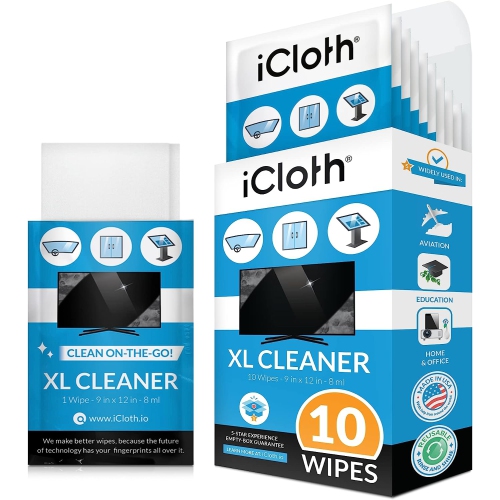
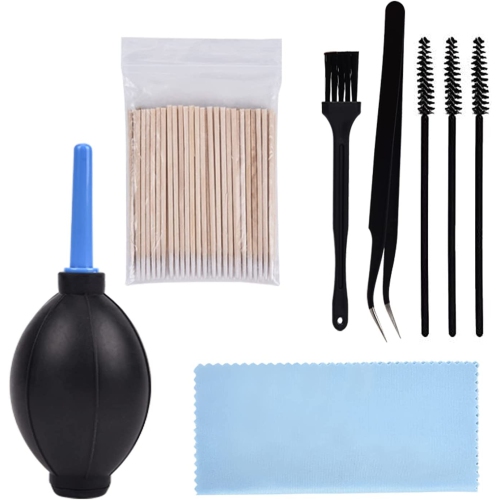
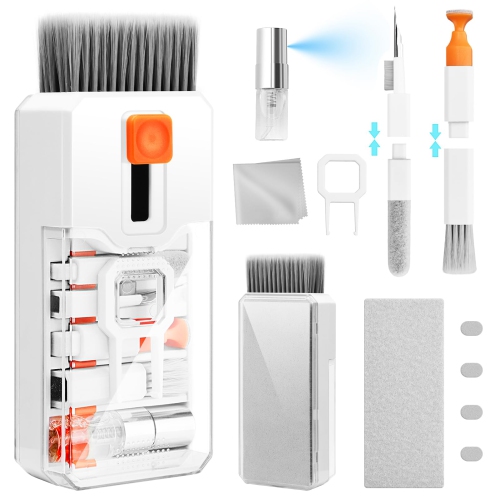
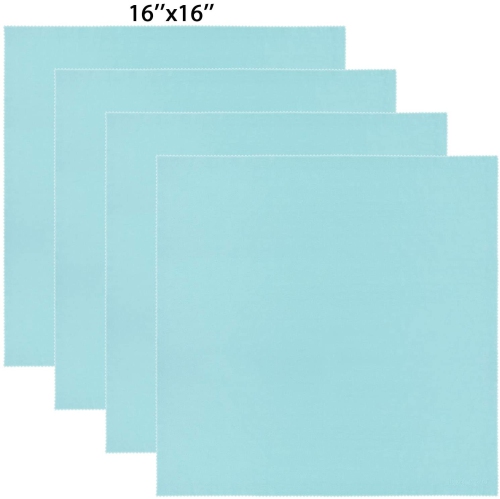
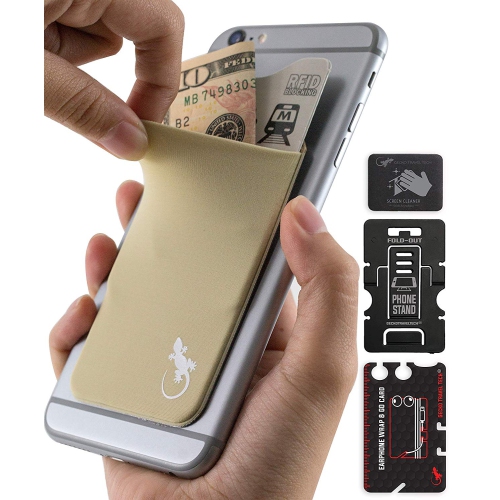
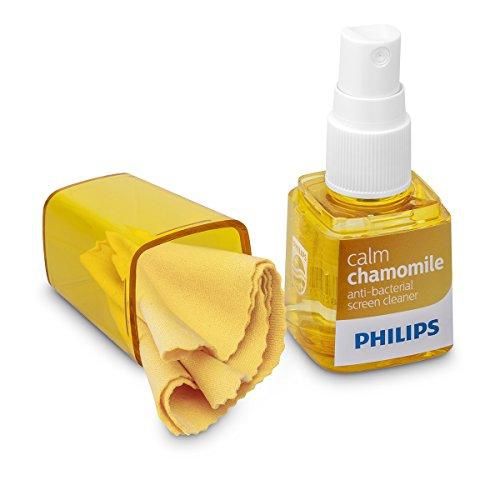
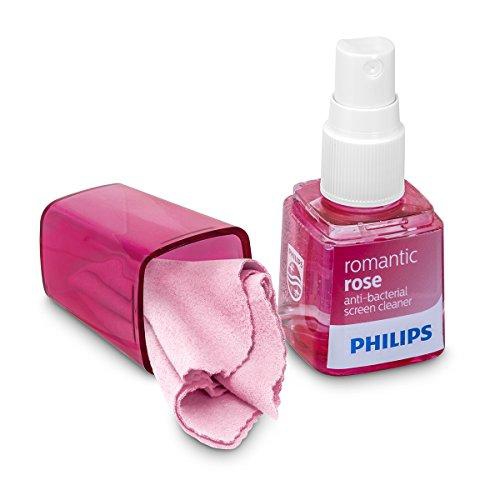

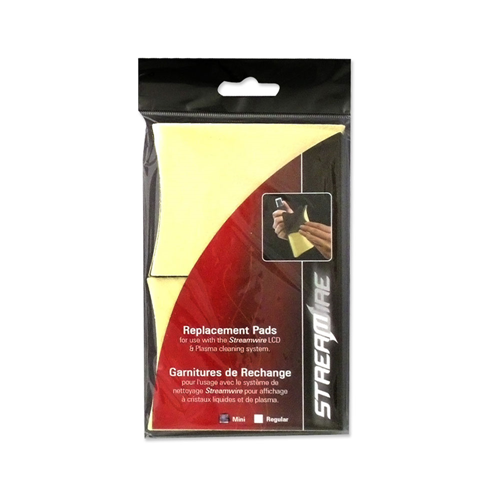
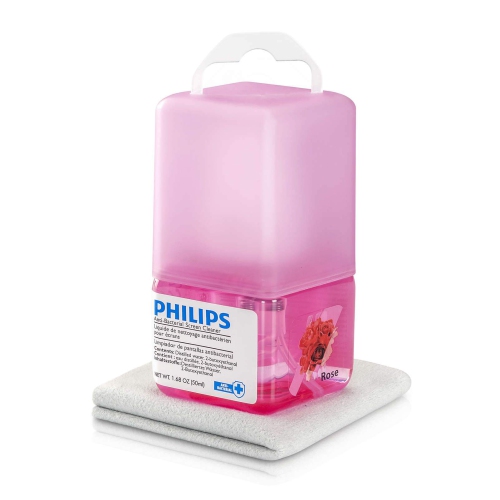
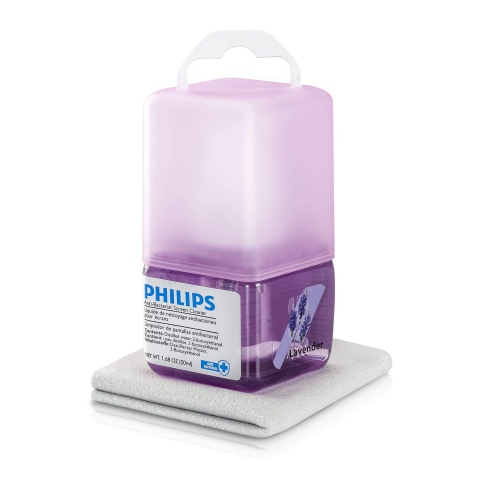
Screen-safe care tackles daily fingerprints and oily streaks
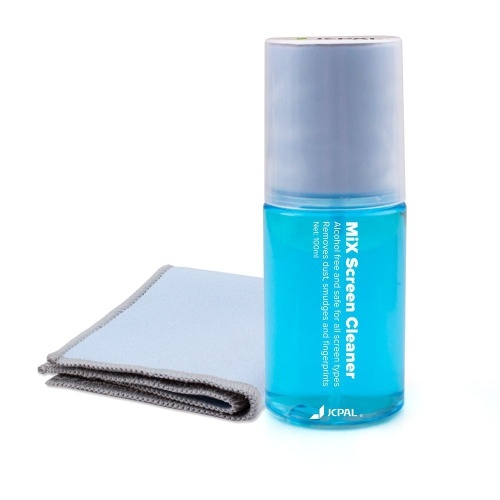
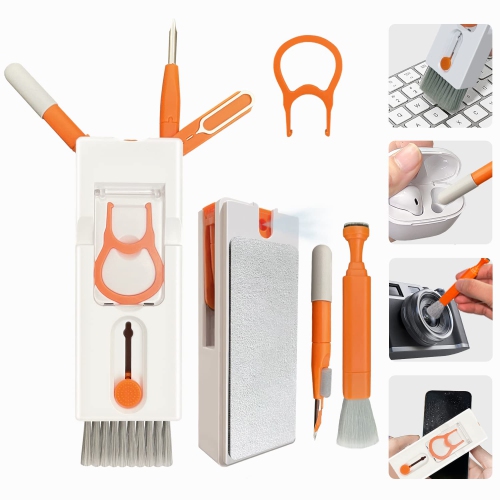
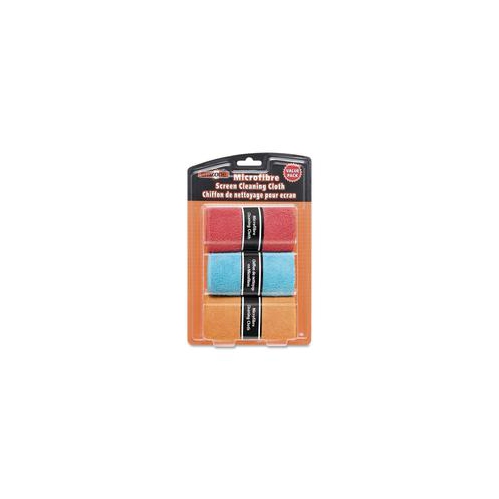
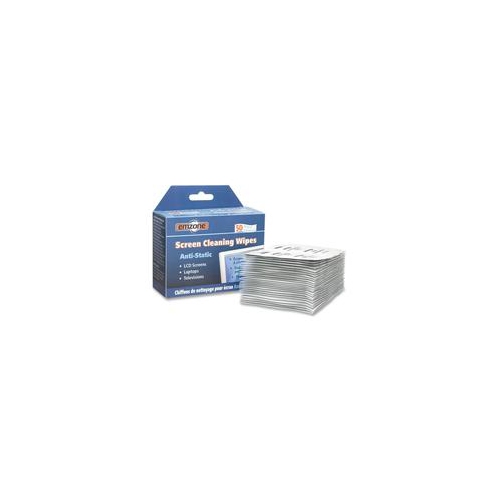
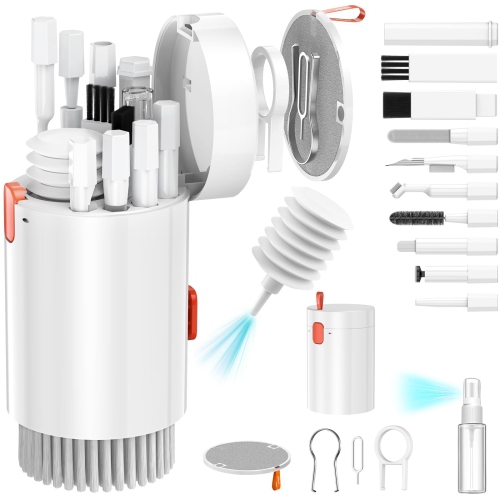
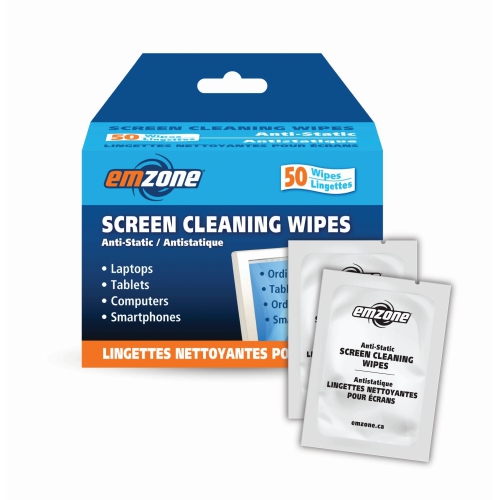
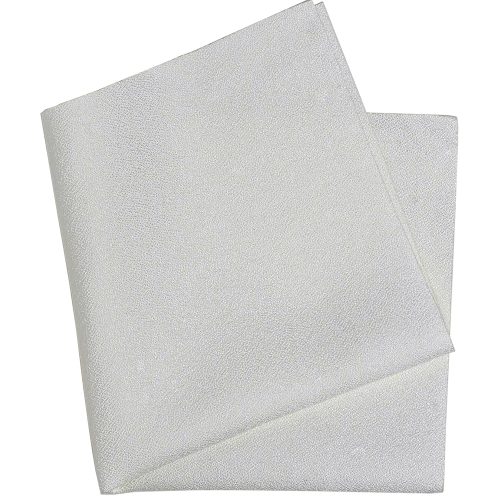
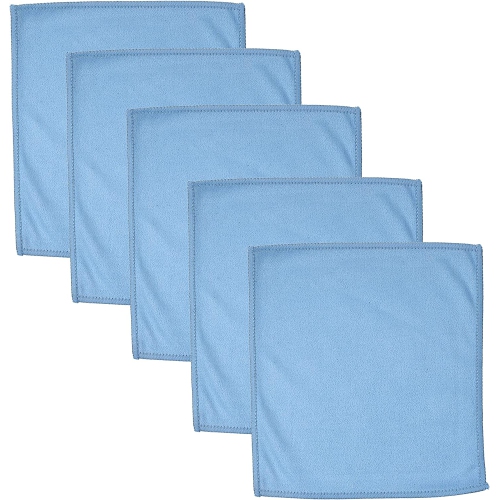
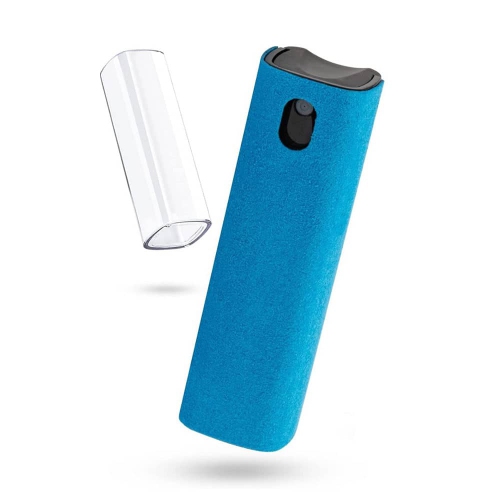
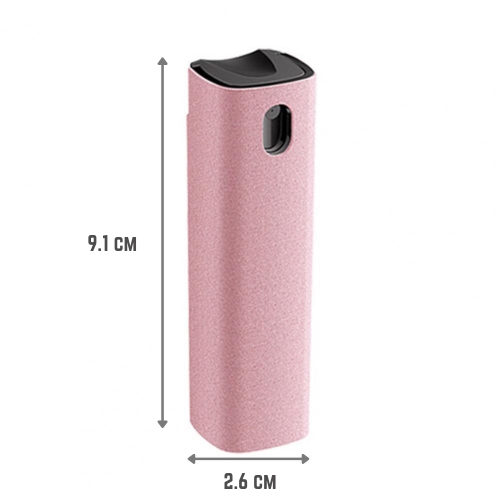
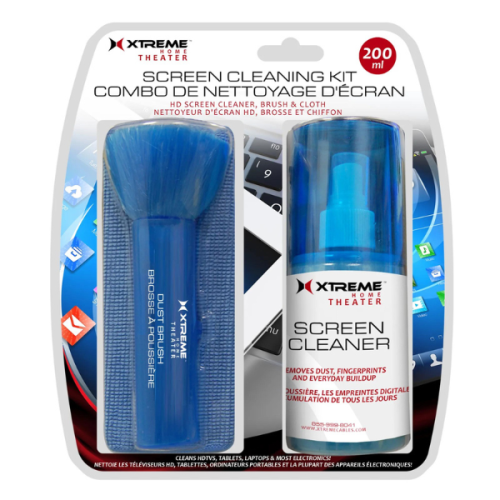
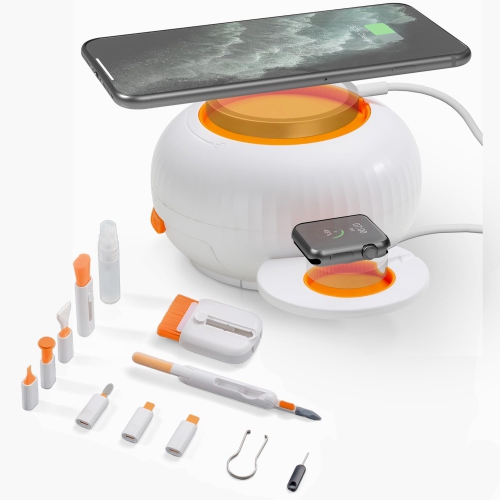
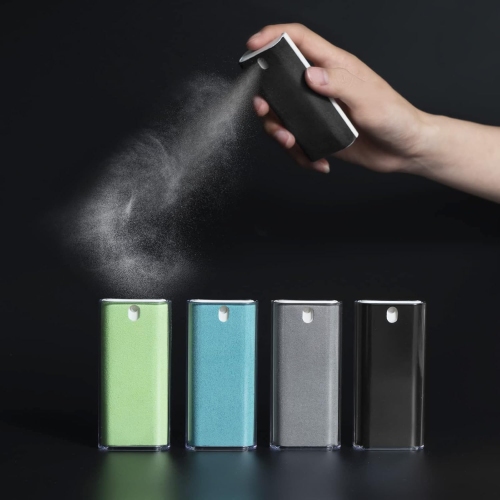
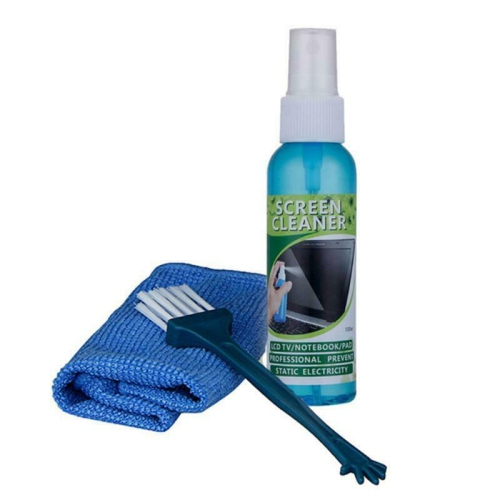
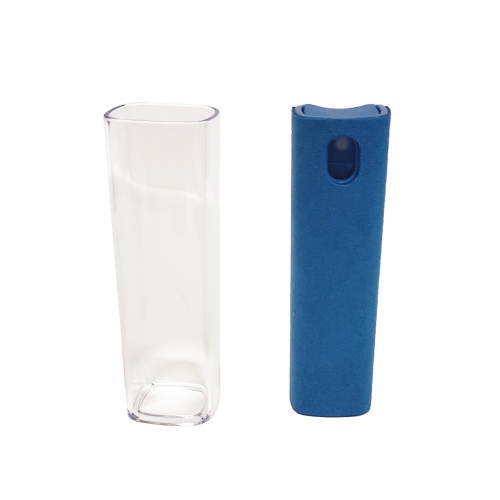
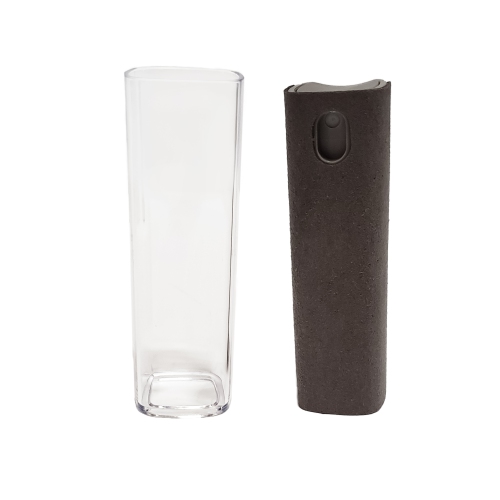
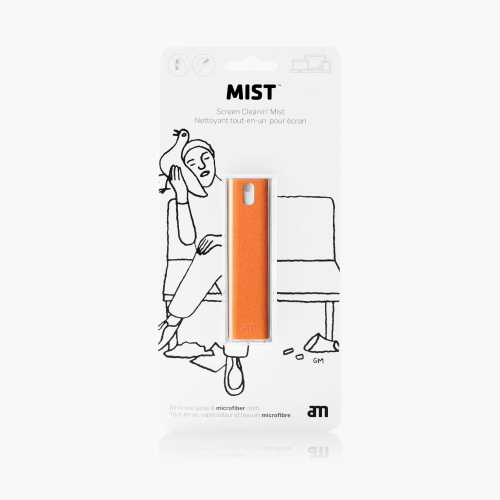
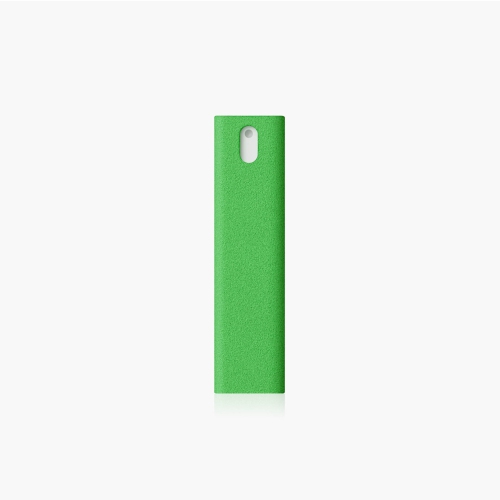
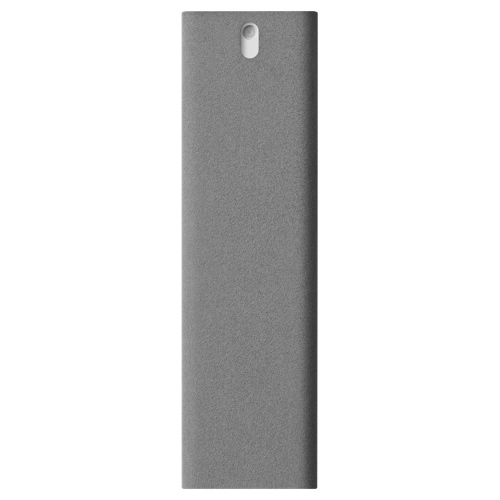
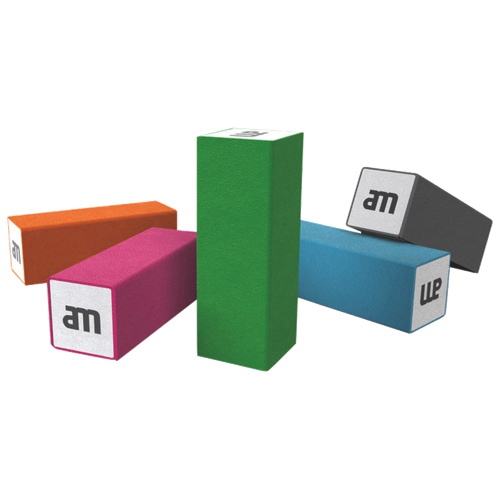
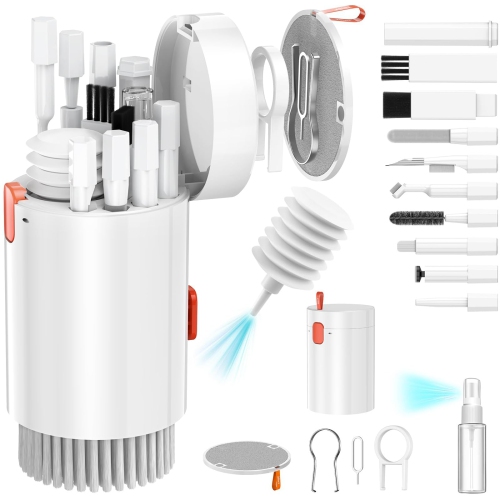
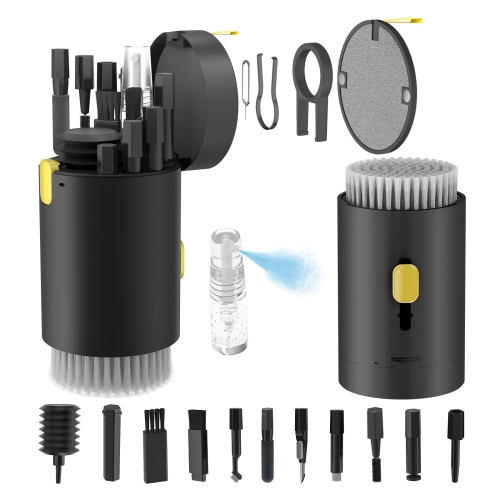
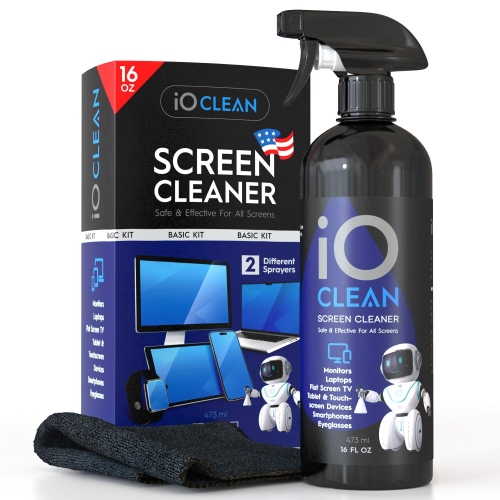
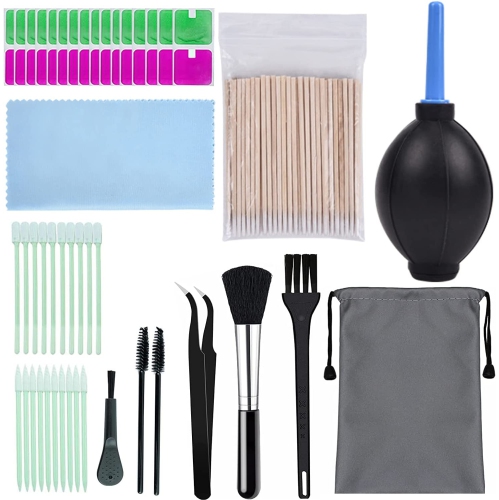
Phone screen cleaners help keep the glass surfaces you use throughout the day looking clear, feeling smooth, and free from the fingerprints, dust, makeup, food residue, and everyday oils that build up with regular handling. A phone travels through pockets, bags, vehicles, desks, counters, and bedside tables, so even a device that appears clean at a glance can collect a noticeable film around the edges, camera area, and corners of the display. The right cleaning option can make routine care more convenient by combining a screen-safe cleaning solution with a soft microfiber cloth, while compact sprays, wipes, and travel-sized formats are easy to keep in a work bag, backpack, drawer, or car console. When comparing phone screen cleaners, look for products clearly intended for phones, tablets, touchscreens, or other delicate electronic displays. A lint-free microfiber cloth is especially useful because its fine fibres can lift oils and dust without the rough texture or loose particles found in some paper towels, tissues, and household cloths. The cleaning formula also matters: phone screens may have protective coatings designed to reduce fingerprints and improve touch comfort, and harsh household glass cleaners can affect these coatings over time. Products made specifically for electronics are generally a better choice than general-purpose window cleaners, disinfecting sprays, or abrasive solutions. Some people prefer individually packaged wipes for quick cleanups, while others choose a reusable cloth and a small bottle for regular maintenance. Families may appreciate having a screen-cleaning kit available for shared devices, children’s phones, gaming consoles, or tablets used for recipes and schoolwork. They can also make practical gifts for students, commuters, remote workers, photographers, and anyone who relies on a phone for navigation, communication, payments, or entertainment. For larger Apple tablet displays, related options such as iPad Screen Wipes may be worth exploring alongside phone-focused choices.
For the best results, power off the phone and disconnect it from chargers or accessories before cleaning. If the device has a case, remove it occasionally so you can clean the edges and the area around the camera and charging port separately; dust often settles in these narrow gaps and can be carried back onto the display after the case is replaced. Apply liquid to the microfiber cloth rather than spraying directly onto the phone. This is an important precaution because excess moisture can run into speakers, buttons, seams, microphones, or ports. The cloth should be lightly damp, never wet enough to leave drips. Wipe the screen gently using small circular or side-to-side motions, giving extra attention to visible fingerprints without pressing hard. A second dry section of the cloth can help buff away remaining streaks. Avoid paper towels, facial tissues, rough fabric, scouring materials, and products such as household window cleaner or ammonia-based glass cleaner, which may scratch the surface or wear down protective screen treatments. It is also best not to combine different cleaning formulas or use a phone immediately if moisture remains around openings. During the cooler months, phones can move between heated indoor rooms and cold outdoor air, creating more opportunities for fingerprints, condensation, and dust from gloves or coat pockets to reach the screen. A small cleaner stored at a desk or near an entryway can make it easier to refresh the display after a commute, while a larger cloth can be useful for regular cleaning at home. Choose a size and format that suits the way the phone is used: individually wrapped wipes are convenient for travel and shared spaces, refillable sprays can be handy for frequent users, and two-cloth sets allow one cloth for cleaning and another for final polishing. Check the package directions for compatible surfaces, drying instructions, and any warnings before use, particularly if the phone has a screen protector, special finish, or water-resistant design. With gentle handling and the right screen-safe materials, phone screen cleaners can support a clearer, more comfortable display without adding a complicated step to everyday device care.
For the best results, power off the phone and disconnect it from chargers or accessories before cleaning. If the device has a case, remove it occasionally so you can clean the edges and the area around the camera and charging port separately; dust often settles in these narrow gaps and can be carried back onto the display after the case is replaced. Apply liquid to the microfiber cloth rather than spraying directly onto the phone. This is an important precaution because excess moisture can run into speakers, buttons, seams, microphones, or ports. The cloth should be lightly damp, never wet enough to leave drips. Wipe the screen gently using small circular or side-to-side motions, giving extra attention to visible fingerprints without pressing hard. A second dry section of the cloth can help buff away remaining streaks. Avoid paper towels, facial tissues, rough fabric, scouring materials, and products such as household window cleaner or ammonia-based glass cleaner, which may scratch the surface or wear down protective screen treatments. It is also best not to combine different cleaning formulas or use a phone immediately if moisture remains around openings. During the cooler months, phones can move between heated indoor rooms and cold outdoor air, creating more opportunities for fingerprints, condensation, and dust from gloves or coat pockets to reach the screen. A small cleaner stored at a desk or near an entryway can make it easier to refresh the display after a commute, while a larger cloth can be useful for regular cleaning at home. Choose a size and format that suits the way the phone is used: individually wrapped wipes are convenient for travel and shared spaces, refillable sprays can be handy for frequent users, and two-cloth sets allow one cloth for cleaning and another for final polishing. Check the package directions for compatible surfaces, drying instructions, and any warnings before use, particularly if the phone has a screen protector, special finish, or water-resistant design. With gentle handling and the right screen-safe materials, phone screen cleaners can support a clearer, more comfortable display without adding a complicated step to everyday device care.
Top selling and popular products
-
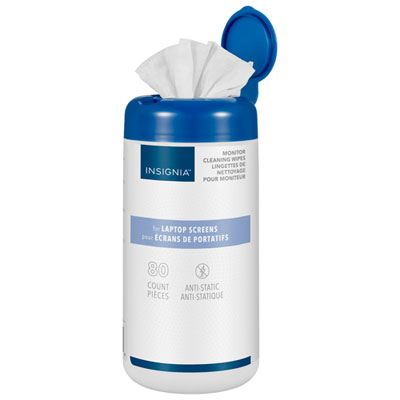 Your price for this item is $9.99
 -
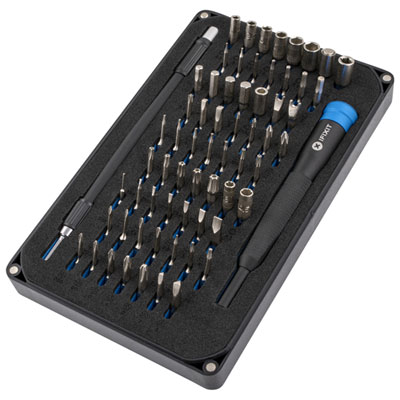 Your price for this item is $54.98
 -
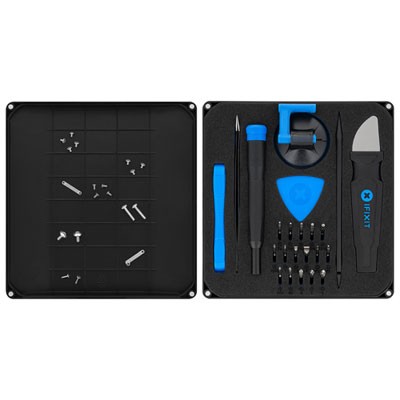 Your price for this item is $43.99
 -
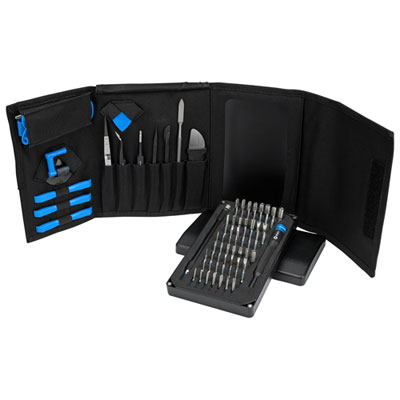 Your price for this item is $108.99
 -
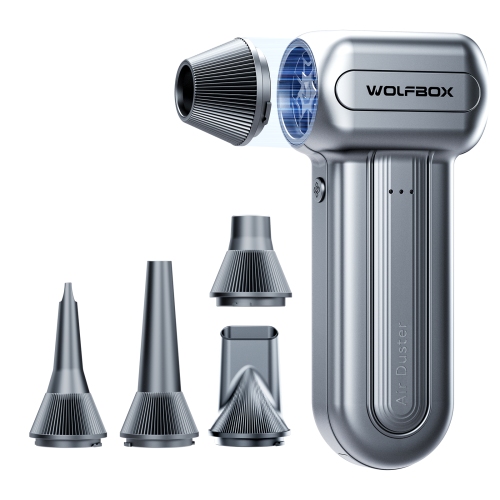 Your price for this item is $89.99
 -
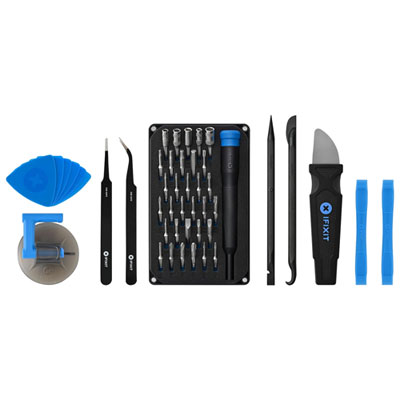 Your price for this item is $67.99
 -
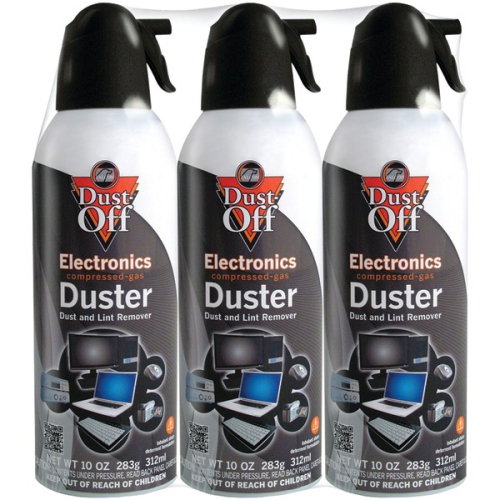 Your price for this item is $33.99
 -
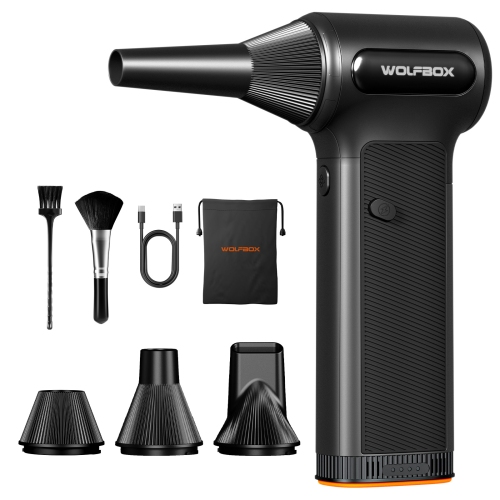 Your price for this item is $119.99
Discover more categories related to Phone Screen Cleaners

Top Collections:
Pokemon Centers, Kindle Devices, Best Budget Office Chairs, Apple iPhones 16, Best Laptops for Writers, iPhone 15 Apple, Canon G7X Cameras, Refurbished Apple Laptops, Alarm Clock, Motorola Razr Phones
Some products may be subject to Environmental Handling Fees
(EHF) depending on your province.
Learn more about EHFs.