Projectors for Home Office
Projector For Home Office solutions offer a dynamic way to upgrade your workspace, making presentations, video conferences, and collaborative projects more engaging and efficient. Whether setting up a dedicated office or transforming a multi-purpose room, these projectors provide the flexibility to display content on a larger scale. Find options that fit your space and meet your needs, helping you create a professional setup right at home. Explore the selection of Projector For Home Office models designed to enhance productivity and bring clarity to every task.
Sort




Why bigger isn’t always better for office presentations
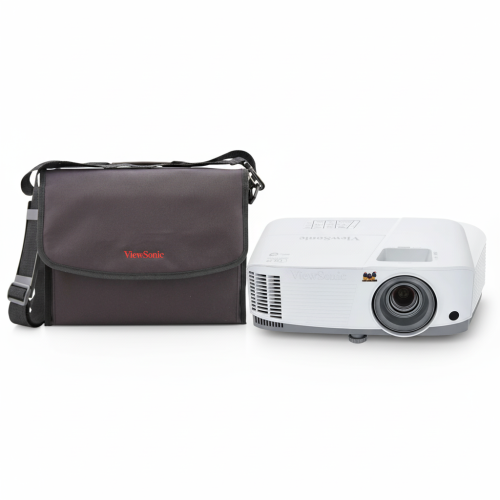
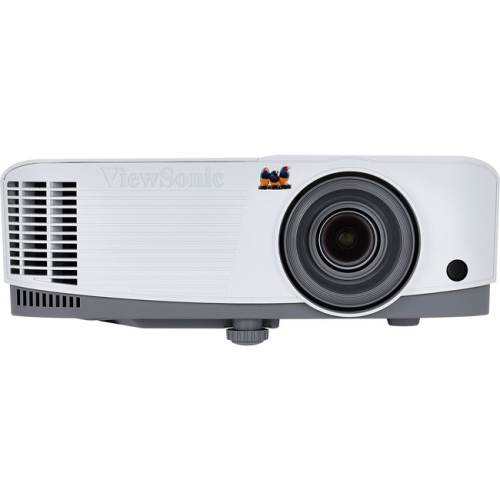
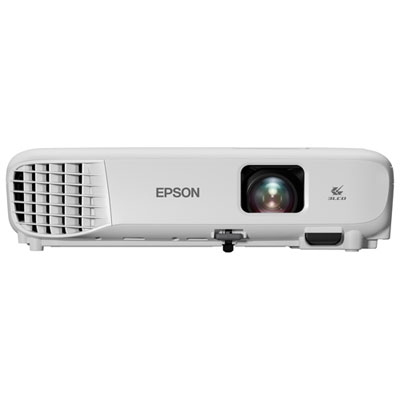
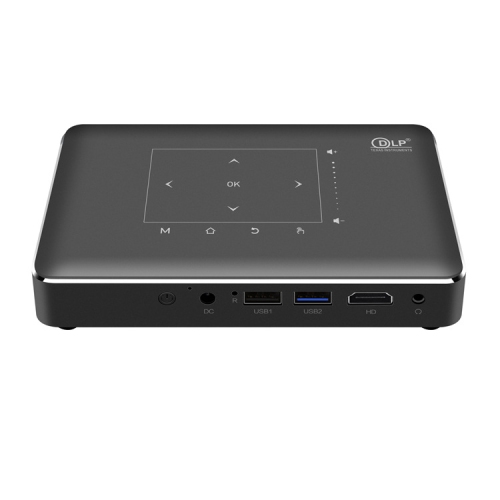
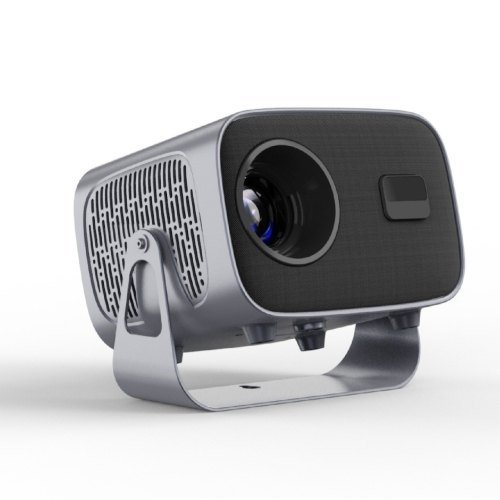
Projectors for home office use bring presentations, shared documents, and video calls onto a larger surface without requiring a permanently installed large-format display. They can suit a dedicated study, a spare room that doubles as a workspace, or a dining table used for occasional client presentations. The most useful match depends on room lighting, the distance between the projector and the screen, and the kind of content being displayed. A presentation with large headings places different demands on an image than a spreadsheet filled with small figures. Native resolution matters for fine detail: a projector’s ability to accept a high-resolution signal does not necessarily mean it displays every pixel at that resolution. Full HD can provide clear everyday presentation viewing, while higher native resolutions can make detailed charts and smaller text easier to distinguish at a suitable image size. Enlarging the picture too far can still make desktop work uncomfortable, especially when the viewer sits close to it. Brightness also needs to suit the room. A workspace with light spilling across the screen generally needs more light output than one with effective blinds and controlled lighting. Standardized brightness measurements provide a more useful basis for comparison than loosely described brightness claims, particularly when the same measurement method is used. The projection surface contributes to the result, too. A smooth, neutral wall can serve for occasional use, but paint texture, wall colour, and uneven surfaces can affect text clarity and colour. A purpose-made screen offers a more consistent surface, with portable, pull-down, and fixed-frame formats fitting different room arrangements. Screen material and viewing angle matter when several people are seated across the room rather than directly in front of the image. In a compact office, a modest, well-focused picture is often more practical than an oversized display that spreads across furniture or forces frequent head movement.
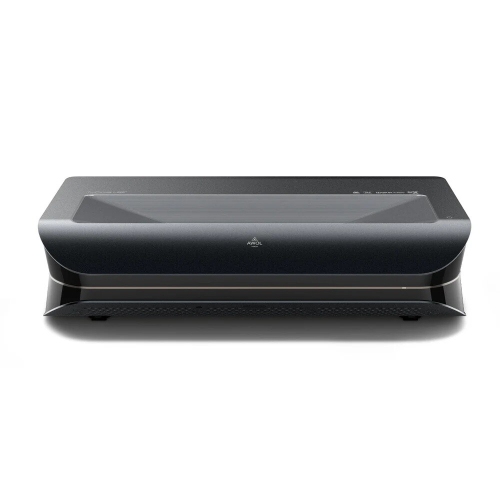
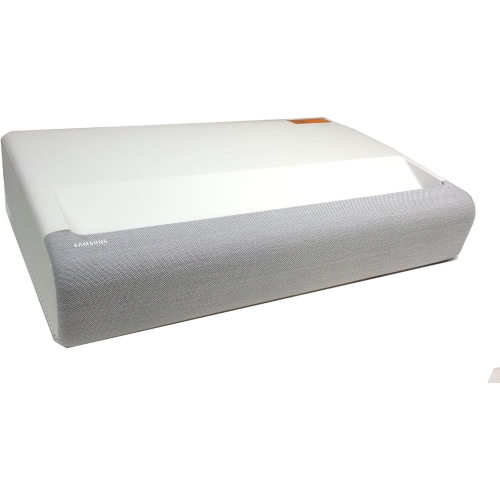
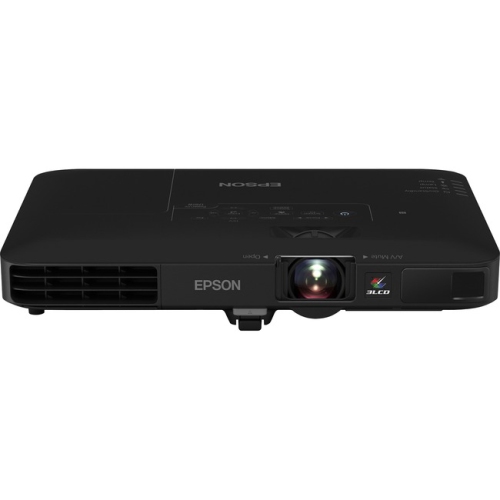
Room layout shapes how comfortably a home office projector fits into the working day. Throw ratio describes the relationship between projection distance and image width, so two projectors placed on the same desk may produce very different image sizes. Short-throw designs can create a large picture from closer to the screen, which may help in shallow rooms and reduce the chance of someone walking through the beam. They still need compatible placement and a suitable projection surface; a short distance does not remove the need for careful alignment. Optical zoom and lens shift, where included, allow placement adjustments without relying entirely on digital correction. Keystone correction can straighten a trapezoid-shaped image, but substantial digital adjustment can reduce usable detail, making physical positioning especially important for text-heavy work. A stable shelf, a clear section of desk, or a properly supported ceiling mount can each make sense depending on whether the room is dedicated to work or shared with other activities. Cable routes, access to power, and ventilation space deserve as much attention as the picture itself. A compact body may be easier to move between rooms, while a larger housing may require a more permanent position with room around its air vents. Materials and construction also affect day-to-day handling: a rigid casing, a secure lens cover, and a padded carrying case can help protect a projector that travels between a home office and meeting spaces. Connectivity determines how easily it joins the rest of the workspace. HDMI is common for video connections, while USB-C video requires compatible support from both the source device and the projector or adapter. A USB port may be intended only for power, media playback, or servicing rather than computer display input. Wireless projection can reduce cable clutter, but supported devices, network requirements, and potential delay vary. A wired connection is often the more predictable option for live demonstrations, detailed cursor movements, and meetings where interruptions would be distracting.
For remote work, a projector is best understood as a display within a larger setup rather than a replacement for every part of a workstation. It can show meeting participants, a shared agenda, or reference material while a laptop screen holds notes and controls. An extended-desktop arrangement depends on the computer’s display capabilities and operating system; mirroring simply repeats the same content on both screens. A webcam, microphone, and suitable audio equipment remain separate considerations, because displaying a video call does not provide the camera or voice pickup needed to participate. Built-in speakers may be adequate for occasional speech, while external audio can make longer calls or recorded training easier to follow. Fan noise matters in a quiet office, especially when the projector sits close to a desk microphone. Brightness modes can affect both noise and picture output, so the most comfortable balance depends on the room and the task. Light-source design also influences ownership. Lamp-based, LED, and laser projectors have different maintenance requirements, and stated light-source life varies with operating mode and use. Accessible filters, clear maintenance information, and appropriate ventilation support dependable operation over time. Lens cleaning should follow the manufacturer’s directions, using suitable materials rather than household cleaners that could damage optical coatings. Keeping vents unobstructed and allowing the unit to cool as directed before packing it away helps protect equipment used across multiple spaces. For tutors, trainers, and households that share a work area with a learning space, Projectors for Classroom offers a related category for group presentations and instructional use. In a home office, the strongest fit remains a projector that makes everyday content readable from the intended seat, connects reliably to the devices already in use, and occupies a workable place in the room. Those practical details help turn a large projected image into a useful part of focused work, collaborative discussions, and clear presentations.
Top selling and popular products
-
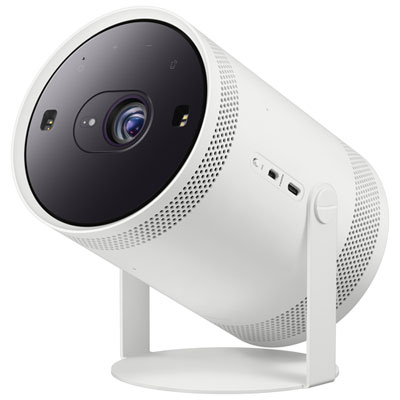 Your price for this item is $599.99
-
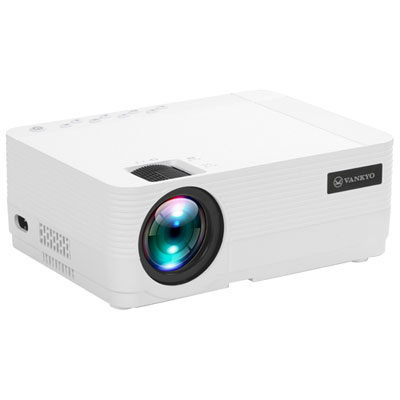 Your price for this item is $229.99
-
 Your price for this item is $1999.99
-
 Your price for this item is $649.99
-
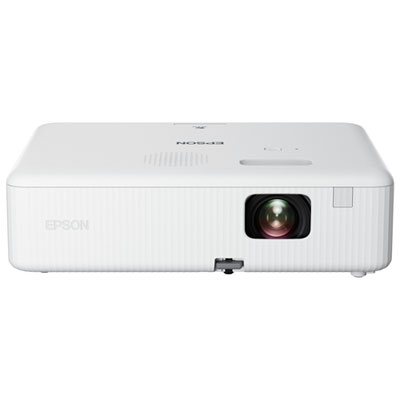 Your price for this item is $499.99
-
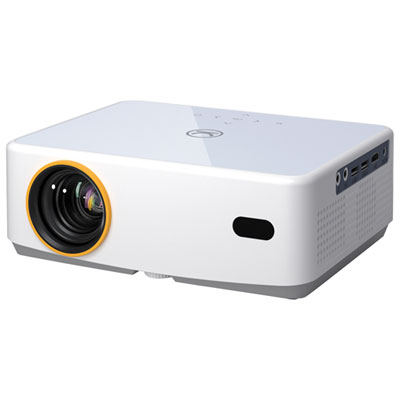 Your price for this item is $319.99
-
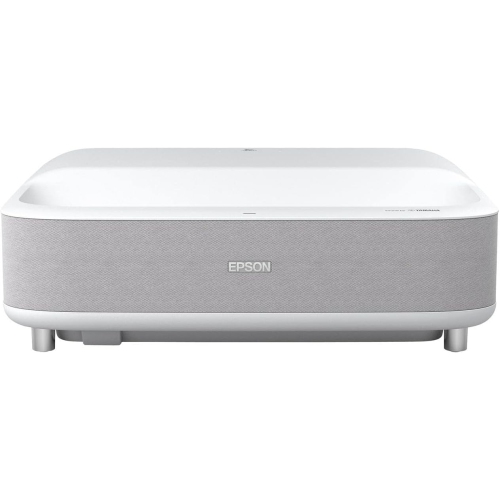 Your price for this item is $2279.05
-
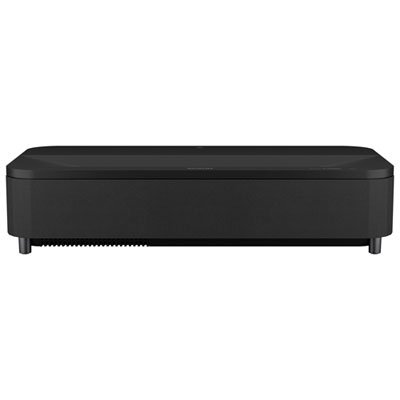 Your price for this item is $4799.99
Discover more categories related to Projectors for Home Office
Top Collections:
Best Black Friday Deals This Year, Best Black Friday Deals On Electronics, Kindle Devices, Pokemon Centers, Best Black Friday Deals On Apple Products, Best Cameras for Sports Photography, Dyson Airwrap, Pokémon 30th Celebration Cards, Apple iPhone 17 Pro, Canon G7X Cameras
Some products may be subject to Environmental Handling Fees
(EHF) depending on your province.
Learn more about EHFs.