Sound Bar Optical Cords
Enhance your home theater setup with a Sound Bar Optical Cord, designed to deliver clear and reliable audio connections between your sound bar and compatible devices. Whether you're upgrading your entertainment system or replacing an existing cable, these cords offer a simple solution for achieving high-quality sound. Explore a variety of lengths and styles to find the right fit for your living room, bedroom, or media space. Enjoy seamless integration with your audio equipment and take your listening experience to the next level with a Sound Bar Optical Cord.
Sort

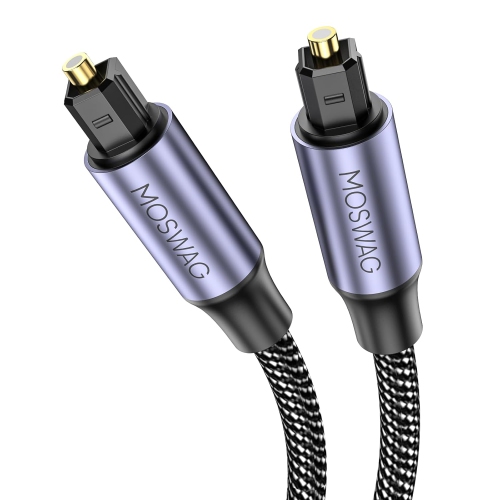
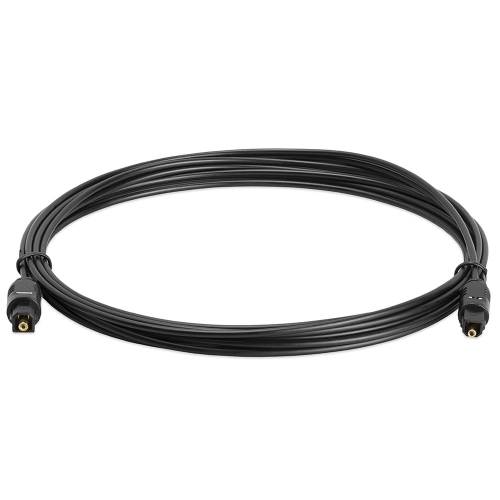
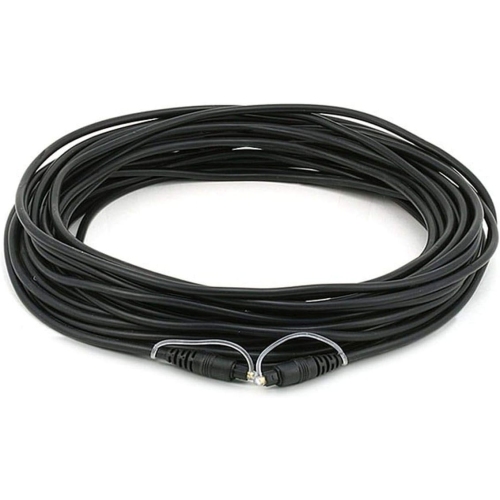
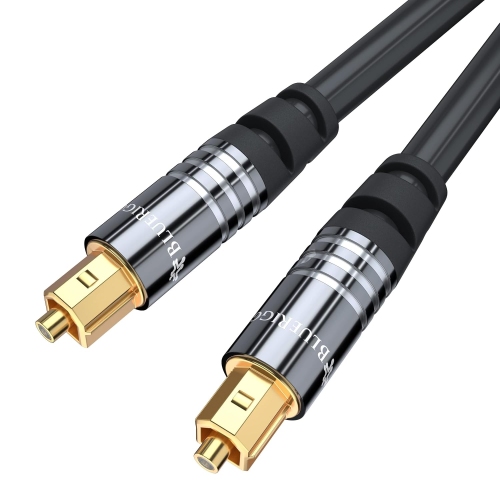
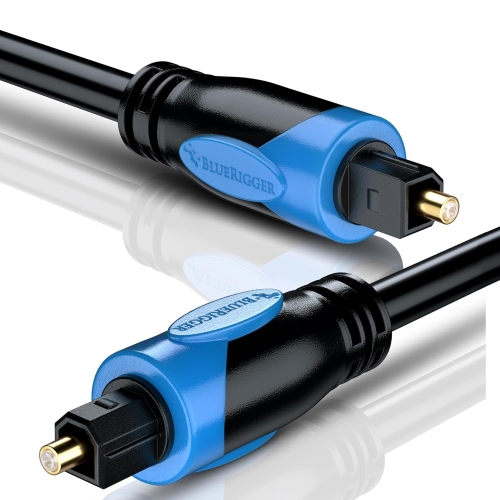
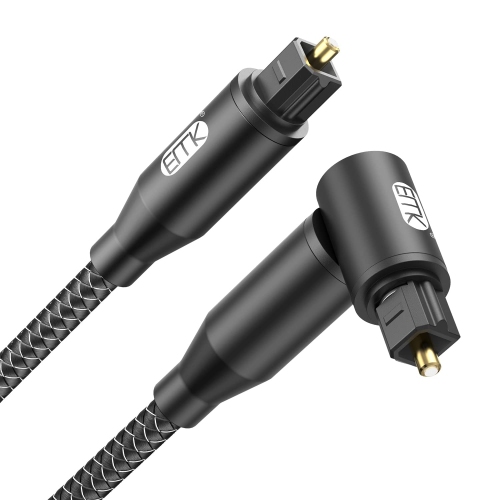
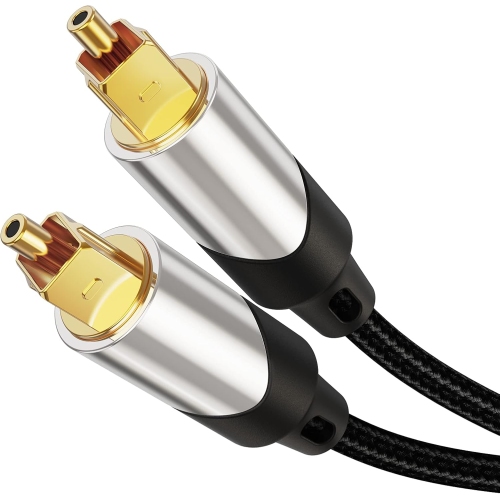
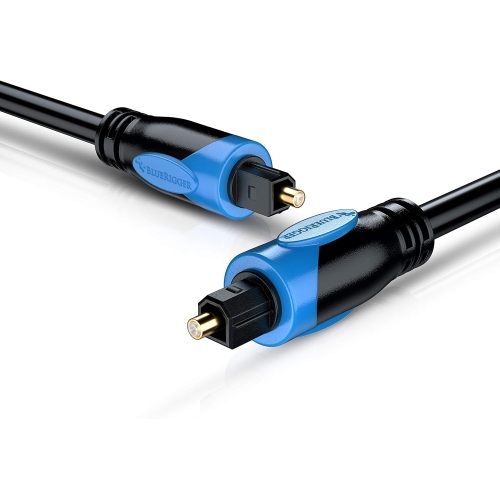
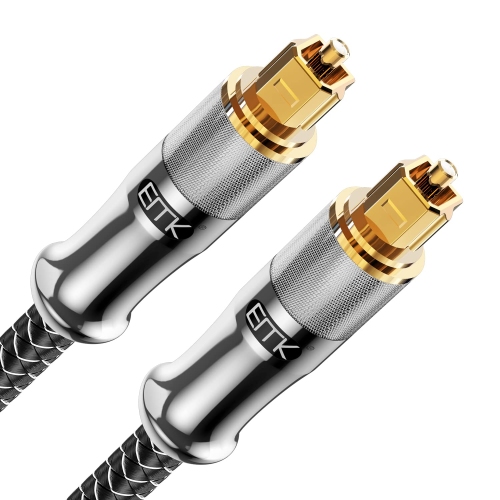
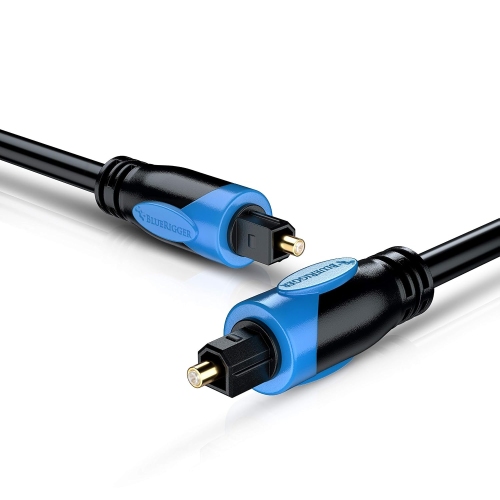
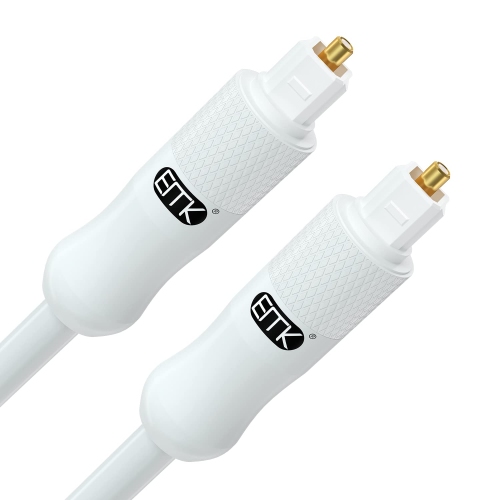
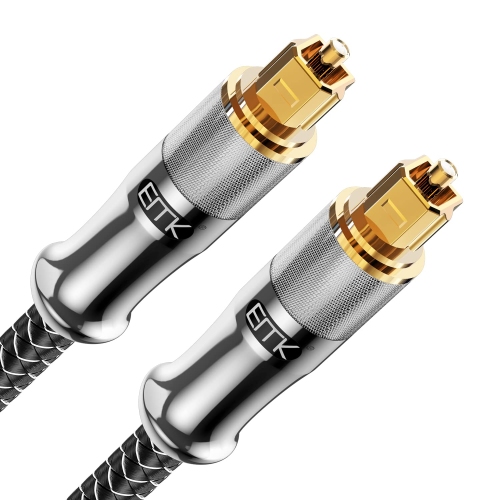
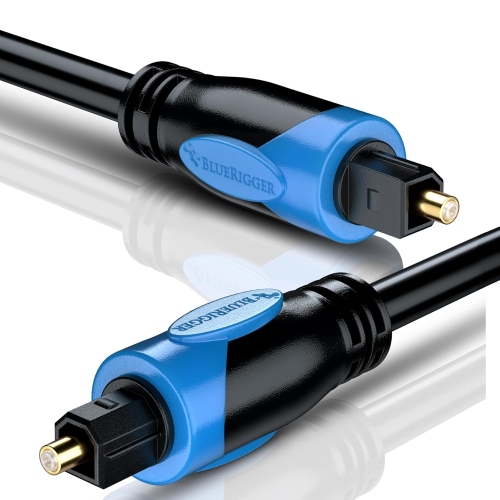
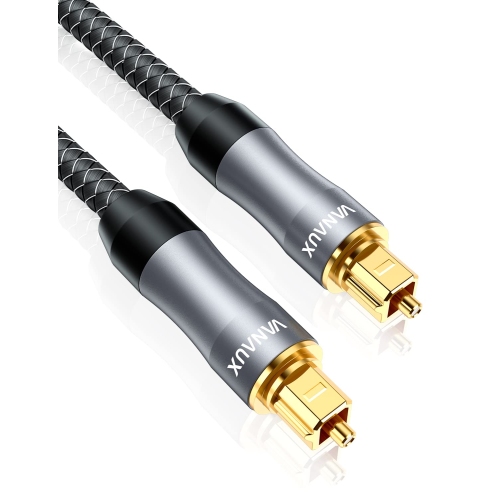
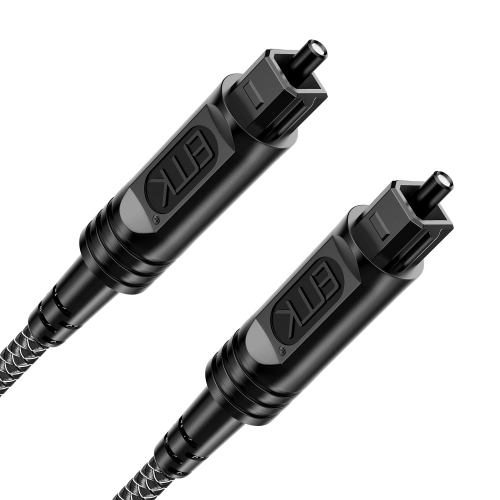
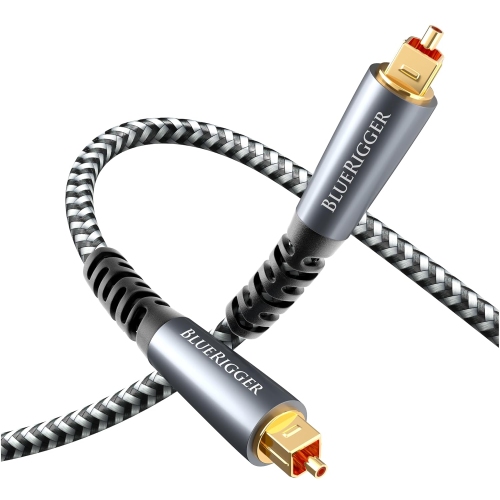
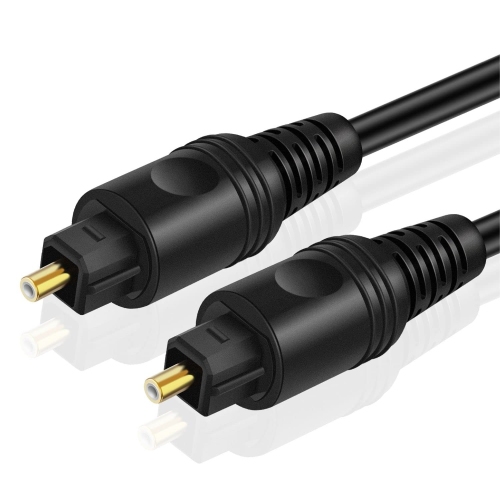
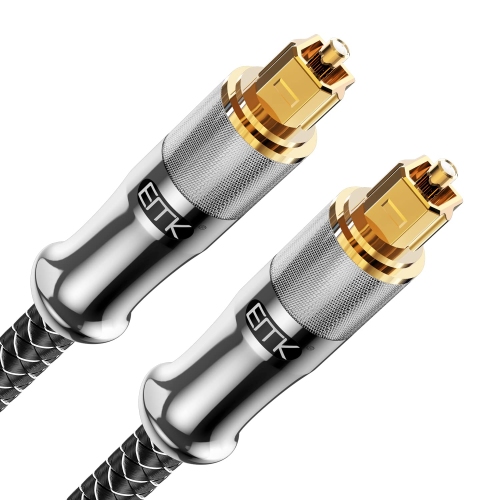
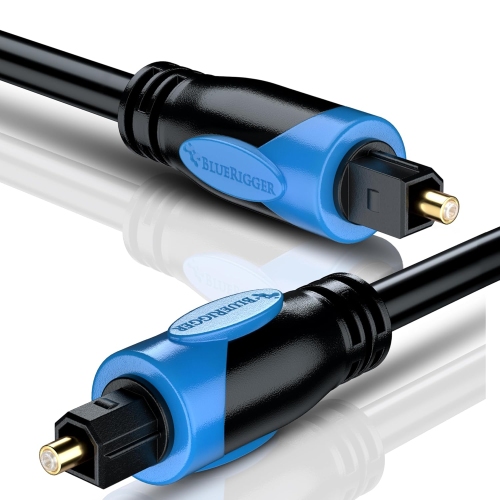
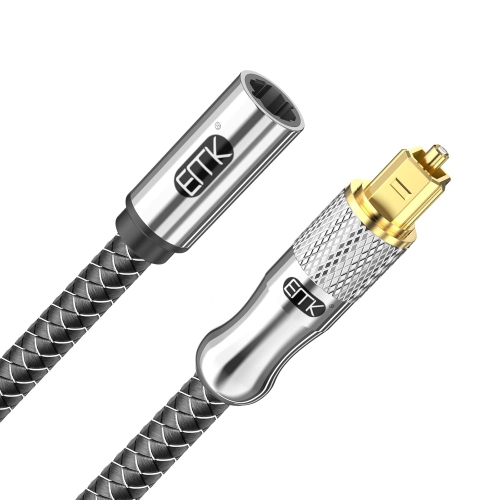
A dedicated audio link when HDMI ports are busy
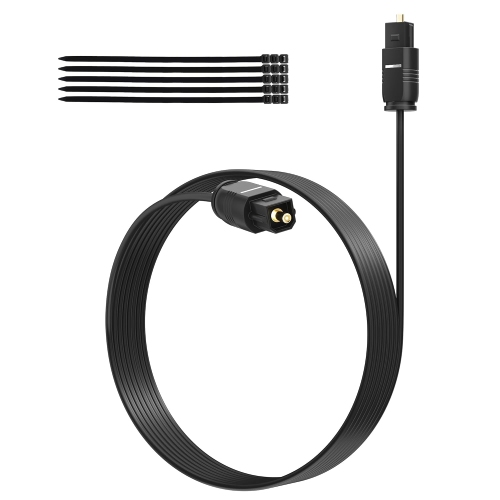
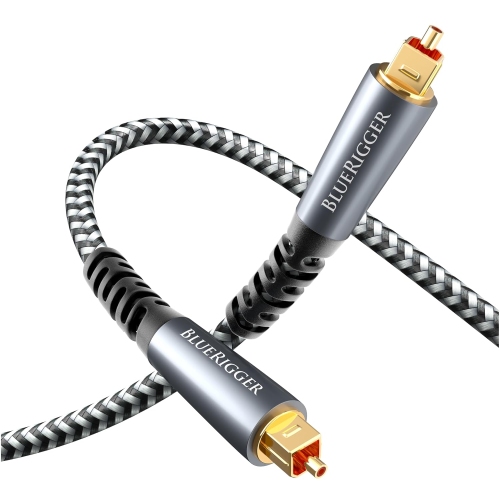
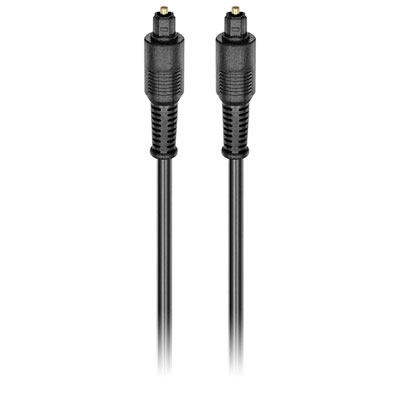
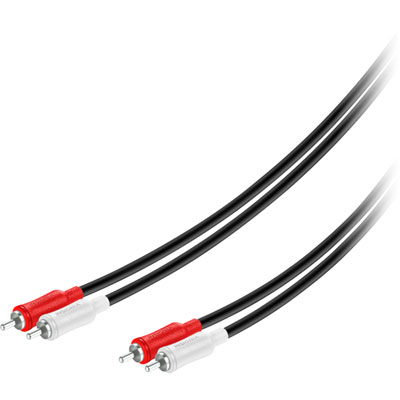
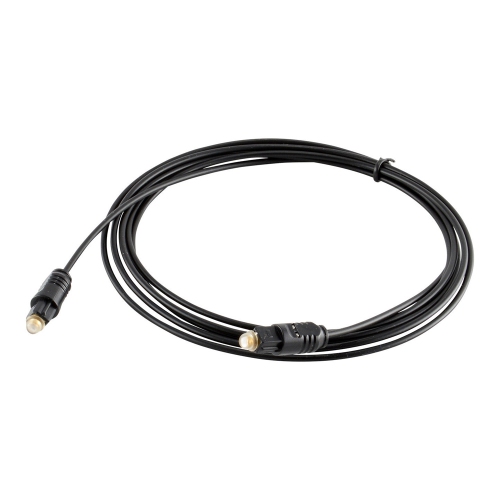
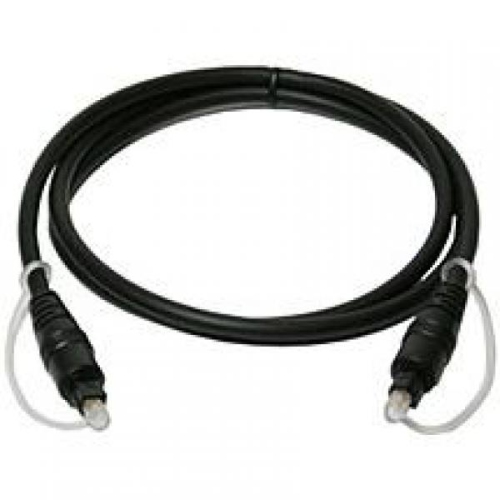
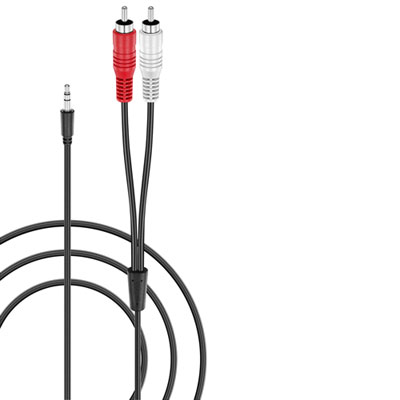
Sound bar optical cords carry digital audio from a compatible television or other source to a sound bar through a fibre-optic connection. Rather than sending an electrical audio signal along a copper conductor, they transmit pulses of light through a fine internal strand. This makes them a useful option for connecting equipment with matching optical ports, particularly when a television’s HDMI connections are already assigned to other devices or an older sound bar does not support HDMI audio return. A single cord can carry the television’s audio to the sound bar without the separate left and right connections associated with analogue stereo cables. Optical connections carry audio only, so picture signals still travel through a separate video connection where one is needed. The familiar full-size optical connector, commonly identified as TOSLINK, has a shaped plug that fits a corresponding port, often labelled optical audio out on a television and optical in on a sound bar. Some equipment uses a smaller mini-optical connection that resembles a 3.5 mm headphone socket, but the two connector shapes are not interchangeable without the appropriate cable or adapter. A socket’s appearance alone does not establish compatibility: an ordinary analogue headphone output cannot send optical audio simply because an adapter fits into it. For a compact television setup, small soundbars with optical input can work with a suitably matched cord to keep the connection straightforward without requiring a larger speaker arrangement. This type of connection suits living rooms, bedrooms and desktop listening spaces where both devices provide the necessary ports. It can also help retain a familiar sound bar when changing televisions, provided the new display has a compatible digital audio output. Checking the connection type at both ends matters more than matching the cord’s appearance to the rest of the equipment.
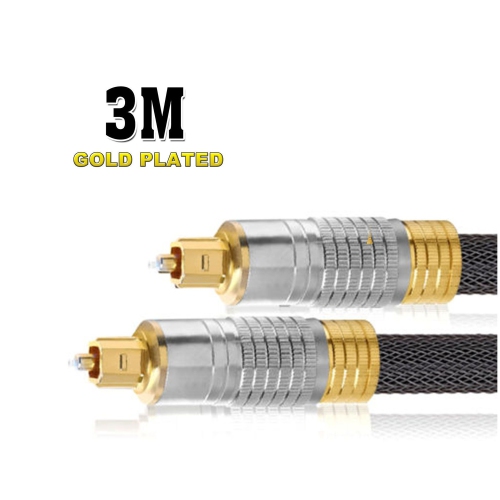
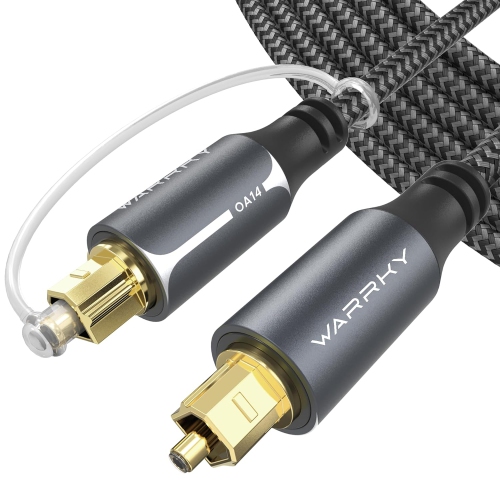
The construction of an optical cord affects how comfortably it fits into a setup and how well it stands up to handling. Many household optical cables use a plastic optical fibre inside a protective jacket, with moulded connector housings and strain relief around the points where the cable enters each plug. Flexible jackets can make routing easier behind a low media console, while a more substantial outer covering may offer additional protection against everyday abrasion. Braided finishes can provide a different feel and appearance, but a thicker or more elaborate exterior does not by itself establish better sound quality. Because the signal travels as light, the optical path is not susceptible to electrical interference in the same way as a copper audio connection, although that does not mean it will resolve every source of noise elsewhere in a system. Physical fit deserves particular attention behind wall-mounted televisions. A bulky plug housing may be awkward in a recessed port, and a cable pushed tightly against a wall can place strain on the connector or force the fibre into a sharp bend. Useful cord length follows the actual route between devices, including the distance down a television mount, around a cabinet edge or through a cable-management channel. A little slack allows equipment to move for cleaning or access, while excessive length leaves more cable to store without tightly coiling or pinching it. Gentle curves are preferable to hard folds, and cable ties should hold the cord without compressing it. Protective tip covers, when supplied, need to come off before connection and can be kept for storage. The keyed plug should seat without force; holding its housing rather than pulling on the cord helps protect the connection during removal. For any concealed installation, the cable’s rating must be appropriate to its intended placement, since a standard external cord is not automatically suitable for routing inside a wall.
Audio-format support is another important distinction between an optical cord’s physical compatibility and the listening experience a system can deliver. Optical connections commonly support two-channel PCM audio and can carry compressed surround formats such as Dolby Digital or DTS when the source, television’s audio passthrough and sound bar all support the selected format. They do not carry the higher-bandwidth audio formats available through compatible HDMI connections, such as Dolby TrueHD or DTS-HD Master Audio, and they are not a route to lossless multichannel PCM. A different optical cord cannot add format support that the connected equipment lacks. For everyday television, spoken-word programming and music listening, stereo PCM may be an appropriate match; for surround playback, the settings and capabilities across the whole signal path need to agree. This is especially relevant when a streaming device or game console connects to the television first and the television then sends audio to the sound bar. An unsupported output setting can result in silence even when the plugs fit correctly. Optical also does not carry HDMI-CEC control commands, so switching on the television or adjusting its volume will not necessarily control the sound bar through this connection alone. Some setups support those functions through separate remote-control features, but that depends on the equipment. For households that prefer a simple, dedicated audio link, these limits may be less important than a tidy installation and dependable everyday playback. A correctly matched cord can be a practical accessory for someone furnishing a first apartment, reorganizing a media centre or connecting an existing sound bar in another room. Routine care is uncomplicated: keep the connector ends clean and protected, avoid trapping the cable under furniture, and leave enough room to reach the ports without tugging. Matching connector shape, routing space, suitable length and supported audio formats helps keep the focus on clear dialogue, music and entertainment rather than an awkward connection behind the screen.
Top selling and popular products
-
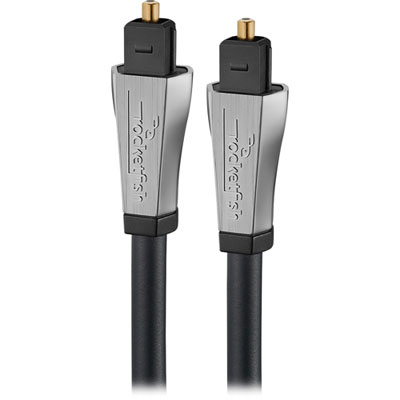 Your price for this item is $32.99
-
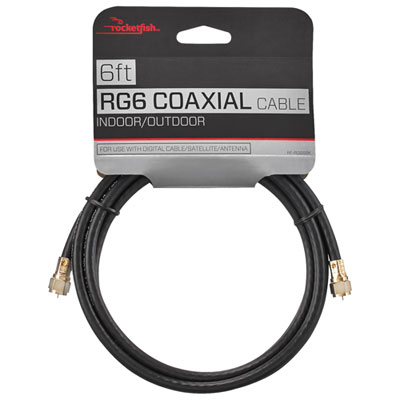 Your price for this item is $16.99
-
 Your price for this item is $24.99
-
 Your price for this item is $14.99
-
 Your price for this item is $11.99
-
 Your price for this item is $10.99
-
 Your price for this item is $13.57
-
 Your price for this item is $27.47
Discover more categories related to Sound Bar Optical Cords
Top Collections:
Best Black Friday Deals This Year, Best Black Friday Deals On Electronics, Kindle Devices, Pokemon Centers, Best Black Friday Deals On Apple Products, Best Cameras for Sports Photography, Dyson Airwrap, Pokémon 30th Celebration Cards, Apple iPhone 17 Pro, Canon G7X Cameras
Some products may be subject to Environmental Handling Fees
(EHF) depending on your province.
Learn more about EHFs.