Surge Protection Power Strips
Protect your valuable electronics from power surges with our selection of surge protection power strips. Safeguard your devices against unexpected voltage spikes and ensure they stay safe and functional. Whether you're looking to secure your home entertainment system, office equipment, or gaming setup, these power strips offer peace of mind and reliable protection. Browse our range of surge protection power strips to find the right solution for your needs and keep your electronics powered and protected at all times.
Sort











What separates surge protection from simply adding outlets
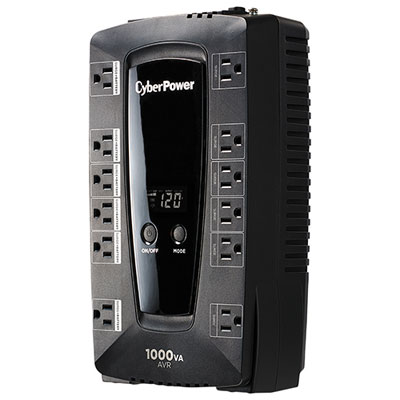
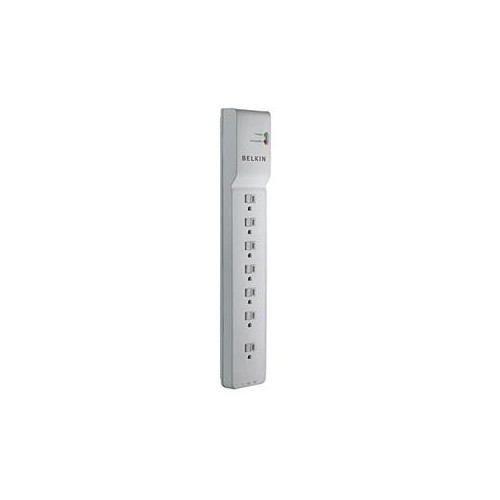
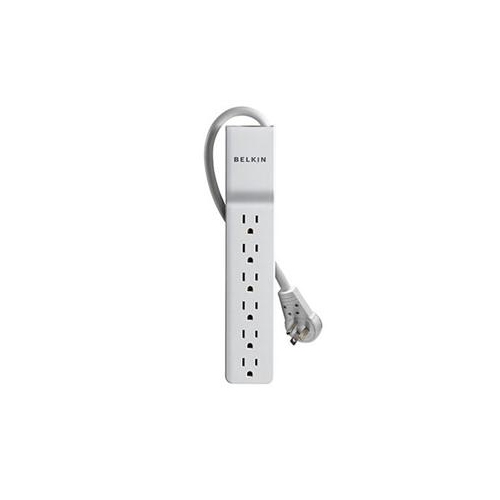
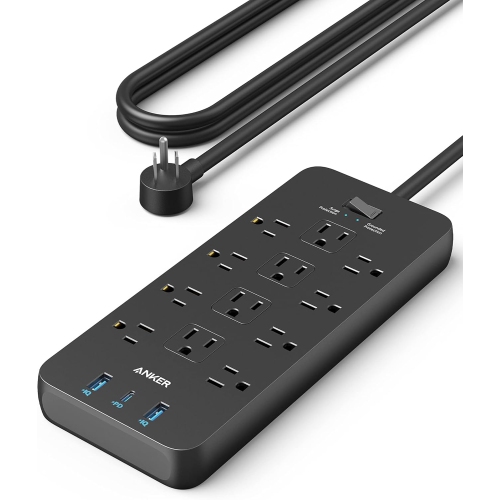
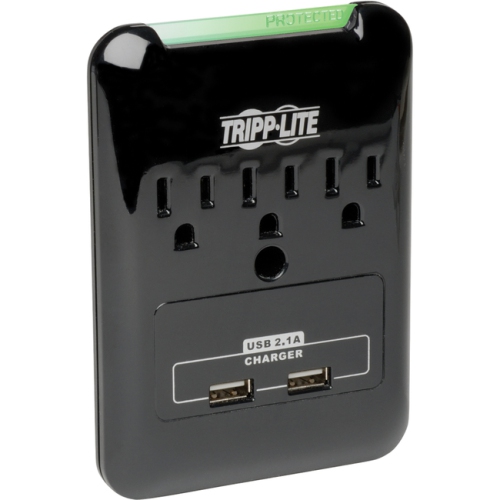
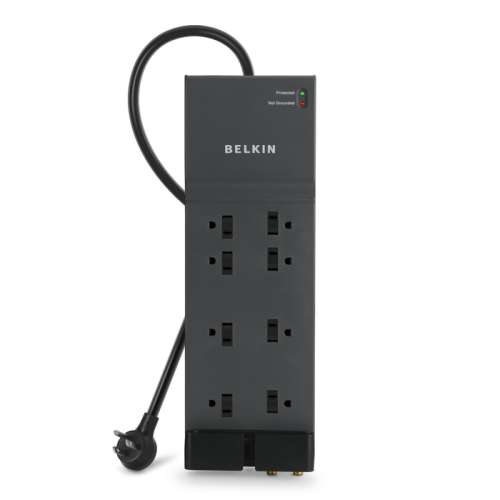
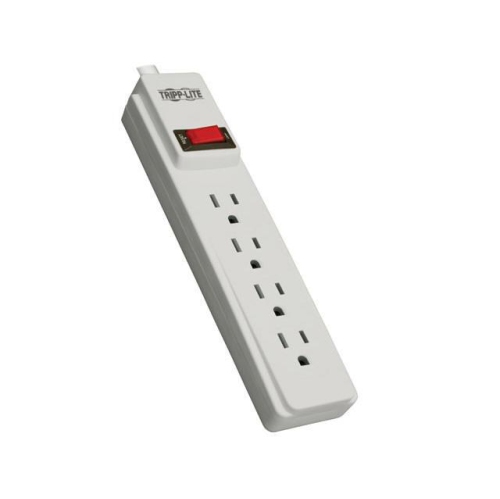
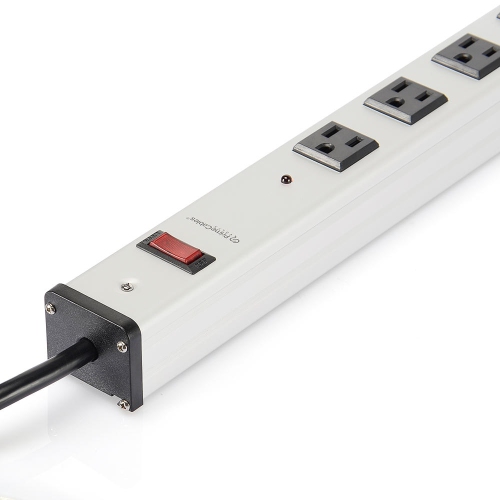
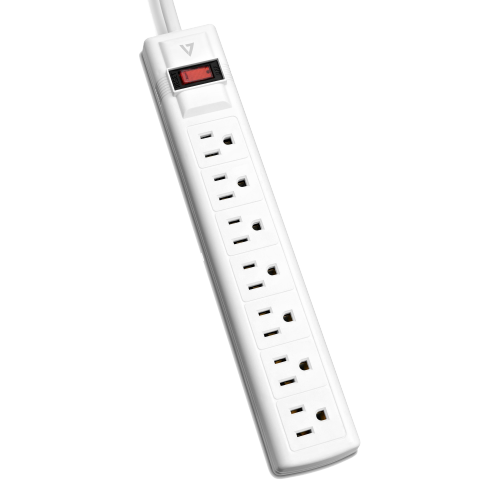
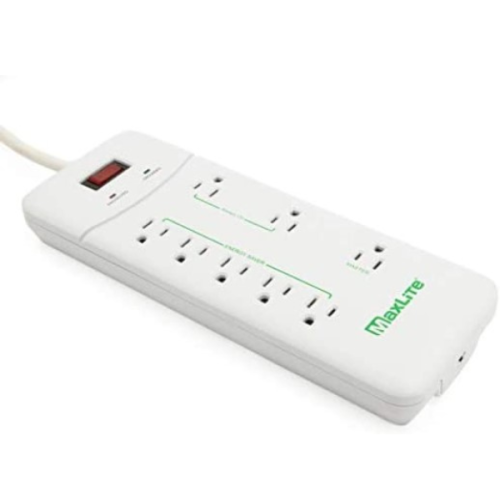
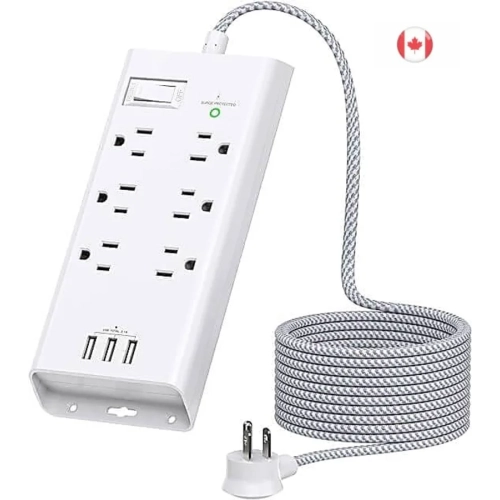
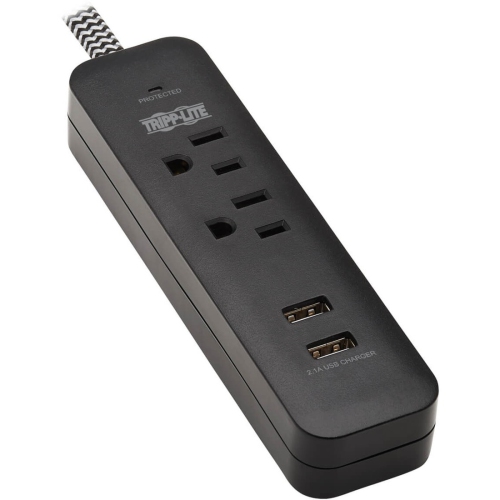
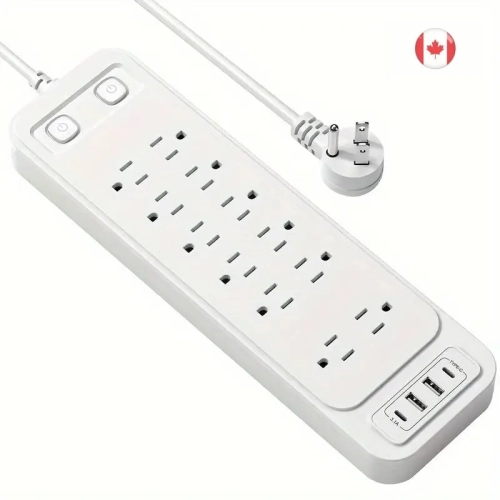
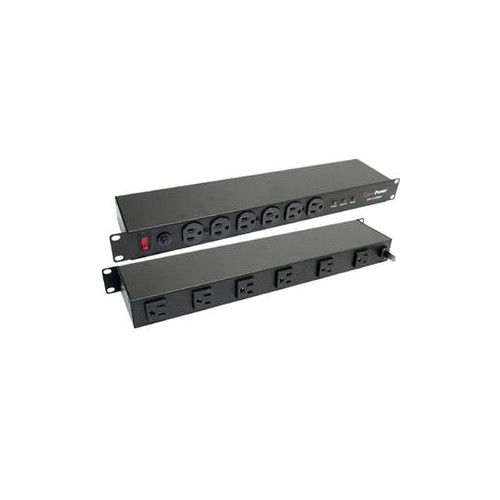
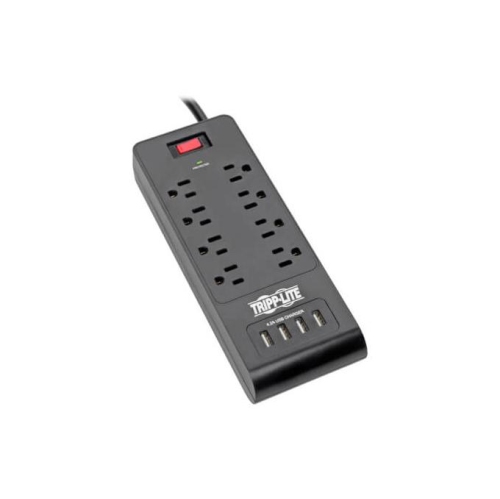
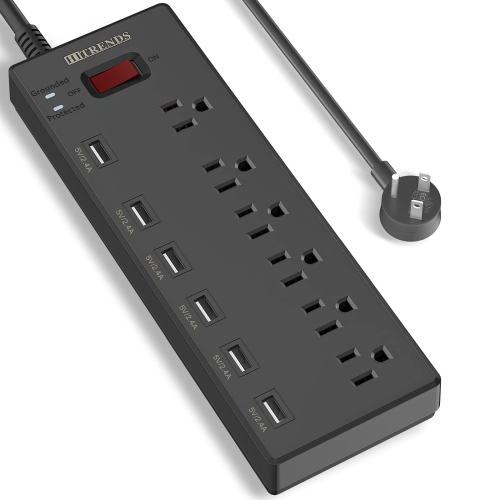
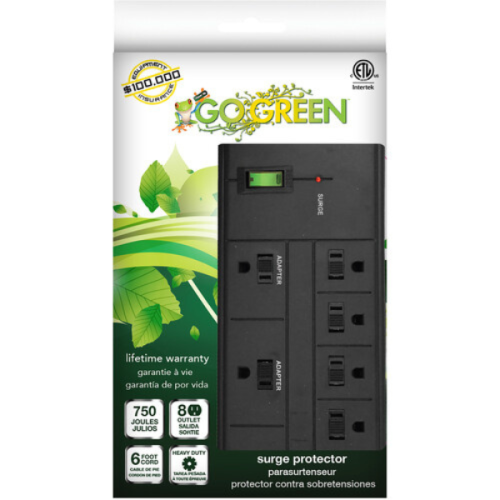
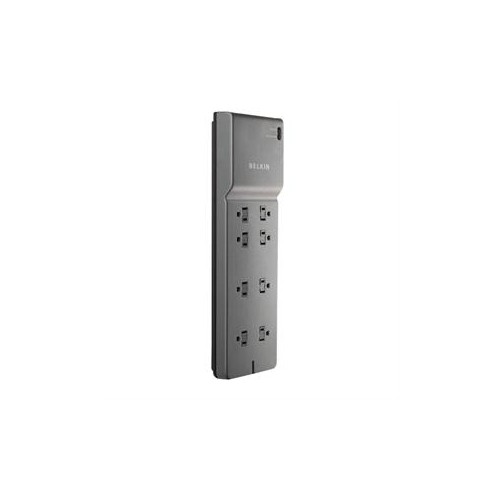
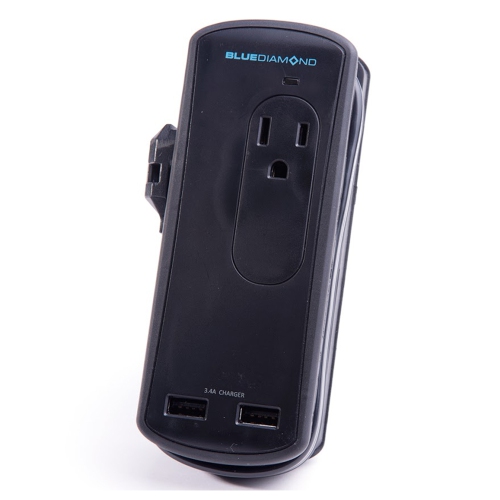
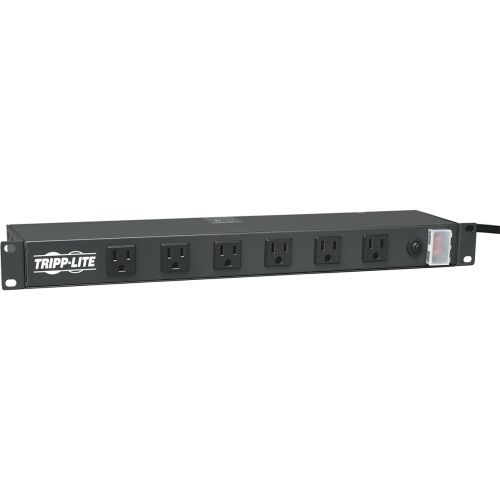
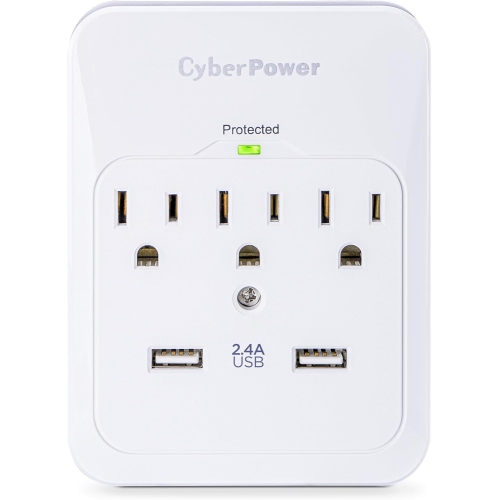
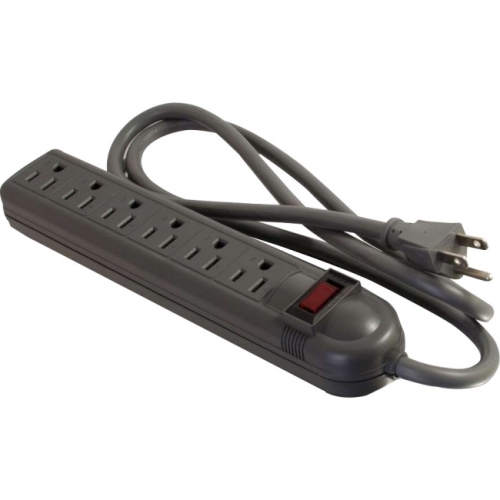
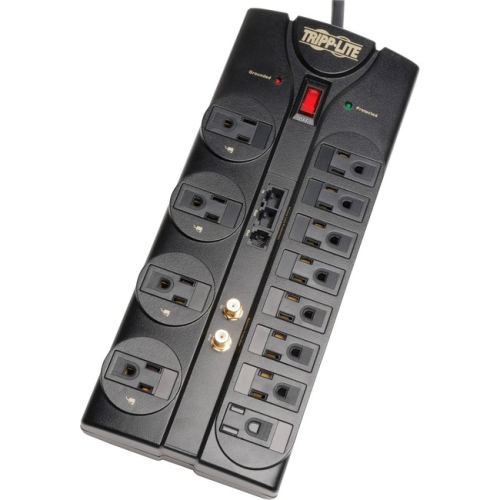
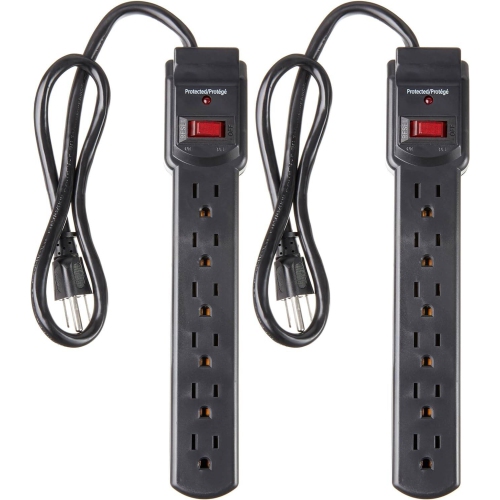
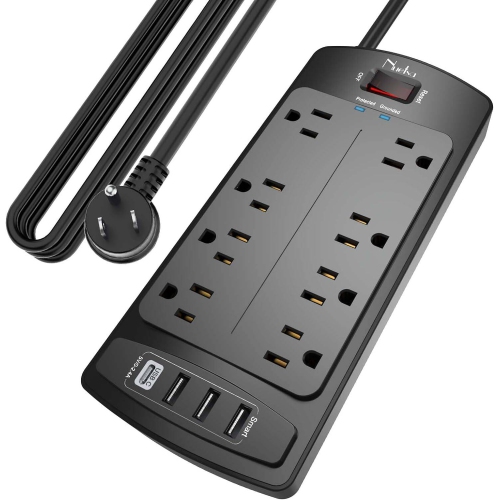
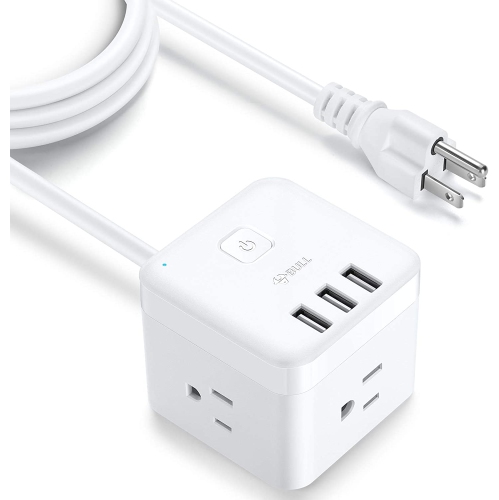
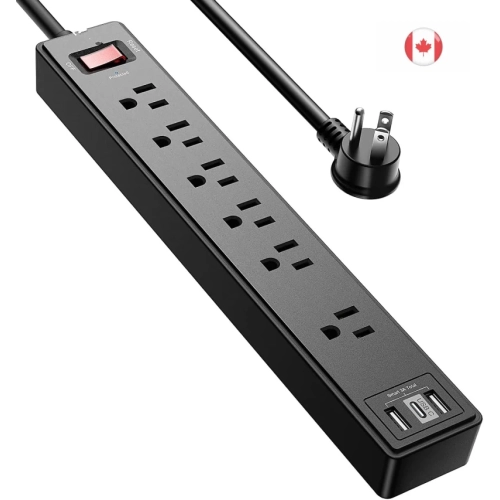
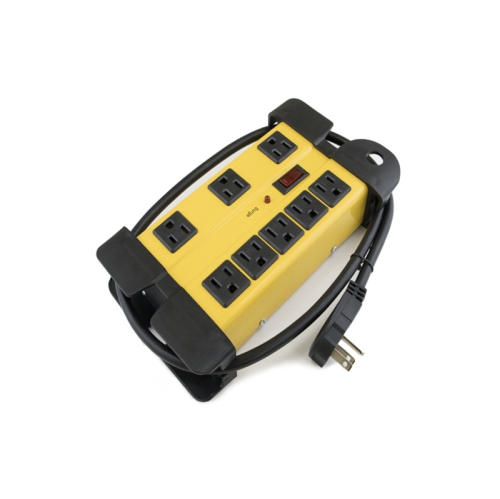
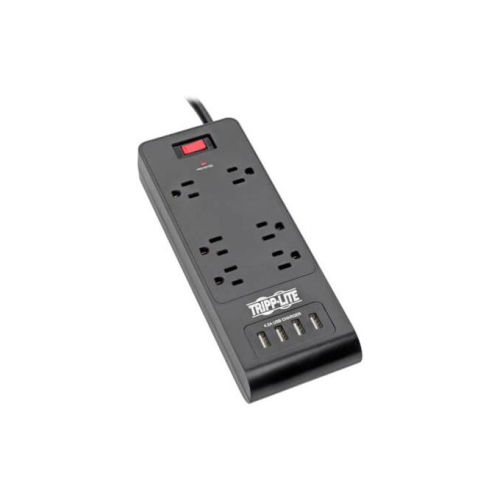
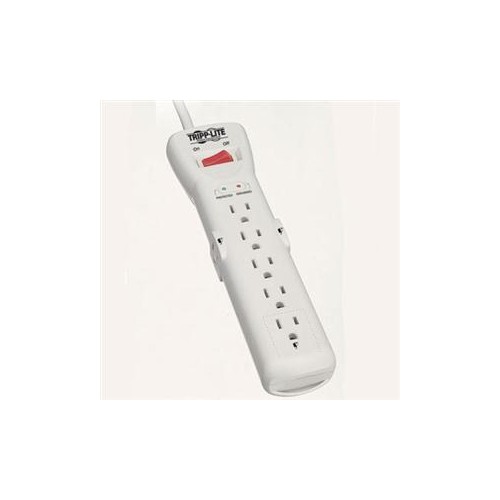
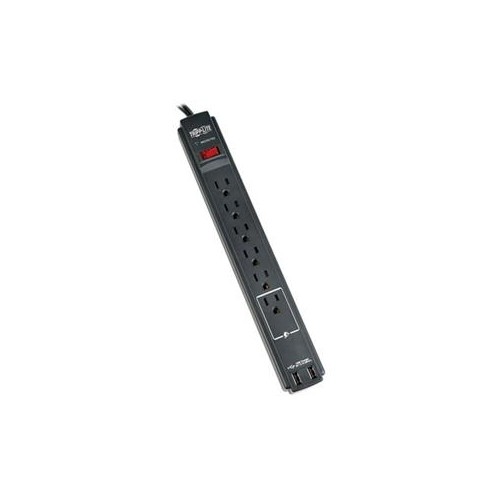
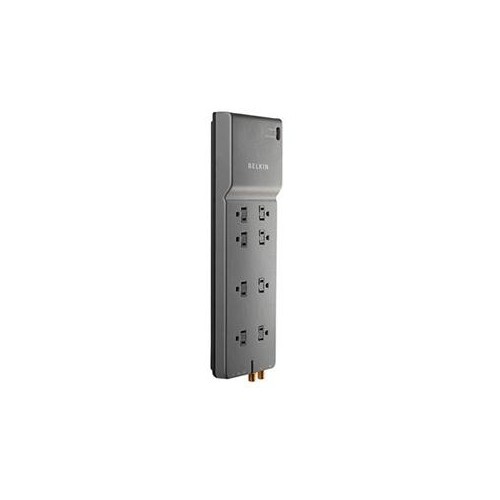
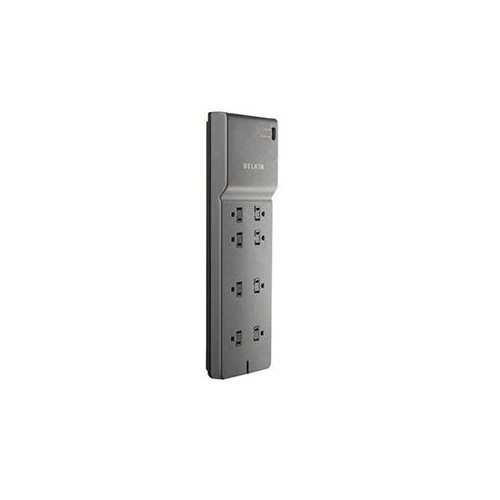
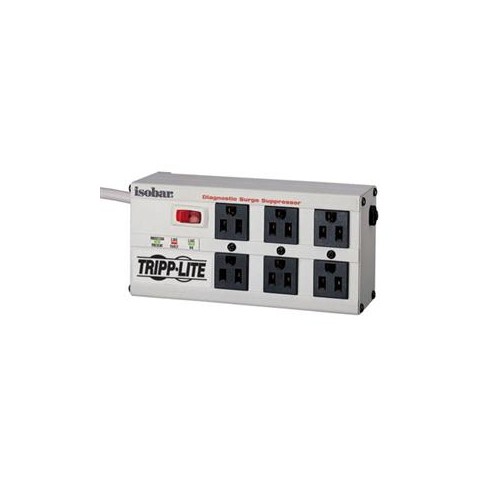
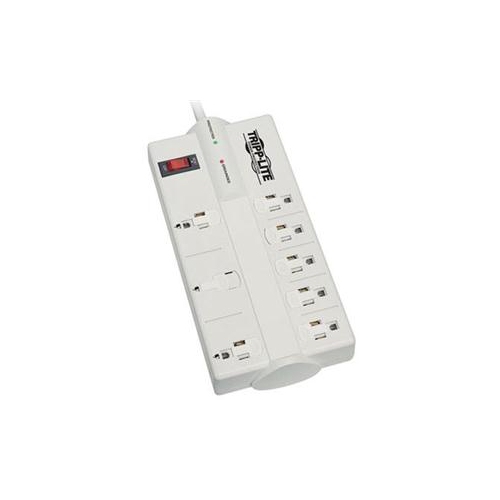
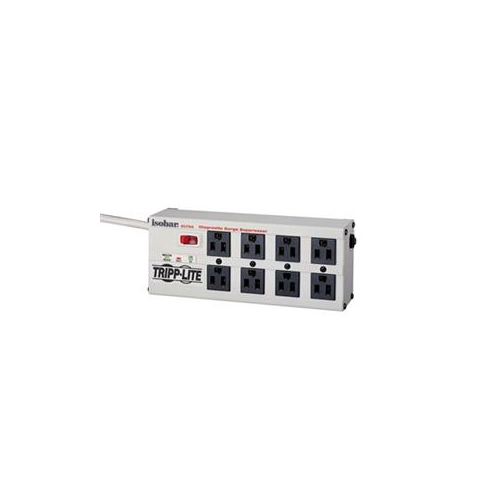
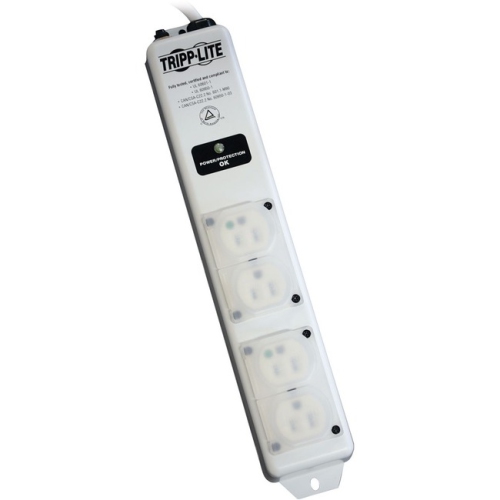
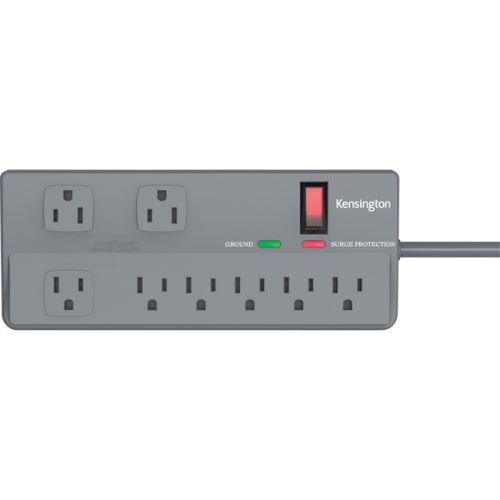
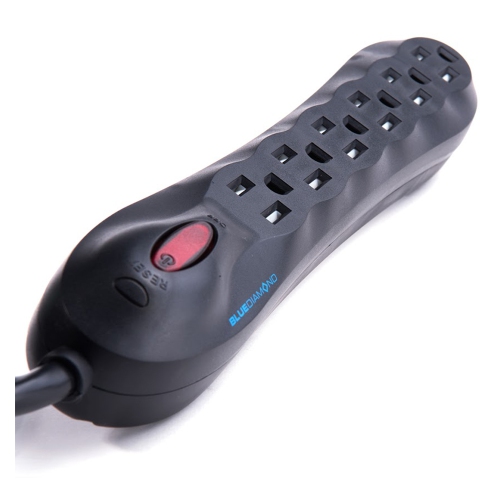
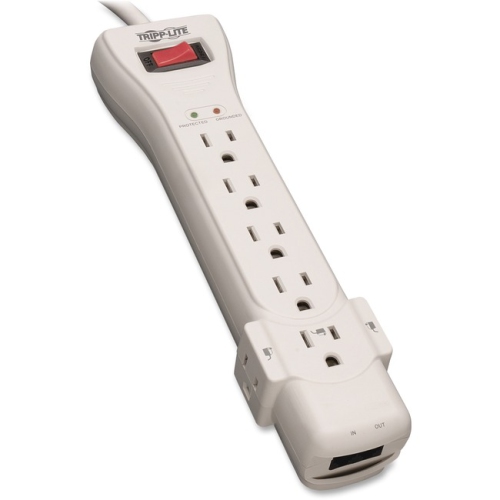
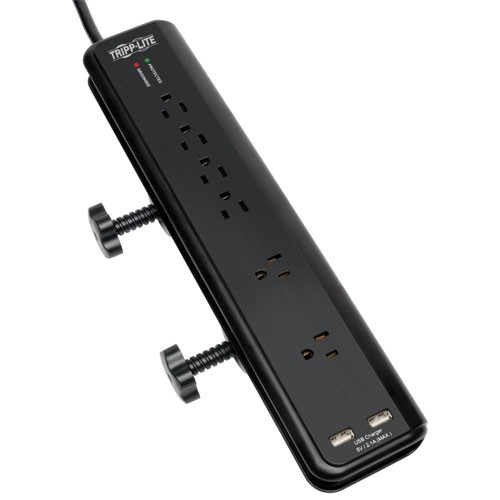
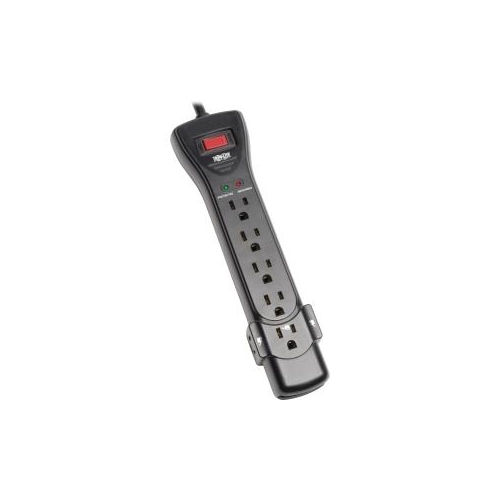
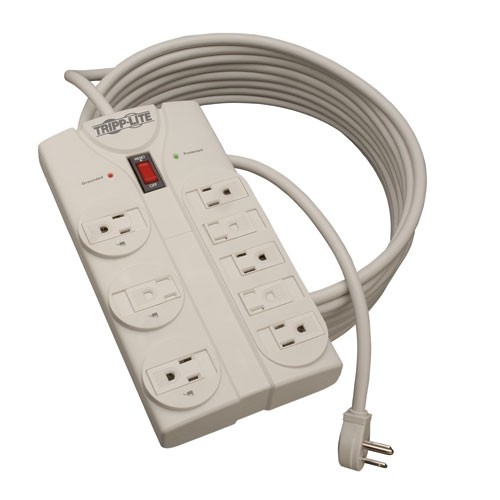
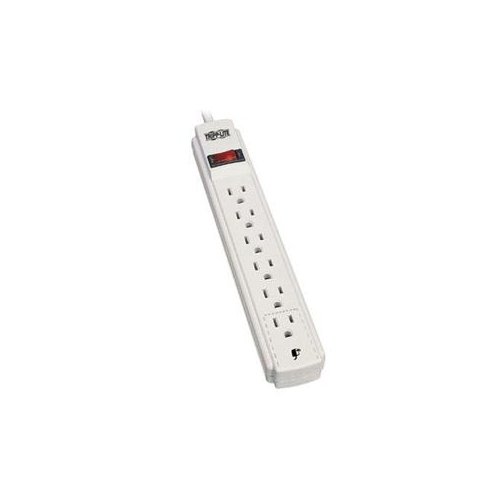
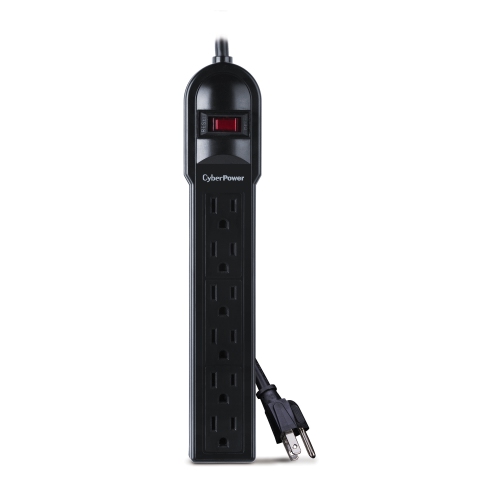
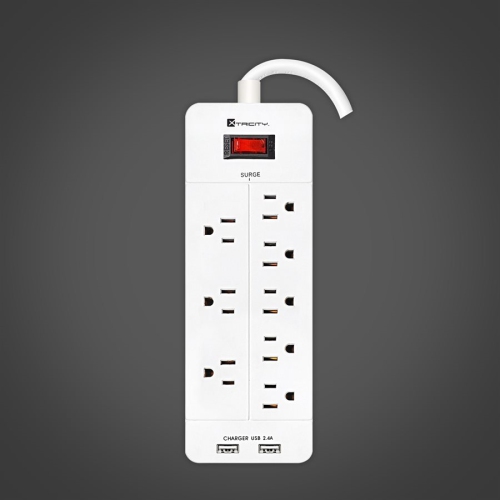
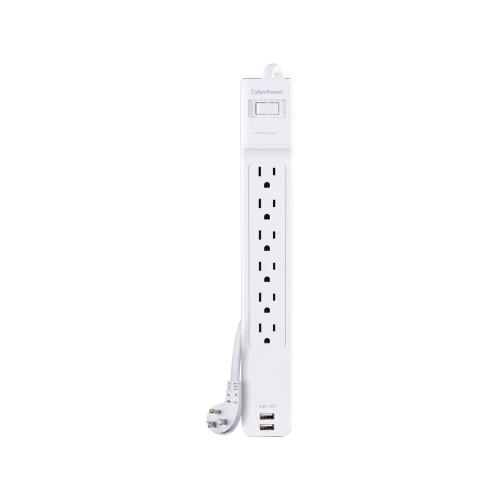
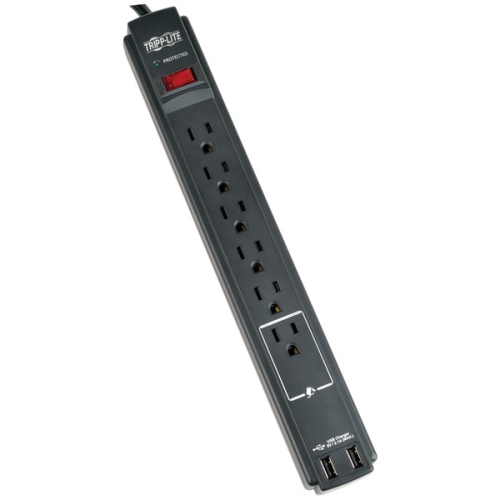
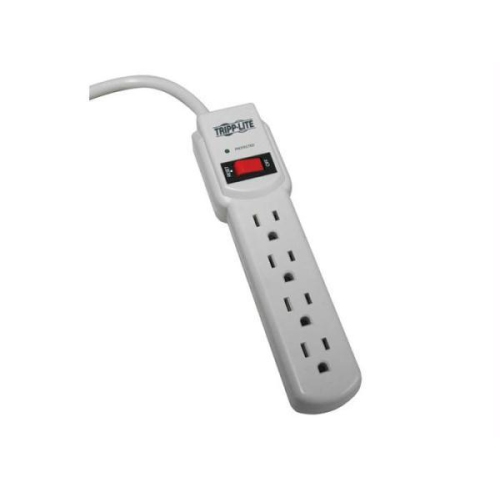
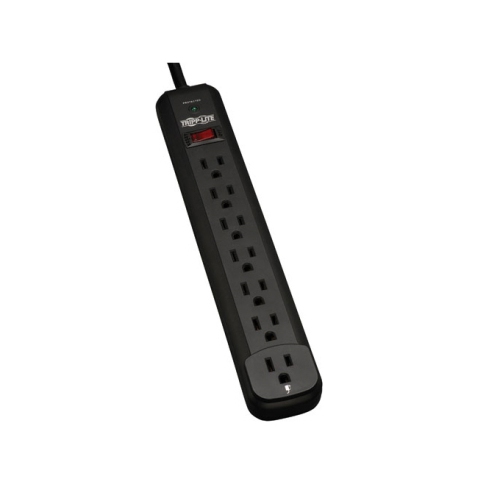
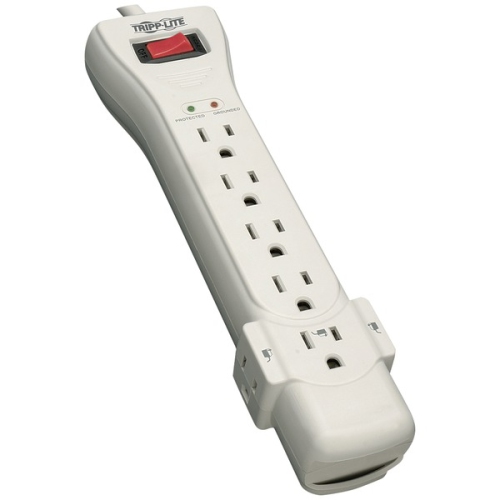
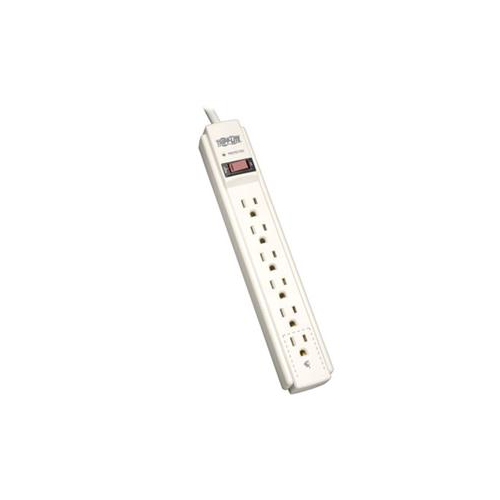
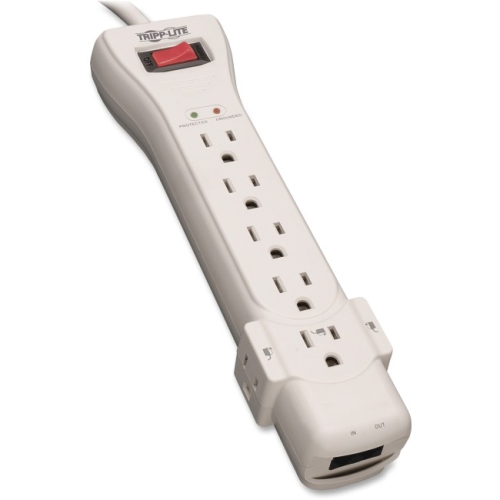
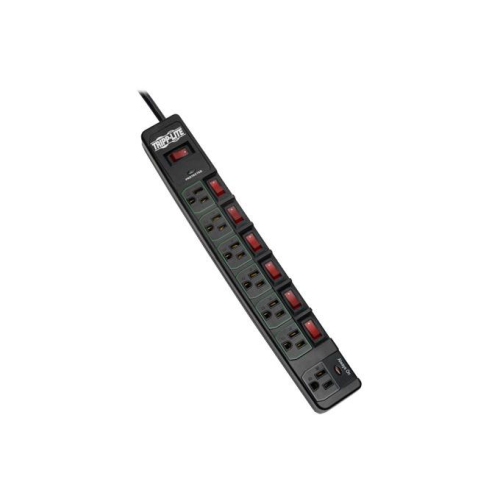
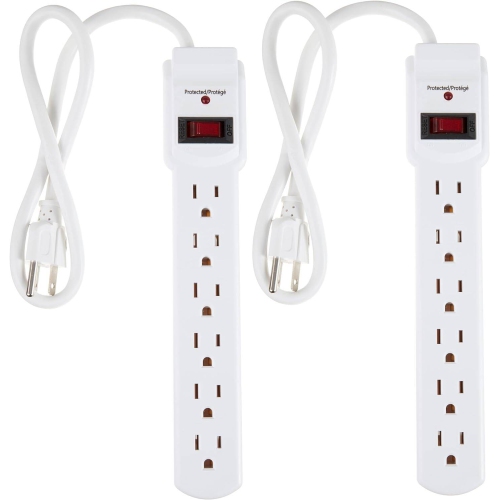
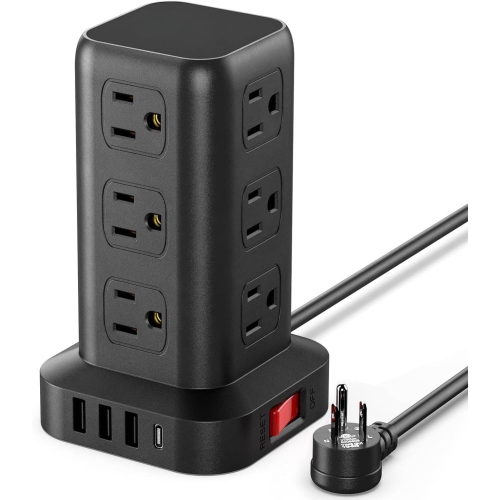
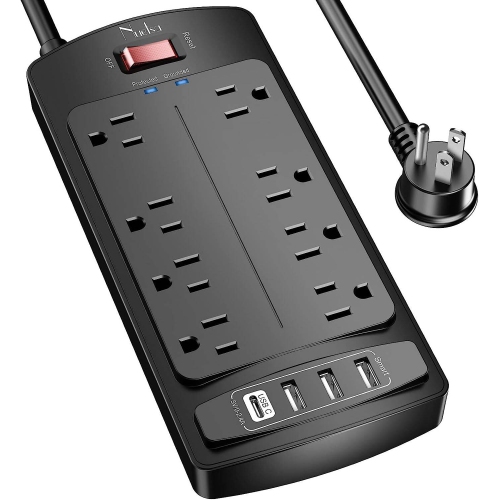
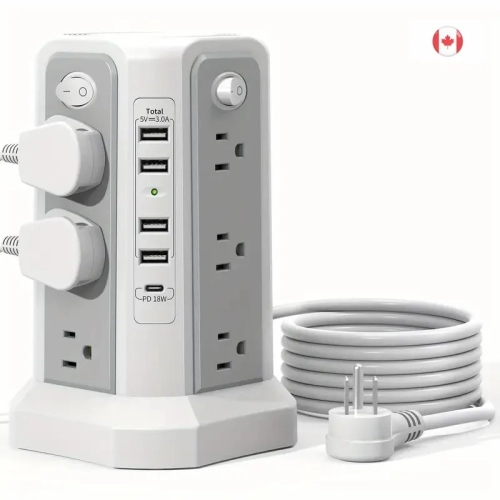
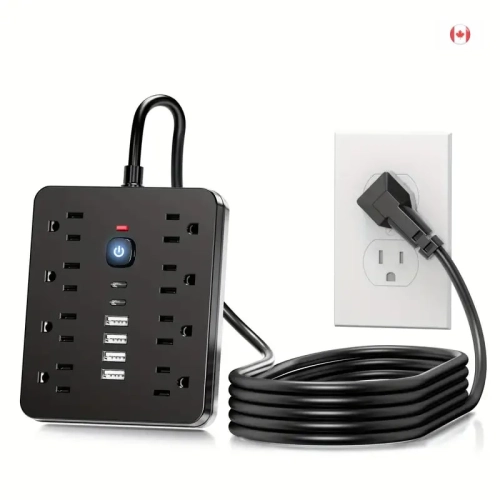
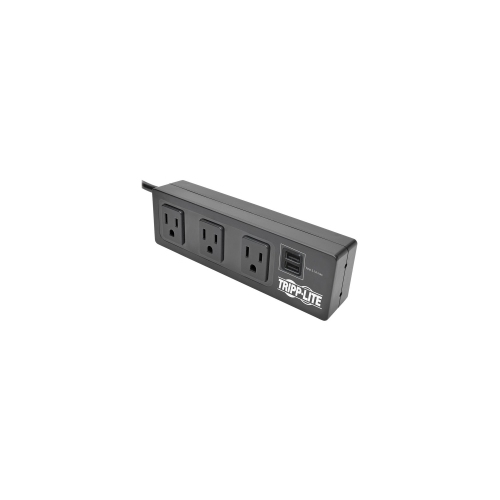
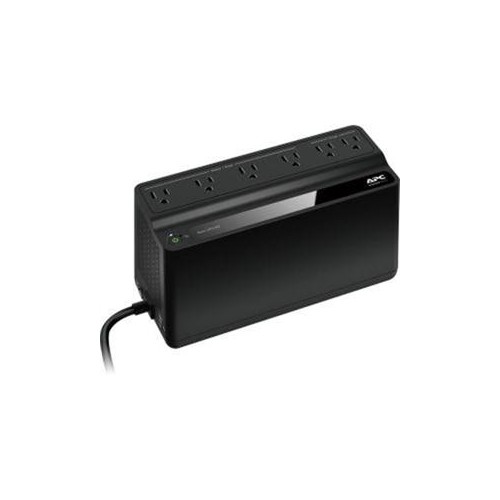
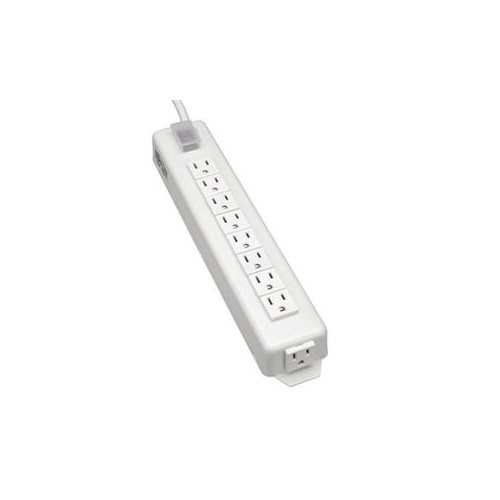
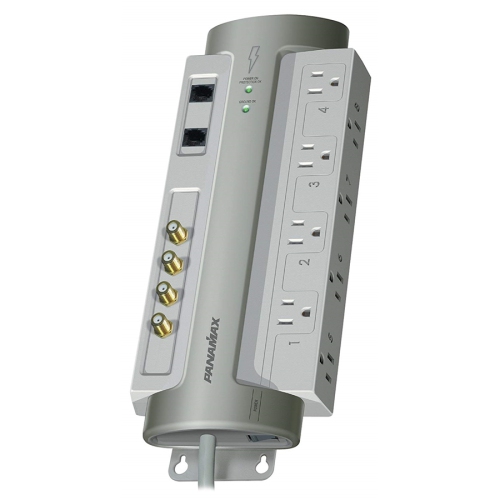
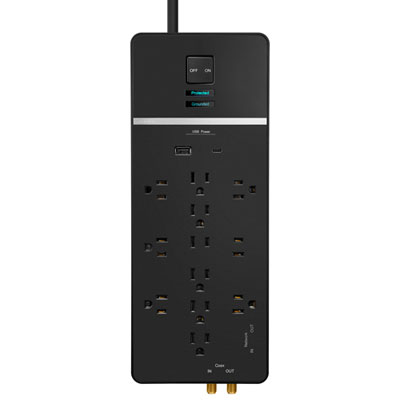
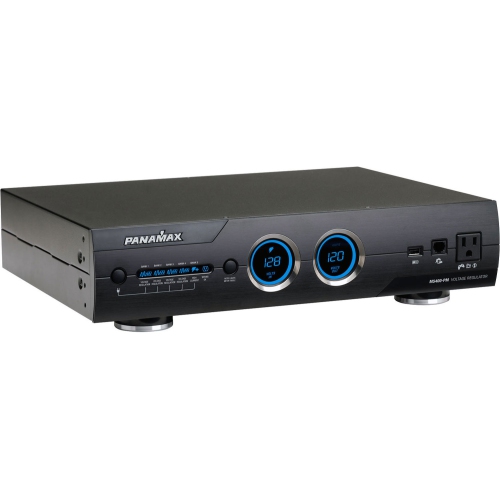
Surge protection power strips combine multiple electrical outlets with components designed to limit brief voltage spikes before they reach connected electronics. Unlike a basic power strip, which simply adds plug-in points, a surge protector provides a layer of protection against transient surges that can originate from utility switching or electrical equipment cycling on and off. The difference matters wherever several devices share a workspace or entertainment centre: a desktop computer, monitor, and speakers at a home office desk, or a television, game console, and streaming device tucked into a media cabinet. Many surge protectors use metal oxide varistors, internal components that divert excess current when voltage rises above a set threshold. That protection has limits, however. A surge protection power strip does not supply backup power during an outage, correct every voltage fluctuation, or guarantee protection from a direct lightning strike. Equipment that needs time to save work and shut down during an outage may call for an uninterruptible power supply instead. For everyday electronics, useful specifications include the joule rating, clamping voltage, electrical load rating, and safety certification. The joule rating describes how much surge energy the protective components are designed to absorb; a higher figure generally indicates greater capacity, but it is not a promise of a particular lifespan. Clamping voltage describes the voltage level at which the protector limits a surge, with a lower rating generally offering a tighter limit when measured under the same standard. Look for a certification mark accepted in Canada, such as CSA or a UL mark with the Canadian designation, and verify that the strip is identified as a surge protective device rather than relying on its appearance. A row of outlets, an illuminated switch, or a reset button alone does not establish surge protection. Clear specifications and a dedicated protection-status indicator make it easier to understand what the strip is designed to do and whether its protective function is still active.
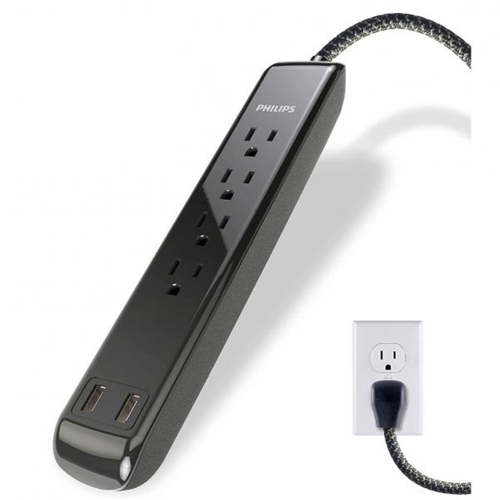
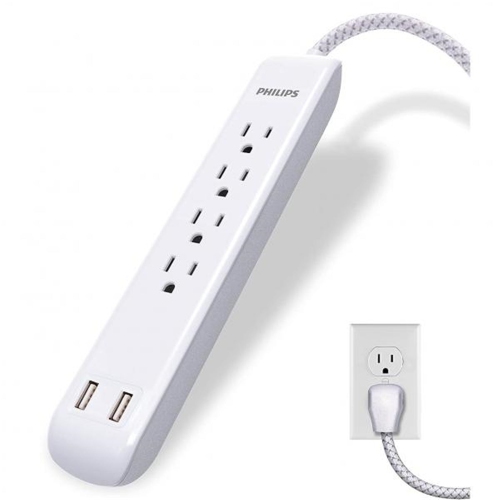
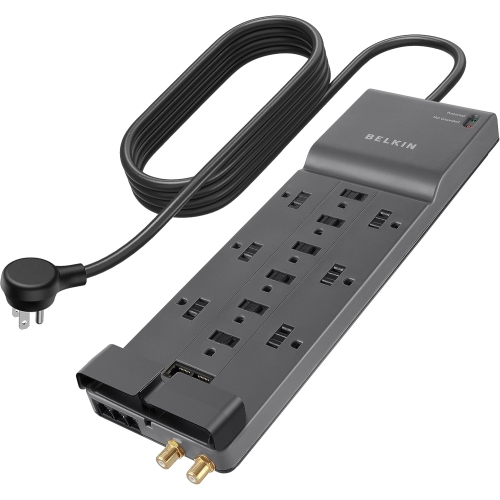
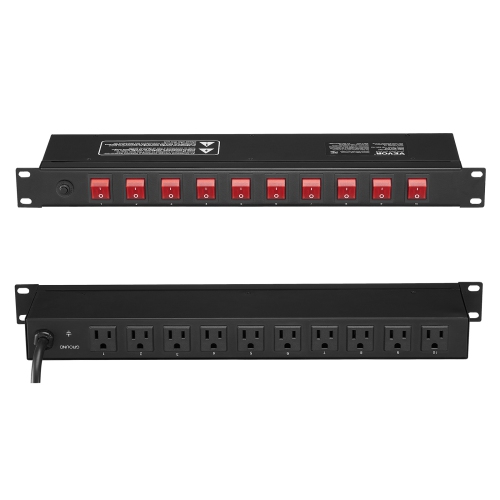
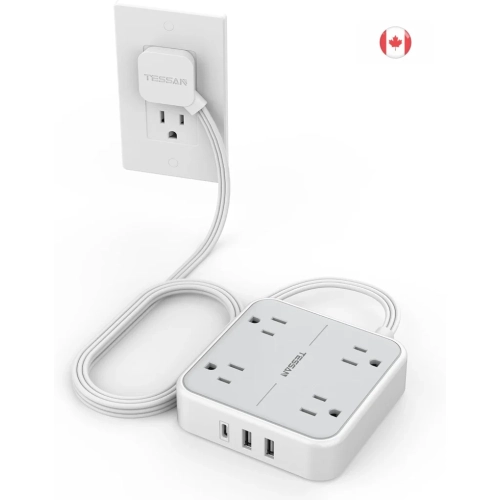
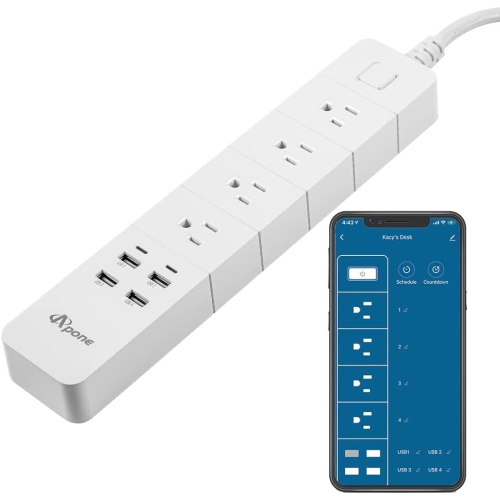
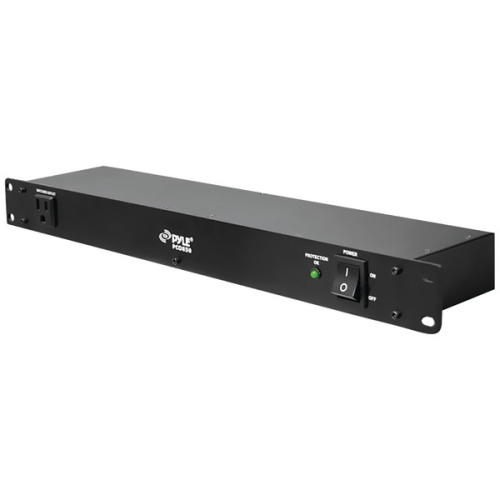
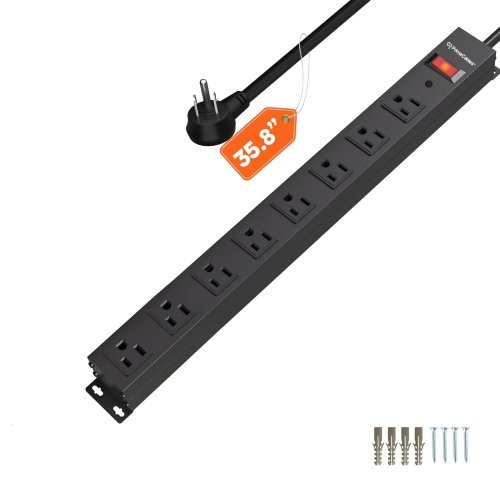
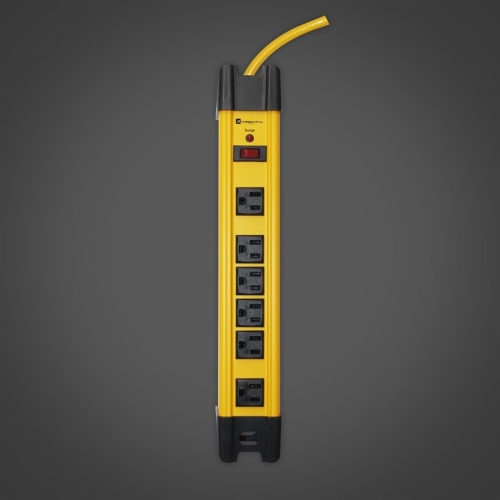
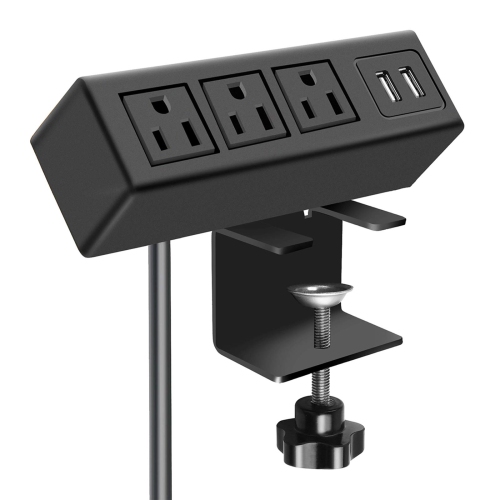
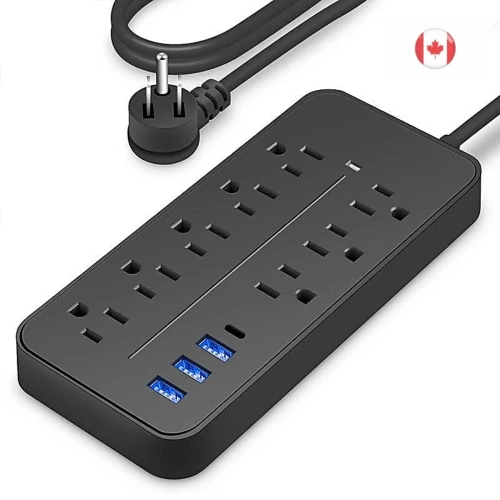
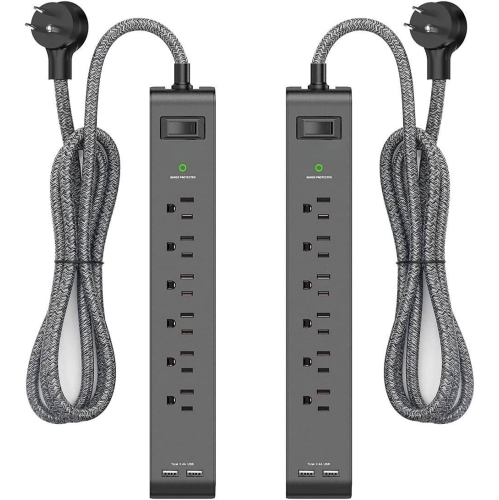
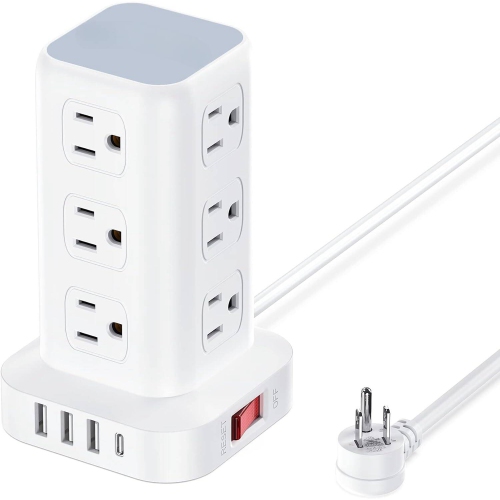
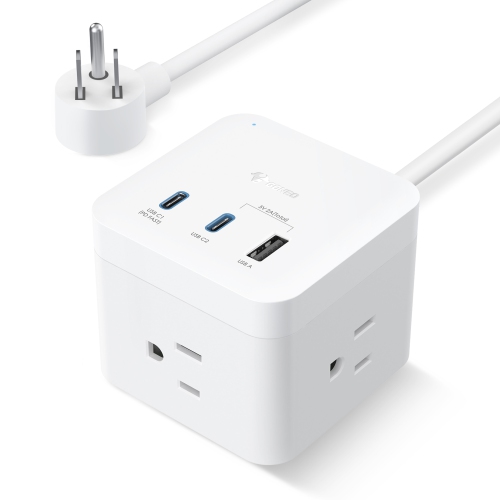
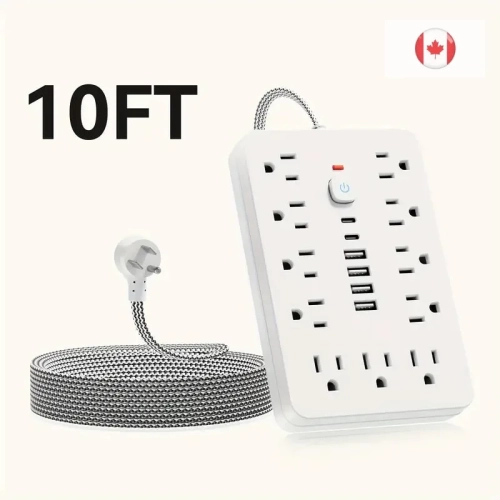
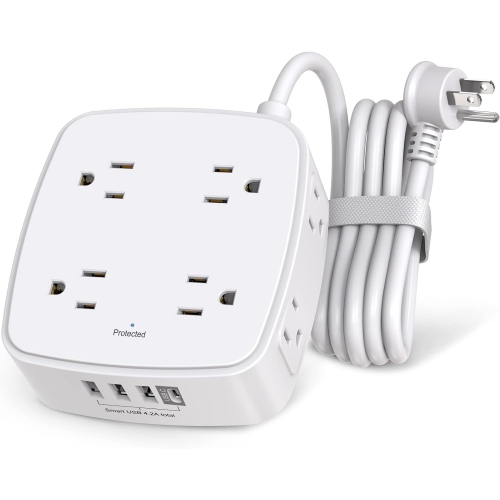
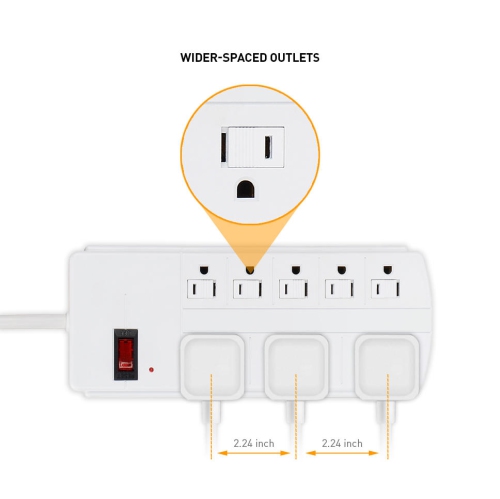
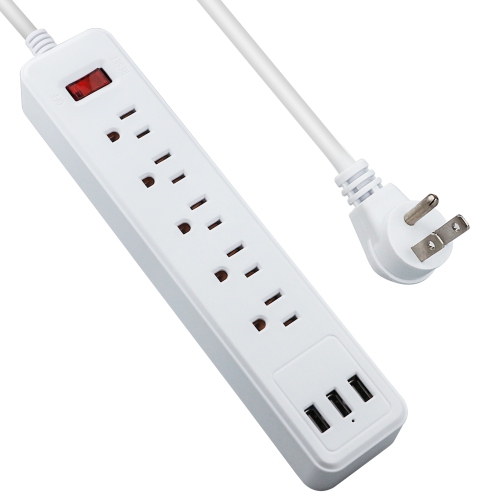
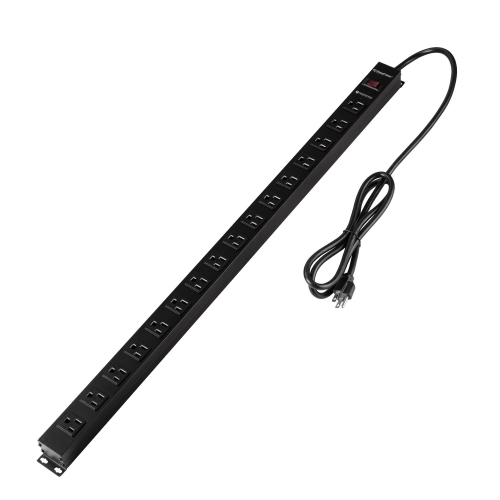
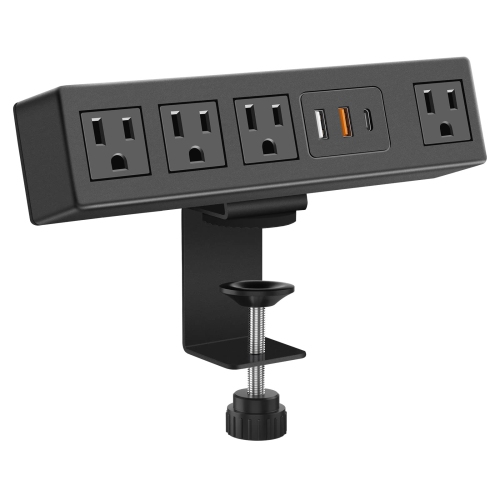
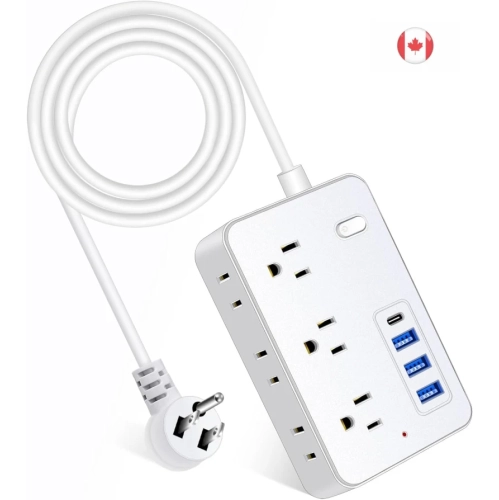
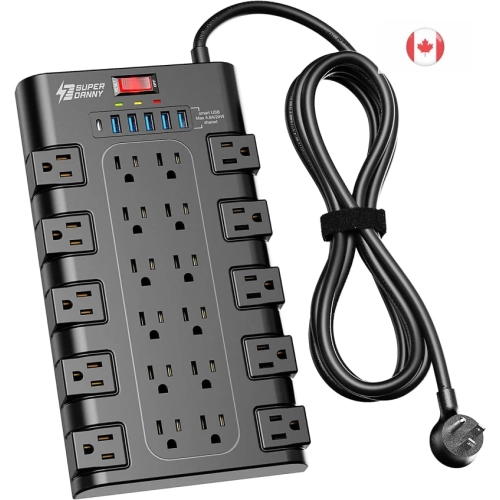
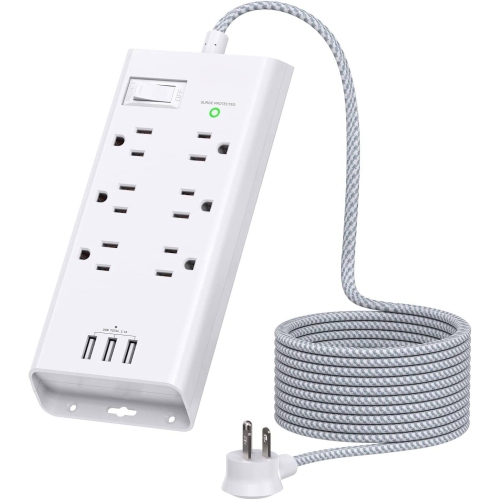
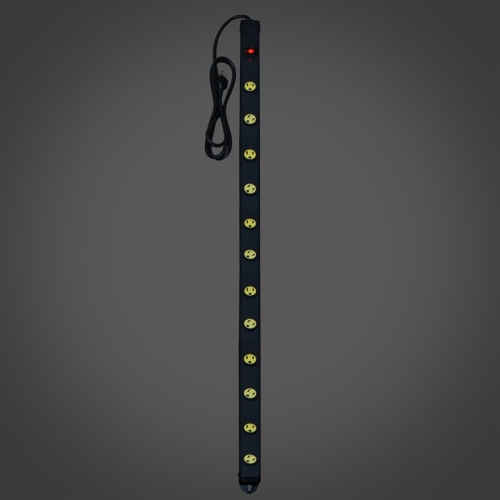
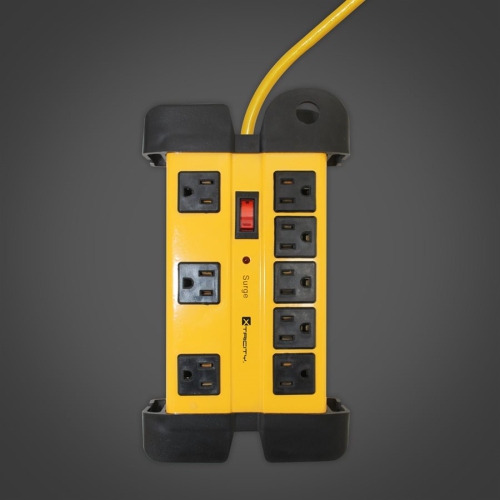
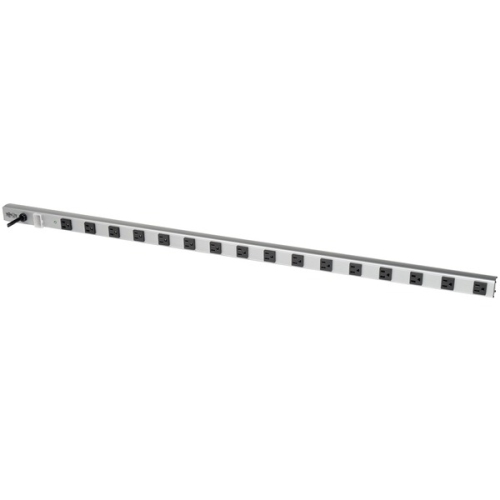
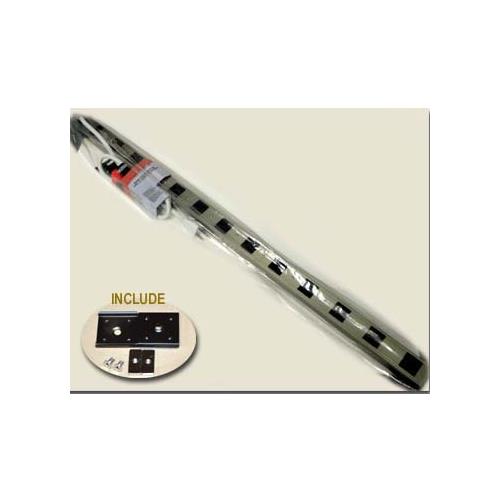
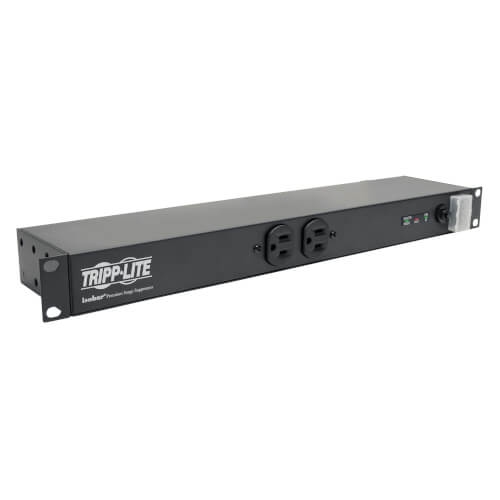
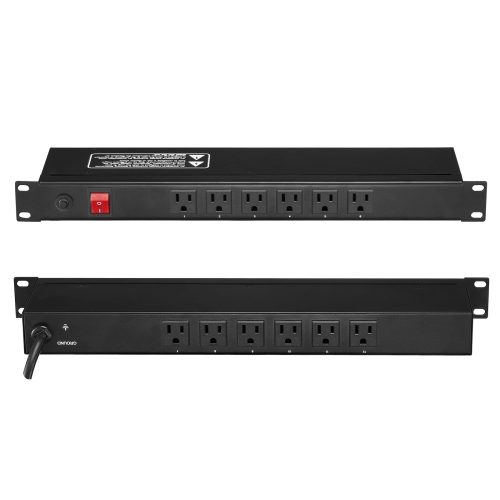
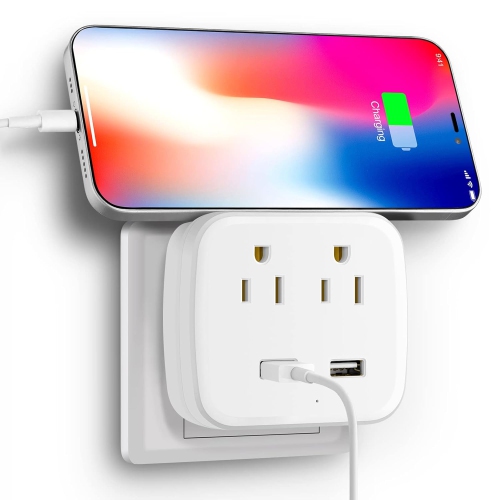
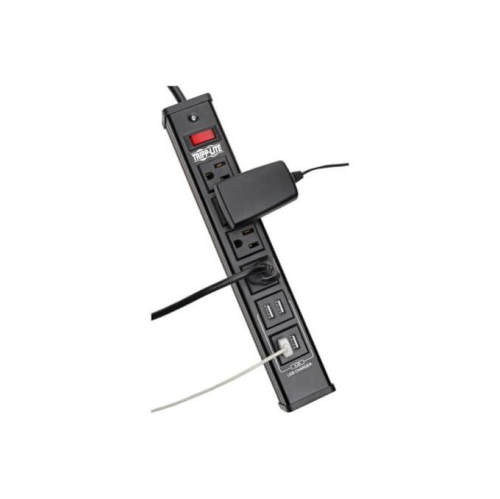
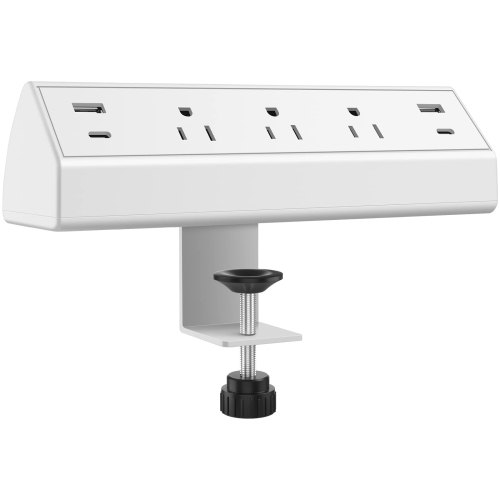
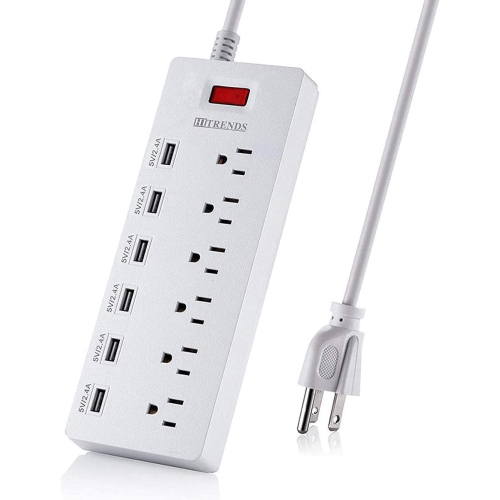
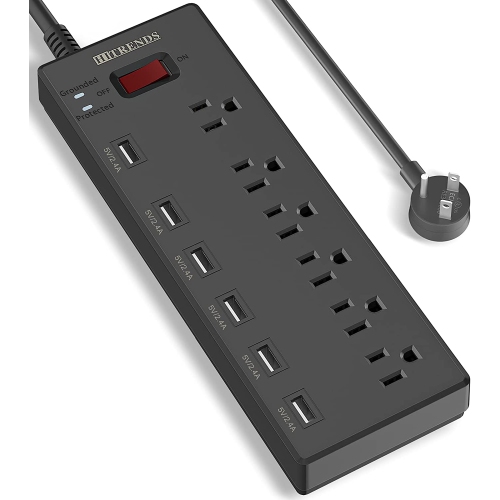
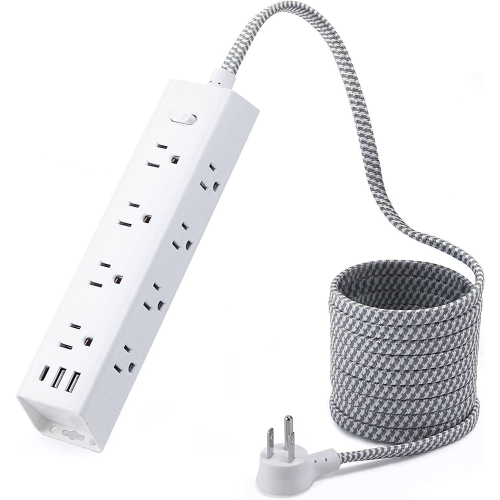
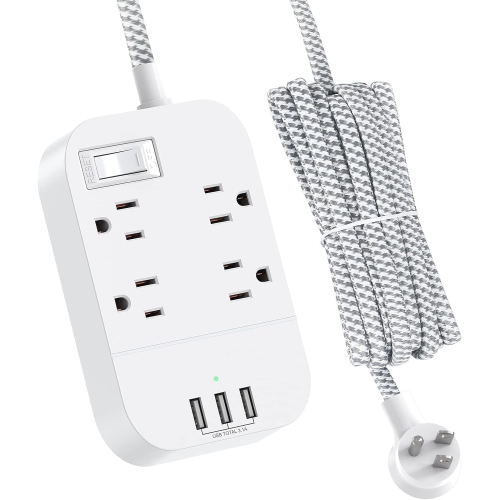
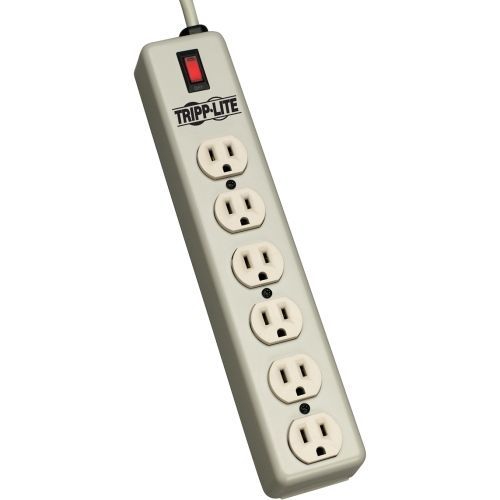
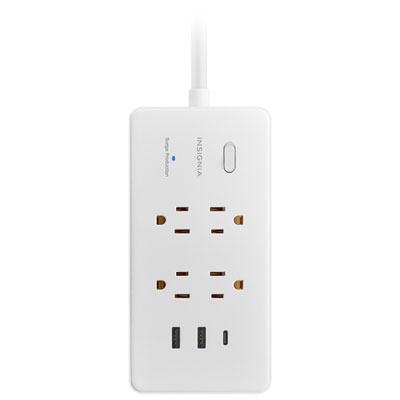
The most practical surge protector power strip is one that suits both the connected equipment and the space around it. Outlet count is only part of the fit: generously spaced sockets can accommodate bulky power adapters without sacrificing neighbouring outlets, while a mix of closely and widely spaced sockets can keep slim plugs and larger charging blocks organized on the same strip. Behind a television stand, a low-profile wall plug can reduce how far furniture needs to sit from the receptacle, provided the cord is not crushed or sharply bent. At a desk, the cord should reach a suitable wall outlet without stretching across a walkway or leaving a loose coil under a chair. A longer cord can help with placement, but it does not increase the strip’s electrical capacity. Mounting slots or brackets, where included, can keep outlets within reach beneath a work surface; installation should follow the manufacturer’s directions and leave switches and indicator lights visible. Housing materials also affect everyday handling. Moulded plastic housings are common for home and office use, while metal housings may offer greater resistance to knocks in suitable utility spaces. Neither material alone establishes electrical safety, and an ordinary indoor strip is not intended for damp locations or outdoor exposure. A sturdy housing, secure cord entry, and well-fitting sockets are useful durability details, especially where devices are connected and disconnected frequently. Integrated USB-A or USB-C ports can free AC outlets for other equipment, though charging speed depends on the port’s output, supported charging standards, cable, and device. When several USB ports are in use, the total output may be shared, so the combined rating matters as much as the rating for a single port. For bedside charging, an indicator that is easy to check without lighting up the room can be a small but welcome detail. For a shared study area, accessible outlets and a clearly positioned switch can make a crowded desk easier to manage without hiding the power strip beneath papers or bags.
Intended use and careful placement are just as important as outlet layout. Surge protection power strips are well suited to many computers, home entertainment components, and everyday charging setups, as long as the combined load stays within the strip’s marked limits and each device’s instructions permit that connection. Adding more outlets does not add power to the wall circuit. Space heaters and many high-demand appliances should connect directly to a suitable wall receptacle according to their manufacturer’s instructions, rather than through a power strip. Plug a surge protector directly into a properly grounded wall outlet; do not connect it to another power strip or an extension cord, and never remove the grounding pin to make a plug fit. A grounding indicator can flag certain connection problems, but it does not replace an electrical inspection if a receptacle is loose, damaged, or showing signs of overheating. Keep the strip dry and uncovered, with its cord away from rugs, doorways, and furniture legs that could pinch the insulation. Routine care is straightforward: disconnect it before cleaning, follow the care directions, and use a dry cloth rather than spraying cleaner into sockets or switches. Periodically check for cracked casing, damaged insulation, scorch marks, loose plug connections, or unusual heat, and stop using a strip that shows damage. Surge protection components can wear out after repeated surges or a significant event, even when the outlets still deliver power. Check the protection-status light and replace the strip when the manufacturer indicates that protection has been lost; resetting an overload breaker does not restore worn surge components. Students arranging a study corner, people working from home, and households organizing a shared entertainment space can all benefit from a layout matched to their equipment. For portable setups, Travel Surge Protectors offer a related option worth considering alongside size, plug compatibility, and input voltage. A surge protector is not a voltage converter, so international use requires checking both the protector and connected devices against the destination’s electrical supply. Whether the setup stays behind a cabinet or moves between workspaces, suitable ratings, sensible positioning, and visible status indicators help keep everyday connections manageable.
The most practical surge protector power strip is one that suits both the connected equipment and the space around it. Outlet count is only part of the fit: generously spaced sockets can accommodate bulky power adapters without sacrificing neighbouring outlets, while a mix of closely and widely spaced sockets can keep slim plugs and larger charging blocks organized on the same strip. Behind a television stand, a low-profile wall plug can reduce how far furniture needs to sit from the receptacle, provided the cord is not crushed or sharply bent. At a desk, the cord should reach a suitable wall outlet without stretching across a walkway or leaving a loose coil under a chair. A longer cord can help with placement, but it does not increase the strip’s electrical capacity. Mounting slots or brackets, where included, can keep outlets within reach beneath a work surface; installation should follow the manufacturer’s directions and leave switches and indicator lights visible. Housing materials also affect everyday handling. Moulded plastic housings are common for home and office use, while metal housings may offer greater resistance to knocks in suitable utility spaces. Neither material alone establishes electrical safety, and an ordinary indoor strip is not intended for damp locations or outdoor exposure. A sturdy housing, secure cord entry, and well-fitting sockets are useful durability details, especially where devices are connected and disconnected frequently. Integrated USB-A or USB-C ports can free AC outlets for other equipment, though charging speed depends on the port’s output, supported charging standards, cable, and device. When several USB ports are in use, the total output may be shared, so the combined rating matters as much as the rating for a single port. For bedside charging, an indicator that is easy to check without lighting up the room can be a small but welcome detail. For a shared study area, accessible outlets and a clearly positioned switch can make a crowded desk easier to manage without hiding the power strip beneath papers or bags.
Intended use and careful placement are just as important as outlet layout. Surge protection power strips are well suited to many computers, home entertainment components, and everyday charging setups, as long as the combined load stays within the strip’s marked limits and each device’s instructions permit that connection. Adding more outlets does not add power to the wall circuit. Space heaters and many high-demand appliances should connect directly to a suitable wall receptacle according to their manufacturer’s instructions, rather than through a power strip. Plug a surge protector directly into a properly grounded wall outlet; do not connect it to another power strip or an extension cord, and never remove the grounding pin to make a plug fit. A grounding indicator can flag certain connection problems, but it does not replace an electrical inspection if a receptacle is loose, damaged, or showing signs of overheating. Keep the strip dry and uncovered, with its cord away from rugs, doorways, and furniture legs that could pinch the insulation. Routine care is straightforward: disconnect it before cleaning, follow the care directions, and use a dry cloth rather than spraying cleaner into sockets or switches. Periodically check for cracked casing, damaged insulation, scorch marks, loose plug connections, or unusual heat, and stop using a strip that shows damage. Surge protection components can wear out after repeated surges or a significant event, even when the outlets still deliver power. Check the protection-status light and replace the strip when the manufacturer indicates that protection has been lost; resetting an overload breaker does not restore worn surge components. Students arranging a study corner, people working from home, and households organizing a shared entertainment space can all benefit from a layout matched to their equipment. For portable setups, Travel Surge Protectors offer a related option worth considering alongside size, plug compatibility, and input voltage. A surge protector is not a voltage converter, so international use requires checking both the protector and connected devices against the destination’s electrical supply. Whether the setup stays behind a cabinet or moves between workspaces, suitable ratings, sensible positioning, and visible status indicators help keep everyday connections manageable.
Top selling and popular products
-
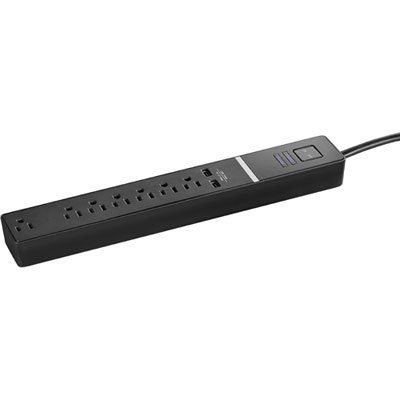 Your price for this item is $24.97
 -
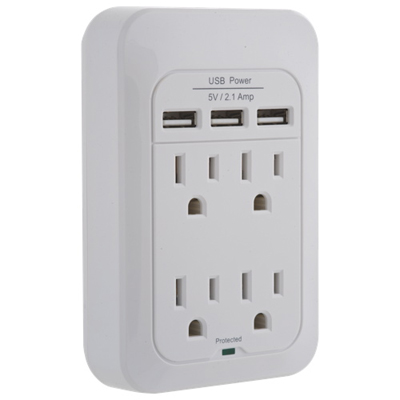 Your price for this item is $28.97
 -
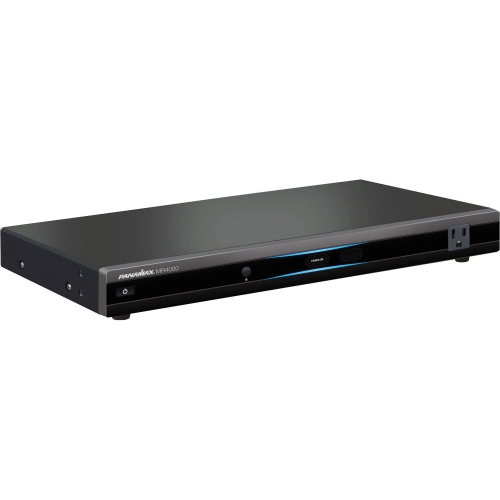 Your price for this item is $389.82
 -
 Your price for this item is $190
 -
 Your price for this item is $89.99
 -
 Your price for this item is $29.97
 -
 Your price for this item is $14.99
 -
 Your price for this item is $1329
Discover more categories related to Surge Protection Power Strips

Top Collections:
Pokemon Centers, Kindle Devices, Best Budget Office Chairs, Apple iPhones 16, Best Laptops for Writers, iPhone 15 Apple, Canon G7X Cameras, Refurbished Apple Laptops, Alarm Clock, Motorola Razr Phones
Some products may be subject to Environmental Handling Fees
(EHF) depending on your province.
Learn more about EHFs.