TV Stands With Cable Management
Looking for a stylish and practical solution to organize your TV setup? Look no further than our collection of TV stands with cable management. These sleek and modern stands not only elevate your television to the perfect viewing height but also keep all those pesky cables neatly tucked away. Say goodbye to tangled cords and hello to a clutter-free entertainment center. With a variety of designs, sizes, and finishes available, you're sure to find the perfect TV stand that not only complements your décor but also provides a seamless and organized home for all your devices.
Sort

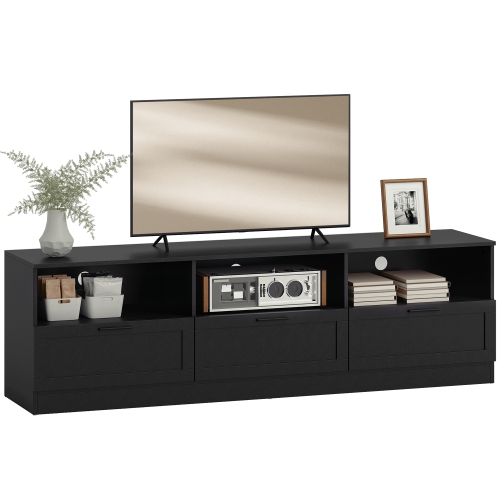


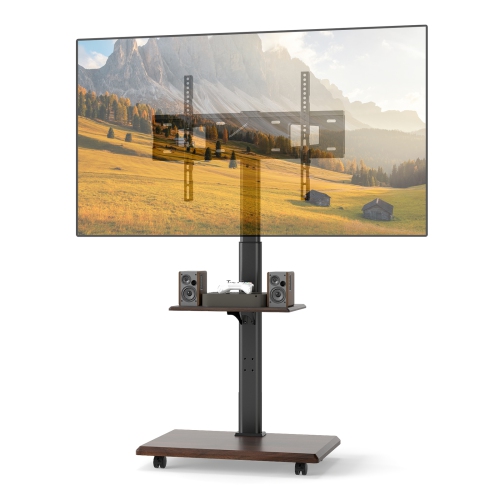
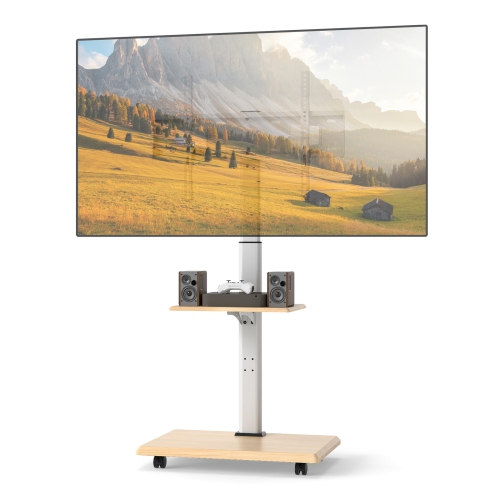


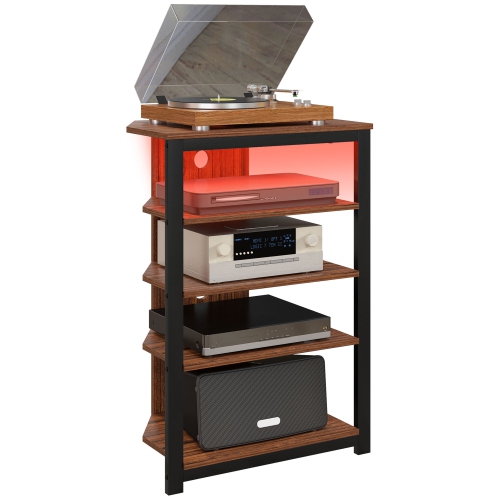

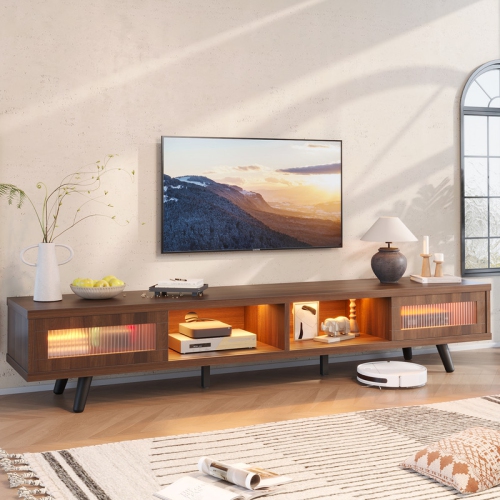


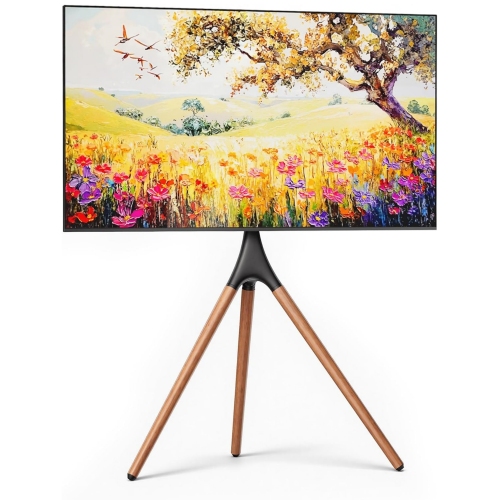


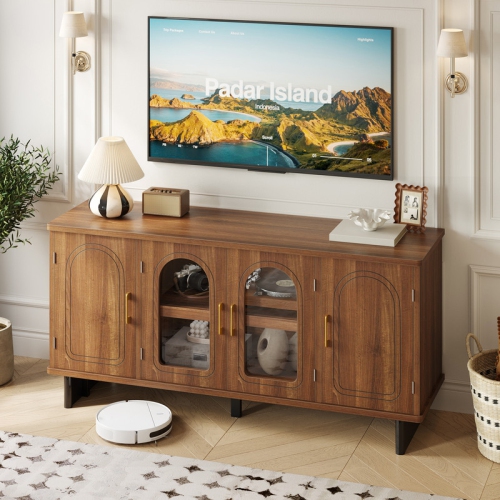
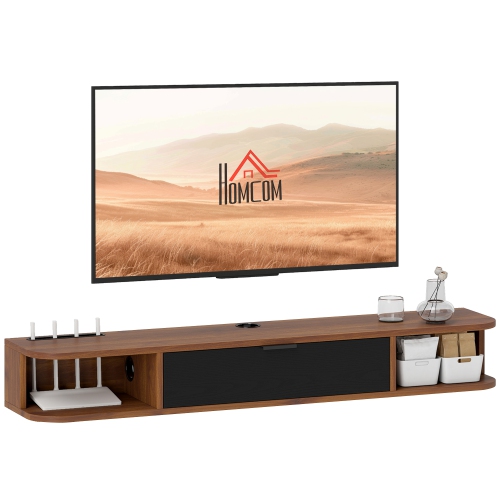


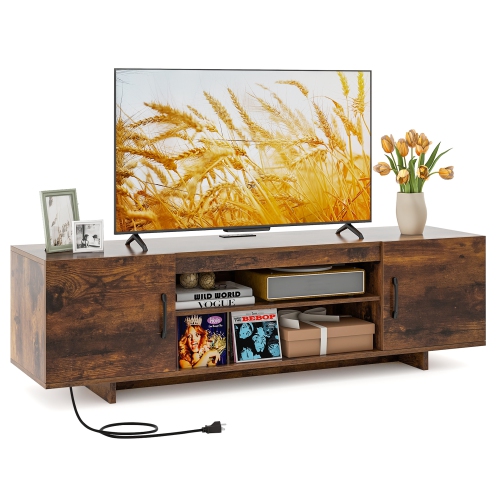


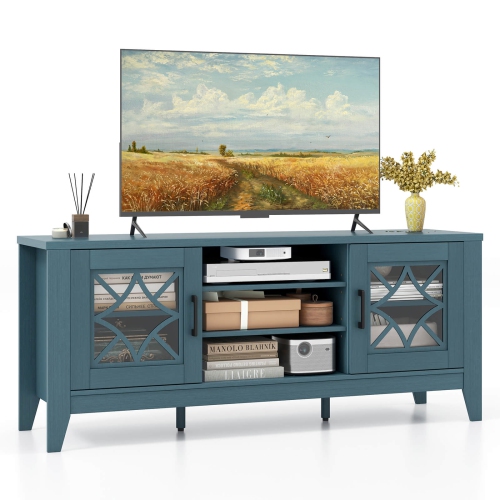


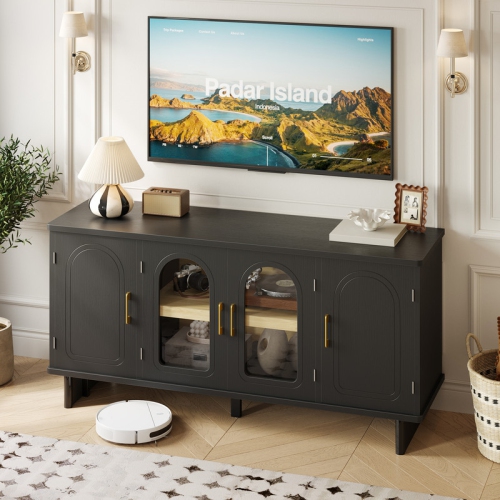
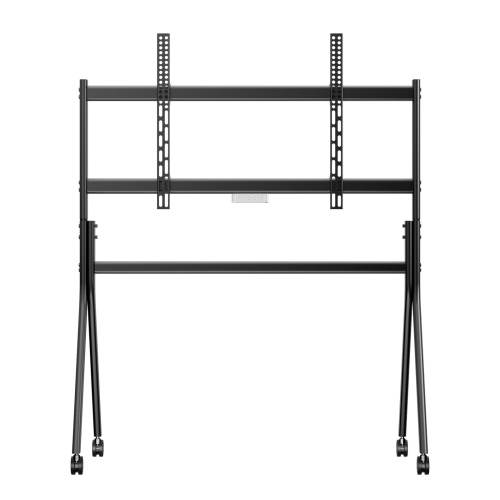

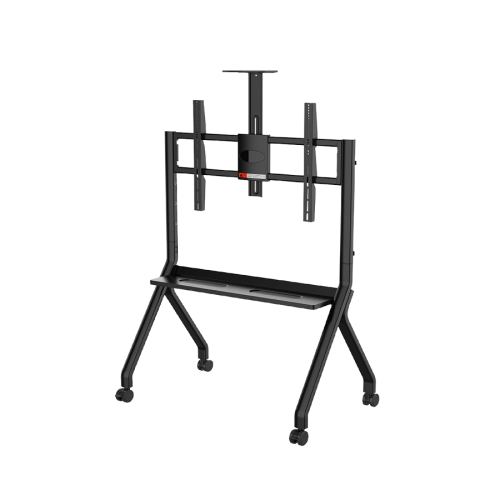
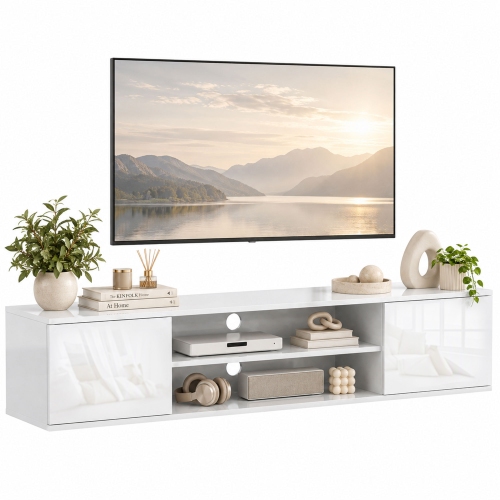
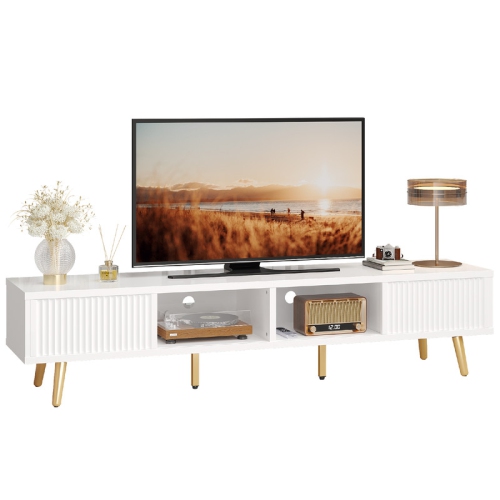
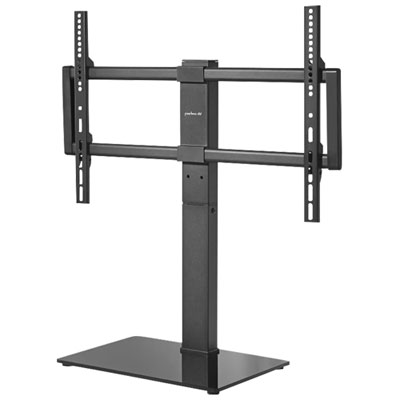

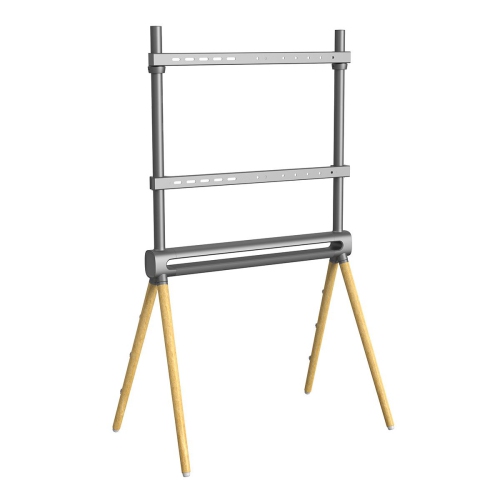


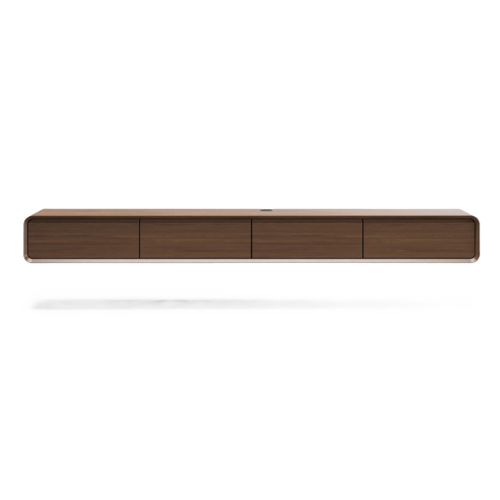

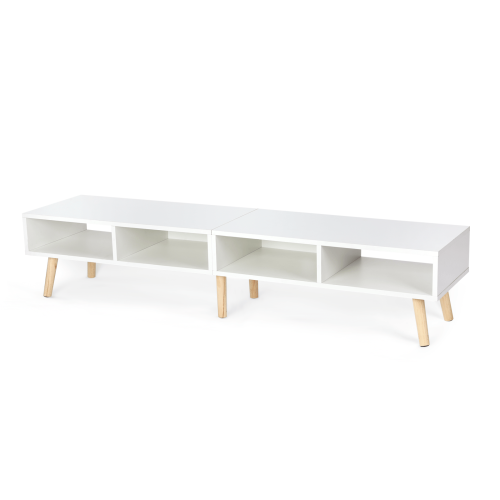
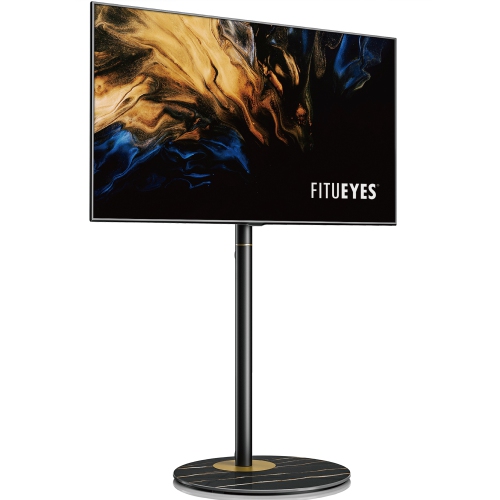

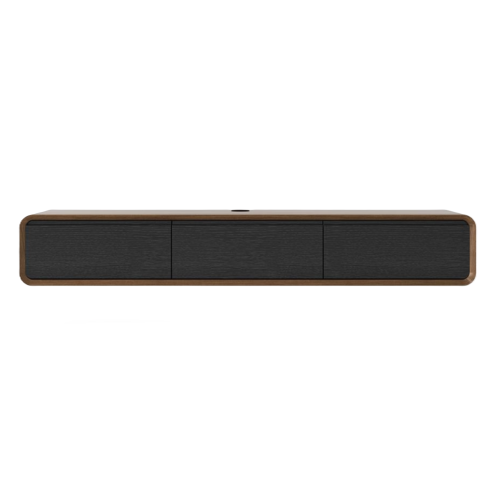


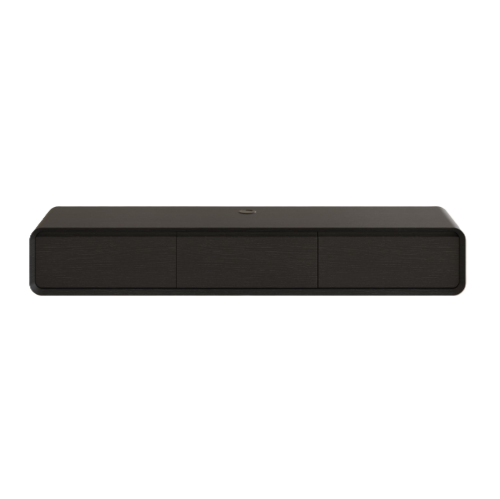

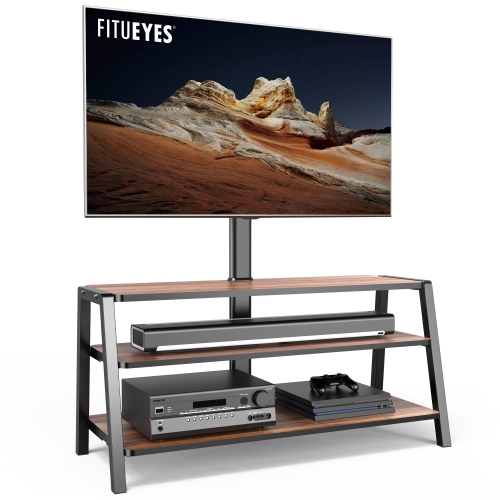


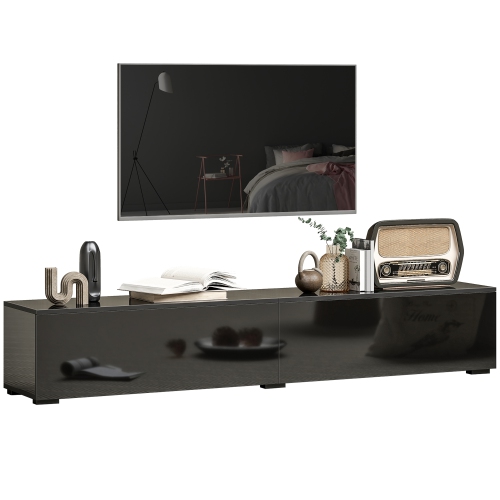


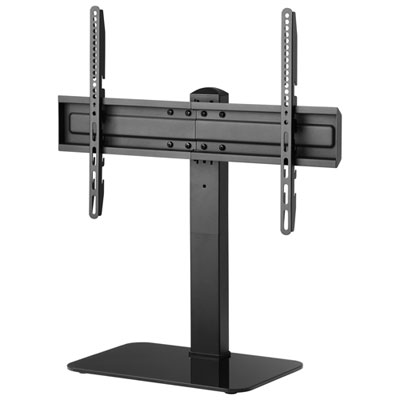
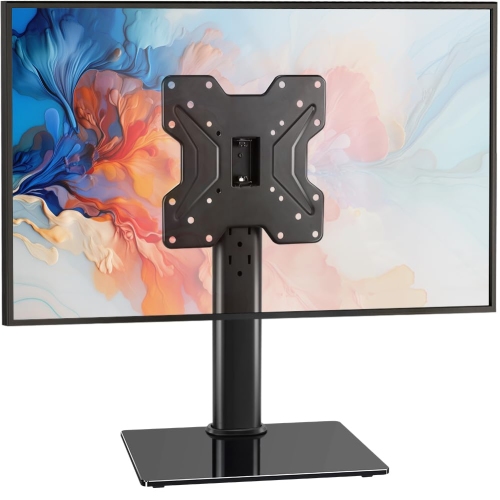
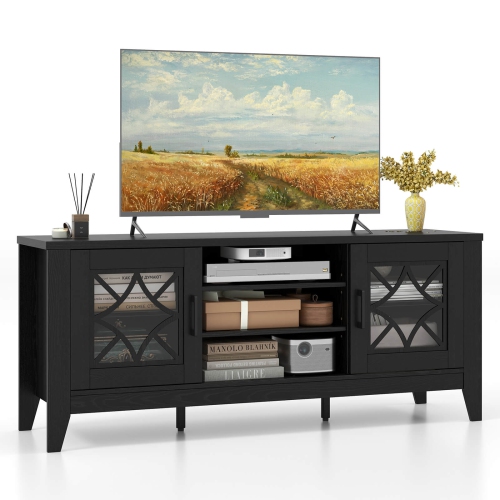


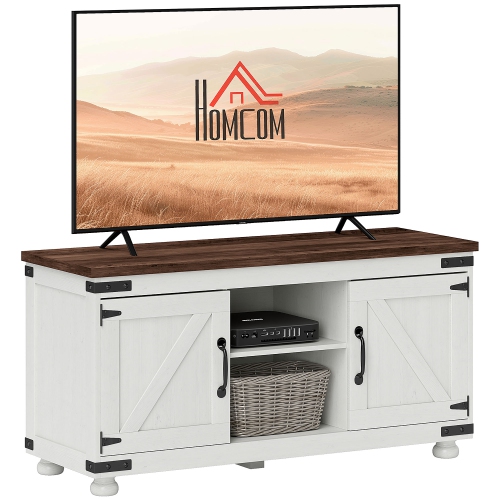
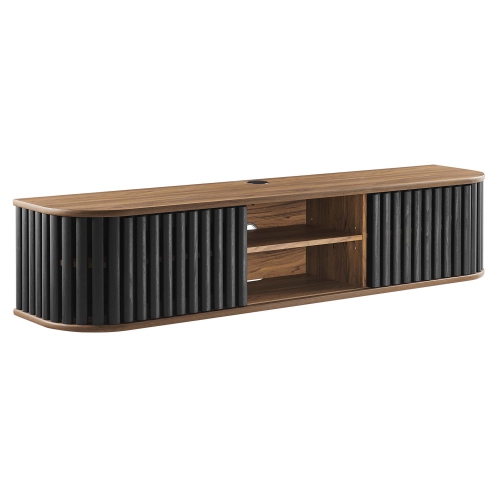


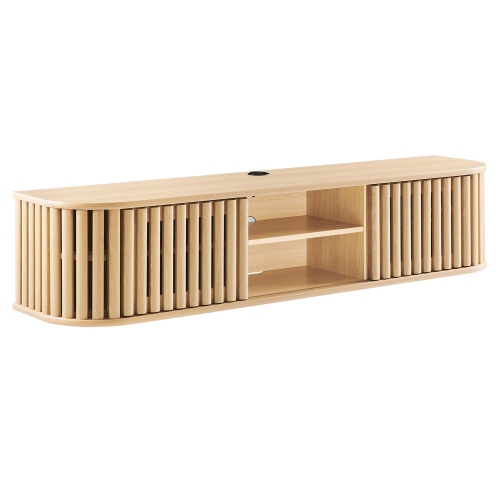


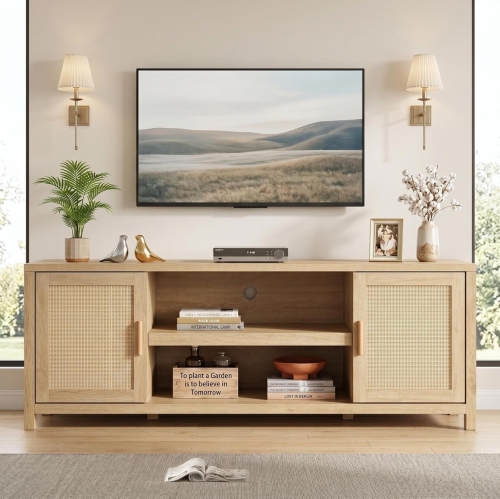


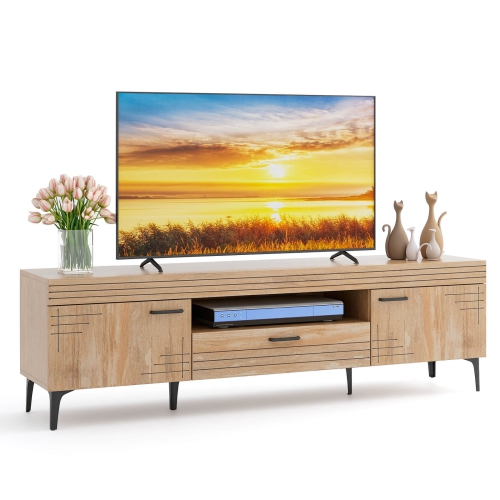


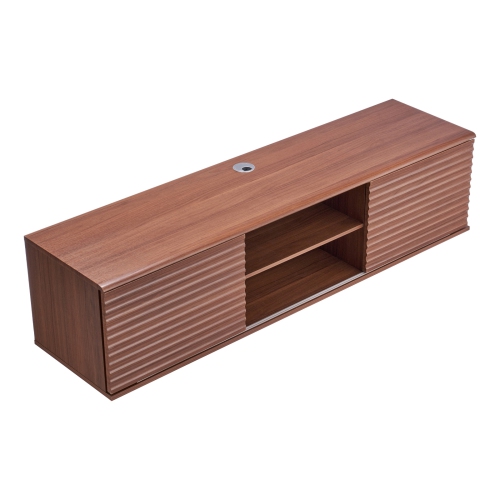
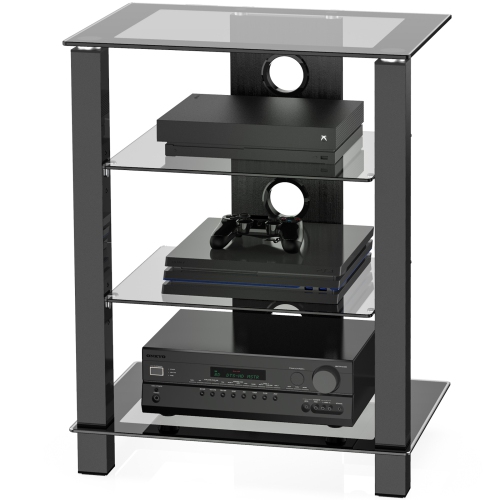
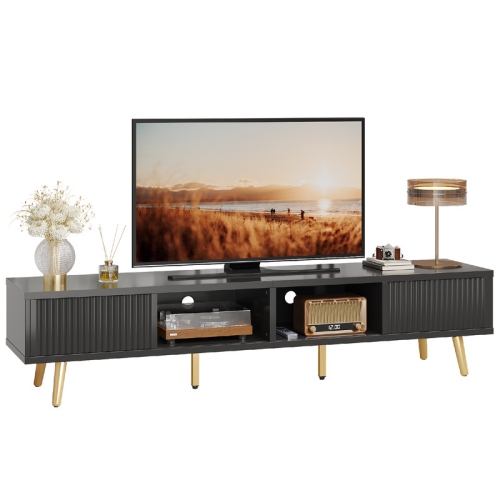
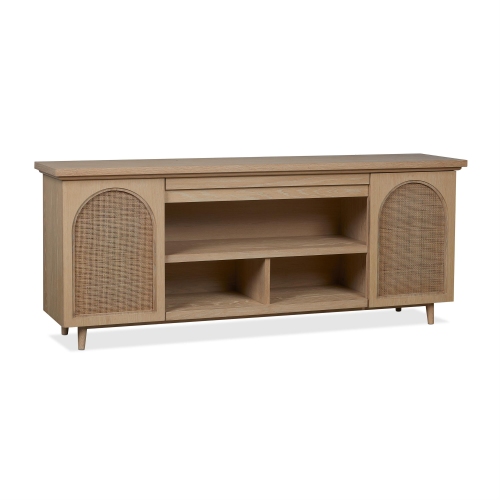


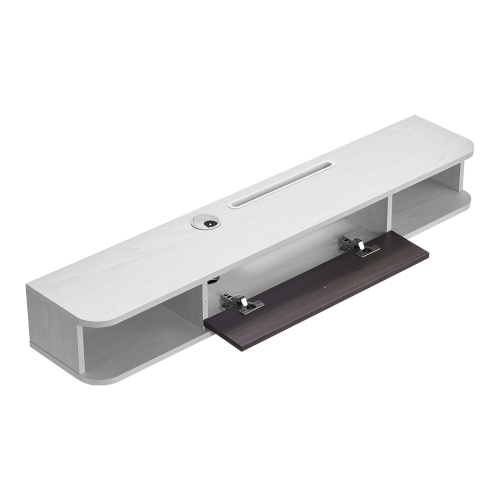


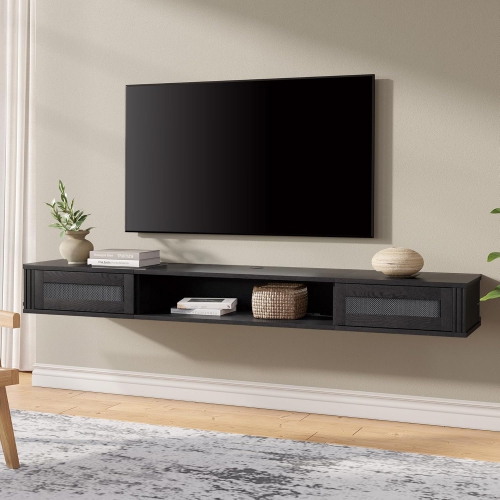
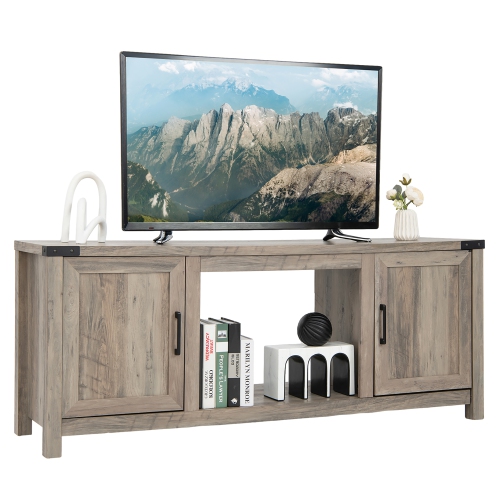
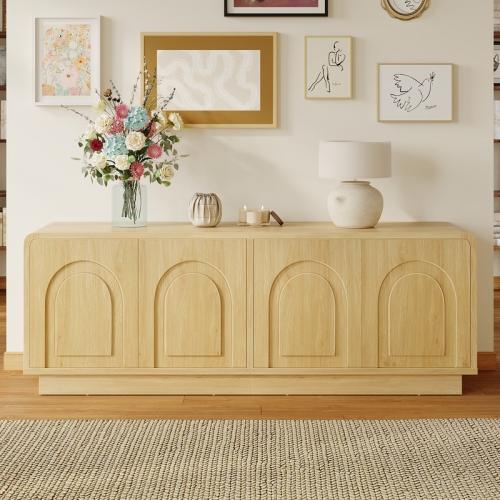
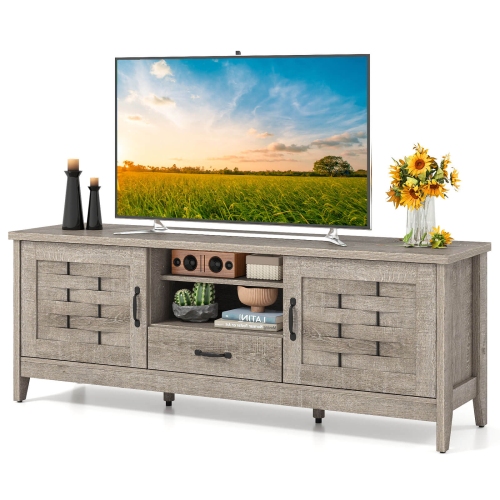


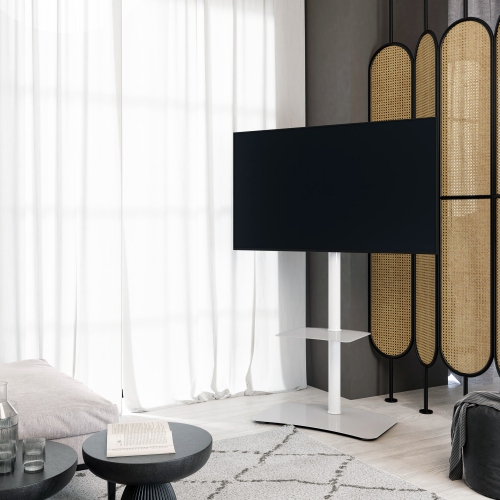
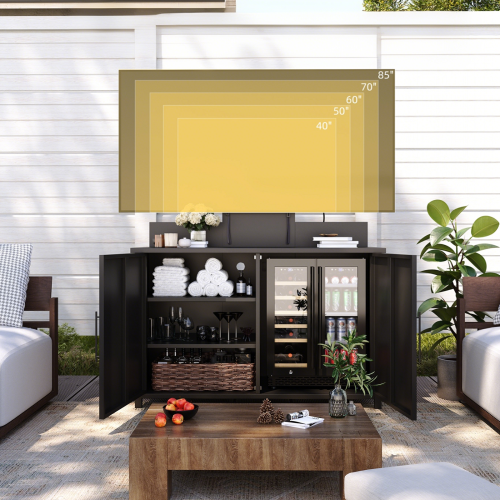


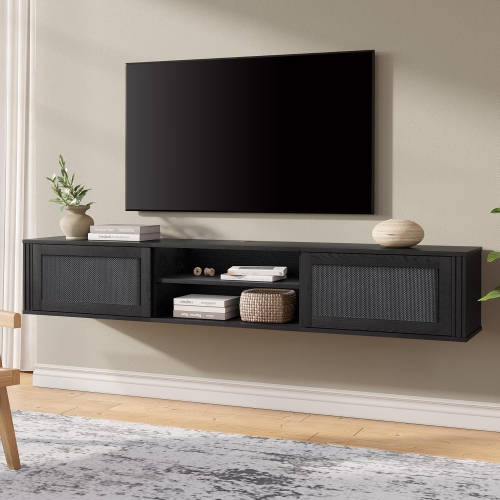

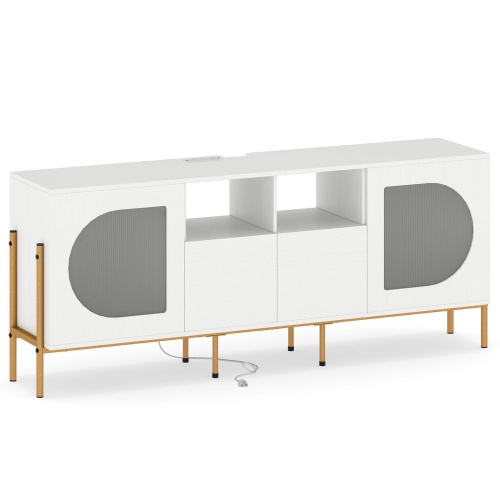


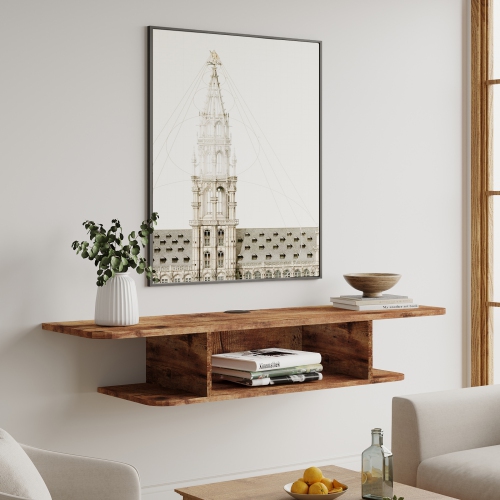
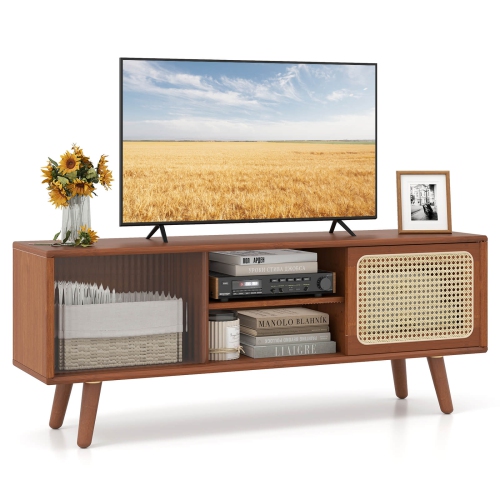


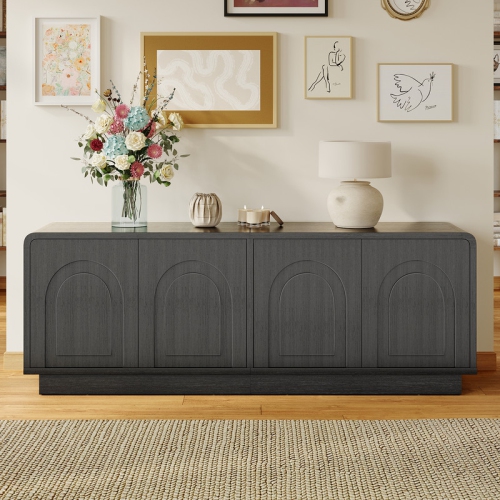
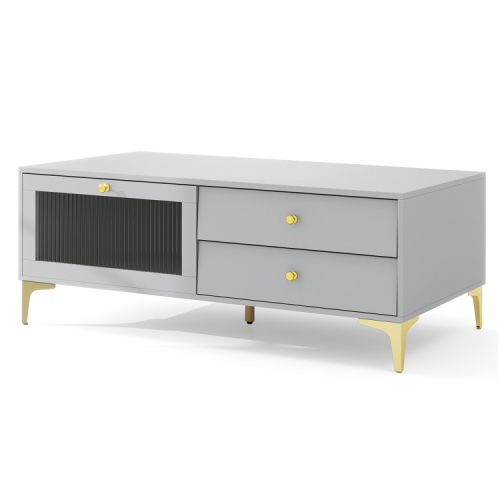
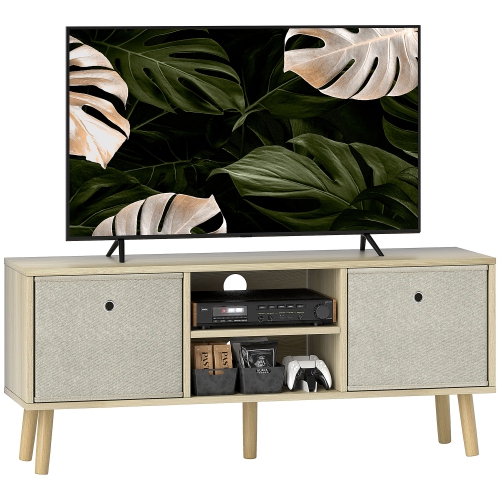
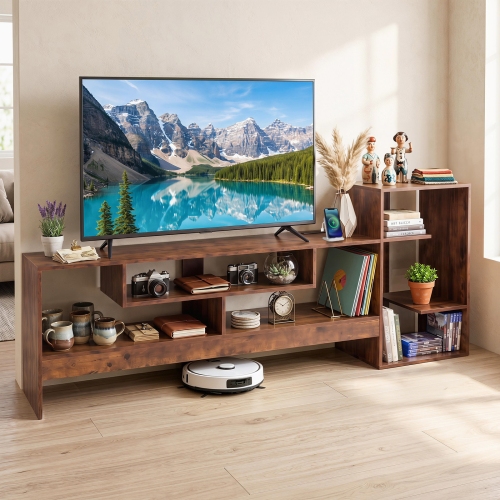
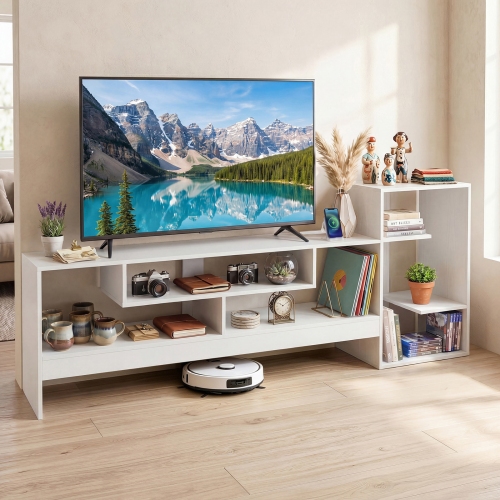
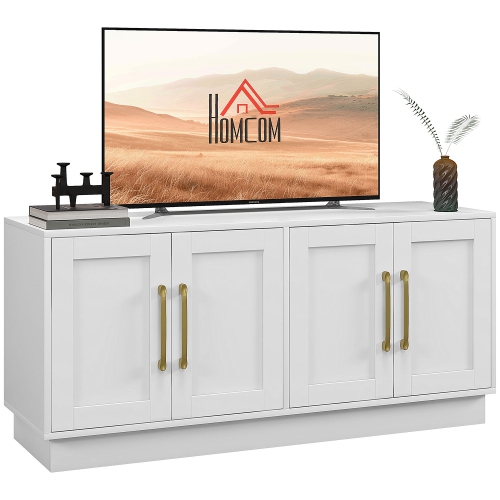


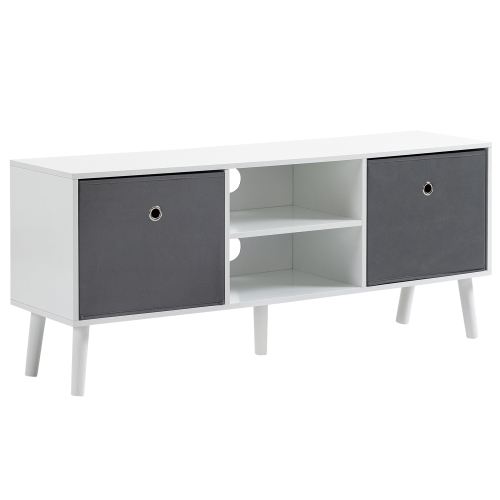

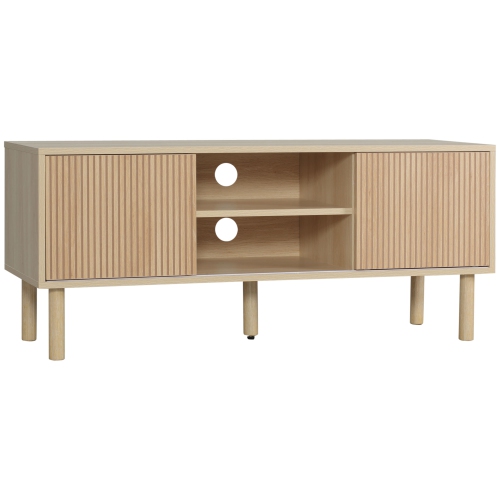
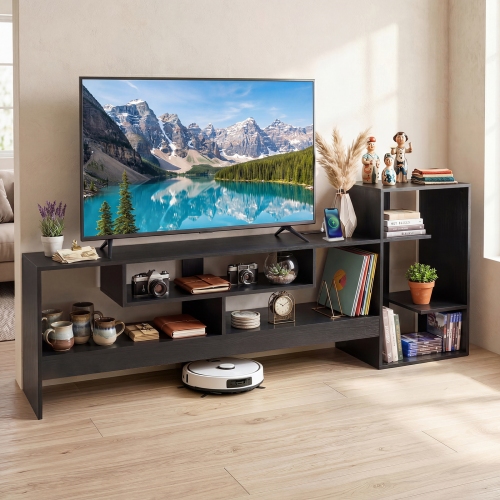
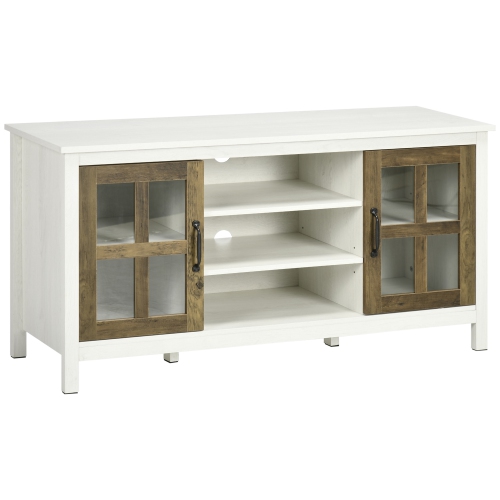
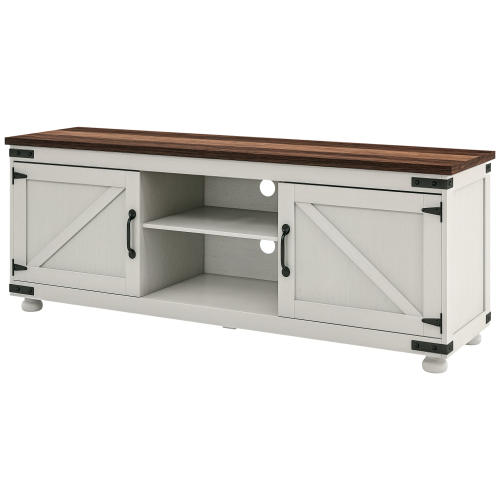


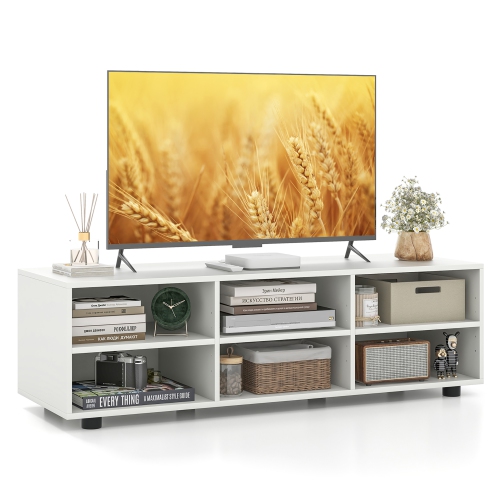

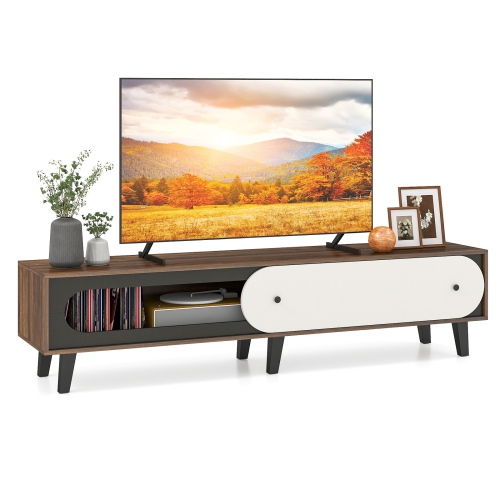
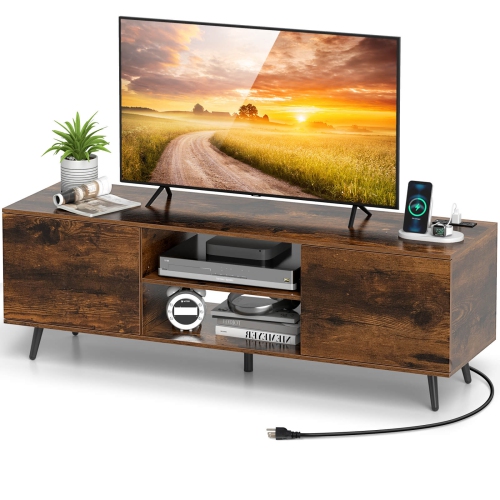

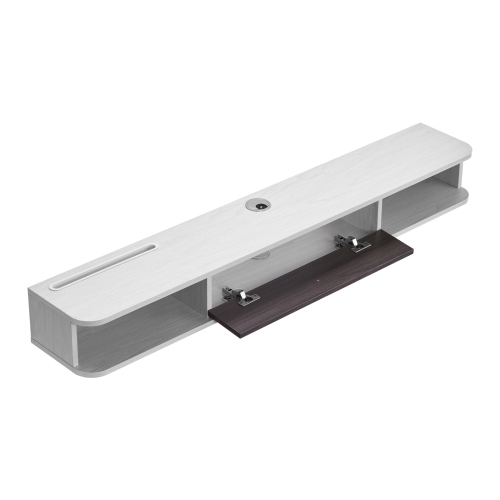


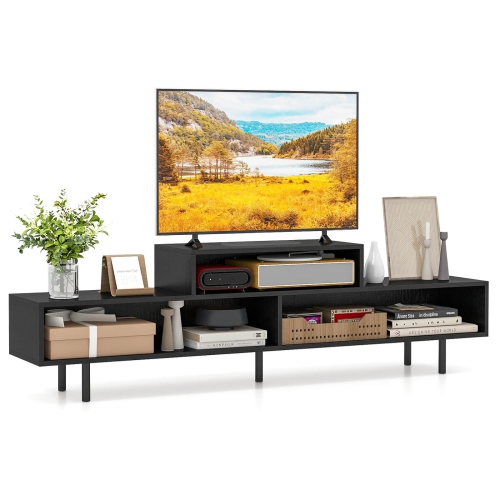
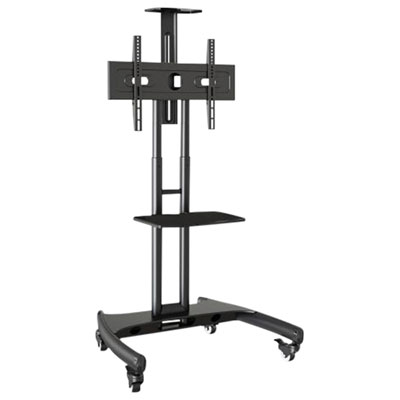


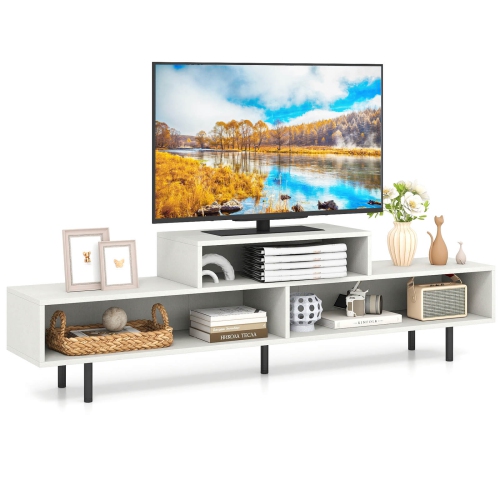
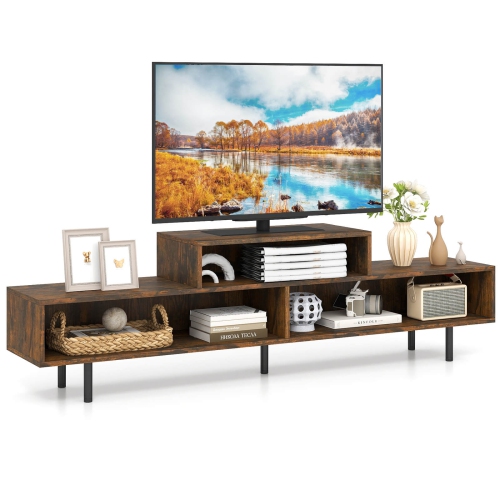
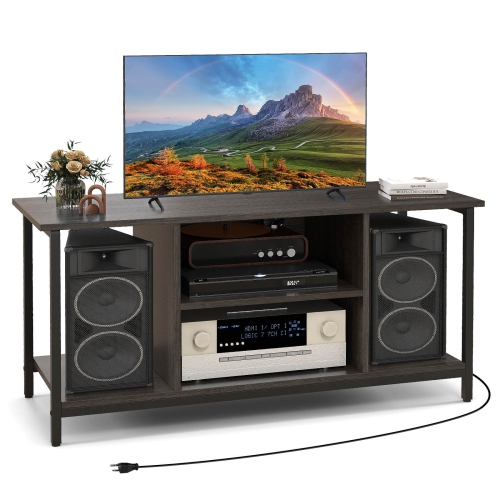
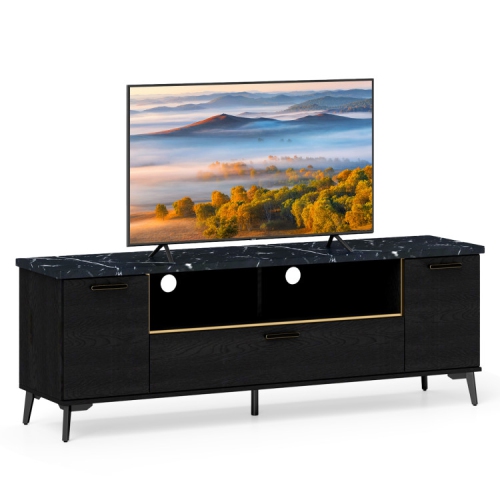
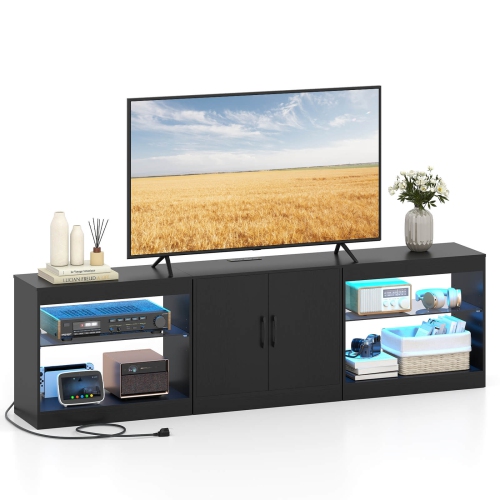

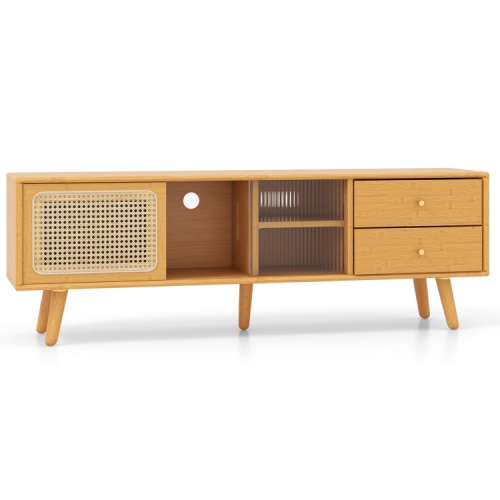
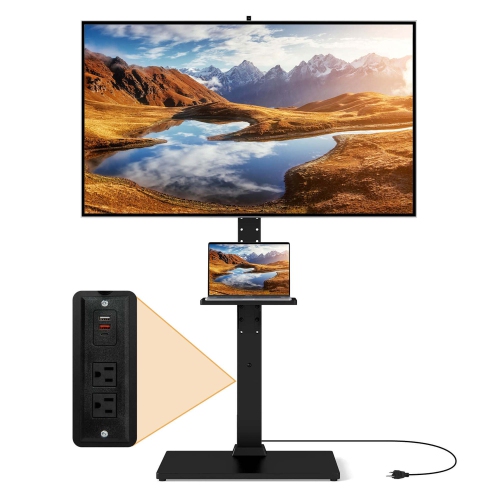


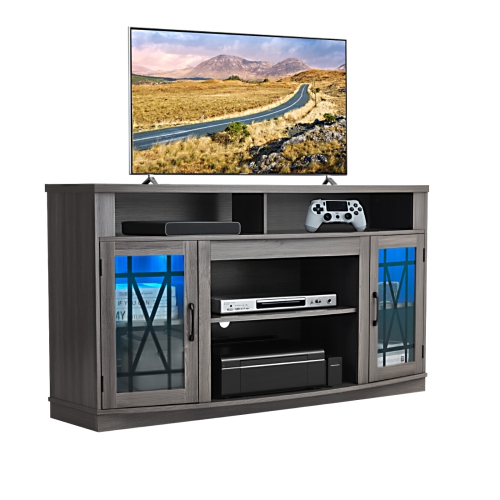
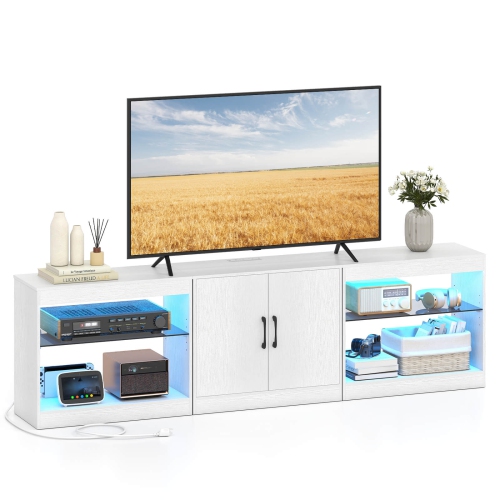
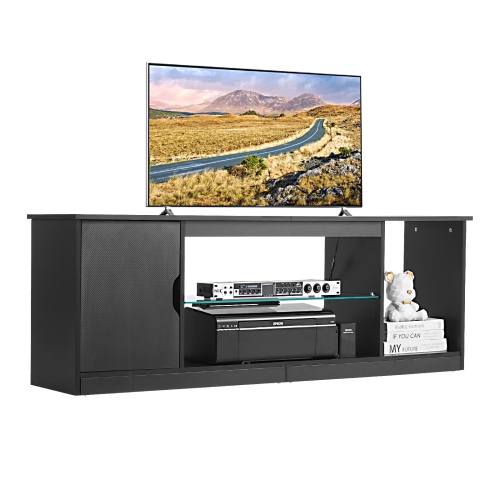
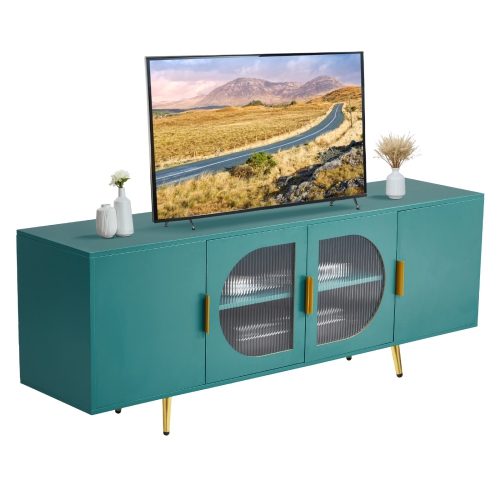
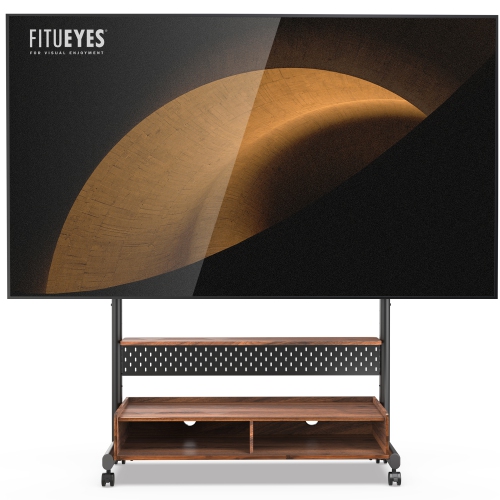


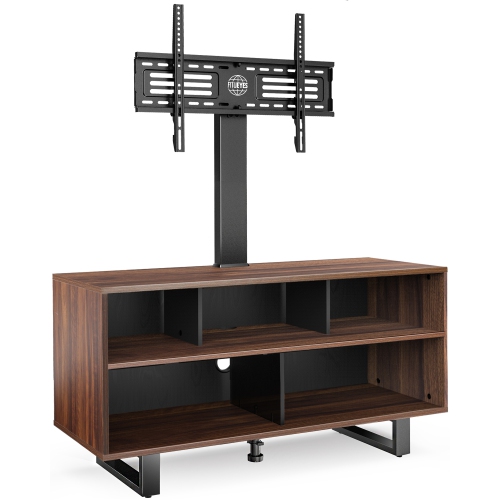


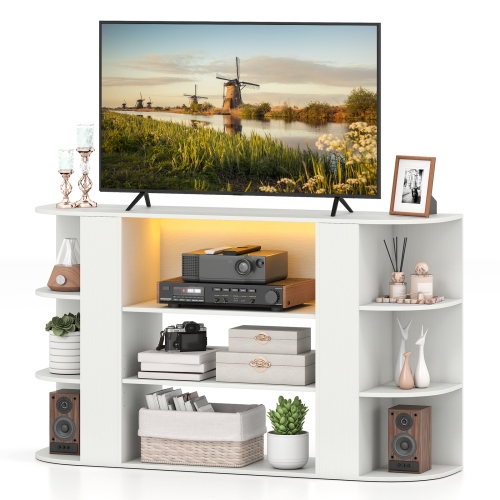
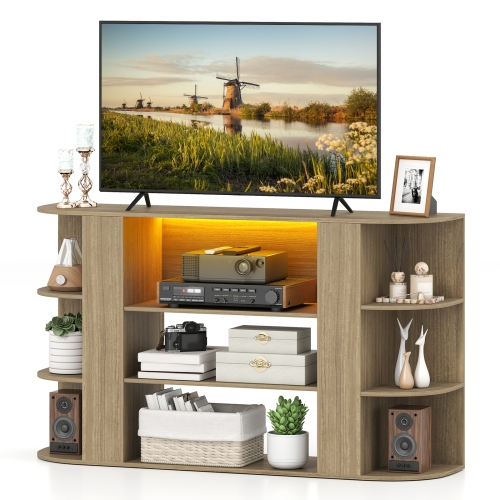
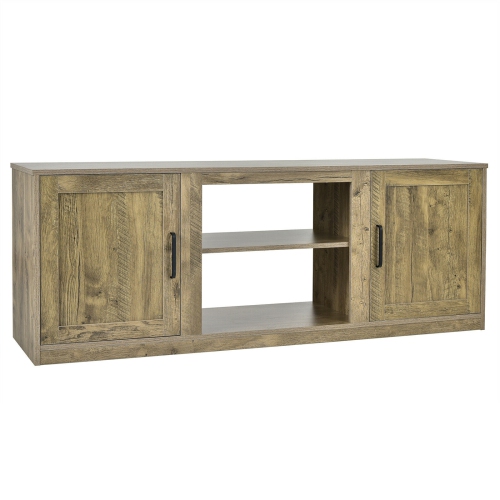


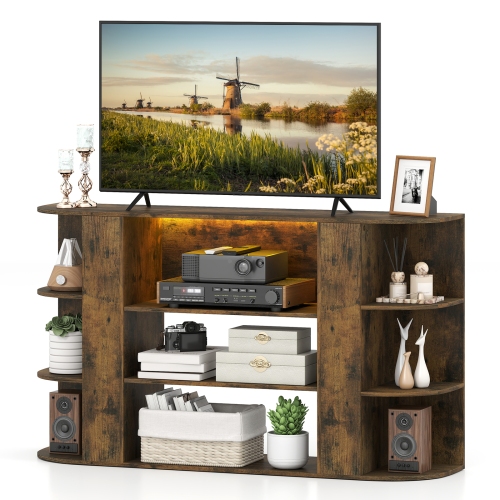


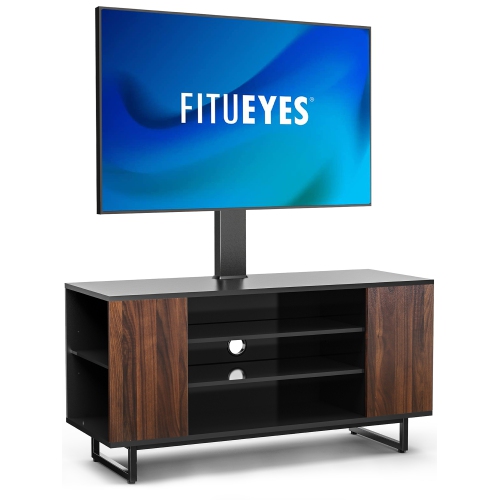
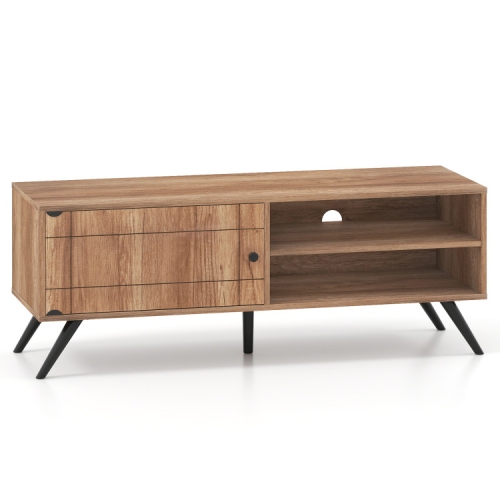

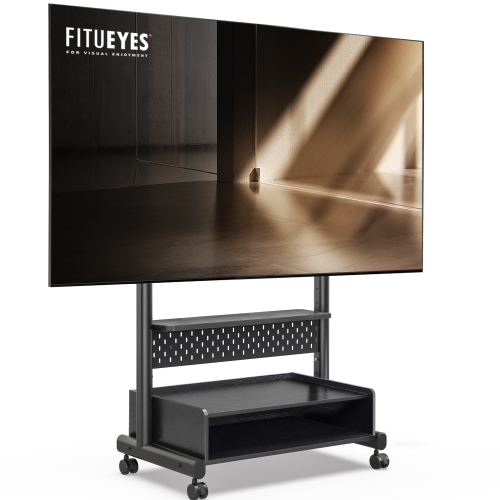

Built-in routing keeps screens and entertainment equipment organized
TV stands with cable management bring structure to the centre of a living room, family room, bedroom, or gaming area by giving your television and connected devices a dedicated place to live. Instead of letting HDMI cables, power cords, speaker wires, and charging leads trail behind the screen or gather in a tangled bundle on the floor, these stands are designed to help route and conceal them. Look for practical details such as pre-drilled rear holes, cable pass-throughs, grommets, open backs, or removable panels that make it easier to guide wires from the television down to a console, streaming device, soundbar, or wall outlet. Some models include internal channels that keep cords separated and tucked out of sight, while others offer generous space behind the cabinet for a power bar and extra cable length. This can make a noticeable difference in a room where the television is positioned away from the wall, placed in front of a window, or used with several devices at once. For additional ways to keep wires arranged around a home entertainment setup, explore Cable Management Racks. A well-planned stand can make plugging in a new device less awkward, simplify troubleshooting, and create a cleaner backdrop for movie nights, sports, music, and gaming.
Start by checking the television’s size and weight requirements before choosing a stand. A screen measured at 55 inch, 65 inch, or larger needs a surface wide and strong enough to provide stable support, while the stand’s weight capacity should meet or exceed the television’s weight rather than simply matching its screen measurement. A wider console can also provide room for a soundbar without blocking the lower edge of the display, and it may offer space for décor, controllers, remotes, or a small collection of media accessories. Measure the wall and surrounding furniture carefully, including the distance from the floor to the bottom of the screen and the clearance needed for doors or drawers to open. Open shelving is convenient for devices that need frequent access, such as game consoles, cable boxes, disc players, and streaming equipment. It also makes it easier to see indicator lights and reach buttons. Closed cabinets can keep equipment and loose cords out of view, which may suit a more streamlined room or a household where children and pets can easily reach low shelves. Slatted, perforated, or otherwise vented doors are especially useful when electronics operate inside an enclosed compartment, since airflow helps prevent heat from building up around receivers and consoles. If a stand includes integrated electrical outlets or USB ports, confirm where those connections are positioned and whether they will work with the location of your wall outlet and the length of your existing cables.
Cable management is most effective when the stand’s layout matches the way you use your entertainment system. Before arranging equipment, identify which cords need to travel upward to the television, which ones run sideways to speakers or a network connection, and which devices need regular access. Keep power cables and signal cables organized separately where possible, and leave a little slack behind each component so a device can be moved without pulling on its connection. A removable back panel or open rear section is helpful when you add a gaming console, replace a streaming player, or need to reach a power bar without moving the entire stand. Shelves with adjustable heights can accommodate a compact player as well as a taller audio receiver, while drawers and cabinets can hold remotes, headsets, controllers, and other small accessories. A stand with built-in cable routing is also useful in bedrooms, apartments, recreation rooms, and home offices where floor space is limited and every visible wire can make the room feel more crowded. During the cooler months, when more time may be spent indoors watching films, following live events, or playing games, a tidy and accessible setup can make the room feel more comfortable for everyday use. These stands can also be a thoughtful gift for someone moving into a new home, setting up a first apartment, creating a dedicated gaming area, or upgrading from a television placed on a temporary table. Consider the recipient’s screen size, equipment collection, preferred balance of open and closed storage, and available wall space so the stand supports the way they actually watch and play.
Start by checking the television’s size and weight requirements before choosing a stand. A screen measured at 55 inch, 65 inch, or larger needs a surface wide and strong enough to provide stable support, while the stand’s weight capacity should meet or exceed the television’s weight rather than simply matching its screen measurement. A wider console can also provide room for a soundbar without blocking the lower edge of the display, and it may offer space for décor, controllers, remotes, or a small collection of media accessories. Measure the wall and surrounding furniture carefully, including the distance from the floor to the bottom of the screen and the clearance needed for doors or drawers to open. Open shelving is convenient for devices that need frequent access, such as game consoles, cable boxes, disc players, and streaming equipment. It also makes it easier to see indicator lights and reach buttons. Closed cabinets can keep equipment and loose cords out of view, which may suit a more streamlined room or a household where children and pets can easily reach low shelves. Slatted, perforated, or otherwise vented doors are especially useful when electronics operate inside an enclosed compartment, since airflow helps prevent heat from building up around receivers and consoles. If a stand includes integrated electrical outlets or USB ports, confirm where those connections are positioned and whether they will work with the location of your wall outlet and the length of your existing cables.
Cable management is most effective when the stand’s layout matches the way you use your entertainment system. Before arranging equipment, identify which cords need to travel upward to the television, which ones run sideways to speakers or a network connection, and which devices need regular access. Keep power cables and signal cables organized separately where possible, and leave a little slack behind each component so a device can be moved without pulling on its connection. A removable back panel or open rear section is helpful when you add a gaming console, replace a streaming player, or need to reach a power bar without moving the entire stand. Shelves with adjustable heights can accommodate a compact player as well as a taller audio receiver, while drawers and cabinets can hold remotes, headsets, controllers, and other small accessories. A stand with built-in cable routing is also useful in bedrooms, apartments, recreation rooms, and home offices where floor space is limited and every visible wire can make the room feel more crowded. During the cooler months, when more time may be spent indoors watching films, following live events, or playing games, a tidy and accessible setup can make the room feel more comfortable for everyday use. These stands can also be a thoughtful gift for someone moving into a new home, setting up a first apartment, creating a dedicated gaming area, or upgrading from a television placed on a temporary table. Consider the recipient’s screen size, equipment collection, preferred balance of open and closed storage, and available wall space so the stand supports the way they actually watch and play.
Top selling and popular products
-
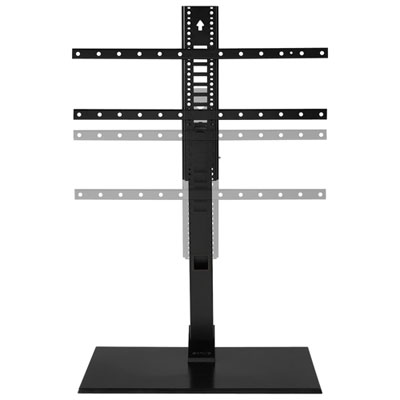 Your price for this item is $249.99
-
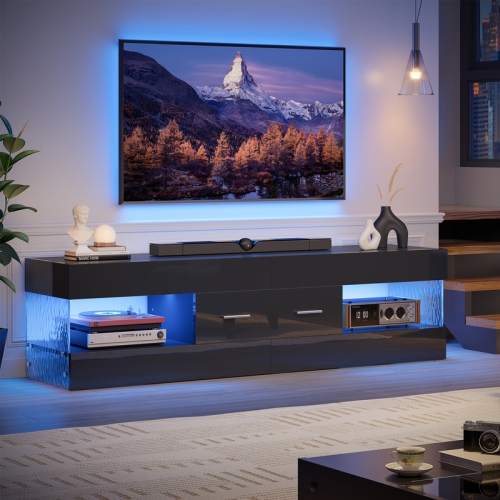 Your price for this item is $179.99
-
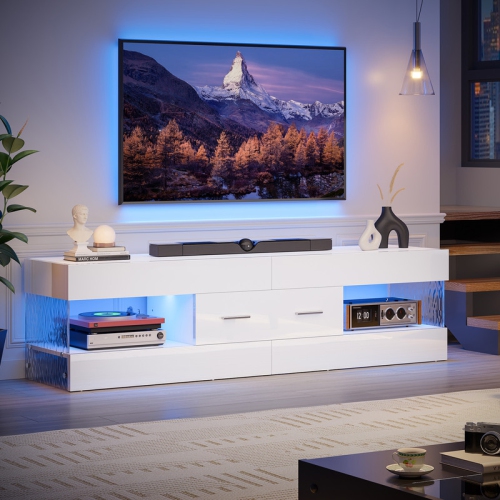 Your price for this item is $169.99
-
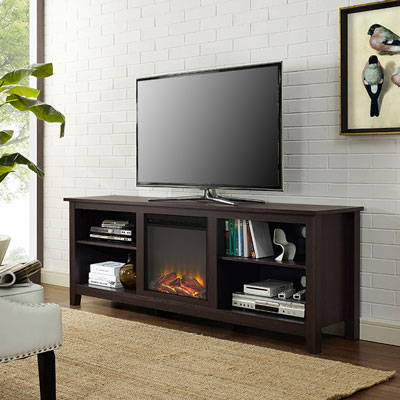 Your price for this item is $689.99
-
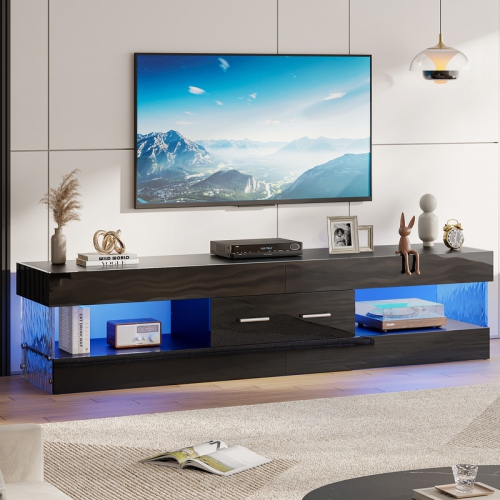 Your price for this item is $199.99
-
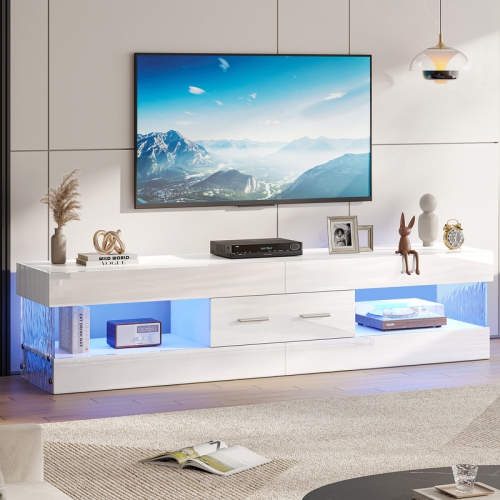 Your price for this item is $199.99
-
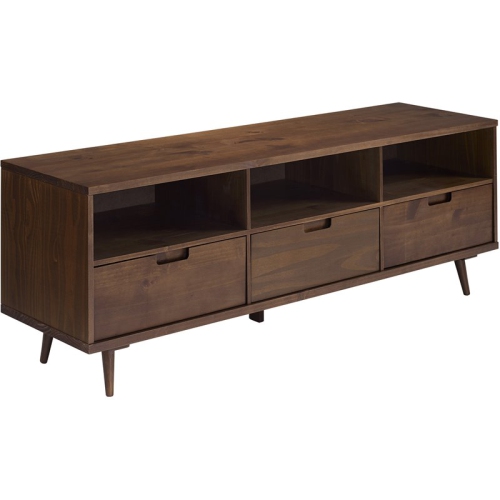 Your price for this item is $941.25
-
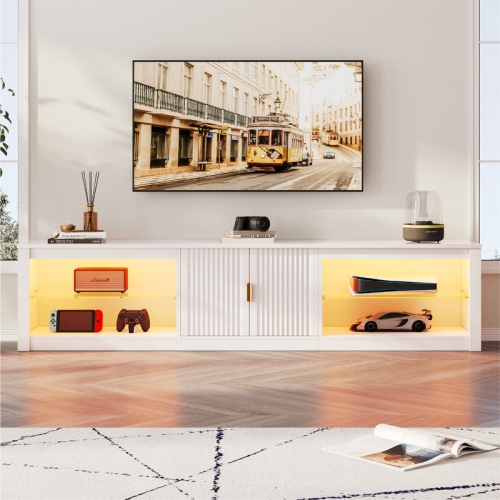 Your price for this item is $269.99
Discover more categories related to TV Stands With Cable Management

Top Collections:
Pokemon Centers, Kindle Devices, Best Cameras for Sports Photography, Best Budget Office Chairs, Pokémon 30th Celebration Cards, Apple iPhones 16, Canon G7X Cameras, iPhone 15 Apple, Flip Phones, Samsung Galaxy Phones
Some products may be subject to Environmental Handling Fees
(EHF) depending on your province.
Learn more about EHFs.