Cable Management Solutions
Organizing and maintaining a clutter-free space has never been easier with our wide range of cable management solutions. Say goodbye to tangled cords and messy cables with our innovative products designed to keep your home or office neat and tidy. With our selection of quality and stylish options, you can effortlessly streamline your space while keeping all your devices connected and accessible. Shop from our collection of cable management solutions today and take control of your cables in style.
Sort
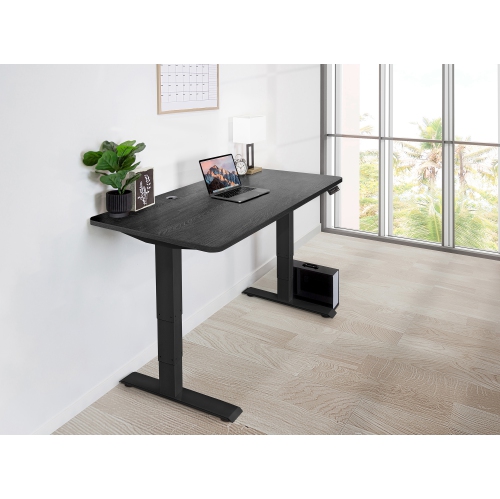
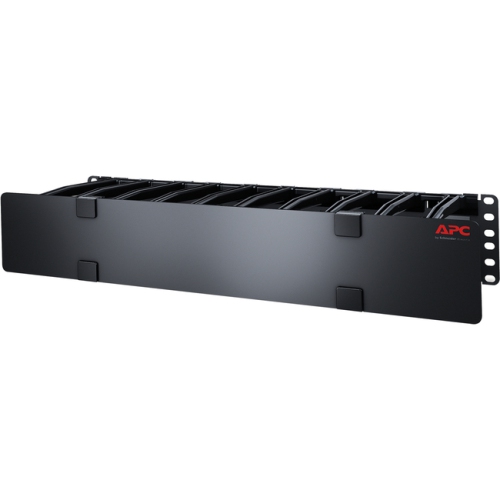

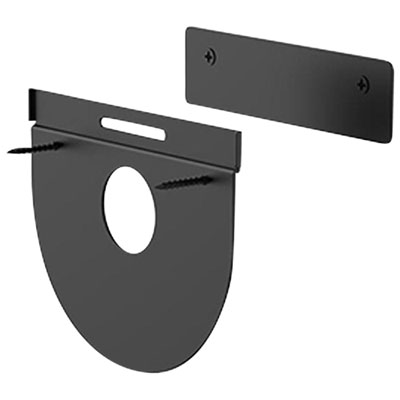
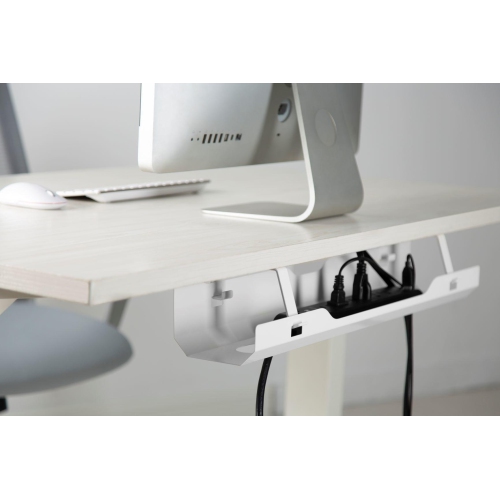

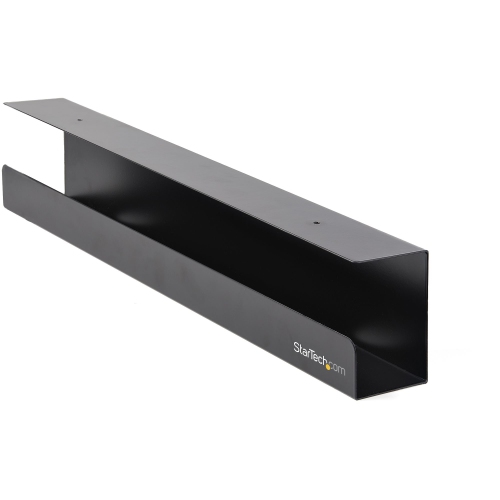
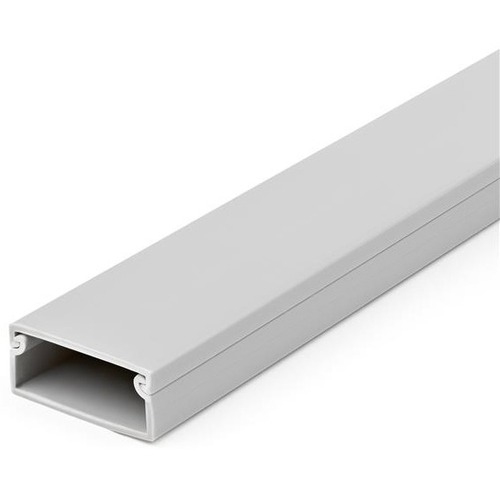
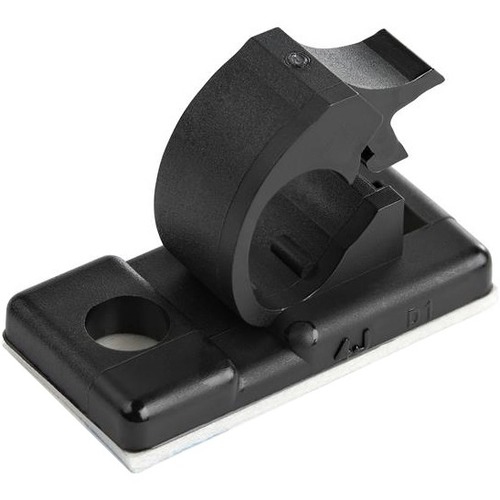
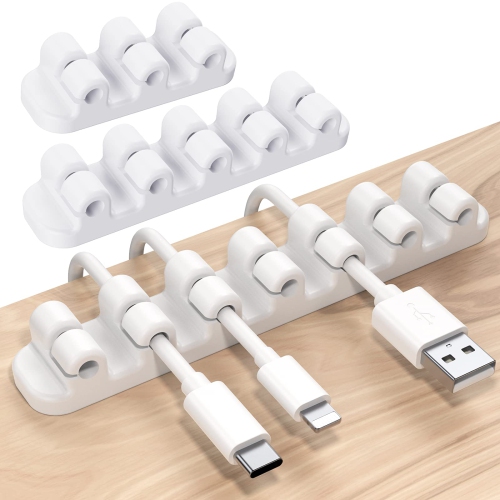

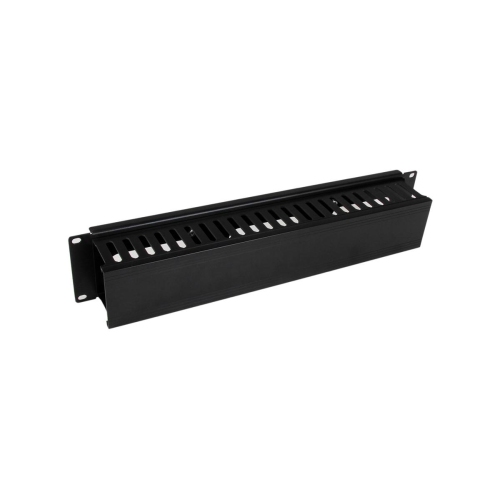
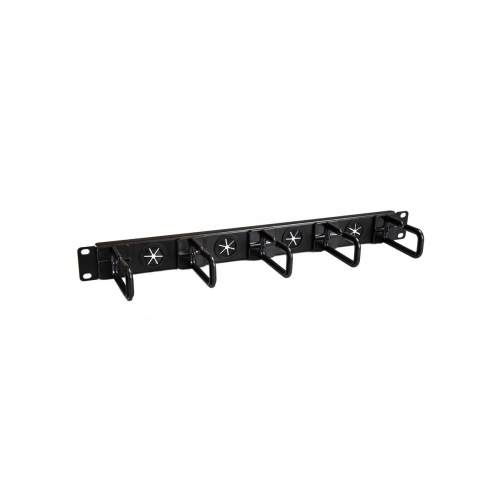
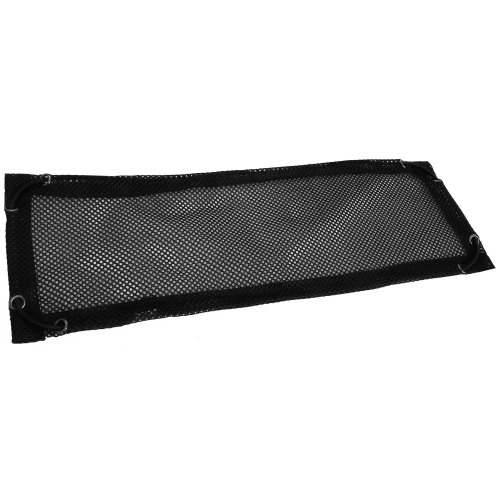
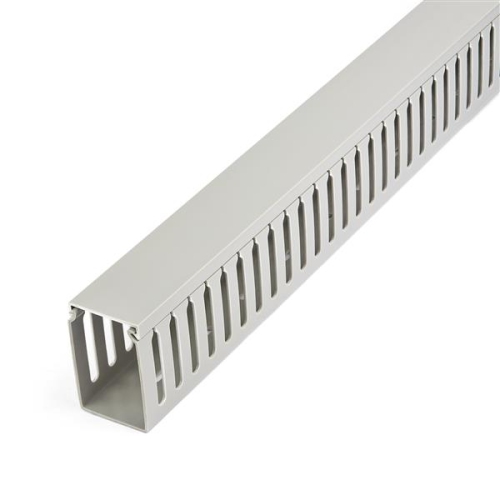



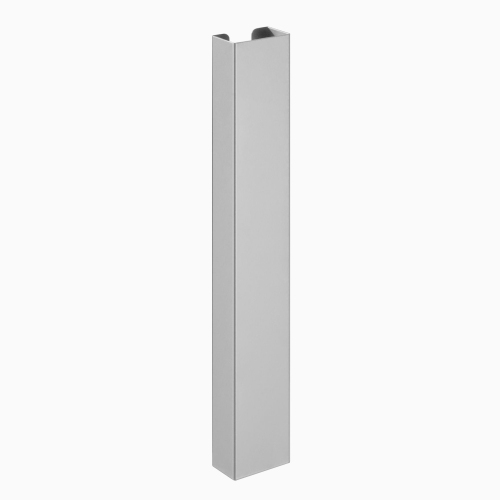
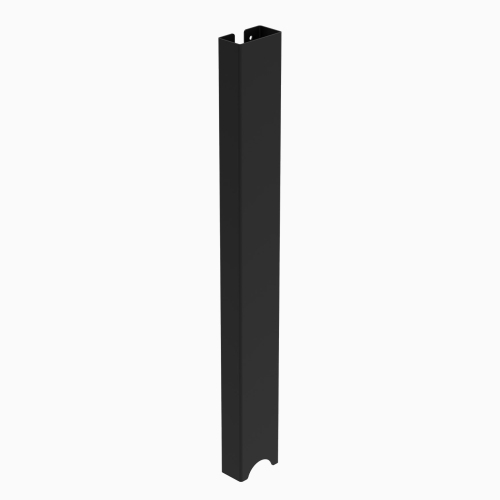
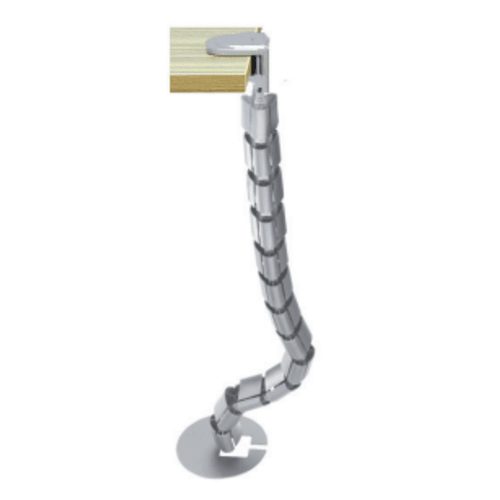













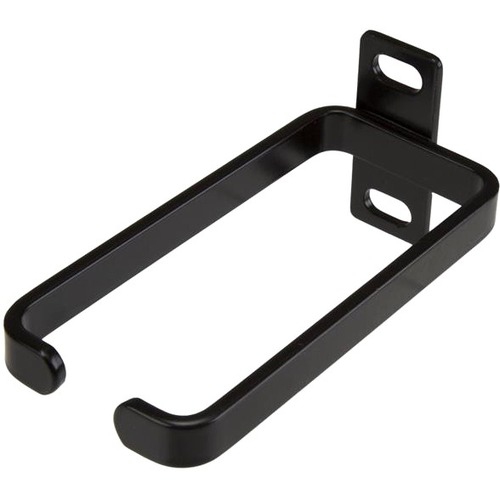


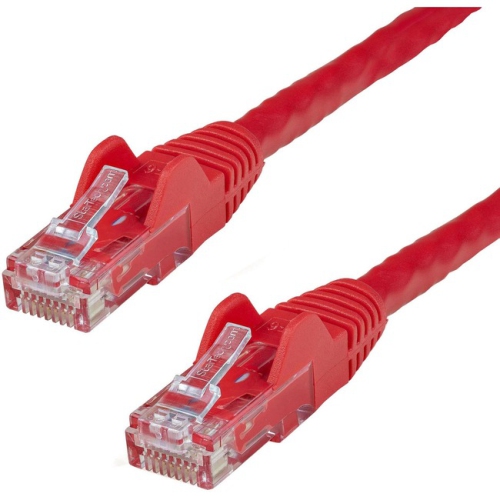

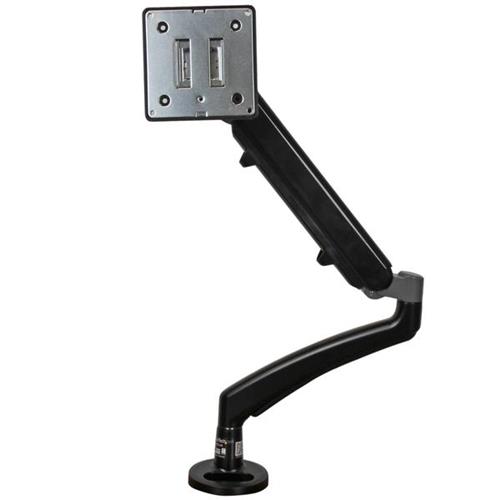
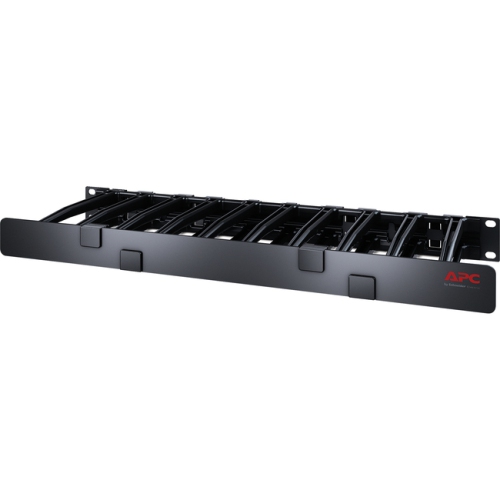

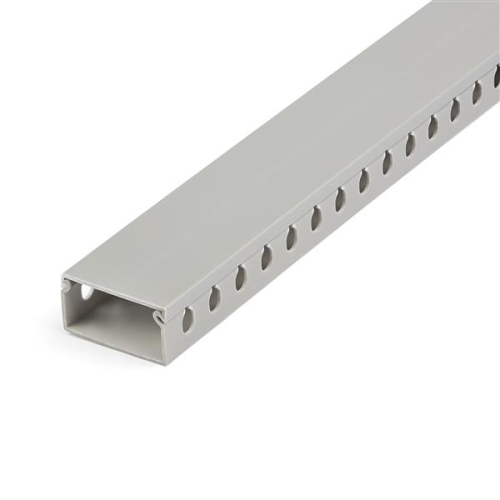

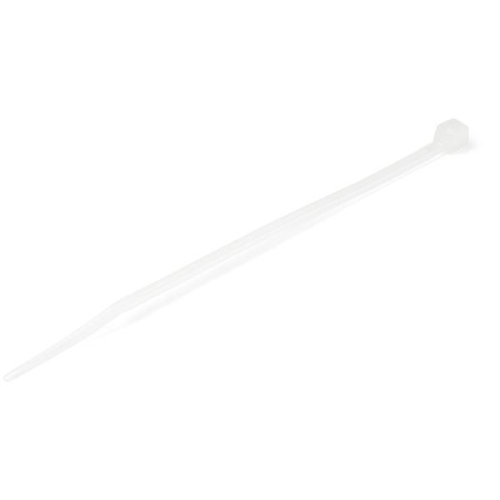
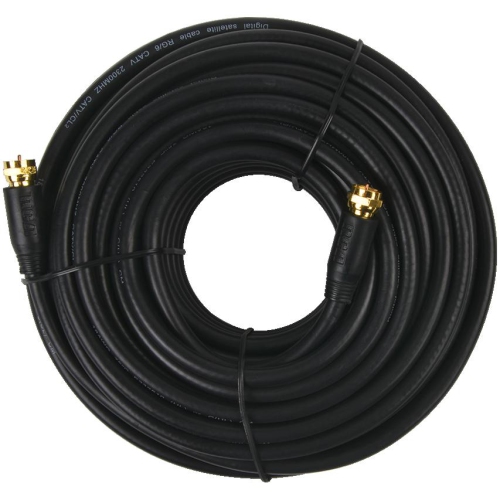
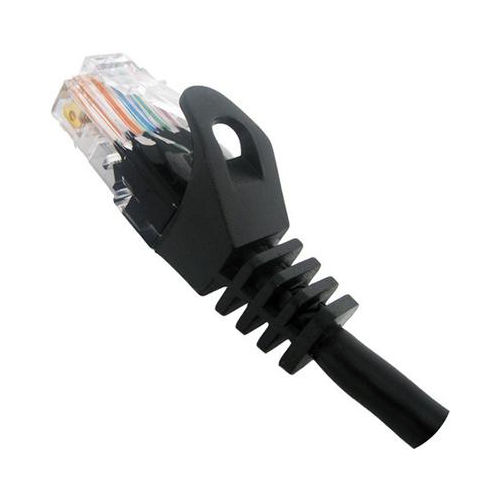
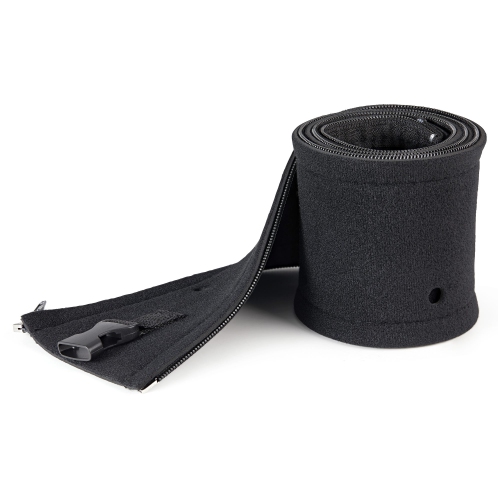


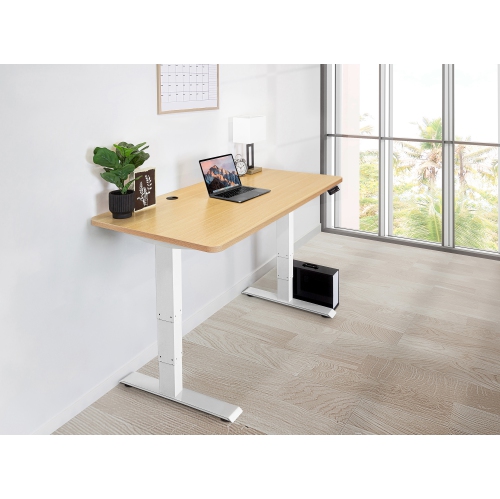
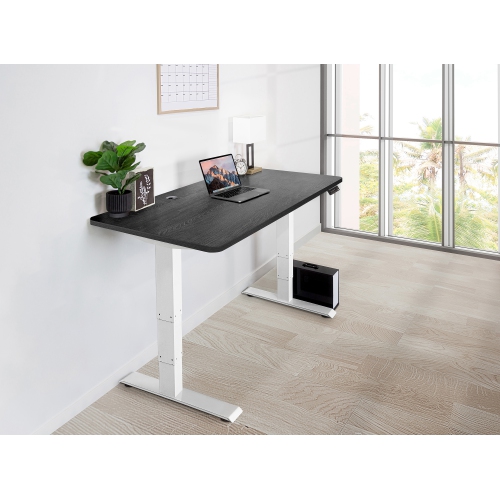
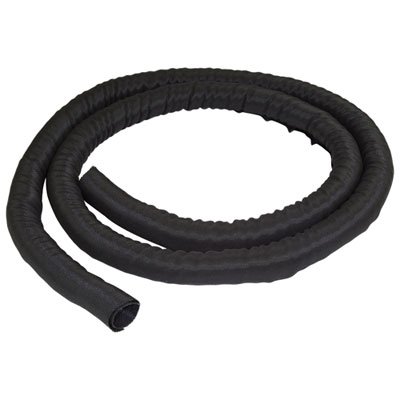
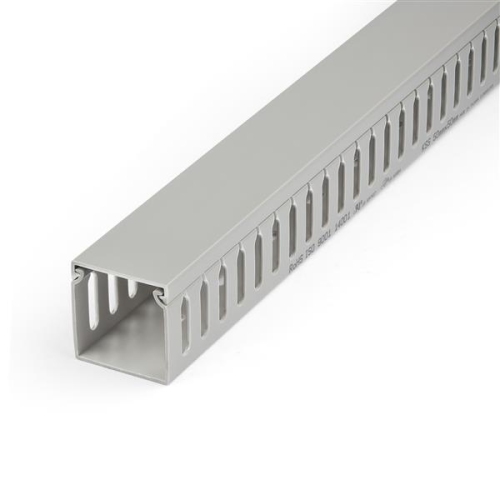
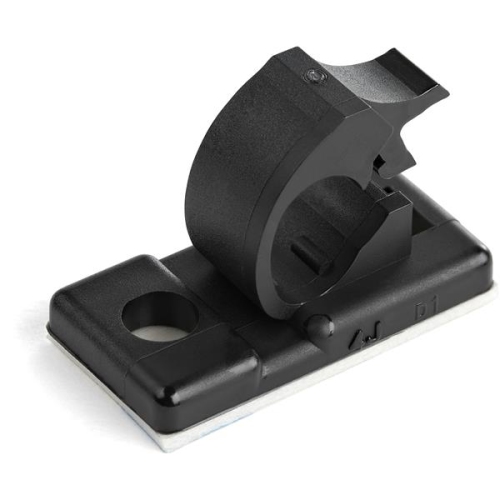

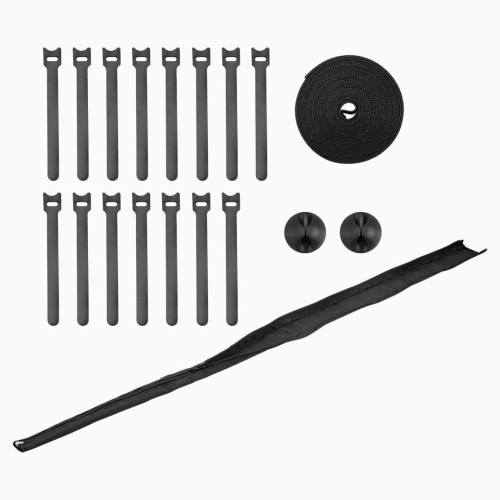
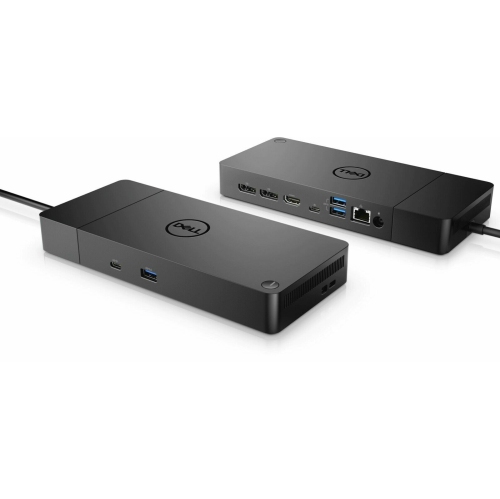

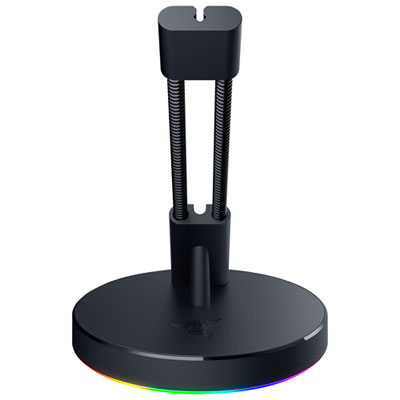

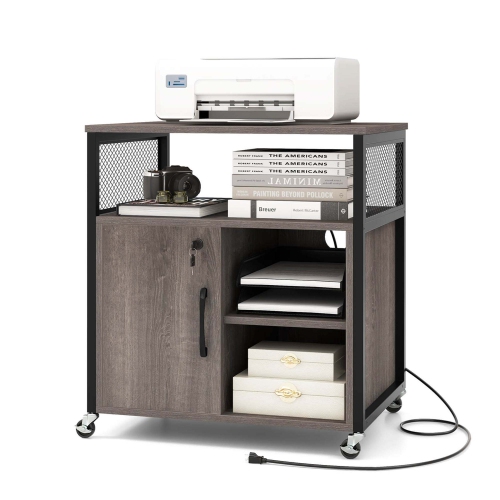
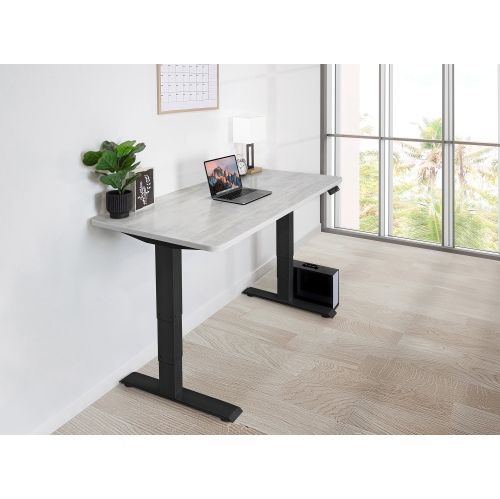


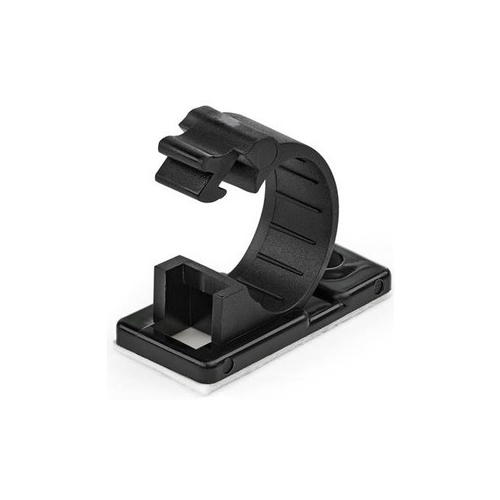


Practical ways to route, secure, and access everyday cords
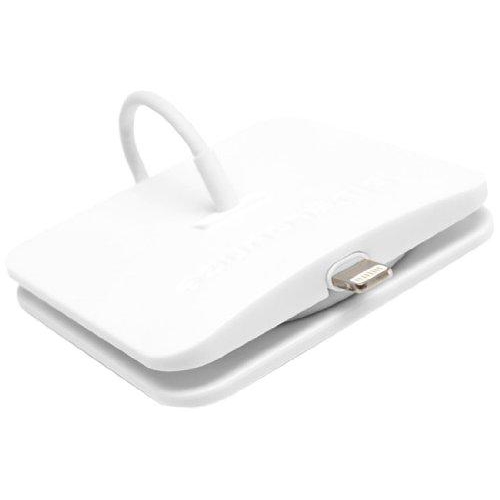
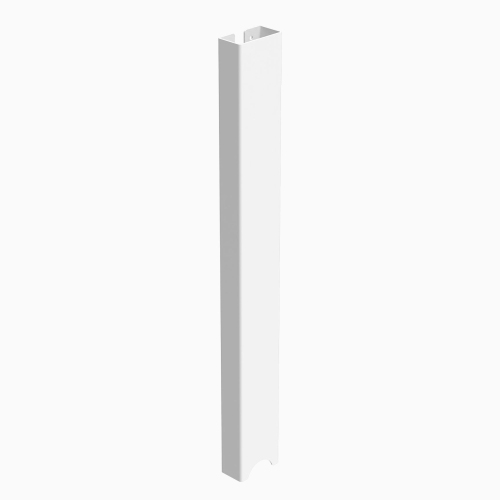
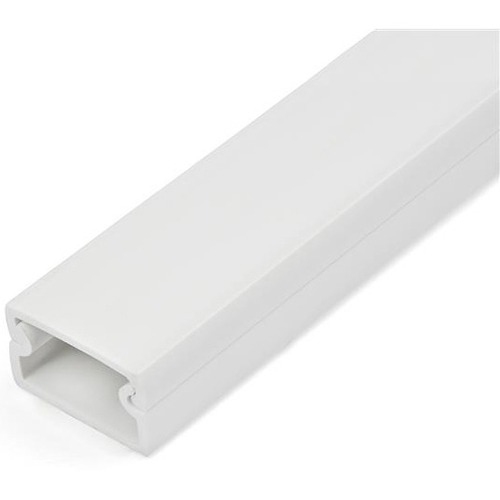
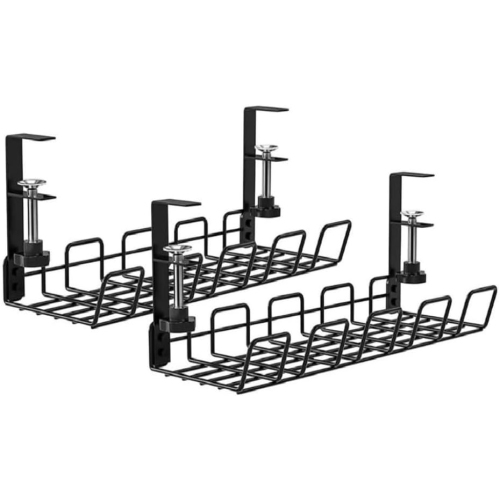
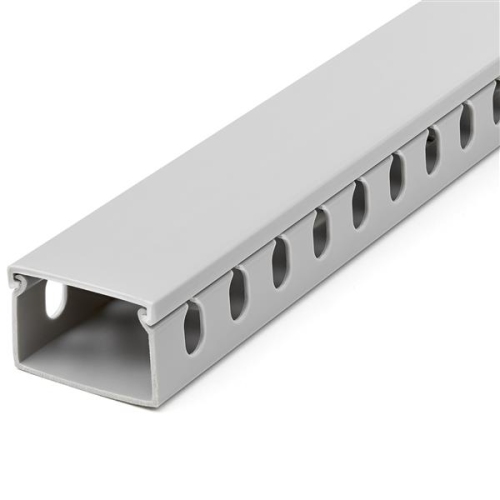
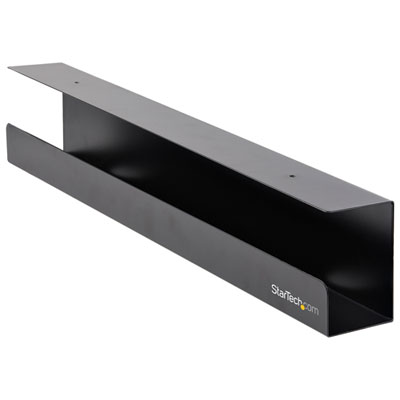
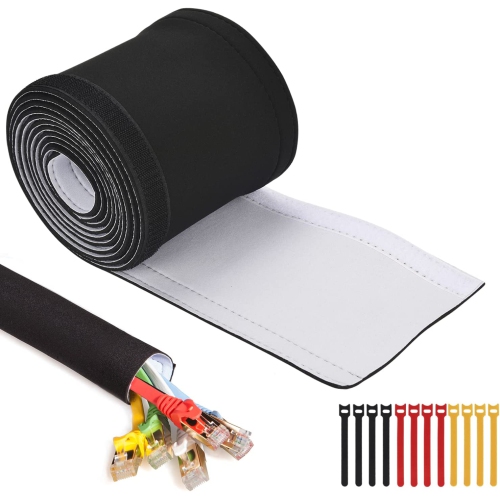
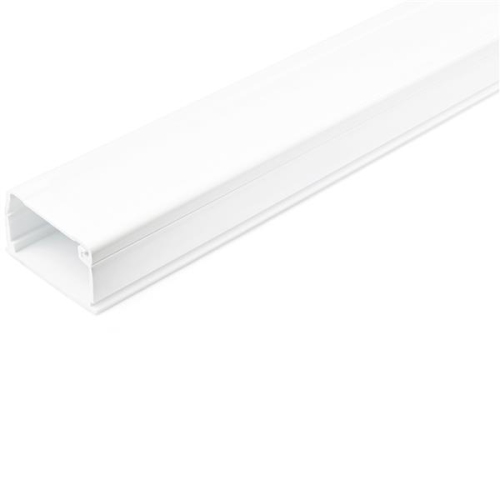
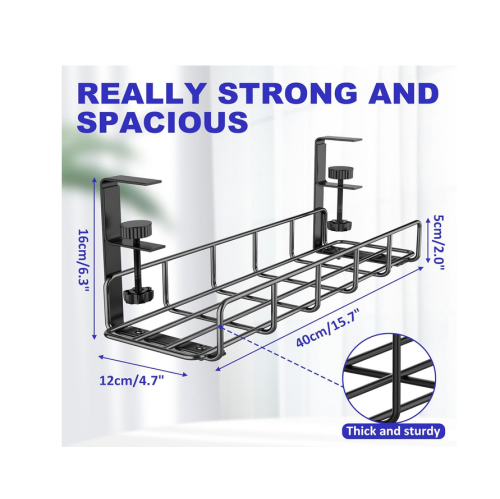
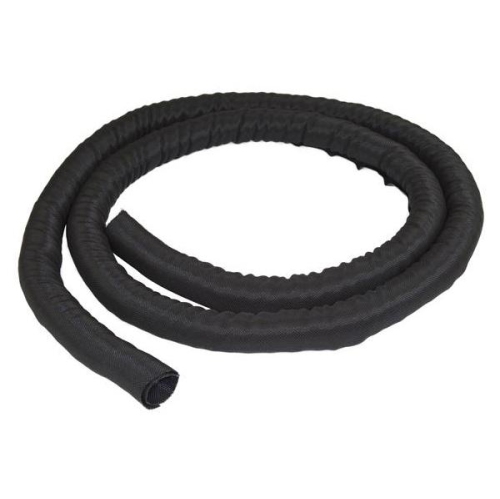
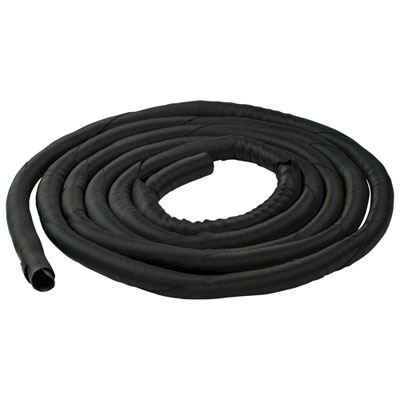
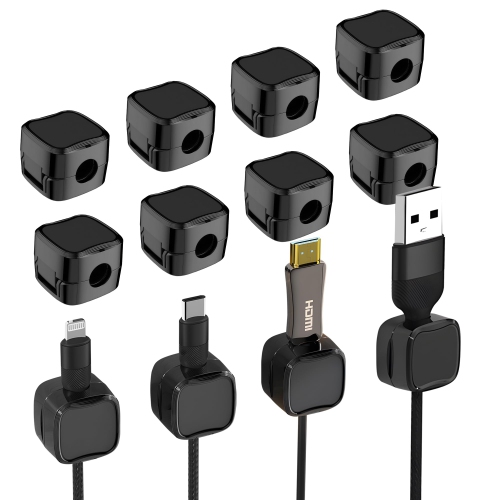
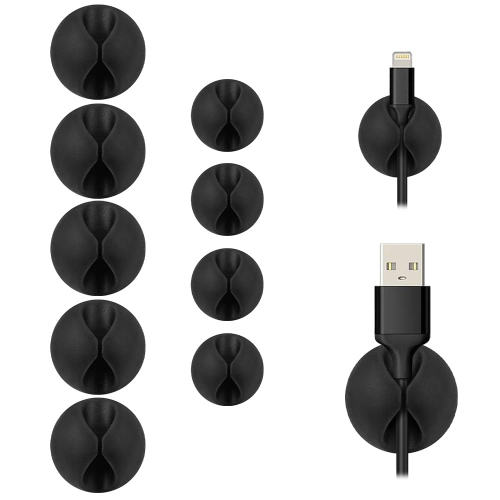
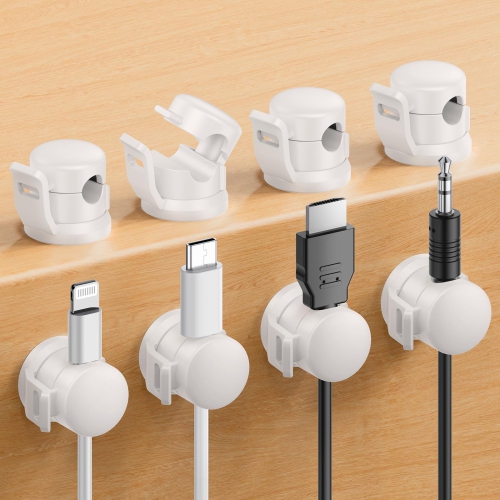
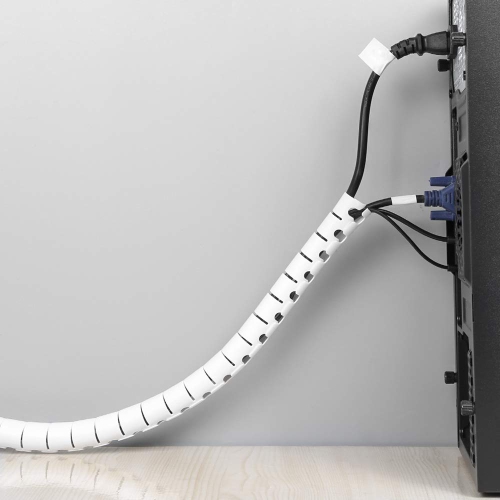
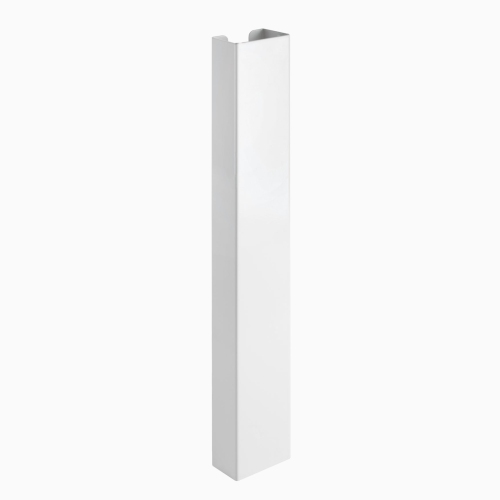
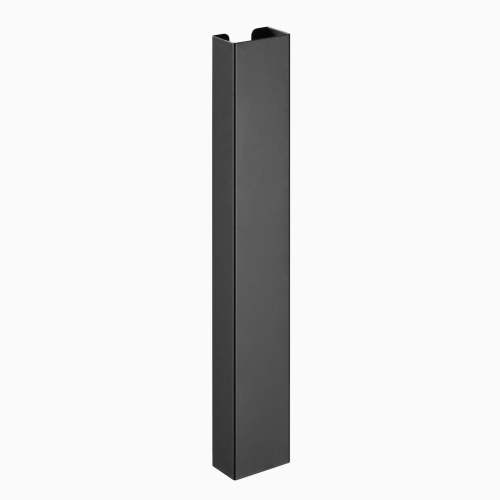
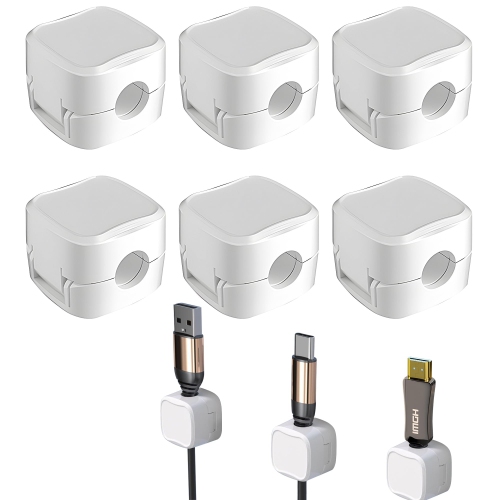
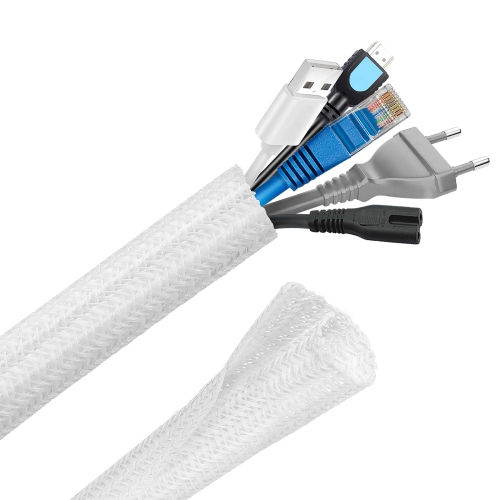
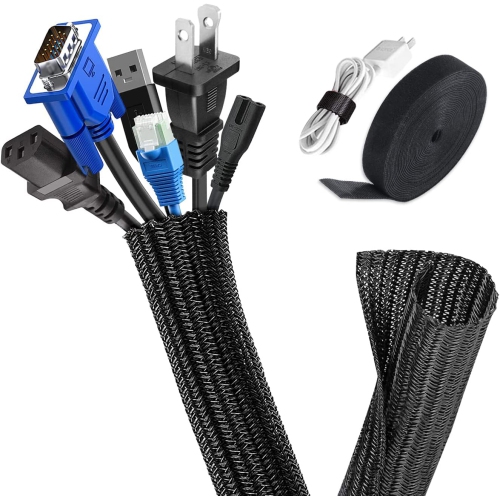
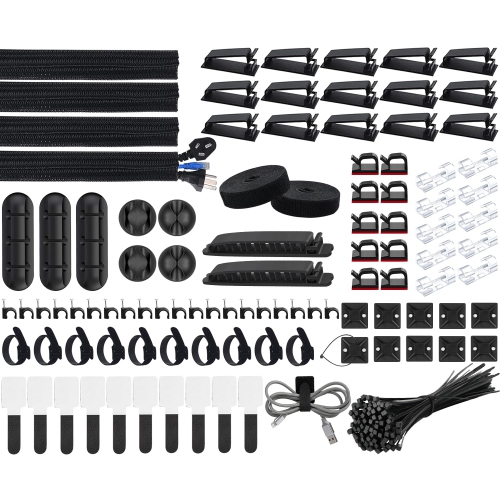
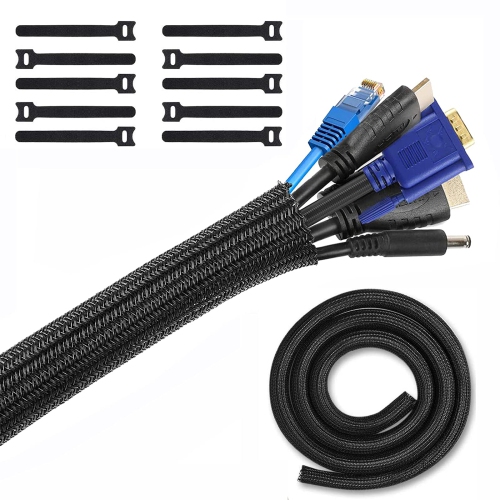
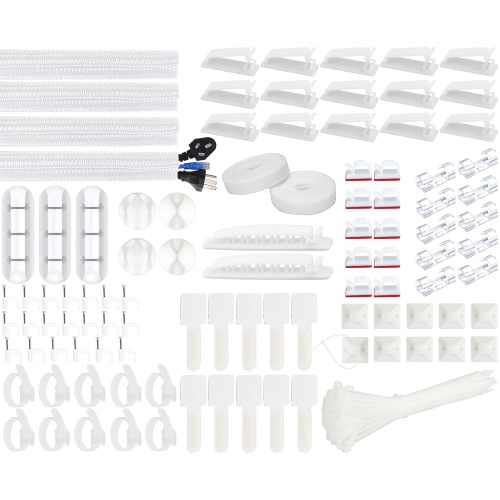
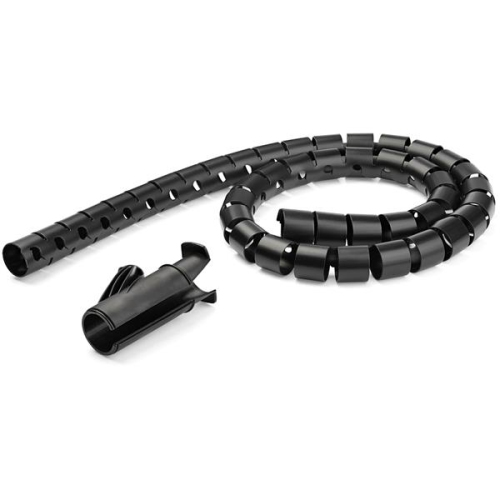
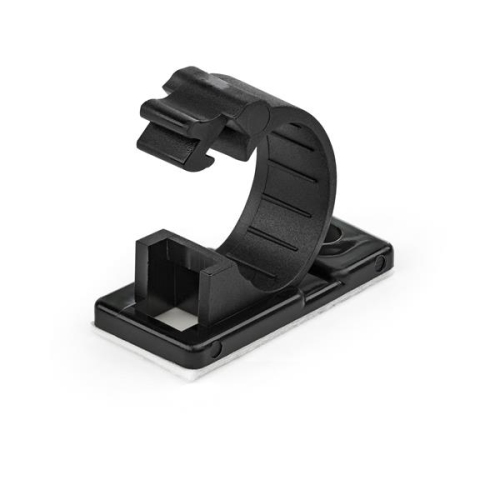
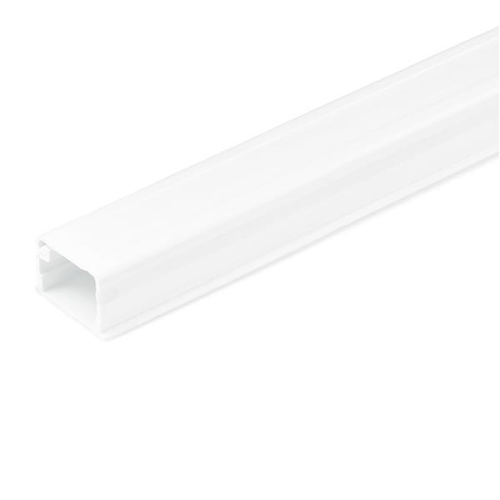
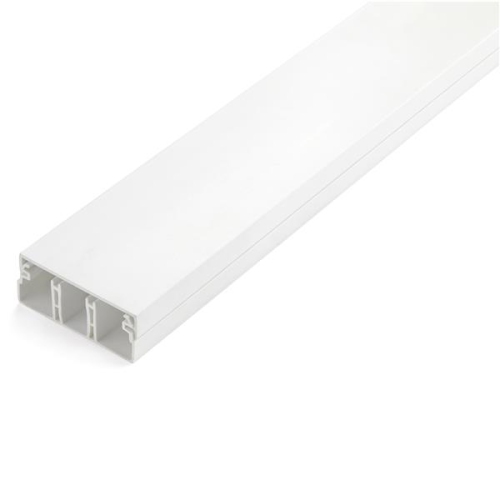
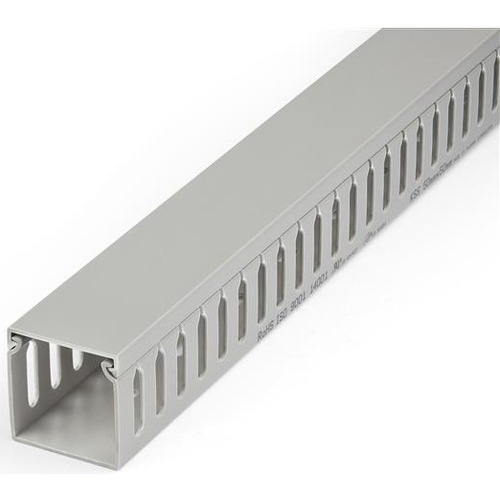
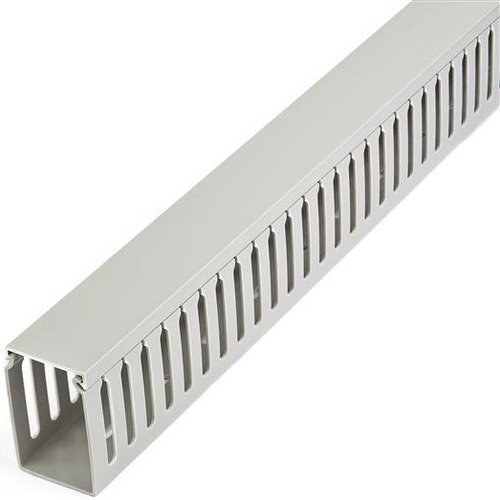
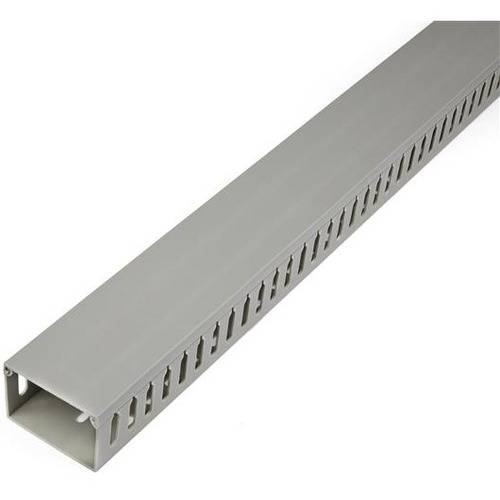
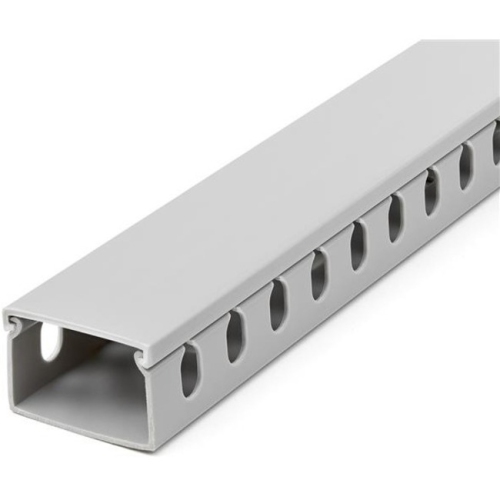
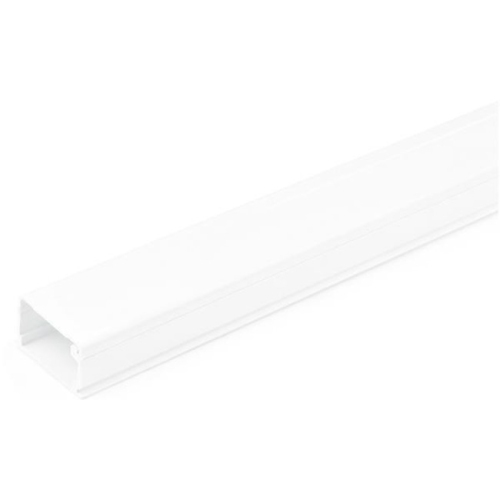
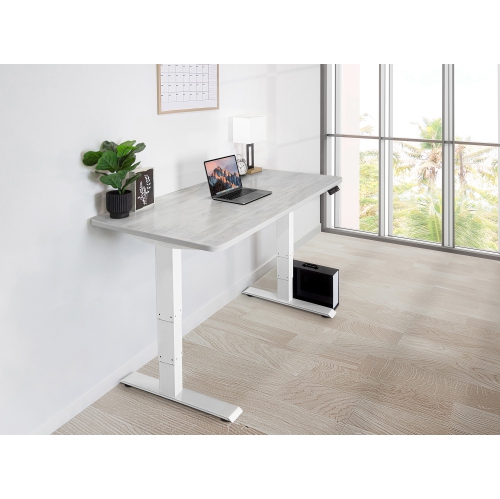
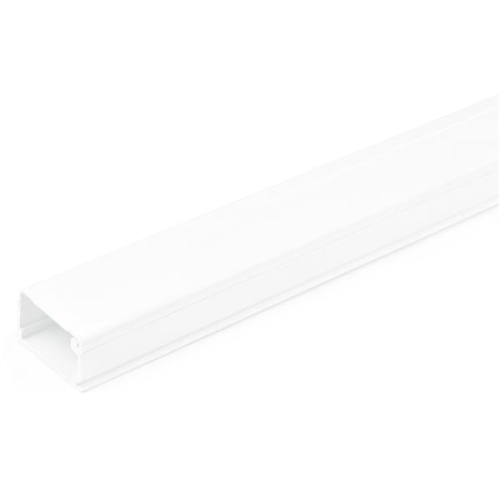
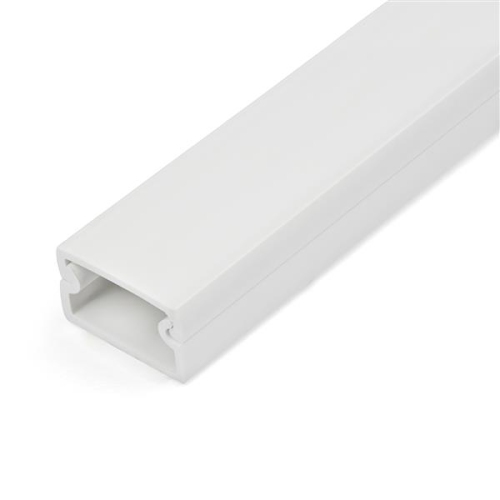
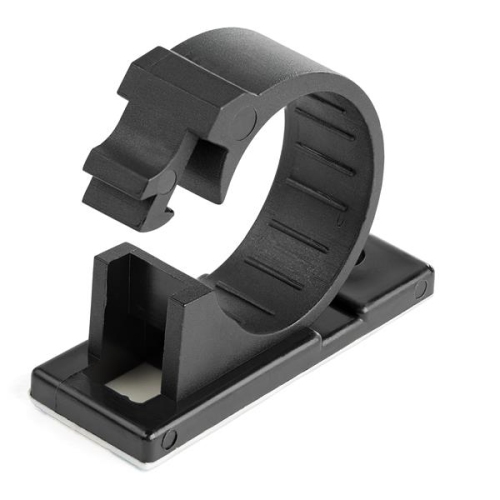
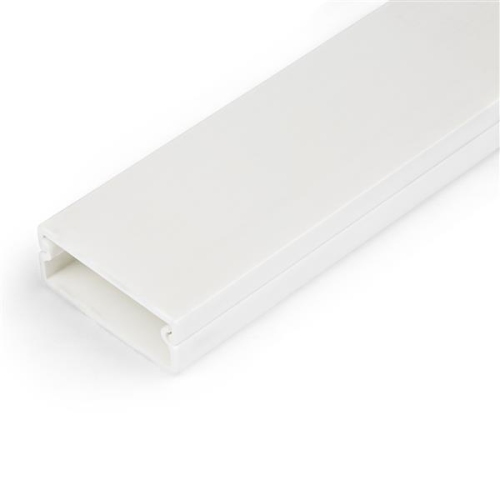
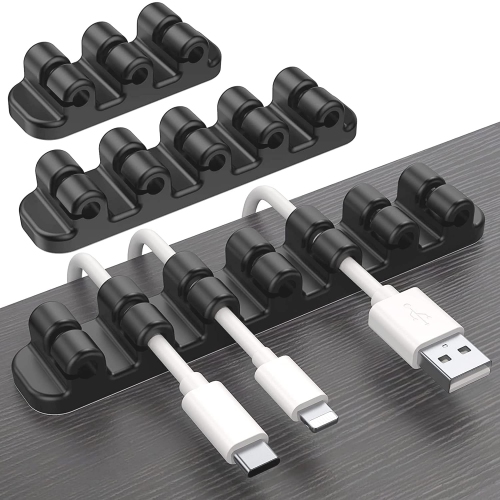
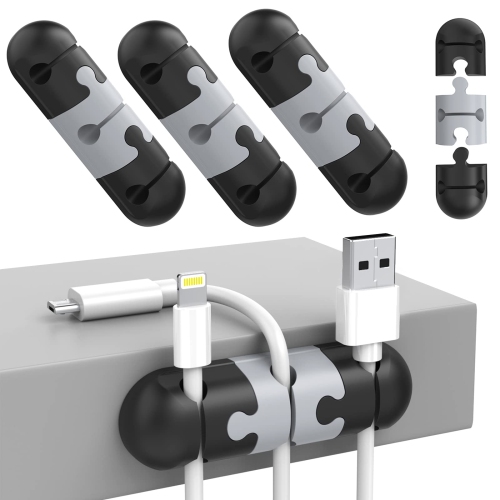
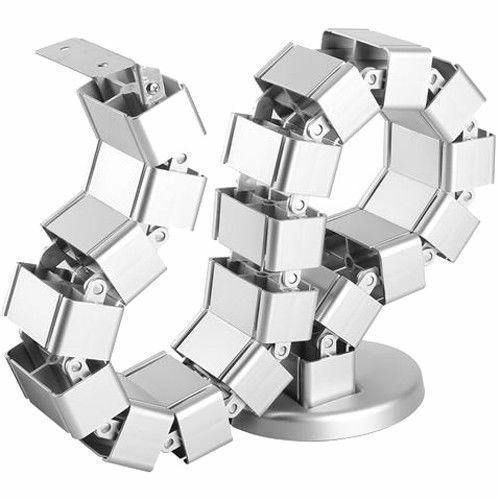
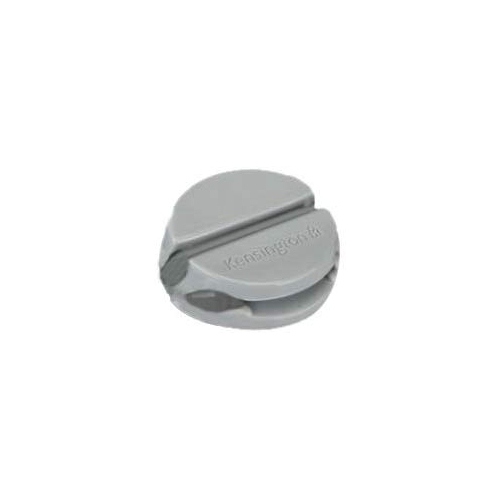
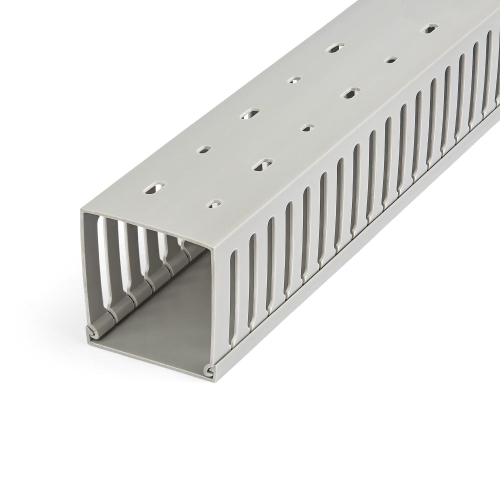
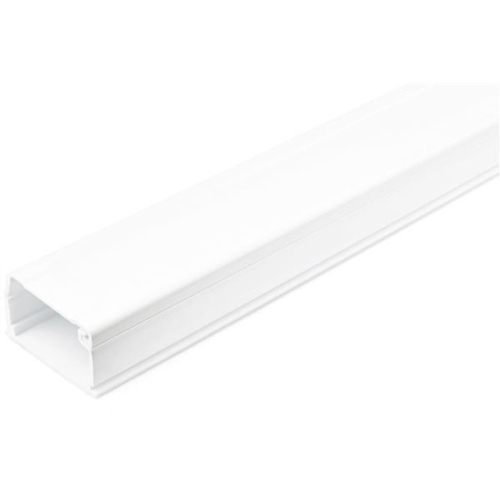
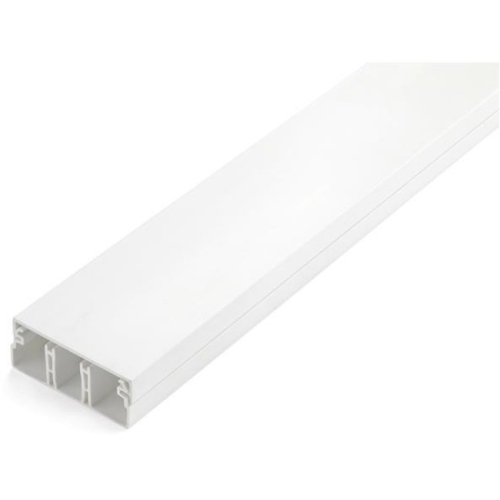
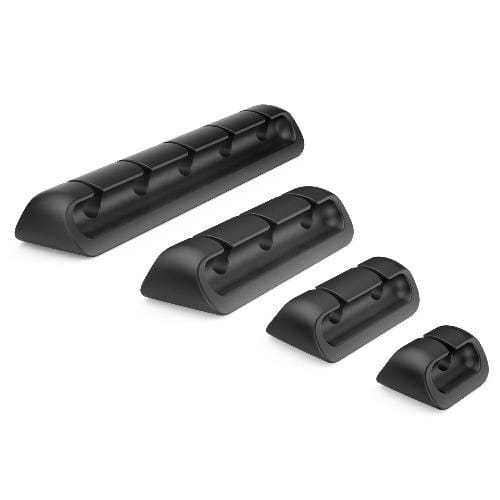
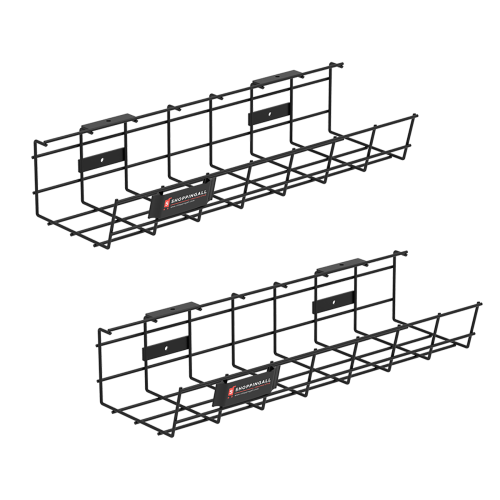
Cable management solutions help turn a crowded collection of wires into a more functional, comfortable setup. Whether the cables run across a home office, entertainment unit, gaming desk, workshop bench, charging station, or classroom table, the right organizer can keep cords together, reduce tangles, and make important connections easier to find. Common options include under-desk trays for power bars and larger adapters, cable raceways and channels for routing wires along walls or furniture, flexible sleeves for grouping several cords, reusable hook-and-loop straps for managing extra length, and adhesive clips for keeping frequently used charging cables close at hand. Each type serves a slightly different purpose. A tray is useful when power bricks and a power bar need to be lifted off the floor, while a sleeve creates a neater appearance where several cables travel in the same direction. A raceway can guide cords along the back of a desk or down a wall, and small clips can prevent a phone, tablet, headset, or laptop charger from slipping behind furniture. For a broad selection of ways to sort, secure, and route cords, explore Cable Management Organizers designed for everyday workspaces and home technology setups.
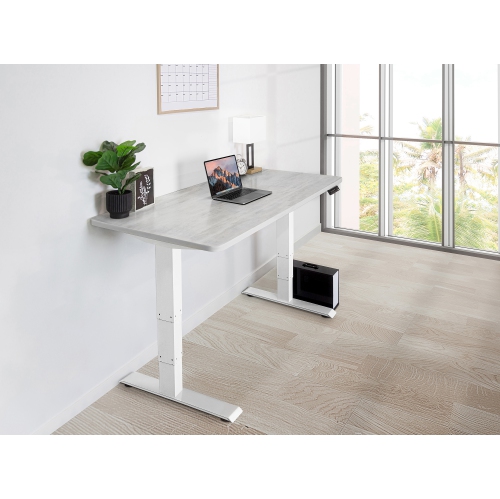
The best cable management solution depends on the furniture, equipment, and access needed in the space. Measure the route before choosing an organizer, taking note of the number of cables, the thickness of each cable, and the amount of slack that needs to remain available. A compact setup with a monitor, keyboard, mouse, and charger may only need a few clips and reusable straps, while a desk with multiple displays, speakers, a computer, a docking station, and external storage may benefit from a tray or wider channel. Under-desk options are particularly helpful for keeping heavier power adapters and power bars from resting on the floor, where they can collect dust or become caught on feet and chair wheels. Adhesive channels and clips are convenient for smooth, clean surfaces, but a screw-mounted option may be a better fit for heavier cable bundles or areas that are adjusted frequently. Clamp-on organizers can be useful for renters, standing desks, and workstations that change position, while flexible sleeves can accommodate a group of wires without requiring each cable to be routed separately. Pay attention to how often connections need to be unplugged: a home theatre setup that rarely changes can be neatly enclosed, whereas a work-from-home station may benefit from open access to chargers, USB cables, and display connections. Colour, finish, and profile also matter when an organizer will be visible along a desk edge or wall. Neutral designs can blend into office furniture, while a low-profile channel can preserve the clean lines of a media console or study area.
Cable organizers can make a thoughtful and practical gift for students preparing a residence room, someone setting up a first home office, or a family member who has accumulated chargers and electronics over time. They are also useful for anyone who works with a laptop in different parts of the home, since bundled cords are easier to move and store between work sessions. During the warmer seasons, a tidy workstation can make it easier to move equipment near an open window or reorganize a room, while during the cooler months, organized cords help keep floors and walkways clear as people spend more time indoors. Parents may appreciate clips that keep charging cables from disappearing behind furniture, and gamers can use sleeves, straps, or channels to separate power, display, audio, and accessory cables around a desk. Students may prefer compact, removable options that suit temporary living spaces, while home office users may want a more structured system that can accommodate new monitors or peripherals later. Cable management is also useful around televisions, streaming equipment, printers, networking devices, and kitchen charging areas, where several cables often meet in one location. A neat arrangement is not only easier to look at; it makes it simpler to identify a cable, unplug the right device, clean around the equipment, and adjust a setup without pulling an entire bundle loose. When comparing solutions, consider the mounting method, available space, cable capacity, adjustability, surface compatibility, and whether the organizer can be opened again when equipment changes. The result is a workspace or entertainment area that feels less cluttered, is easier to maintain, and keeps everyday technology ready to use.
The best cable management solution depends on the furniture, equipment, and access needed in the space. Measure the route before choosing an organizer, taking note of the number of cables, the thickness of each cable, and the amount of slack that needs to remain available. A compact setup with a monitor, keyboard, mouse, and charger may only need a few clips and reusable straps, while a desk with multiple displays, speakers, a computer, a docking station, and external storage may benefit from a tray or wider channel. Under-desk options are particularly helpful for keeping heavier power adapters and power bars from resting on the floor, where they can collect dust or become caught on feet and chair wheels. Adhesive channels and clips are convenient for smooth, clean surfaces, but a screw-mounted option may be a better fit for heavier cable bundles or areas that are adjusted frequently. Clamp-on organizers can be useful for renters, standing desks, and workstations that change position, while flexible sleeves can accommodate a group of wires without requiring each cable to be routed separately. Pay attention to how often connections need to be unplugged: a home theatre setup that rarely changes can be neatly enclosed, whereas a work-from-home station may benefit from open access to chargers, USB cables, and display connections. Colour, finish, and profile also matter when an organizer will be visible along a desk edge or wall. Neutral designs can blend into office furniture, while a low-profile channel can preserve the clean lines of a media console or study area.
Cable organizers can make a thoughtful and practical gift for students preparing a residence room, someone setting up a first home office, or a family member who has accumulated chargers and electronics over time. They are also useful for anyone who works with a laptop in different parts of the home, since bundled cords are easier to move and store between work sessions. During the warmer seasons, a tidy workstation can make it easier to move equipment near an open window or reorganize a room, while during the cooler months, organized cords help keep floors and walkways clear as people spend more time indoors. Parents may appreciate clips that keep charging cables from disappearing behind furniture, and gamers can use sleeves, straps, or channels to separate power, display, audio, and accessory cables around a desk. Students may prefer compact, removable options that suit temporary living spaces, while home office users may want a more structured system that can accommodate new monitors or peripherals later. Cable management is also useful around televisions, streaming equipment, printers, networking devices, and kitchen charging areas, where several cables often meet in one location. A neat arrangement is not only easier to look at; it makes it simpler to identify a cable, unplug the right device, clean around the equipment, and adjust a setup without pulling an entire bundle loose. When comparing solutions, consider the mounting method, available space, cable capacity, adjustability, surface compatibility, and whether the organizer can be opened again when equipment changes. The result is a workspace or entertainment area that feels less cluttered, is easier to maintain, and keeps everyday technology ready to use.
Top selling and popular products
-
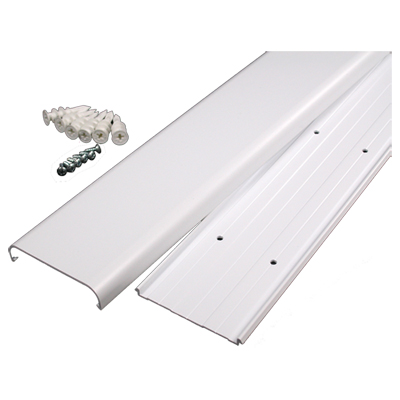 Your price for this item is $29.99
 -
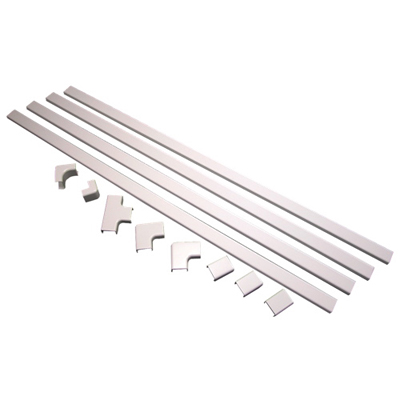 Your price for this item is $29.97
 -
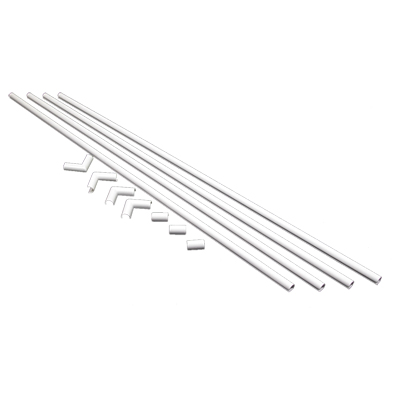 Your price for this item is $25.99
 -
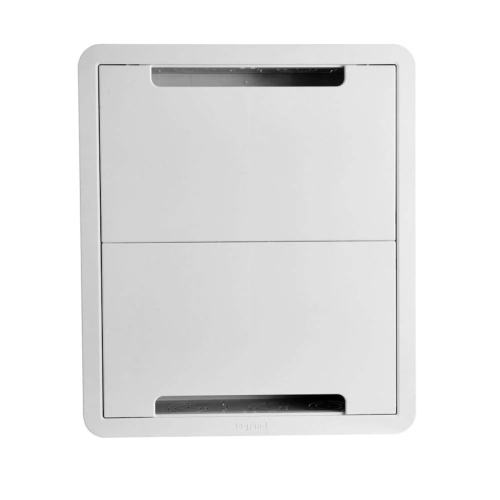 Your price for this item is $169.99
 -
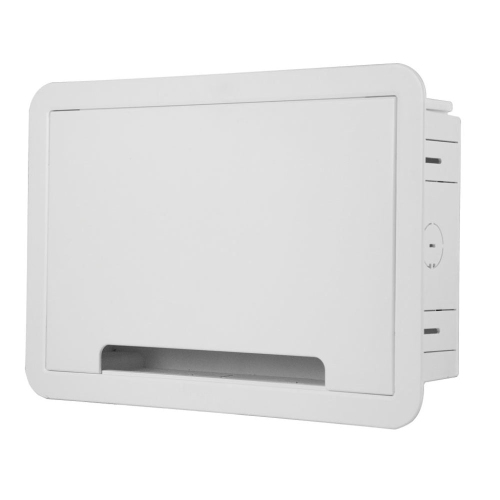 Your price for this item is $159.99
 -
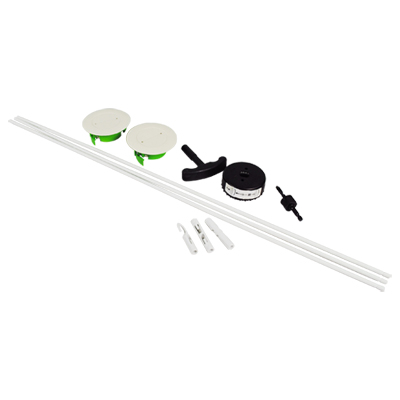 Your price for this item is $34.99
 -
 Your price for this item is $404.68
 -
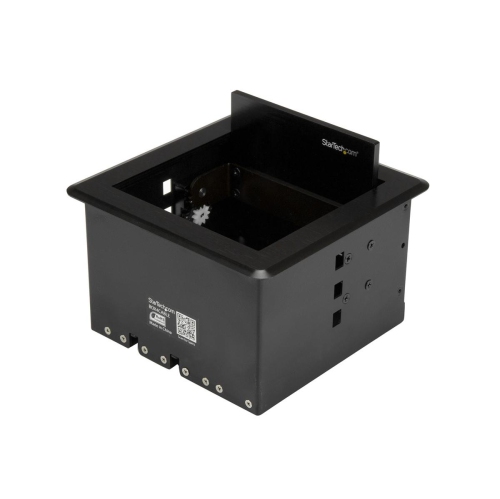 Your price for this item is $135.68
Discover more categories related to Cable Management Solutions
Top Collections:
Pokemon Centers, Kindle Devices, Best Budget Office Chairs, Apple iPhones 16, Best Laptops for Writers, iPhone 15 Apple, Canon G7X Cameras, Refurbished Apple Laptops, Alarm Clock, Motorola Razr Phones
Some products may be subject to Environmental Handling Fees
(EHF) depending on your province.
Learn more about EHFs.