TVs With Network Connection
Upgrade your home entertainment experience with a TV With Network Connection. Enjoy seamless access to a world of streaming content, online apps, and interactive features that bring your favorite shows, movies, and games to life. With a wide selection of sizes and designs, finding the perfect TV With Network Connection for your living room, bedroom, or media space is simple. Discover options that fit your lifestyle and connect effortlessly to your home network for endless entertainment possibilities.
Sort
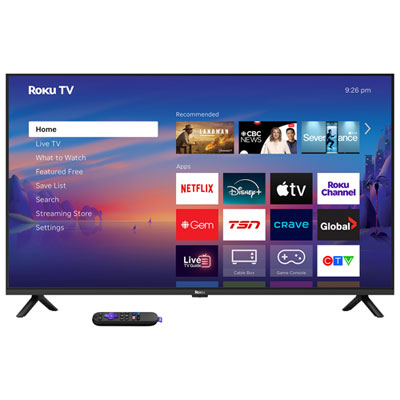

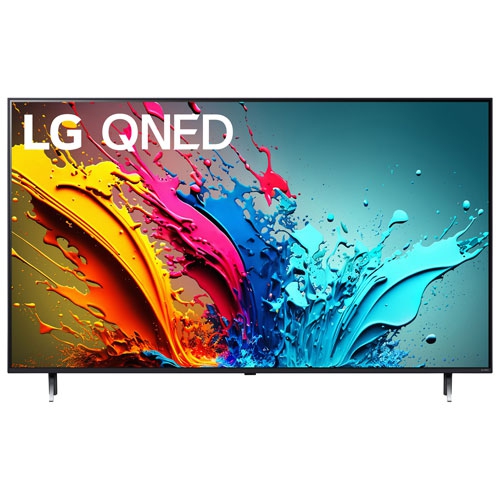
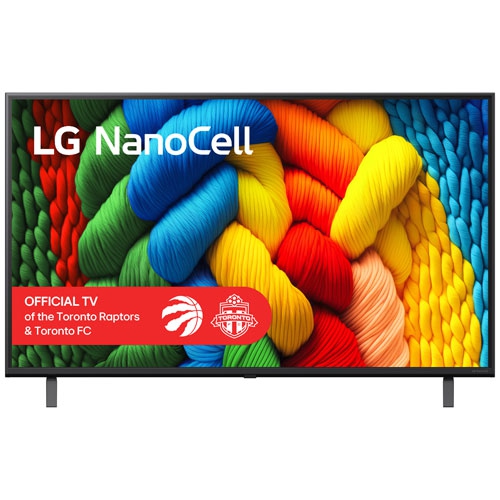
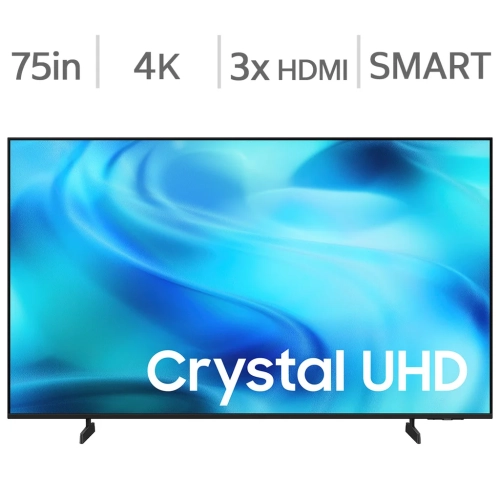
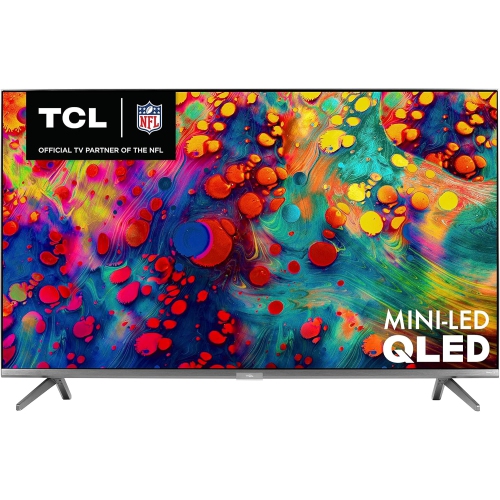
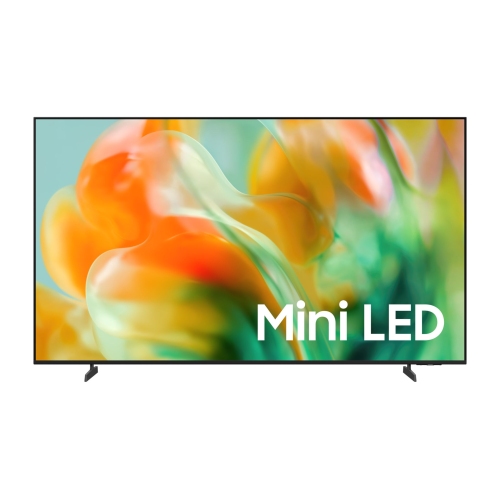
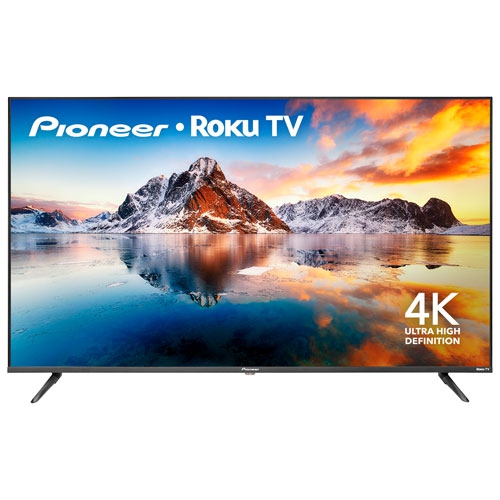
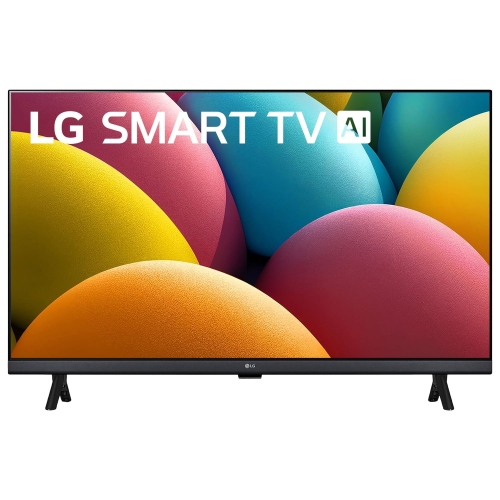
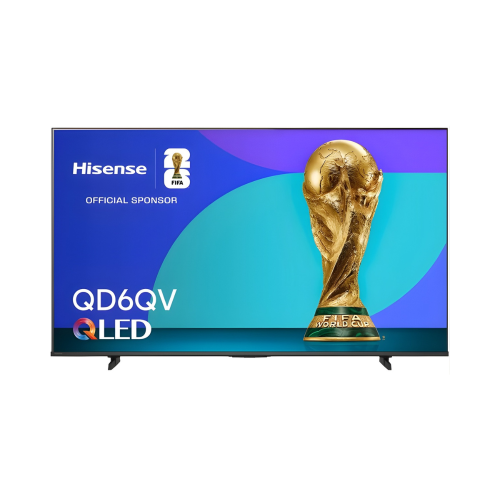

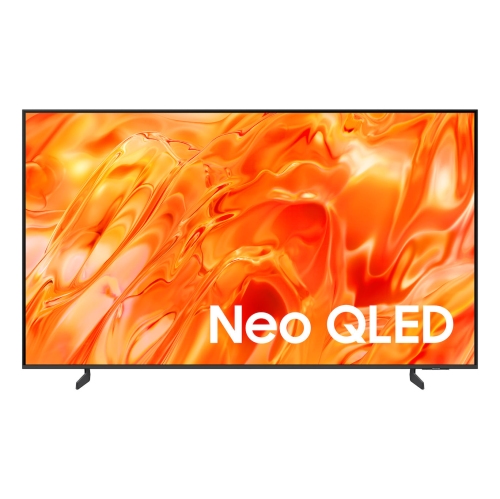
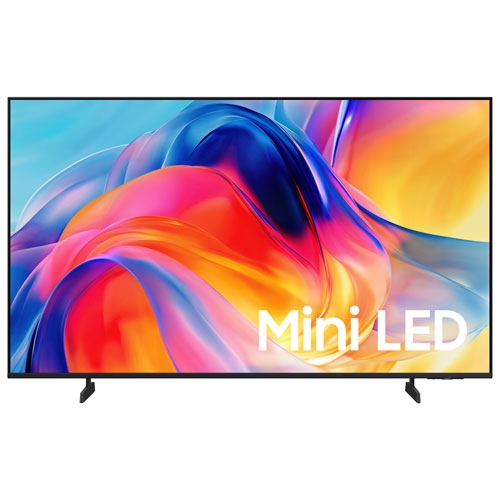
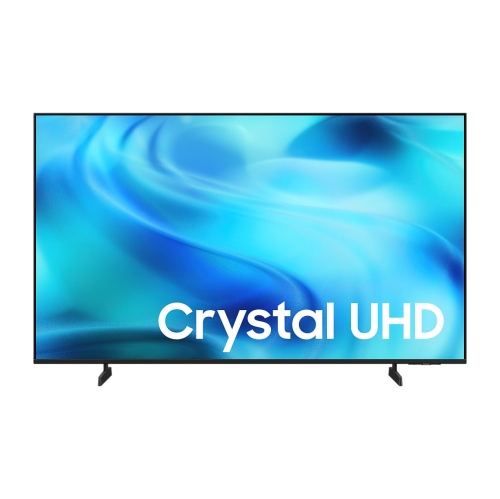
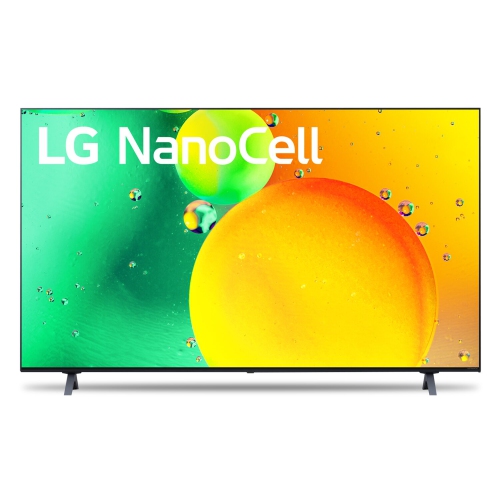
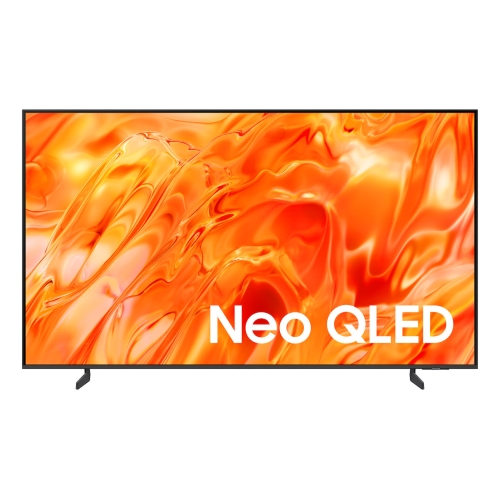
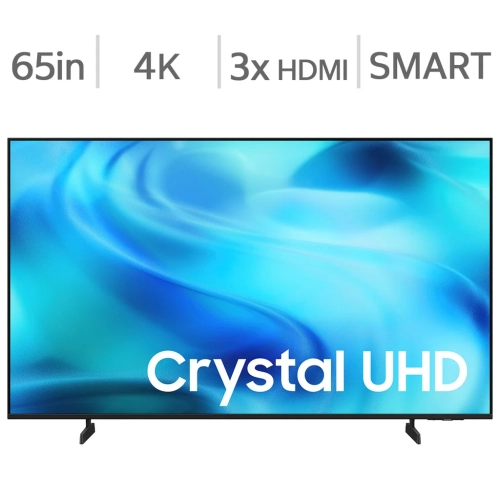
What your TV can do with or without internet
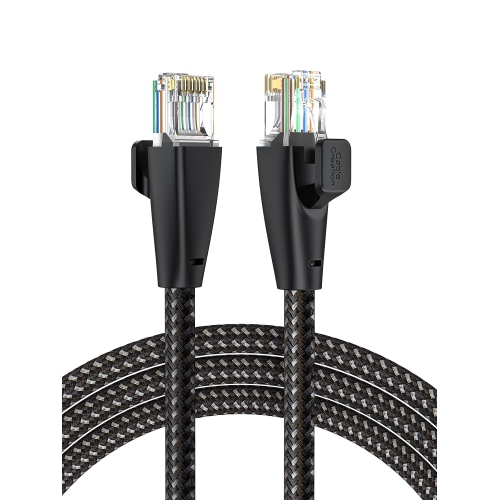
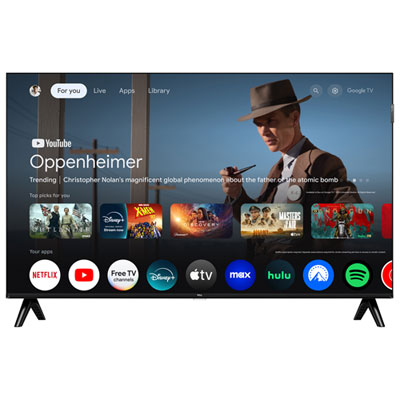
A TV with a network connection can join a home network over Wi-Fi, through an Ethernet cable, or both. Most smart TVs have built-in Wi-Fi, and many also have an Ethernet port for a wired connection to a router or a network jack. Wi-Fi makes it easier to place a TV across the room from the router without running a cable along the baseboard. Ethernet can provide a steadier link in a room where the wireless signal is weak or inconsistent, especially if there’s already a network jack near the TV. Neither connection guarantees smooth playback on its own. The speed of the internet service, other traffic on the home network and the streaming service itself can all affect whether a show plays without interruptions. A 4K stream generally needs more bandwidth than an HD stream, a difference that may matter more in a household where several people stream at once. The TV’s operating system manages its menus, built-in apps and software updates. App support varies by platform and can differ in Canada, so access to a particular service is worth checking separately from whether the TV has Wi-Fi or Ethernet. Some services also require an account or subscription, even when the app is already installed. For households that prefer to open their streaming apps with the TV remote rather than switch to a separate device, Smart TVs With Streaming Services Built In focus on that kind of setup. Compatible TVs may also let a phone or tablet share photos or cast a video over the local network. Both devices typically need to be on the same network, and the phone and TV need to support the same sharing method. Joining the home network and reaching the internet are separate things: a TV can remain connected to the router during an internet outage, even though online streaming stops.
A network-capable TV can still serve as a regular television without internet access. A game console, disc player or cable box can send picture and sound through HDMI, while an over-the-air antenna can pick up local broadcasts if the TV has a compatible tuner and the signal reaches the room. Those sources don’t rely on the TV’s own network connection, though an attached device may need internet access for its own online features. Built-in streaming apps, by contrast, need internet access to play online content. That distinction is useful in a family room where one person watches live channels, another opens a streaming app from the home screen and someone else plays on a console. In that setup, the number and placement of HDMI ports can matter as much as the choice between Wi-Fi and Ethernet. A soundbar may take up one of those ports if it connects through HDMI, and a jack that faces straight back can be harder to reach once the TV sits close to a wall. Fit goes beyond the advertised screen size, which is measured diagonally. The TV’s full width, the distance between its stand feet and the depth of the stand determine how it sits on a media cabinet. A wide-set stand can extend past the edges of a cabinet even when the screen looks like it belongs there, and a soundbar placed in front can cover the bottom of a low-set screen. For a wall-mounted setup, the TV’s weight, mounting-hole pattern and clearance for plugs matter. Seating plays a part, too. In a living room with a sectional, the picture from the far cushion may look different from the view straight on. A lamp behind the sofa can also show up as a reflection during dark scenes. Viewing angles and screen finish affect those everyday details, regardless of how the TV connects to the network.
The materials and finish are easiest to appreciate where the TV gets handled. Cabinets may use plastic, metal or a mix of both, and stands vary in shape and construction. A slim frame can leave more room on either side of the screen, but it doesn’t tell much about how steady the TV will be on a particular piece of furniture. A level surface that supports the full stand, clear ventilation openings and cables with enough slack to avoid tugging on the ports all help protect the setup over time. Where children or pets might reach the cabinet, a compatible anti-tip restraint is particularly useful for a freestanding TV. Screen care is usually straightforward: a clean, dry microfibre cloth can lift dust without scratching the finish, and the manufacturer’s care instructions are the best reference for removing fingerprints. Spraying cleaner directly onto the panel can let liquid run into the edges, and household glass cleaners may damage some screen coatings. Long-term use also depends on software, not just on how well the cabinet and panel hold up. Updates can fix bugs or address security issues, but the apps a TV supports can change over its lifetime. An HDMI streaming device can extend the usefulness of a TV whose screen and inputs still work well after a built-in app stops being supported. Day to day, the layout of the home screen and the ease of switching inputs can make a bigger difference than a long list of features, particularly when several people share the remote. For someone furnishing a first apartment or replacing a TV in a shared room, familiar controls, room for existing equipment and a reliable connection where the screen will sit can matter more than features that rarely get used.
Top selling and popular products
-
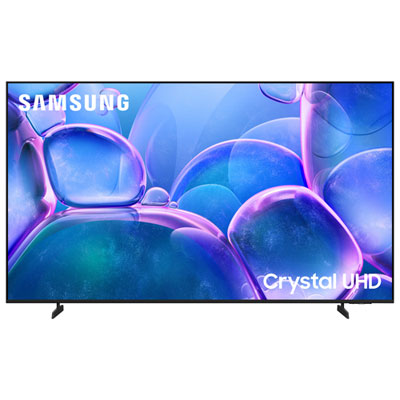 Your price for this item is $824.95
-
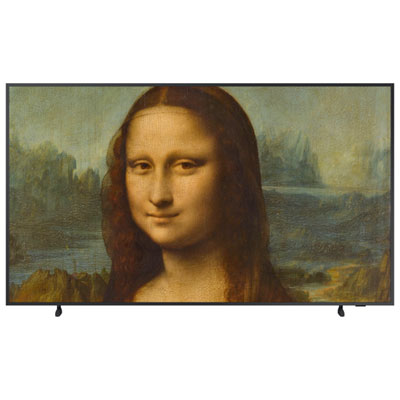 Your price for this item is $1439.97
-
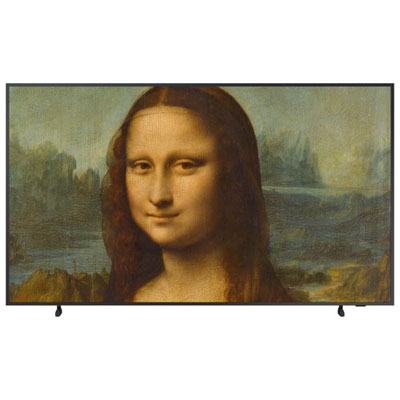 Your price for this item is $1619.97
-
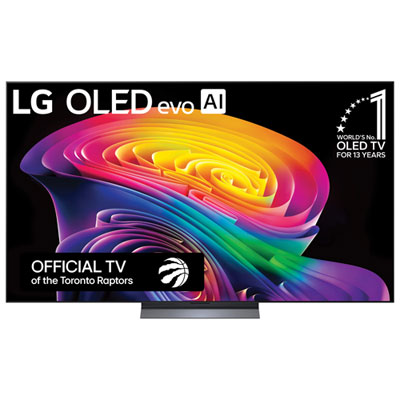 Your price for this item is $2999.99
-
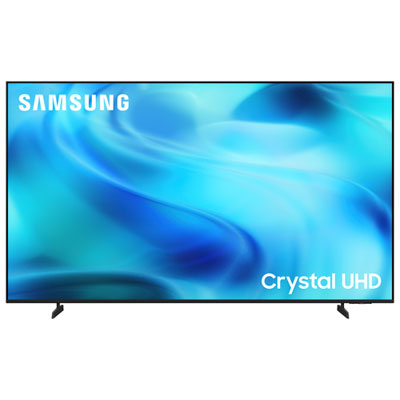 Your price for this item is $999.99
-
 Your price for this item is $5999.99
-
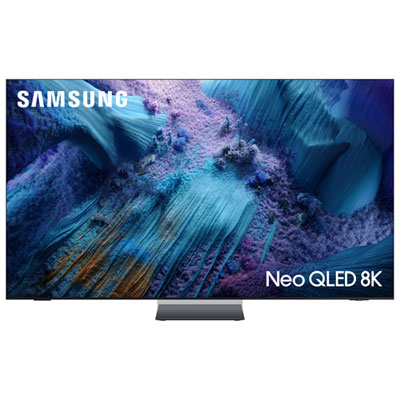 Your price for this item is $4649.95
-
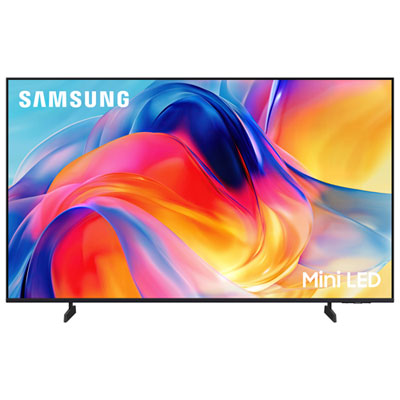 Your price for this item is $999.99
Discover more categories related to TVs With Network Connection

Top Collections:
Best Black Friday Deals This Year, Best Black Friday Deals On Electronics, Kindle Devices, Pokemon Centers, Best Black Friday Deals On Apple Products, Best Cameras for Sports Photography, Dyson Airwrap, Pokémon 30th Celebration Cards, Apple iPhone 17 Pro, Canon G7X Cameras
Some products may be subject to Environmental Handling Fees
(EHF) depending on your province.
Learn more about EHFs.