XBOX TVs
Explore the ultimate entertainment experience with XBOX TV options designed to elevate your gaming and streaming sessions. Whether you're looking to immerse yourself in high-definition visuals or enjoy smooth connectivity with your favorite console, XBOX TV selections offer a seamless blend of performance and style for every setup. Find the right fit for your living room, game room, or personal space and bring home the excitement of next-level entertainment.
Sort
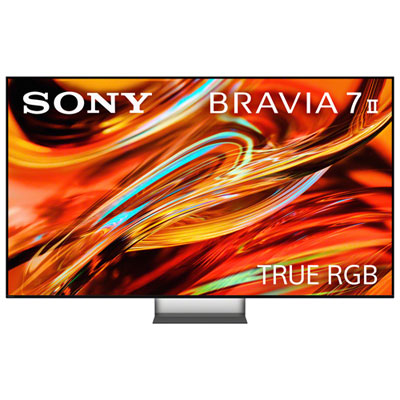
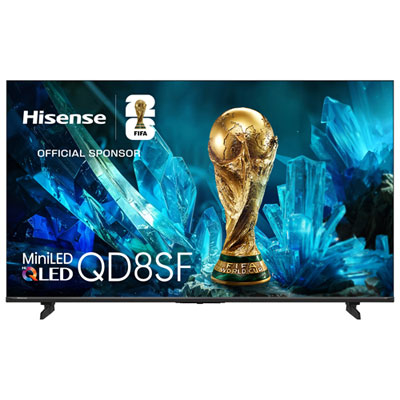
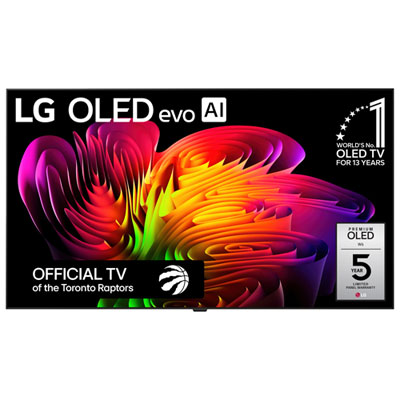

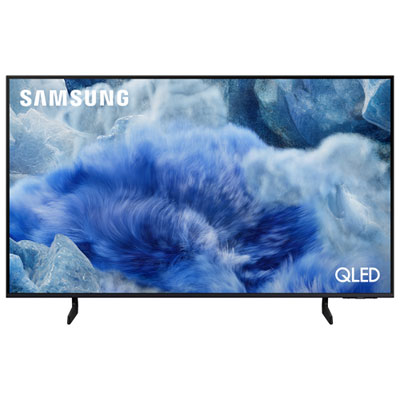
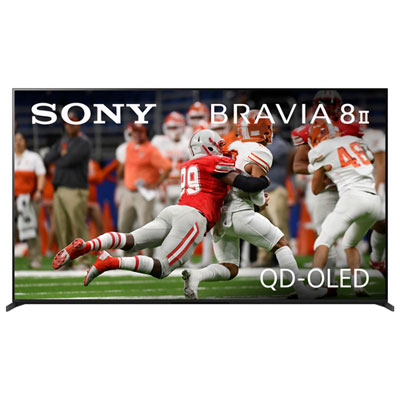
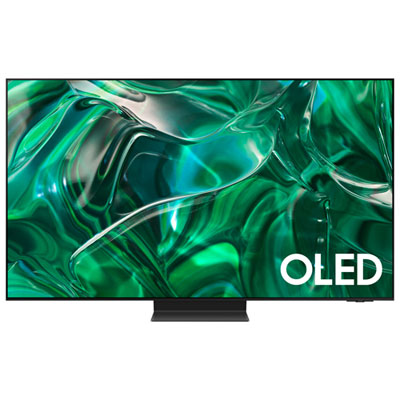
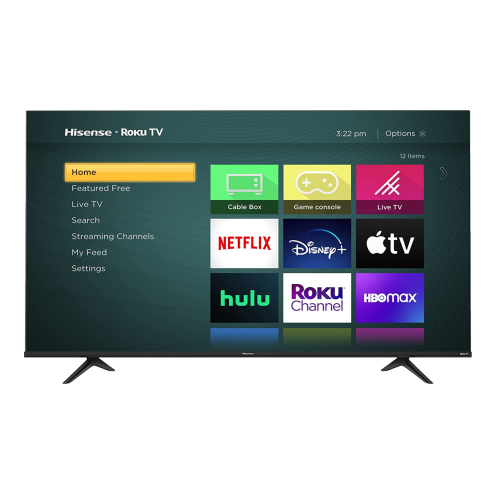
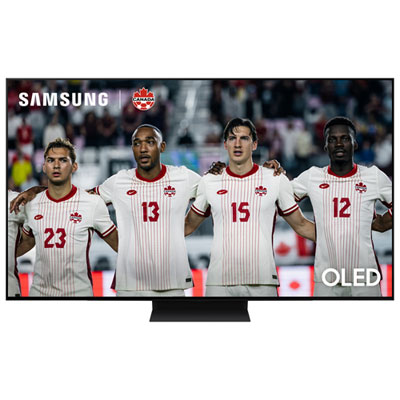
What makes Xbox games feel smooth on your TV
A TV for Xbox gaming can display games from a console connected by HDMI or, on compatible smart TVs, stream games through a cloud gaming app without a console. For a console setup, low input lag makes the controls feel more immediate by shortening the delay between a button press and the action on screen. A 4K TV with a native 120 Hz refresh rate can show fine detail and smooth motion when both the console and the game support that combination. In a racing game, for instance, the higher refresh rate can make it easier to follow the curve of the track as the scenery sweeps past. A 60 Hz TV with low input lag can still be a good fit for puzzle games, story-driven adventures and other games where a higher frame rate matters less. Variable refresh rate (VRR) helps reduce screen tearing when a game’s frame rate fluctuates, while auto low latency mode (ALLM) lets a compatible console switch the TV to a low-lag picture mode automatically. These features make a difference in different ways, so a high refresh rate alone doesn’t tell the whole story. Check which HDMI inputs support 4K at 120 Hz and VRR rather than assuming that every port labelled HDMI 2.1 supports the same features. If the console is connected through a receiver or soundbar, that device also needs to pass through the video signal and features in use. It’s worth checking the TV’s input settings, too: some sets need an enhanced HDMI setting enabled on the port before the console can send its highest supported resolution and refresh rate. In a shared room, separate picture settings for games and movies can be handy, since motion smoothing that someone likes for TV viewing can add lag during play.
For console-free Xbox gaming, smart TV compatibility is the starting point. A TV that streams movies and shows doesn’t necessarily support the cloud gaming app. Check that the app works with the TV model and in Canada, that it supports the intended controller and that the games of interest can be played through the service. The setup typically involves signing in, pairing a compatible Bluetooth controller and choosing a supported game; some games require an eligible subscription. With cloud gaming, the game runs remotely, and the TV receives a video stream while sending controller inputs back over the internet. A steady broadband connection of at least 20 Mbps is a useful starting point for playing on a TV, but speed alone doesn’t determine how responsive a game will feel. A connection that briefly drops or slows can make distant scenery look soft or cause the action to stutter. A wired Ethernet connection, where supported, can help if the TV sits far from the Wi-Fi router or shares a busy wireless network. Low input lag on the TV still matters, but it can’t make up for delays on the network. Cloud gaming can suit a room where there’s little space for a console, or a household that wants to play on a shared screen without adding another device to the TV stand. A direct HDMI connection is a better fit when consistent controller response matters most, such as in a game that relies on precisely timed moves. For households that use both setups, it’s worth looking at app support and HDMI features separately: a TV can be strong in one area without offering everything needed in the other.
Screen size, panel type and placement can matter just as much as gaming features once the TV is in the room. From a sofa across the room, a larger screen can make map markers, subtitles and split-screen views easier to read. At a short viewing distance, a smaller screen may make it easier to see corner indicators without looking away from the main action. For a desktop setup or a compact work surface that doubles as a gaming spot, XBOX Monitors offer another way to match the display to the viewing distance. On a TV, an OLED panel can bring out the contrast between bright effects and dark backgrounds, while a bright LCD TV with a finish that handles reflections well may be easier to see across from a window. High dynamic range (HDR) support is worth checking, but the brightness and contrast a panel can actually produce matter more to the picture than the HDR label alone. For games with fixed scoreboards or status bars that stay on screen for hours, built-in panel care settings are worth keeping enabled on OLED TVs to help reduce the risk of permanent image retention. For a cabinet setup, measure the distance between the feet as well as the screen width, and leave space behind the TV for cables and ventilation. For wall mounting, check the mounting pattern and weight requirements, and make sure there’s enough clearance to reach the inputs once the screen is in place. A soft microfibre cloth can lift dust from the screen without scratching it; for fingerprints or smudges, follow the manufacturer’s care directions rather than spraying cleaner directly onto the panel. As a gift for someone who already plays, a TV is easiest to match to the recipient when the console’s capabilities, room layout and favourite games are known. A player who spends most of their time in fast races may notice smoother motion first, while a family that plays together from the couch may get more out of a screen that’s easy to see from the seats at either end.
Top selling and popular products
-
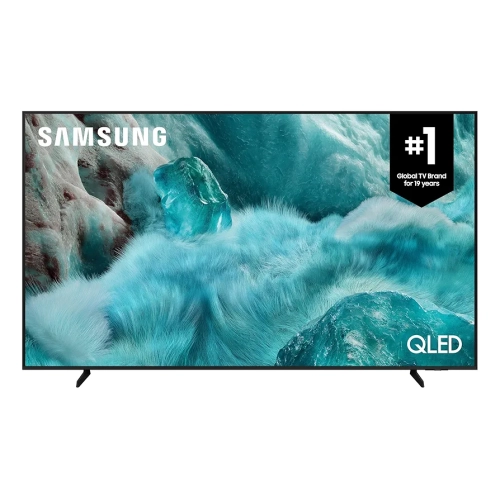 Your price for this item is $479.99
-
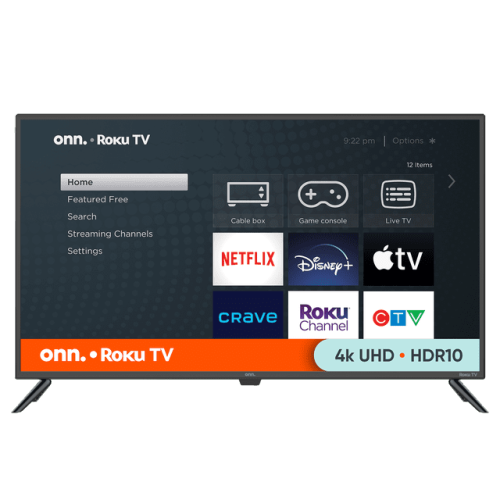 Your price for this item is $347.99
-
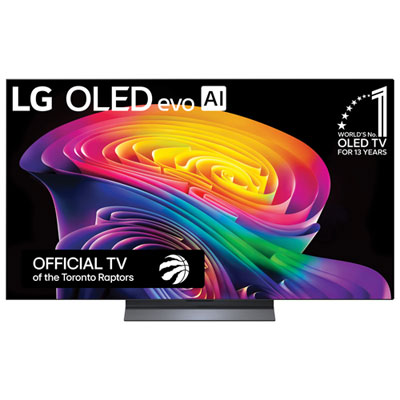 Your price for this item is $1599.99
-
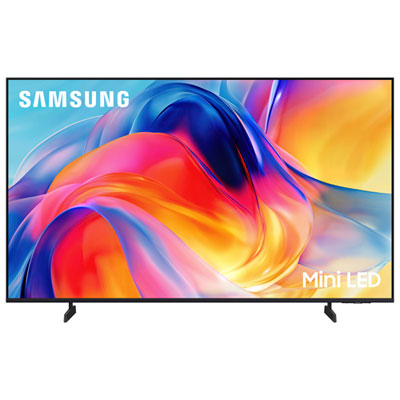 Your price for this item is $799.99
-
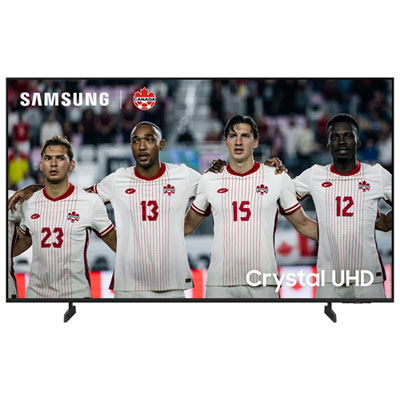 Your price for this item is $499.99
-
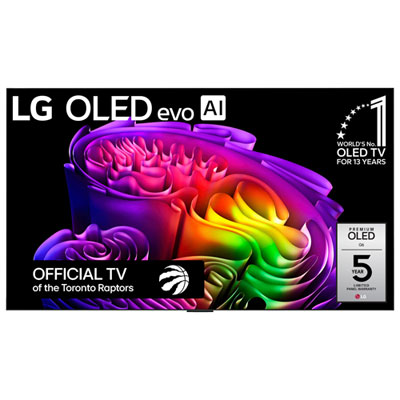 Your price for this item is $1999.99
-
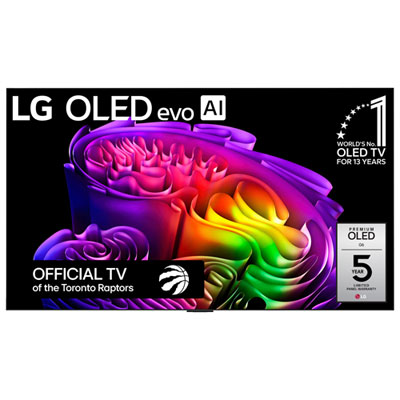 Your price for this item is $1999.99
-
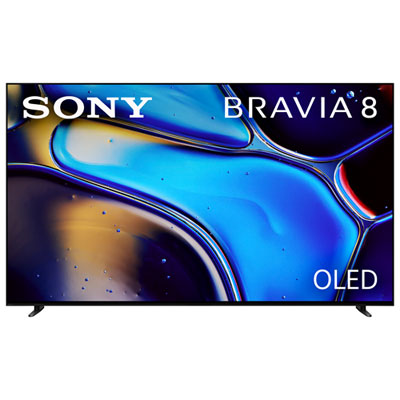 Your price for this item is $1999.99
Discover more categories related to XBOX TVs


Top Collections:
Best Black Friday Deals This Year, Best Black Friday Deals On Electronics, Kindle Devices, Pokemon Centers, Best Black Friday Deals On Apple Products, Best Cameras for Sports Photography, Dyson Airwrap, Pokémon 30th Celebration Cards, Apple iPhone 17 Pro, Canon G7X Cameras
Some products may be subject to Environmental Handling Fees
(EHF) depending on your province.
Learn more about EHFs.