1440p TVs
The 1440p TV is a great choice for a lot of people. It's affordable, it offers great picture quality, and it's an improvement over 1080p in most cases. If you're looking for a new TV and want to take advantage of the latest technology, then this is the resolution for you. Here are the best 1440p TVs available on the market today.
Sort
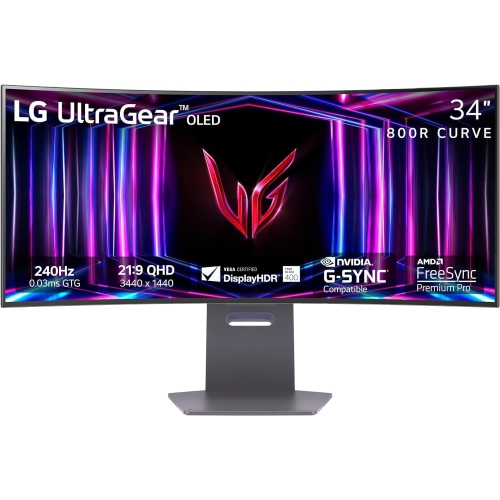
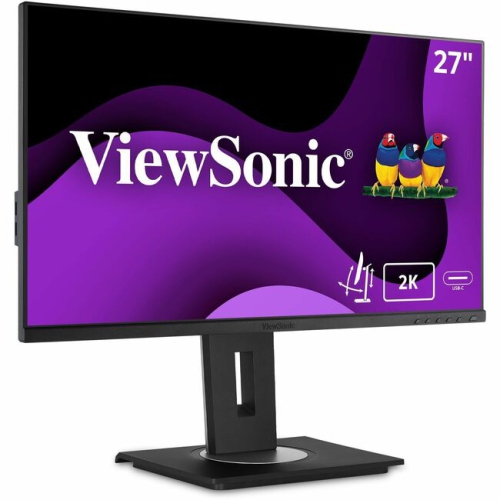
Why a 4K label doesn’t guarantee 1440p support
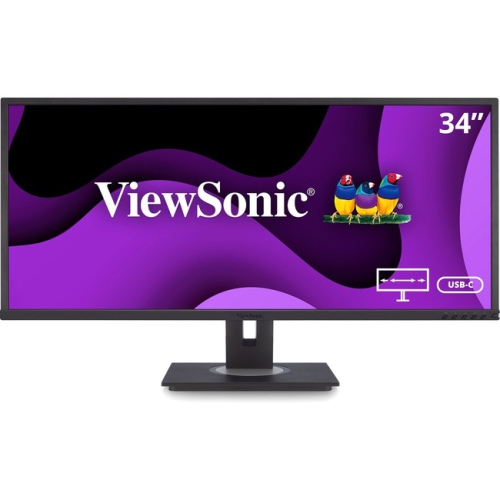
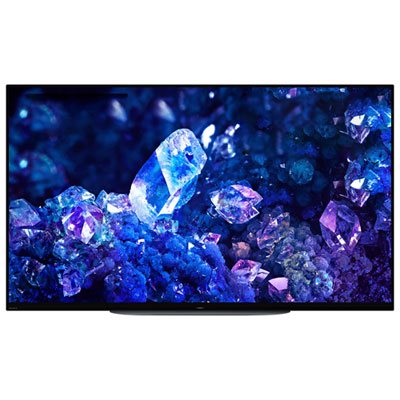
For shoppers comparing 1440p TVs, the key distinction is between a television’s native screen resolution and the resolution it can receive from a connected device. In television shopping, 1440p usually refers to support for a 2560 × 1440 input signal, not a panel built with that exact number of pixels. Also called QHD, this resolution sits between Full HD at 1920 × 1080 and 4K Ultra HD at 3840 × 2160. Standard television resolutions largely moved from Full HD to 4K without establishing 1440p as a common native TV format. A television suited to a 1440p setup is therefore typically a 4K model that explicitly accepts this signal through a compatible input. The distinction matters when connecting a gaming computer or console: a 4K label alone does not confirm that a television supports 1440p, particularly at higher refresh rates. Supported input resolutions, refresh rates, and any port-specific requirements provide a clearer picture of compatibility than the panel resolution on its own. When a compatible 4K television receives a 1440p signal, it scales the image to fill its screen. Because the change from 1440p to 4K is not a whole-number increase along each axis, the television must interpolate image detail rather than simply repeat each source pixel an equal number of times. Fine text, thin lines, and desktop icons can consequently look softer than they would on a native 1440p monitor, although the result depends on the television’s processing, settings, screen size, and viewing distance. From a sofa, that difference may be less noticeable than it is at a desk. For everyday viewing, resolution is only part of the picture: contrast, colour accuracy, viewing angles, and source quality all influence how convincing a film or sports broadcast looks. By comparison, 720p TVs have a lower-resolution format and are not equivalent to displays that can accept and show the detail of a 1440p signal.
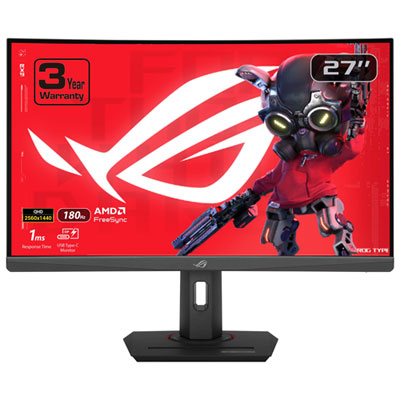
Gaming is a common reason to look for a TV with 1440p input support. On a computer, rendering a game at 2560 × 1440 rather than 3840 × 2160 reduces the number of pixels the graphics hardware has to produce, which can help increase frame rates when graphics processing is the limiting factor. The benefit varies with the game, hardware, and visual settings, so a lower resolution does not guarantee a particular performance gain. Console behaviour is different: selecting a 1440p output does not necessarily change a game’s internal rendering resolution or unlock a faster frame rate. Those choices often depend on the game’s own performance and image-quality modes. A suitable television needs to support the intended combination of resolution and refresh rate, whether that is 1440p at 60 Hz or, with compatible equipment, 120 Hz. A native 120 Hz panel is not by itself proof that every input accepts 1440p at 120 Hz, and advertised motion-enhancement figures are not the same as native panel refresh rates. Low input lag helps actions feel responsive, particularly when steering through a tight corner or timing a jump, while fast pixel response helps limit smearing behind moving objects. Game mode often reduces processing delays, though its effect on picture settings varies. Variable refresh rate can also reduce visible tearing and uneven motion when the television and source support it at the selected resolution. Support for 1440p, high dynamic range, and variable refresh rate should be considered together rather than treated as interchangeable features. The cable, input port, source settings, and television settings all play a role in the connection. For someone who alternates between computer gaming and streaming films, a compatible 4K TV can accommodate a 1440p gaming signal while retaining its native 4K capability for suitable video sources. A dedicated native 1440p monitor serves a different purpose, especially for close-up desk use where crisp text and workspace fit matter more than shared, across-the-room viewing.
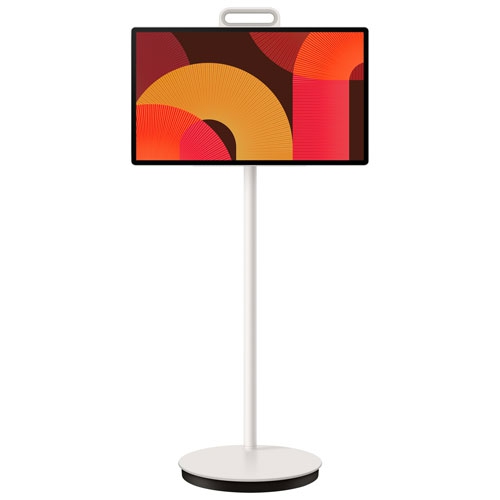
Screen size and placement make a substantial difference to how a 1440p-compatible television fits into daily life. A large screen can make a racing game feel expansive from the sofa, but the same screen placed just beyond a keyboard may make individual image imperfections and scaling softness easier to see. Screen measurements describe the diagonal, not the width of the cabinet or the spacing between stand feet, so furniture fit depends on the full dimensions. A stable stand with adequate weight capacity, space for ventilation, and room for connected equipment helps keep the setup practical. For wall mounting, the bracket needs to match the television’s mounting pattern and weight, with suitable fixings for the wall construction. Cable access deserves attention too, especially when a computer, console, sound system, and streaming device share the setup. Side-facing connections can be easier to reach after mounting, while a supported audio return connection can simplify sound-system wiring. Picture technology affects everyday use as much as cabinet materials or styling. OLED panels can deliver deep blacks and strong contrast, while LCD televisions with capable local dimming can also produce a rich picture; bright-room performance and reflections vary by model and screen finish. Wide seating arrangements make off-centre picture quality important, particularly when several people watch or play together. For frequent computer use, support for full-colour text reproduction, often described as 4:4:4 chroma, can help keep coloured lettering clear, provided it works at the chosen resolution and refresh rate. Long sessions with static desktop elements also make the manufacturer’s panel-care recommendations worth following, especially for OLED screens. Regular care is straightforward: use a clean, soft microfibre cloth, avoid pressing on the panel, and follow the manufacturer’s cleaning directions rather than spraying liquid directly onto the screen. Keeping ventilation openings clear and protecting ports from cable strain supports reliable use. As a gift for a gamer or a shared household upgrade, a television with verified 1440p support is most useful when its connections, screen size, and gaming features match the equipment and space it will actually serve.
Gaming is a common reason to look for a TV with 1440p input support. On a computer, rendering a game at 2560 × 1440 rather than 3840 × 2160 reduces the number of pixels the graphics hardware has to produce, which can help increase frame rates when graphics processing is the limiting factor. The benefit varies with the game, hardware, and visual settings, so a lower resolution does not guarantee a particular performance gain. Console behaviour is different: selecting a 1440p output does not necessarily change a game’s internal rendering resolution or unlock a faster frame rate. Those choices often depend on the game’s own performance and image-quality modes. A suitable television needs to support the intended combination of resolution and refresh rate, whether that is 1440p at 60 Hz or, with compatible equipment, 120 Hz. A native 120 Hz panel is not by itself proof that every input accepts 1440p at 120 Hz, and advertised motion-enhancement figures are not the same as native panel refresh rates. Low input lag helps actions feel responsive, particularly when steering through a tight corner or timing a jump, while fast pixel response helps limit smearing behind moving objects. Game mode often reduces processing delays, though its effect on picture settings varies. Variable refresh rate can also reduce visible tearing and uneven motion when the television and source support it at the selected resolution. Support for 1440p, high dynamic range, and variable refresh rate should be considered together rather than treated as interchangeable features. The cable, input port, source settings, and television settings all play a role in the connection. For someone who alternates between computer gaming and streaming films, a compatible 4K TV can accommodate a 1440p gaming signal while retaining its native 4K capability for suitable video sources. A dedicated native 1440p monitor serves a different purpose, especially for close-up desk use where crisp text and workspace fit matter more than shared, across-the-room viewing.
Screen size and placement make a substantial difference to how a 1440p-compatible television fits into daily life. A large screen can make a racing game feel expansive from the sofa, but the same screen placed just beyond a keyboard may make individual image imperfections and scaling softness easier to see. Screen measurements describe the diagonal, not the width of the cabinet or the spacing between stand feet, so furniture fit depends on the full dimensions. A stable stand with adequate weight capacity, space for ventilation, and room for connected equipment helps keep the setup practical. For wall mounting, the bracket needs to match the television’s mounting pattern and weight, with suitable fixings for the wall construction. Cable access deserves attention too, especially when a computer, console, sound system, and streaming device share the setup. Side-facing connections can be easier to reach after mounting, while a supported audio return connection can simplify sound-system wiring. Picture technology affects everyday use as much as cabinet materials or styling. OLED panels can deliver deep blacks and strong contrast, while LCD televisions with capable local dimming can also produce a rich picture; bright-room performance and reflections vary by model and screen finish. Wide seating arrangements make off-centre picture quality important, particularly when several people watch or play together. For frequent computer use, support for full-colour text reproduction, often described as 4:4:4 chroma, can help keep coloured lettering clear, provided it works at the chosen resolution and refresh rate. Long sessions with static desktop elements also make the manufacturer’s panel-care recommendations worth following, especially for OLED screens. Regular care is straightforward: use a clean, soft microfibre cloth, avoid pressing on the panel, and follow the manufacturer’s cleaning directions rather than spraying liquid directly onto the screen. Keeping ventilation openings clear and protecting ports from cable strain supports reliable use. As a gift for a gamer or a shared household upgrade, a television with verified 1440p support is most useful when its connections, screen size, and gaming features match the equipment and space it will actually serve.
Top selling and popular products
-
 Your price for this item is $299
 -
 Your price for this item is $599
 -
 Your price for this item is $94.99
 -
 Your price for this item is $329.99
 -
 Your price for this item is $499
 -
 Your price for this item is $265.99
 -
 Your price for this item is $1299.97
 -
 Your price for this item is $249.99
Discover more categories related to 1440p TVs
Top Collections:
Pokemon Centers, Kindle Devices, Best Budget Office Chairs, Apple iPhones 16, Best Laptops for Writers, iPhone 15 Apple, Canon G7X Cameras, Refurbished Apple Laptops, Alarm Clock, Motorola Razr Phones
Some products may be subject to Environmental Handling Fees
(EHF) depending on your province.
Learn more about EHFs.